Flow Chart Creator
Looking for a practical way to create clear, professional flowchart diagrams? This guide explains what a flow chart creator is, shows real examples, and covers the features that matter for business and technical process documentation.
What Is a Flow Chart Creator?
A flow chart creator is a diagramming tool that helps you build flowchart diagrams for processes, workflows, and decision logic. It typically includes standard flowchart symbols, connectors, templates, and export options so teams can document and improve how work gets done.
For broader context, see the definition-focused pillar page: What is a Flowchart?.
Key Features of a Professional Flowchart Creator
A strong flowchart creator or flowchart maker should support reusable templates and standardized symbols.
- Standard symbols for process steps, decisions, start/end, inputs/outputs, and connectors
- Templates and examples to reduce time-to-first-diagram
- Layout tools for alignment, spacing, grouping, and consistent formatting
- Smart connectors for clean flows and labeled decision branches
- Export and sharing for documentation and stakeholder review
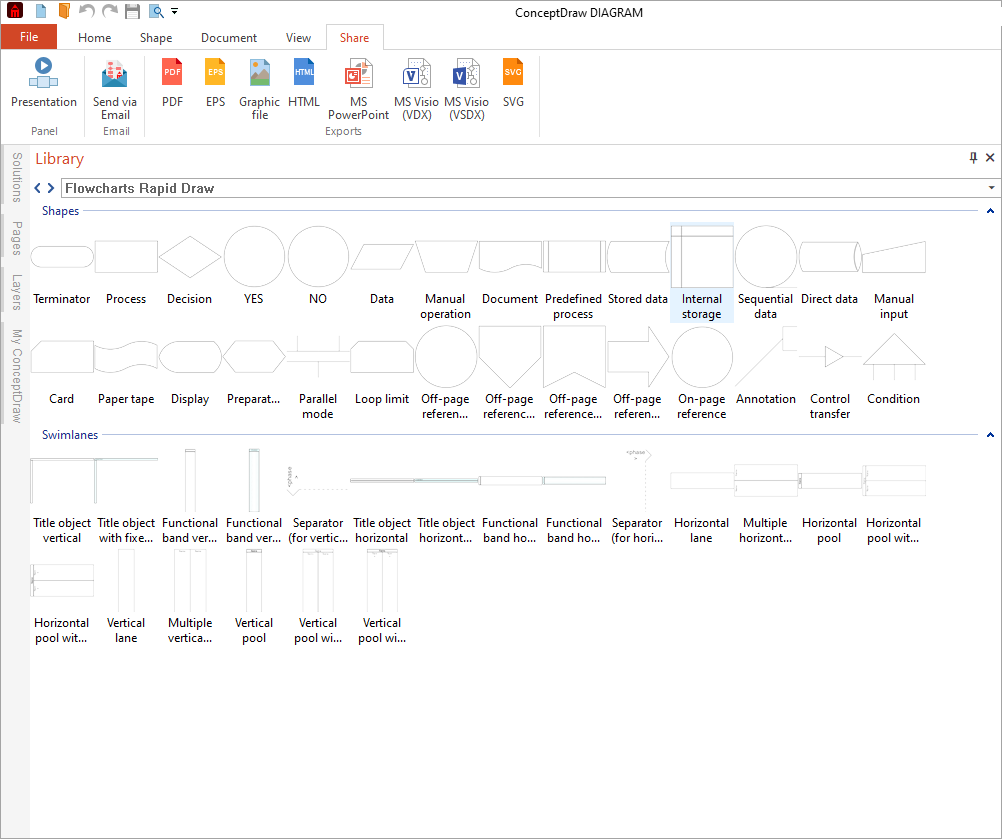
In ConceptDraw, flowchart creation is powered by ConceptDraw DIAGRAM with the Flowcharts Solution.
Flowchart Creator Examples
Technical System Flowchart
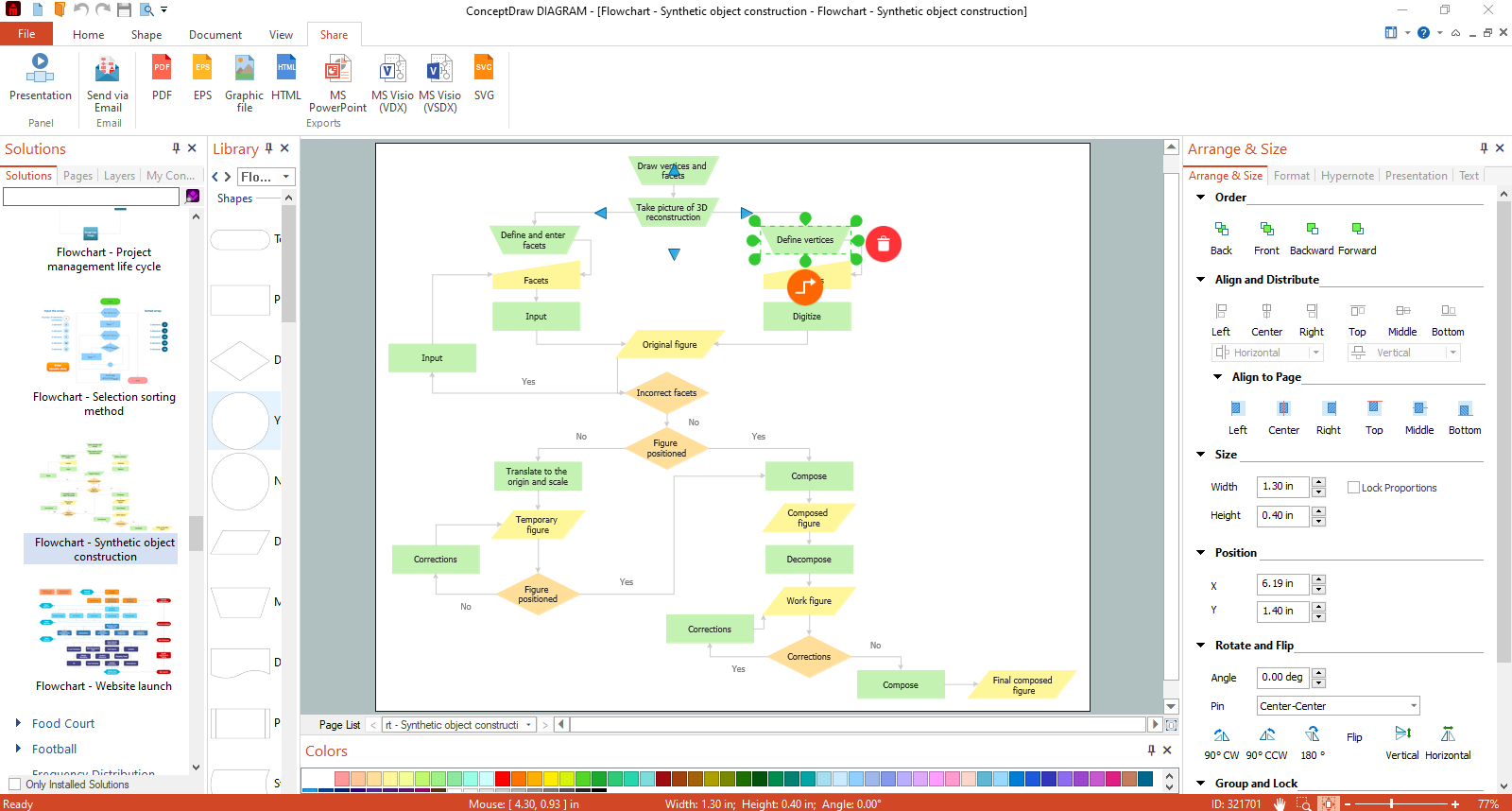
Technical flowcharts help teams document complex systems and decision logic. This example shows a technical system flowchart created directly in the application interface.
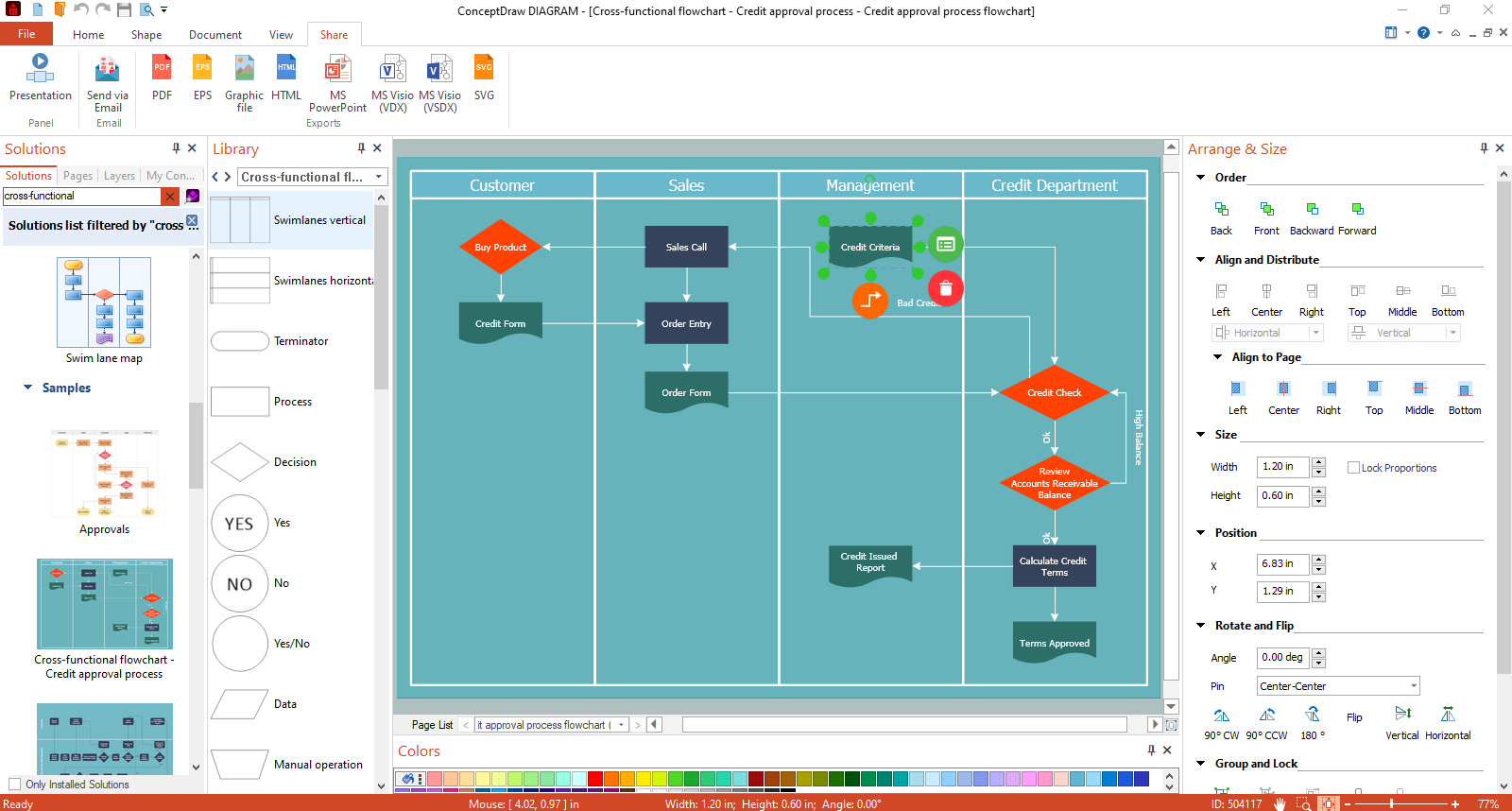
Swimlane Flowchart (Cross-Functional Workflow)
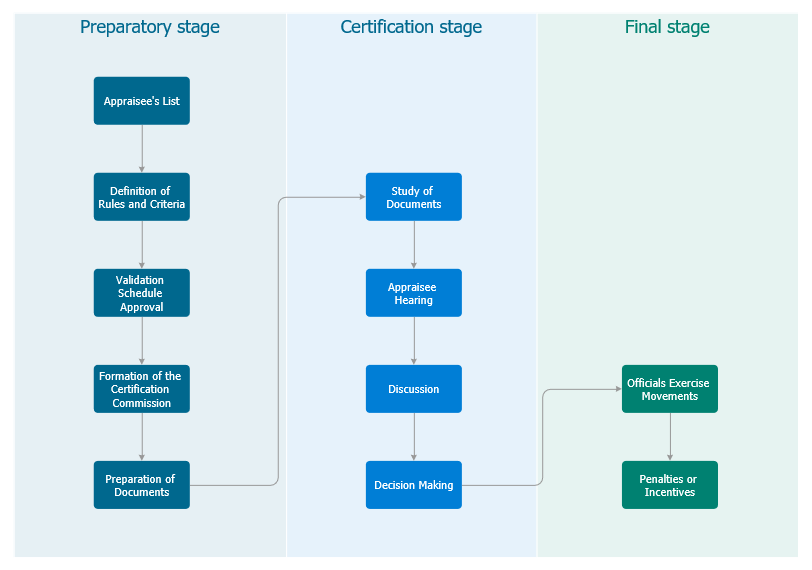
Swimlane flowcharts (cross-functional flowcharts) clarify responsibility by dividing steps into lanes (roles, teams, or departments). They are ideal for handoffs and operational workflows.
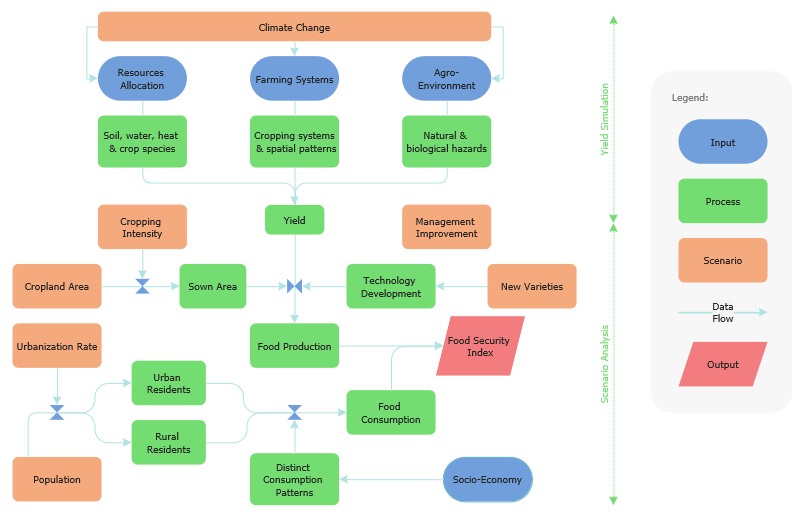
Clean Diagram Examples (No UI)
Clean examples are helpful when you want to focus on the flowchart structure, symbols, and readability.
Need symbol definitions and fundamentals first? Start with Flowchart (Definition & Symbols).
Why Use Professional Flowchart Software?
A professional flow chart creator helps teams build diagrams faster and keep them consistent across documentation. Compared to ad-hoc drawing, purpose-built diagramming software supports repeatable standards, better readability, and easier updates. A professional flowchart software solution helps teams maintain consistency and scalability.
- Clearer process documentation for operations, training, and compliance
- More consistent notation and formatting across teams
- Better scalability for complex or frequently updated processes
- Easier export for presentations and stakeholder review
How to Create a Flowchart (Step-by-Step)
- Choose a starting point: begin with a blank diagram or select a template.
- Add symbols: drag flowchart symbols from the library to represent steps and decisions.
- Connect the flow: use arrows/connectors to show direction; label decision branches.
- Improve readability: align shapes, minimize crossing lines, keep labels short.
- Export or share: prepare your flowchart for documentation, slides, or collaboration.
Micro-CTA: If you want a full collection of templates and samples, explore the Flowcharts Solution.
Flow Chart Creator vs Online Tools
Online tools can work for quick sketches, but professional flowchart creation often requires stronger control over symbols, formatting, export, and offline work.
| Feature | Professional Flow Chart Creator (Desktop) | Typical Online Flowchart Tools |
|---|---|---|
| Symbol standards | Full symbol library and consistent notation across diagrams | Often limited libraries or inconsistent templates |
| Layout control | Precise alignment, spacing, connectors, and grid-based editing | Convenient auto-layout, but less control for complex diagrams |
| Offline work | Works without internet connection | Usually requires a stable connection |
| Export formats | Broad export options for documentation and presentations | Common exports only; advanced formats may be restricted |
| Large diagrams | Handles large, multi-page and detailed system/process diagrams | Can slow down on big diagrams or heavy files |
| Security & compliance | Local files and controlled sharing options | Data stored in cloud; policies vary by vendor |
| Templates & reuse | Reusable templates, libraries, and consistent style across teams | Template-based workflows; reuse depends on plan and tool |
Tip: If you need consistent, professional diagrams for documentation, audits, or engineering workflows, a dedicated flow chart creator is usually the safer long-term choice.
Templates and Symbol Libraries
A strong template library helps you avoid starting from scratch. In ConceptDraw, you can use templates and ready-to-use symbols via the Flowcharts Solution.
Micro-CTA: Explore the product that creates these diagrams: ConceptDraw DIAGRAM.
Export and Collaboration Options
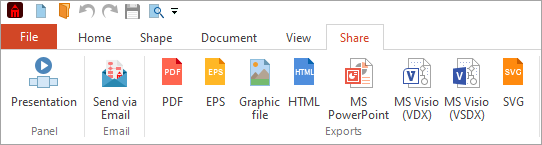
Export and sharing options matter when your flowcharts are used in SOPs, documentation, and presentations. A professional flow chart creator should support exporting and sharing for review cycles and stakeholder alignment.
FAQ
What is a flow chart creator?
A flow chart creator is software for building flowcharts using standardized symbols, connectors, templates, and export tools.
What features should a professional flowchart creator include?
Symbol libraries, templates, layout tools, connector control, easy editing, and export/sharing options.
How do I make a flowchart step by step?
Start with a template or blank file, add symbols, connect steps with arrows, label decisions, refine layout, then export or share.
What are the basic flowchart symbols?
Common symbols include Process (rectangle), Start/End (oval), Decision (diamond), Input/Output (parallelogram), and Connector symbols.
What is a swimlane flowchart?
A swimlane flowchart groups steps into lanes to show responsibility by role, team, or department.
Is a flow chart creator better than an online flowchart tool?
For complex documentation and consistent standards, professional tools usually provide stronger libraries, layout control, and exports.
Can I export flowcharts to common formats?
Yes. Professional tools typically support exporting for documentation, images, and presentations.
Where can I find flowchart templates and examples?
Use built-in galleries and solution libraries—ConceptDraw offers curated templates and samples via the Flowcharts Solution.
Is a flow chart creator the same as a flowchart maker?
Yes. The terms flow chart creator and flowchart maker are often used interchangeably to describe software used to build flowchart diagrams.
Start Creating Flowcharts Today
Create professional flowchart diagrams with ConceptDraw DIAGRAM and the Flowcharts Solution.
If you need fundamentals first, start with Flowchart: definition, symbols & examples.