ConceptDraw DIAGRAM Export Capabilities
|
ConceptDraw DIAGRAM has the ability to export its documents to a number of useful file formats, giving its users powerful flexibility when working with others. You can learn more about these export capabilities by following the links below.  Export to PDF Export to PDF
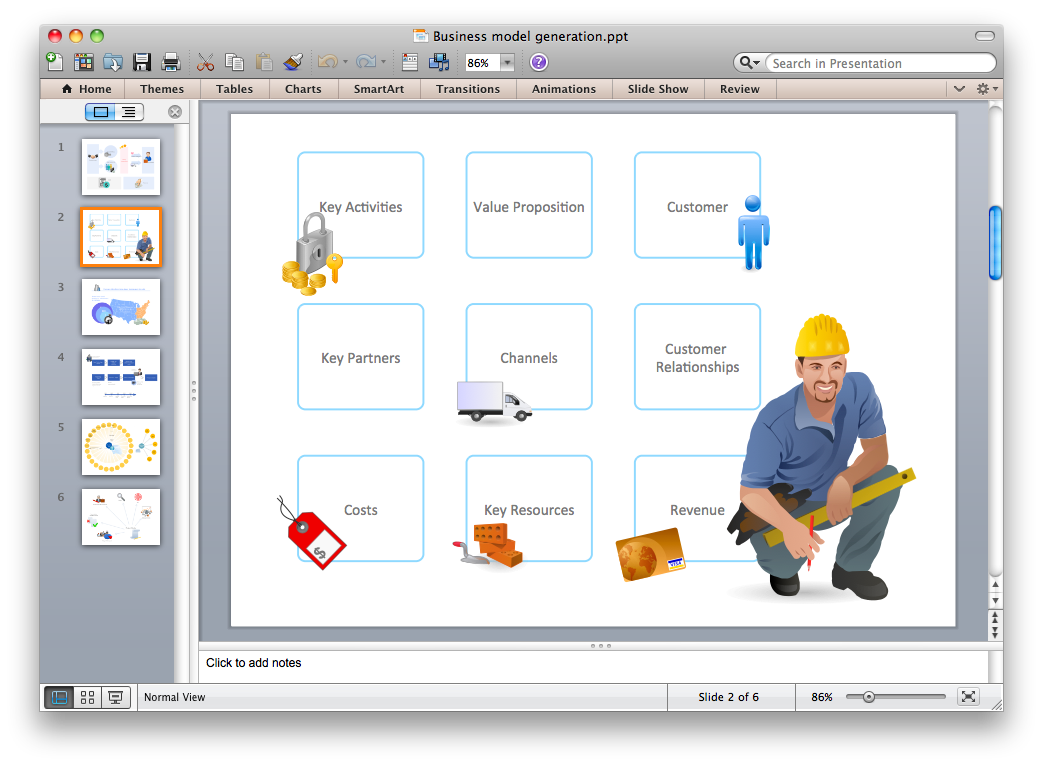 Export to PowerPoint Export to PowerPoint
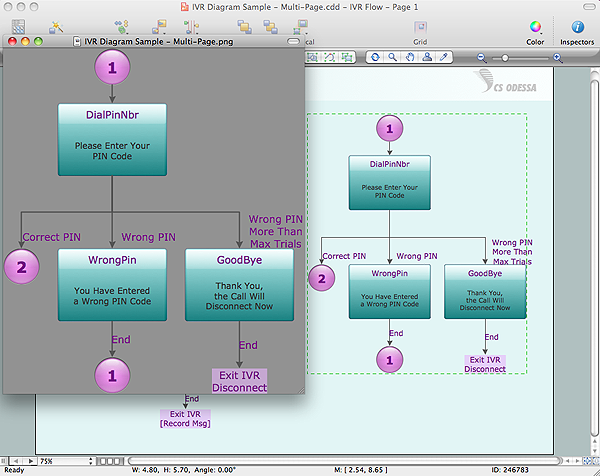 Export to Graphic File Export to Graphic File
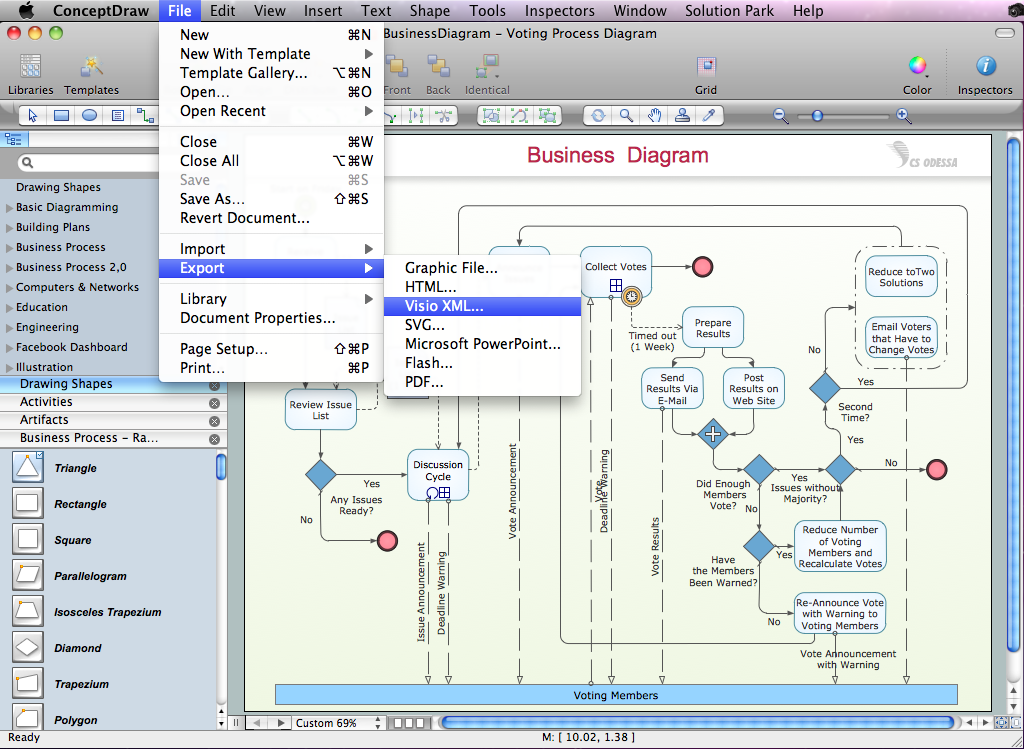 Export to Visio XML Export to Visio XML
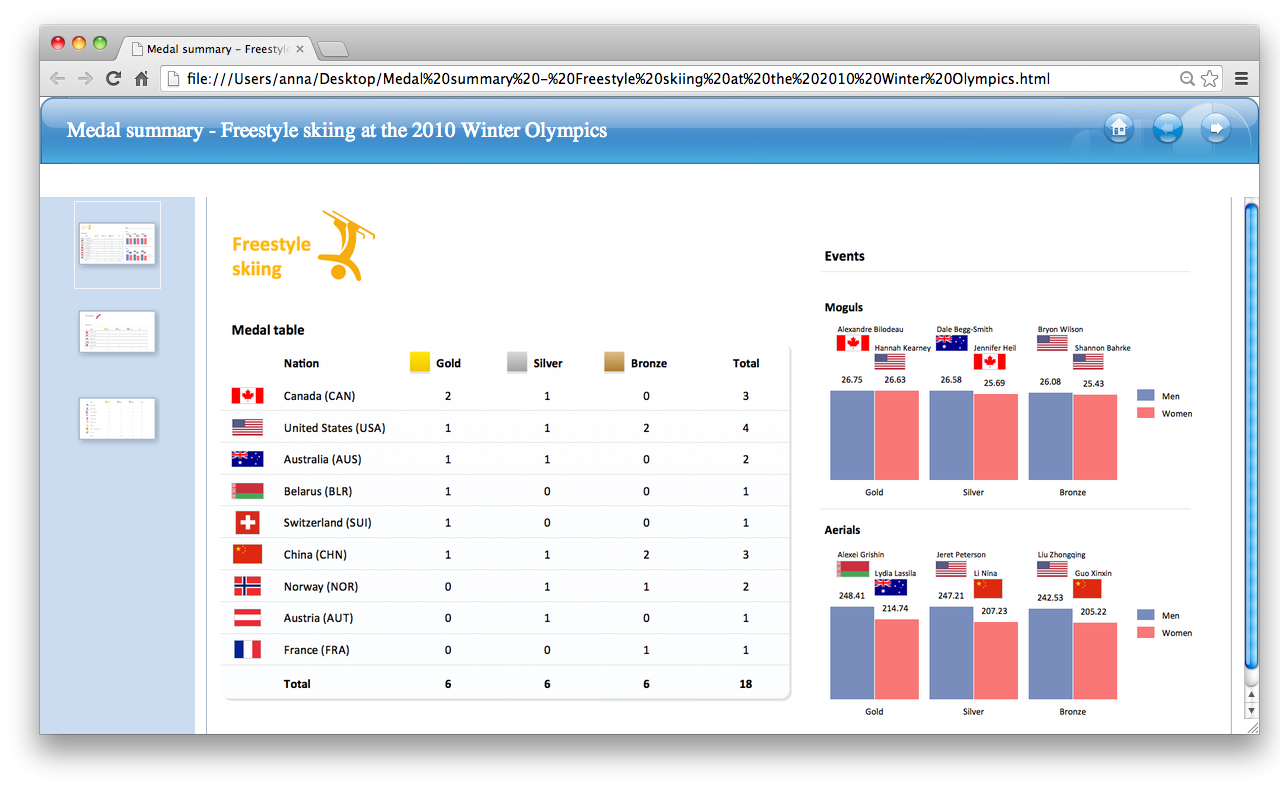 Export to HTML Export to HTML
 Export to Adobe Flash Export to Adobe Flash
Now it’s easy to share your visual documents with other people in a form most convenient for them. |
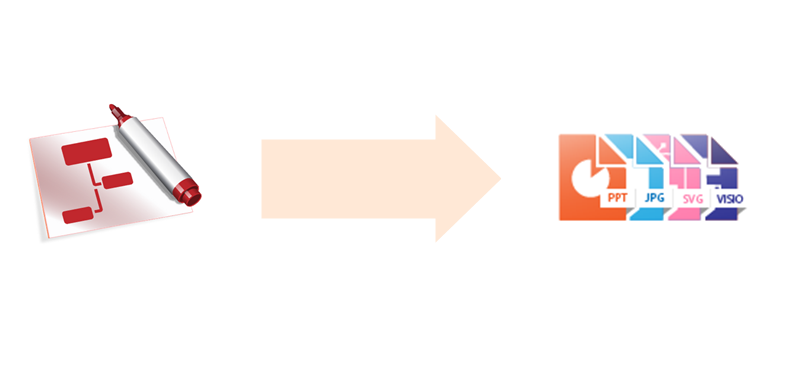
Pic 1. ConceptDraw DIAGRAM export capabilities.
See also Samples:
- Business Process Diagrams
- Business Processes — Flow Charts
- Computer Network Diagrams
- Dashboards and KPI`s
- Fishbone Diagram
- Floor Plan and Landscape Design
THREE RELATED HOW TO's:
Create professional business process diagrams using ConceptDraw Activities library with 34 objects from BPMN.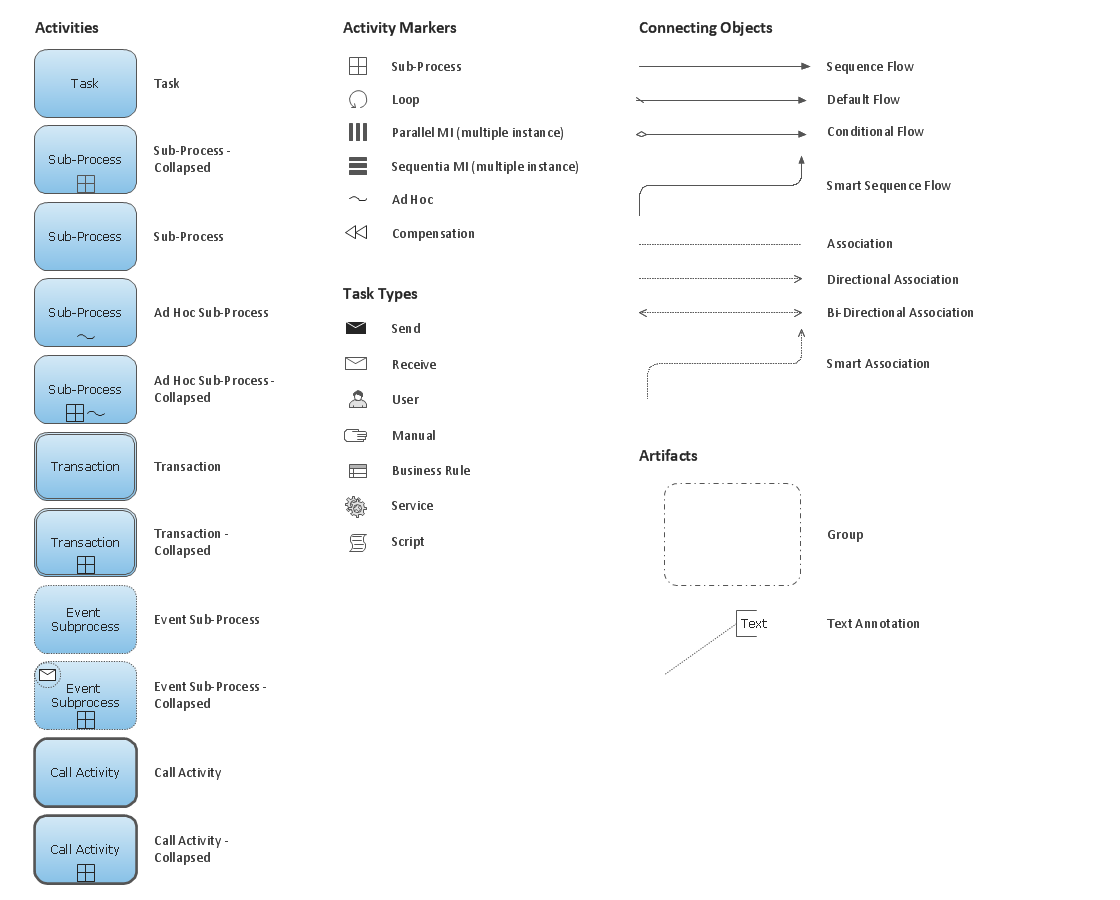
Picture: Business Process Model and Notation Elements: Activities
Event-Driven Process Chain flowcharts for improvement throughout an organisation.
ConceptDraw DIAGRAM is a software for making EPC flowcharts to provide business process modelling. Its excellent business process improvement tools.
Picture: An Event-driven Process Chain (EPC) - flowchart used for business process modelling
Related Solution:
UML Interaction Overview Diagram schematically shows a control flow with nodes and a sequence of activities that can contain interaction or sequence diagrams.
ConceptDraw has 393 vector stencils in the 13 libraries that helps you to start using software for designing your own UML Diagrams. You can use the appropriate stencils of UML notation from UML Interaction Overview library.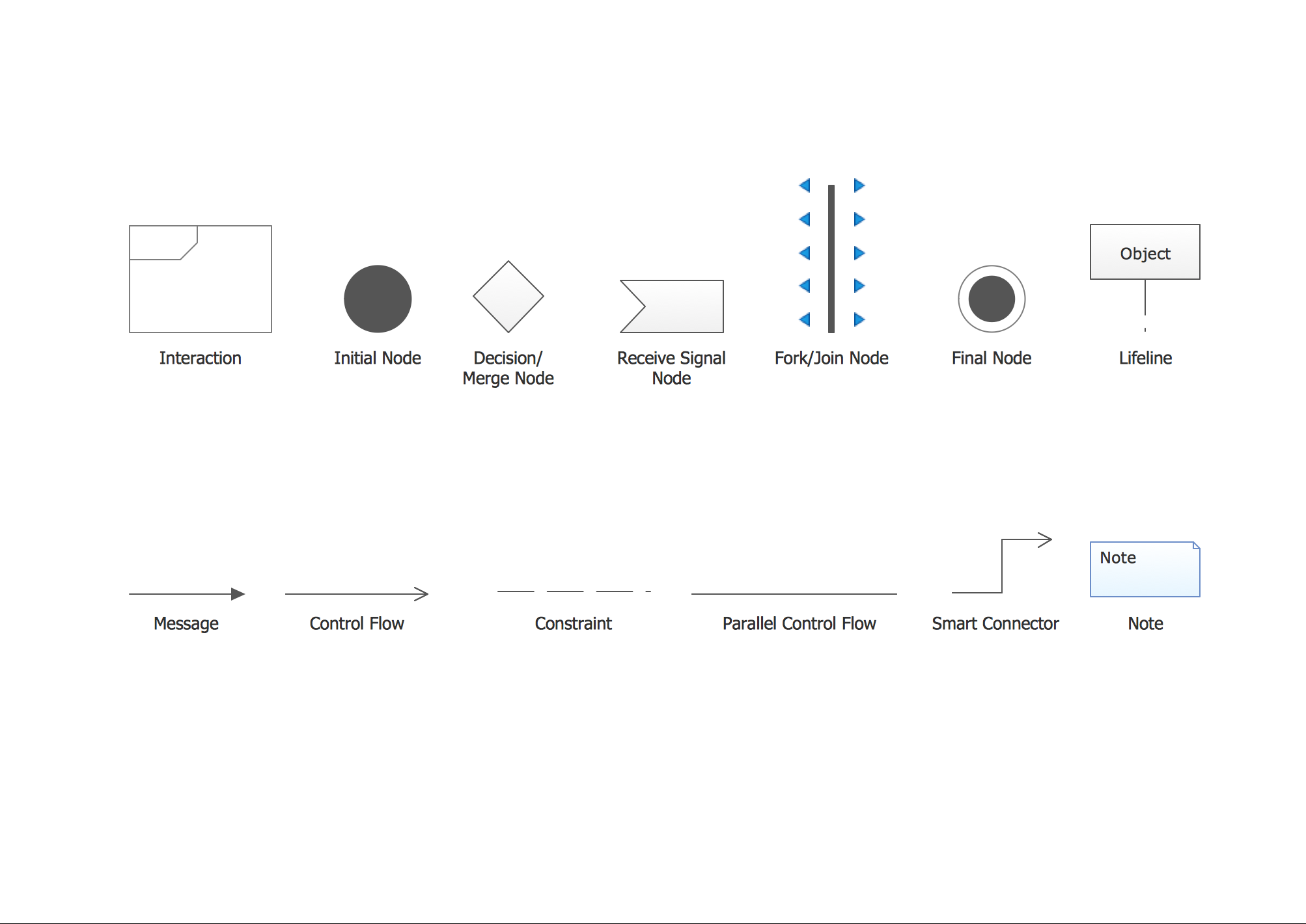
Picture: UML Interaction Overview Diagram. Design Elements
Related Solution:
ConceptDraw
DIAGRAM 18