Export from ConceptDraw DIAGRAM Document to HTML
|
Using ConceptDraw DIAGRAM you can save diagrams as a Web pages. ConceptDraw DIAGRAM adds the HTML tags that are needed to display your diagrams in a Web browser, so all you have to do is design their appearance. You can export a current page only or process linked ConceptDraw documents. Also, you can choose an HTML document style. |
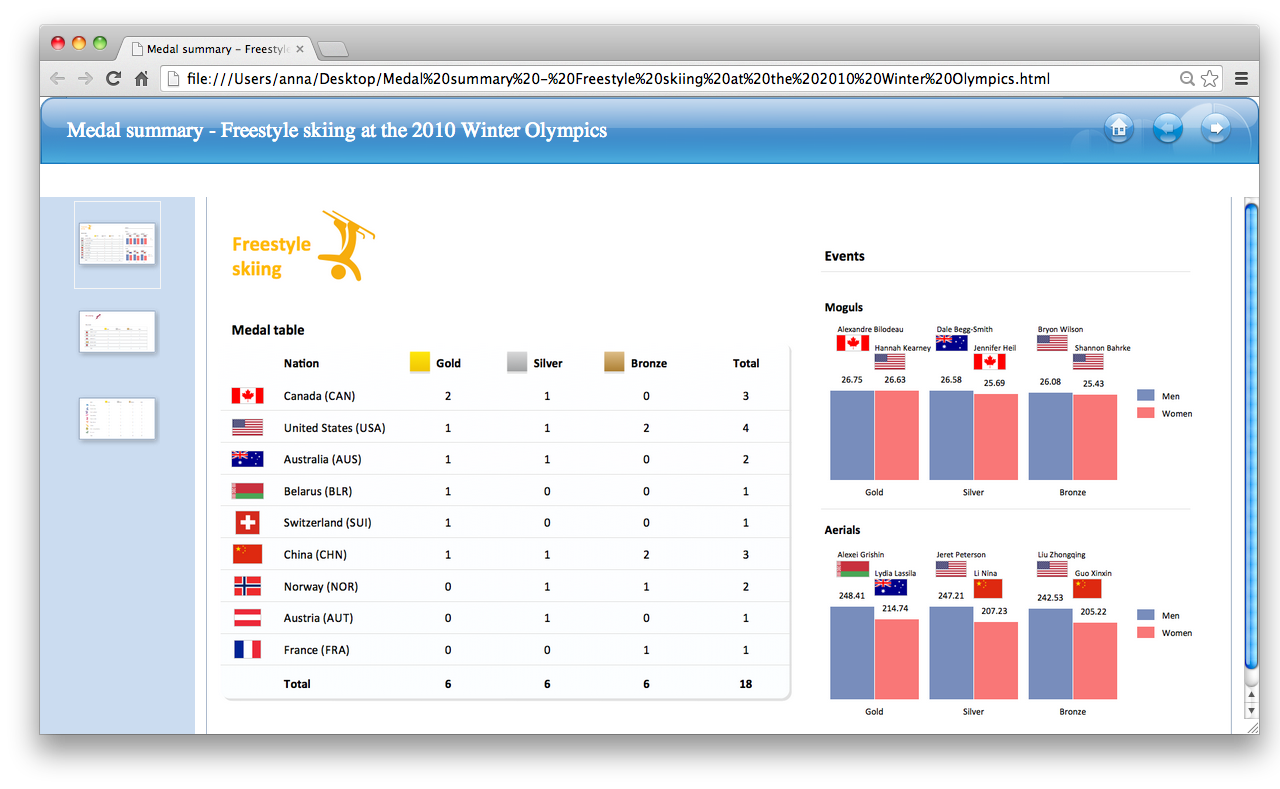
Pic. 1. An HTML-file ready to place on a Web page.
Using ConceptDraw DIAGRAM export capabilities you can create your own professional Web pages quick and easy.
See also Samples:
- Business Process Diagrams
- Business Processes — Flow Charts
- Computer and Networks — Computer Network Diagrams
- Dashboards and KPI`s
- Fishbone Diagram
- Floor Plan and Landscape Design
THREE RELATED HOW TO's:
Using professional reporting and data visualization is the way your business can improve. ConceptDraw Sales Dashboard solution allows you produce live dashboards show KPI to monitor you sales activity and results in real time.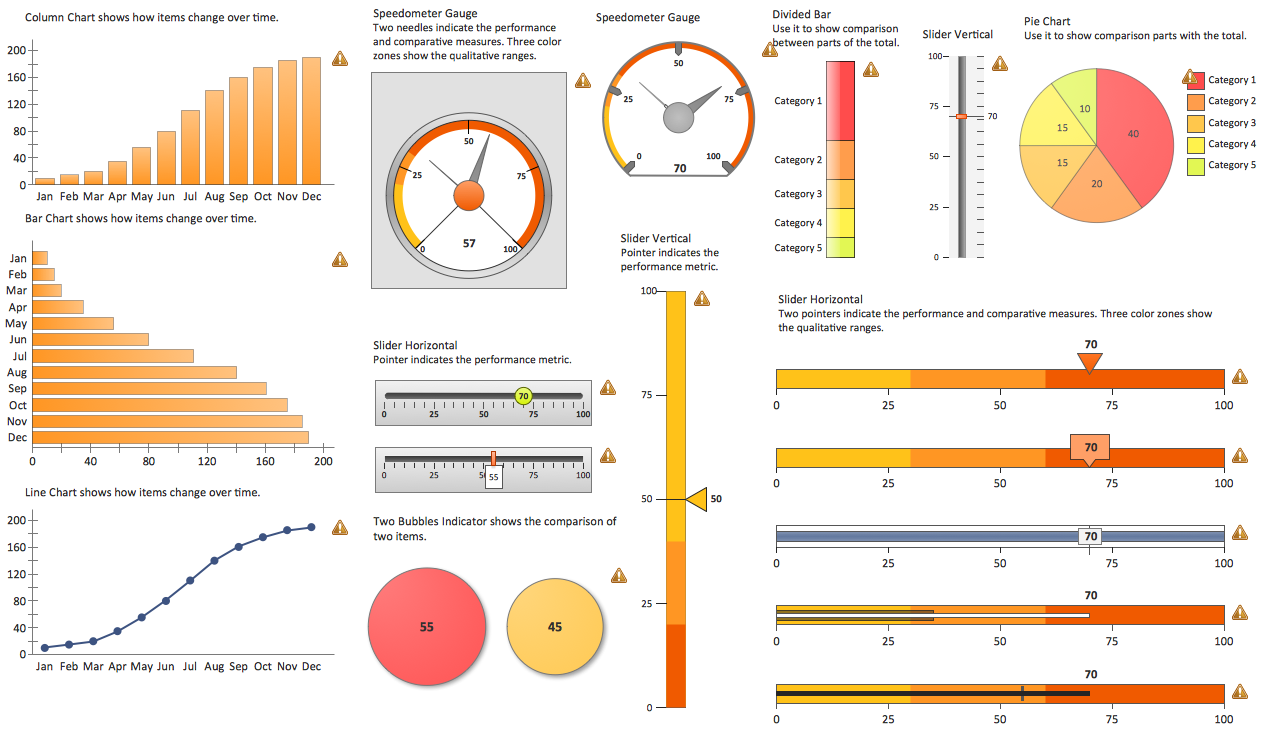
Picture: Reporting & Data Visualization
The ConceptDraw vector stencils library Cisco LAN contains symbols for drawing the computer local area network diagrams.
Picture: Cisco LAN. Cisco icons, shapes, stencils and symbols
Related Solution:
Onion diagram is a type of circular diagram that consists of the core circle representing the product/solution and concentric circles around it, which dependent on the core and look like the cross sections of onion.
ConceptDraw DIAGRAM diagramming and vector drawing software supplied with Stakeholder Onion Diagrams Solution from the Management Area of ConceptDraw Solution Park is an ideal software for effective Onion diagram process design.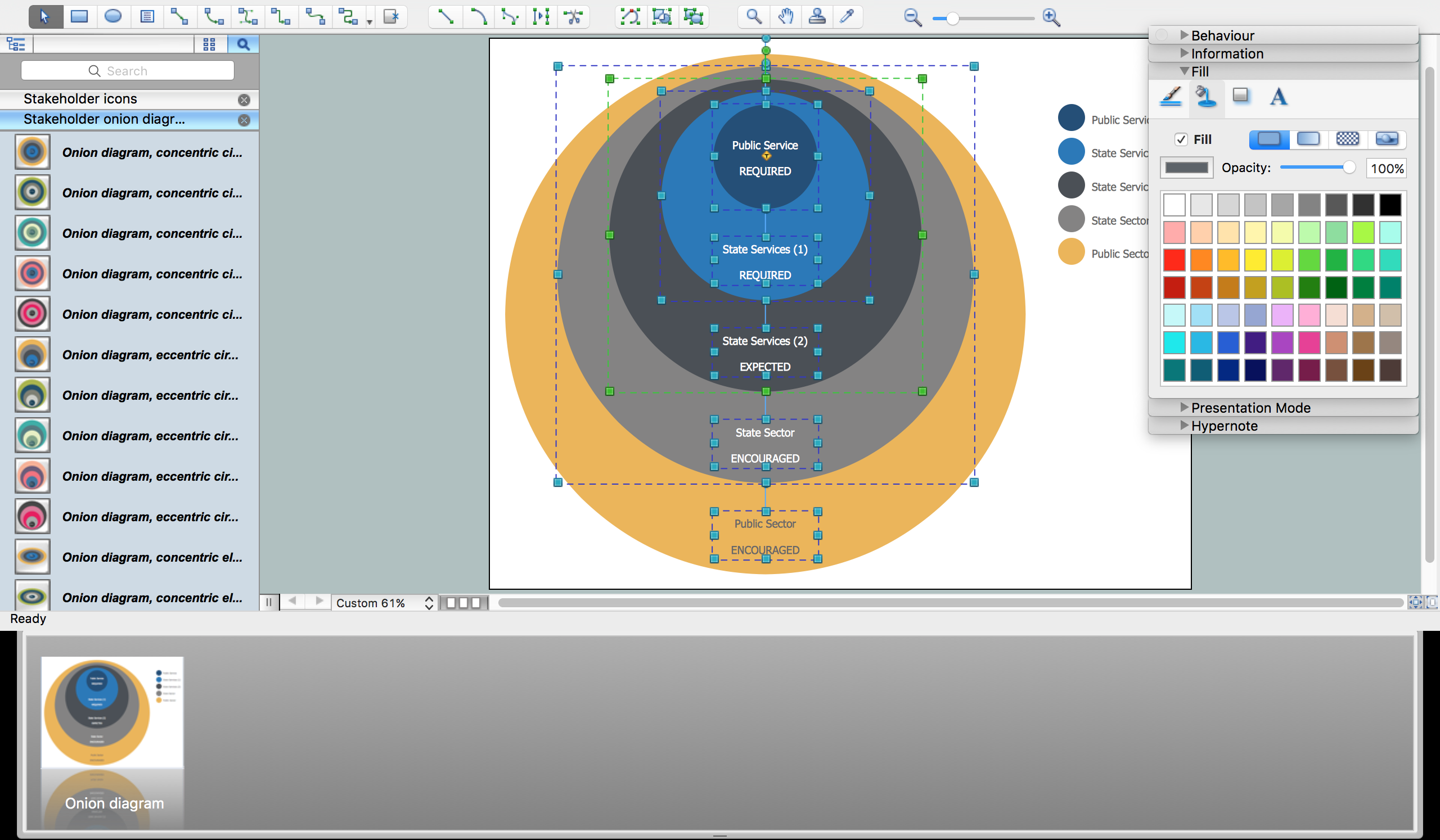
Picture: Onion Diagram Process Design
Related Solution:
ConceptDraw
DIAGRAM 18