Export from ConceptDraw DIAGRAM Document
to PDF (Adobe Acrobat®) File
|
ConceptDraw DIAGRAM has extensive export capabilities which allow you to export your drawing to Adobe PDF files. Thus, you can share your documents with your colleagues and friends even if they don't have ConceptDraw DIAGRAM installed on their computer. |
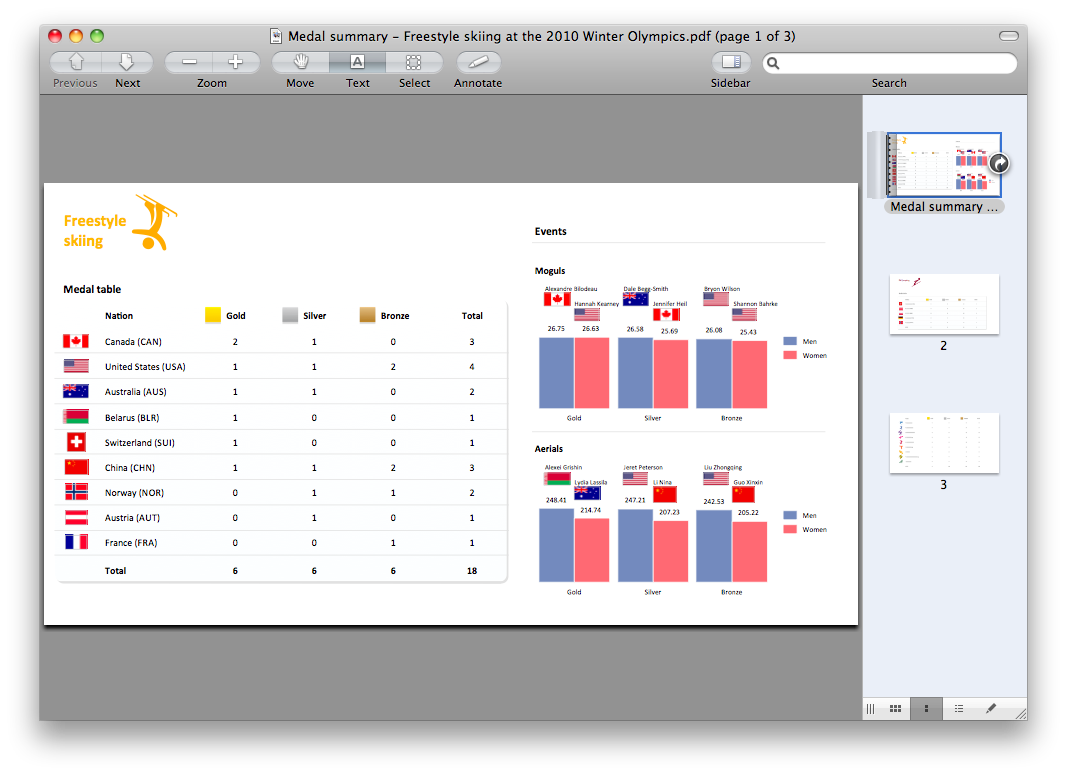
Pic. 1. A ready-to-use PDF file exported from ConceptDraw DIAGRAM document.
There is no special settings in ConceptDraw DIAGRAM required for this export, so you can create a PDF file from your document within a seconds.
See also Samples:
- Business Process Diagrams
- Business Processes — Flow Charts
- Computer and Networks — Computer Network Diagrams
- Dashboards and KPI`s
- Fishbone Diagram
- Floor Plan and Landscape Design
THREE RELATED HOW TO's:
ConceptDraw DIAGRAM has the ability to export to a number of useful file formats, giving its users powerful flexibility when working with others.
Picture: ConceptDraw DIAGRAM Export Capabilities
Using ConceptDraw DIAGRAM, you can save diagrams as a Web pages. ConceptDraw DIAGRAM adds the HTML tags that are needed to display your diagrams in a Web browser, so all you have to do is design their appearance.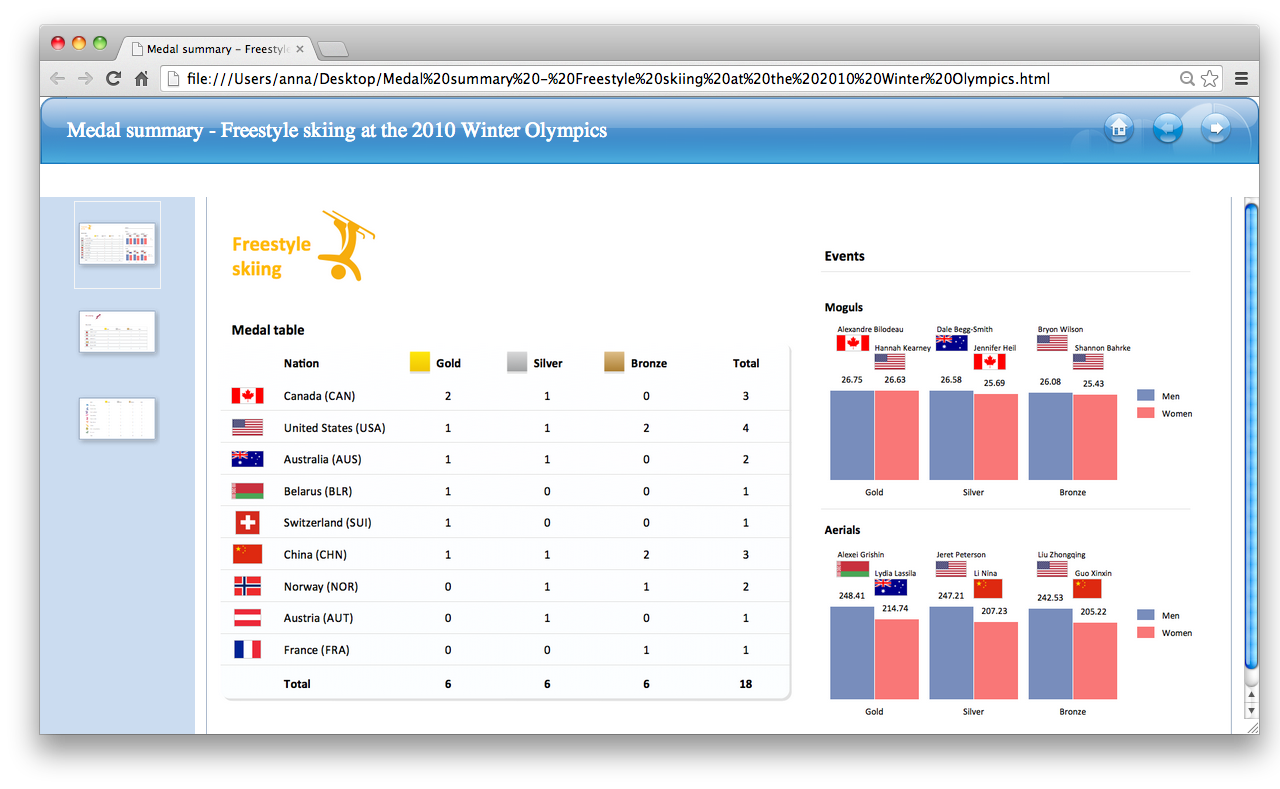
Picture: Export from ConceptDraw DIAGRAM Document to HTML
You need create a Sales Process Map? Use the ConceptDraw DIAGRAM software which is ideal for the sales process management, marketing and engineering thanks to the powerful Sales Flowcharts solution from the Marketing area of ConceptDraw Solution Park.
Picture: Sales Process Map
Related Solution:
ConceptDraw
DIAGRAM 18