 Create Drawing
How to Add Images to a ConceptDraw DIAGRAM Document on Windows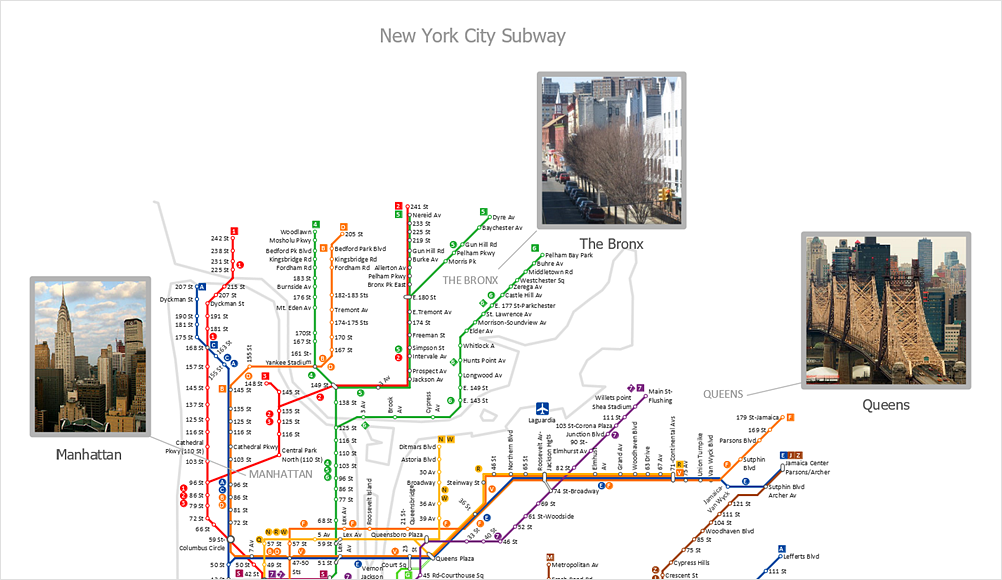
Adding images to your drawings helps highlight important elements, emphasize key areas, and create more visually engaging documents. ConceptDrawDIAGRAM supports a wide range of image formats, allowing you to insert pictures into documents created on macOS and Windows. Images can be used to enhance diagrams, presentations, plans, and technical documentation. Once inserted, images can be resized, cropped, formatted, and annotated with text. This tutorial explains how to insert an image into a ConceptDraw DIAGRAM document and customize its appearance.
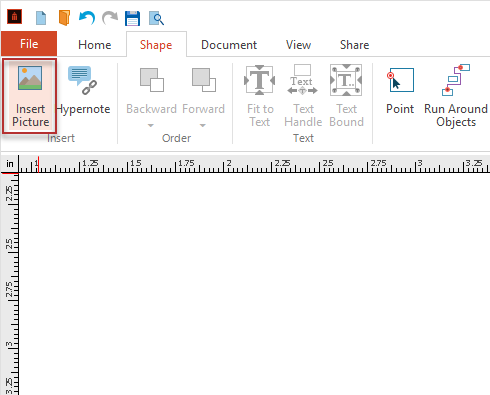 After inserting an image, you can modify it as needed.Common image-editing tasks include resizing, cropping, formatting, and adding text.
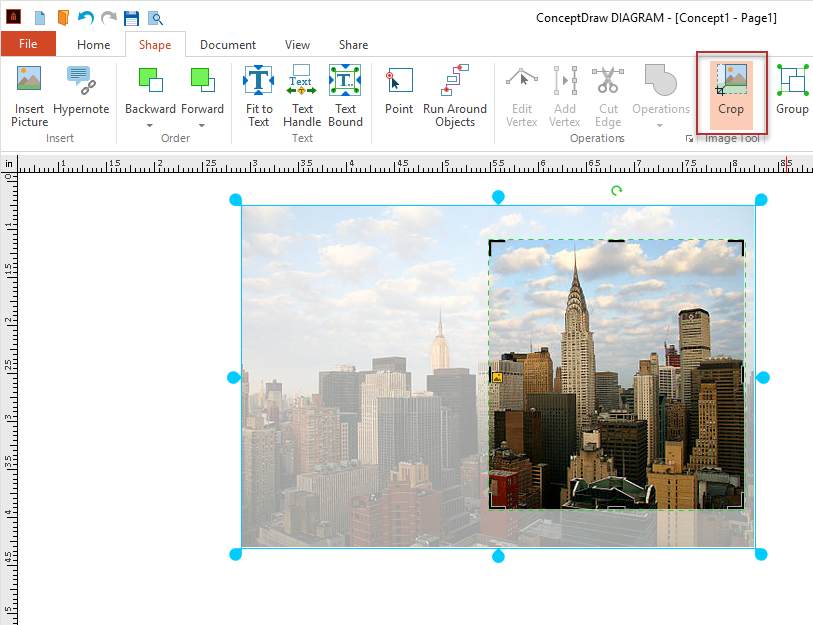 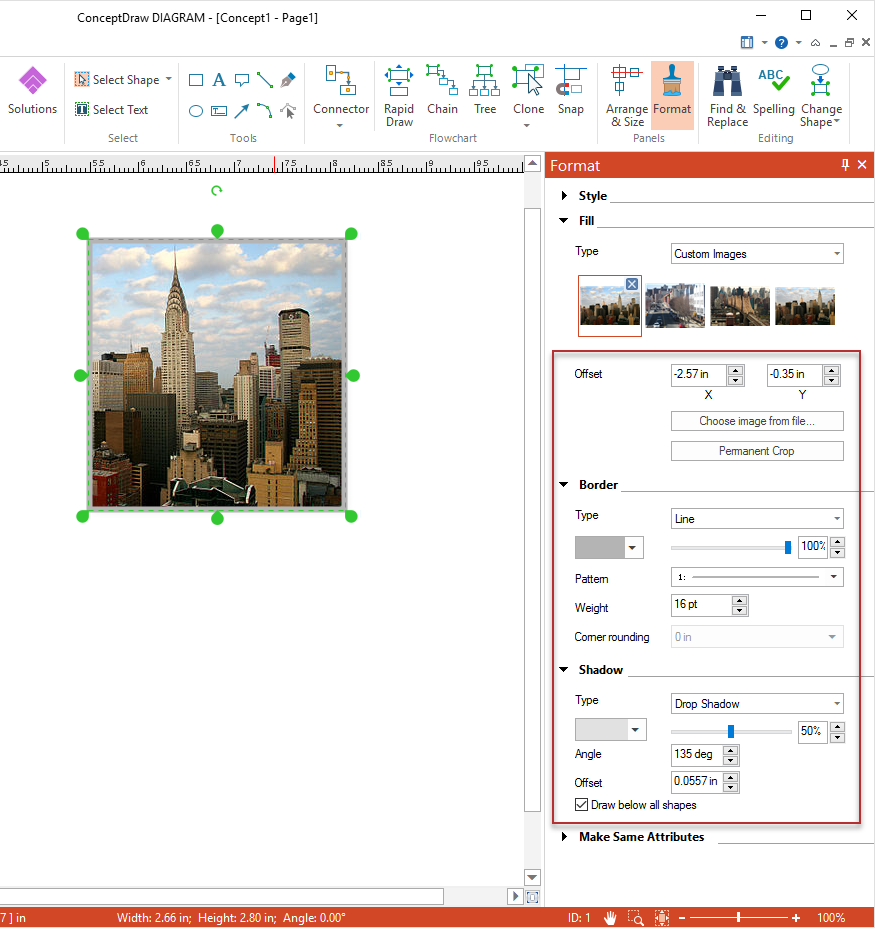 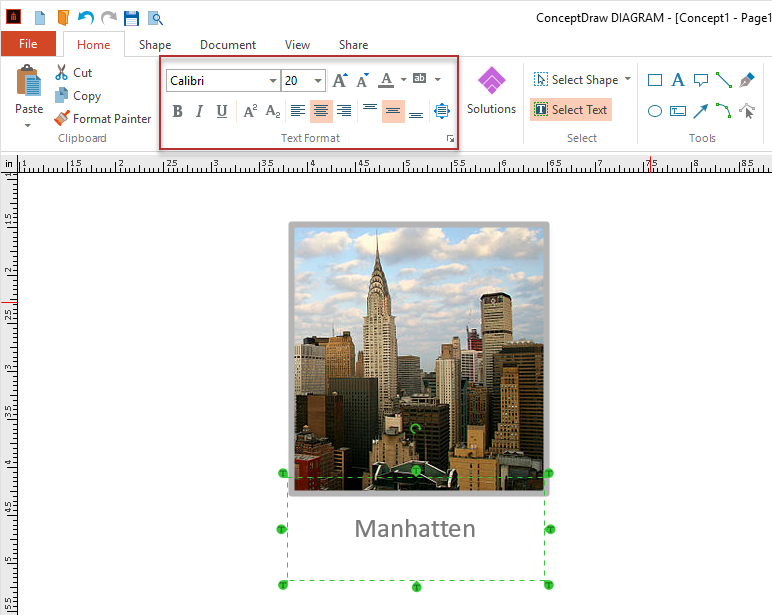 Result: ConceptDraw DIAGRAM allows you to easily add images to your drawings and customize their appearance using a variety of formatting tools. These features help you create professional, informative, and visually appealing diagrams. 
|