 ConceptDraw DIAGRAM
Get Started 
Get Started with ConceptDraw DIAGRAM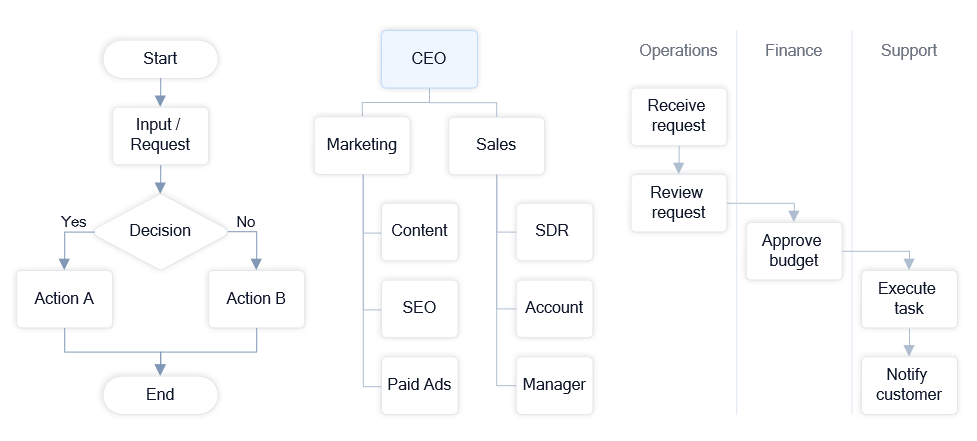
Examples of flowcharts, organizational charts, and workflow diagrams created in ConceptDraw DIAGRAM. Open a template, replace the text with your own steps or roles, and adjust the structure if needed. You can create a working diagram in just a few minutes. Quick answer: Open a ready-made template, replace the text with your own steps or roles, and adjust it to match your task. What you will get: a clear diagram you can use right away for your work, presentation, or documentation. Open template and start editing → Start with a simple example — no setup required. Start with a Ready-Made TemplateThe easiest way to begin is not to build a diagram from scratch, but to open a template and adjust it.
Result: You create a working diagram in minutes without learning the interface. Choose a Simple Starting PointIf you’re not sure where to begin, start with one of these common diagram types:
Tip: Choose the one closest to your current task — this makes it easier to see the value immediately. 
Start quickly with ready-made templates and examples. Choose a layout, customize it for your needs, and create professional diagrams in just a few steps. How to Get Value QuicklyYou don’t need to learn all features to start using ConceptDraw. The fastest approach is:
Result: You move from “trying the product” to using it in a real task. Continue Working with Your DiagramOnce your diagram is ready, you can refine it, expand it, and use it in your daily work. ConceptDraw DIAGRAM provides tools and templates to support ongoing updates and new diagrams. |