Products
Solutions
Samples
Contact Us
Buy
Helpdesk
✕
Sign In
Sign In
My ConceptDraw
Profile
Cart 
Activate
My Activated Licenses
Upgrade Information
Download Product
Open Support Ticket
Sign Out
This site uses cookies. By continuing to browse the ConceptDraw site you are agreeing to our Use of Site Cookies.
Helpdesk  >  ConceptDraw DIAGRAM  >    Business-specific Drawings

Create a Flowchart Quickly
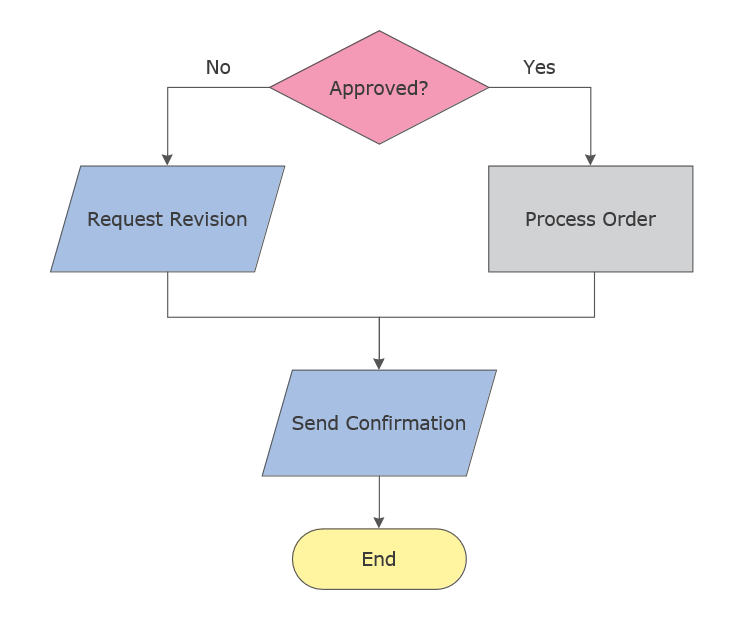
Flowchart diagram showing process steps, decisions, and workflow sequence

A simple flowchart you can create in minutes using a template.

Quick answer: Create a flowchart in minutes by opening a ready-made template and mapping your process steps, decisions, and outcomes.

What you will get: a clear visual representation of your workflow that helps you understand, improve, and communicate processes.

Open template and start editing →

No setup required — start with a ready-made example.

Start with a Flowchart Template

The fastest way to create a flowchart is to start with a template and adapt it to your process.

  1. Run ConceptDraw DIAGRAM.
  2. Open the Flowcharts solution.
  3. Select a template from the library.
  4. Edit steps, decisions, and connections to match your workflow.

Result: You create a working flowchart in minutes without building from scratch.

Build a Flowchart Step by Step

If you prefer to build your diagram manually, you can create a flowchart using standard symbols.

  1. Add a Terminator symbol to define the start and end.
  2. Use Process symbols for actions or steps.
  3. Add Decision symbols to represent branching logic.
  4. Connect elements using arrows to define the flow.

Result: You create a structured diagram that clearly shows process logic and decision paths.

When to Use a Flowchart

  • Visualize business processes
  • Map decision logic
  • Document workflows
  • Identify bottlenecks and inefficiencies

Tips for Clear Flowcharts

  • Keep steps short and action-based
  • Use consistent symbols
  • Avoid unnecessary complexity
  • Maintain a clear flow direction (top-to-bottom or left-to-right)

Continue Working with Your Diagram

Once your flowchart is ready, you can refine, expand, and share it with your team.

ConceptDraw DIAGRAM provides access to templates, libraries, and tools to support ongoing work.
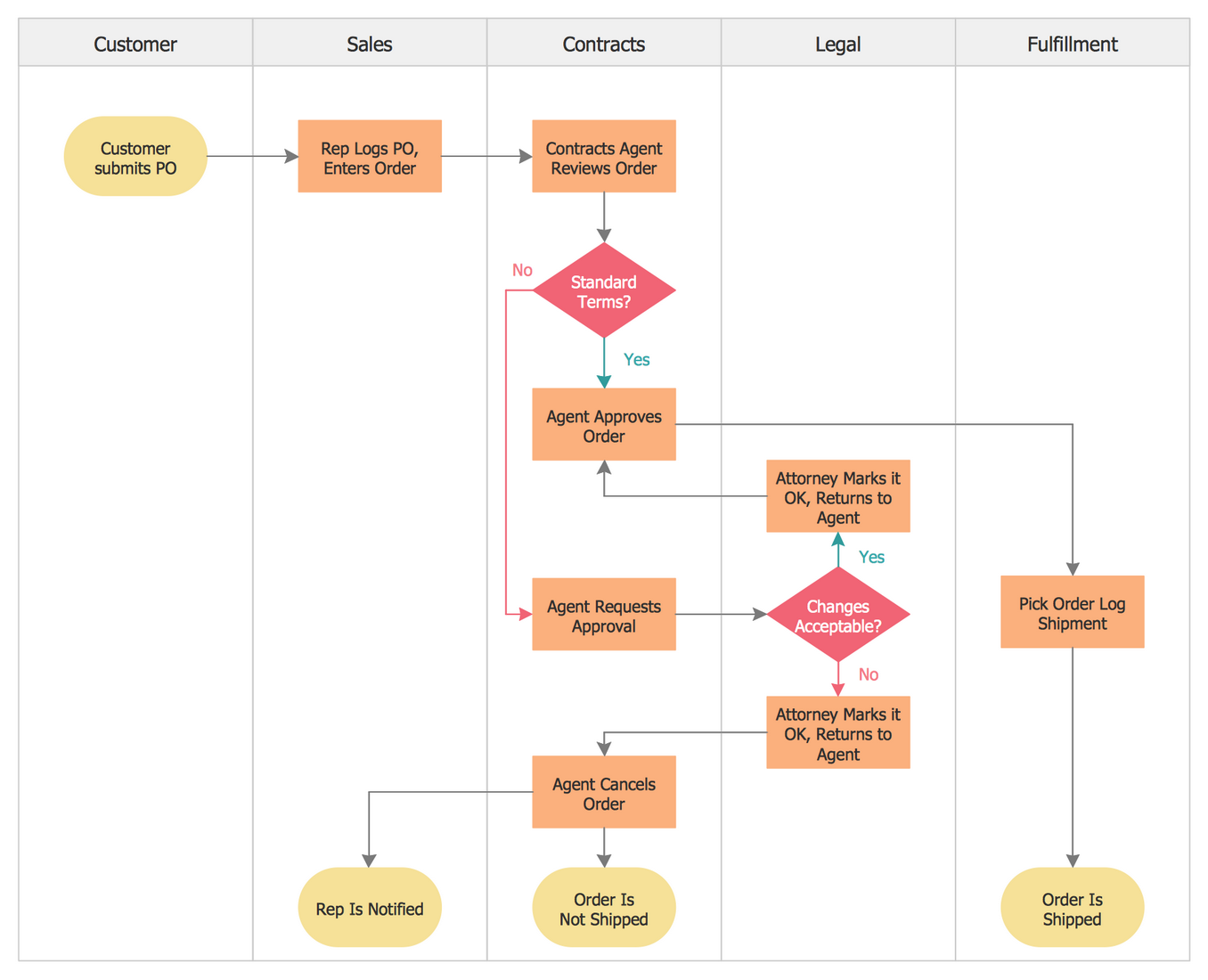
Cross-functional Flowchart diagram showing process steps

Explore Flowchart Software →

Products

  • ConceptDraw OFFICE v11
  • ConceptDraw DIAGRAM v18
  • ConceptDraw MINDMAP v16
  • ConceptDraw PROJECT v15
  • ConceptDraw STORE
  • ConceptDraw BOOKS

Solutions

  • Free
  • Premium

Samples

Support

  • Technical Support
  • Upgrade Request
  • Visio File Conversion
  • System Requirements
  • Helpdesk
  • Students & Educators
  • Enterprise
  • Customer Service

Solutions

  • Free
  • Premium

Samples

Video Room

  • Products
  • Solutions

Ready To Buy

  • Buy Online
  • Reseller Partners
  • Manage Your Account
  • Download Your Software
  • CS Odessa

    • About Us
    • Contact Us
    • CS Odessa Identity
    • News
  • CS Odessa
    Plan. Do. Communicate.

    About Us | Contact Us | Feedback | EULA | Privacy | TOU | TOS
    © 1993 — 2026 CS Odessa Corp.