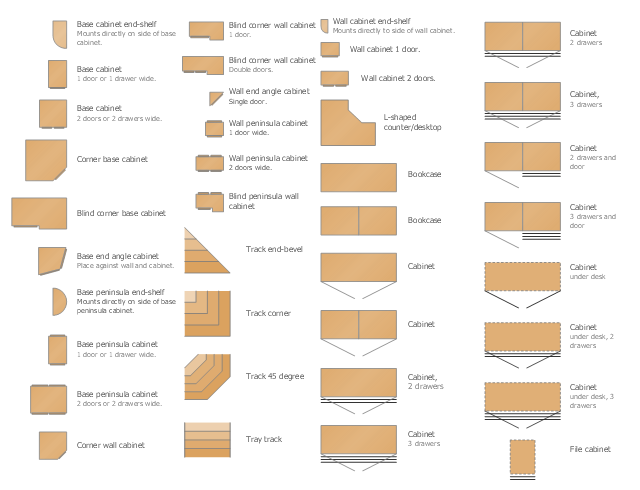
The design elements library Cabinets and bookcases contains 41 vector symbols of cabinetries and bookcases.
"A cabinet is a box-shaped piece of furniture with doors or drawers for storing miscellaneous items. Some cabinets stand alone while others are built into a wall or are attached to it like a medicine cabinet. Cabinets are typically made of wood or, now increasingly, of synthetic materials. Commercial grade cabinets, which differ in the materials used, are called casework.
Cabinets usually have one or more doors on the front, which are mounted with door hardware, and occasionally a lock. Many cabinets have doors and drawers or only drawers. Short cabinets often have a finished surface on top that can be used for display, or as a working surface such as the countertops found in kitchens.
A cabinet intended for clothing storage is usually called a wardrobe or an armoire (or a closet if built in)." [Cabinetry. Wikipedia]
Use the shapes library Cabinets and bookcases to draw the wall bookcase layouts, office wall cabinets and bookcase design plans using the ConceptDraw PRO diagramming and vector drawing software.
The vector stencils library Cabinets and bookcases is provided by the Floor Plans solution from the Building Plans area of ConceptDraw Solution Park.
"A cabinet is a box-shaped piece of furniture with doors or drawers for storing miscellaneous items. Some cabinets stand alone while others are built into a wall or are attached to it like a medicine cabinet. Cabinets are typically made of wood or, now increasingly, of synthetic materials. Commercial grade cabinets, which differ in the materials used, are called casework.
Cabinets usually have one or more doors on the front, which are mounted with door hardware, and occasionally a lock. Many cabinets have doors and drawers or only drawers. Short cabinets often have a finished surface on top that can be used for display, or as a working surface such as the countertops found in kitchens.
A cabinet intended for clothing storage is usually called a wardrobe or an armoire (or a closet if built in)." [Cabinetry. Wikipedia]
Use the shapes library Cabinets and bookcases to draw the wall bookcase layouts, office wall cabinets and bookcase design plans using the ConceptDraw PRO diagramming and vector drawing software.
The vector stencils library Cabinets and bookcases is provided by the Floor Plans solution from the Building Plans area of ConceptDraw Solution Park.
Information Architecture
 Summer Sports

ConceptDraw DIAGRAM, complemented by the highly functional Summer Sports solution, is an effective way to create summer sports infographics, illustrations, and diagrams. This solution contains a huge collection of pre-designed vector objects for sports clipart of various types and directions, and various sports icons — cycling vector sport icon, gymnastics vector icons, water sport vector icons, equestrian vector icons, extreme sports vector icons, and many others. Many pictorial summer sports samples are also included. Use the Summer Sports solution tools to develop visual materials for presentations and conferences, summer sports posters, illustrations for travel programs, clothing and item designs with sports icons, and promotional materials to attract visitors to sports and other sport events.
Healthy Foods

Educational Technology Tools
Vector Map of Germany
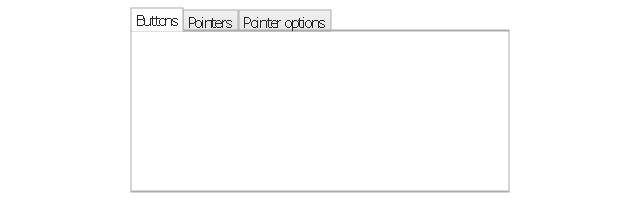
The vector stencils library "Controls" contains 53 icons of Windows 8 controls.
Use it to design graphic user interface (GUI) prototypes of your software applications for Windows 8.
"A graphical control element or widget is an element of interaction in a graphical user interface (GUI), such as a button or a scroll bar. Controls are software components that a computer user interacts with through direct manipulation to read or edit information about an application. ...
Each widget facilitates a specific type of user-computer interaction, and appears as a visible part of the application's GUI as defined by the theme and rendered by the rendering engine. The theme makes all graphical control elements adhere to a unified aesthetic design and creates a sense of overall cohesion. Some widgets support interaction with the user, for example labels, buttons, and check boxes. Others act as containers that group the widgets added to them, for example windows, panels, and tabs." [Graphical control element. Wikipedia]
The design elements example "Controls - Vector stencils library" was created using the ConceptDraw PRO diagramming and vector drawing software extended with the Windows 8 User Interface solution from the Software Development area of ConceptDraw Solution Park.
Use it to design graphic user interface (GUI) prototypes of your software applications for Windows 8.
"A graphical control element or widget is an element of interaction in a graphical user interface (GUI), such as a button or a scroll bar. Controls are software components that a computer user interacts with through direct manipulation to read or edit information about an application. ...
Each widget facilitates a specific type of user-computer interaction, and appears as a visible part of the application's GUI as defined by the theme and rendered by the rendering engine. The theme makes all graphical control elements adhere to a unified aesthetic design and creates a sense of overall cohesion. Some widgets support interaction with the user, for example labels, buttons, and check boxes. Others act as containers that group the widgets added to them, for example windows, panels, and tabs." [Graphical control element. Wikipedia]
The design elements example "Controls - Vector stencils library" was created using the ConceptDraw PRO diagramming and vector drawing software extended with the Windows 8 User Interface solution from the Software Development area of ConceptDraw Solution Park.
Balloon

Check box - checked

Check box - unchecked

Radio button - selected

Radio button

Group box
Standard command button

Default command button

Link

Command link - selected

Command link

Command link
Command link 2
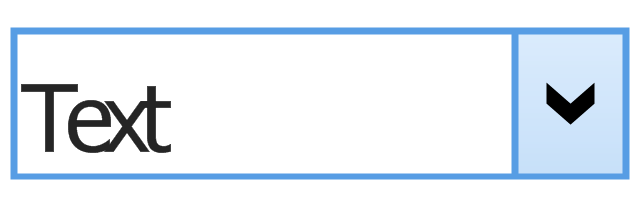
Drop-down button with text box
Drop-down button with text box - selected
Drop-down list

List item

List item - selected

Drop-down button with text box 2

Drop-down list 2

Drop-down button

Drop-down button - selected
Combo box
Combo box 2
Combo box with scroller
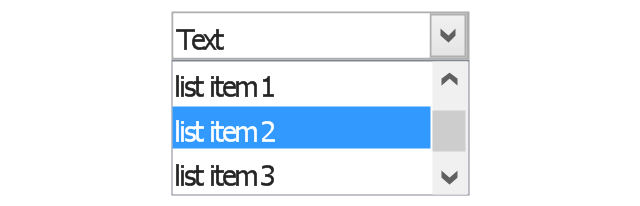
List box
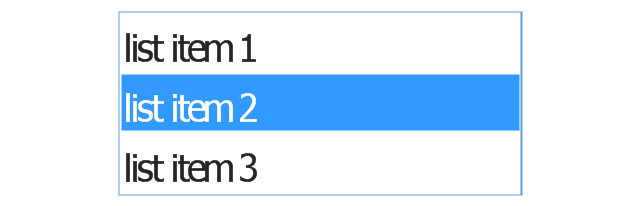
List box with scrollbar
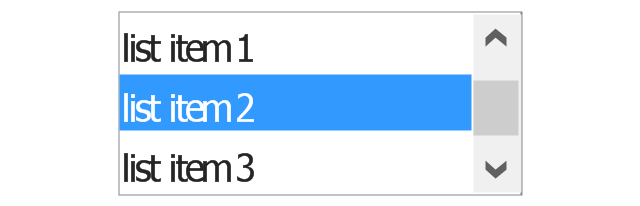
List view
Vertical scroller

Horizontal scroller

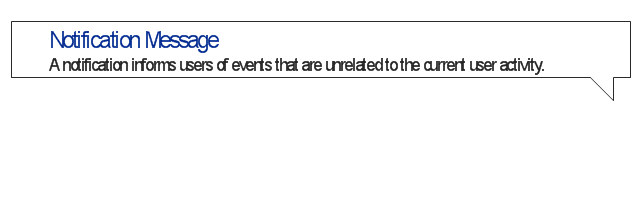
Notification
Options button

Close button

Text label

Progress bar

Search box

Search symbol

Spin control
Slider - 5 intervals
Slider - 10 intervals
Status bar

Start button

Status bar with Start button

Viewed window

Current window state

Tab control

Tab control - selected

Tab view page

Tab view
Text box
Text box label

Tooltip

Infotip
Food Recipes
 iPhone User Interface
In order to draw the iPhone-related illustrations mentioning this phone’s capabilities, the ConceptDraw DIAGRAM charting and drawings software is used. Having all the basic tools from the mentioned application and those from the iPhone User Interface solution it becomes possible to create the needed drawing within only a few minutes as the solution contains a wide range of the pre-made samples and templates of the iPhone-related drawings and the vector stencils libraries that support iPhone 6 UI diagrams.
 Business Management Package

Business Management Package is a large set of graphical solutions from the ConceptDraw Solution Park. They are selected to help in solving the business, management, marketing and quality tasks in a best way. It is useful for many management specialists, marketing experts, business specialists, international business experts, IT managers, specialists in managing the business processes, financial specialists, and other business related specialists. Create documents, reports, statistical summaries, describe business processes, build business models for many fields including finance, education, logistic, landscape design, health, cooking, and many more.
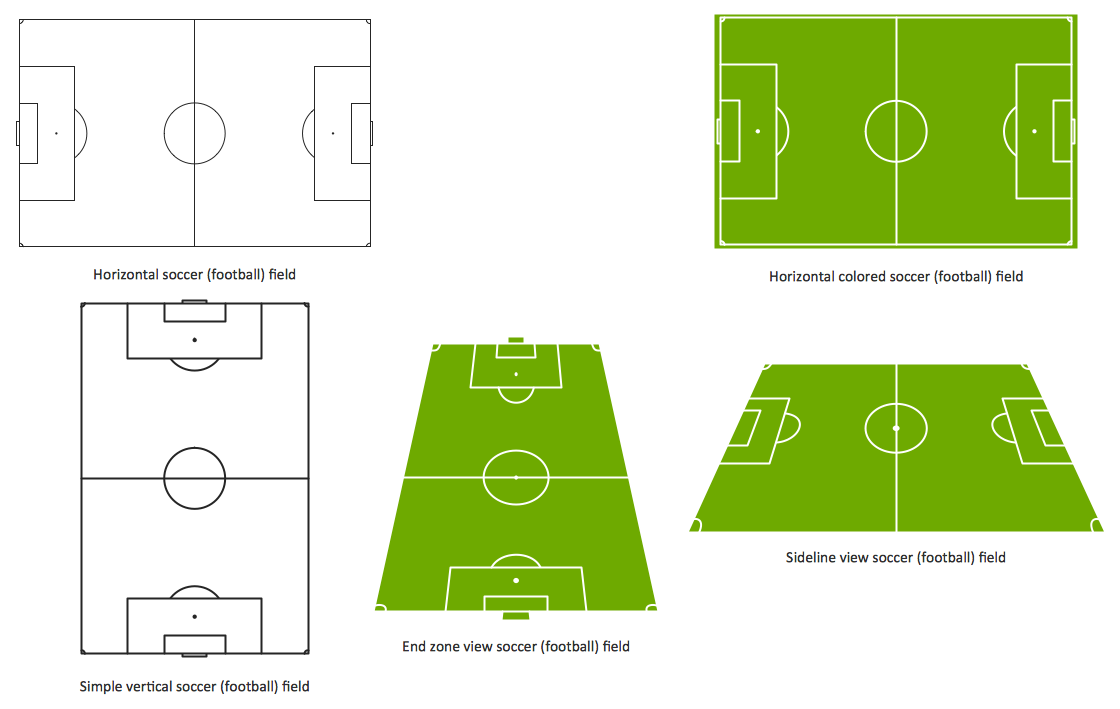
Design a Soccer (Football) Field
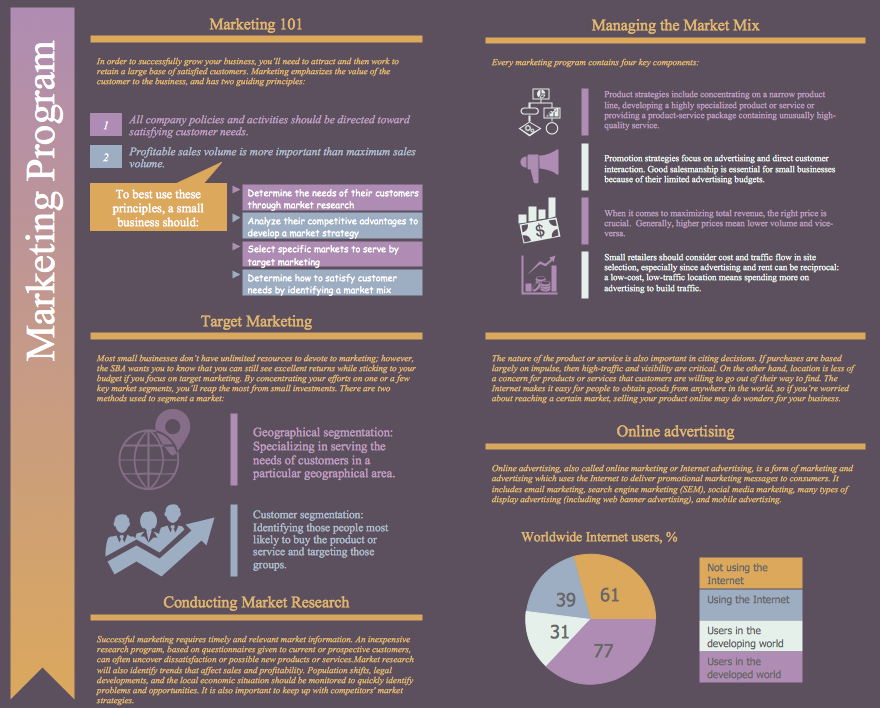
Marketing Plan Infographic
Network Topologies


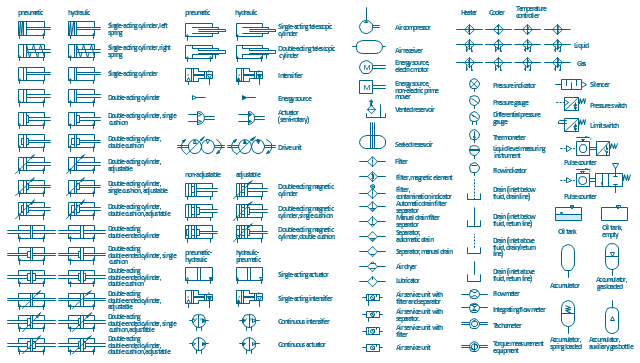
The vector stencils library "Fluid power equipment" contains 113 symbols of hydraulic and pneumatic equipment including pumps, motors, air compressors, cylinders, meters, gauges, and actuators. Use it to design fluid power and hydraulic control systems.
"Fluid power is the use of fluids under pressure to generate, control, and transmit power. Fluid power is subdivided into hydraulics using a liquid such as mineral oil or water, and pneumatics using a gas such as air or other gases. Compressed-air and water-pressure systems were once used to transmit power from a central source to industrial users over extended geographic areas; fluid power systems today are usually within a single building or mobile machine." [Fluid power. Wikipedia]
The shapes example "Design elements - Fluid power equipment" was created using the ConceptDraw PRO diagramming and vector drawing software extended with the Mechanical Engineering solution from the Engineering area of ConceptDraw Solution Park.
"Fluid power is the use of fluids under pressure to generate, control, and transmit power. Fluid power is subdivided into hydraulics using a liquid such as mineral oil or water, and pneumatics using a gas such as air or other gases. Compressed-air and water-pressure systems were once used to transmit power from a central source to industrial users over extended geographic areas; fluid power systems today are usually within a single building or mobile machine." [Fluid power. Wikipedia]
The shapes example "Design elements - Fluid power equipment" was created using the ConceptDraw PRO diagramming and vector drawing software extended with the Mechanical Engineering solution from the Engineering area of ConceptDraw Solution Park.
Fluid power symbols
 Vehicular Networking
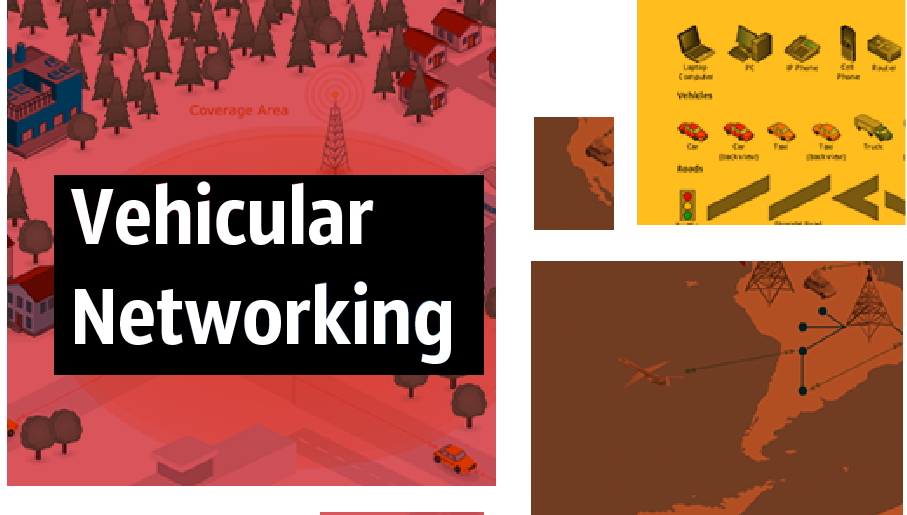
The Vehicular Networking solution extends the ConceptDraw DIAGRAM software functionality with specialized tools, wide variety of pre-made vector objects, collection of samples and templates in order to help network engineers design vehicular network diagrams for effective network engineering activity, visualize vehicular networks, develop smart transportation systems, design various types of vehicle network management diagrams, regional network diagrams, vehicular communication system diagrams, vehicular ad-hoc networks, vehicular delay-tolerant networks, and other network engineering schemes.
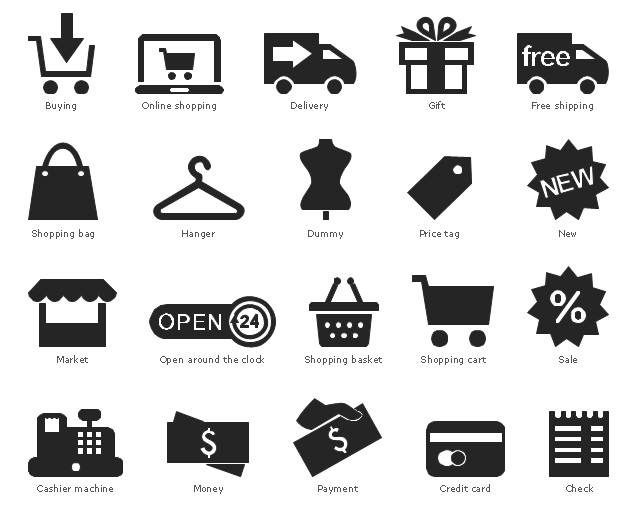
The vector stencils library "Shopping pictograms" contains 20 shopping symbols.
Use it to draw your infographics.
The example "Design elements - Shopping pictograms" was created using the ConceptDraw PRO diagramming and vector drawing software extended with the Pictorial Infographic solution from the area "What is infographics" in ConceptDraw Solution Park.
Use it to draw your infographics.
The example "Design elements - Shopping pictograms" was created using the ConceptDraw PRO diagramming and vector drawing software extended with the Pictorial Infographic solution from the area "What is infographics" in ConceptDraw Solution Park.
Pictograms
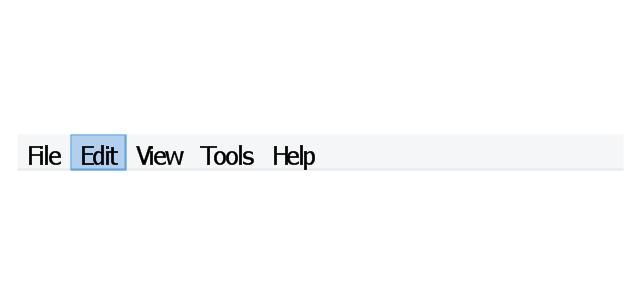
The vector stencils library "Menus" contains 14 icons of Windows 8 menus.
Use this menu UI icon set to design graphic user interface (GUI) prototypes of your software applications for Windows 8.
"A menu bar is a graphical control element which contains drop down menus. The menu bar's purpose is to supply a common housing for window- or application-specific menus which provide access to such functions as opening files, interacting with an application, or displaying help documentation or manuals. Menu bars are typically present in graphical user interfaces that display documents and representations of files in windows and windowing systems but menus can be used as well in command line interface programs like text editors or filemanagers where drop-down menu is activated with shortcut key or combination. ...
The menu bar in Microsoft Windows is usually anchored to the top of a window under the title bar; therefore, there can be many menu bars on screen at one time. Menus in the menu bar can be accessed through shortcuts involving the Alt key and the mnemonic letter that appears underlined in the menu title. Additionally, pressing Alt or F10 brings the focus on the first menu of the menu bar." [Menu bar. Wikipedia]
The menu elements example "Menus - Vector stencils library" was created using the ConceptDraw PRO diagramming and vector drawing software extended with the Windows 8 User Interface solution from the Software Development area of ConceptDraw Solution Park.
Use this menu UI icon set to design graphic user interface (GUI) prototypes of your software applications for Windows 8.
"A menu bar is a graphical control element which contains drop down menus. The menu bar's purpose is to supply a common housing for window- or application-specific menus which provide access to such functions as opening files, interacting with an application, or displaying help documentation or manuals. Menu bars are typically present in graphical user interfaces that display documents and representations of files in windows and windowing systems but menus can be used as well in command line interface programs like text editors or filemanagers where drop-down menu is activated with shortcut key or combination. ...
The menu bar in Microsoft Windows is usually anchored to the top of a window under the title bar; therefore, there can be many menu bars on screen at one time. Menus in the menu bar can be accessed through shortcuts involving the Alt key and the mnemonic letter that appears underlined in the menu title. Additionally, pressing Alt or F10 brings the focus on the first menu of the menu bar." [Menu bar. Wikipedia]
The menu elements example "Menus - Vector stencils library" was created using the ConceptDraw PRO diagramming and vector drawing software extended with the Windows 8 User Interface solution from the Software Development area of ConceptDraw Solution Park.
Menu bar
Menu category

Menu category - selected

Menu bar background

Drop-down menu
Separator line

Check

Option

Menu item

Menu item - selected
Menu item - disabled

Arrow indicator

Menu item with arrow
Menu item with arrow - selected
- Design elements | Shopping pictograms | Design Clothes Software
- Network Diagramming Software for Design Rack Diagrams | Home ...
- IDEF Business Process Diagrams | Army Flow Charts | Buying ...
- Store Layout Software | Sports Clothing Vector Png
- Network Diagram Software | Coach Bus Design Software
- How to Make Summer Sports Field Diagrams | Cabinet Design ...
- Retail Store Layout Plan
- Network Diagram Software | Bus Designing Software
- How to Create a Sport Field Plan


