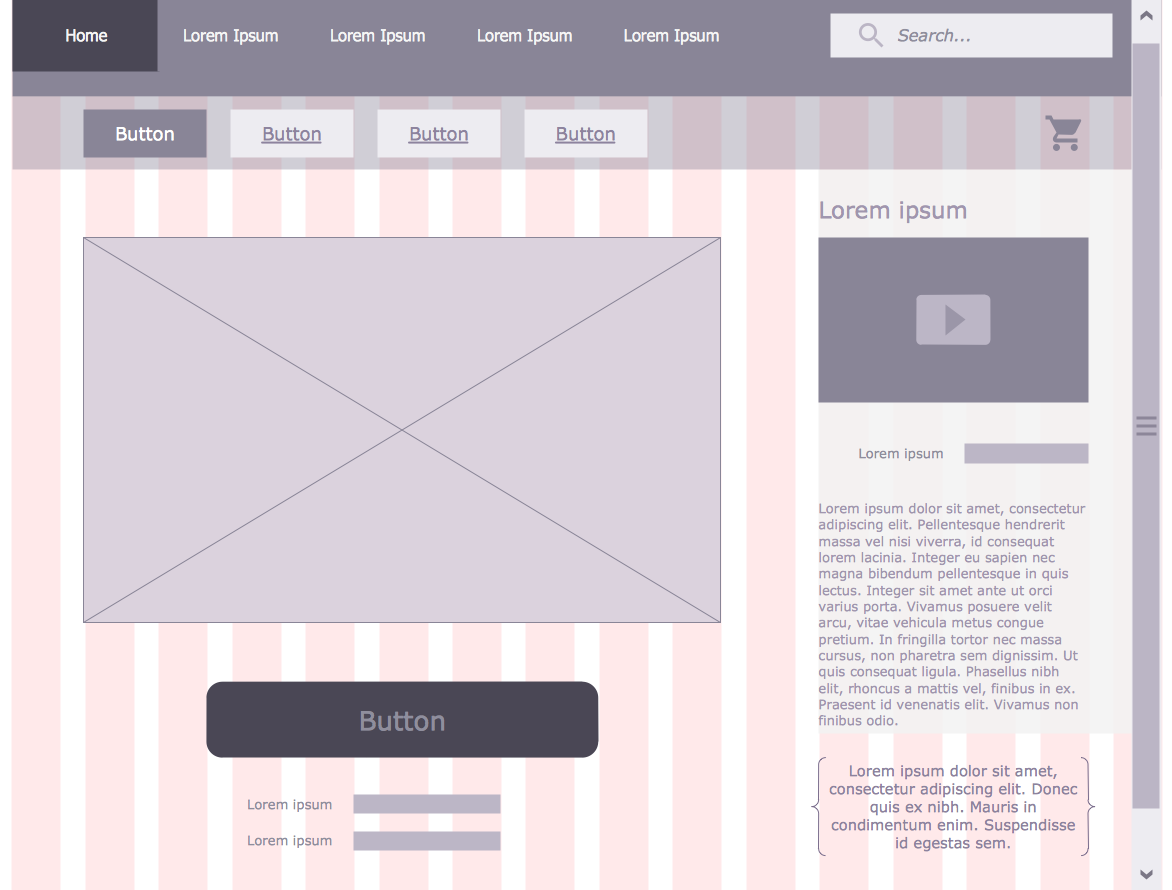
Example 1. Website Wire Frame - User Registration Form
ConceptDraw DIAGRAM as wire frame software proposes you a few variants of quick and easy designing website wireframe. First of them is to use the vector objects from the numerous libraries of Website Wireframe Solution. These 7 libraries contain 275 ready-to-use vector objects:
- Controls
- Icons
- Web Widgets
- Advertisement
- Navigation
- Text and Images
- Wireframe Grid
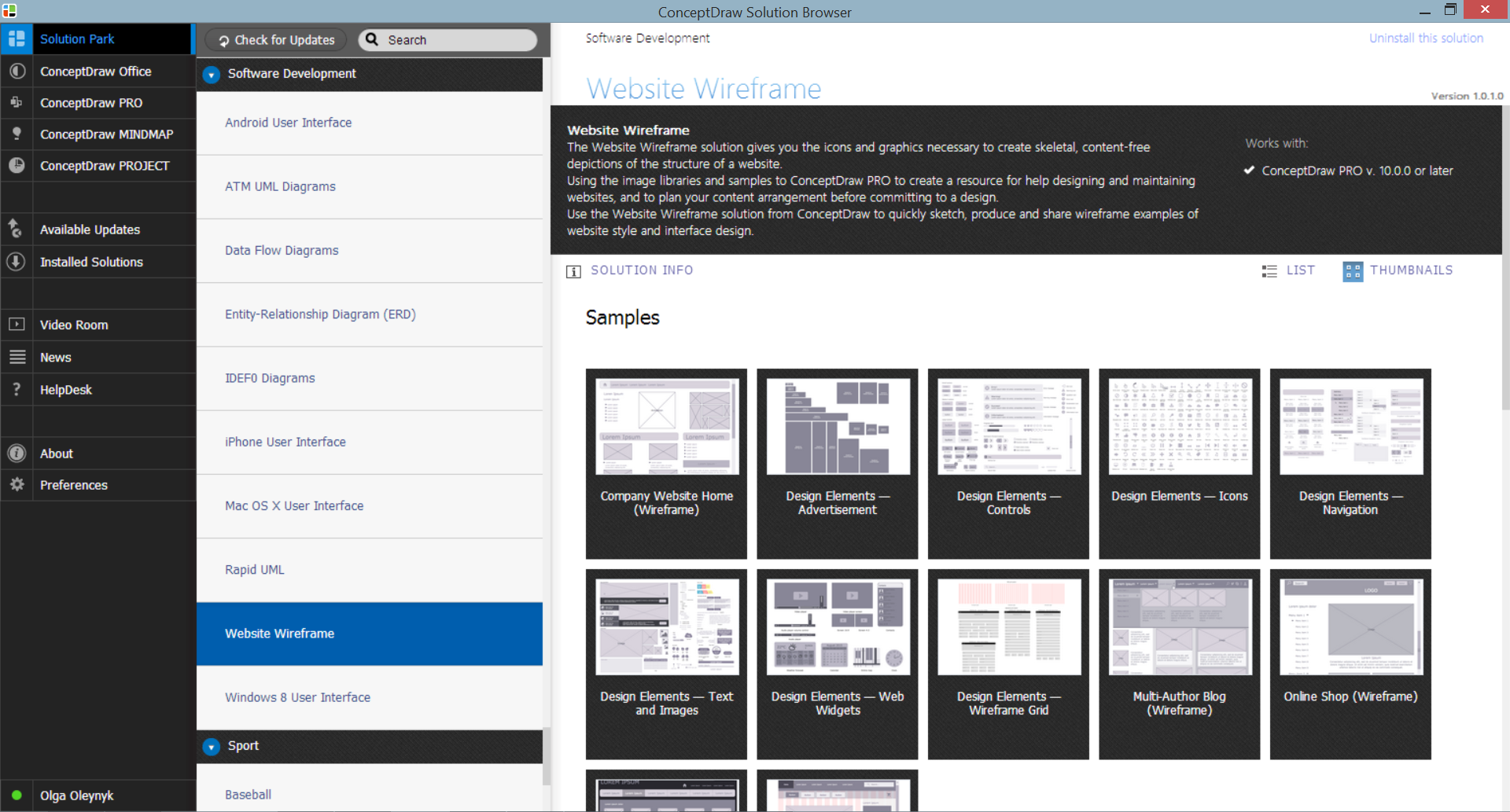
Example 2. Website Wireframe Solution in ConceptDraw STORE
Good website wireframe is a keystone to the creation successful, professional looking and perspective site designs. Collection of predesigned samples and template included in Website Wireframe solution will effectively help you. You can find them in ConceptDraw STORE.
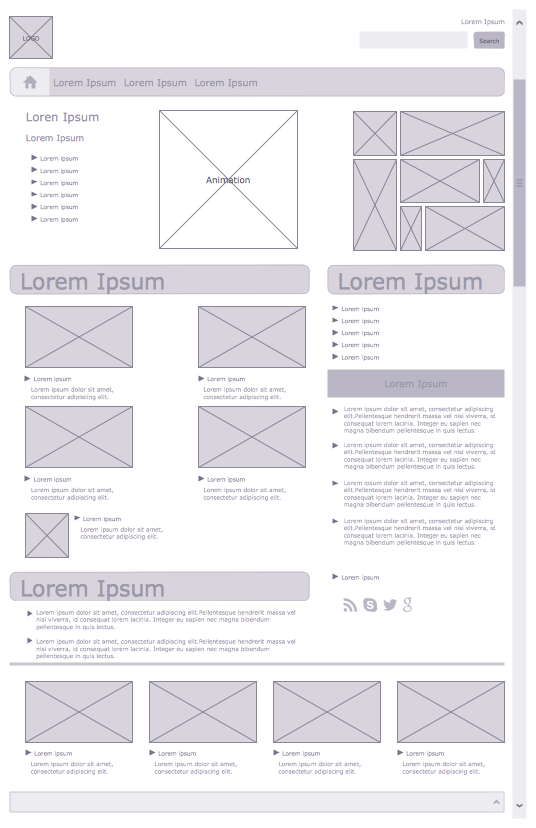
Example 3. Company Website Home Wire Frame
The wire frame samples you see on this page were created in ConceptDraw DIAGRAM software using the tools of Website Wireframe Solution for ConceptDraw DIAGRAM Solution Park. An experienced user spent 15 minutes creating each of these samples.
Use effective wireframe tools of Website Wireframe Solution for ConceptDraw DIAGRAM software to quick, easy and professionally design websites.
All source documents are vector graphic documents. They are available for reviewing, modifying, or converting to a variety of formats (PDF file, MS PowerPoint, MS Visio, and many other graphic formats) from the ConceptDraw STORE. The Website Wireframe Solution is available for all ConceptDraw DIAGRAM users.
FIVE RELATED HOW TO's:
Visio for Mac and Windows - ConceptDraw as an alternative to MS Visio. ConceptDraw DIAGRAM delivers full-functioned alternative to MS Visio. ConceptDraw DIAGRAM supports import of Visio files. ConceptDraw DIAGRAM supports flowcharting, swimlane, orgchart, project chart, mind map, decision tree, cause and effect, charts and graphs, and many other diagram types.
Picture: Is ConceptDraw DIAGRAM an Alternative to Microsoft Visio?
Variable delay elements are often used to manipulate the rising or falling edges of the clock or any other signal in integrated circuits. Delay elements are also used in delay locked loops and in defining a time reference for the movement of data within those systems.
26 libraries of the Electrical Engineering Solution of ConceptDraw DIAGRAM make your electrical diagramming simple, efficient, and effective. You can simply and quickly drop the ready-to-use objects from libraries into your document to create the electrical diagram.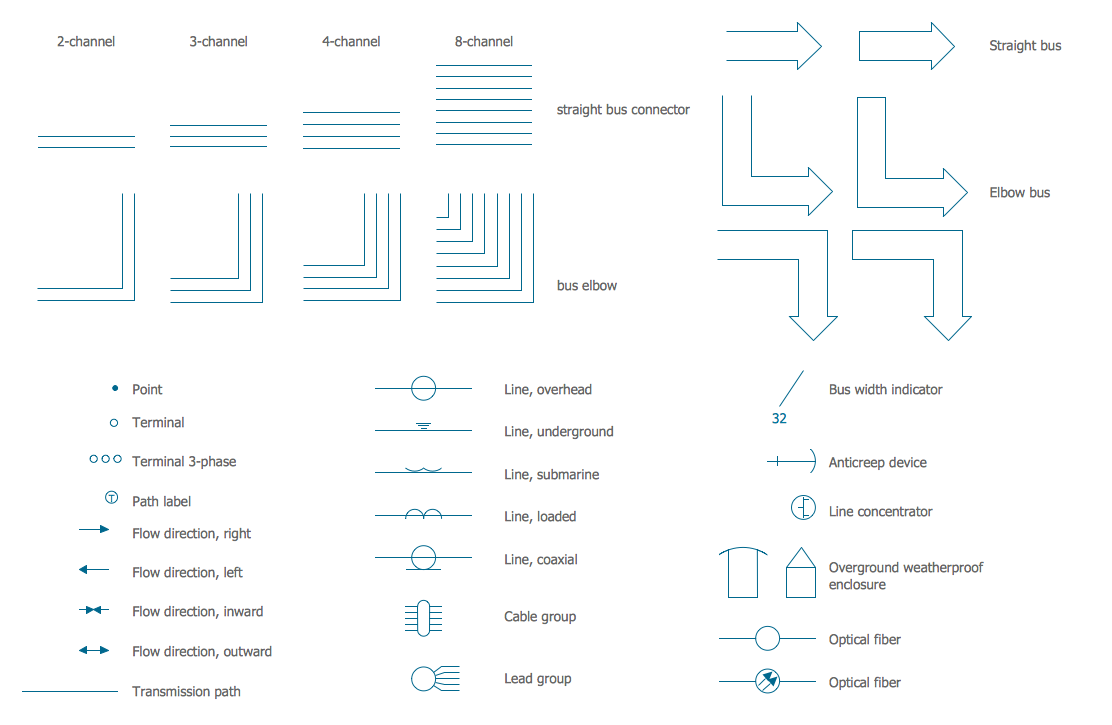
Picture: Electrical Symbols — Transmission Paths
Related Solution:
The Bubble Map is a popular tool for visualization a data set which is widely used in economics, medicine, software engineering, architecture, and many other fields. Each bubble on the Bubble Map is characterized by coordinates, color and size. ConceptDraw DIAGRAM diagramming and vector drawing software extended with Business Diagrams Solution from the Management Area is a powerful Bubble Map Maker.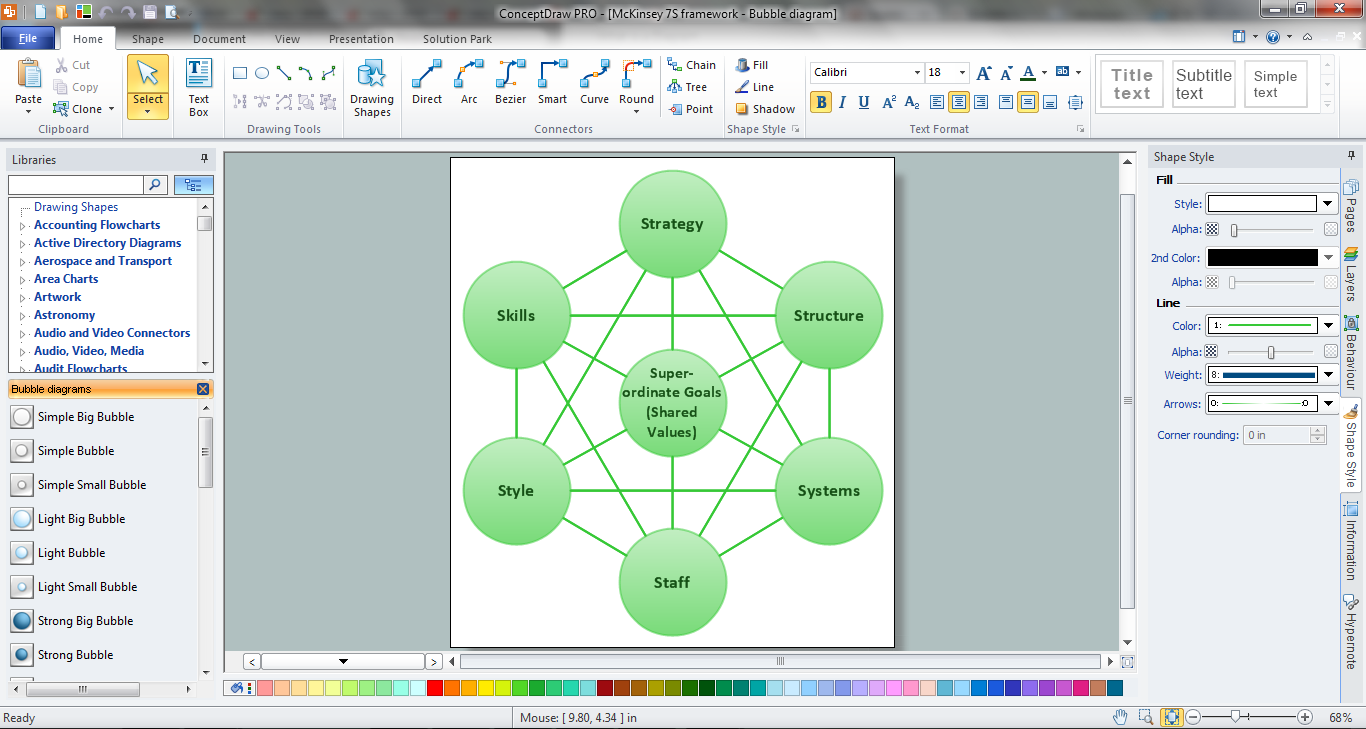
Picture: Bubble Map Maker
Related Solution:
Website wireframes are convenient and widely used by developers, visual designers, business analysts, and many other people related with projection, development and promotion websites. Usually website wireframes look lacking of brilliance, but they effectively reflect website functionality, content and visually represent its skeletal framework.
ConceptDraw DIAGRAM software offers a unique Website Wireframe solution from the Software Development area with all needed tools for fast and easy drawing professional looking website wireframe with attractive interface design.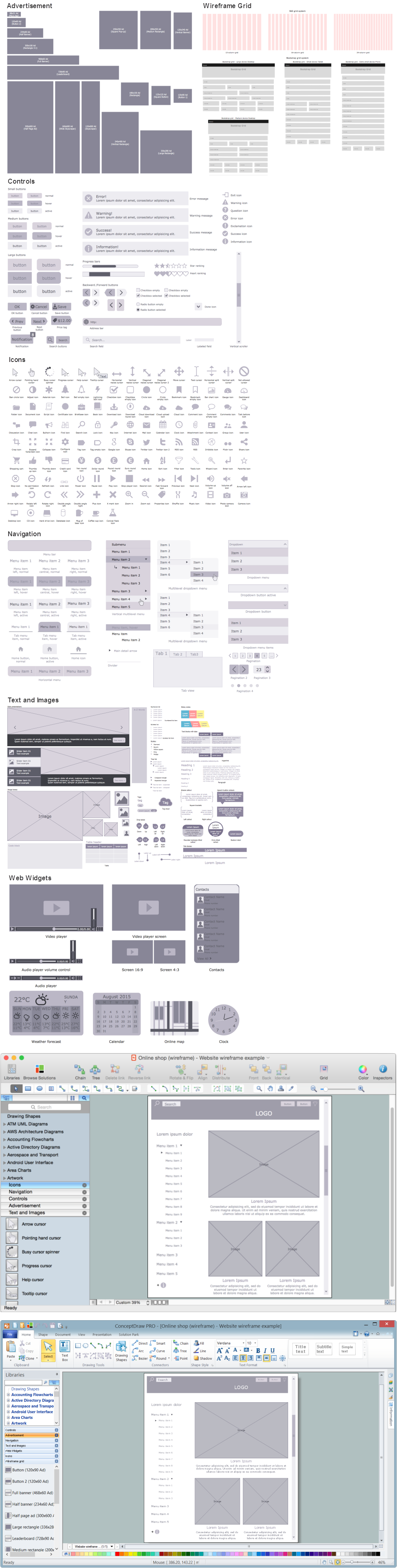
Picture: Interface Design
Related Solution:
Data flow diagrams are the graphical tool, used in the visualization of data flow of some data processing systems. It is the valuable process modeling tool. Also designing DFD is the important component of the initial part of any information system development project. The standard symbols are used to represent the interaction of a system components and how various kinds of components influence on data flow. The ConceptDraw Data Flow Diagrams solution is design to assist professional software engineers in making DFDs according to Gane and Sarson, and Yourdon and Coad notations.
Do you imagine yourself as a successful IT specialist? To your mind, they all use data flow diagram examples to learn and to get inspired. Aren’t you still with us?
Picture: Data Flow Diagram Examples
Related Solution:

