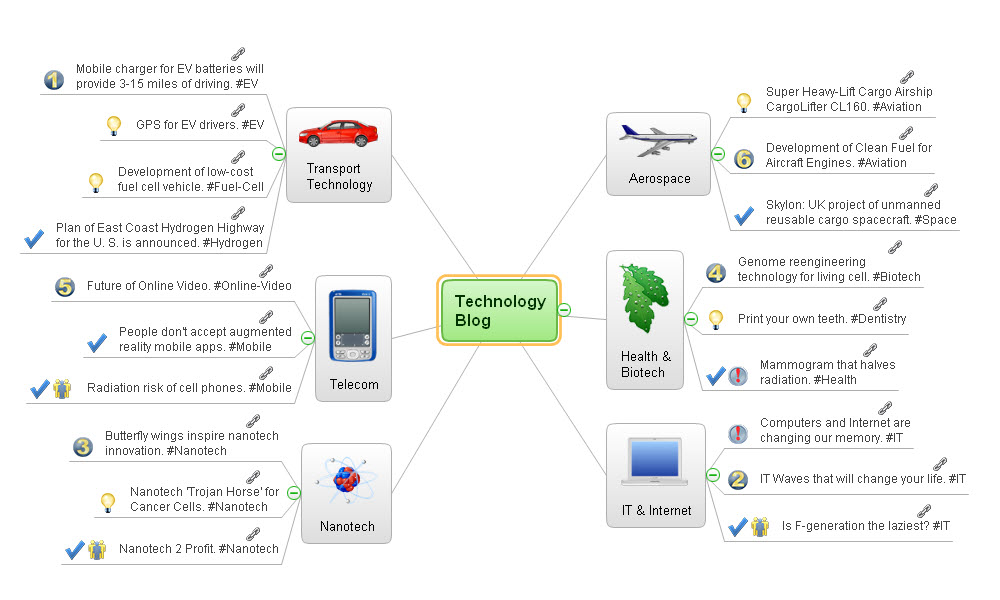
Sample 1. Mind map presentation - Technology blog.
Why to import PowerPoint slides into ConceptDraw MINDMAP ?
There are three usable scenarios.
Scenario 1 — Need to Review PowerPoint Content.
A major proposal to your company includes a PowerPoint slide deck covering some of the more detailed points. Flipping from slide to slide takes time, and in the process you can lose or obscure the meaning behind the presentation. With the latest update to ConceptDraw MINDMAP, you can easily extract the content from the presentation and see how it all fits together in a single view.
Scenario 2 — Organization of Presentation Content.
You have to give an important presentation to the Board of Directors on Friday. The last presentation you gave they picked apart. They said it wasn’t presented properly, and that it was very hard to follow. They felt you should have done a better job of supporting your critical points.
Scenario 3 — Improve Learning from Slides.
The class you are attending has distributed slide presentations that contain lots of study content. The challenge is to take all of the material from class and use it to better leverage the time you have to study. With ConceptDraw MINDMAP you can pull the content into a map that gives you better access to the class materials.
EIGHT RELATED HOW TO's:
Learning Presentation using mindmaps. ConceptDraw MINDMAP is Frequently used tool for presentations, remote trainings via Skype and webinars.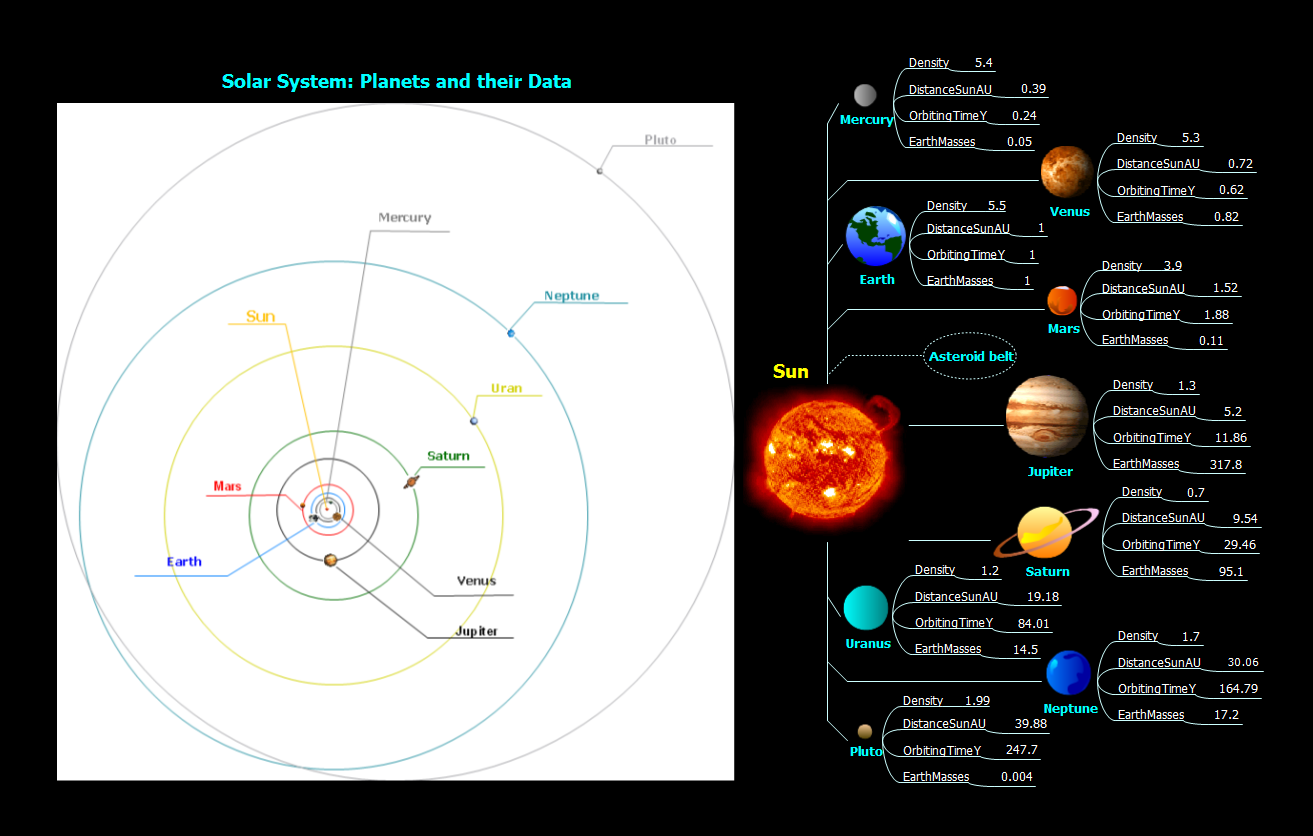
Picture: Create Learning Presentation using mindmaps
Related Solution:
The Nature Solution addition to ConceptDraw Solution Park for ConceptDraw DIAGRAM includes new libraries that provide a wide range nature objects and it can be used to augment documentation and graphics. Draw beautiful nature scenes using ConceptDraw DIAGRAM software with Nature solution.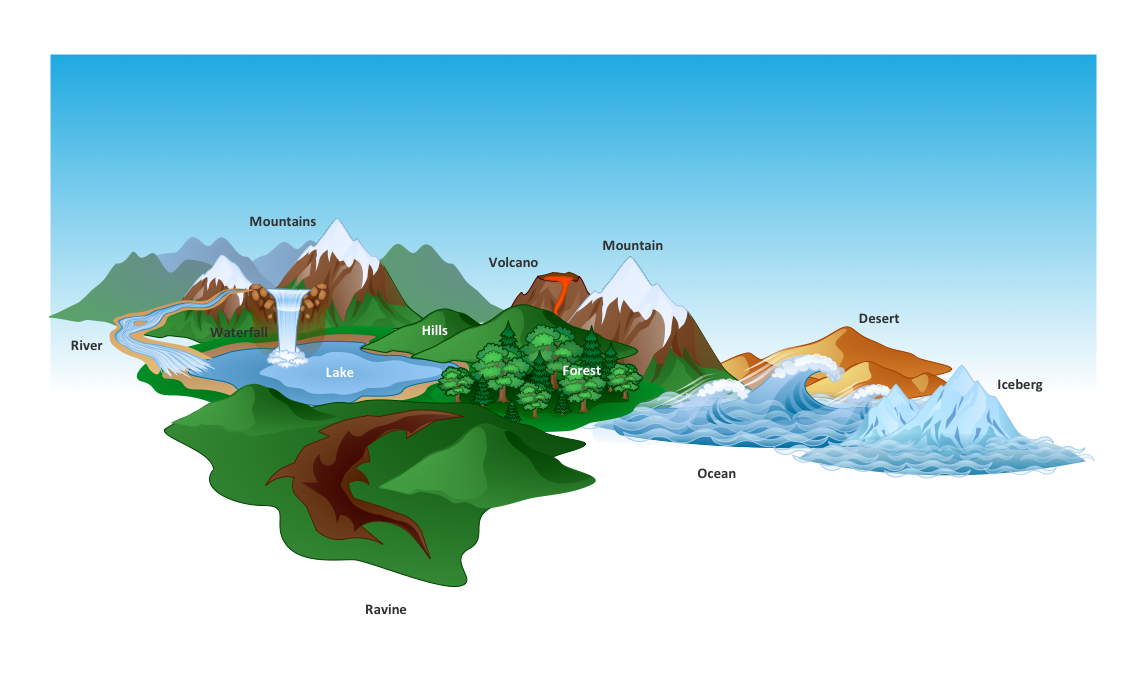
Picture: Beautiful Nature Scene: Drawing
An Example world map, showing a simple outline of world map. The world map is vector and can be edited or export to svg format.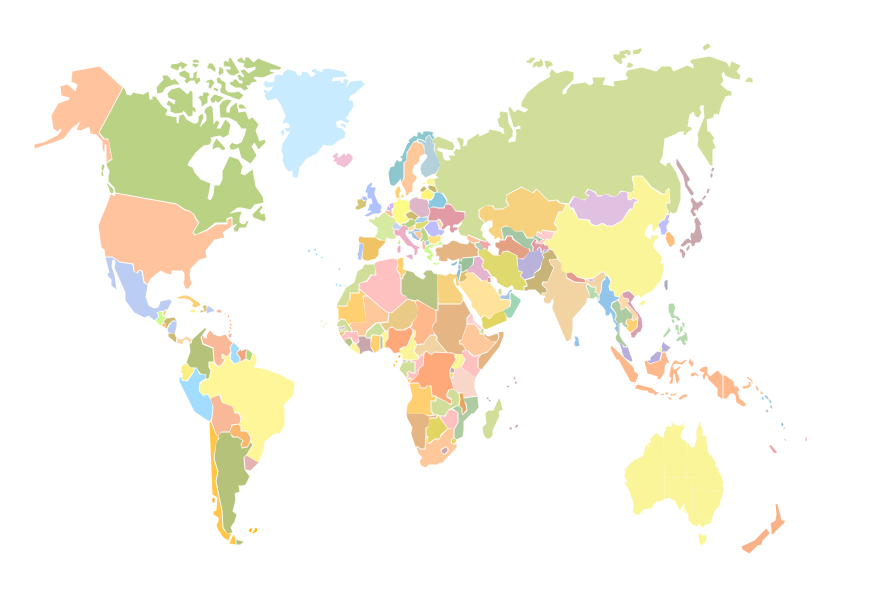
Picture: Geo Mapping Software Examples - World Map Outline
Related Solution:
Mind Map Food - This sample was created with ConceptDraw MINDMAP mind mapping software.
This sample shows the mind map about the such fast food as Hamburger. This sample narrates about the hamburger’s history, ingredients and preparation. You can use this sample at the cooking, in the fast food cafes, on the factories of the fast preparation products.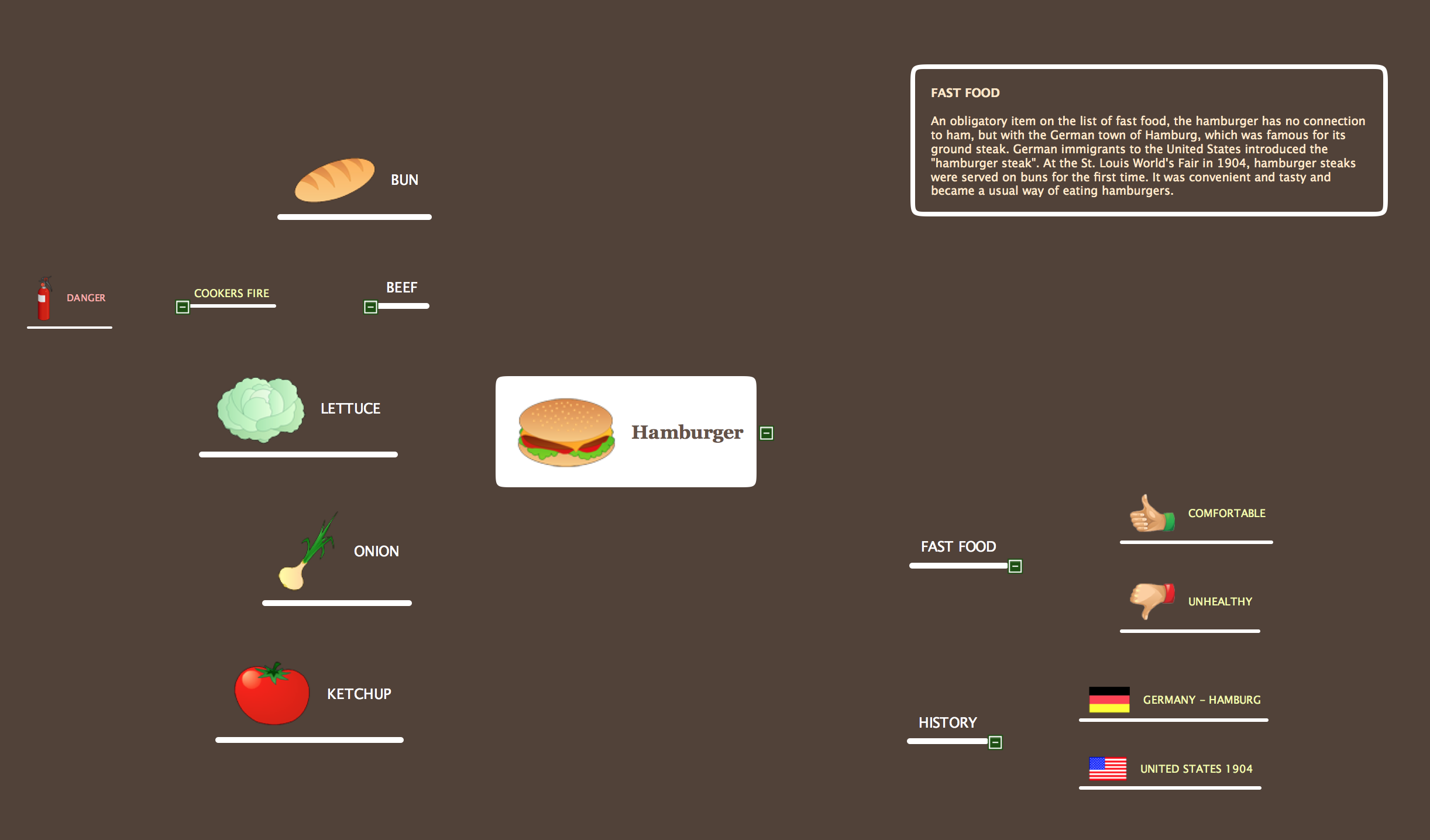
Picture: Mind Map Food
Related Solution:
ConceptDraw MINDMAP the will guide you in creating and demonstrating powerful mind map presentations.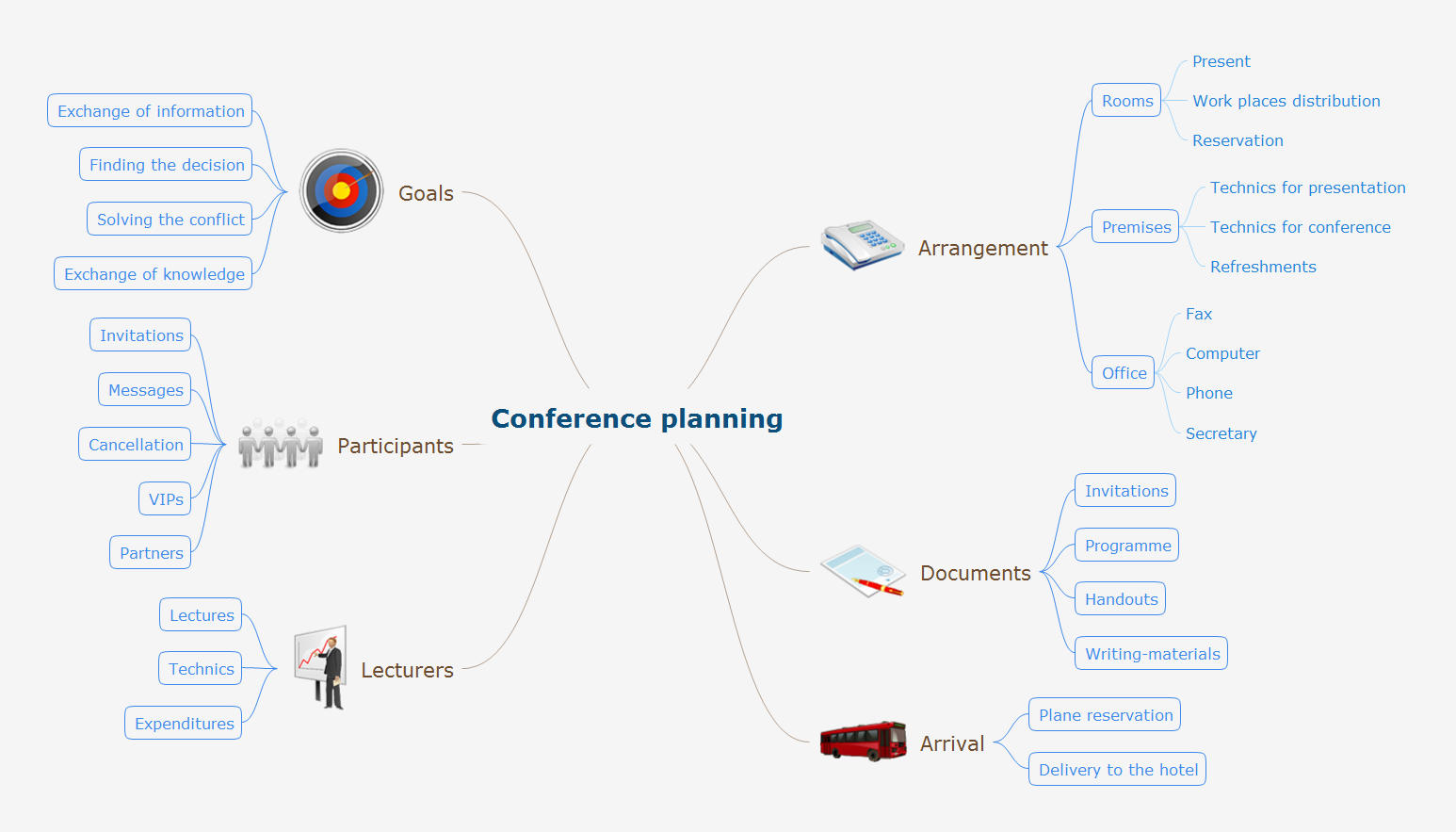
Picture: Program for Making Presentations
Related Solution:
Preparing for presentations easy with ConceptDraw MINDMAP.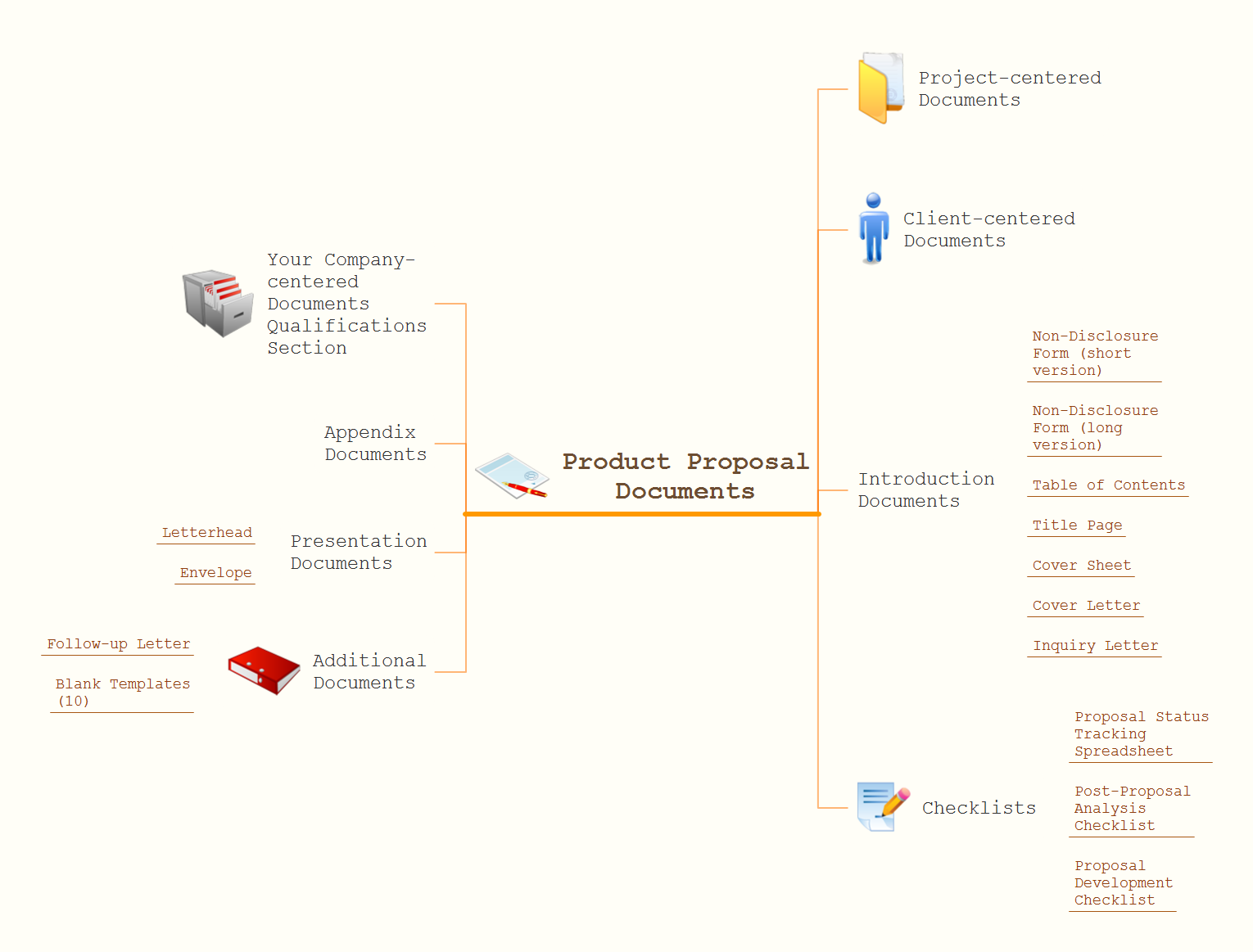
Picture: How to Prepare for a Presentation
Related Solution:
While creating flowcharts and process flow diagrams, you should use special objects to define different statements, so anyone aware of flowcharts can get your scheme right. There is a short and an extended list of basic flowchart symbols and their meaning. Basic flowchart symbols include terminator objects, rectangles for describing steps of a process, diamonds representing appearing conditions and questions and parallelograms to show incoming data.
This diagram gives a general review of the standard symbols that are used when creating flowcharts and process flow diagrams. The practice of using a set of standard flowchart symbols was admitted in order to make flowcharts and other process flow diagrams created by any person properly understandable by other people. The flowchart symbols depict different kinds of actions and phases in a process. The sequence of the actions, and the relationships between them are shown by special lines and arrows. There are a large number of flowchart symbols. Which of them can be used in the particular diagram depends on its type. For instance, some symbols used in data flow diagrams usually are not used in the process flowcharts. Business process system use exactly these flowchart symbols.
Picture: Flowchart Symbols: Meaning and Examples
Related Solution:
ConceptDraw MINDMAP extended with Presentation Exchange solution allows you to create a traditional PowerPoint Presentation from your mind maps.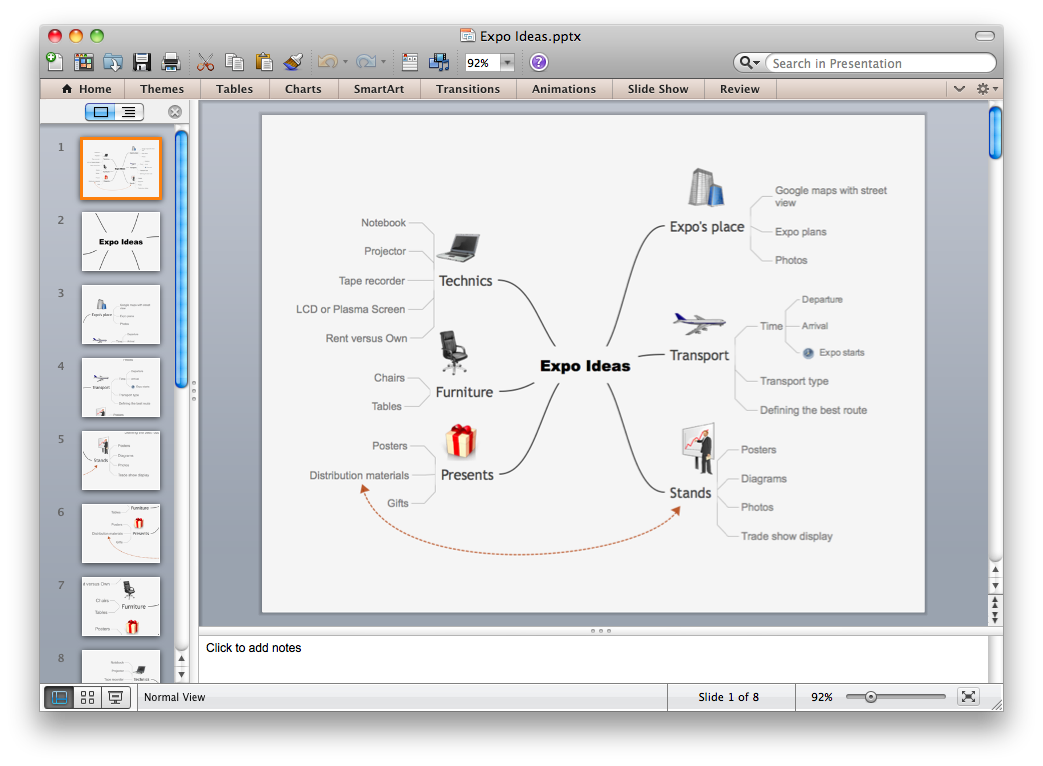
Picture: Export from ConceptDraw MINDMAP to PowerPoint® Presentation