Organizational Chart Templates
It is important for any organization or business to have a clear structure, that recognizes and defines employees' roles and responsibilities, and ultimately provides the framework for accomplishing the goals and aims of the company. There are a number of factors which decide how formal the structure needs to be, how complex, and which template it should follow — factors such as size and location of the company, how much management is needed, and the size and divisions of the workforce.
A diagram, with the help of which you can show the structure of your own or somebody else’s organization, including the commercial company or governmental one, as well as the relationships of this organization’s parts and people’s jobs within it, is known as an “organizational chart” or simply “org chart” (sometimes people also call it “organogram”). The term “org chart” is also used similarly to this structure diagrams for the purpose of showing the different elements of a business field of knowledge, for example.
The “org chart” is a special diagram graphically illustrating the relations of the departments as well as the co-workers to each other within a company. It can be also used for showing the relation of one function of a company to another (or others). Such an “organizational chart” enables us to visualize a complete organizational structure in a way of a drawing in order to simplify the description of it.
For example, if you decide to make your own company's organizational chart, you will have to illustrate the relations between all or just some (usually so-called “key workers”) people within your organization. The describing relations may be between the managers and their sub-workers, between the directors and managing directors, chief executive officers with various departments and so people working in them. In case your organization is too large, then the “organizational chart” can be split into smaller charts, describing separate departments within this organization. The different types of organization charts can include the “matrix” structure, the “flat” one (also known as the one called “horizontal”), and the one called “hierarchical”.
In order to create such an “organizational chart” you can simply put the principal officials, departments, or functions first on the top of this diagram and then draw all of the rest departments and workers depending on their rank. The officials’ titles, including their names, are usually represented in a way of the boxes, but there can be used circles instead. The lines are generally drawn from one box or circle to another showing the relation of one official or department to the others.
Daniel McCallum was the first one who created the first organizational charts of American business in 1854 and since then such chart became popular in use for the different organizations, especially the large ones.
The term "organization chart" came into use at the beginning of the 20th century. They became an excellent example of the division of a total quantity of people and departments into its components. In the 1920s there was a survey revealing that organizational charts were still not common among ordinary business concerns, but they were about to find their way into business and administrative enterprises.
There are a few limitations for creating an organizational chart, such as they only illustrate the “formal relationship”, but the pattern of human (social) relationships that are being developed. The organizational charts also often do not show the horizontal relationships, but mainly vertical. In order to have them relevant, you have to be updating the organizational charts manually every time they need to be updated, as they can very quickly become “out-of-date”. It is a very common problem for large organizations to have so many changes in their structures every day and so to have to edit the charts almost every time there are changes taking place, as such companies have their staff changing on a regular basis.
As it was mentioned before, the organizational charts only show the so-called "formal relationships" and provide only a little information about the managerial style adopted, such as “democratic”, “autocratic” or an “intermediate” style.
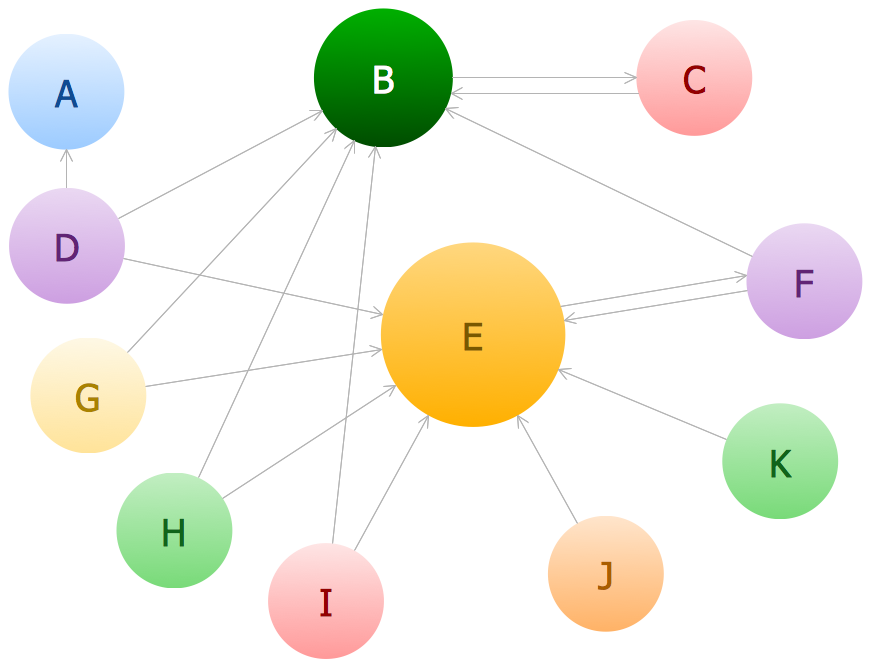
In case you want to show the non-linear and non-hierarchical relationships, having them in your organization, then you can draw an org chart so it is obvious for everyone looking at it what kind of relationships there are in your company, although such charts do not include the customers of the organization and you cannot mention any other structures, but your company’s. A "line relationship" org chart can look between the two colonels and the general structure - the colonels are directly responsible to the general. The one, representing the "lateral relationship" organization, would be between a "co-worker A" and "co-worker B", who both work on the same level and both report to the "Boss B".
You can use many different shapes for your organization chart, for example, rectangles, triangles, squares, and circles, indicating the different roles within one organization. Colour can be used for these shapes (borders and the shapes themselves) and for the connection lines in order to indicate the differences in responsibilities among the employers and employees. There are usually links, which can be informal, formal, and advisory ones between people working for the same organization. You can mention the departments and positions, which both have to be created or are currently vacant, but those vacant can be shown as a shape with a dotted outline or allotted in some other way. The importance of each of the positions may be also shown both with a unique feature, such as with a change of the shape’s size, additionally to its vertical placement on the org chart.
Having to create such a chart, it is always better to make any needed with professional software, and the best one for such purpose can be ConceptDraw DIAGRAM as this application was developed especially for a reason of simplifying users’ work with drawing different charts, including the organizational one. If you have ConceptDraw DIAGRAM already downloaded, you can get an “Organizational Charts Solution” as well from the “Management Area” of ConceptDraw Solution Park on this site and so to use it for making the professionally and smart-looking org charts.
Open ConceptDraw STORE to see the solution's capabilities and the professional results you can achieve quick and easy.
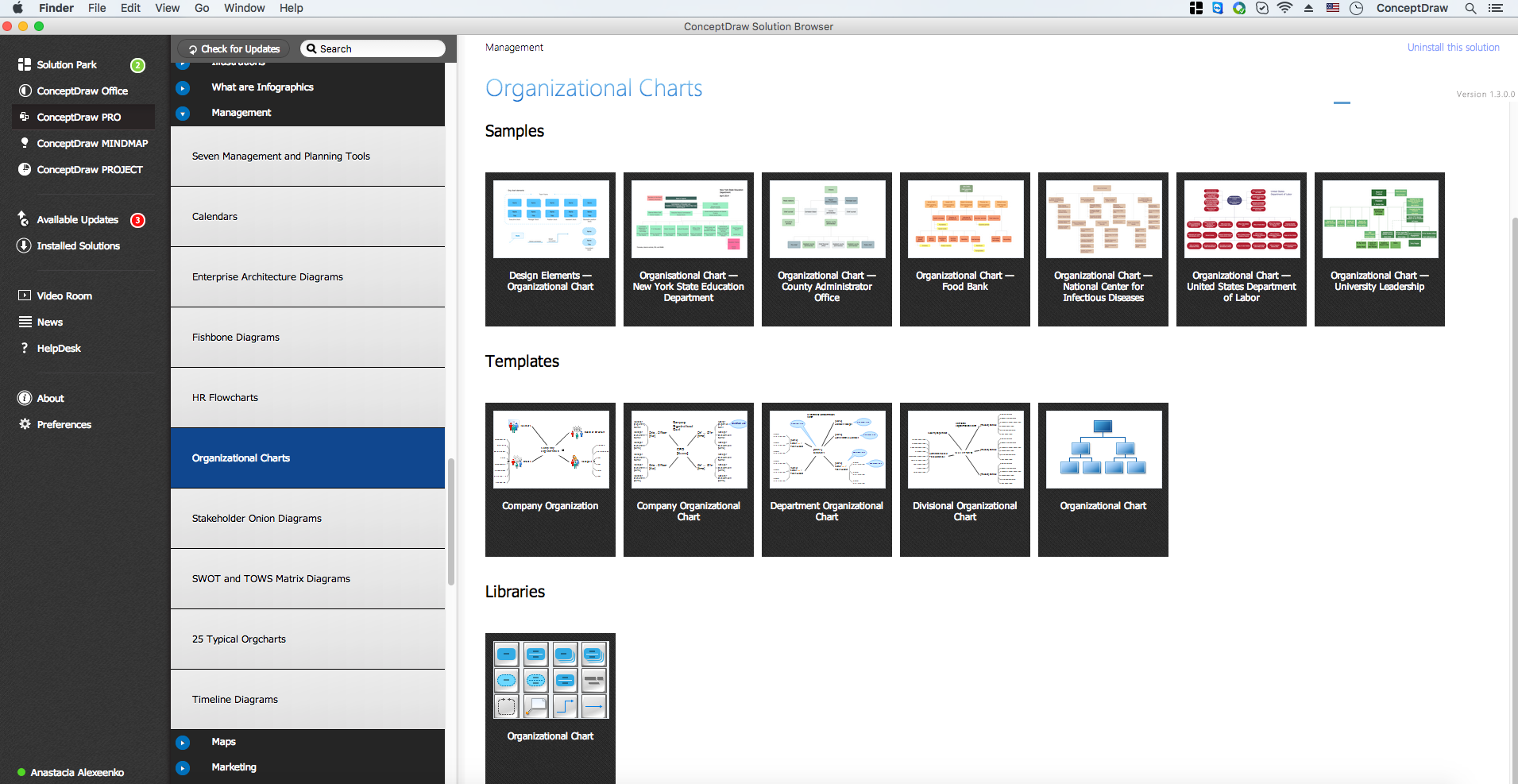
Example 1. Organizational Charts Solution in ConceptDraw STORE
The use of predesigned templates of different organizational chart types is the easiest and time-saving way to depict the organizational structure of your business.
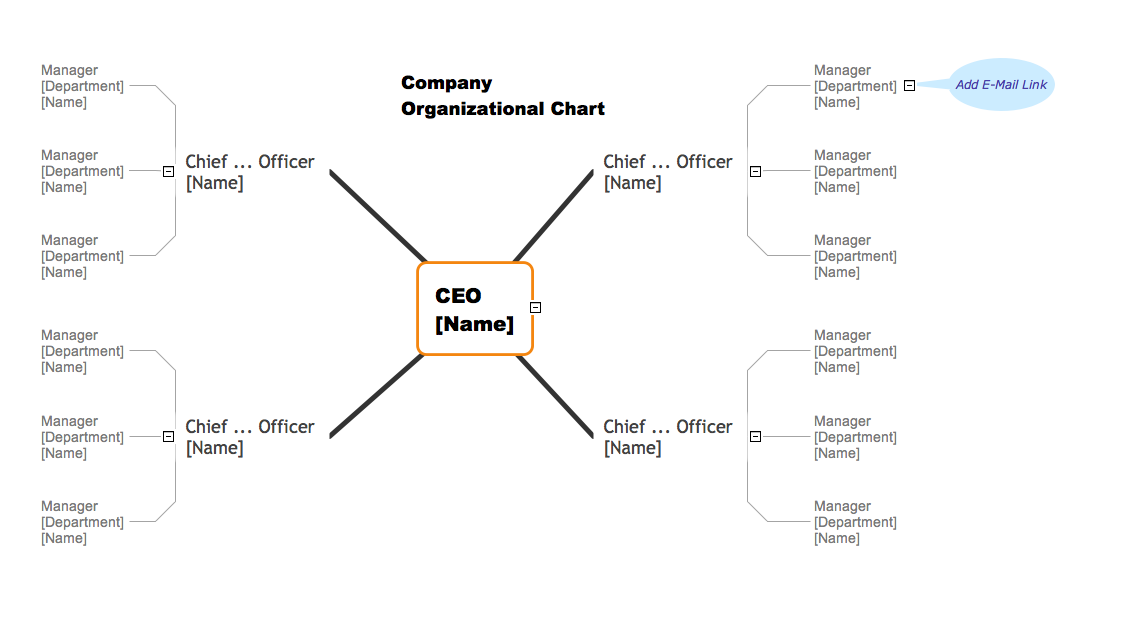
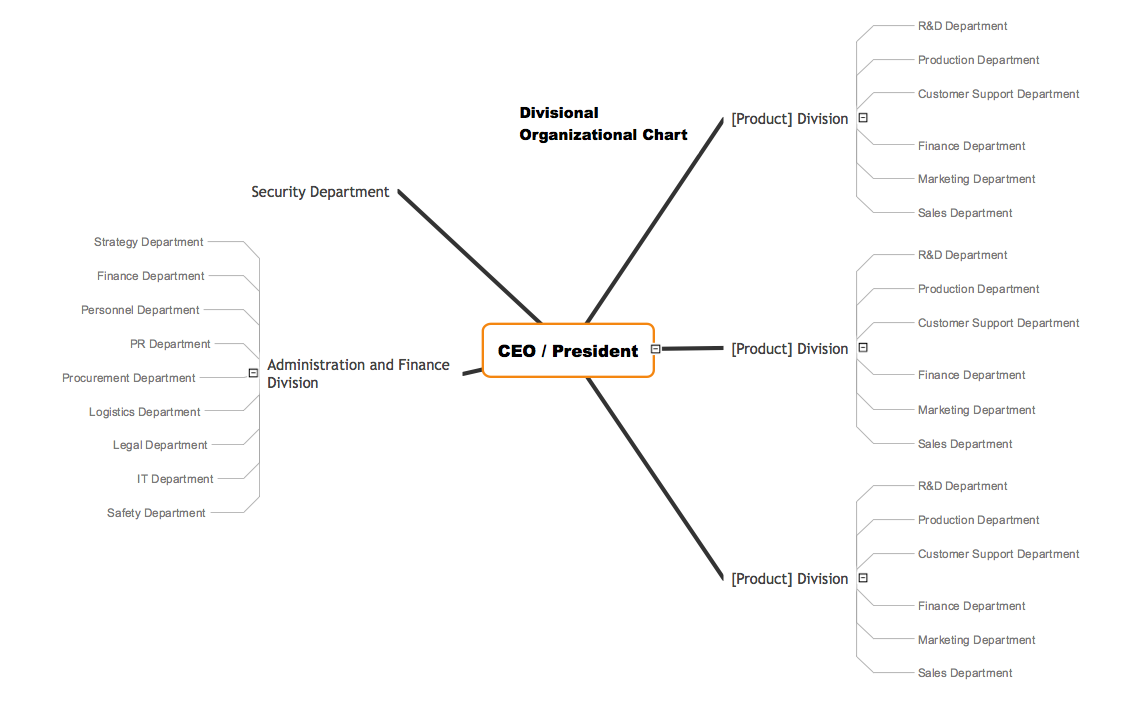

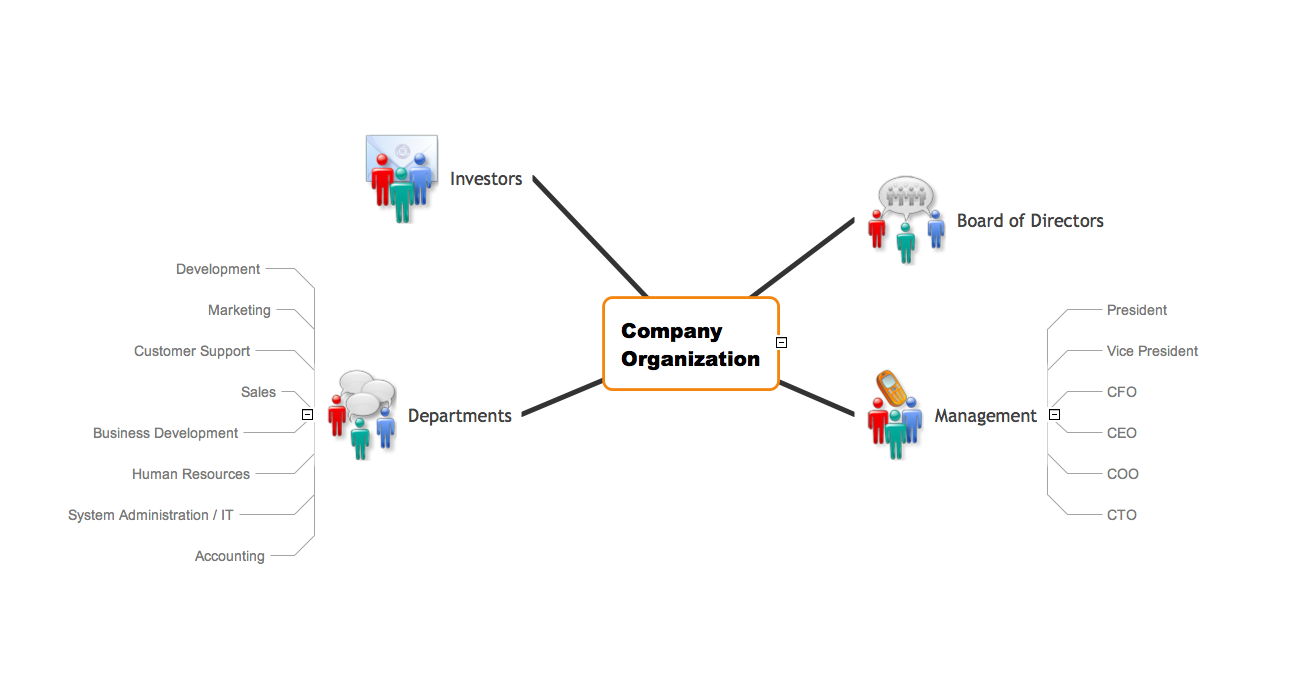
Open the desired template from the ConceptDraw STORE and modify it for your own organizational chart designs.

Example 2. Organizational Chart Template
This organizational chart template was created in ConceptDraw DIAGRAM diagramming software using the Organizational Charts Solution from ConceptDraw Solution Park. An experienced user spent 5 minutes creating this template.
Use the Organizational Charts Solution for ConceptDraw DIAGRAM to create your own Organizational Charts of any complexity quick, easy and effective.
The Organizational Charts designed with ConceptDraw DIAGRAM are vector graphic documents and are available for reviewing, modifying, converting to a variety of formats (image, HTML, PDF file, MS PowerPoint Presentation, Adobe Flash or MS Visio), printing and send via e-mail in one moment.