Made with
ConceptDraw
MINDMAP 16

Strategy Map

ConceptDraw Office

ConceptDraw Office is an integrated set of visualization products and document exchange technologies. ConceptDraw OFFICE consists of a diagramming platform, a mind mapping, and a project management tool. These tools are essential to generate business diagrams, mind maps, project plans, dashboards, presentations, schematics, and any other business visualizations. These tools have access to an online service, ConceptDraw Solution Park that will deliver additional product extensions in the future. This is a time saving assistant for generating your business documents and presentations.

ConceptDraw Office consists of a diagramming platform, a mind mapping, and a project management tool. These tools are essential to generate business diagrams, mind maps, project plans, dashboards, presentations, schematics, and any other business visualizations.

ConceptDraw MINDMAP Templates

Predesigned templates covering a variety of themes that can help you get started faster when working on projects and can help to inspire ideas when suffering from Blank Page Syndrome.

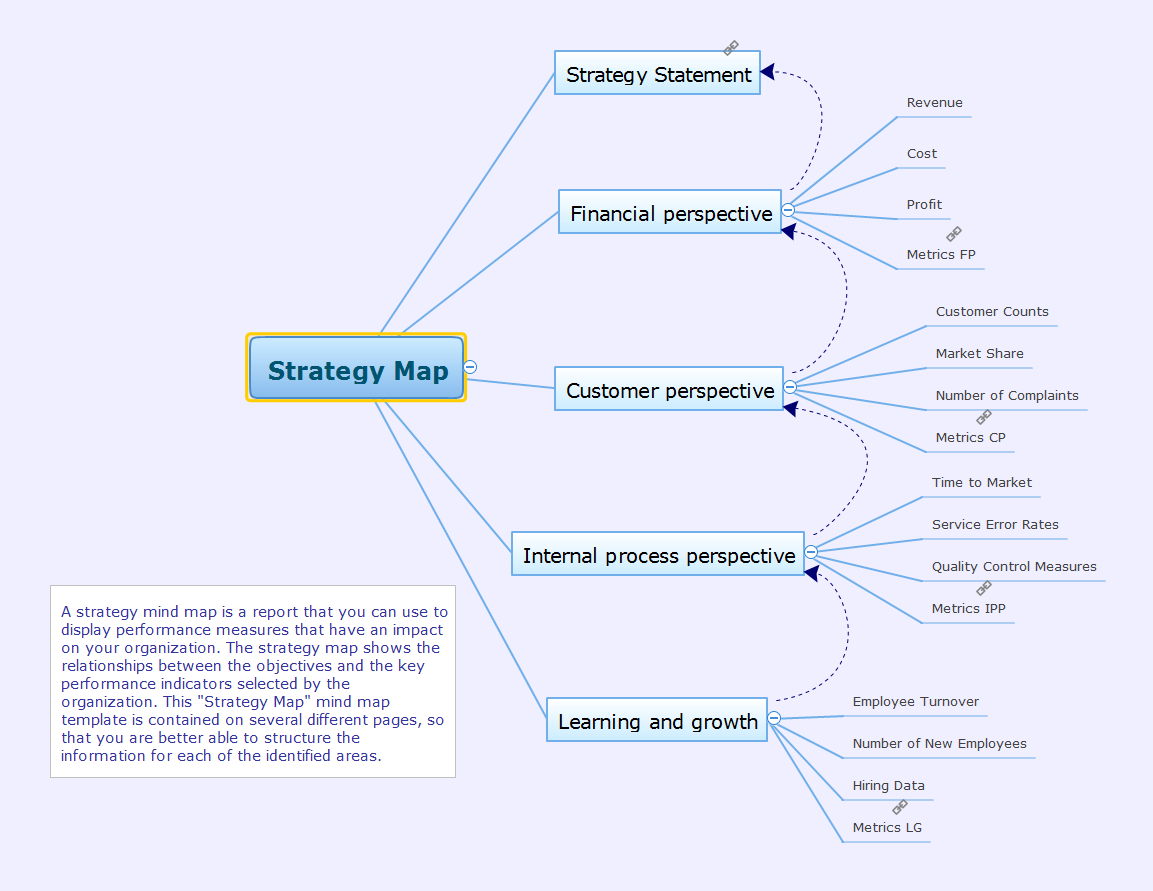
Mind map template of a strategy map that can help you display a variety of performance measures that can have an impact on your organization.
Strategy Map *

Example 1. Strategy Map


Export to Outline


Strategy Map
    • Strategy Statement
    • Financial perspective
      • Revenue
      • Cost
      • Profit
      • Metrics FP
    • Customer perspective
      • Customer Counts
      • Market Share
      • Number of Complaints
      • Metrics CP
    • Internal process perspective
      • Time to Market
      • Service Error Rates
      • Quality Control Measures
      • Metrics IPP
    • Learning and growth
      • Employee Turnover
      • Number of New Employees
      • Hiring Data
      • Metrics LG

The Benefits for ConceptDraw MINDMAP Brainstorming Software

  • ConceptDraw MINDMAP is effective for brainstorming, designing mind maps, idea generating, creative and lateral thinking, creativity and problem solving.
  • ConceptDraw MINDMAP is ideal for team and personal work in Business, Marketing and Project Management.
  • The libraries with large quantity of vector objects help to illustrate your mind maps and to make them bright, visual and comprehensible.
  • Use of View Navigator tool lets create presentations from a mind map: you can simply select the map parts you want to present, sequence your slides, and preview the presentation.
  • ConceptDraw MINDMAP provides wide capabilities of importing and exporting in various formats: Microsoft PowerPoint, Microsoft Word, MS Excel, Mindjet MindManager, image, HTML, PDF file.

EIGHT RELATED HOW TO's:
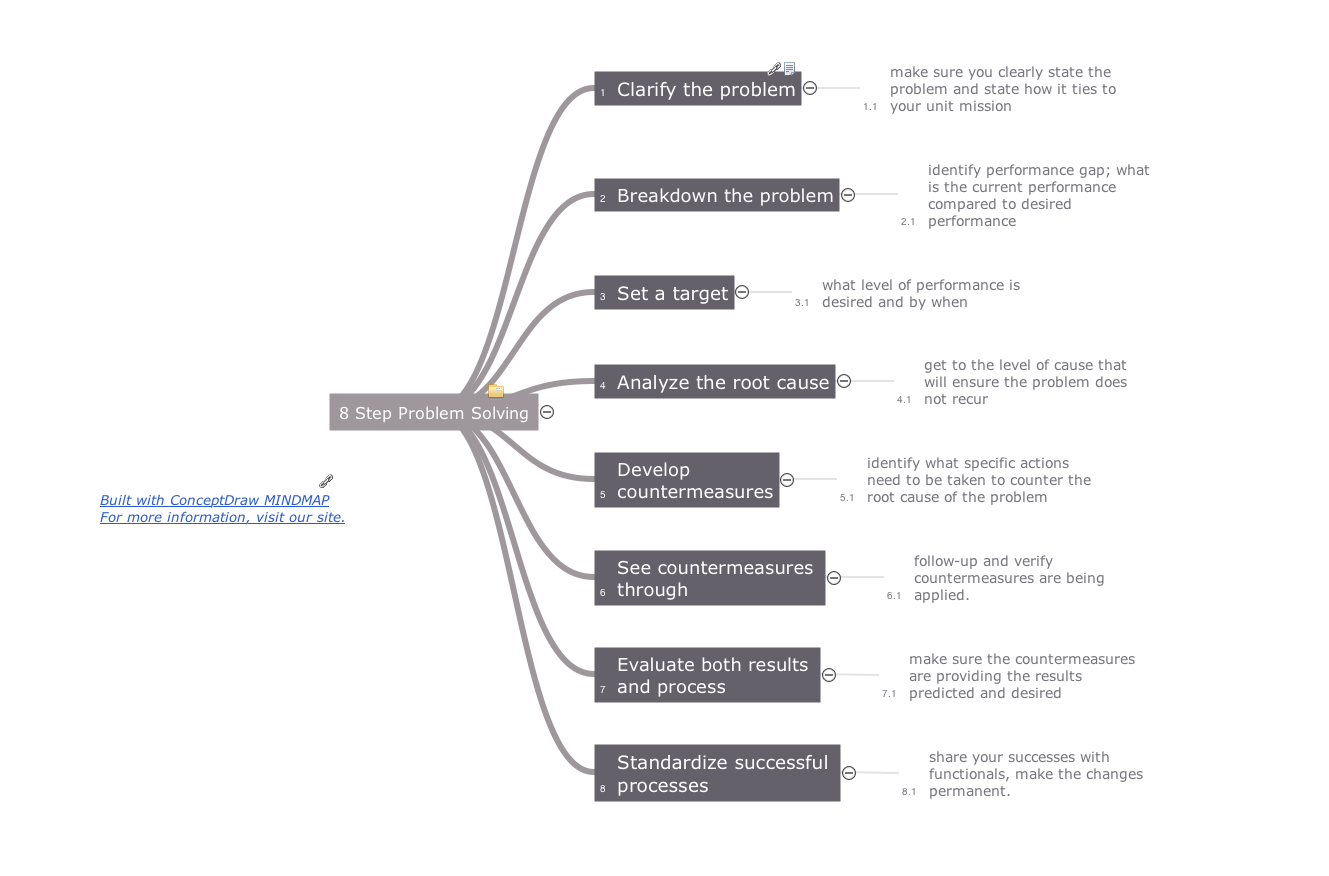
ConceptDraw MINDMAP preserves total quality management and helps bring out the best in your products and services.Mind Maps at work for Quality Managers *
Picture: Mind Maps at work for Quality Managers
Related Solution:
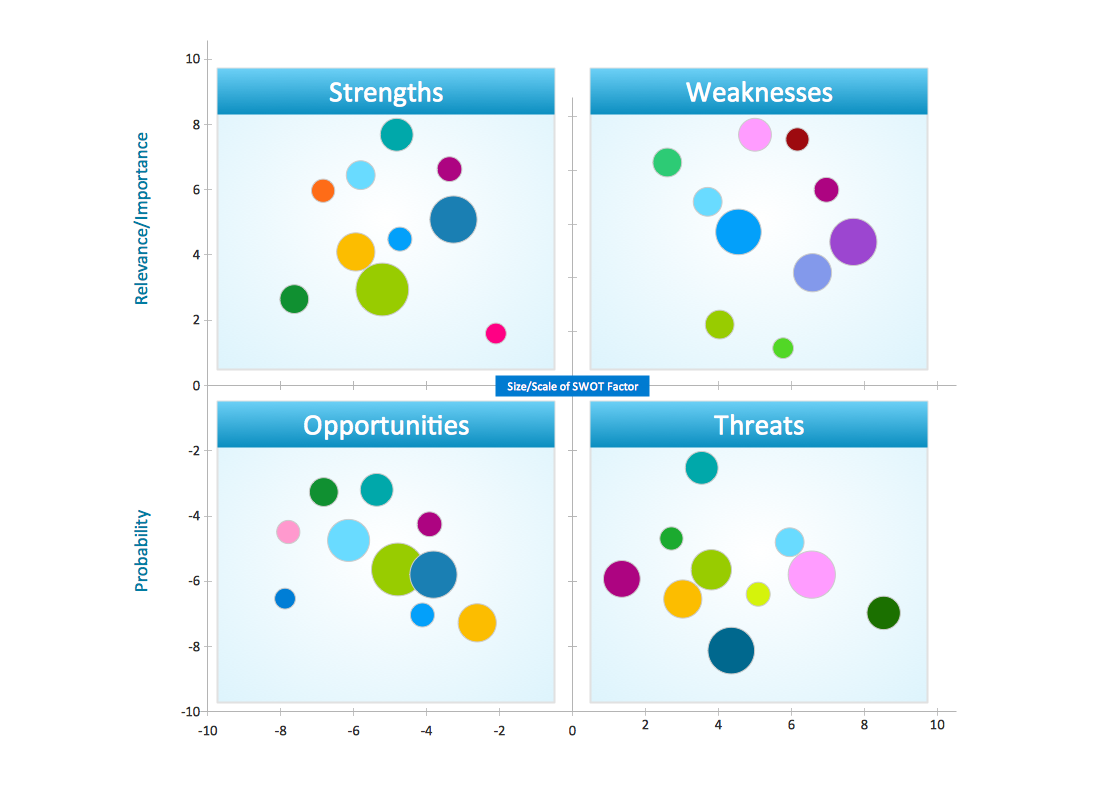
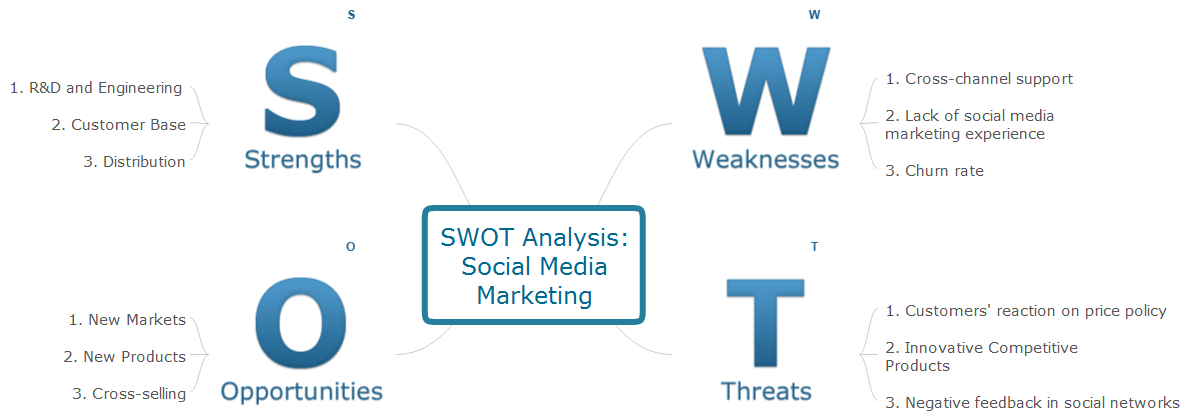
SWOT analysis makes it possible to form a strategy for a company and takes into account its characteristics. To understand the idea, you can view Swot Analysis Examples for Mac OS X and see how this tool can transform the business strategy. The main point is to adapt to the environment, or to try to influence on it. This matrix of was designed to assist business manager in conducting of SWOT analysis. It will help to determine the position business takes regarding competitors and perspective of the further development. The factors of SWOT are depicted as bubbles on a chart. The coordinate axes are size (X) and importance (Y). The each bubble's diameter shows the strategic influence of the particular SWOT factors. Moreover, the ConceptDraw solution for SWOT Analysis provides the samples of SWOT Analysis matrices Examples for Apple OS X.Swot Analysis Examples for Mac OSX *
Picture: Swot Analysis Examples for Mac OSX
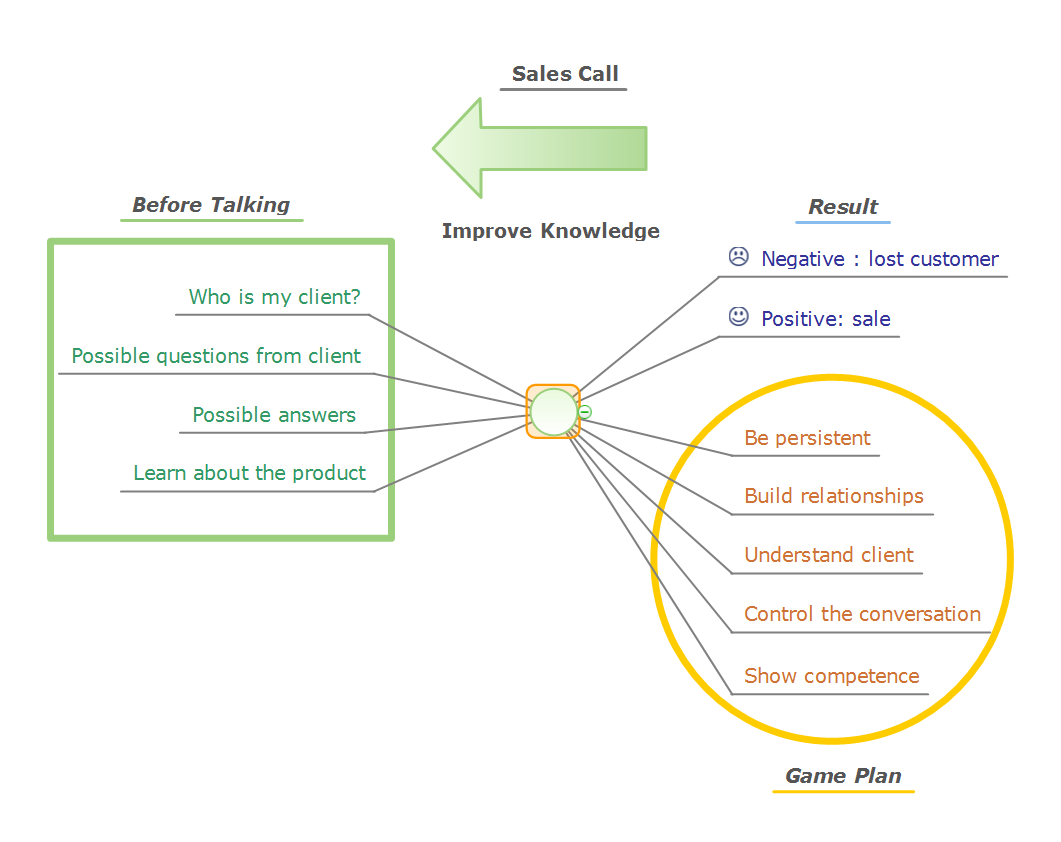
Use samples and templates to describe your own quality processes, brainstorm, and structure quality issues.Quality Mind Maps - samples and templates *
Picture: Quality Mind Maps - samples and templates
Related Solution:
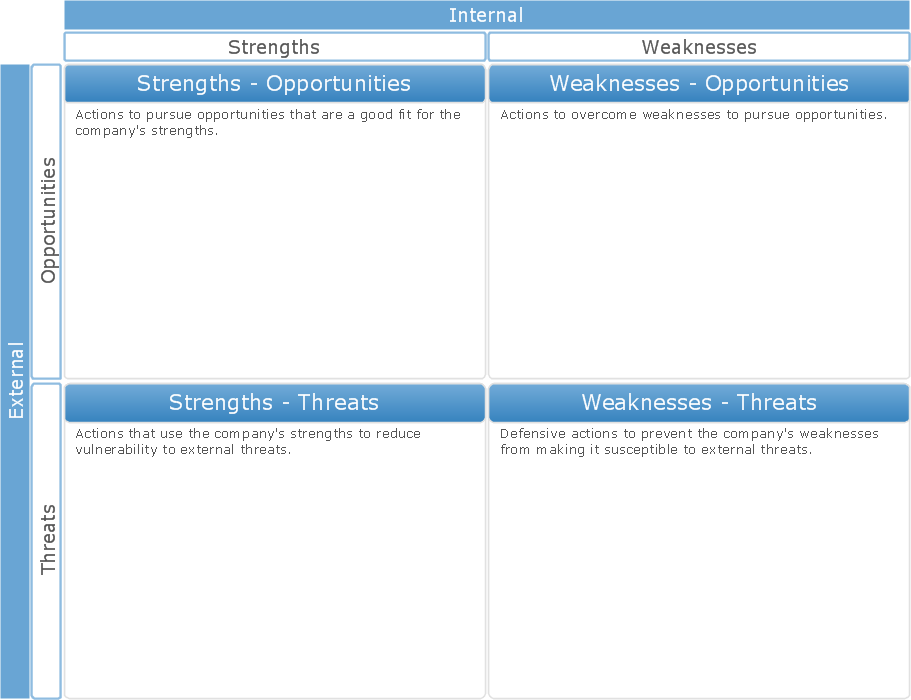
Sometimes it’s quite useful to look on a problem from another view. To gain insight into an obstacle you should use SWOT analysis, and this will help you to see the whole situation. When composing a SWOT matrix, you divide your problem onto four elements - strengths, weaknesses, opportunities and threats and place them into matrix. This sample SWOT analysis matrix of the athletic shoes producing company was designed on the base of template provided by ConceptDraw SWOT and TOWS Matrix Diagrams solution. It delivers number of easy-to-use templates and samples of SWOT and TOWS matrices for ConceptDraw DIAGRAM. Applying one of these templates, enables to quickly find out Strengths, Weaknesses, Opportunities, and Threats. After creating a list managers can consider methods the business can use to amplify strengths and to decrease weaknesses; realize opportunities; and avoid threats.SWOT Analysis *
Picture: SWOT Analysis
Related Solution:
When you prepare professional-looking presentation, you need to use ConceptDraw MINDMAP software for the amazing result.Create Captivating Presentations Easily
Picture: Create Captivating Presentations Easily
Related Solution:
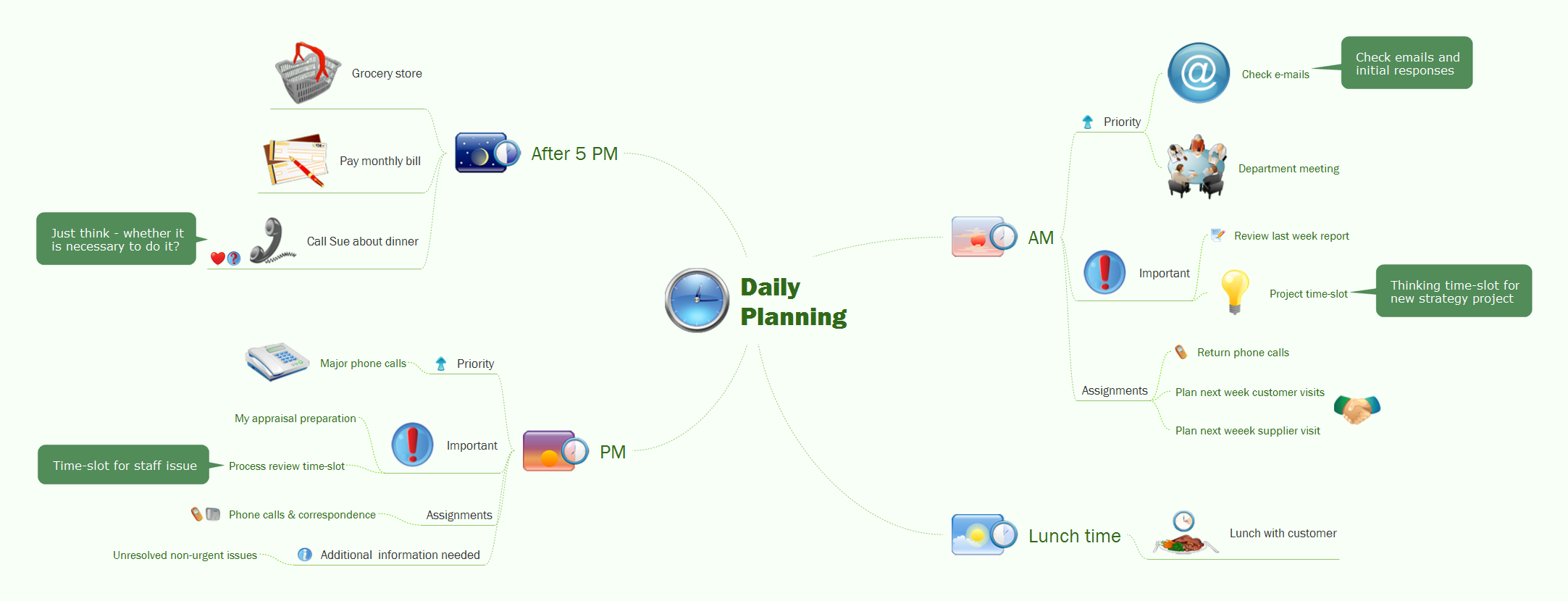
To support you in your tasks you can use the power of ConceptDraw DIAGRAM providing intelligent vector graphics that are useful for management diagramming and ConceptDraw MINDMAP for key management mind maps.Business Productivity - Management *
Picture: Business Productivity - Management
Related Solution:
Growth-Share Matrix Software - ConceptDraw DIAGRAM is a powerful diagramming and vector drawing software for creating professional looking Growth–Share Matrices. For simple and quick creating the Growth–Share Matrix ConceptDraw DIAGRAM offers the Matrices Solution from the Marketing Area of ConceptDraw Solution Park. The Matrices Solution also provides a wide variety of templates and samples that will help you to create the Matrix diagrams of any difficulty.Growth-Share Matrix Software *
Picture: Growth-Share Matrix Software
Related Solution:
SWOT analysis is an effective method of business planning, the question is how to do it. The most obvious way is to make a SWOT analysis in a Word document, which is not very convenient. Luckily, you can use software like ConceptDraw DIAGRAM that has features and templates made especially for SWOT analyzing. A SWOT Analysis is a manager's means of the strategic planning. It is used to define and classify considerable internal moments (strengths and weaknesses) and external forces (opportunities and threats) a business faces. You can use ConceptDraw MINDMAP to determine and organize factors utilized for SWOT analysis, and represent them in the SWOT matrix using ConceptDraw DIAGRAM. Using mind maps empowers you to explore and rank a lot of data engaged for SWOT analysis as well as recognize the relations between various pieces of information.How to Make SWOT Analysis in a Word Document *
Picture: How to Make SWOT Analysis in a Word Document
Related Solution:
ConceptDraw
MINDMAP 16