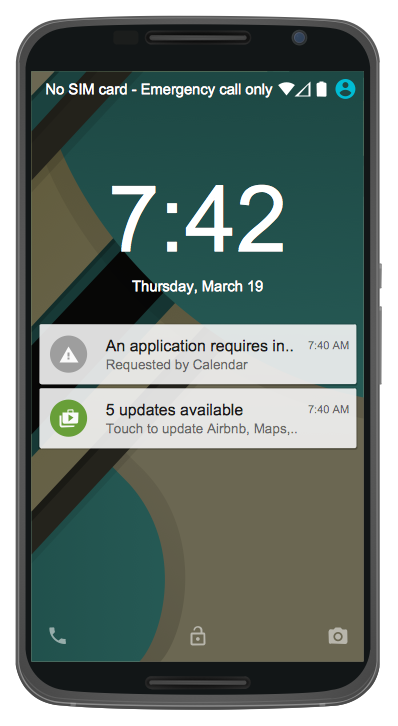
Example 1. Android UI Design - Android 5.0 Lock Screen Notifications
Android User Interface Solution offers 30 libraries:
- Android UI
- Android Wallpapers
- Android Product Icons
- Android Lists
- Android Switches and Sliders
- Android Menus
- Android Buttons
- Android Grids
- Android Snackbars and Toasts
- Android Notifications
- Android Bottom Sheets
- Android Chips
- Android Cards
- Android Dialogs
- Android Tabs
- Android Text Fields
- Android System Icons (action, alert)
- Android System Icons (av)
- Android System Icons (communication)
- Android System Icons (content)
- Android System Icons (device)
- Android System Icons (editor)
- Android System Icons (file)
- Android System Icons (hardware)
- Android System Icons (image)
- Android System Icons (maps)
- Android System Icons (navigation)
- Android System Icons (notification)
- Android System Icons (social)
- Android System Icons (toggle)
These libraries contain 1088 predesigned vector graphical elements. Now you don't need to lose the time for drawing components, simply drag them ready from the libraries and arrange them as desired.
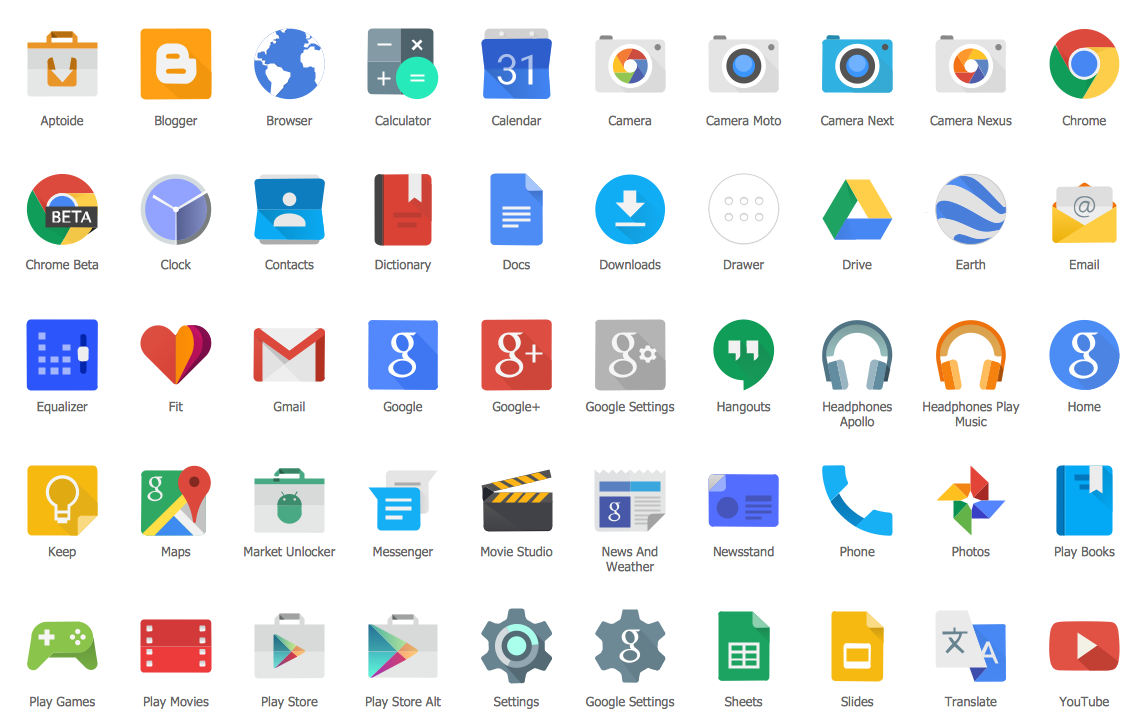
Example 2. Android Product Icons Library Design Elements
Don't miss your chance to make quick and easy professional looking Android UI design using the objects from the libraries of Android User Interface Solution. Make your design more attractive using the bright colors and clipart from other ConceptDraw libraries or from outside sources.
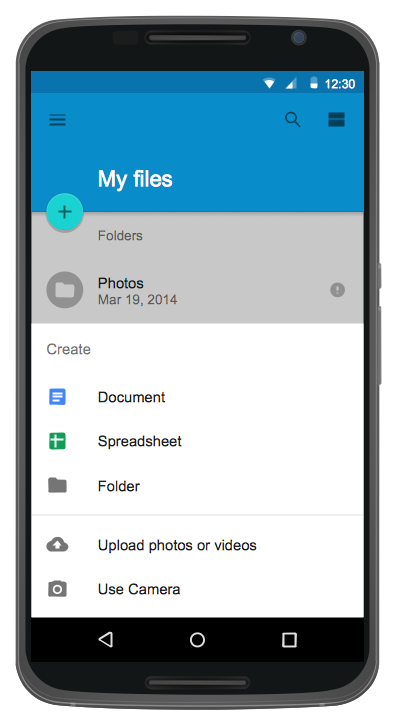
Example 3. Android UI Design - Android 5.0 List Style Bottom Sheet
The Android UI Design samples you see on this page were created in ConceptDraw DIAGRAM using the Android User Interface Solution. An experienced user spent 10-15 minutes creating each of them. All these samples are included in Android User Interface Solution and are available for viewing and editing from ConceptDraw STORE.
Use Android User Interface solution for quick, easy and effective Android UI design.
All source documents are vector graphic documents. They are available for reviewing, modifying, or converting to a variety of formats (PDF file, MS PowerPoint, MS Visio, and many other graphic formats) from the ConceptDraw STORE. The Android User Interface Solution is available for all ConceptDraw DIAGRAM or later users.
EIGHT RELATED HOW TO's:
The ConceptDraw vector stencils library Cisco People contains symbols for drawing the computer network diagrams.
Vector stencils library Cisco People contains 17 pictogram symbols and clipart for drawing the computer network diagrams using the ConceptDraw DIAGRAM diagramming and vector drawing software.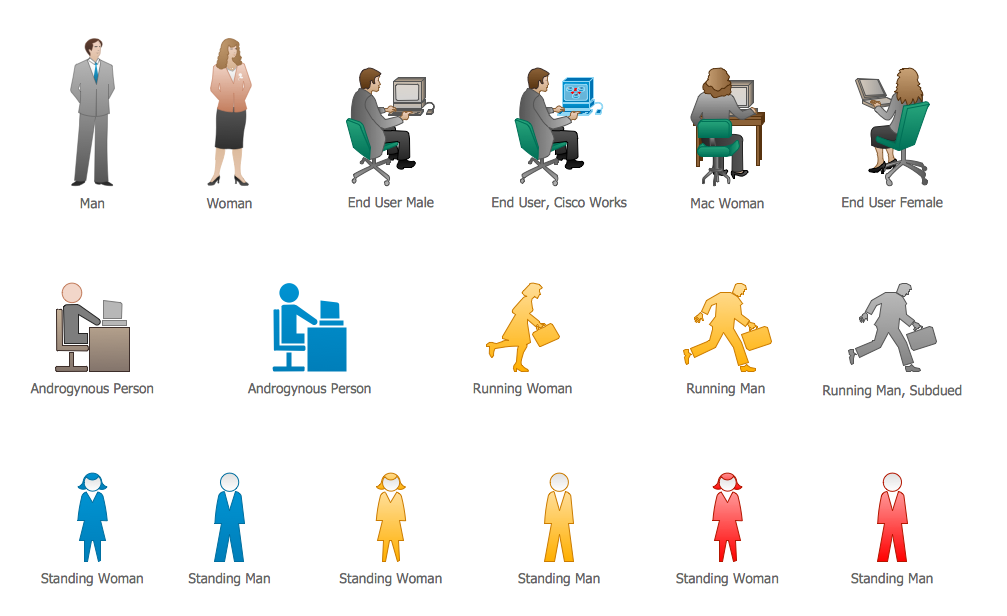
Picture: Cisco People. Cisco icons, shapes, stencils and symbols
Related Solution:
Value Stream Map template helps you to create VSM diagrams using ConceptDraw DIAGRAM software.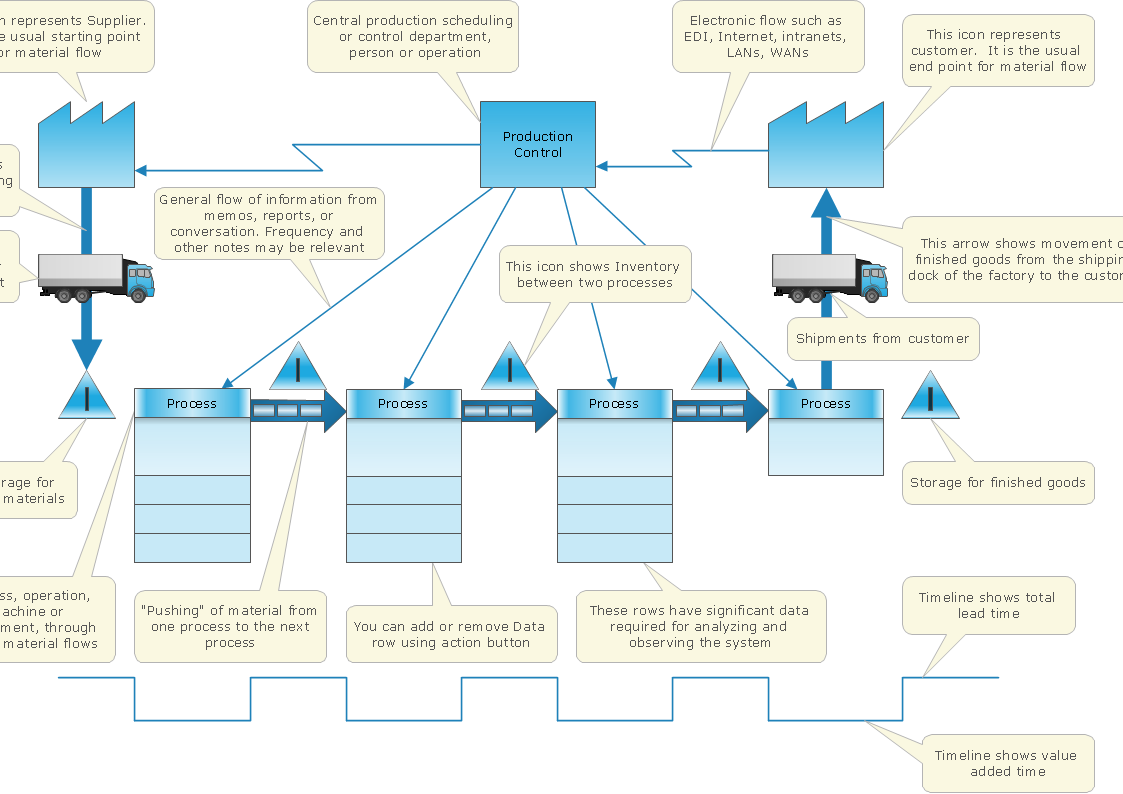
Picture: How To create Value Stream Map (VSM)
Related Solution:
ConceptDraw DIAGRAM is a flowchart design software. There are large collections of professional flowchart symbols for process flow diagrams, standard flowchart symbols and colored basic flowchart symbols. Built-in examples and video lessons allow users to get started immediately and do drawing of virtually any type of flowchart or process flow diagrams
Picture: Flow Chart Creator
Related Solution:
ConceptDraw DIAGRAM extended with Mathematics solution from the Science and Education area is a powerful diagramming and vector drawing software that offers all needed tools for mathematical diagrams designing.
Mathematics solution provides 3 libraries with predesigned vector mathematics symbols and figures:
Solid Geometry Library, Plane Geometry Library and Trigonometric Functions Library.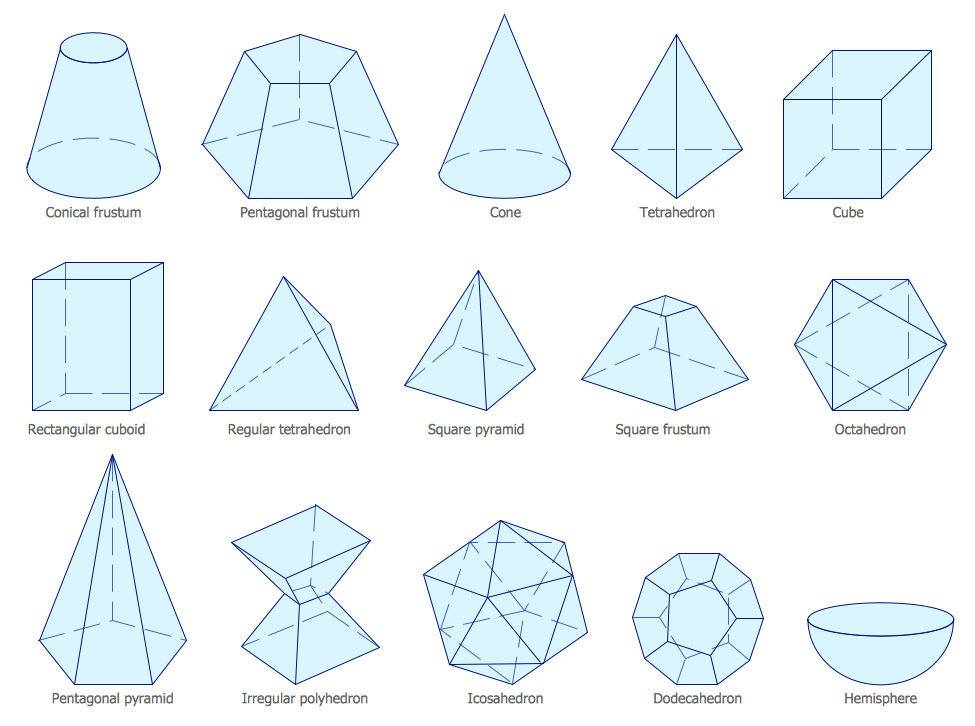
Picture: Mathematics Symbols
Related Solution:
When thinking about data visualization, one of the first tools that comes to mind is a flowchart design. You can find flowchart symbols, shapes, stencils and icons easily on the Internet, but it might take time to systematize this information. Nevertheless, once you start flowcharting, you’ll love its simplicity and efficiency.
This diagram consists from standard flowchart symbols, approved by ANSI (American National Standard Institute) for drawing flowcharts. A flowchart is a diagram that represents a step-by-step algorithm of any process, displaying the process stages as boxes that are connected with arrows. Flowchart design makes it clear and readable.
Flowchart designed using ConceptDraw DIAGRAM flowchart software allows to make attractive and clear process presentation, it makes interpretation of the business process flow fresh and versatile. Great flowchart design view is a big advantage over the diagram created manually on a paper.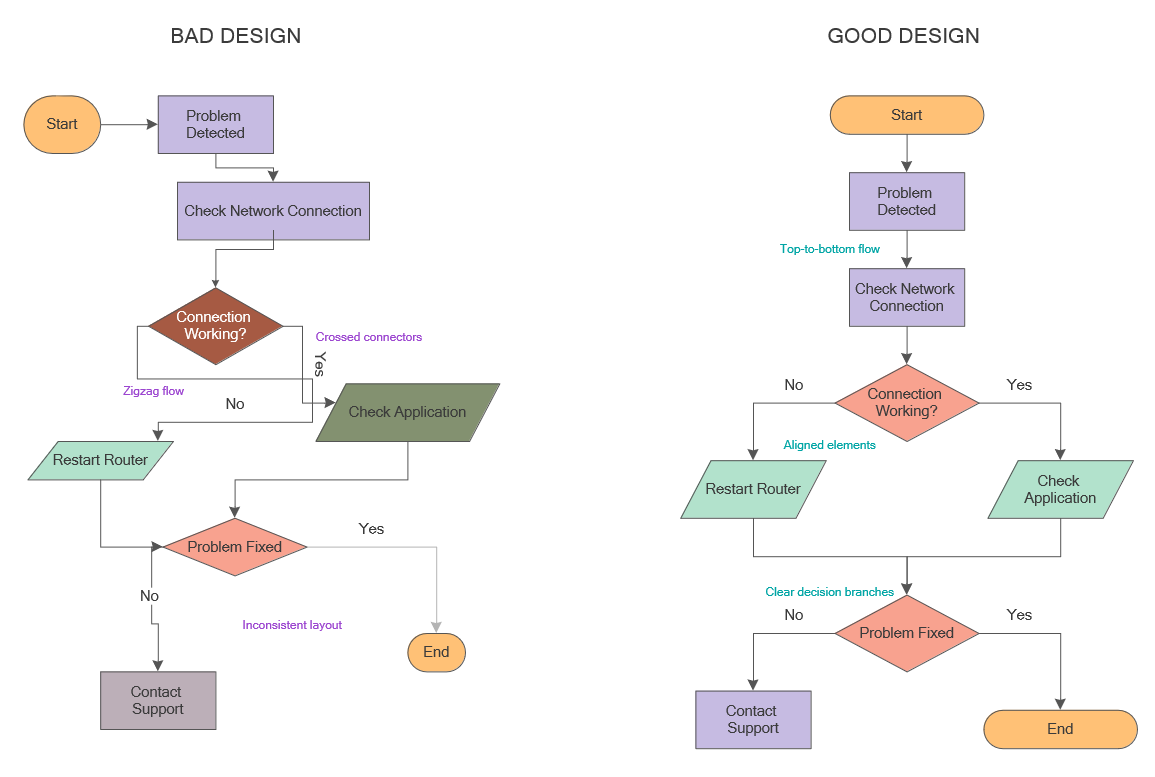
Picture: Flowchart Design: Principles, Layout, Symbols and Best Practices
Related Solution:
UML Timing Diagram as special form of a sequence diagram are used to explore the behaviors of objects throughout a given period of time.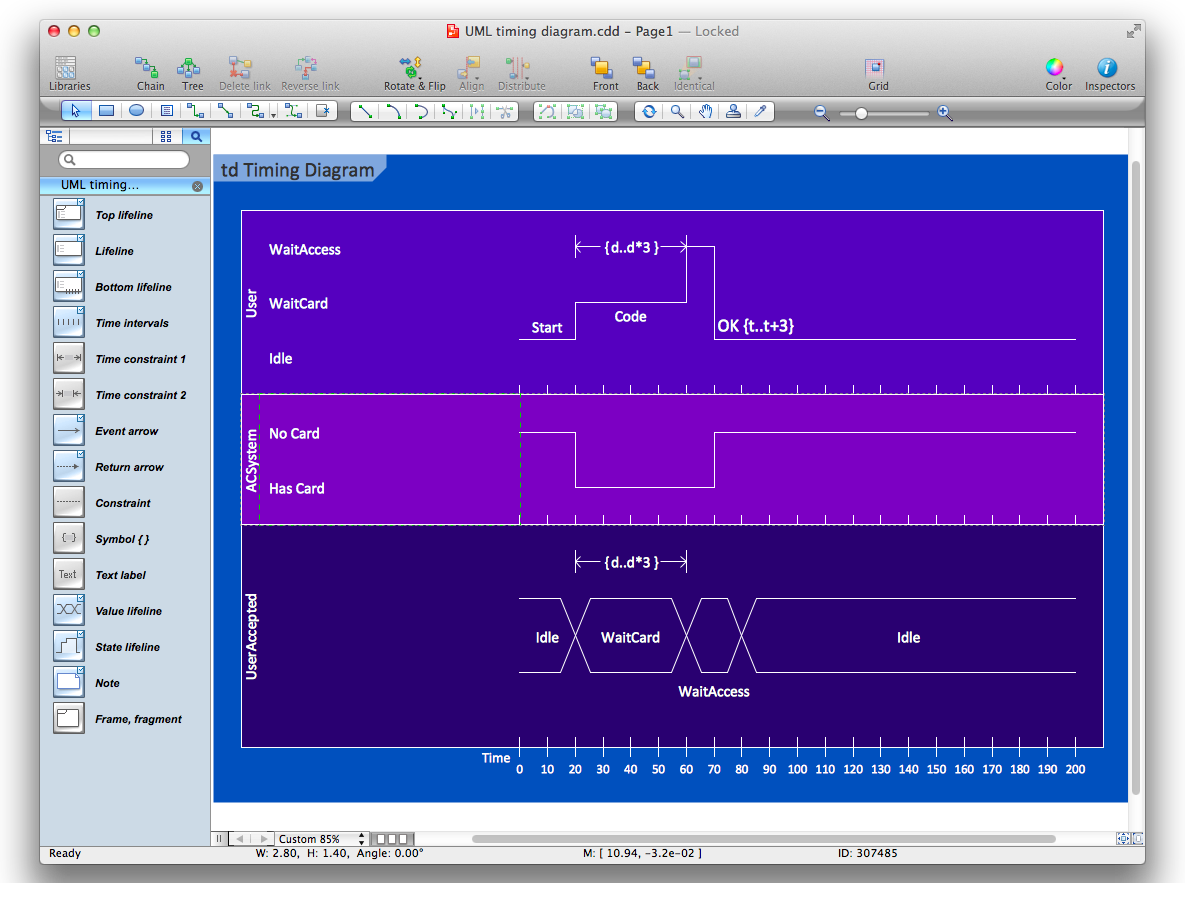
Picture: Diagramming Software for Design UML Timing Diagrams
The AWS Architecture Diagrams solution includes icons, sample and templates for several Amazon Web Services products and resources, to be used when creating architecture diagrams. The icons are designed to be simple so that you can easily incorporate them in your diagrams and put them in your whitepapers, presentations, datasheets, posters or any technical material you like.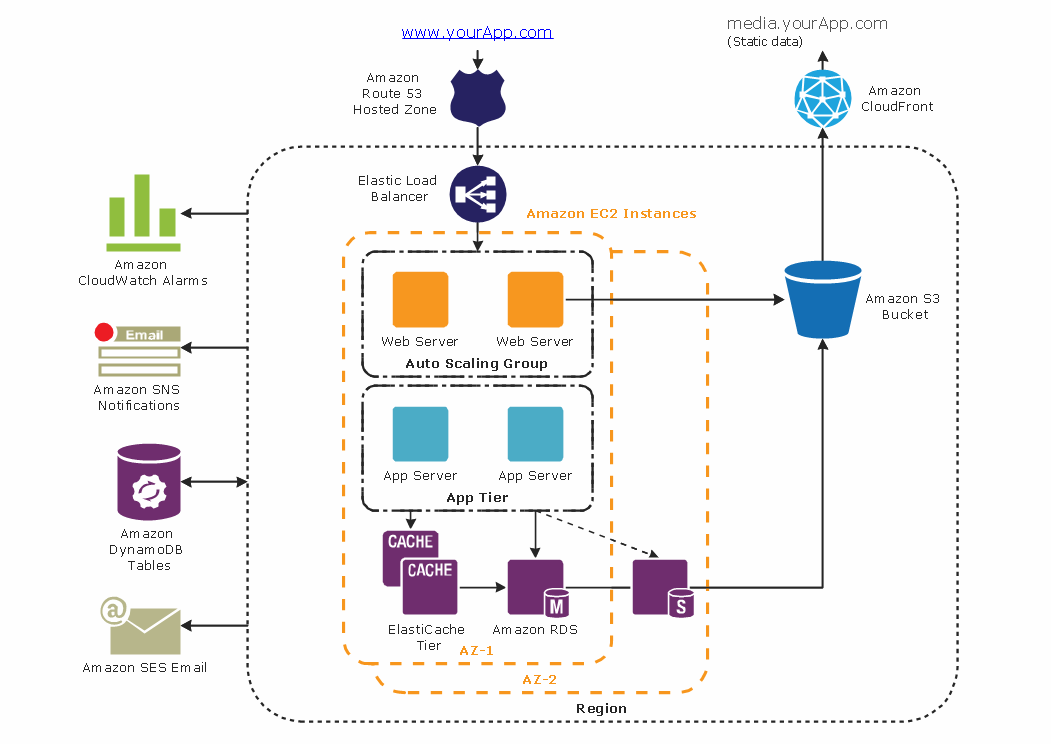
Picture: Diagramming tool - Amazon Web Servicesand Cloud Computing Diagrams
Every corporate network is unique, though there are guidelines and best practices in developing networks. As it is quite difficult to implement a pure topology within a company, using a hybrid network topology is considered a better solution. As a rule, such network assembles advantages and features of source topologies.
This diagram is an example of the Hybrid network. This type of network topology means a conjunction of other network topologies. Such as star-bus, ring-mesh topologies, etc. It should be obviously diverse networks. The final computer network inherits both advantages and disadvantages of its ingredients. Using the ConceptDraw Computer and Networks solution including vector graphic libraries and templates one can develop professional custom network diagrams of any topology and complexity.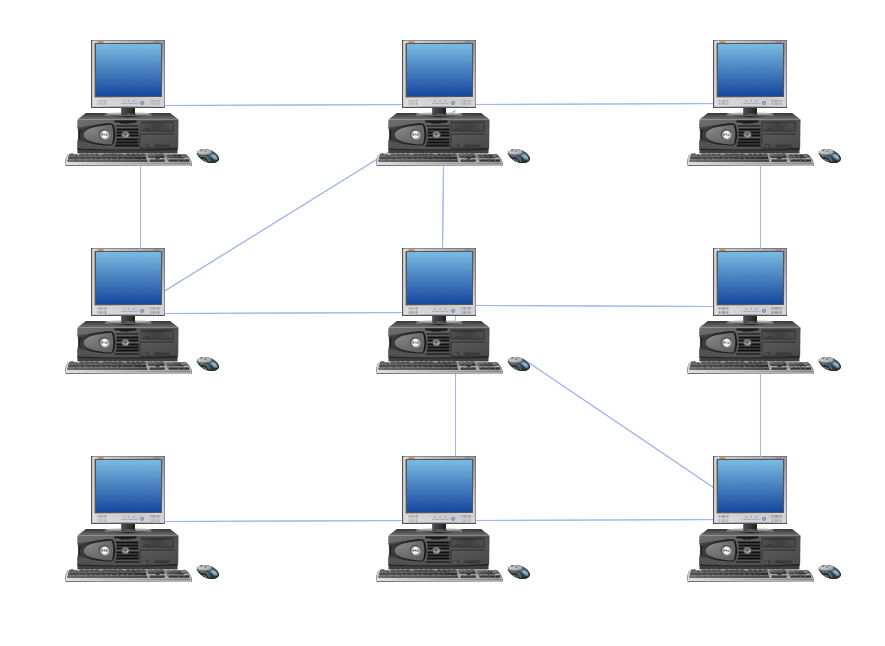
Picture: Hybrid Network Topology
Related Solution:

