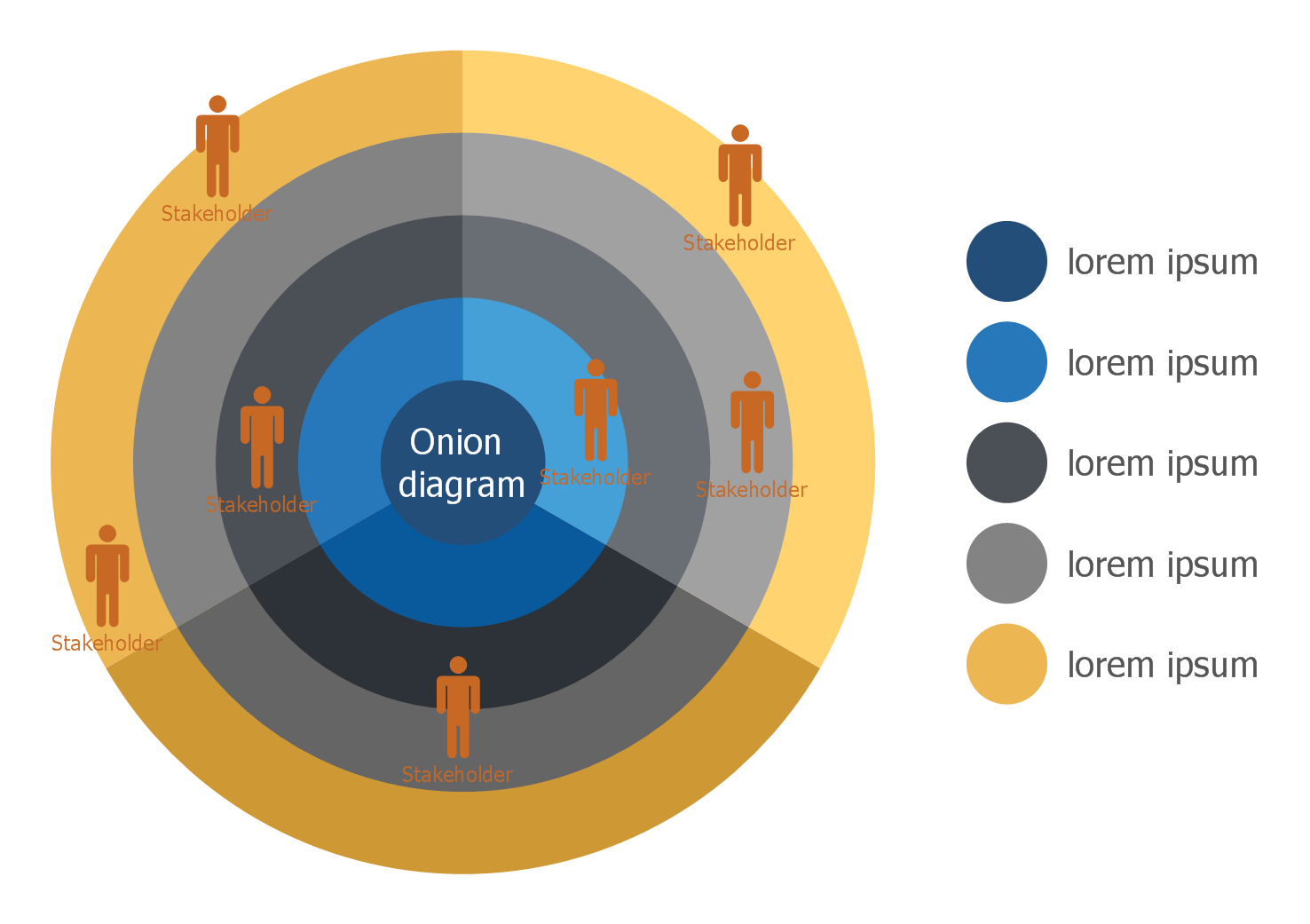
How To Create Onion Diagram
A diagram is known to be a symbolic representation of information using the visualization techniques. Diagrams are very widely used nowadays, becoming more popular since the “Age of Enlightenment”, also known as the “Age of Reason”, which was a philosophical as well as intellectual movement, dominated the world of ideas in Europe during the 18th century, thus called the “Century of Philosophy”.
Sometimes, the techniques mentioned above includes the usage of the 3-D visualization, also known as “three-dimensional” one. This type of visualization later gets projected onto a two-dimensional, or 2-D, surface. The word “graph” itself can be sometimes used instead of a word “diagram”, although the last one is still more commonly used, having a general as well as specific meaning: the “diagram” is used as a collective term standing for the whole class of technical genres, including technical drawings, tables and graphs. This term is a specific kind of a visual display, showing the qualitative data using different shapes, connected by the arrows, lines and other visual links.
In science, the term “diagram” is used in both ways: they are simply pictorial and abstract representations of some kind of information. The so well-known line graphs, maps, bar charts, architects’ sketches and engineering blueprints are all variations of diagrams. Some of them include images, photographs and videos, some of them – do not. Diagrams can also be described as the abstract graphic portrayals of the subject matter, which they represent. Diagrams, as well as charts, are known to be contrasting with technical illustrations, computer graphics, technical drawings and infographics in a way of showing more abstract, not as many literal representations of information. The essence of a diagram can be seen as a display, which does not show any numerical data, but more the abstract information, as well as the relationship. They can be also treated as a form of visual so-called “formatting” devices. The diagrams may be found being the ones with the building blocks, such as the geometrical shapes connected by arrows, lines and other visual links.
Diagrams can be also defined as simplified figures, based on a set of particular rules. There are very many kinds of diagrams, including the one, known as an “onion diagram”. This kind of diagram is basically a chart that shows the connections as well as the relationships of each of the parts of some organization with another one. With the help of such “onion diagrams” it is also simpler to illustrate the way how one particular part of some process, or an organization itself, is depended on another part of the same process or same organization. The chart in a way of a diagram displays the items in the concentric circles.
The “Onion Diagram” is so well known and widely used for it being able to show all of the layers of the particular complete system in a way of a few circles, each of which is able to represent a component, that is dependent upon the component on the inside. This component is usually shown in a way of a circle inside another one. The main concept of such onion diagram is shown by the very centre circle of this diagram. The chart is used due to the fact that it has a clear visual representation, being easy to read, having a strong visual impact.
One of the types of the “Onion diagram” is so-called “Cultural Onion”. This “Onion” has all seven layers, including behaviors, artifacts, feelings, beliefs, values, allegiance and worldview, which organize some person's life. The outer most layers are the most accessible. At the same time the in-depth ones are only accessible with the use of the connections to this particular person. The seven layers are integrated into three structural levels, known as the “foundational”, the “evaluating” and the “actualizing” ones. In order to create any needed “Onion Diagram”, including the “Cultural Onion” one, you can always use one of the best applications for doing it, which is ConceptDraw DIAGRAM software. Having this ConceptDraw DIAGRAM diagramming and vector drawing software extended with “Stakeholder Onion Diagrams Solution” is a benefit for you. The needed solution can be found as well as downloaded from the “Management Area” of “ConceptDraw Solution Park” and also from ConceptDraw STORE, which is another product of CS Odessa, developed for a reason of providing the solutions, simplifying the users work of making the diagrams and other charts.
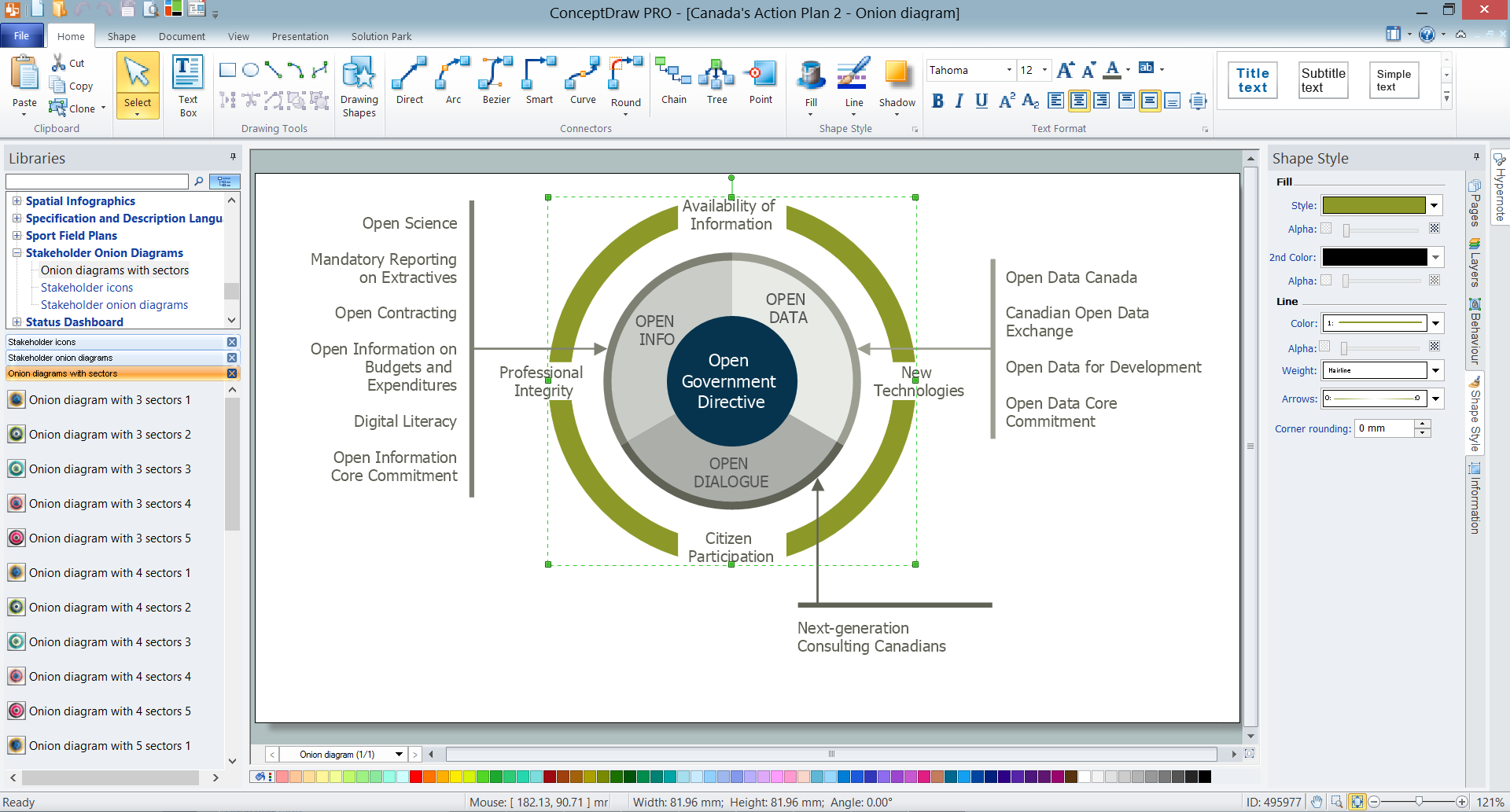
Example 1. How to create Onion Diagram
Using the Stakeholder Onion Diagrams Solution means getting the final great looking result as a smart “Onion diagram” much sooner. For this purpose, you can run ConceptDraw DIAGRAM and create your new document. After, you shall double-click on the needed object's icon, which you can find from the library included to the “Stakeholder Onion Diagrams solution” in order to place it in the very centre of your document while working in ConceptDraw DIAGRAM software. To make the changes you shall simply click on the diagram segment in order to select it, so after you will be able to change its position, as well as its size or even to remove it, once it is urgently needed.
To type the text on your diagram you can simply select any of the needed segments and to type there your information. You can also drag the control dots to regulate the text positions. Do not forget to use Fill, Line, Text and Shadow tools in order to format your diagram.
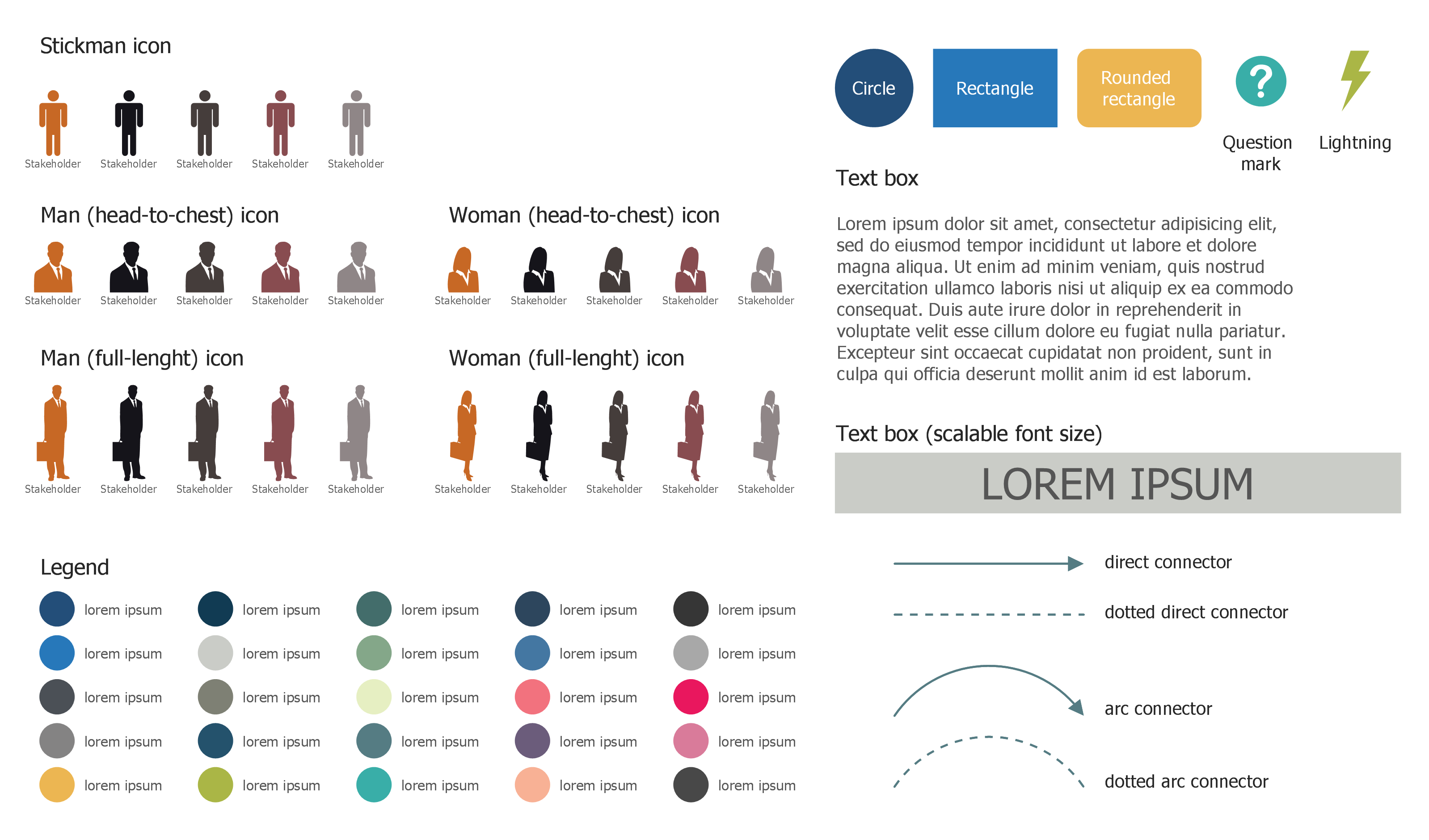
Colourful stakeholder icons as well as stakeholder onion diagrams vector objects are all represented by three different libraries included to “Stakeholder Onion Diagrams solution”. Thanks to them the ConceptDraw software can guarantee you a fun and entertaining process of creating the diagrams as well as a great looking as well as a professionally looking result.
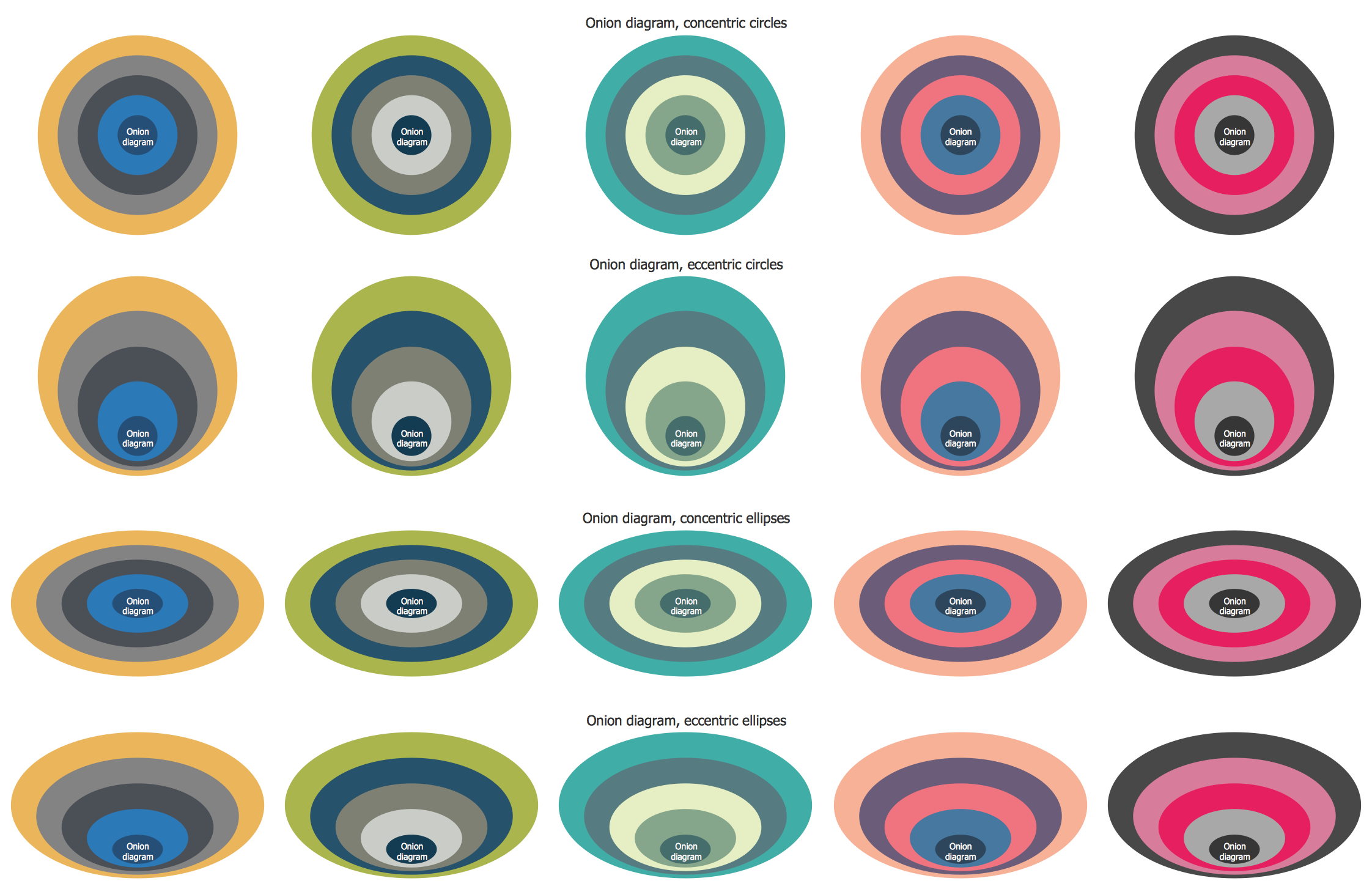
Another way of drawing any needed “Onion Diagram” using ConceptDraw DIAGRAM software is to use the pre-designed template or the existing sample from the ConceptDraw STORE as the base for your own diagram. The whole collection of templates and samples is always available for ConceptDraw DIAGRAM users.
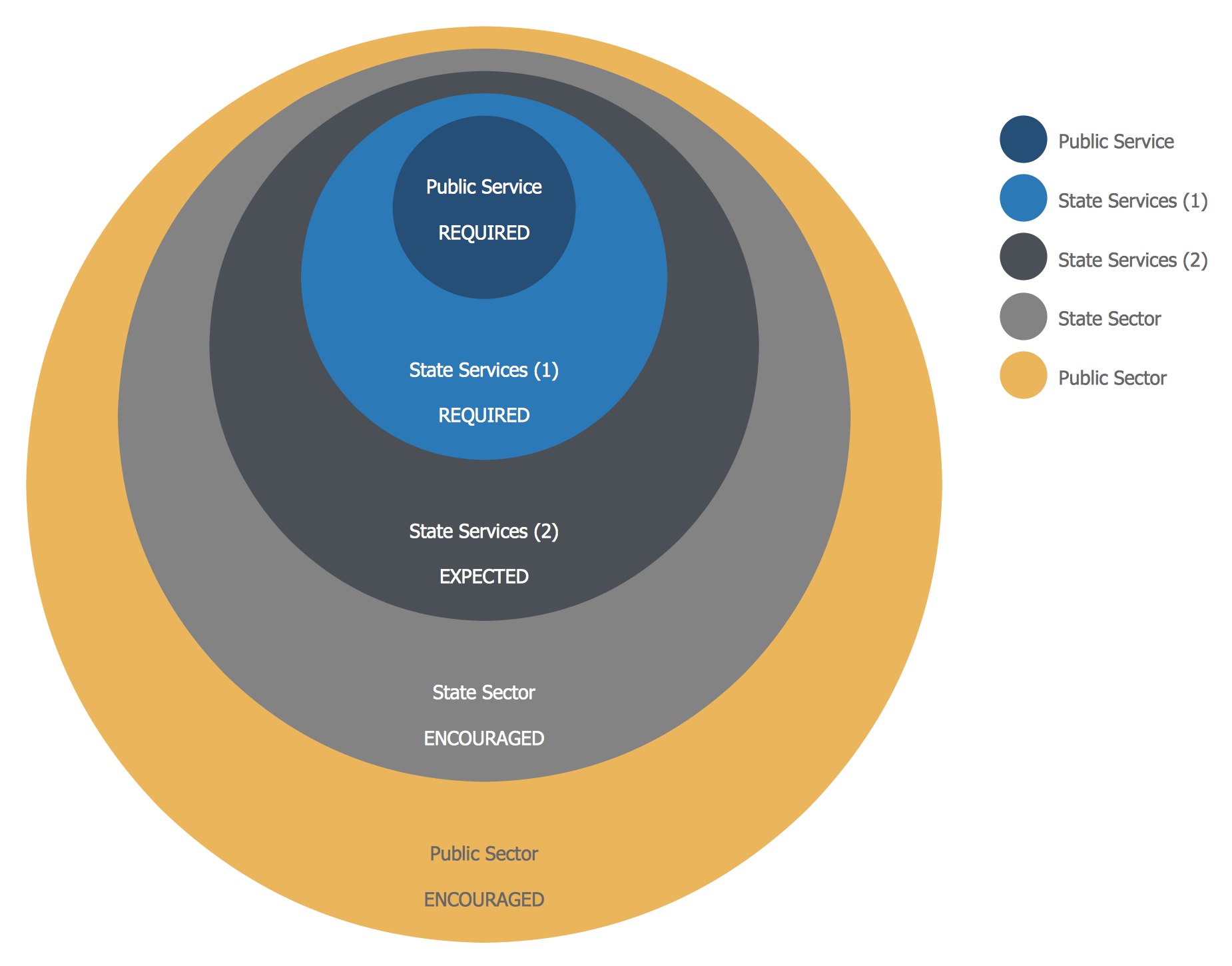
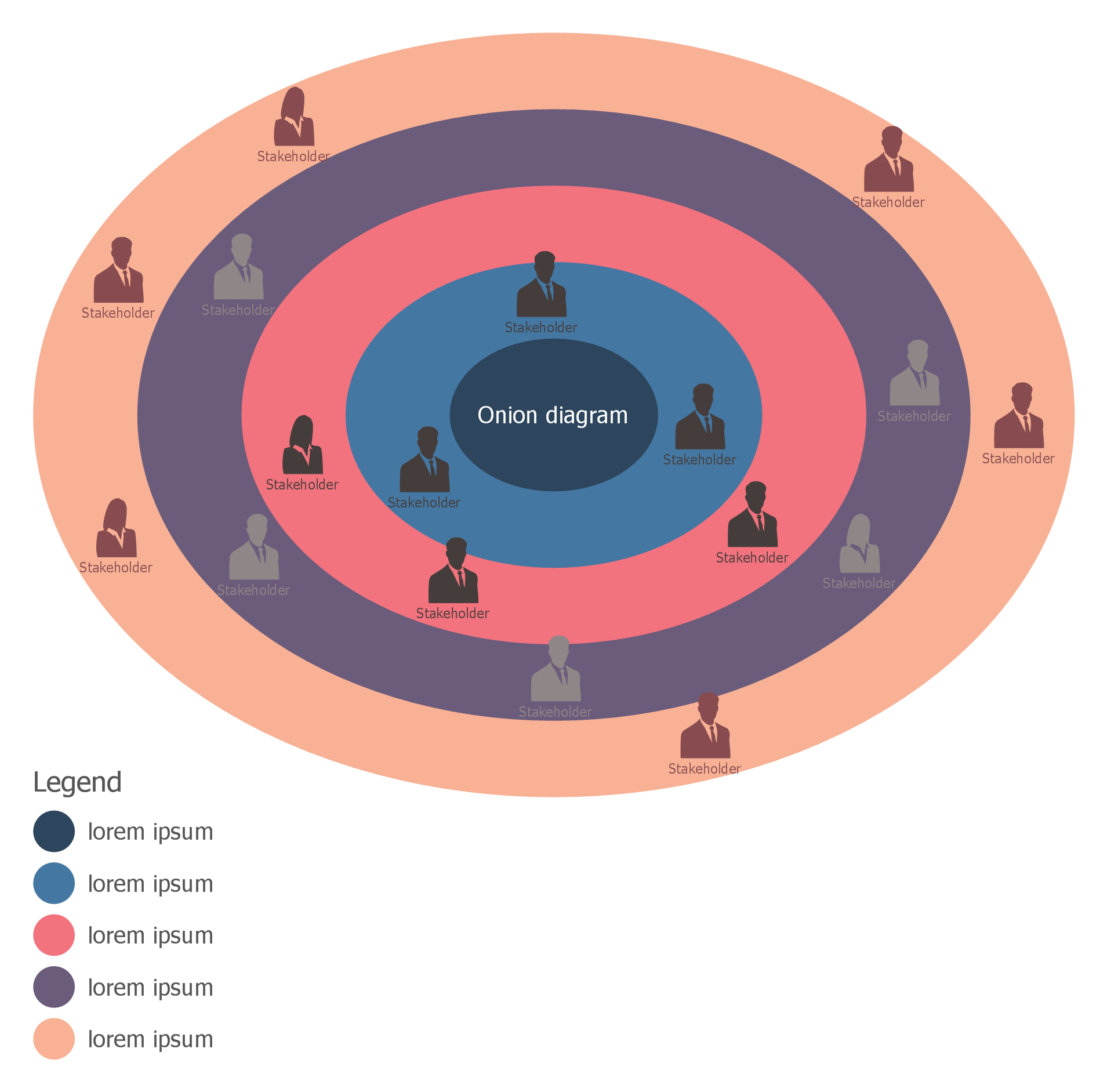
Example 2. New Zealand Public Sector Agencies Onion Diagram
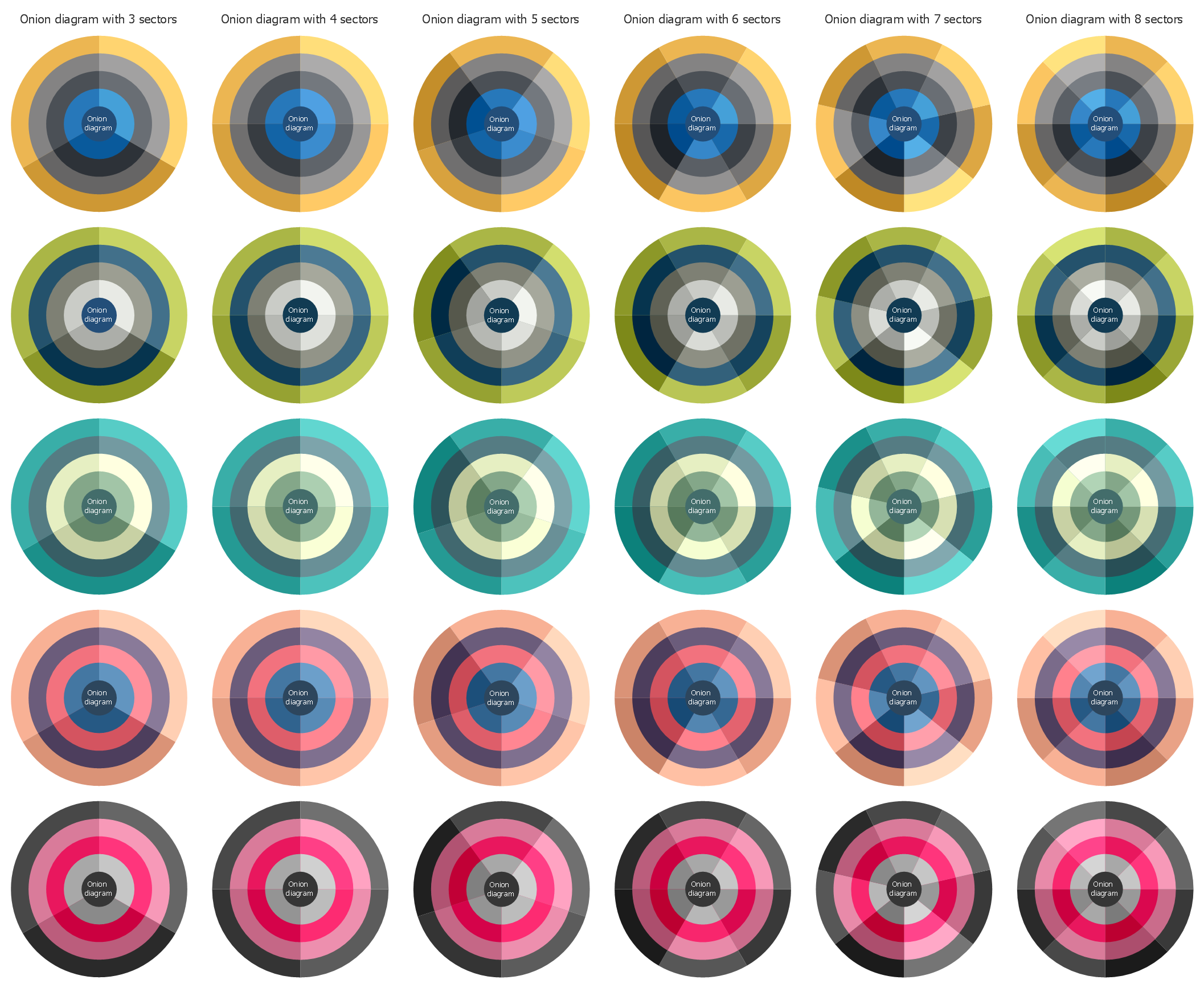
The samples you see on this page were created in ConceptDraw DIAGRAM software on the base of predesigned templates from the Stakeholder Onion Diagrams Solution and successfully show how to create Onion Diagram in ConceptDraw DIAGRAM An experienced user spent 10 minutes creating each of them.
Use the Stakeholder Onion Diagrams Solution for ConceptDraw DIAGRAM software for fast, easy and effective creation your own professional looking Onion Diagrams of any complexity.
All source documents are vector graphic documents. They are available for reviewing, modifying, or converting to a variety of formats (PDF file, MS PowerPoint, MS Visio, and many other graphic formats) from the ConceptDraw STORE. The Stakeholder Onion Diagrams Solution is available for all ConceptDraw DIAGRAM users.
TEN RELATED HOW TO's:
The onion diagram is a type of diagram which shows the dependencies among parts of an organization or process. The items are displayed at the concentric circles, where the items at the bigger rings depend on the items at the smaller rings.
ConceptDraw DIAGRAM diagramming and vector drawing software extended with Stakeholder Onion Diagrams Solution from the Management Area of ConceptDraw Solution Park is a professional Onion Diagram Maker.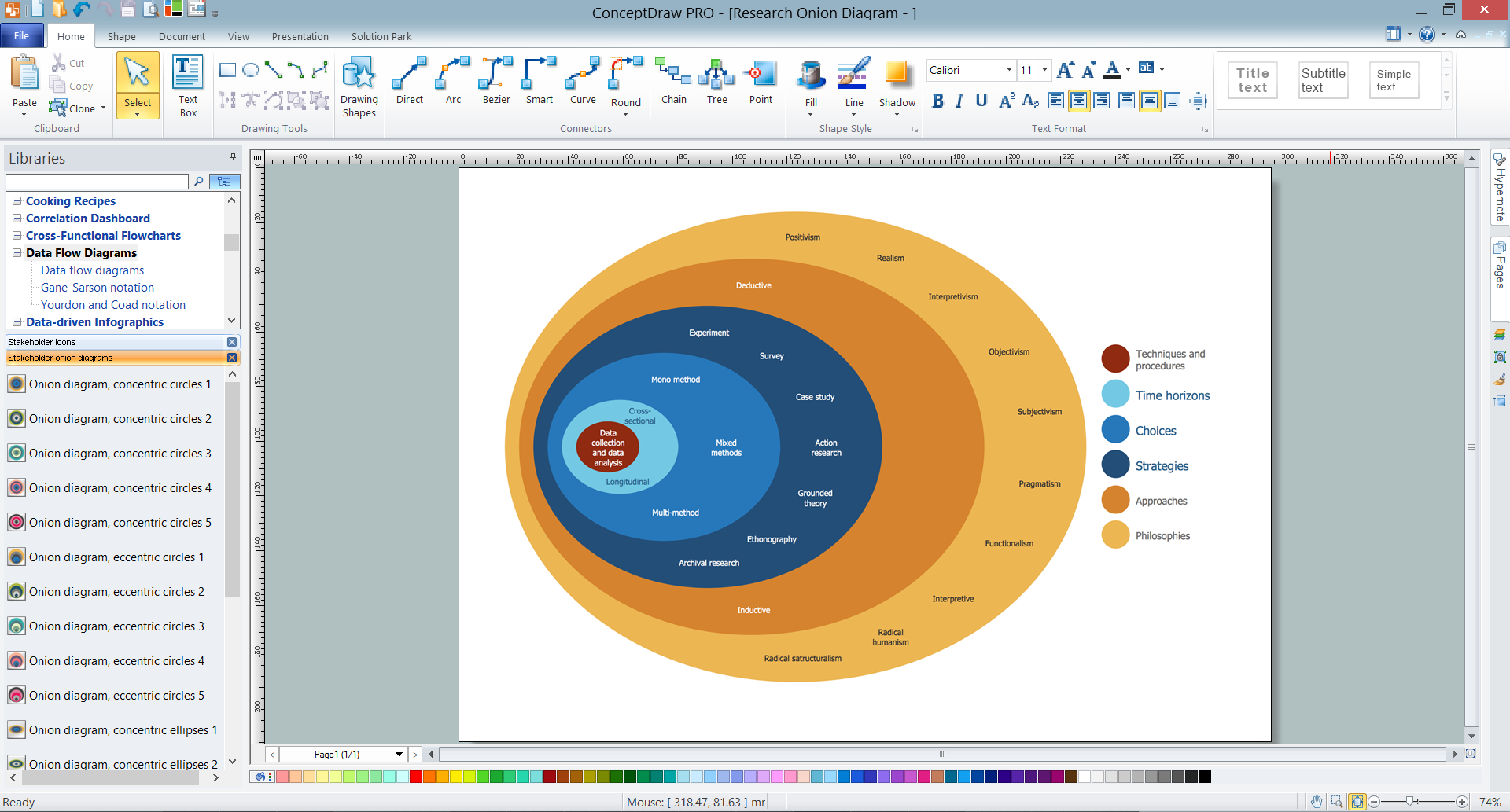
Picture: Onion Diagram Maker
Related Solution:
When trying to figure out the nature of the problems occurring within a project, there are many ways to develop such understanding. One of the most common ways to document processes for further improvement is to draw a process flowchart, which depicts the activities of the process arranged in sequential order — this is business process management. ConceptDraw DIAGRAM is business process mapping software with impressive range of productivity features for business process management and classic project management. This business process management software is helpful for many purposes from different payment processes, or manufacturing processes to chemical processes. Business process mapping flowcharts helps clarify the actual workflow of different people engaged in the same process. This samples were made with ConceptDraw DIAGRAM — business process mapping software for flowcharting and used as classic visio alternative because its briefly named "visio for mac" and for windows, this sort of software named the business process management tools.
This flowchart diagram shows a process flow of project management. The diagram that is presented here depicts the project life cycle that is basic for the most of project management methods. Breaking a project into phases allows to track it in the proper manner. Through separation on phases, the total workflow of a project is divided into some foreseeable components, thus making it easier to follow the project status. A project life cycle commonly includes: initiation, definition, design, development and implementation phases. Distinguished method to show parallel and interdependent processes, as well as project life cycle relationships. A flowchart diagram is often used as visual guide to project. For instance, it used by marketing project management software for visualizing stages of marketing activities or as project management workflow tools. Created with ConceptDraw DIAGRAM — business process mapping software which is flowcharting visio alternative or shortly its visio for mac, this sort of software platform often named the business process management tools.
Picture: Process Flowchart: A Step-by-Step Comprehensive Guide
Related Solution:
An onion diagram is a kind of chart that shows the dependencies among parts of an organization or process. The chart displays items in concentric circles, where the items in each ring depend on the items in the smaller rings. The Onion Diagram is able to show layers of a complete system in a few circles.
But how to create Onion Diagram? Now, it's very easy thanks to the ConceptDraw DIAGRAM diagramming and vector drawing software extended with Stakeholder Onion Diagrams Solution from the Management Area of ConceptDraw Solution Park.Picture: How To Create Onion Diagram
Related Solution:
An event-driven process chain diagram is a flowchart used in business process analysis. It evolved from Architecture of Integrated Information Systems (ARIS) and utilised in the business process improvement and analysis. It is also used to facilitate enterprise resource planning.
An EPC diagram is a complex flowchart that shows different business processes through various workflows. The workflows are seen as functions and events that are connected by different teams or people, as well as tasks that allow business processes to be executed.
ConceptDraw DIAGRAM is a software for making EPC diagrams that allows managers visually present business process models for making decisions for business.
Picture: How to Draw EPC Diagram Quickly
Related Solution:
Local area network connects computers and other network appliances within an area, such as office building or a campus. It can be difficult to provide such network without a predesigned plan. For these purposes you can use network diagram software, which helps you to create LAN network diagrams and office network diagrams quickly and effortless. This will speed up your work and you can save the diagram for the future network improvements.
The following diagram illustrates a network topology of the small office. LAN configuration has a star topology. The local network joins 8 computers among which are several desktop PCs, laptop, two iMacs and iBook. The end-point devices are divided into three groups. Each group is connected to its hub. There is a network printer and a modem, which are interconnected with other devices through a network server. Each computer on the LAN can access the server through a corresponding hub.
Picture: Network Diagram Software. LAN Network Diagrams. Physical Office Network Diagrams
Related Solution:
Describing the way data flows through an information system might become a subject of a study. One of the kinds on a data flow diagram is called Gane Sarson Diagram after its authors, and it slightly differs from other notations. Process symbols in this notation are depicted as rounded rectangles connected with arrows representing data flows.
This is a sample of data flow diagram. It demonstrates utilization of the Gane-Sarson notation for making DFD on the example of an online appointment system of the Health Centre. This sample is used the vector objects library of Gane-Sarson DFD notation supplied by the ConceptDraw solution for data flow diagramming. It contains all symbols of the Gane-Sarson notation including connectors, jumps, and processes. This solution can be successfully utilized to generate DFDs for business documentation, and presentations.
Picture: Gane Sarson Diagram
A pie chart or a circle graph is a circular chart divided into sectors, illustrating numerical proportion. In a pie chart, the arc length of each sector and consequently its central angle and area, is proportional to the quantity it represents.
Pie chart examples and templates created using ConceptDraw DIAGRAM software helps you get closer with pie charts and find pie chart examples suite your needs.
Picture: Pie Chart Examples and Templates
Related Solution:
The Stakeholder Onion Diagram is a popular and widely used way to view the relationships of stakeholders to a project goal. The Onion Diagram focuses on the project goal, most of other diagram styles focus on the project, stakeholders, and timeline. This difference favorably distinguishes and separates the Onion Diagram from other types of diagrams.
Design fast and easy Stakeholder Onion Diagrams of any complexity in ConceptDraw DIAGRAM diagramming and vector drawing software using the powerful tools of Stakeholder Onion Diagrams Solution from the Management Area of ConceptDraw Solution Park.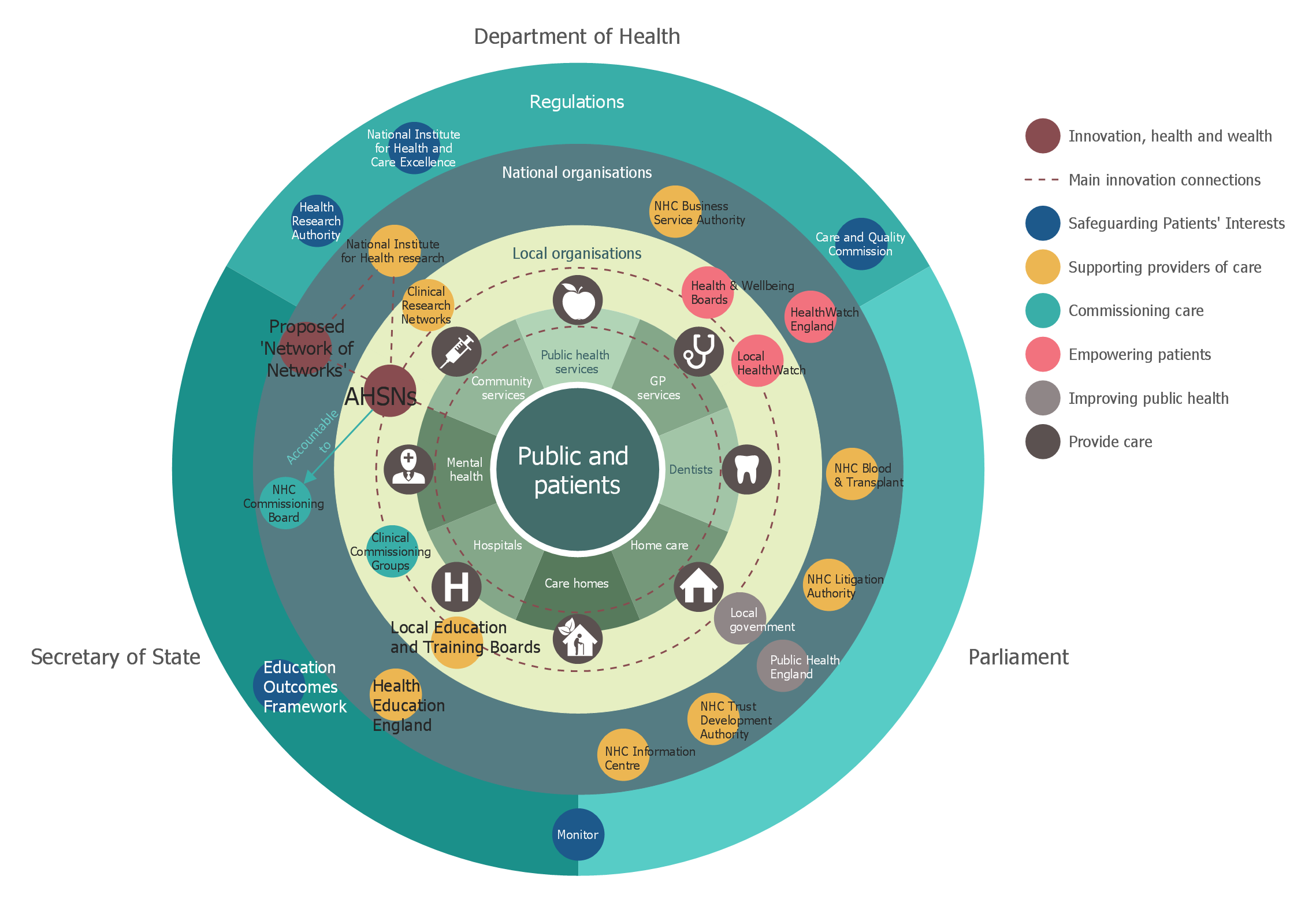
Picture: Stakeholder Onion Diagrams
Related Solution:
Electrical plan is a document that is developed during the first stage of the building design. This scheme is composed of conventional images or symbols of components that operate by means of electric energy. To simplify the creation of these schemes you can use house electrical plan software, which will not require a long additional training to understand how to use it. You only need to install the necessary software ant it’s libraries and you’ll have one less problem during the building projection.
Any building contains a number of electrical systems, including switches, fixtures, outlets and other lightening equipment. All these should be depicted in a building electrical plans and included to general building documentation. This home electrical plan displays electrical and telecommunication devices placed to a home floor plan. On the plan, each electrical device is referenced with the proper symbol. Electrical symbols are used for universal recognition of the building plan by different persons who will be working on the construction. Not all possible electric symbols used on a certain plan, so the symbols used in the current home plan are included to a legend. The electrical home plan may be added as a separate document to a complete set of building plans.
Picture: How To use House Electrical Plan Software
Related Solution:
You can design the Prioritization Matrix by hand on the paper, but we offer you the most easier way — to use the ConceptDraw DIAGRAM diagramming and vector drawing software extended with Seven Management and Planning Tools Solution from the Management Area.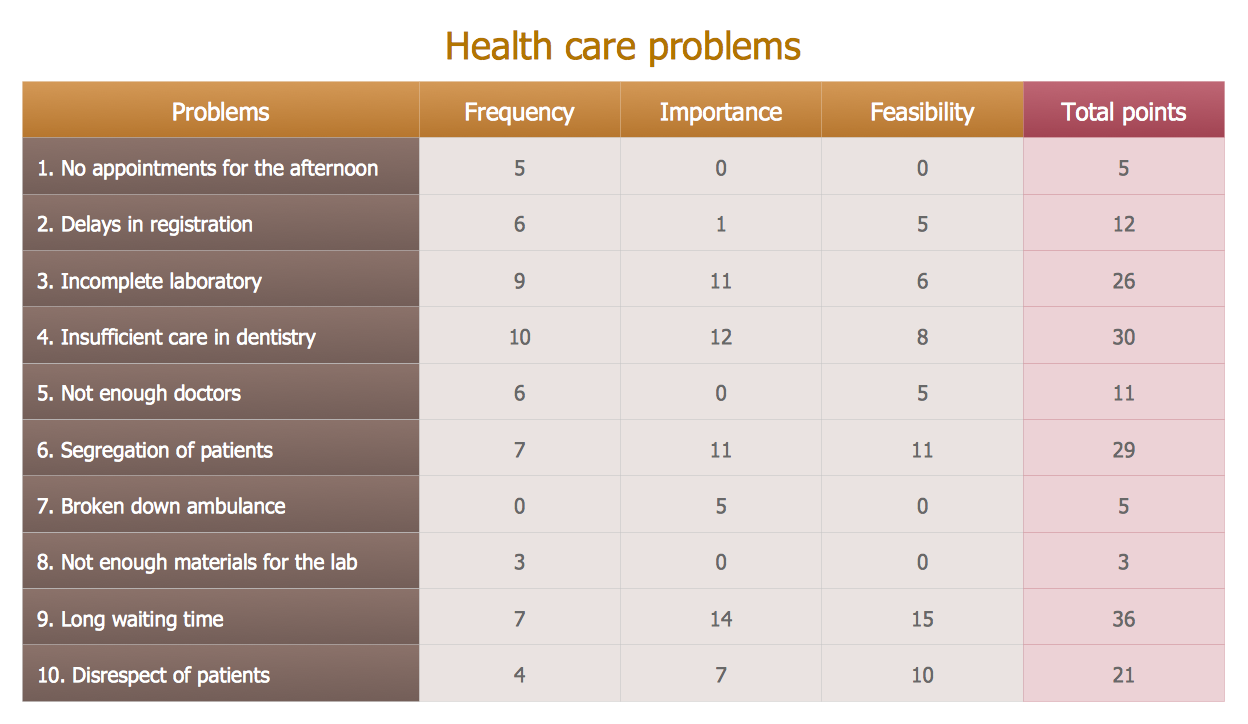
Picture: Prioritization Matrix
Related Solution: