
ConceptDraw STORE / Solution ParkFind the content.
Find the content.
Put it to work.
Discover solutions, preview their contents, and manage your ConceptDraw products and add-ons from one application.
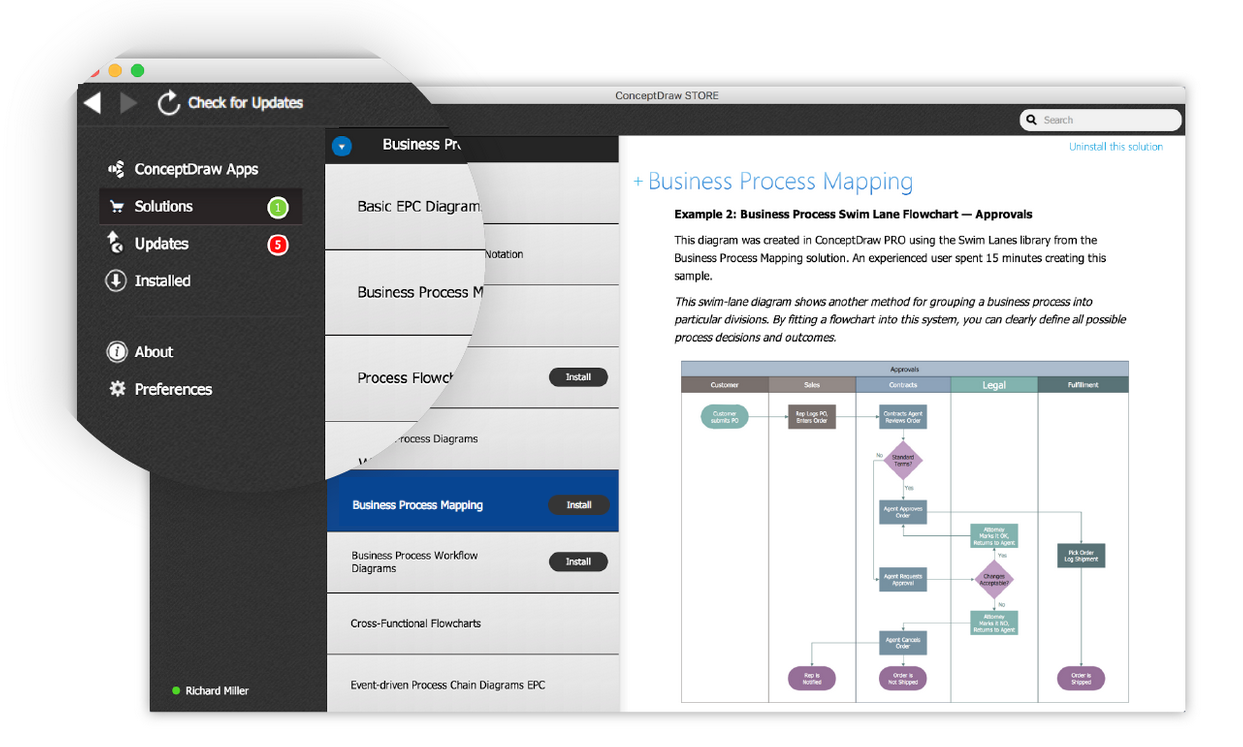
From discovery to installation.
Solution Park brings together specialized content. STORE helps you find and manage it.
Find a solution for your task.
Explore add-ons for project management, business productivity, business modeling, and technical drawing.
See what is included.
Preview free and paid solutions. Explore libraries, templates, and samples before choosing what to install.
Keep useful content close.
Install solutions and manage installed ConceptDraw products. STORE notifies you when new solutions and updates are available.
A starting point for your next visual.
Access reusable content from STORE to support your work and explore new ideas.
- Object libraries and stencils
- Ready-to-use templates
- Samples and examples
Explore what Solution Park offers.
Find content for the work ahead.