 Create Drawing
How to Connect Objects in ConceptDraw DIAGRAM on macOS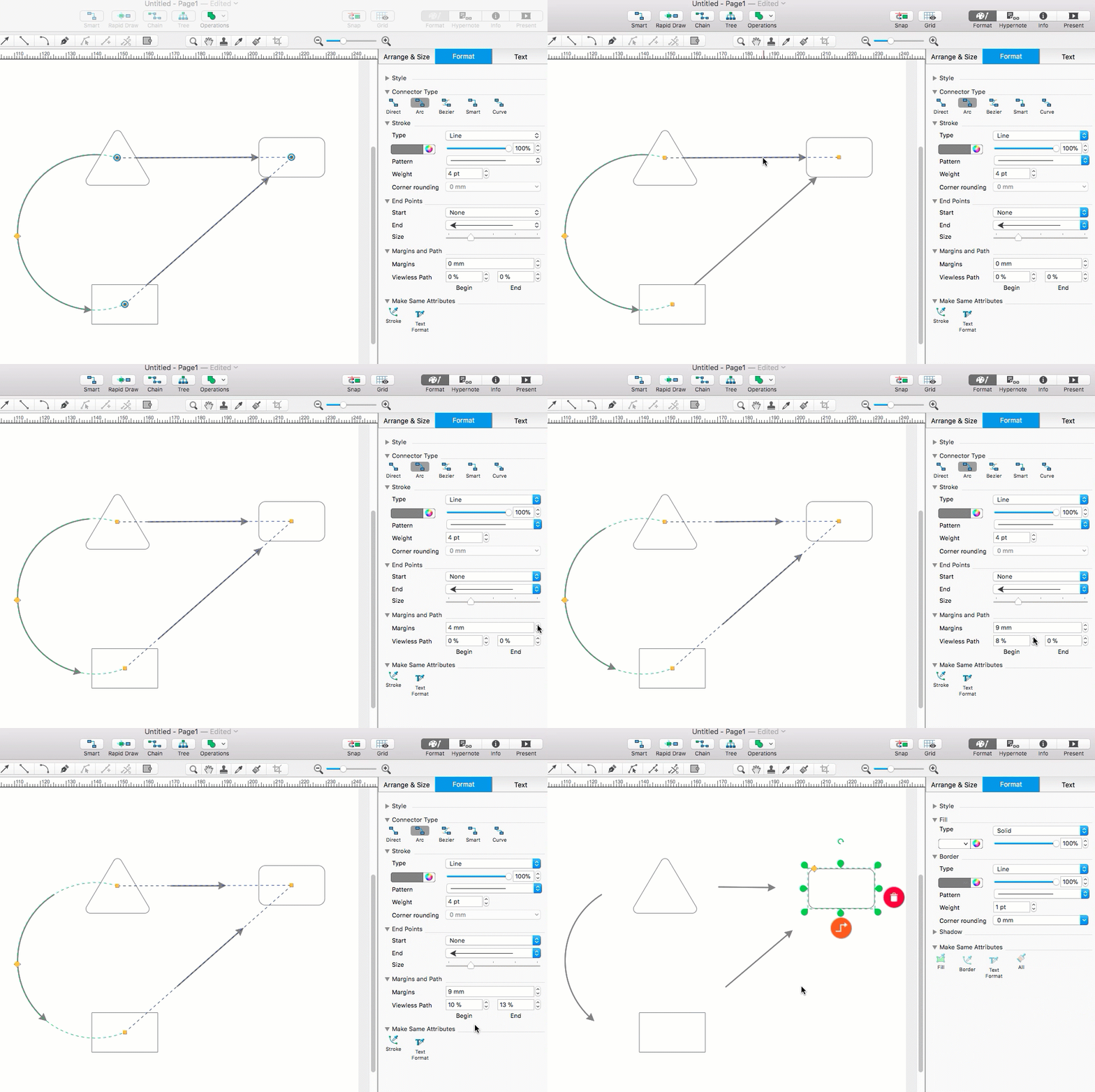
ConceptDraw DIAGRAM provides a variety of tools for visualizing relationships and interactions between objects on a drawing page. You can easily connect objects and customize connector properties on macOS and Windows. Several connector types are available, including Direct, Arc, Bezier, Smart, and Curve connectors. Direct connectors create straight-line connections between objects, while Arc, Bezier, and Curve connectors provide additional flexibility for routing connections. Smart connectors automatically route around existing objects on the drawing page, helping you create clean and professional-looking diagrams with minimal effort.
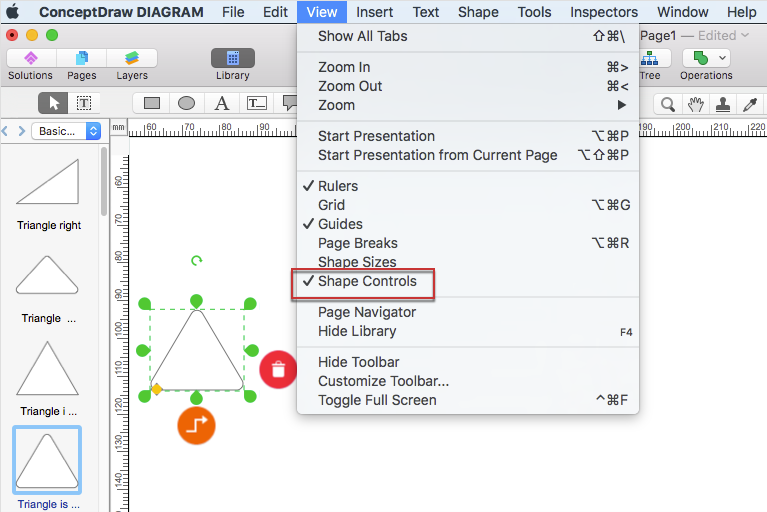  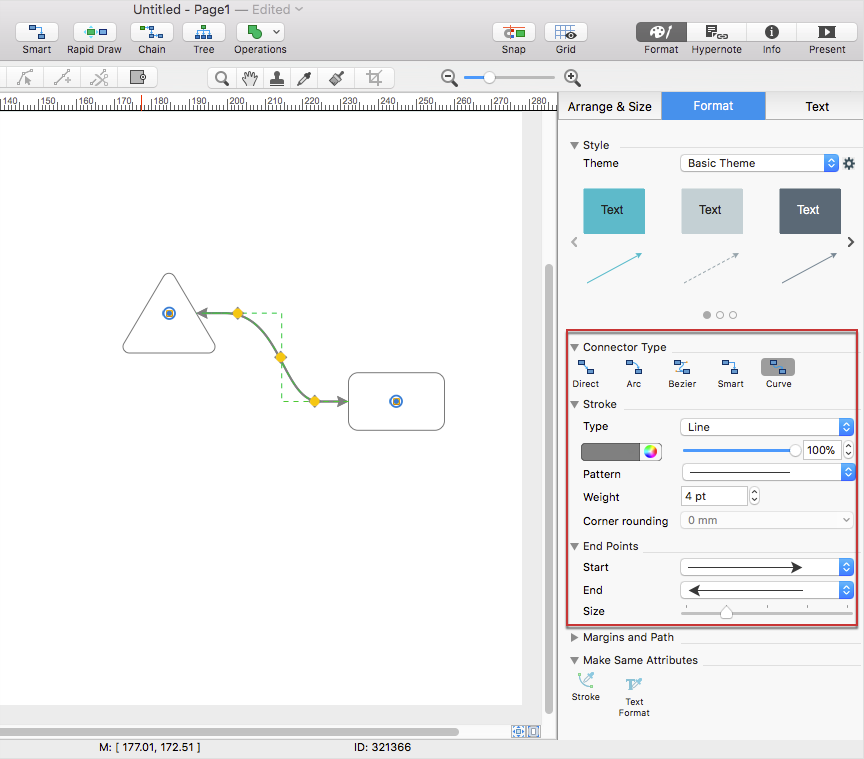 Result: You can connect objects in ConceptDraw DIAGRAM using different connector types and customize their appearance and behavior to suit the needs of your diagram. 
|
 on the object where youwant the connector to begin. Drag the pointer to the desired endpoint and release the mouse button to create the connection.