"Point of sale (also called POS or checkout) is the place where a retail transaction is completed. It is the point at which a customer makes a payment to the merchant in exchange for goods or services. At the point of sale the retailer would calculate the amount owed by the customer and provide options for the customer to make payment. The merchant will also normally issue a receipt for the transaction. ...
The modern point of sale is often referred to as the point of service because it is not just a point of sale but also a point of return or customer order. Additionally it includes advanced features to cater to different functionality, such as inventory management, CRM, financials, warehousing, etc., all built into the POS software. Prior to the modern POS, all of these functions were done independently and required the manual re-keying of information, which can lead to entry errors." [Point of sale. Wikipedia]
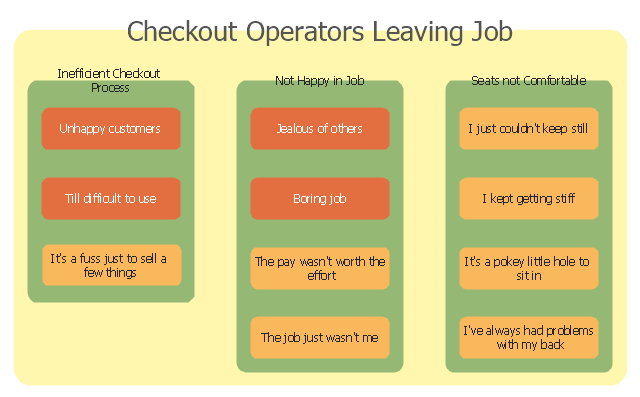
The affinity diagram example "Checkout operators leaving job" was created using the ConceptDraw PRO diagramming and vector drawing software extended with the solution "Seven Management and Planning Tools" from the Management area of ConceptDraw Solution Park.
The modern point of sale is often referred to as the point of service because it is not just a point of sale but also a point of return or customer order. Additionally it includes advanced features to cater to different functionality, such as inventory management, CRM, financials, warehousing, etc., all built into the POS software. Prior to the modern POS, all of these functions were done independently and required the manual re-keying of information, which can lead to entry errors." [Point of sale. Wikipedia]
The affinity diagram example "Checkout operators leaving job" was created using the ConceptDraw PRO diagramming and vector drawing software extended with the solution "Seven Management and Planning Tools" from the Management area of ConceptDraw Solution Park.
Affinity diagram
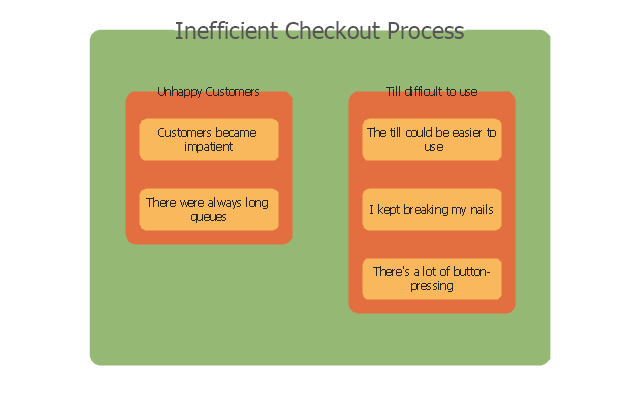
Inefficient checkout process
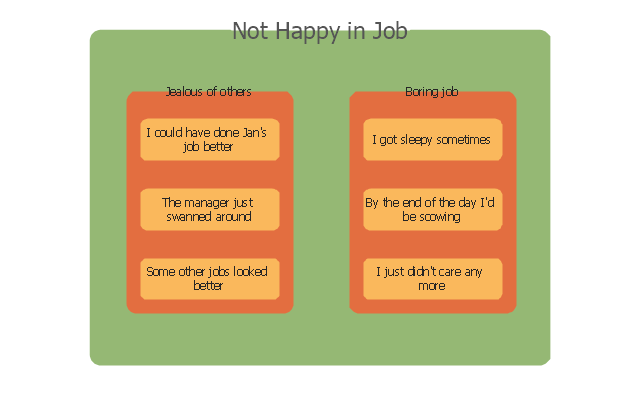
Not happy in job
Flowchart Maker

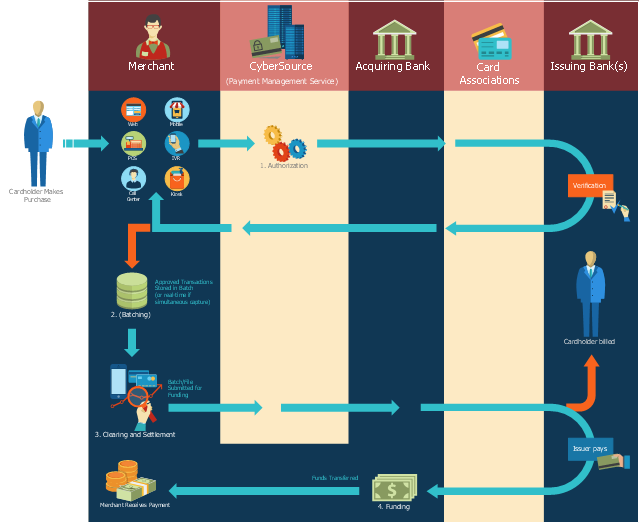
This payment process flowchart example was created on the base of the diagram of payment process using Global Payment Processing Services from the U.S. Securities and Exchange Commission website.
"Global Payment Processing Services. CyberSource Advanced enables merchants to accept payments made by all major credit and debit cards including American Express®, Discover®, Diners Club International®, JCB, MasterCard®, and Visa® cards. Our customers can also accept payment by corporate procurement cards, electronic checks, PayPal® Express Checkout, and the Bill Me Later® service. Merchants that have business models based on subscriptions can utilize the CyberSource recurring billing service with automated account updating services. For merchants selling internationally, we support direct debit, and bank transfers, as well as regional card brands such as Carte Bleue, Carta Si, Dankort, Laser, Solo, and Visa Electron. We provide these services for online, call center, kiosk, integrated voice response (“IVR”), and IP-enabled point of sale (“POS”) transactions."
[www.sec.gov/ Archives/ edgar/ data/ 934280/ 000119312510042764/ d10k.htm]
The flowchart example "Global Payment Solutions" was created using the ConceptDraw PRO diagramming and vector drawing software extended with the Sales Flowcharts solution from the Marketing area of ConceptDraw Solution Park.
"Global Payment Processing Services. CyberSource Advanced enables merchants to accept payments made by all major credit and debit cards including American Express®, Discover®, Diners Club International®, JCB, MasterCard®, and Visa® cards. Our customers can also accept payment by corporate procurement cards, electronic checks, PayPal® Express Checkout, and the Bill Me Later® service. Merchants that have business models based on subscriptions can utilize the CyberSource recurring billing service with automated account updating services. For merchants selling internationally, we support direct debit, and bank transfers, as well as regional card brands such as Carte Bleue, Carta Si, Dankort, Laser, Solo, and Visa Electron. We provide these services for online, call center, kiosk, integrated voice response (“IVR”), and IP-enabled point of sale (“POS”) transactions."
[www.sec.gov/ Archives/ edgar/ data/ 934280/ 000119312510042764/ d10k.htm]
The flowchart example "Global Payment Solutions" was created using the ConceptDraw PRO diagramming and vector drawing software extended with the Sales Flowcharts solution from the Marketing area of ConceptDraw Solution Park.
Payment process flowchart
How to Simplify Flow Charting — Cross-functional Flowchart

Sales Process Flowchart Symbols

Business Process Flow Diagram

Drawing Workflow Diagrams
Workflow Application
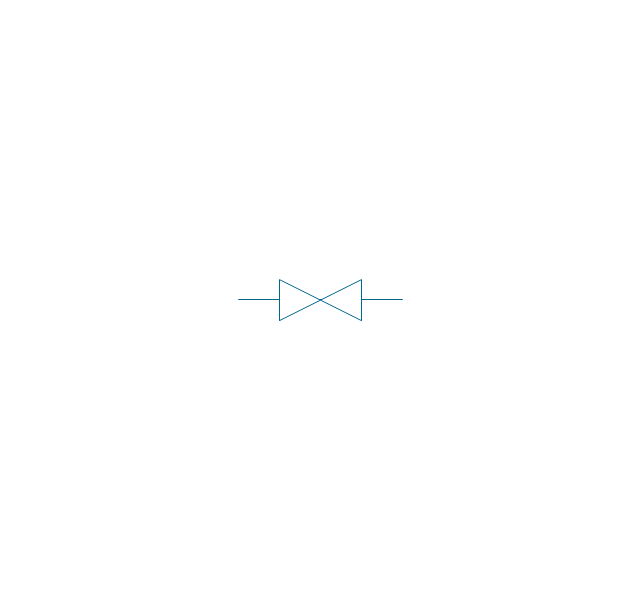
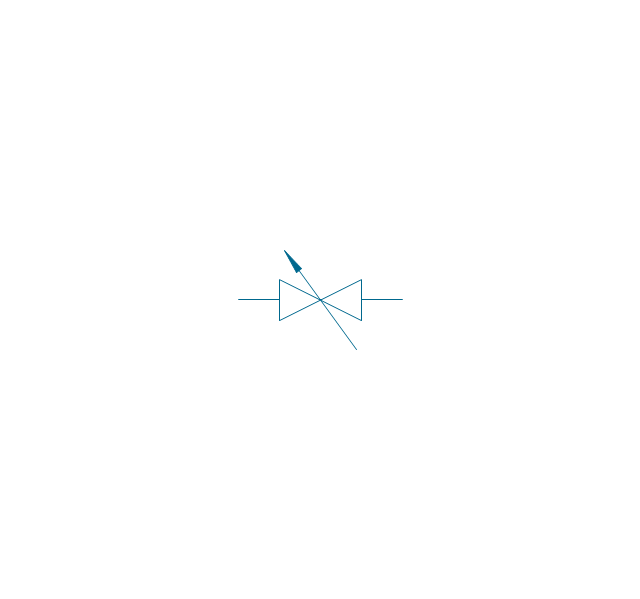
The vector stencils library "Valve assembly" contains 141 symbols of pressure and flow regulators, flow direction indicators, controls, and symbols to design flow paths of control valves in fluid power systems.
Use these valve assembly shapes to design the engineering drawings of hydraulic and pneumatic valve assemblies
in the ConceptDraw PRO diagramming and vector drawing software extended with the Mechanical Engineering solution from the Engineering area of ConceptDraw Solution Park.
www.conceptdraw.com/ solution-park/ engineering-mechanical
Use these valve assembly shapes to design the engineering drawings of hydraulic and pneumatic valve assemblies
in the ConceptDraw PRO diagramming and vector drawing software extended with the Mechanical Engineering solution from the Engineering area of ConceptDraw Solution Park.
www.conceptdraw.com/ solution-park/ engineering-mechanical
2 position 2,3,4 port (fin. pos.)
-valve-assembly---vector-stencils-library.png--diagram-flowchart-example.png)
2 position 2,3,4 port (infin. pos.)
-valve-assembly---vector-stencils-library.png--diagram-flowchart-example.png)
2 position 2,3,4 port (ext., fin.pos.)
-valve-assembly---vector-stencils-library.png--diagram-flowchart-example.png)
2 position 2,3,4 port (ext., infin. pos.)
-valve-assembly---vector-stencils-library.png--diagram-flowchart-example.png)
2 position 5 port (fin. pos.)
-valve-assembly---vector-stencils-library.png--diagram-flowchart-example.png)
2 position 5 port (infin. pos.)
-valve-assembly---vector-stencils-library.png--diagram-flowchart-example.png)
2 position 5 port (ext., fin.pos.)
-valve-assembly---vector-stencils-library.png--diagram-flowchart-example.png)
2 position 5 port (ext., infin. pos.)
-valve-assembly---vector-stencils-library.png--diagram-flowchart-example.png)
3 position 2,3,4 port (fin. pos.)
-valve-assembly---vector-stencils-library.png--diagram-flowchart-example.png)
3 position 2,3,4 port (infin. pos.)
-valve-assembly---vector-stencils-library.png--diagram-flowchart-example.png)
3 position 2,3,4 port (ext., fin.pos.)
-valve-assembly---vector-stencils-library.png--diagram-flowchart-example.png)
3 position 2,3,4 port (ext., infin. pos.)
-valve-assembly---vector-stencils-library.png--diagram-flowchart-example.png)
3 position 5 port (fin. pos.)
-valve-assembly---vector-stencils-library.png--diagram-flowchart-example.png)
3 position 5 port (infin. pos.)
-valve-assembly---vector-stencils-library.png--diagram-flowchart-example.png)
3 position 5 port (ext., fin.pos.)
-valve-assembly---vector-stencils-library.png--diagram-flowchart-example.png)
3 position 5 port (ext., infin. pos.)
-valve-assembly---vector-stencils-library.png--diagram-flowchart-example.png)
4 position 2,3,4 port (fin. pos.)
-valve-assembly---vector-stencils-library.png--diagram-flowchart-example.png)
4 position 2,3,4 port (infin. pos.)
-valve-assembly---vector-stencils-library.png--diagram-flowchart-example.png)
4 position 2,3,4 port (ext., fin.pos.)
-valve-assembly---vector-stencils-library.png--diagram-flowchart-example.png)
4 position 2,3,4 port (ext., infin. pos.)
-valve-assembly---vector-stencils-library.png--diagram-flowchart-example.png)
4 position 5 port (fin. pos.)
-valve-assembly---vector-stencils-library.png--diagram-flowchart-example.png)
4 position 5 port (infin. pos.)
-valve-assembly---vector-stencils-library.png--diagram-flowchart-example.png)
4 position 5 port (ext., fin.pos.)
-valve-assembly---vector-stencils-library.png--diagram-flowchart-example.png)
4 position 5 port (ext., infin. pos.)
-valve-assembly---vector-stencils-library.png--diagram-flowchart-example.png)
Box 5 port

Box 2,3,4 port

2-port, pneum., 1 arrow

2-port, pneum., 2 arrows

2-port, hydr., 1 arrow

2-port, hydr., 2 arrows

2-port

2-port closed

3-port, pneum., 1 arrow
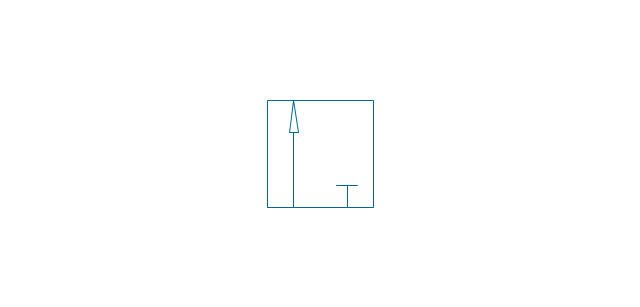
3-port, pneum., 2 arrows
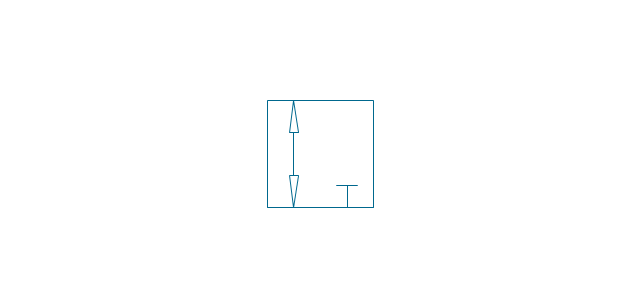
3-port, hydr., 1 arrow
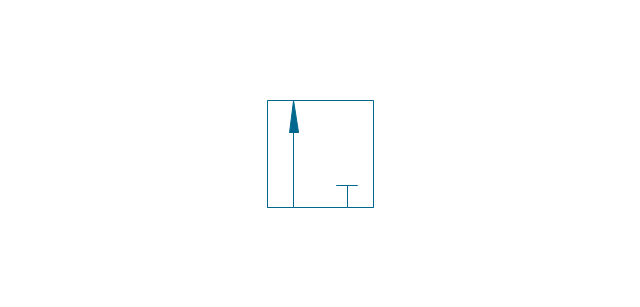
3-port, hydr., 2 arrows
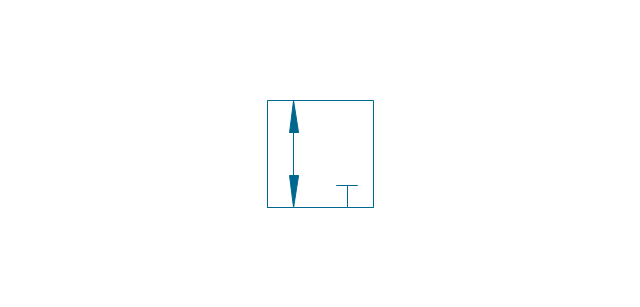
3-port
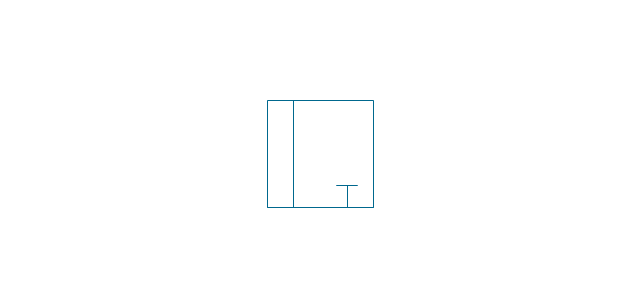
3-port crossover, pneum., 1 arrow
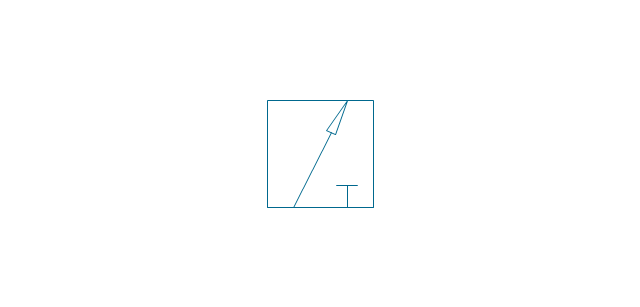
3-port crossover, pneum., 2 arrows
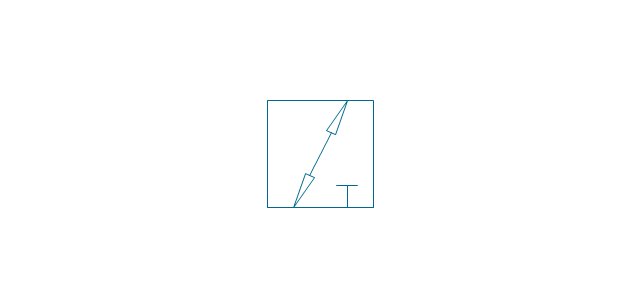
3-port crossover, hydr., 1 arrow
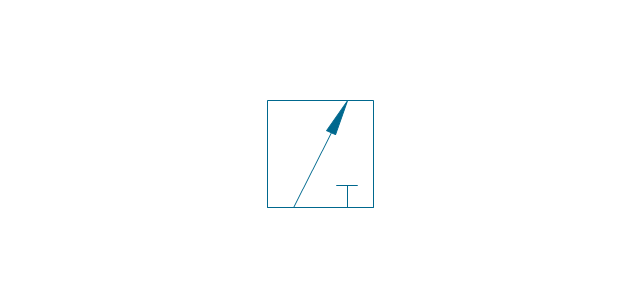
3-port crossover, hydr., 2 arrows
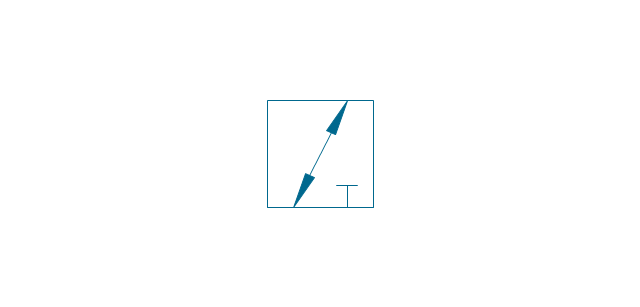
3-port crossover
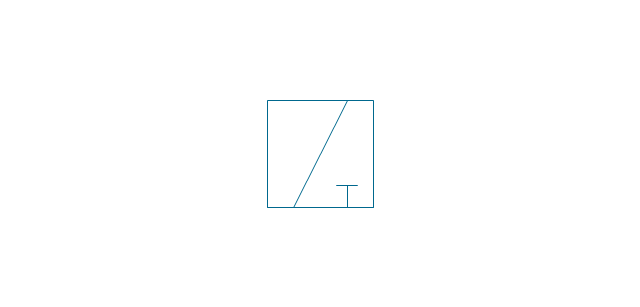
4-port, pneum.
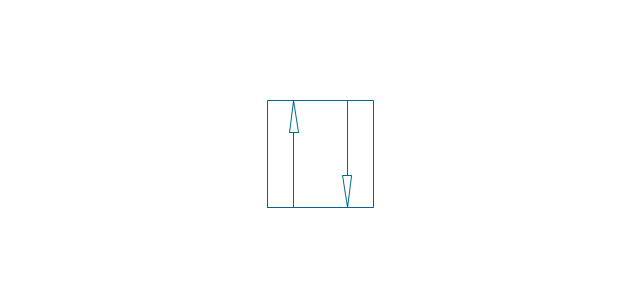
4-port, hydr.
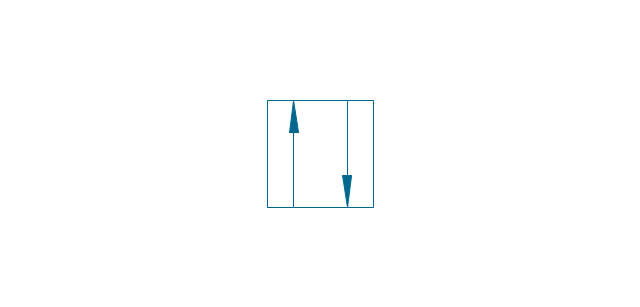
4-port closed
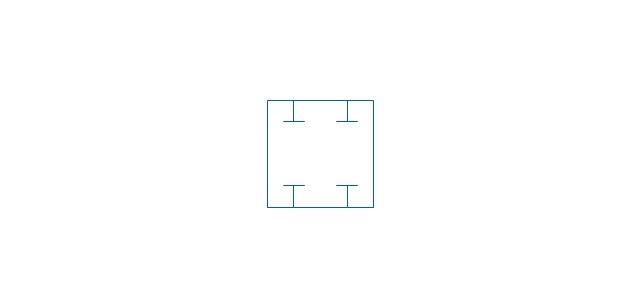
4-port crossed, pneum.
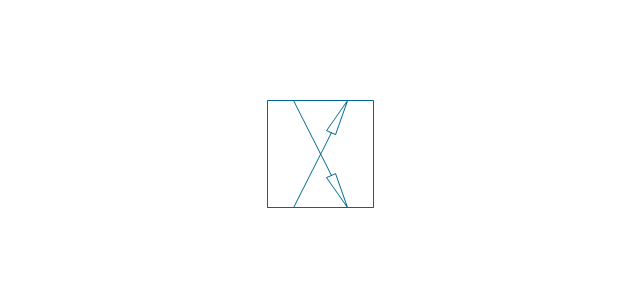
4-port crossed, hydr.

4-port tandem, pneum., 1 arrow
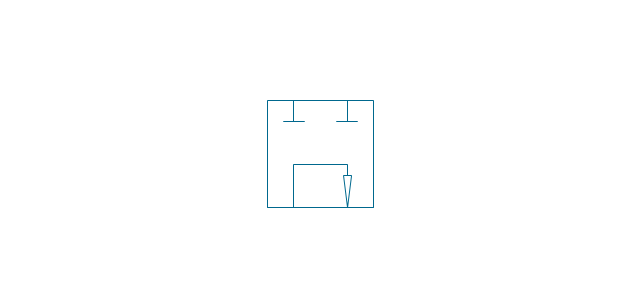
4-port tandem, pneum., 2 arrows
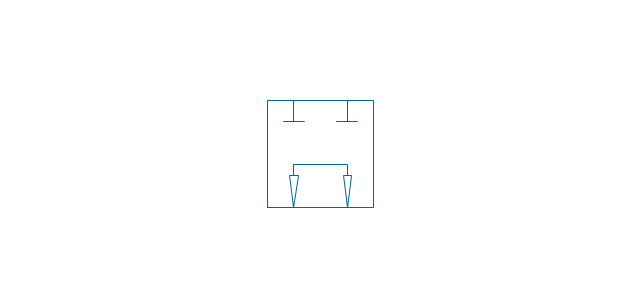
4-port tandem, hydr., 1 arrow
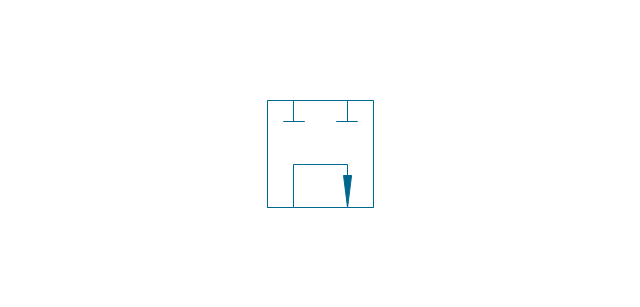
4-port tandem, hydr., 2 arrows
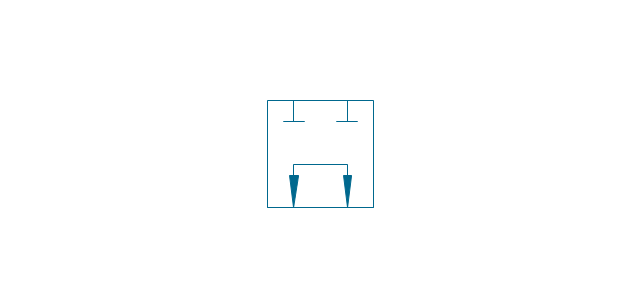
4-port tandem
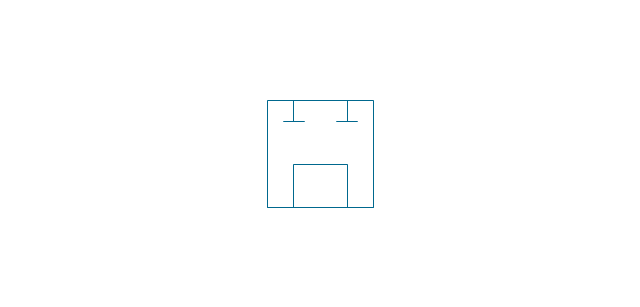
4-port open
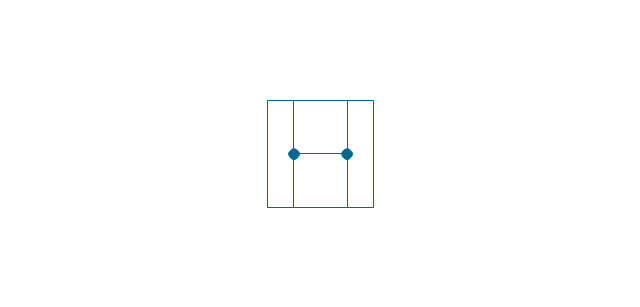
4-port semi-connected
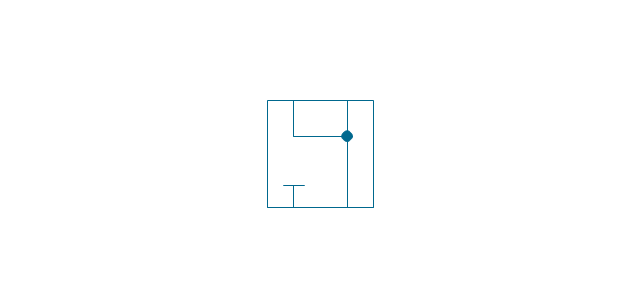
4-port crossover, pneum., 1 arrow
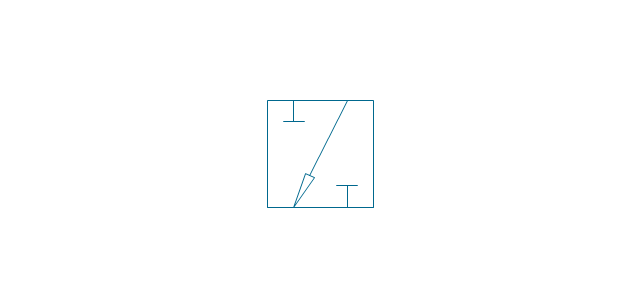
4-port crossover, pneum., 2 arrows
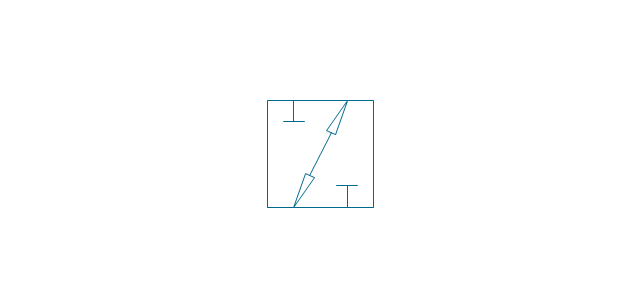
4-port crossover, hydr., 1 arrow
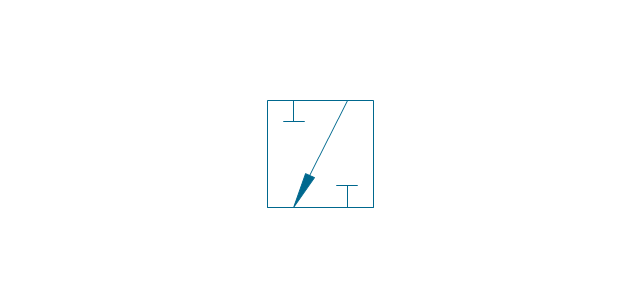
4-port crossover, hydr., 2 arrows
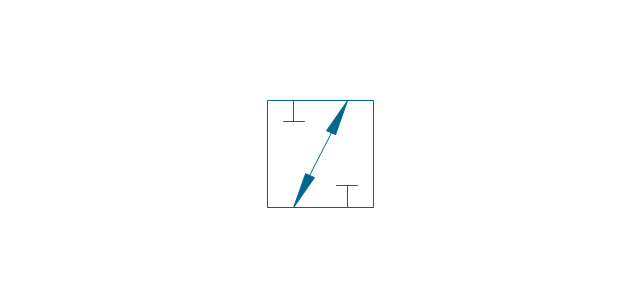
4-port crossover
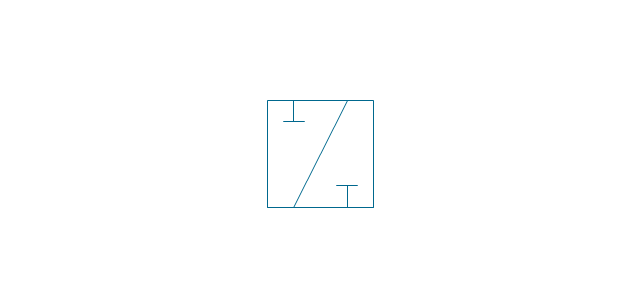
5-port, pneum., arrows same
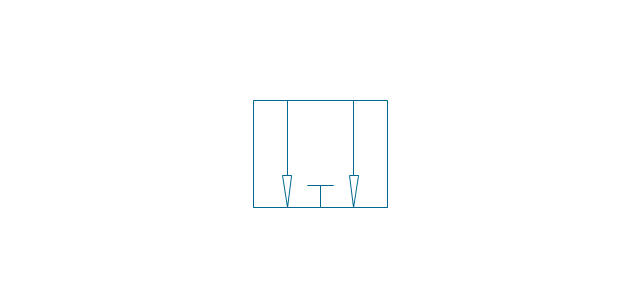
5-port, pneum., arrows opposite
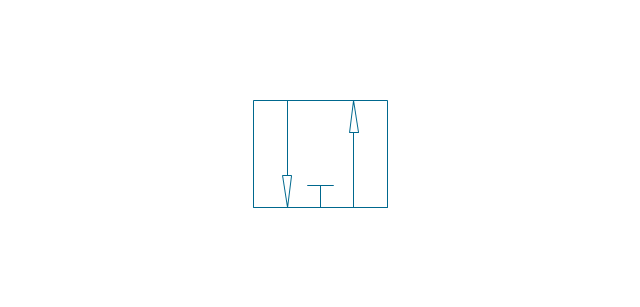
5-port, hydr., arrows same
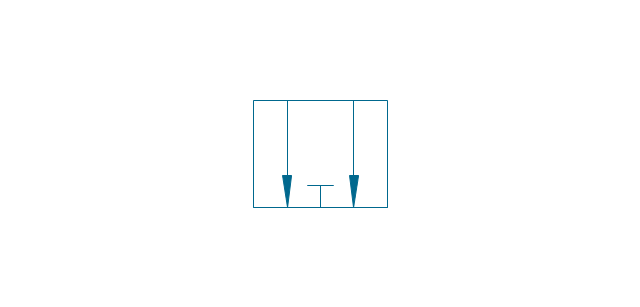
5-port, hydr., arrows opposite
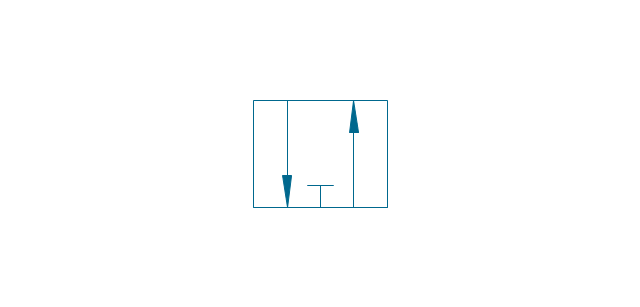
5-port
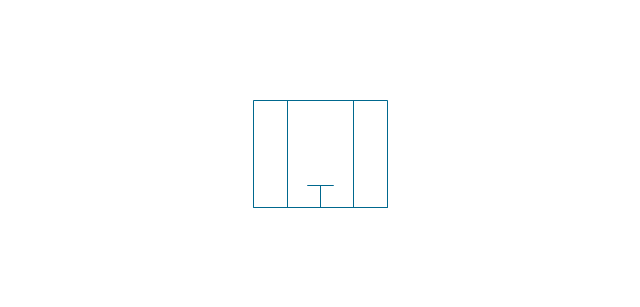
5-port closed
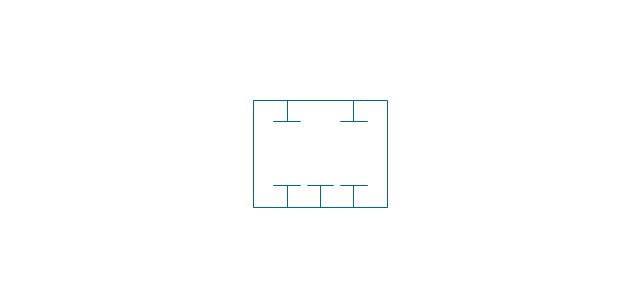
5-port crossover, pneum., arrows same
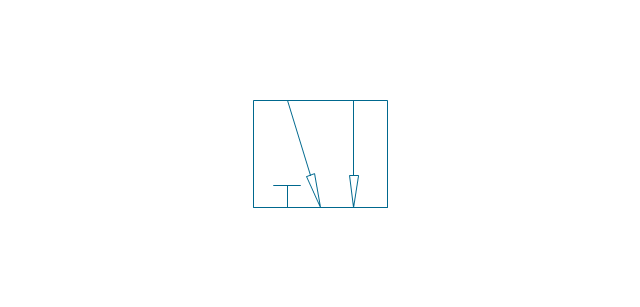
5-port crossover, pneum., arrows opposite
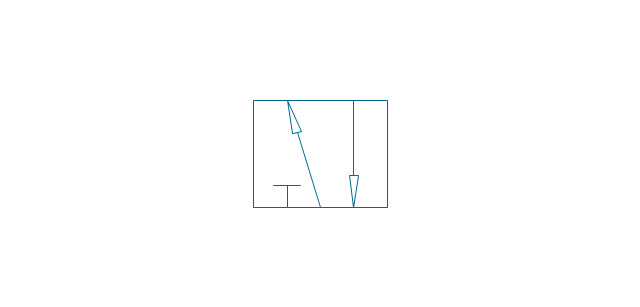
5-port crossover, hydr., arrows same
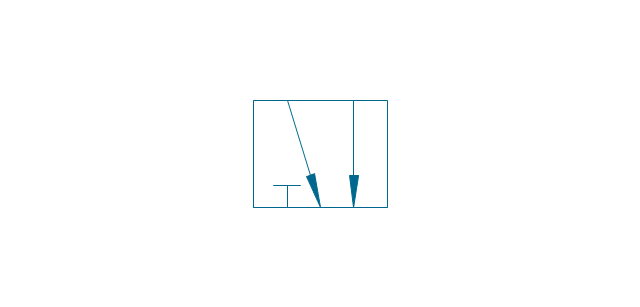
5-port crossover, hydr., arrows opposite
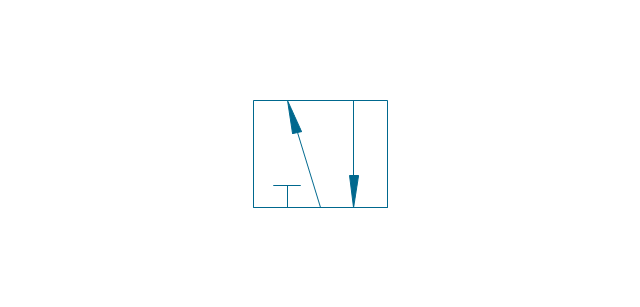
5-port crossover
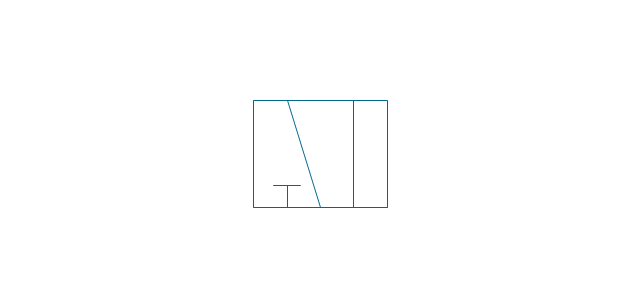
Spring
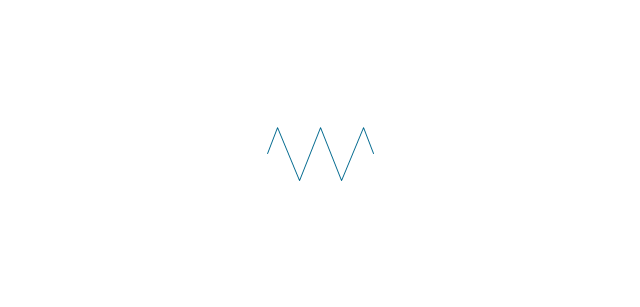
Spring, var.
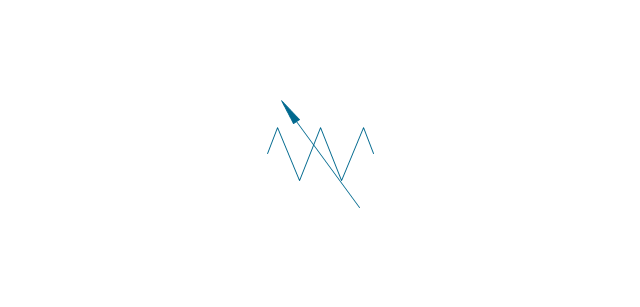
Plunger

Plunger, var.

Roller

Roller (arrow)
-valve-assembly---vector-stencils-library.png--diagram-flowchart-example.png)
One-way trip
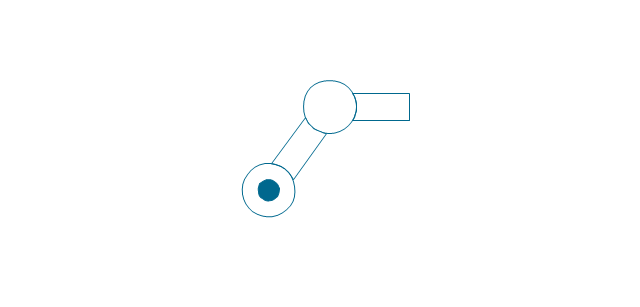
One-way trip (arrow)
-valve-assembly---vector-stencils-library.png--diagram-flowchart-example.png)
Manual override

Pull button

Push button

Pull/push button
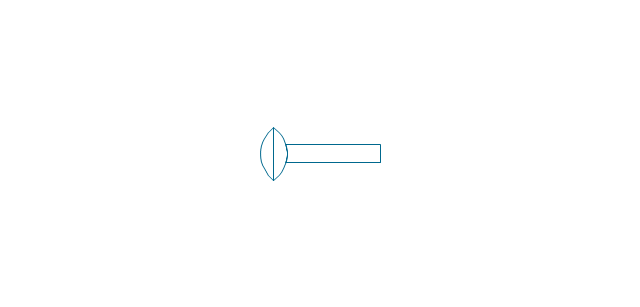
Lever
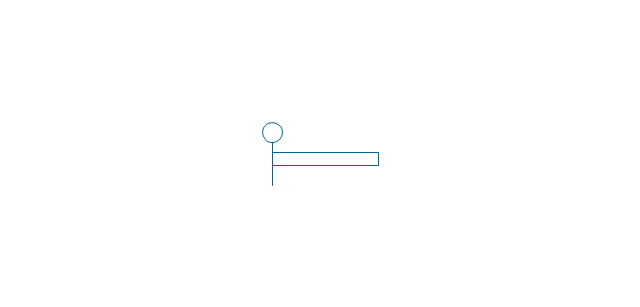
Pedal

Treadle
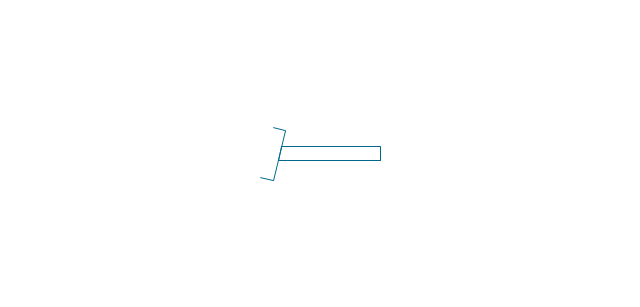
Electric rotor
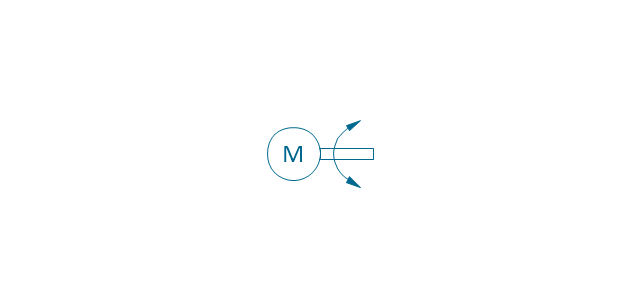
Electric control, proportional, 1 winding
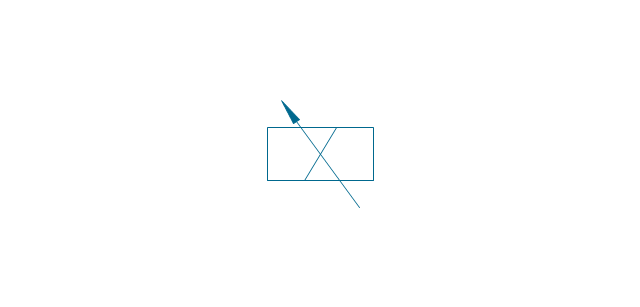
Electric control, proportional, 2 windings
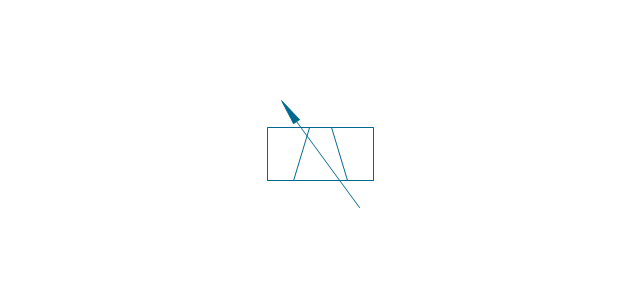
Electric control, non-proportional, 1 winding

Electric control, non-proportional, 2 windings
Pilot-operated, pneum., 1 arrow, points left

Pilot-operated, pneum., 1 arrow, points right

Pilot-operated, pneum., 2 arrows, points left
Pilot-operated, pneum., 2 arrows, points right

Pilot-operated, pneum.

Pilot-operated, hydr., 1 arrow, points left

Pilot-operated, hydr., 1 arrow, points right

Pilot-operated, hydr., 2 arrows, points left

Pilot-operated, hydr., 2 arrows, points right

Pilot-operated, hydr.

Detent

Junction dot

T-junction, con.
T-junction, discon.
4-way junction, con.
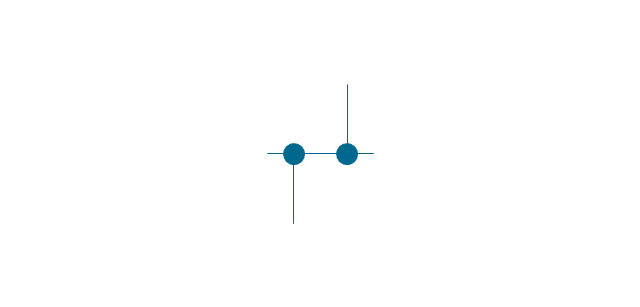
4-way junction, discon.

Crossing
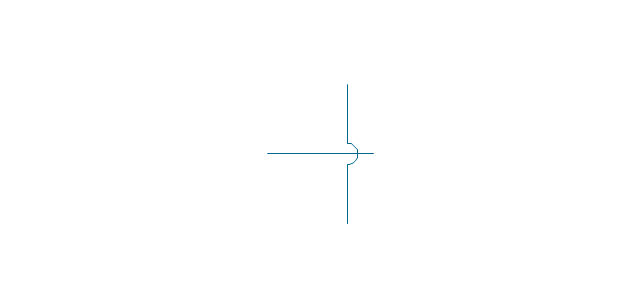
Flexible line
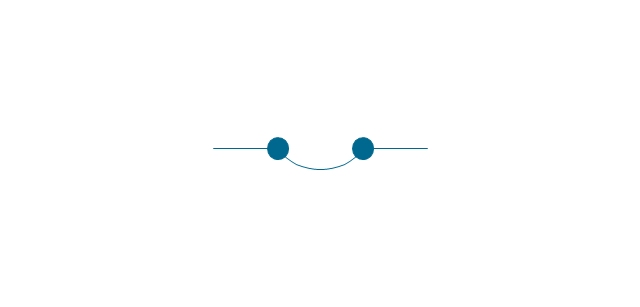
Air bleed, continuous
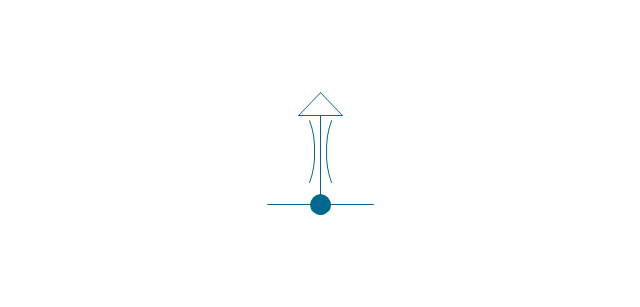
Air bleed, temporary

Fluid energy

Fluid energy, hydr.

Fluid energy, pneum.

Air exhaust port

Fluid flow, pneum.
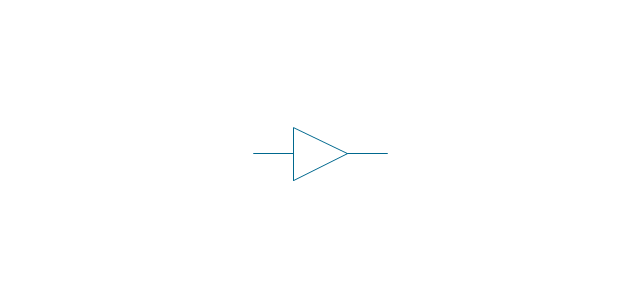
Fluid flow, hydr.
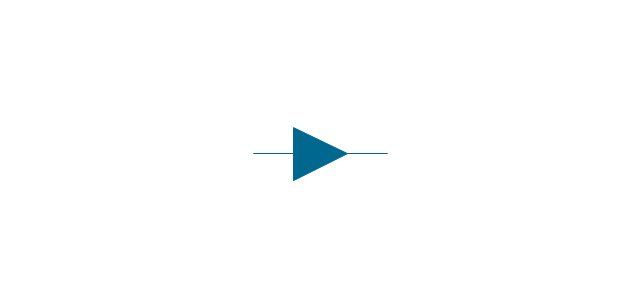
Rotary connection (1)
-valve-assembly---vector-stencils-library.png--diagram-flowchart-example.png)
Rotary connection (3)
-valve-assembly---vector-stencils-library.png--diagram-flowchart-example.png)
Variable arrow
Curved arrow, top

Curved arrow, bottom

Curved arrow, both ends

Flow path

Flow path, pneum., 1 arrow

Flow path, hydr., 1 arrow

Flow path, pneum., 2 arrows

Flow path, hydr., 2 arrows

Shaft, top arrow

Shaft, bottom arrow

Shaft, both arrows

Shaft

Rod, right arrow
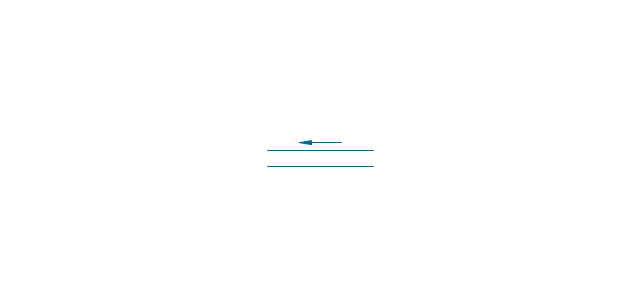
Rod, left arrow
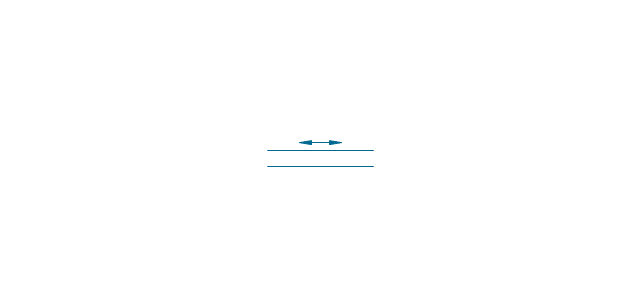
Rod, both arrows
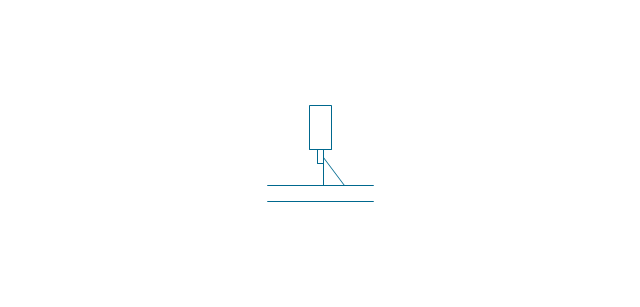
Over - center

Latch
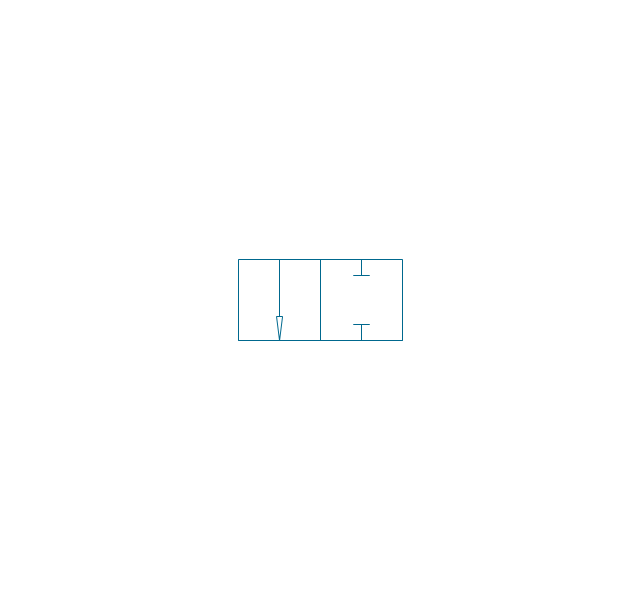
Closed path

Electric

Restriction

Closed path (double)
-valve-assembly---vector-stencils-library.png--diagram-flowchart-example.png)
Temperature

The vector stencils library "Fluid power valves" contains 93 symbols of pre-made hydraulic and pneumatic valves, including directional control valves, flow control valves, pressure control valves, and electrohydraulic and electropneumatic valves.
Use these shapes to design fluid power diagrams in the ConceptDraw PRO diagramming and vector drawing software extended with the Mechanical Engineering solution from the Engineering area of ConceptDraw Solution Park.
www.conceptdraw.com/ solution-park/ engineering-mechanical
Use these shapes to design fluid power diagrams in the ConceptDraw PRO diagramming and vector drawing software extended with the Mechanical Engineering solution from the Engineering area of ConceptDraw Solution Park.
www.conceptdraw.com/ solution-park/ engineering-mechanical
2/2 valve, pneum., finite positions
2/2 valve, pneum., infinite positions
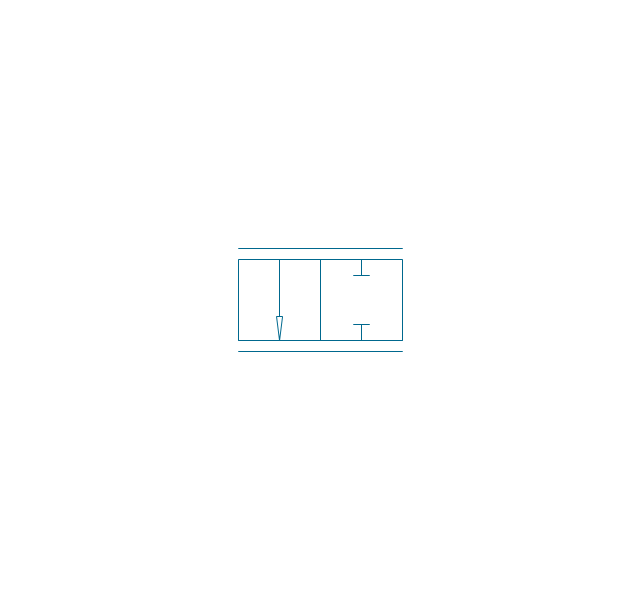
2/2 valve, pneum., ext., fin. pos.
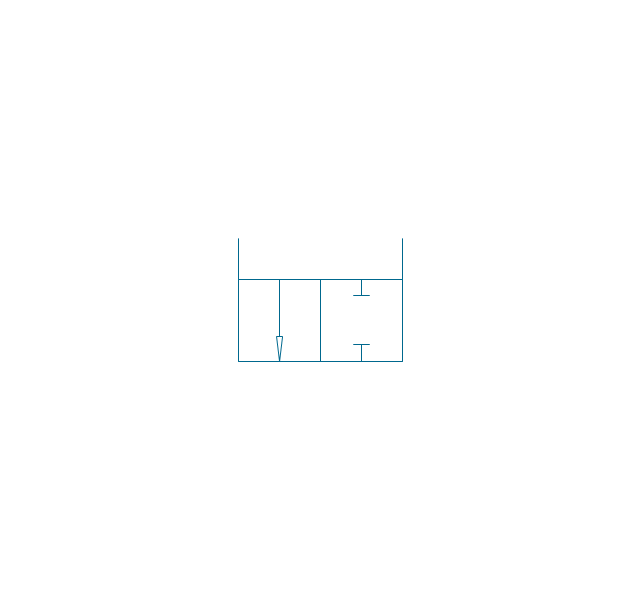
2/2 valve, pneum., ext., infin. pos.
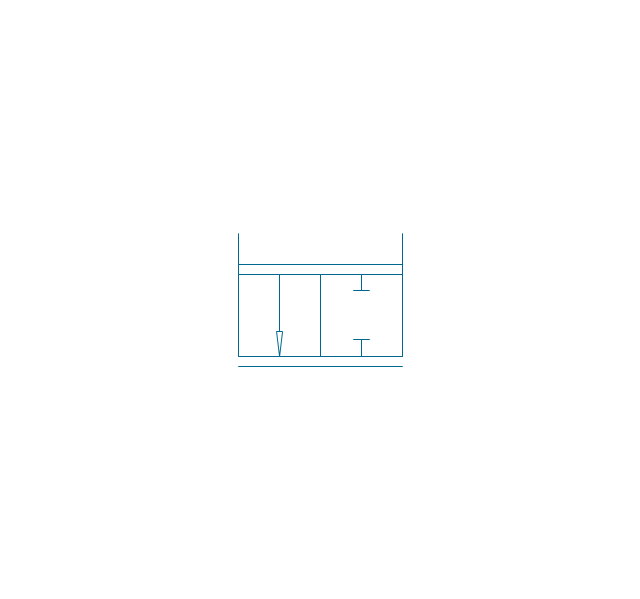
2/2 valve, hydr., finite positions
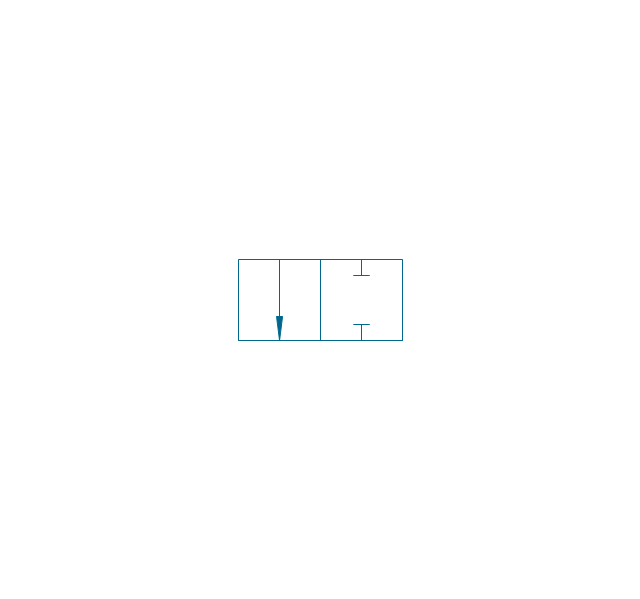
2/2 valve, hydr., infinite positions
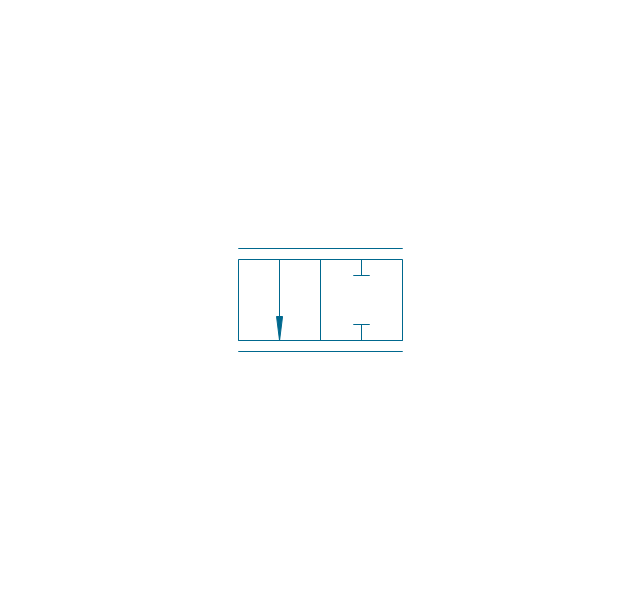
2/2 valve, hydr., ext., fin. pos.
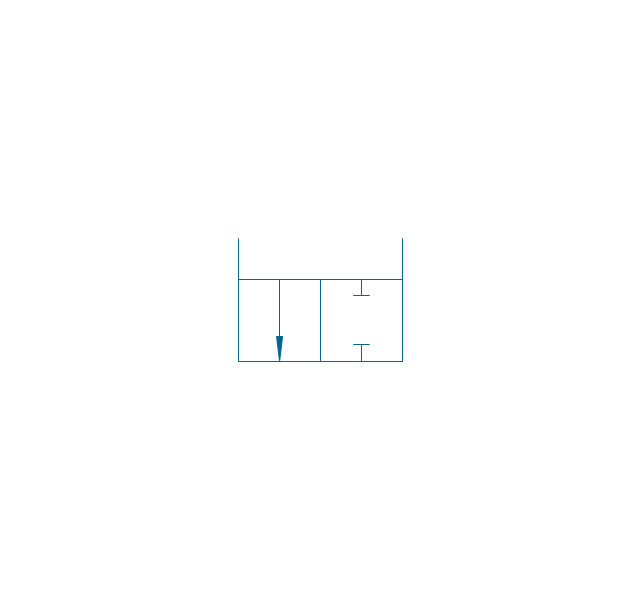
2/2 valve, hydr., ext., infin. pos.
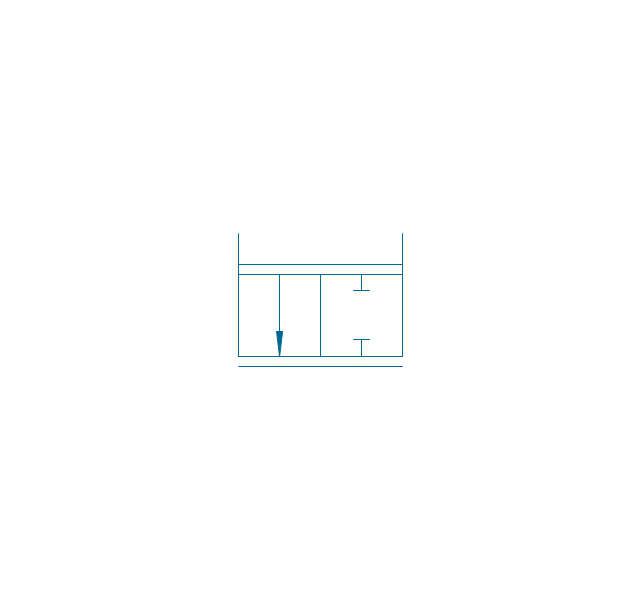
3/2 valve, pneum., finite positions
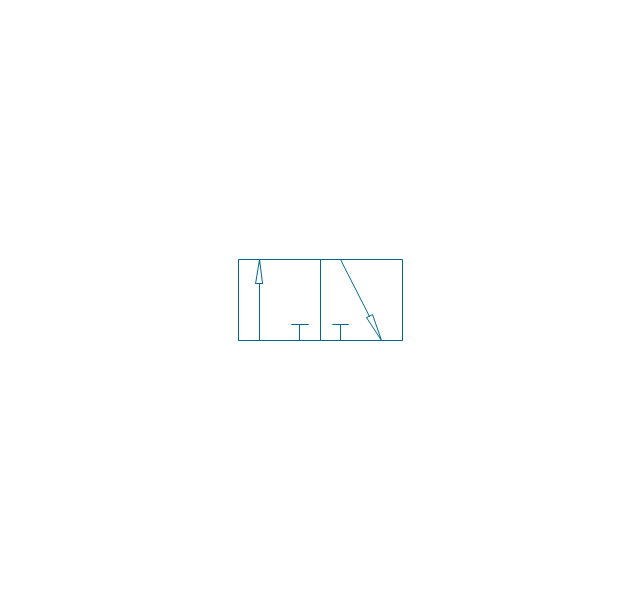
3/2 valve, pneum., infinite positions
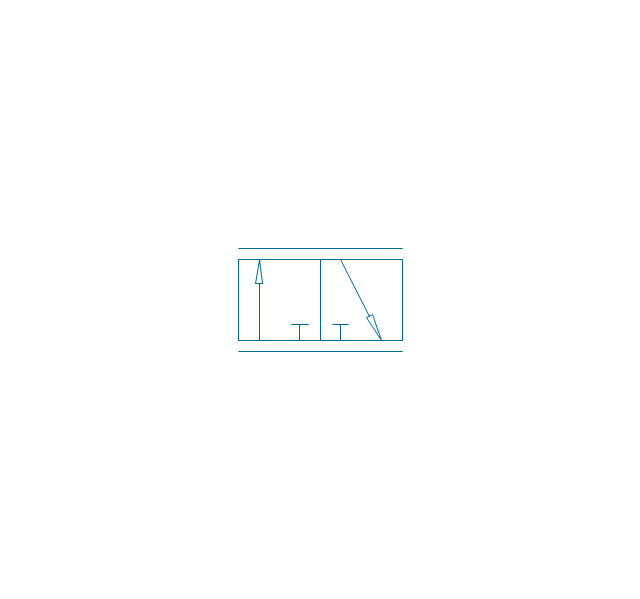
3/2 valve, pneum., ext., fin. pos.
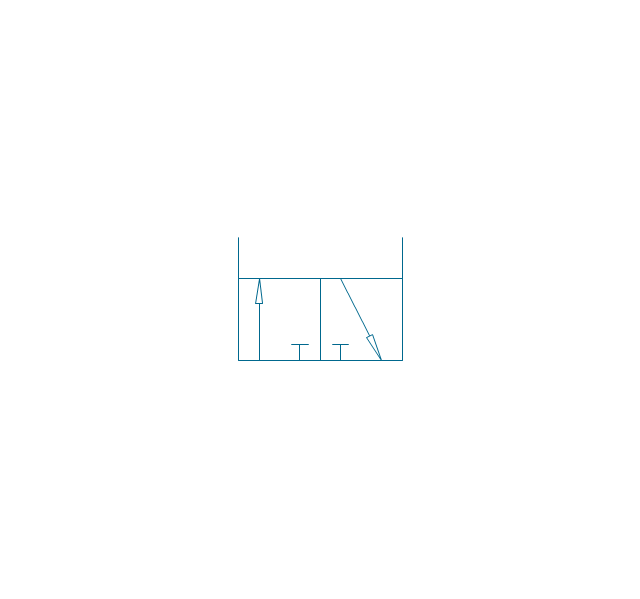
3/2 valve, pneum., ext., infin. pos.
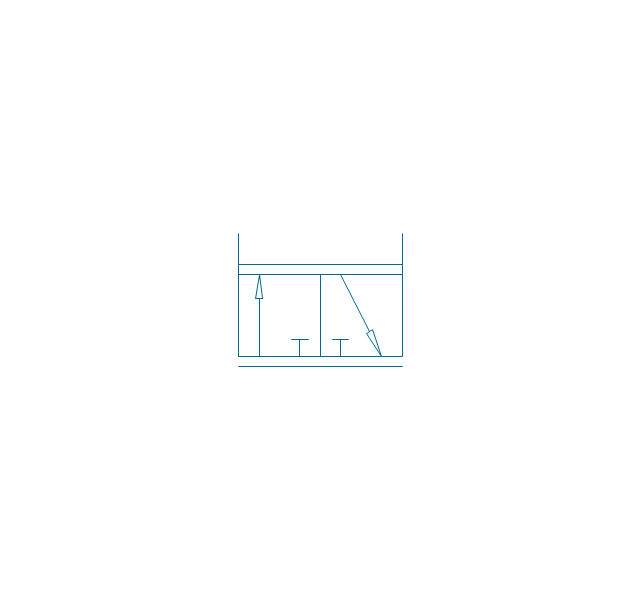
3/2 valve, hydr., finite positions
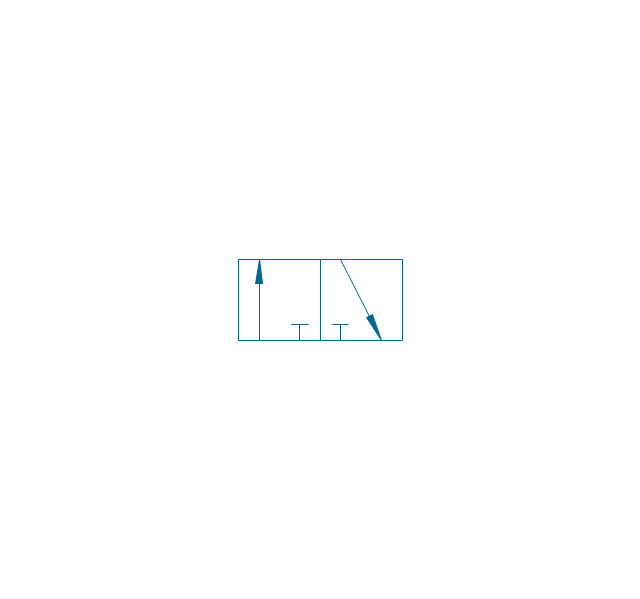
3/2 valve, hydr., infinite positions
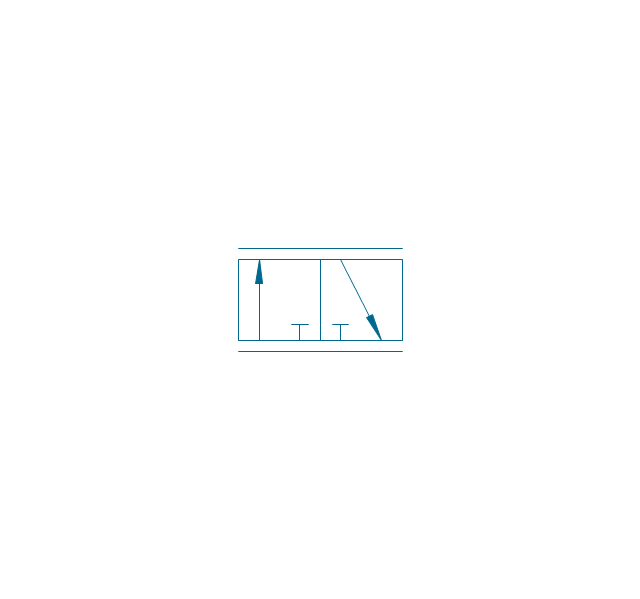
3/2 valve, hydr., ext., fin. pos.
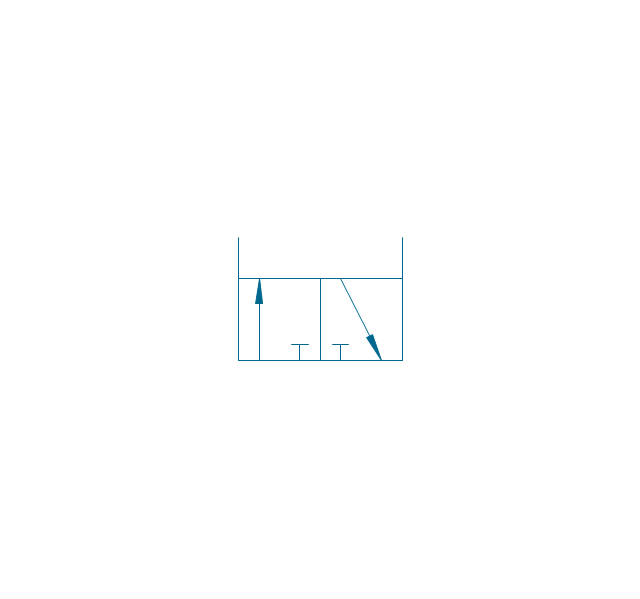
3/2 valve, hydr., ext., infin. pos.
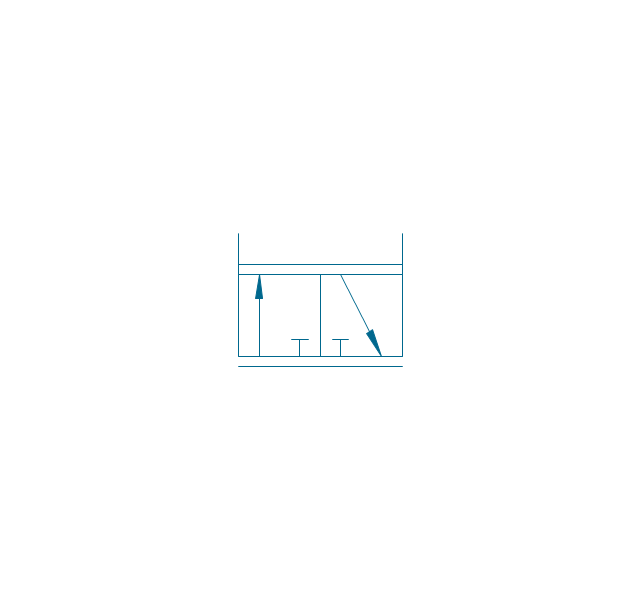
4/2 valve, pneum., finite positions

4/2 valve, pneum., infinite positions
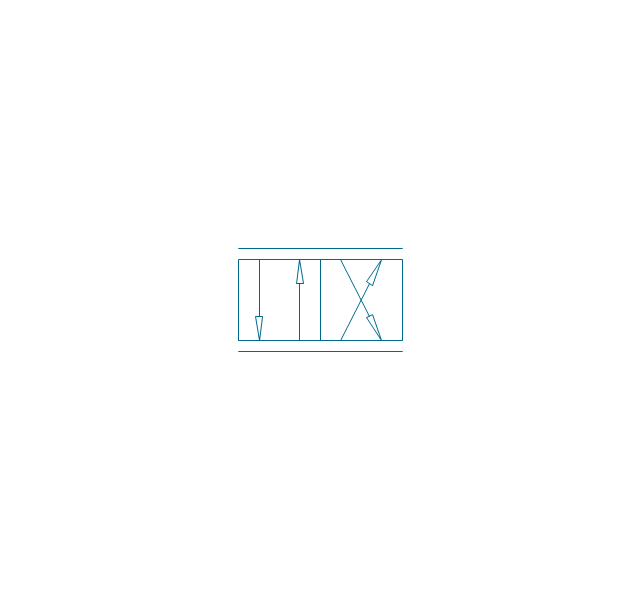
4/2 valve, pneum., ext., fin. pos.
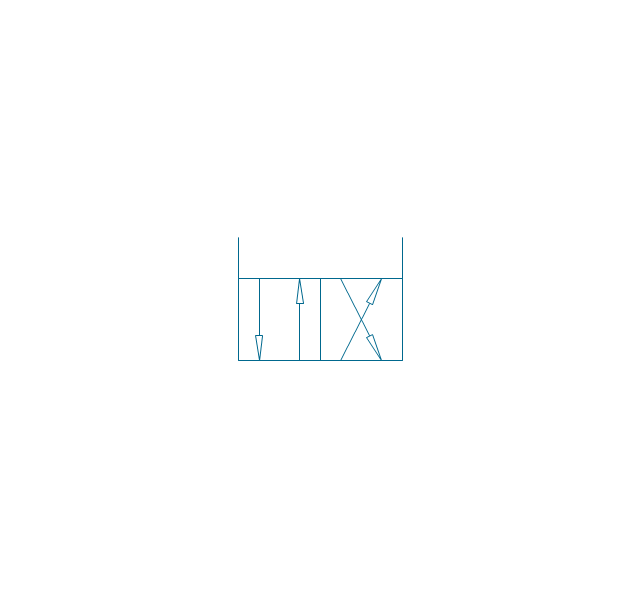
4/2 valve, pneum., ext., infin. pos.
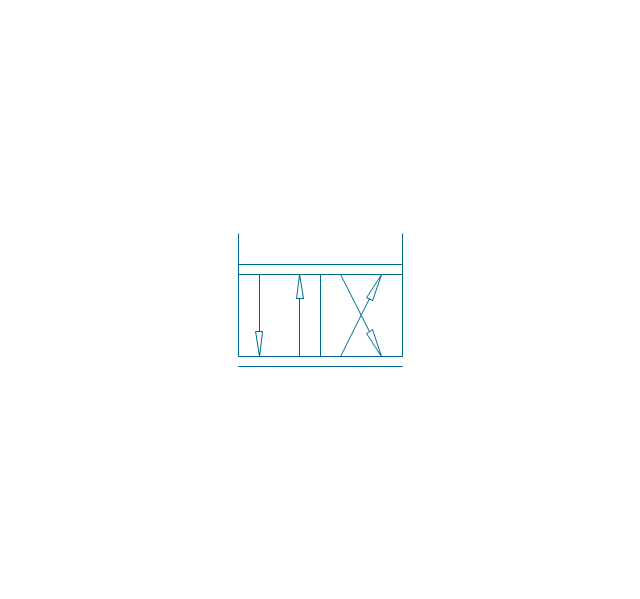
4/2 valve, hydr., finite positions

4/2 valve, hydr., infinite positions

4/2 valve, hydr., ext., fin. pos.

4/2 valve, hydr., ext., infin. pos.
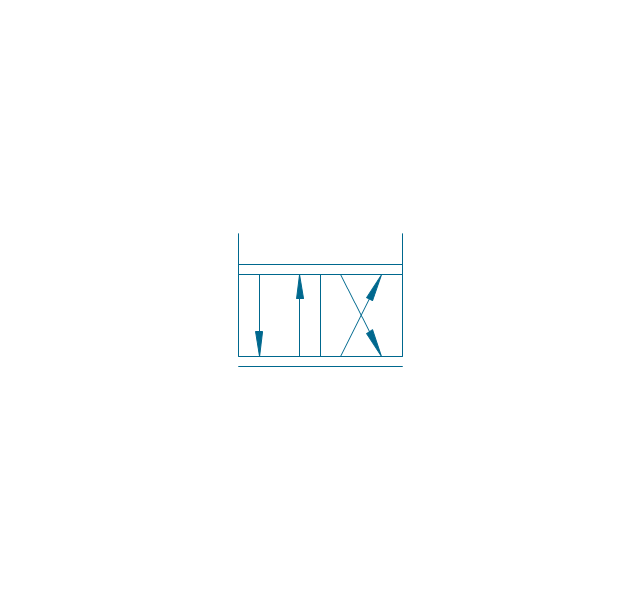
5/2 valve, pneum., finite positions
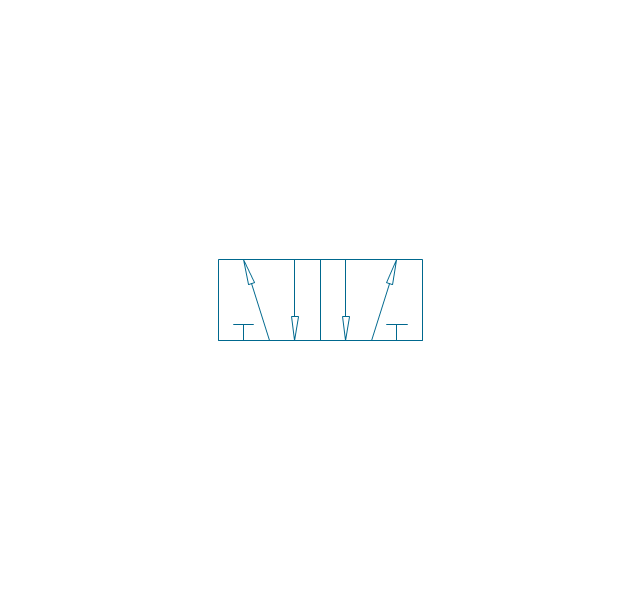
5/2 valve, pneum., infinite positions
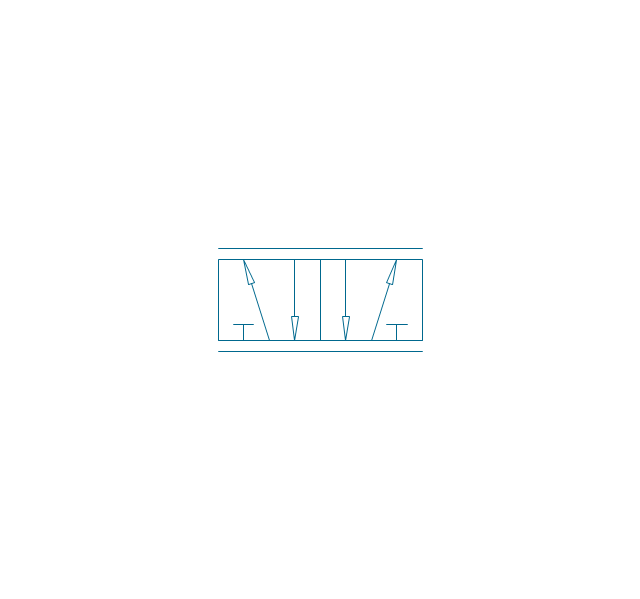
5/2 valve, pneum., ext., fin. pos.
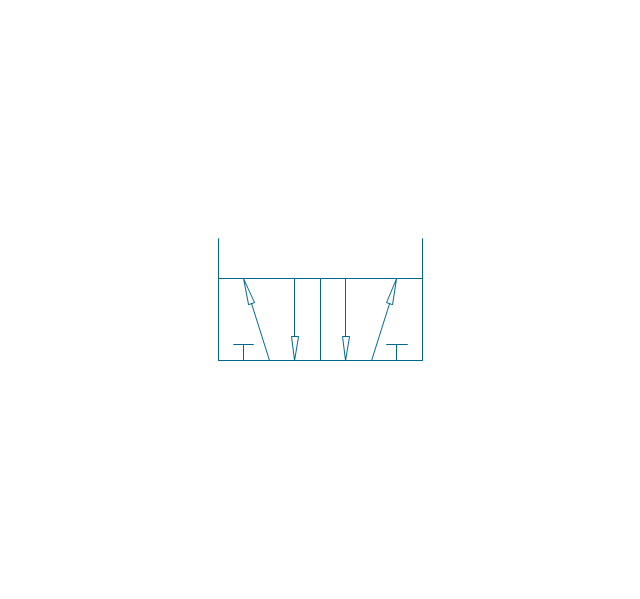
5/2 valve, pneum., ext., infin. pos.
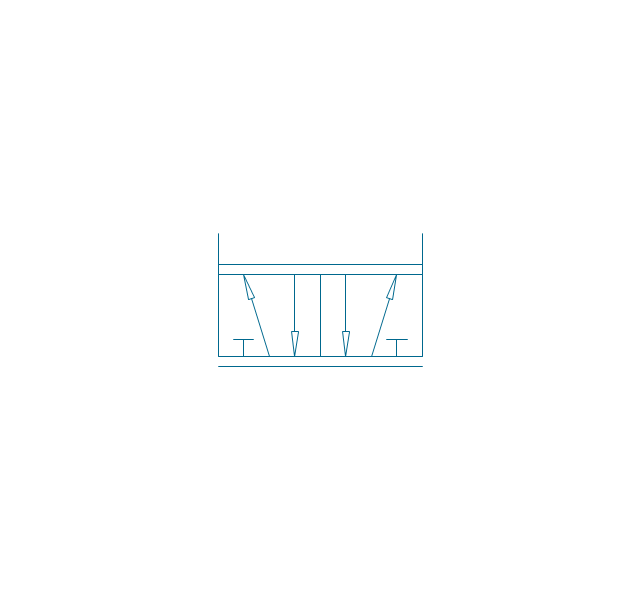
5/2 valve, hydr., finite positions

5/2 valve, hydr., infinite positions
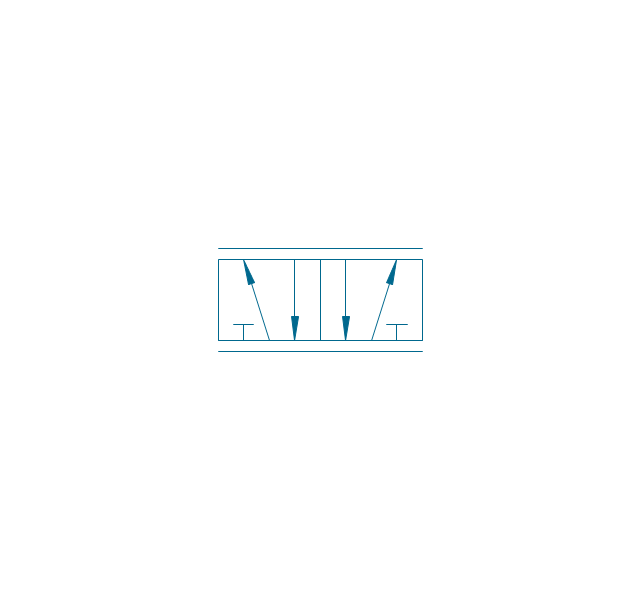
5/2 valve, hydr., ext., fin. pos.
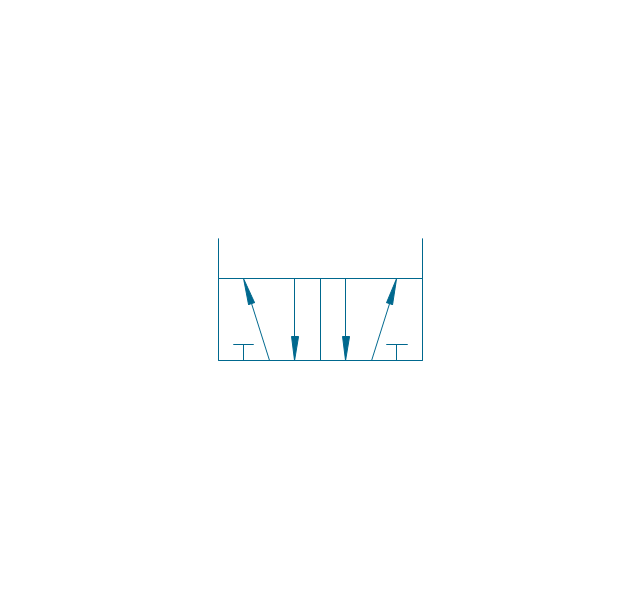
5/2 valve, hydr., ext., infin. pos.
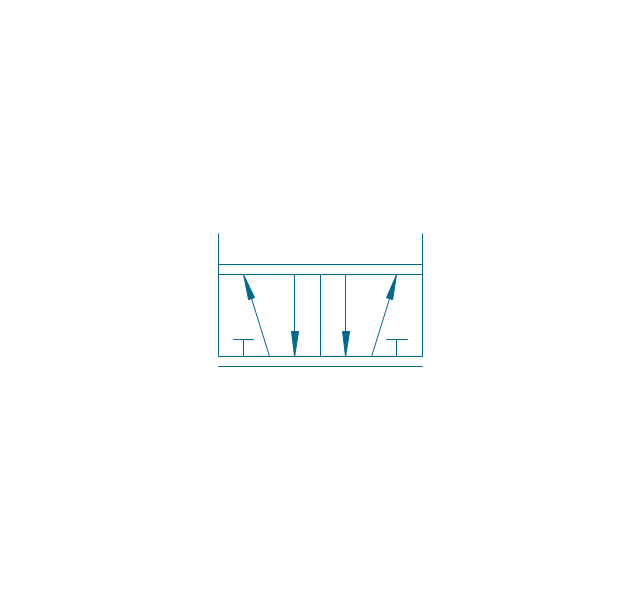
4/3 valve, pneum., finite positions

4/3 valve, pneum., infinite positions

4/3 valve, pneum., ext., fin. pos.

4/3 valve, pneum., ext., infin. pos.
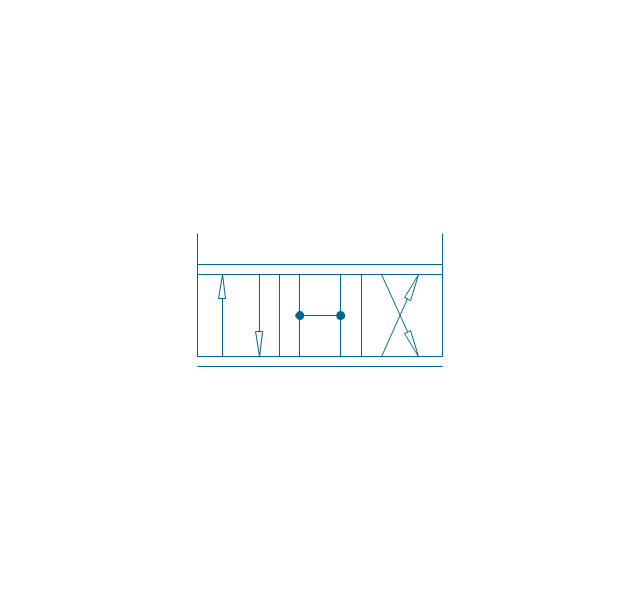
4/3 valve, hydr., finite positions

4/3 valve, hydr., infinite positions

4/3 valve, hydr., ext., fin. pos.

4/3 valve, hydr., ext., infin. pos.
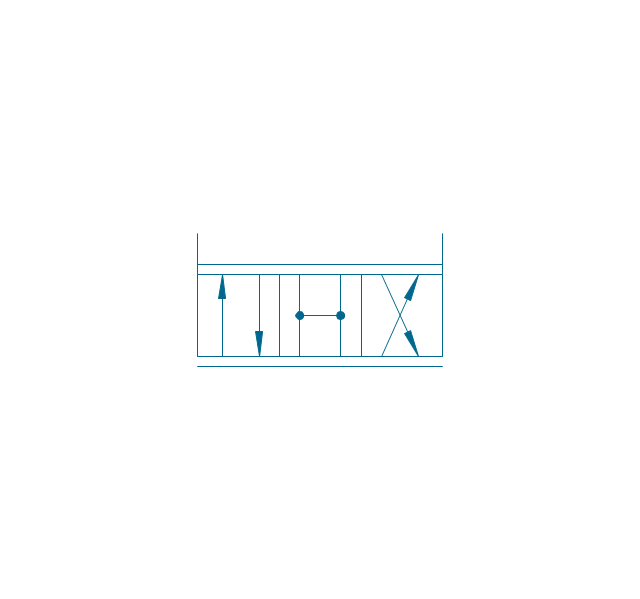
5/3 valve, pneum., finite positions
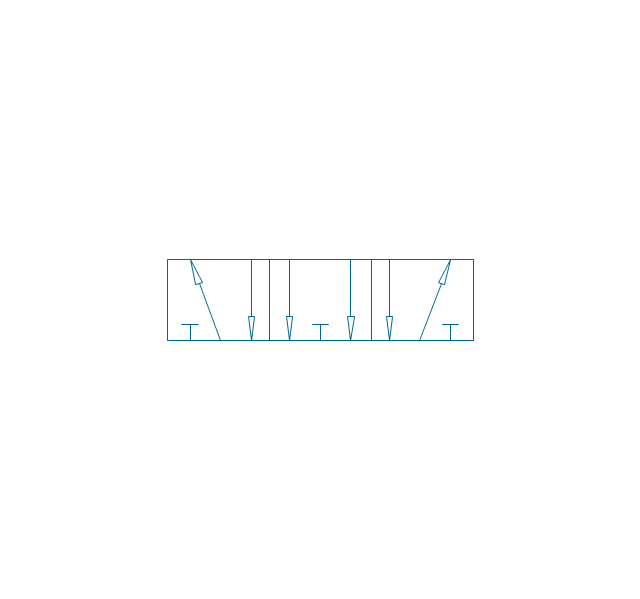
5/3 valve, pneum., infinite positions
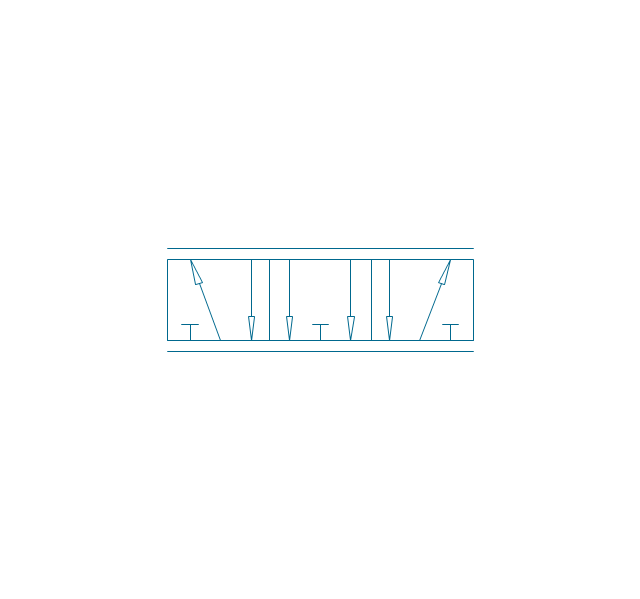
5/3 valve, pneum., ext., fin. pos.
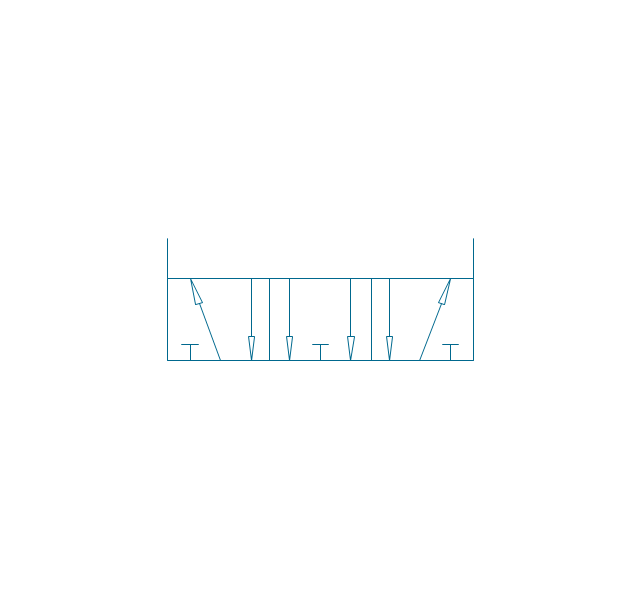
5/3 valve, pneum., ext., infin. pos.
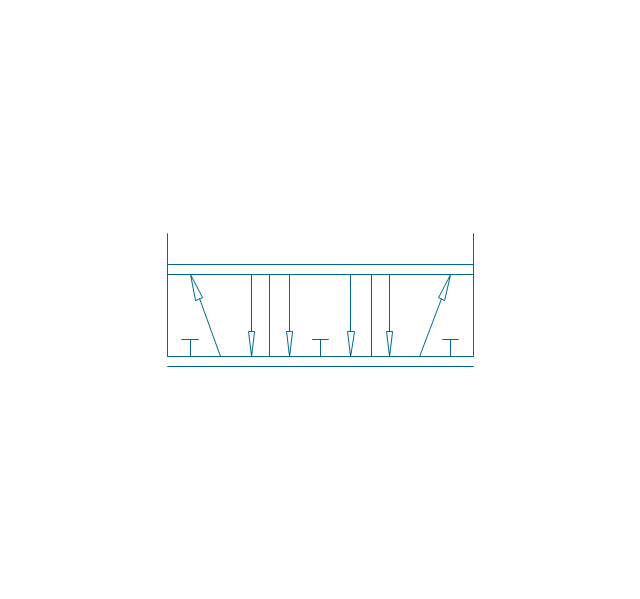
5/3 valve, hydr., finite positions
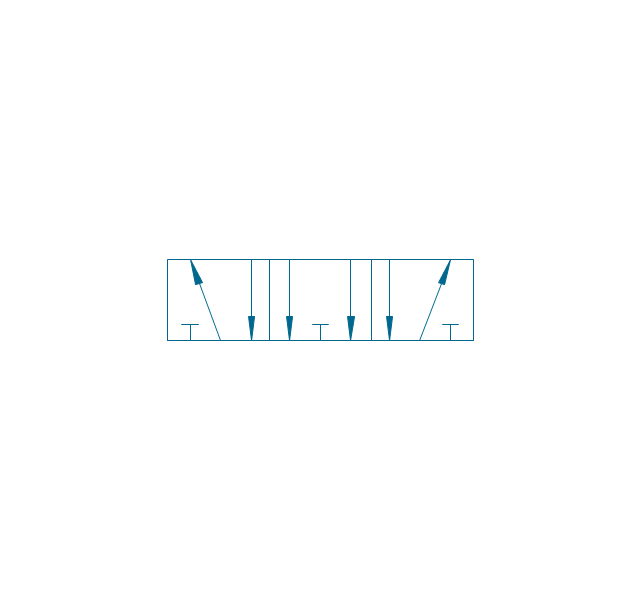
5/3 valve, hydr., infinite positions
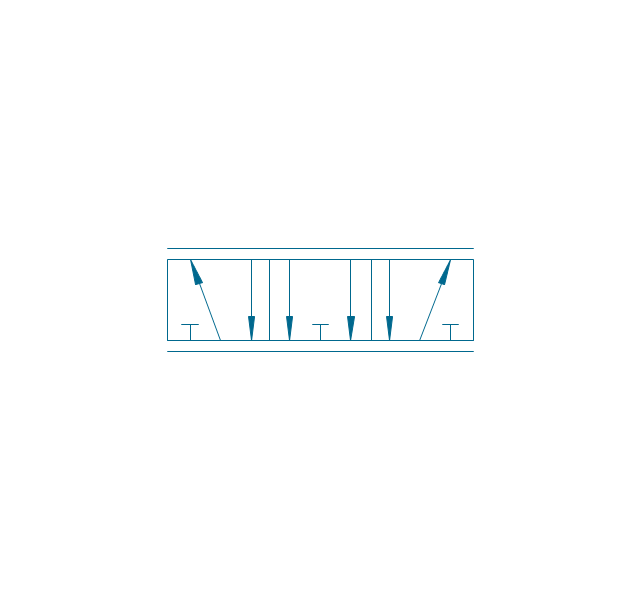
5/3 valve, hydr., ext., fin. pos.
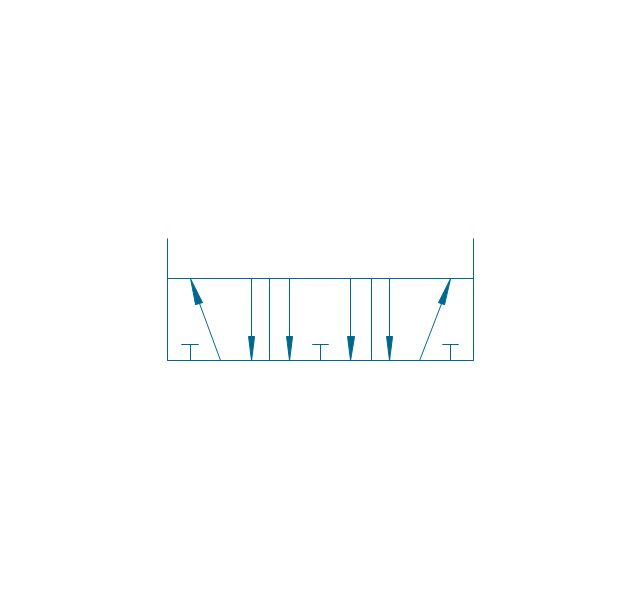
5/3 valve, hydr., ext., infin. pos.
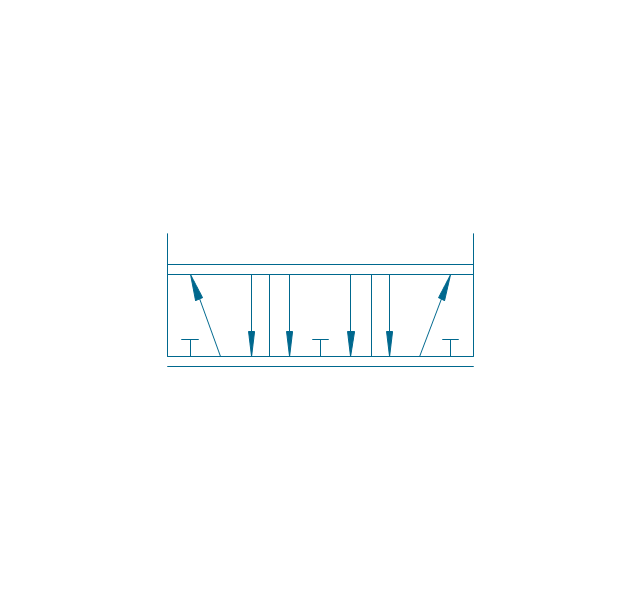
Restrictor valve

Restrictor valve, adjustable

Gate-valve, norm. open
Gate-valve, norm. open, adj.
Gate-valve, norm. closed

Gate-valve, norm. closed, adj.

One-way restrictor
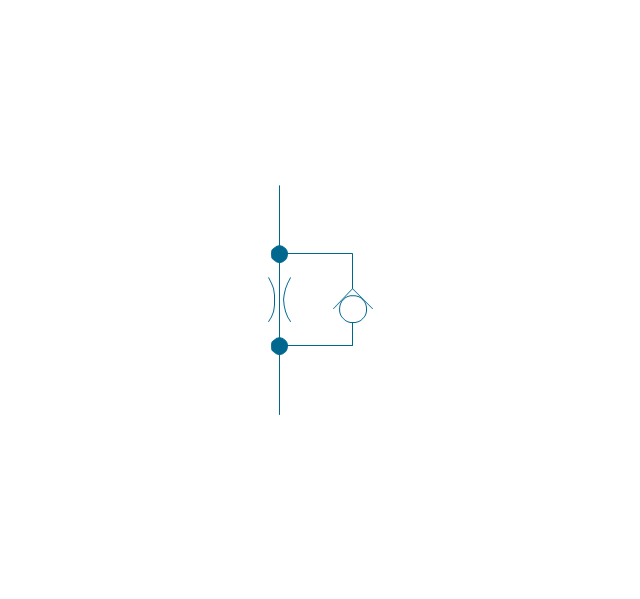
One-way restrictor, enclosed
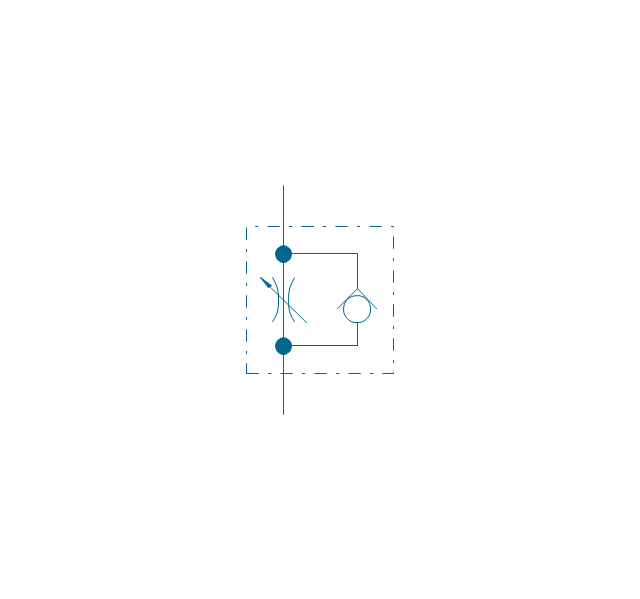
Flow control, series flow
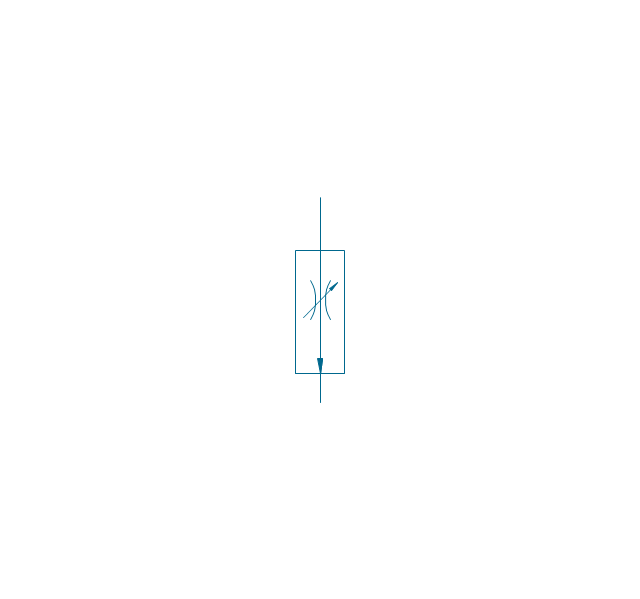
Flow control, temperature compensated
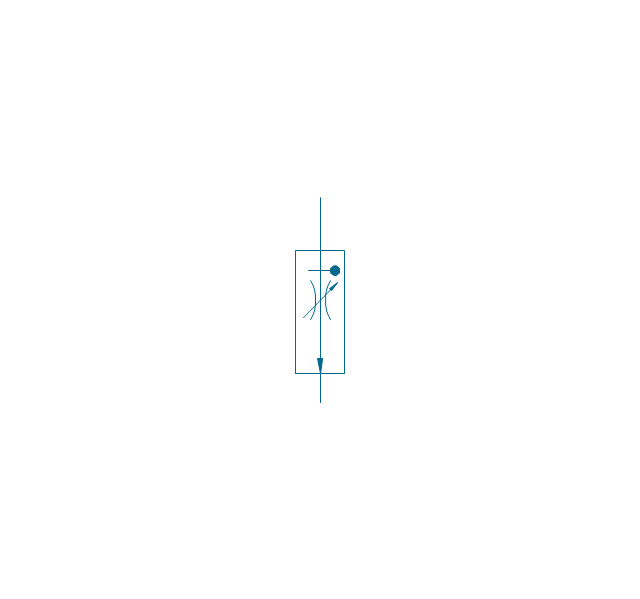
Flow control, bypass flow
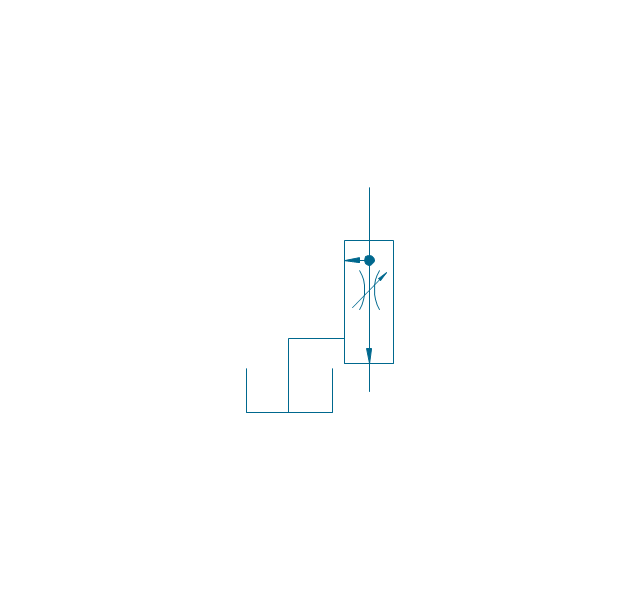
Flow divider
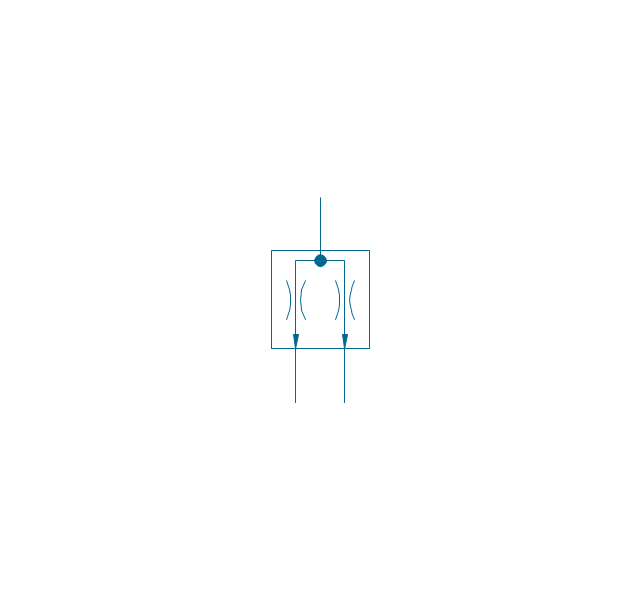
Non-return, pilot controlled
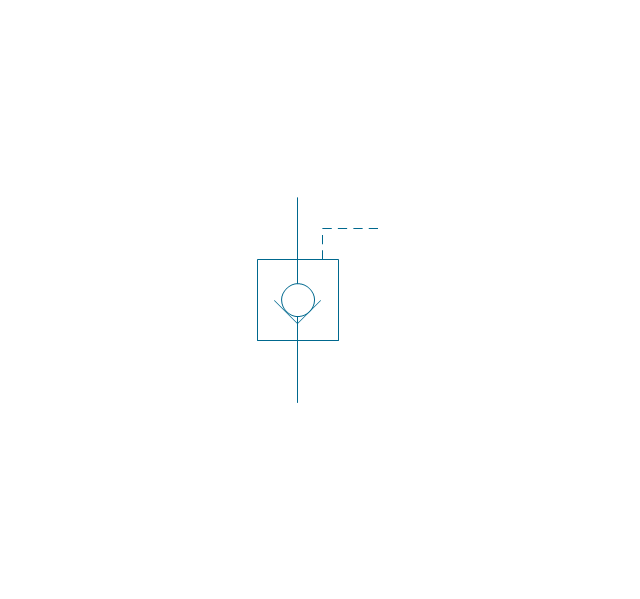
Non-return, pilot contr., spring
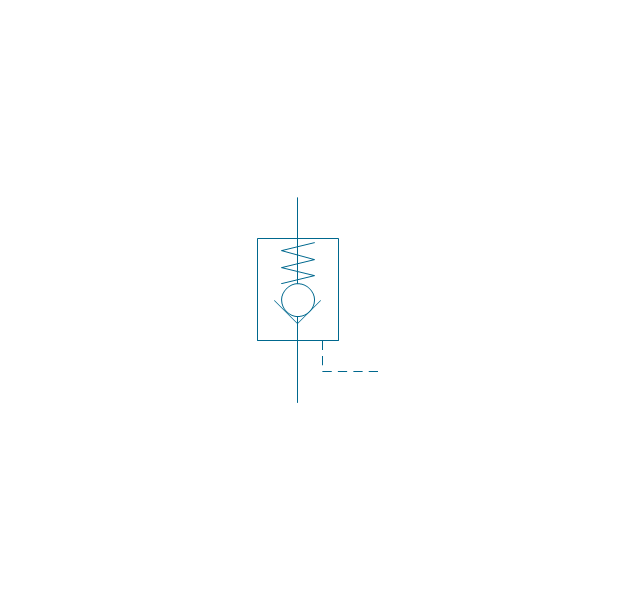
Non-return, free
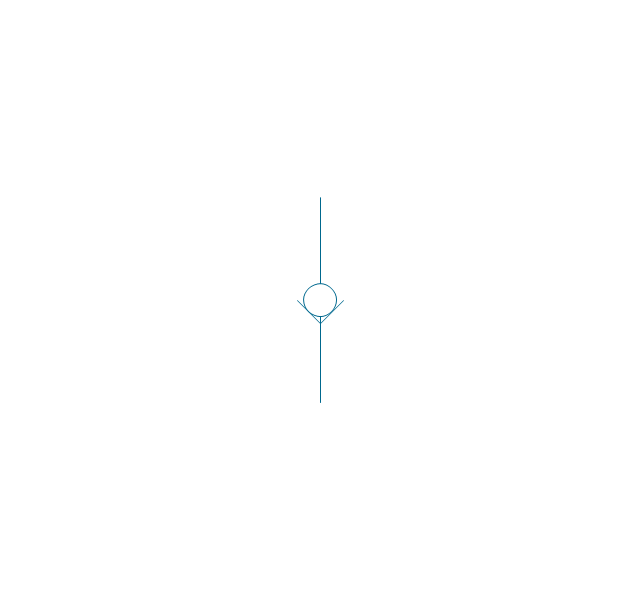
Non-return, spring loaded
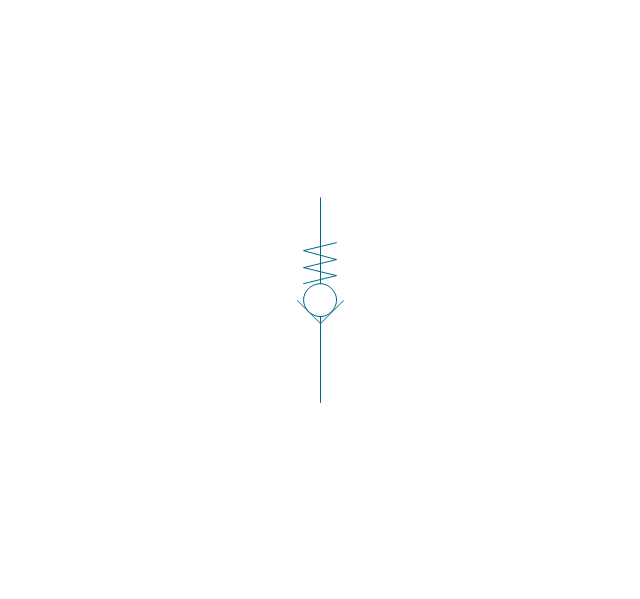
Coupling (connect.), 1 valve
,-1-valve-fluid-power-valves---vector-stencils-library.png--diagram-flowchart-example.png)
Coupling (connect.), both valves
,-both-valves-fluid-power-valves---vector-stencils-library.png--diagram-flowchart-example.png)
Coupling (connect.), no valves
,-no-valves-fluid-power-valves---vector-stencils-library.png--diagram-flowchart-example.png)
Coupling (connect.), 1 valve, encl.
,-1-valve,-encl.-fluid-power-valves---vector-stencils-library.png--diagram-flowchart-example.png)
Coupling (connect.), both valves, encl.
,-both-valves,-encl.-fluid-power-valves---vector-stencils-library.png--diagram-flowchart-example.png)
Coupling (connect.), no valves, encl.
,-no-valves,-encl.-fluid-power-valves---vector-stencils-library.png--diagram-flowchart-example.png)
Coupling (discon.), 1 valve
,-1-valve-fluid-power-valves---vector-stencils-library.png--diagram-flowchart-example.png)
Coupling (discon.), both valves
,-both-valves-fluid-power-valves---vector-stencils-library.png--diagram-flowchart-example.png)
Coupling (discon.), no valves
,-no-valves-fluid-power-valves---vector-stencils-library.png--diagram-flowchart-example.png)
Coupling (discon.), 1 valve, encl.
,-1-valve,-encl.-fluid-power-valves---vector-stencils-library.png--diagram-flowchart-example.png)
Coupling (discon.), both valves, encl.
,-both-valves,-encl.-fluid-power-valves---vector-stencils-library.png--diagram-flowchart-example.png)
Coupling (discon.), no valves, encl.
,-no-valves,-encl.-fluid-power-valves---vector-stencils-library.png--diagram-flowchart-example.png)
Shuttle valve
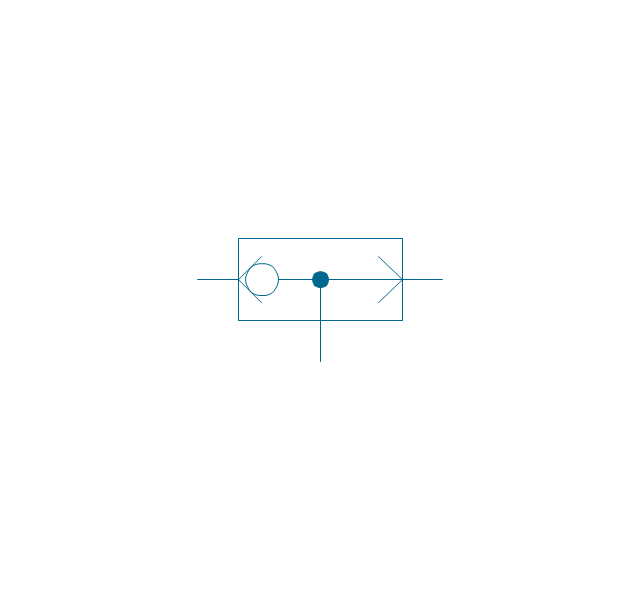
Priority shuttle valve
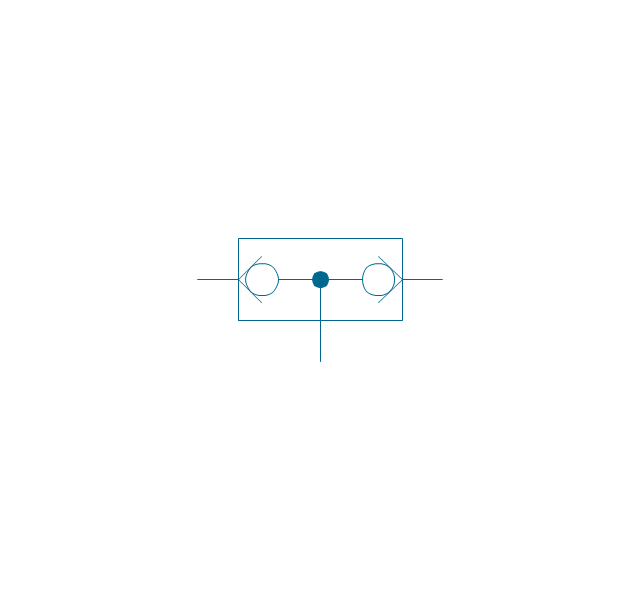
Quick exhaust
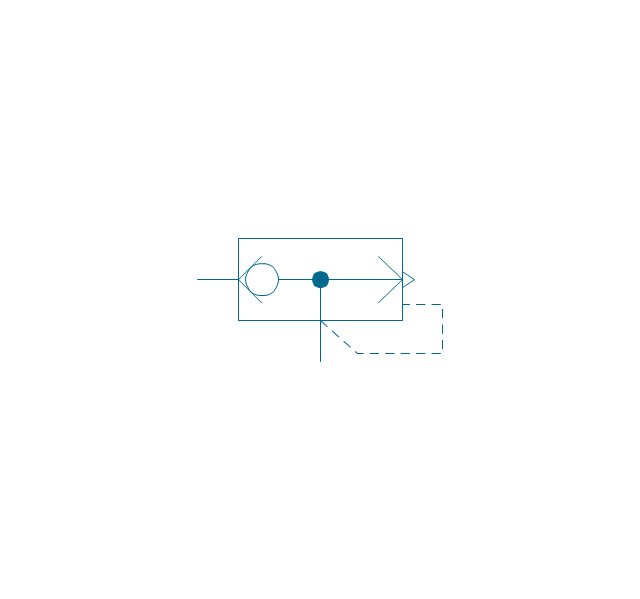
Cartridge valve
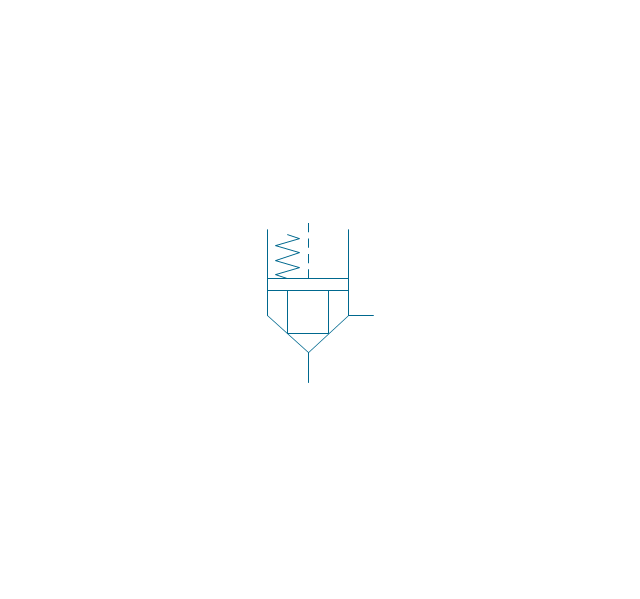
Pressure relief
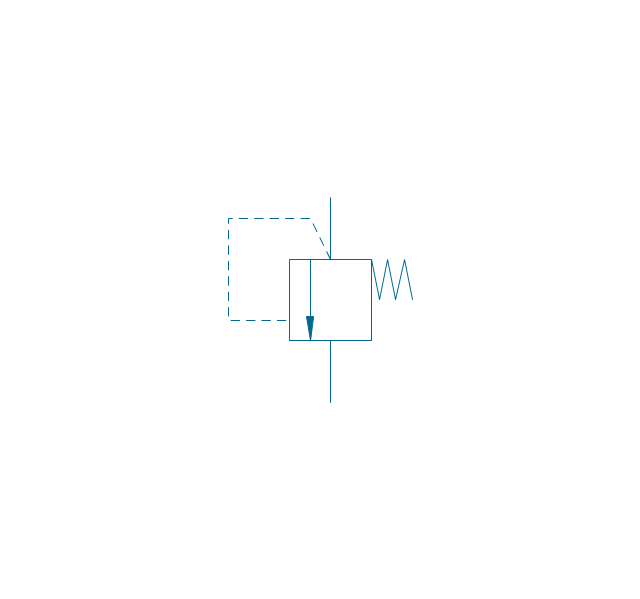
Pressure relief, drain
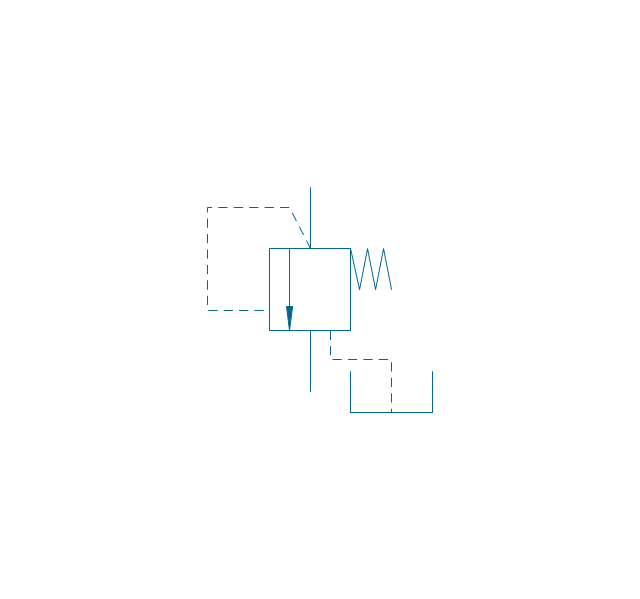
Pressure relief, vent port
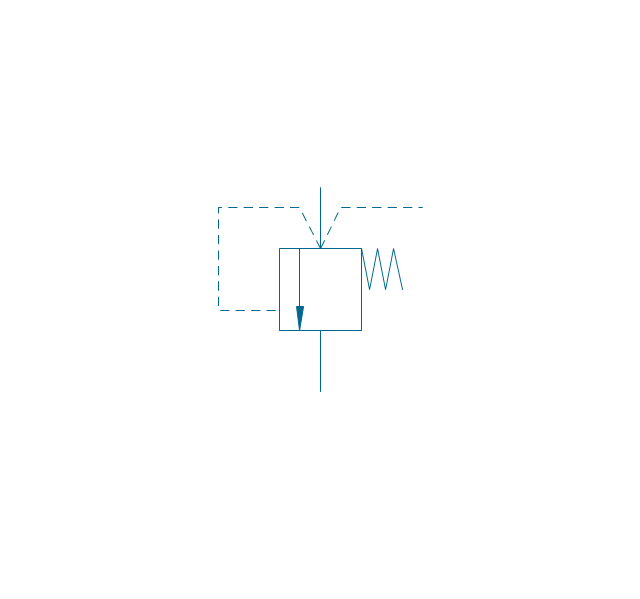
Pressure relief, drain, vent port
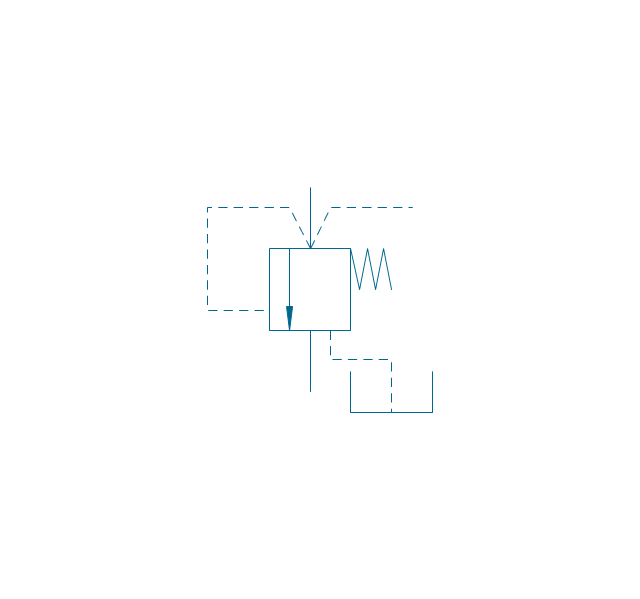
Pressure relief, var.
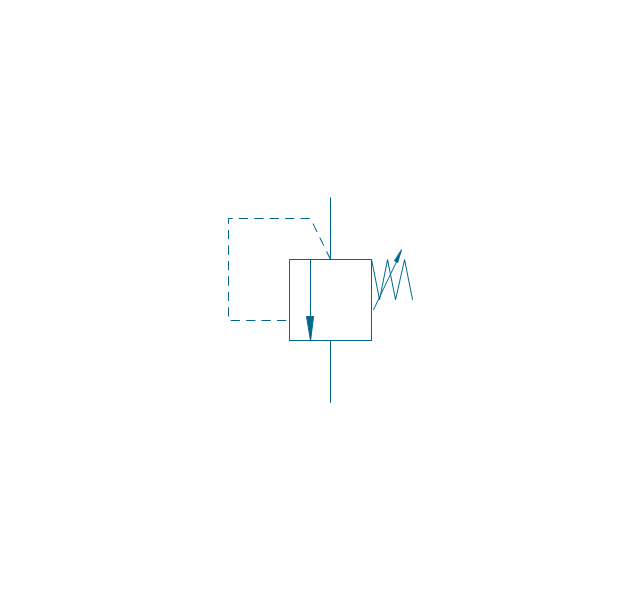
Pressure relief, var., drain
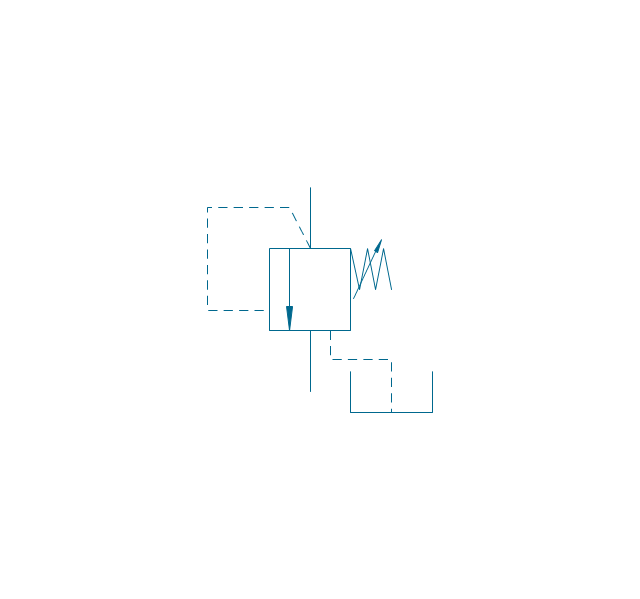
Pressure relief, var., vent port
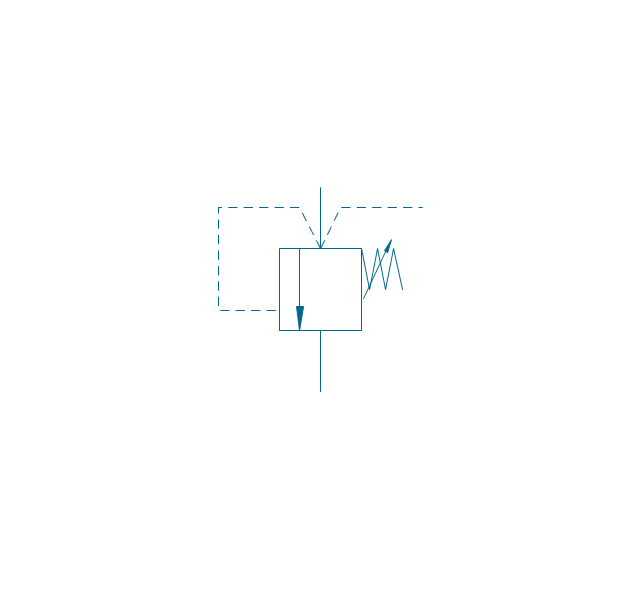
Pressure relief, var., drain, vent port
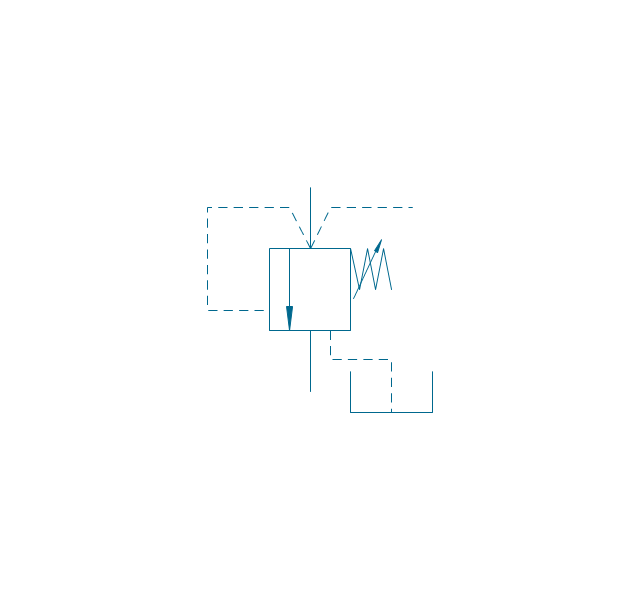
Pressure relief 2
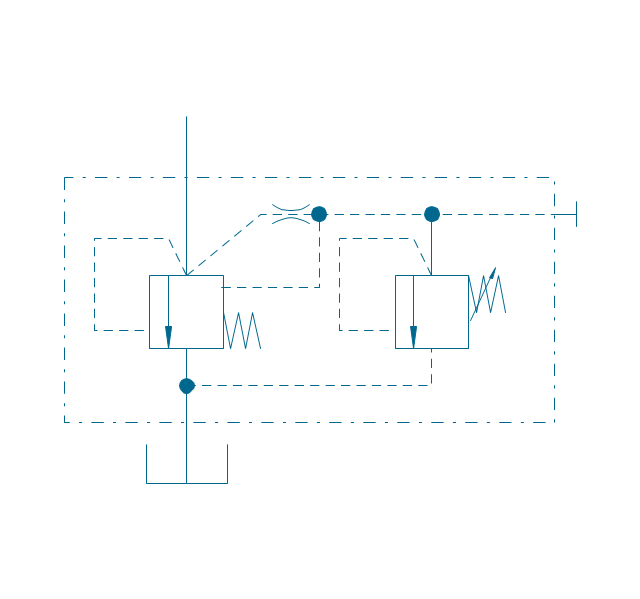
Pressure reducing, 1 stage
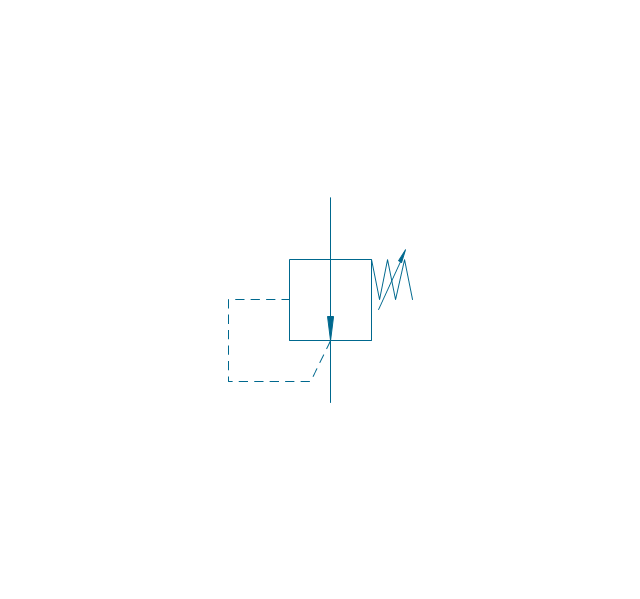
Pressure reducing, 2 stage
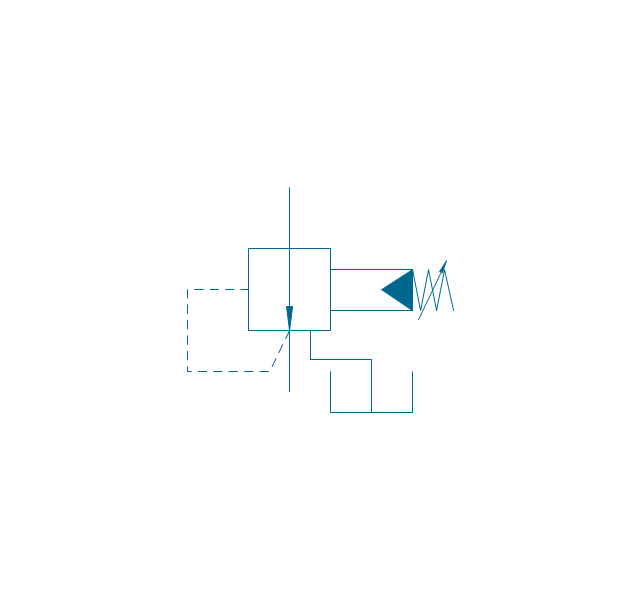
Pressure reducing, relief
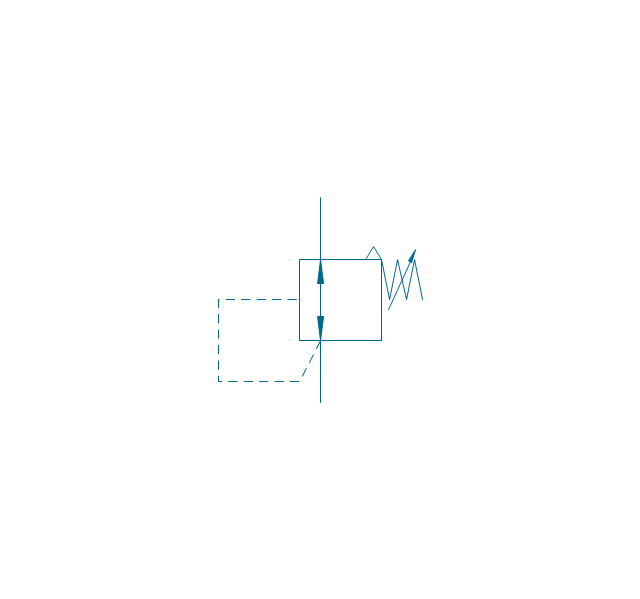
Pressure relief (E)
-fluid-power-valves---vector-stencils-library.png--diagram-flowchart-example.png)
Process Flow Diagram Symbols

 Network Layout Floor Plans

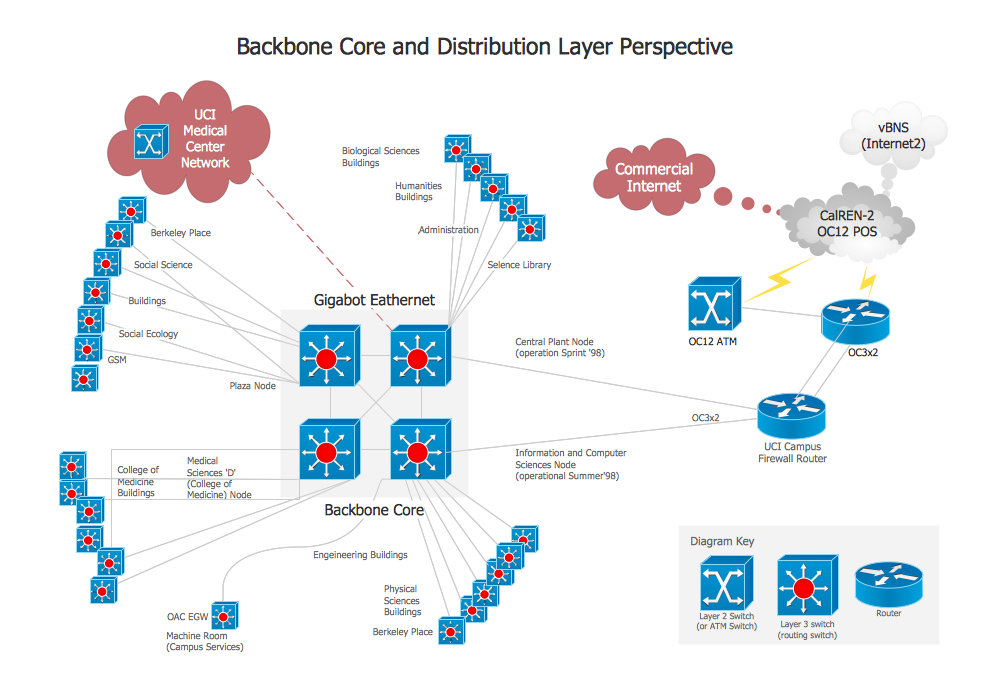
Network Layout Floor Plans solution extends ConceptDraw DIAGRAM software functionality with powerful tools for quick and efficient documentation the network equipment and displaying its location on the professionally designed Network Layout Floor Plans. Never before creation of Network Layout Floor Plans, Network Communication Plans, Network Topologies Plans and Network Topology Maps was not so easy, convenient and fast as with predesigned templates, samples, examples and comprehensive set of vector design elements included to the Network Layout Floor Plans solution. All listed types of plans will be a good support for the future correct cabling and installation of network equipment.
Network Diagram Software Backbone Network

- Global Payment Solutions | Pos System Flowchart
- Process Flowchart | Pos System Process Flow
- Global Payment Solutions | Football | Pos Simple Flowchart
- Entity-Relationship Diagram (ERD) | Flowchart Show Pos System
- Accounting Information Systems Flowchart Symbols | Entity ...
- ConceptDraw Solution Park | Point Of Sale System Flowchart
- Flowchart Components | Sample Flowchart Of Point Of Sale System
- Global Payment Solutions | Process Diagram For A Point Of Sale
- Data Flow Diagram Model | Dataflow Diagram For Pos
- Business Process Flowchart Symbols | Process Flow Chart Symbol ...


