The vector stencils library "Mac OS X buttons and segmented controls" contains 51 shapes of buttons and segmented controls.
Use it for designing Mac OS X graphic user interface (GUI) of software for Apple computers in the ConceptDraw PRO diagramming and vector drawing software extended with the Graphic User Interface solution from the Software Development area of ConceptDraw Solution Park.
Use it for designing Mac OS X graphic user interface (GUI) of software for Apple computers in the ConceptDraw PRO diagramming and vector drawing software extended with the Graphic User Interface solution from the Software Development area of ConceptDraw Solution Park.
Button
Button
Gradient Button
Gradient Button
Round Rect Button
Round Rect Button
Round Textured Button
Round Textured Button

Textured Button
Textured Button
Bevel Button

Bevel Button

Square Button

Square Button

Round Button

Round Button

Disclosure Triangle

Help Button

Disclosure Button
Window Buttons
Window Buttons Gray

Window Button Gray

Window Button Red

Window Button Yellow

Window Button Green

Capsule Left
Capsule Center
Capsule Right

Capsule Left (Selected)
-mac-os-x-buttons-and-segmented-controls---vector-stencils-library.png--diagram-flowchart-example.png)
Capsule Center (Selected)
-mac-os-x-buttons-and-segmented-controls---vector-stencils-library.png--diagram-flowchart-example.png)
Capsule Right (Selected)
-mac-os-x-buttons-and-segmented-controls---vector-stencils-library.png--diagram-flowchart-example.png)
Round Rect Left

Round Rect Center

Round Rect Right

Round Rect Left (Selected)
-mac-os-x-buttons-and-segmented-controls---vector-stencils-library.png--diagram-flowchart-example.png)
Round Rect Center (Selected)
-mac-os-x-buttons-and-segmented-controls---vector-stencils-library.png--diagram-flowchart-example.png)
Round Rect Right (Selected)
-mac-os-x-buttons-and-segmented-controls---vector-stencils-library.png--diagram-flowchart-example.png)
Rounded Left
Rounded Center
Rounded Right

Rounded Left (Selected)
-mac-os-x-buttons-and-segmented-controls---vector-stencils-library.png--diagram-flowchart-example.png)
Rounded Center (Selected)
-mac-os-x-buttons-and-segmented-controls---vector-stencils-library.png--diagram-flowchart-example.png)
Rounded Right (Selected)
-mac-os-x-buttons-and-segmented-controls---vector-stencils-library.png--diagram-flowchart-example.png)
Textured Left

Textured Center
Textured Right

Textured Left (Selected)
-mac-os-x-buttons-and-segmented-controls---vector-stencils-library.png--diagram-flowchart-example.png)
Textured Center (Selected)
-mac-os-x-buttons-and-segmented-controls---vector-stencils-library.png--diagram-flowchart-example.png)
Textured Right (Selected)
-mac-os-x-buttons-and-segmented-controls---vector-stencils-library.png--diagram-flowchart-example.png)
Small Square
Small Square (Selected)
-mac-os-x-buttons-and-segmented-controls---vector-stencils-library.png--diagram-flowchart-example.png)
The vector stencils library "Mac OS X Lion buttons and segmented controls" contains 52 shapes of buttons and segmented controls.
Use it for designing Mac OS X Lion graphic user interface (GUI) of software for Apple computers in the ConceptDraw PRO diagramming and vector drawing software extended with the Graphic User Interface solution from the Software Development area of ConceptDraw Solution Park.
Use it for designing Mac OS X Lion graphic user interface (GUI) of software for Apple computers in the ConceptDraw PRO diagramming and vector drawing software extended with the Graphic User Interface solution from the Software Development area of ConceptDraw Solution Park.
Button

Button

Gradient Button

Gradient Button

Round Rect Button

Round Rect Button
Round Textured Button

Round Textured Button

Textured Button

Textured Button

Bevel Button

Bevel Button

Square Button

Square Button

Round Button

Round Button

Help Button

Disclosure Triangle

Disclosure Button

Disclosure Button

Recessed Button

Recessed Button

Traffic Lights

Traffic Lights (disabled)
-mac-os-x-lion-buttons-and-segmented-controls---vector-stencils-library.png--diagram-flowchart-example.png)
Close Button

Minimize Button

Zoom Button

Disabled Close, Minimize or Zoom Button

Textured Rounded Left

Textured Rounded Center

Textured Rounded Right

Textured Rounded Left (Selected)
-mac-os-x-lion-buttons-and-segmented-controls---vector-stencils-library.png--diagram-flowchart-example.png)
Textured Rounded Center (Selected)
-mac-os-x-lion-buttons-and-segmented-controls---vector-stencils-library.png--diagram-flowchart-example.png)
Textured Rounded Right (Selected)
-mac-os-x-lion-buttons-and-segmented-controls---vector-stencils-library.png--diagram-flowchart-example.png)
Rounded Left

Rounded Center

Rounded Right

Rounded Left (Selected)
-mac-os-x-lion-buttons-and-segmented-controls---vector-stencils-library.png--diagram-flowchart-example.png)
Rounded Center (Selected)
-mac-os-x-lion-buttons-and-segmented-controls---vector-stencils-library.png--diagram-flowchart-example.png)
Rounded Right (Selected)
-mac-os-x-lion-buttons-and-segmented-controls---vector-stencils-library.png--diagram-flowchart-example.png)
Round Rect Left

Round Rect Center

Round Rect Right

Round Rect Left (Selected)
-mac-os-x-lion-buttons-and-segmented-controls---vector-stencils-library.png--diagram-flowchart-example.png)
Round Rect Center (Selected)
-mac-os-x-lion-buttons-and-segmented-controls---vector-stencils-library.png--diagram-flowchart-example.png)
Round Rect Right (Selected)
-mac-os-x-lion-buttons-and-segmented-controls---vector-stencils-library.png--diagram-flowchart-example.png)
Small Square

Small Square (Selected)
-mac-os-x-lion-buttons-and-segmented-controls---vector-stencils-library.png--diagram-flowchart-example.png)
Options Button

Count Button

Navigation Button

Display Mode Buttons

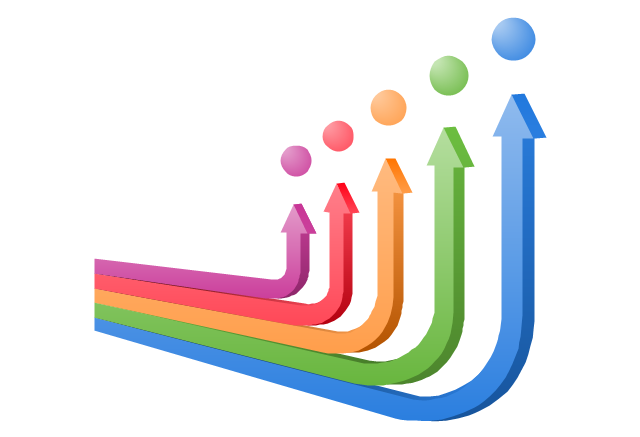
The vector clipart library "Arrows" contains 37 arrows which you can easy use in your presentation slides and illustrations.
The clip art example "Arrows - Vector clipart library" was created in the ConceptDraw PRO diagramming and vector drawing software using the Presentation Clipart solution from the Illustration area of ConceptDraw Solution Park.
The clip art example "Arrows - Vector clipart library" was created in the ConceptDraw PRO diagramming and vector drawing software using the Presentation Clipart solution from the Illustration area of ConceptDraw Solution Park.
Moving up

Vertical moving

Moving down

Interaction arrows

Wavy arrow

Circular motion

Goal achievement

Moving ahead

Opposite direction

Motive forces
Arrow backward

Arrow forward

Arrow left

Arrow right

Arrow 1

Arrow 2

Arrow 3

Horizontal double arrow

Connecting arrow

Arched down

Arched up

Circular

Leftward

Rightward

Leftward blue

Rightward blue

Arrow backward round

Arrow forward round

Arrow round

Arrow left rounded square

Arrow right rounded square

Arrow 2 rounded square

Arrow 3 rounded square

Arrow forward square

Arrow backward square

Arrow left (white background)
-arrows---vector-clipart-library.png--diagram-flowchart-example.png)
Arrow right (white background)
-arrows---vector-clipart-library.png--diagram-flowchart-example.png)
 Family Tree
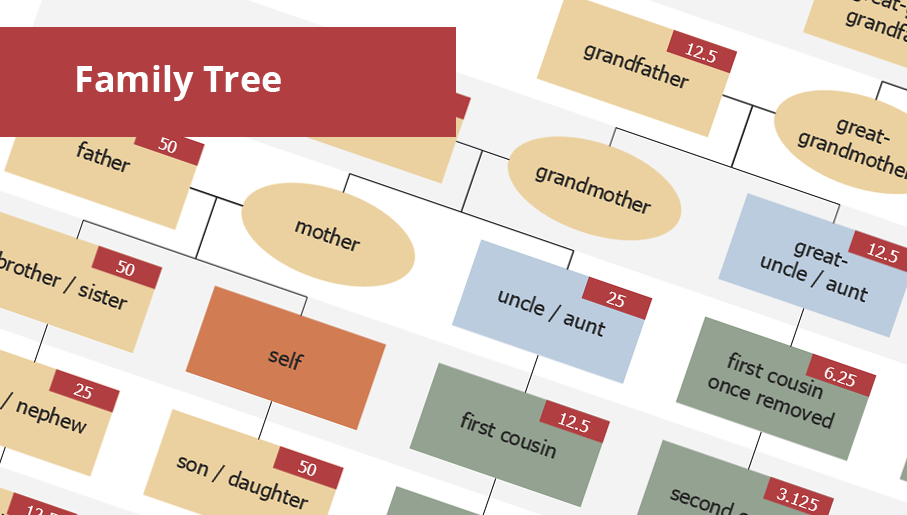
Family Tree solution with included vector design shapes for drawing family trees, pedigree chart symbols, photo blocks of different detailing and professionally designed samples, extends the functionality of ConceptDraw DIAGRAM software making it the best family tree maker and easy-to-use ancestry trees designer program for researchers, scientists, historians, genetics, medics, archeologists, and other stakeholders. Use it to design informative and colorful genealogy trees, simple family tree or extensive ancestry tree of any depth, genealogy schematics and illustrations with family trees.
The vector stencils library "HR flowchart" contains 62 flowchart symbols.
Use it to draw your HR flowcharts, workflow diagrams and process charts with the ConceptDraw PRO diagramming and vector drawing software.
The flow chart symbols library "HR flowchart" is included in the HR Flowcharts solution from the Management area of ConceptDraw Solution Park.
Use it to draw your HR flowcharts, workflow diagrams and process charts with the ConceptDraw PRO diagramming and vector drawing software.
The flow chart symbols library "HR flowchart" is included in the HR Flowcharts solution from the Management area of ConceptDraw Solution Park.
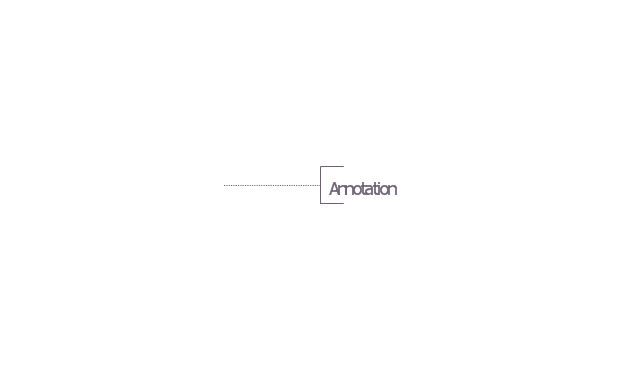
Annotation
Card

Check / audit (diamond)
-hr-flowchart---vector-stencils-library.png--diagram-flowchart-example.png)
Check / audit (square)
-hr-flowchart---vector-stencils-library.png--diagram-flowchart-example.png)
Collate

Comment / note symbol (brace)
-hr-flowchart---vector-stencils-library.png--diagram-flowchart-example.png)
Communication link

Compare (diamond)
-hr-flowchart---vector-stencils-library.png--diagram-flowchart-example.png)
Compare (square)
-hr-flowchart---vector-stencils-library.png--diagram-flowchart-example.png)
Completed form

Concurrency symbol (fork / join)
-hr-flowchart---vector-stencils-library.png--diagram-flowchart-example.png)
Conditional selector
Control transfer
Data input / output

Database
Decision

Decision indicator - No
Decision indicator - Yes
Delay

Direct access storage

Disk storage
Display

Divided process (table view)
-hr-flowchart---vector-stencils-library.png--diagram-flowchart-example.png)
Document

Entity (rounded)
-hr-flowchart---vector-stencils-library.png--diagram-flowchart-example.png)
Event

Extract

Flow line
Internal storage

Junction symbol

Lined document

Lined / shaded process

Loop limit

Manual file

Manual input

Manual operation

Merge

Multi document

Multi process

Off-page reference - arrow

Off-page reference - incoming

Off-page reference - outgoing

On-page reference/ Inspection point

Or
Page

Paper tape

Predefined process

Prepare conditional

Process step

Reference point

Sequential access storage

Sort

Start (circle)
-hr-flowchart---vector-stencils-library.png--diagram-flowchart-example.png)
Start (ellipse)
-hr-flowchart---vector-stencils-library.png--diagram-flowchart-example.png)
Stickman pictogram

Stored data

Summary
Tagged document

Tagged process

Terminal point

Title block
Torso pictogram

The vector stencils library "MS Windows Vista user interface" contains 76 MS Windows Vista design elements.
Use it for designing Microsoft ribbon graphic user interface (GUI) of software for computers with MS Windows Vista OS in the ConceptDraw PRO diagramming and vector drawing software extended with the Graphic User Interface solution from the Software Development area of ConceptDraw Solution Park.
Use it for designing Microsoft ribbon graphic user interface (GUI) of software for computers with MS Windows Vista OS in the ConceptDraw PRO diagramming and vector drawing software extended with the Graphic User Interface solution from the Software Development area of ConceptDraw Solution Park.
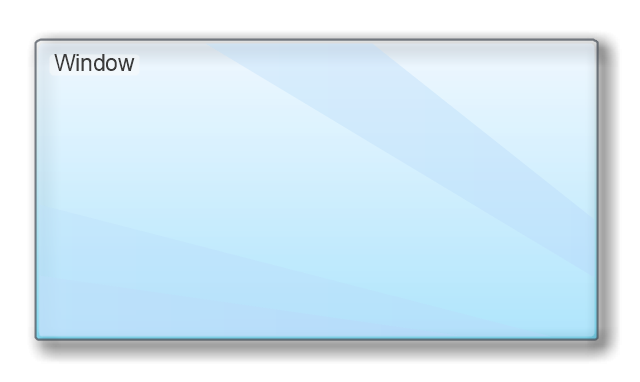
Window
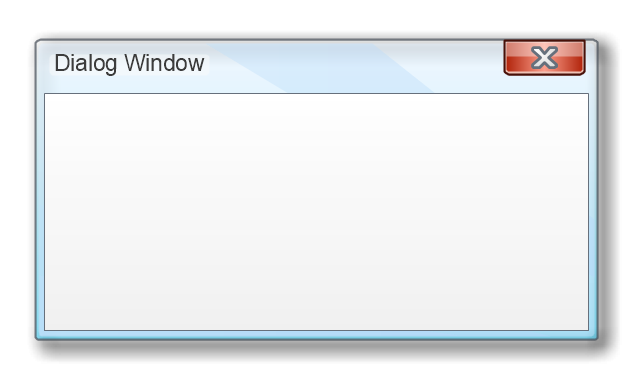
Dialog Window
Empty Window
Field

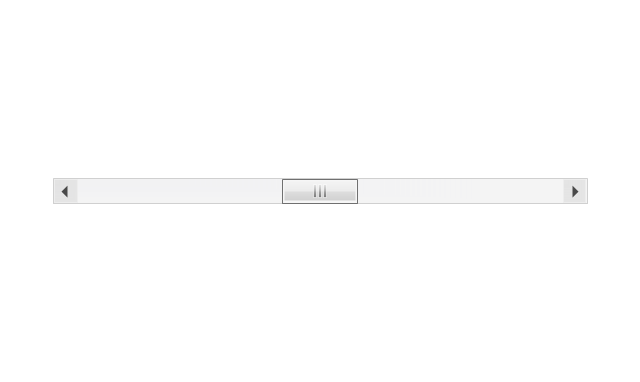
Horizontal Scrollbar
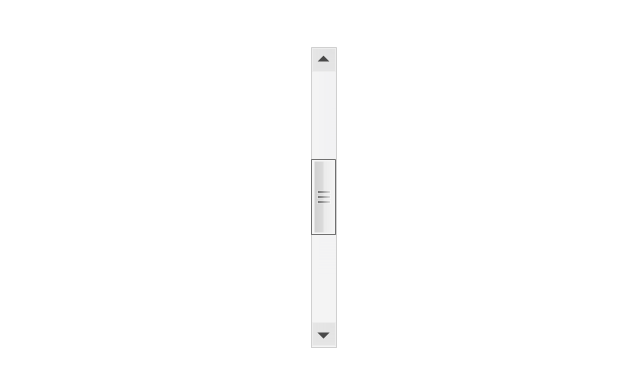
Vertical Scrollbar
Window Buttons
Window Buttons
Window Button 1

Window Button 2

Window Button 3
Window Button 4
Navigation
Menu Bar
Gradient Menu Bar
Drop-down Menu
Button
Toolbar Pannel
Tool Button
Primary Toolbar
Toolbar 1
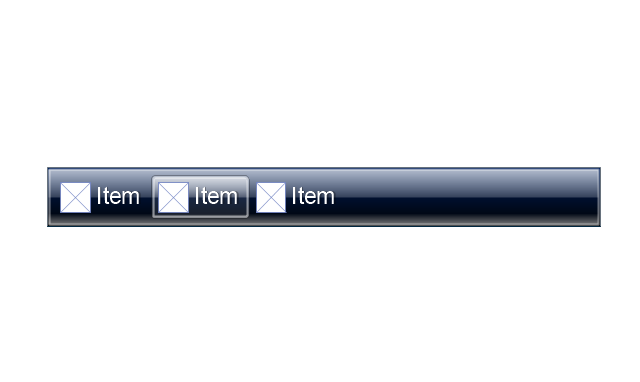
Toolbar 2
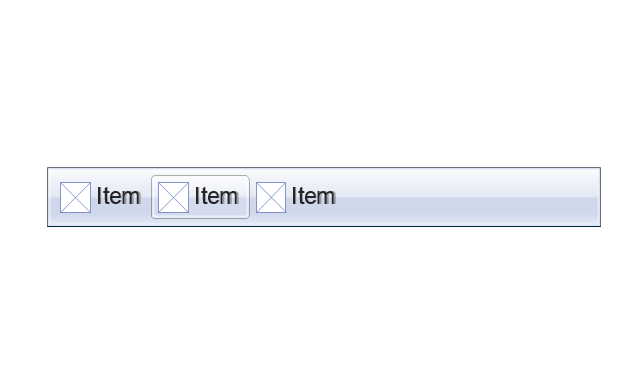
Customizable Tollbar
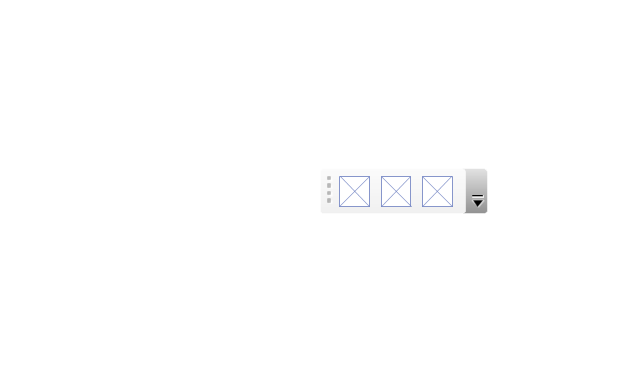
Tab View
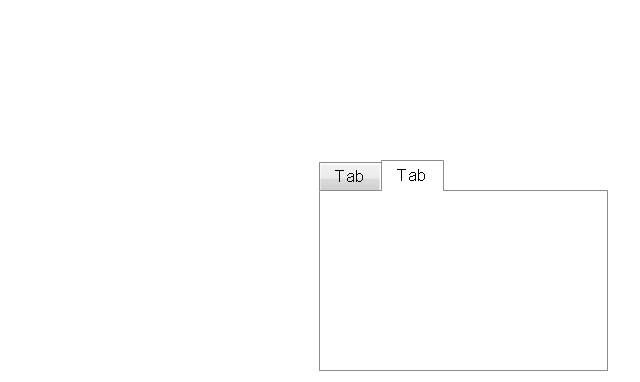
List View
Text Field
Vertical Separator

Horizontal Separator

Group Box
Text Label

Link

Line Edit
Search

Search with Button

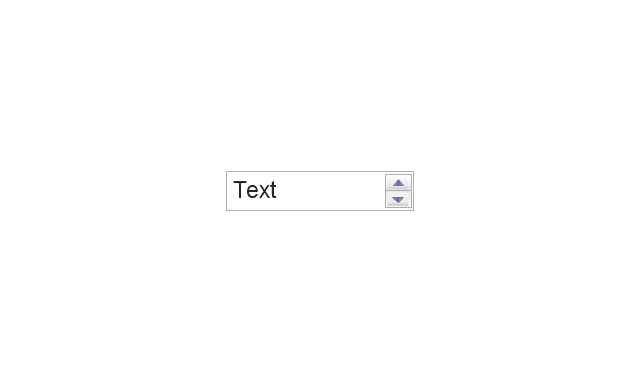
Spin Box
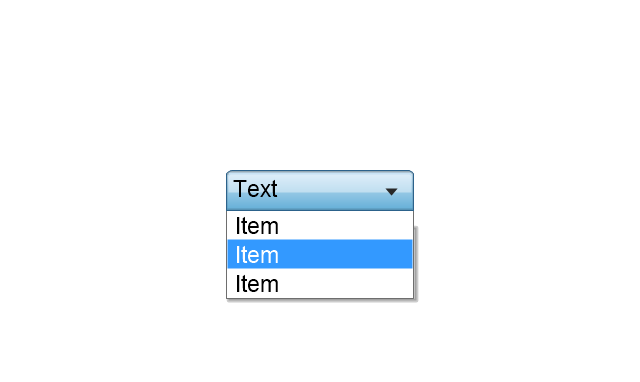
Combo-box
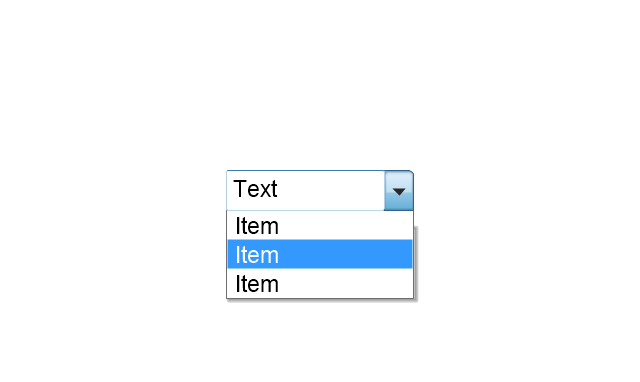
Editable Combo-box
Editable List Box
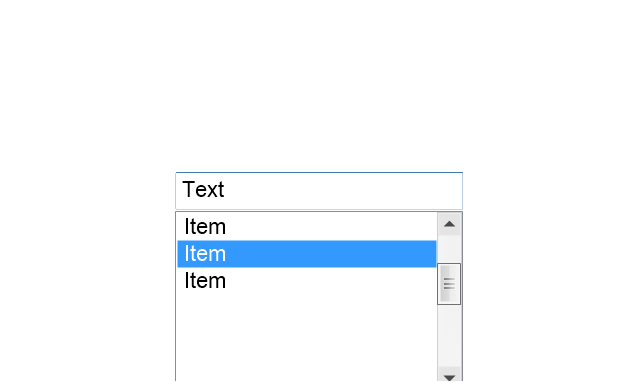
List Box
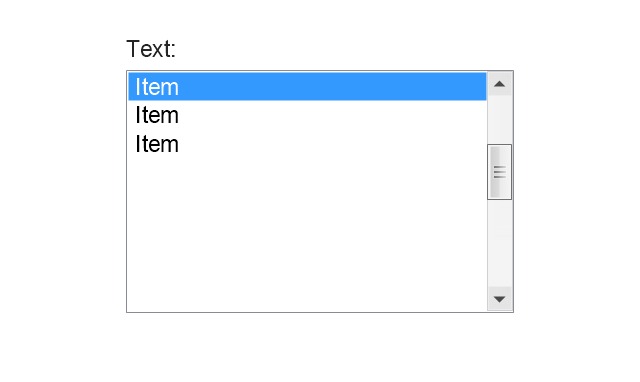
Single-selection List
Multiple-selection List
Check Box

Radio Button
Check box group
Radio Buttons Group
Progress Bar

Modal Progress Bar

Vertical Slider with Ticks
Horizontal Slider with Ticks
Dial
Catalogue Tree
Tree View 1
Tree View 2
Vertical Spacer

Horizontal Spacer
Chevron 1

Arrow 1
Arrow 2

Plus/Minus Control

Rotating Triangle

Chevron 3

Chevron 2
Normal Select Cursor

Link Select Cursor

Text Select Cursor

Working in Background Pointer

Busy Pointer

Unavailable Cursor

Precision Select Cursor
Error Icon

Warning Icon

Information Icon

Question Mark Icon

Balloon
Tooltip/Infotip

Calendar
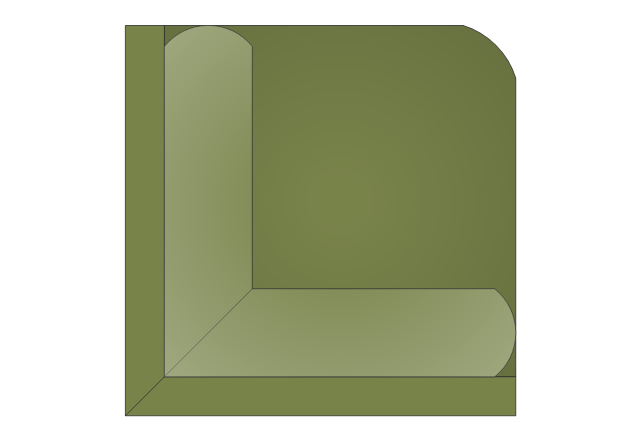
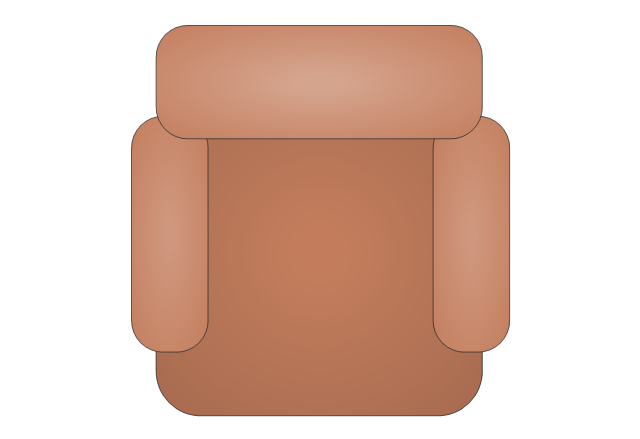
The vector stencils library "Sofas and chairs" contains 122 sofa and chair shapes. Use it for drawing room design plans, upholstered furniture arrangement and layouts in the ConceptDraw PRO diagramming and vector drawing software extended with the Floor Plans solution from the Building Plans area of ConceptDraw Solution Park.
Sectional Sofa with Arms
Armless Sectional Sofa

Sofa 3
Sectional Sofa - Left Arm 1
Sectional Sofa - Middle Arm 1
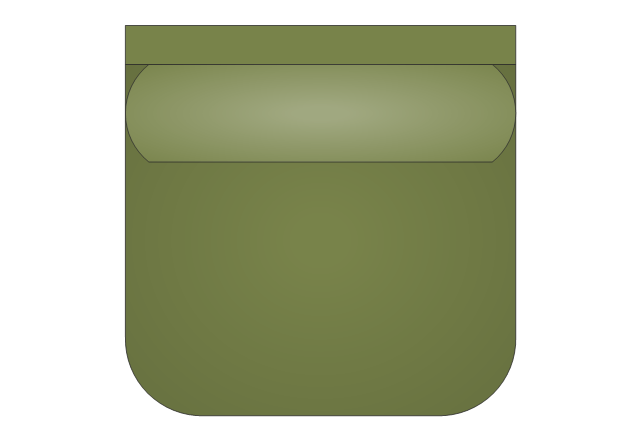
Sectional Sofa - Right Arm 1

Sectional Sofa - Corner Arm 1
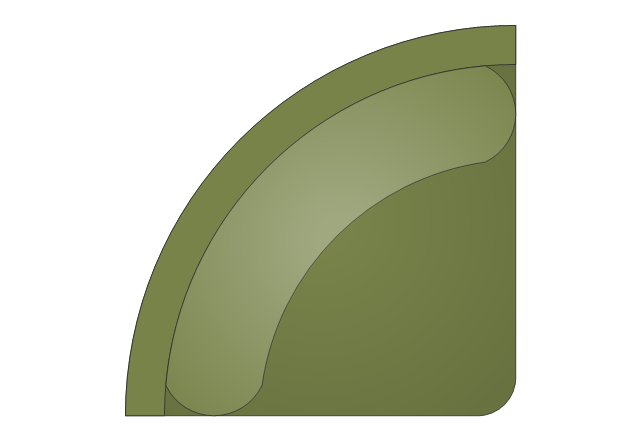
Arm Chair 2
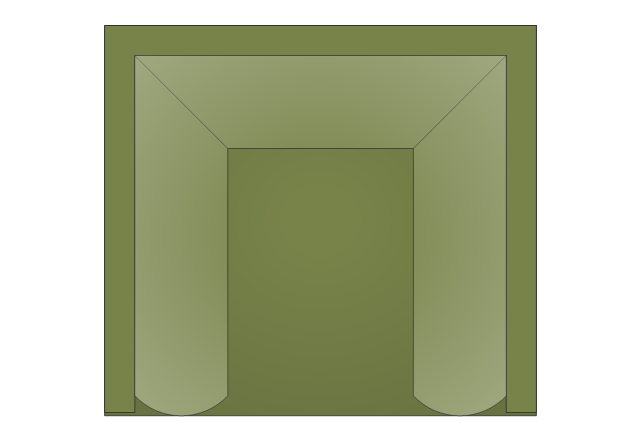
Sofa 1
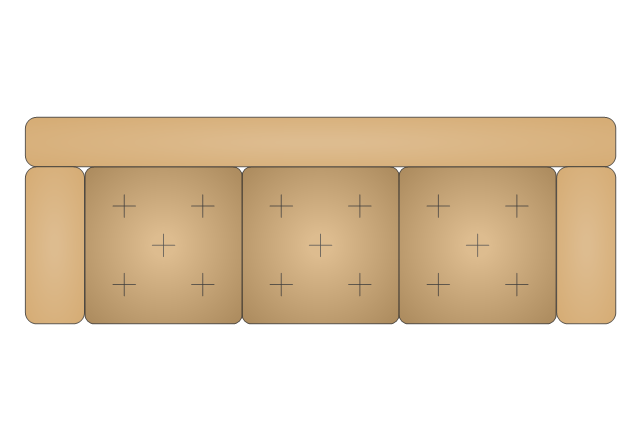
Loveseat 1
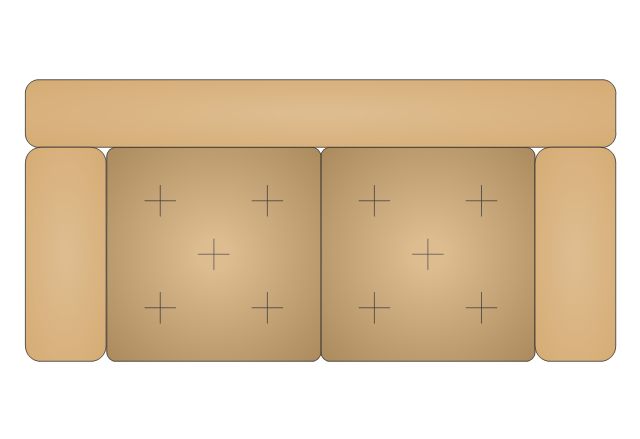
Sectional Sofa - Left Arm 2
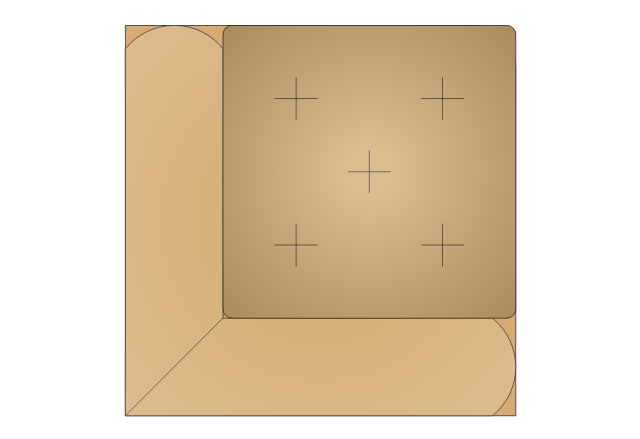
Sectional Sofa - Right Arm 2

Sectional Sofa - Middle Arm 2
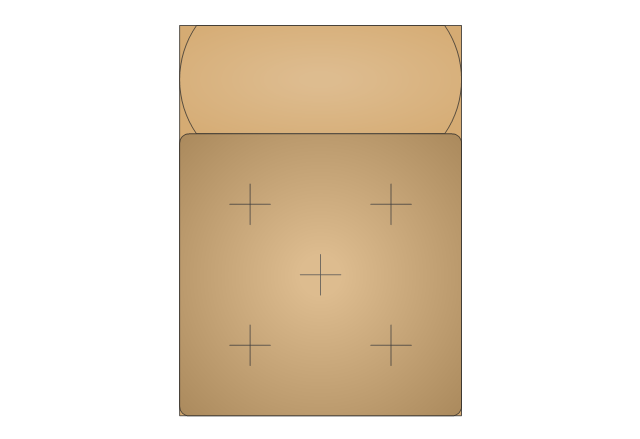
Ottoman
Arm Chair 1
Recliner 2
Curved Sectional Sofa
Sofa 8
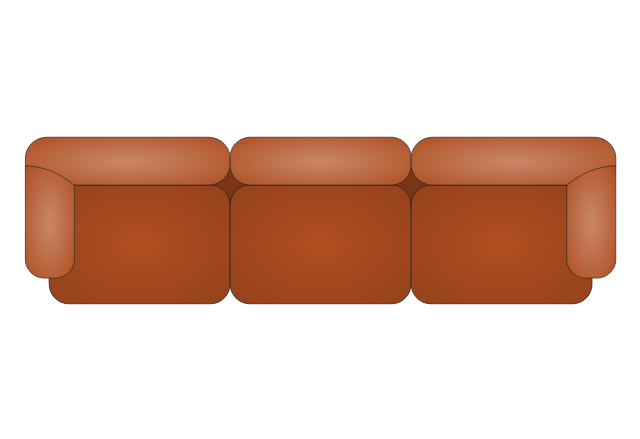
Loveseat 5
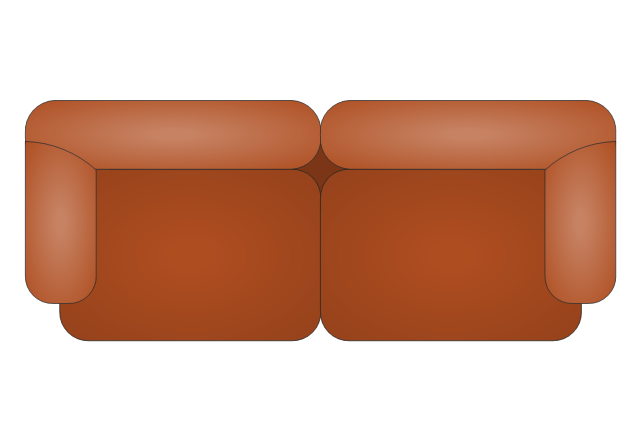
Sectional Sofa - Left Arm 3
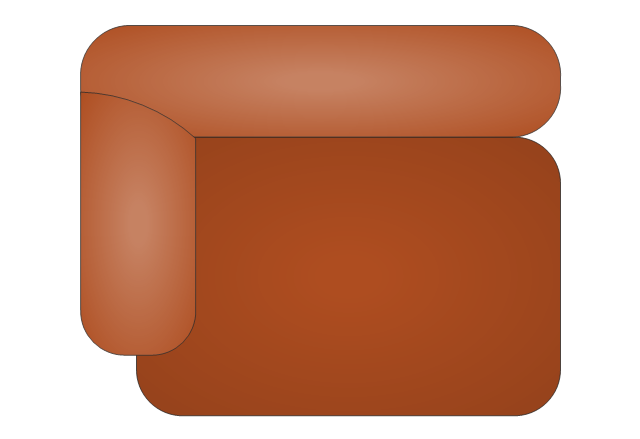
Sectional Sofa - Right Arm 3

Sectional Sofa - Middle Arm 3

Sectional Sofa - Corner Arm 2
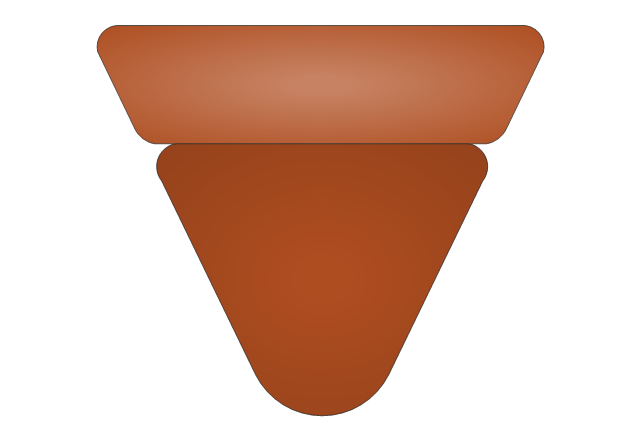
Arm Chair 6
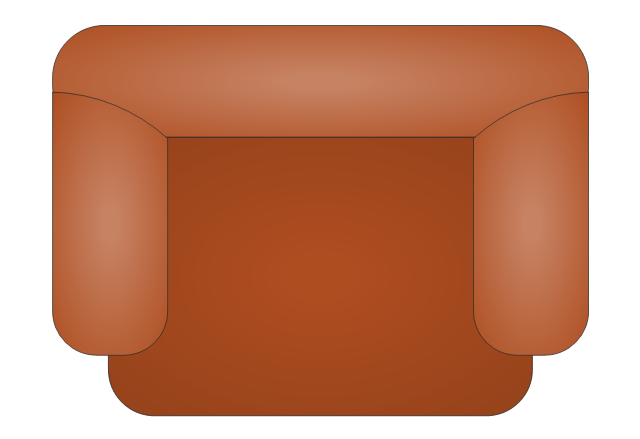
Arm Chair 5
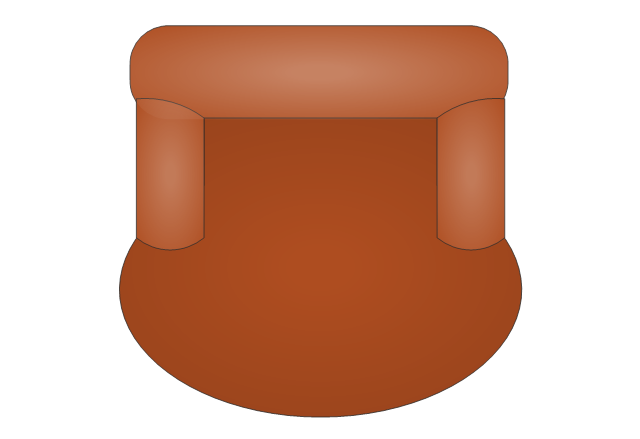
Couch
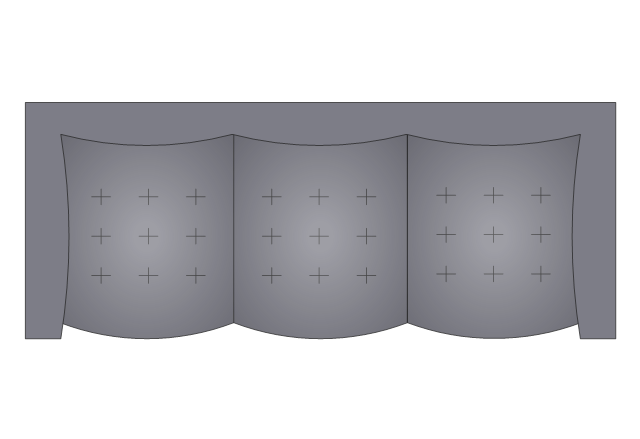
Sofa 5
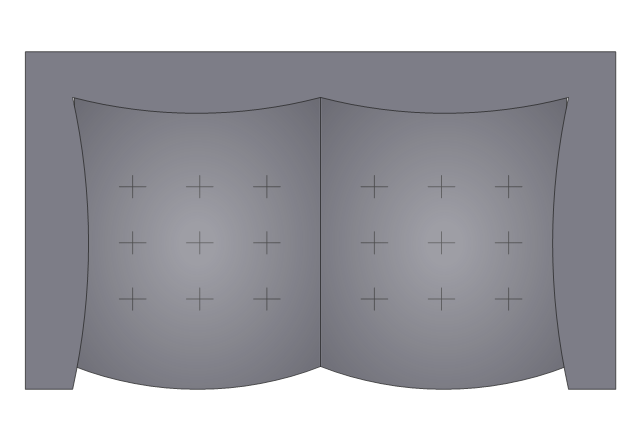
Lounge Chair
Sofa 2
Curved Back Sofa
Chaise Lounge 1
Chaise Lounge 2
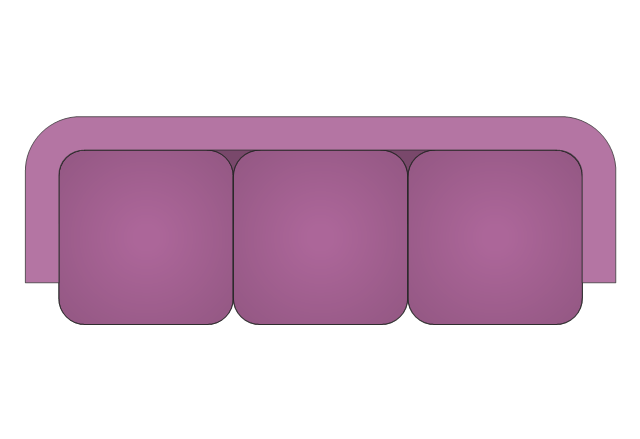
Sofa 4
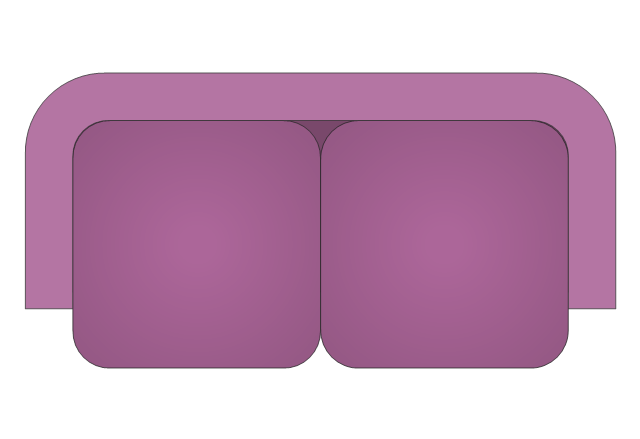
Loveseat 2
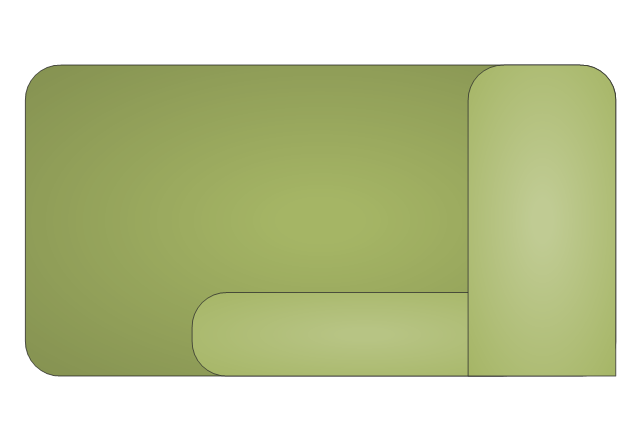
Recliner 1

Oversized Chair
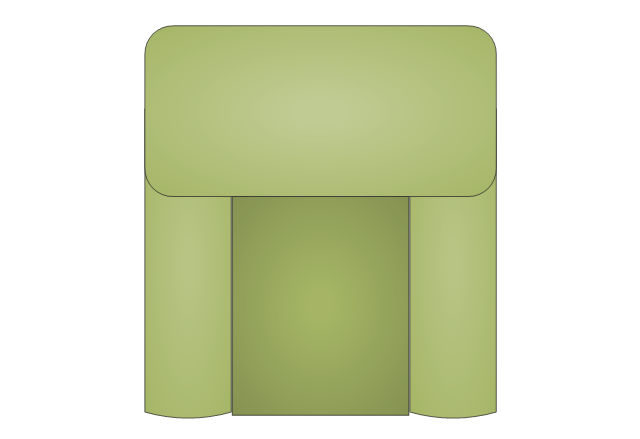
Sofa 6
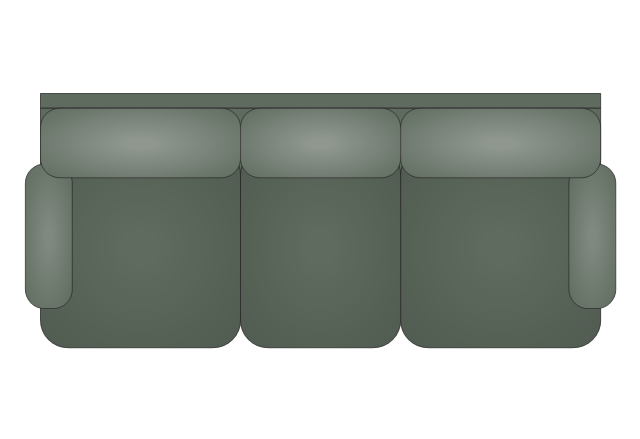
Loveseat 3

Arm Chair 3
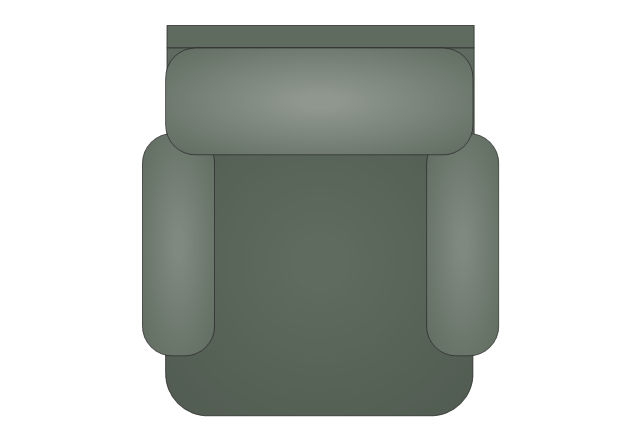
Armless Loveseat
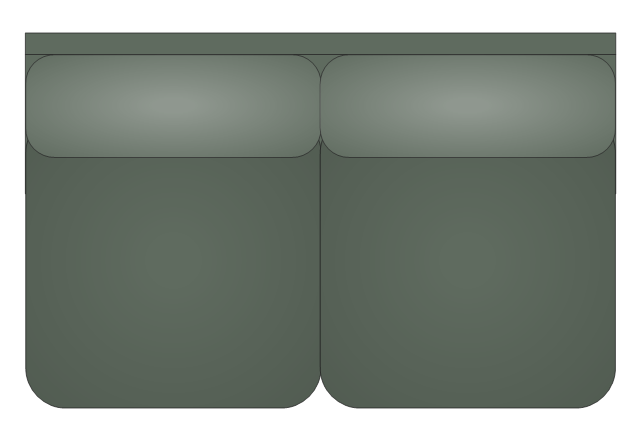
Sofa 7
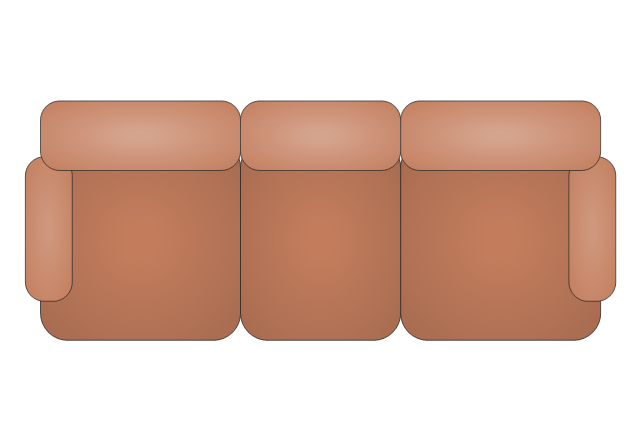
Loveseat 4
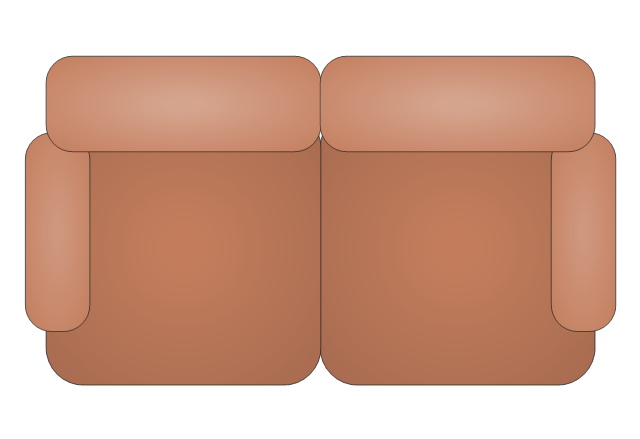
Arm Chair 4
Sectional Chaise Lounge - Left Arm
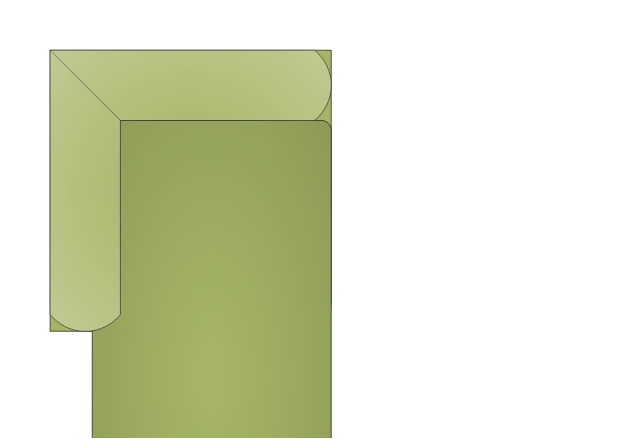
Sectional Chaise Lounge - Right Arm

Side Chair without Arms
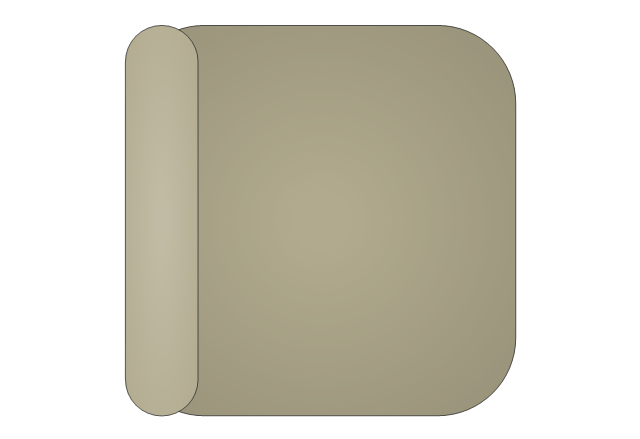
Side Chair with Arms
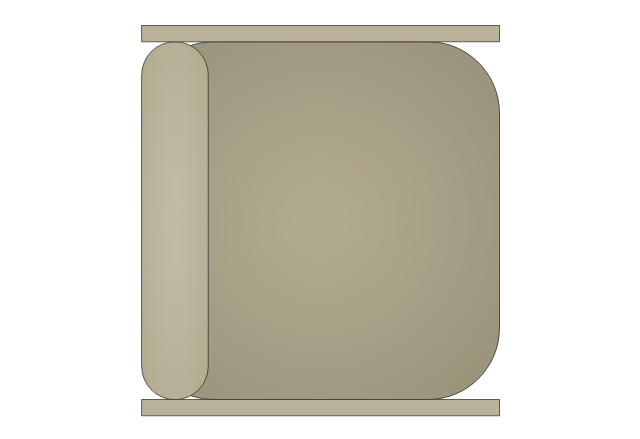
Chair 1
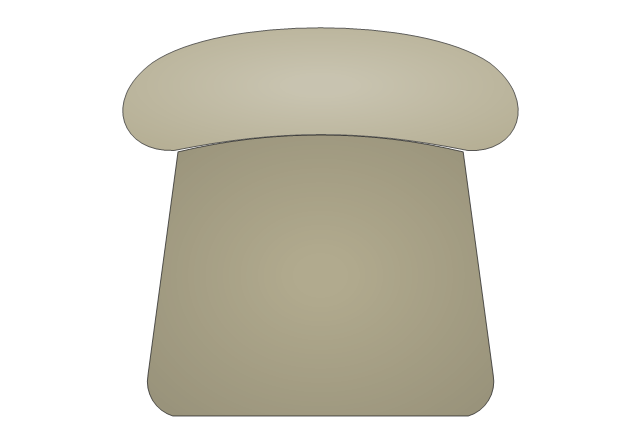
Chair 2
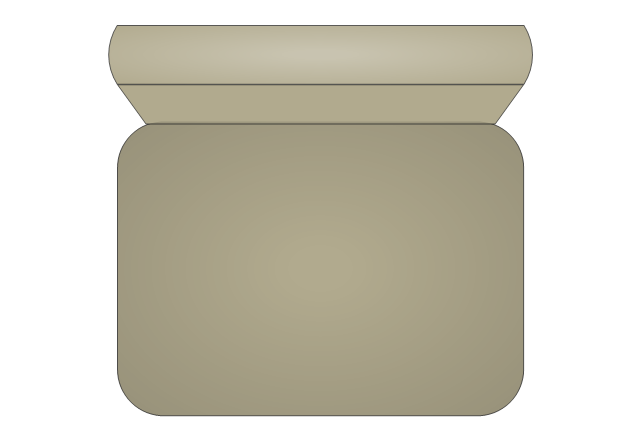
Curved Back Chair 1

Curved Back Chair 2
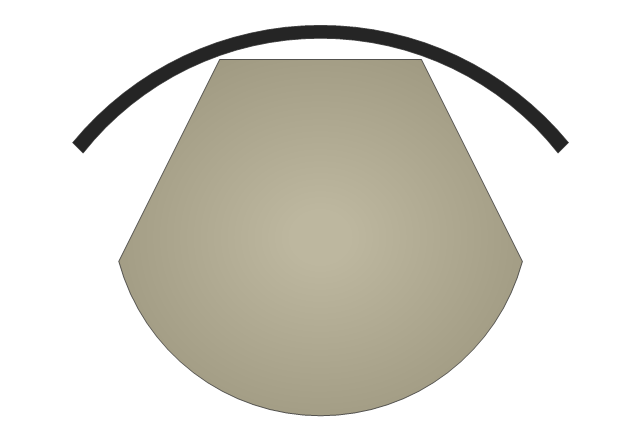
Chair with Arms 1
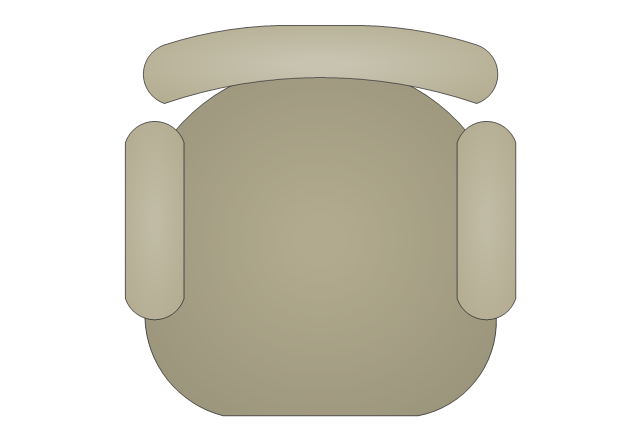
Chair with Arms 2
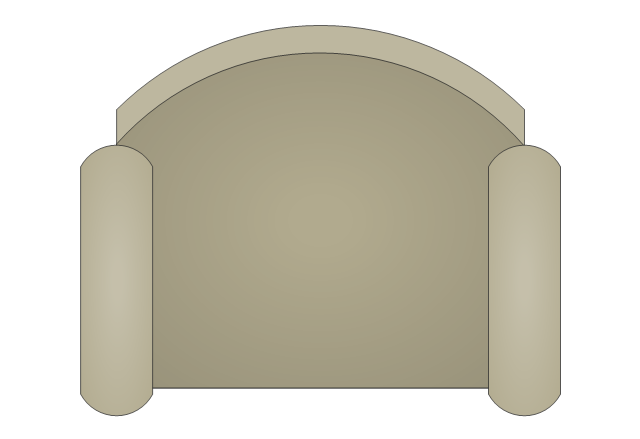
Chair with Arms 3
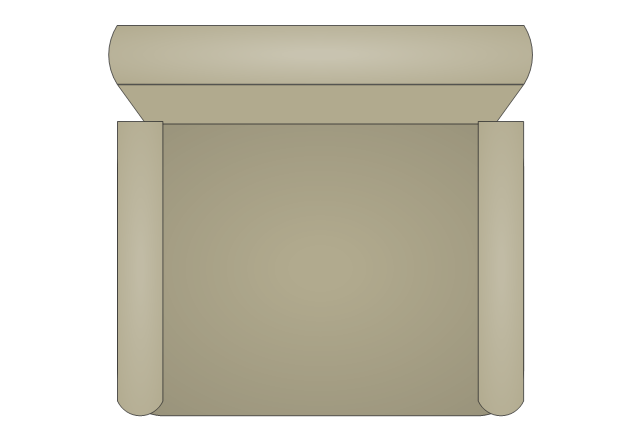
Round Stool
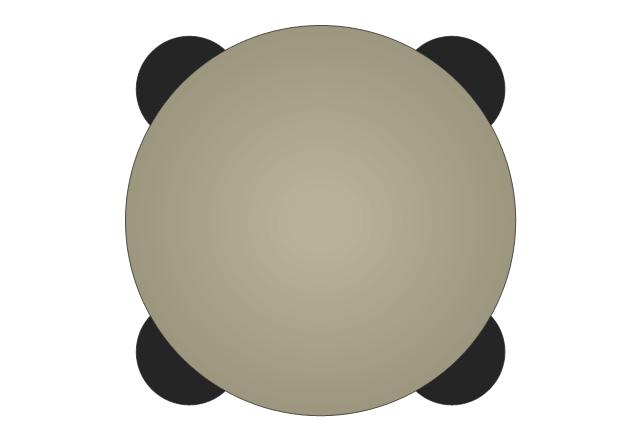
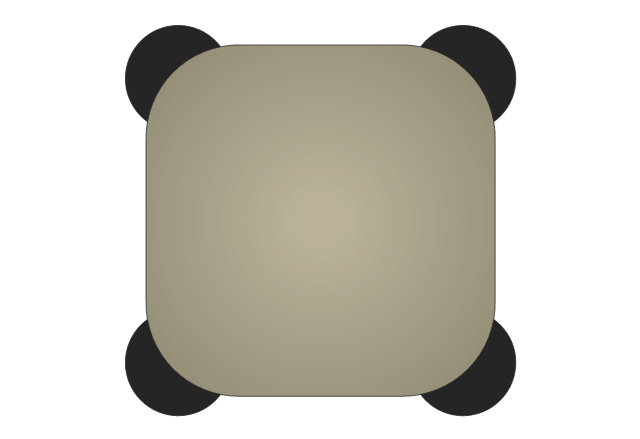
Square Stool
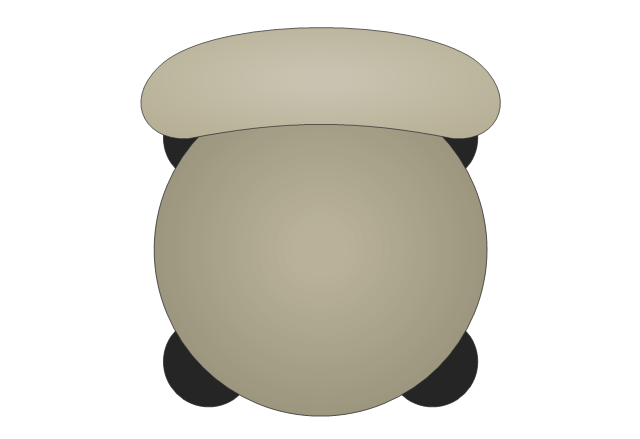
Round Stool with Back 1
Round Stool with Back 2
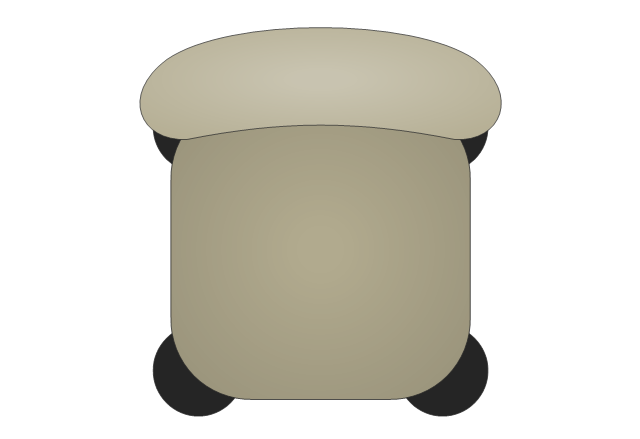
Square Stool with Back
Rolling Chair
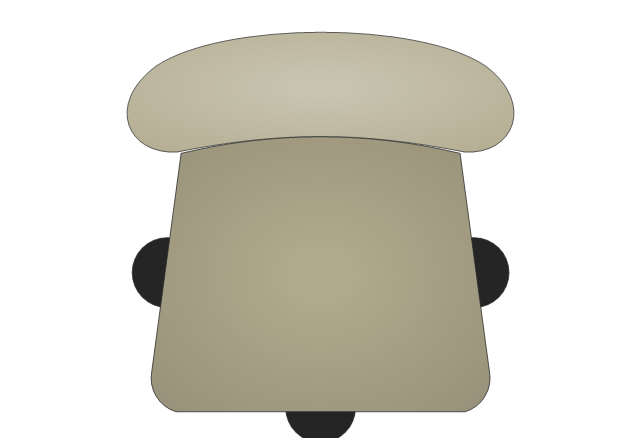
Curved Back Rolling Chair
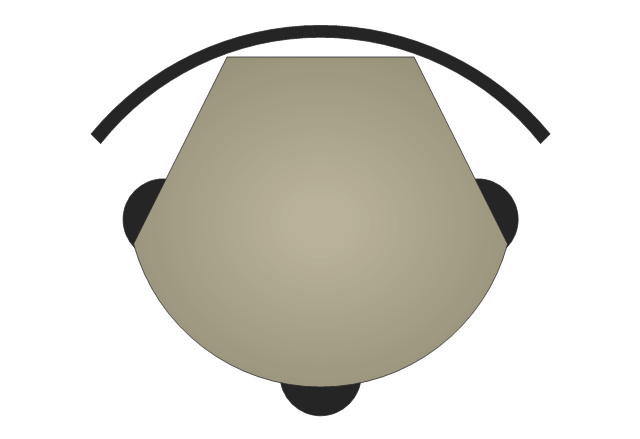
Folding Chair
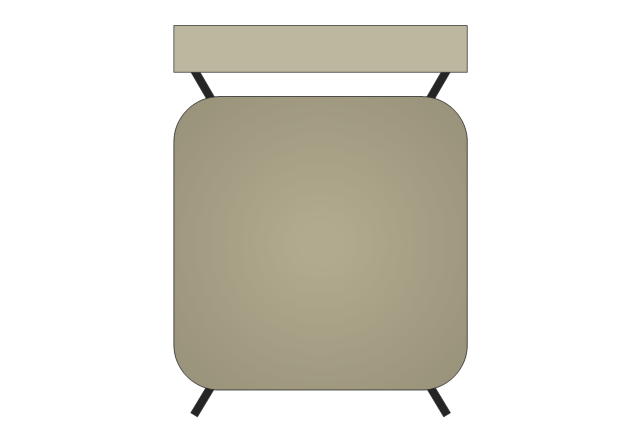
 Electronic Block Diagrams
The Electronic Block Diagrams solution for ConceptDraw DIAGRAM includes a set of diagrams samples and a large number of specialized electronic and electrical symbols of electronic blocks, amplifiers, pulses, repeaters, converters, waveforms, electric filters, delay elements, etc. All symbols are highly simple and common for electronics. They allow designing strict and clear diagrams and electronics graphical designs for documentation, specifications, reports, presentation slides. Use them in electrical engineering, to design and construct electronic equipment, show sequence of pulses and flow of energy, and rapidly identify points of interest or trouble spots in electronic circuits.
The vector stencils library "Wireframe" contains 18 wireframe design elements.
Use it for designing wireframe graphic user interface (GUI) of computer software in the ConceptDraw PRO diagramming and vector drawing software extended with the Graphic User Interface solution from the Software Development area of ConceptDraw Solution Park.
Use it for designing wireframe graphic user interface (GUI) of computer software in the ConceptDraw PRO diagramming and vector drawing software extended with the Graphic User Interface solution from the Software Development area of ConceptDraw Solution Park.
Dialog form
Dialog form (browser window)
-wireframe---vector-stencils-library.png--diagram-flowchart-example.png)
Area box

Text input box

Listbox

ComboBox

Scrollbar
Button
Radio button

Checkbox

Radio buttons group
Checkbox group
Menu bar tab
Image

Multimedia

Wireframe note
Separator, horizontal

Separator, vertical

The vector stencils library "Cisco network topology" contains 89 symbols of Cisco network devices and design elements for drawing computer network topology diagrams.
"There are two basic categories of network topologies:
(1) Physical topologies,
(2) Logical topologies.
The shape of the cabling layout used to link devices is called the physical topology of the network. This refers to the layout of cabling, the locations of nodes, and the interconnections between the nodes and the cabling. The physical topology of a network is determined by the capabilities of the network access devices and media, the level of control or fault tolerance desired, and the cost associated with cabling or telecommunications circuits.
The logical topology in contrast, is the way that the signals act on the network media, or the way that the data passes through the network from one device to the next without regard to the physical interconnection of the devices." [Network topology. Wikipedia]
The symbols example "Cisco network topology - Vector stencils library" was created using the ConceptDraw PRO diagramming and vector drawing software extended with the Cisco Network Diagrams solution from the Computer and Networks area of ConceptDraw Solution Park.
www.conceptdraw.com/ solution-park/ computer-networks-cisco
"There are two basic categories of network topologies:
(1) Physical topologies,
(2) Logical topologies.
The shape of the cabling layout used to link devices is called the physical topology of the network. This refers to the layout of cabling, the locations of nodes, and the interconnections between the nodes and the cabling. The physical topology of a network is determined by the capabilities of the network access devices and media, the level of control or fault tolerance desired, and the cost associated with cabling or telecommunications circuits.
The logical topology in contrast, is the way that the signals act on the network media, or the way that the data passes through the network from one device to the next without regard to the physical interconnection of the devices." [Network topology. Wikipedia]
The symbols example "Cisco network topology - Vector stencils library" was created using the ConceptDraw PRO diagramming and vector drawing software extended with the Cisco Network Diagrams solution from the Computer and Networks area of ConceptDraw Solution Park.
www.conceptdraw.com/ solution-park/ computer-networks-cisco
Router
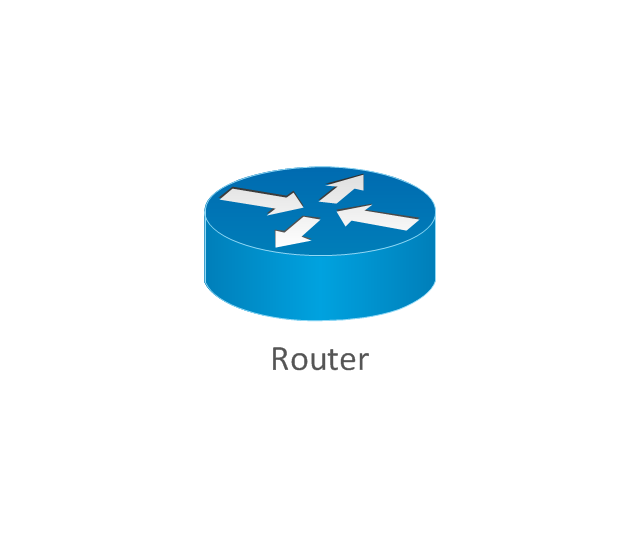
Broadband router

Router firewall

Wireless router

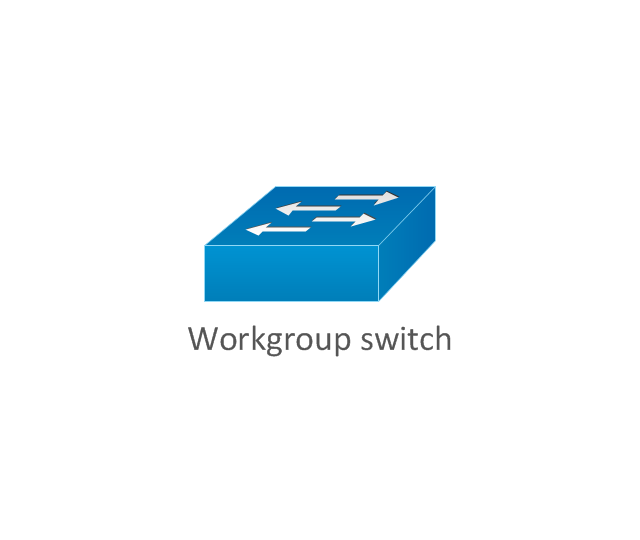
Workgroup switch
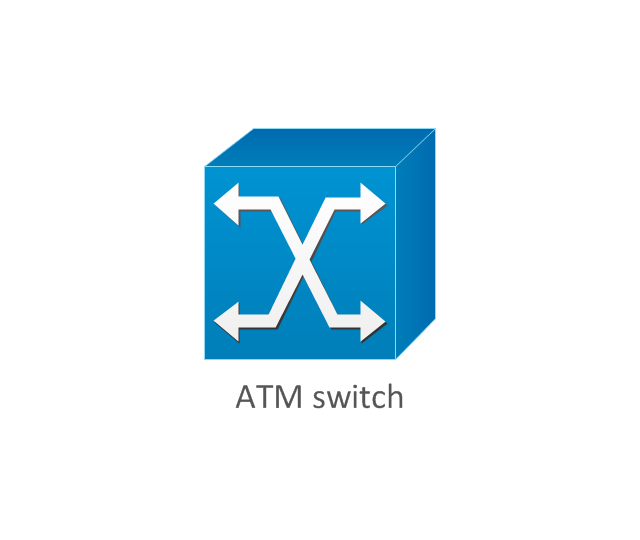
ATM switch
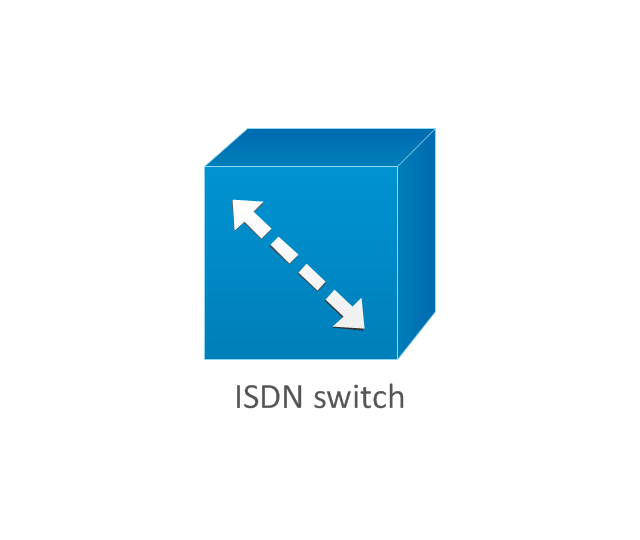
ISDN switch
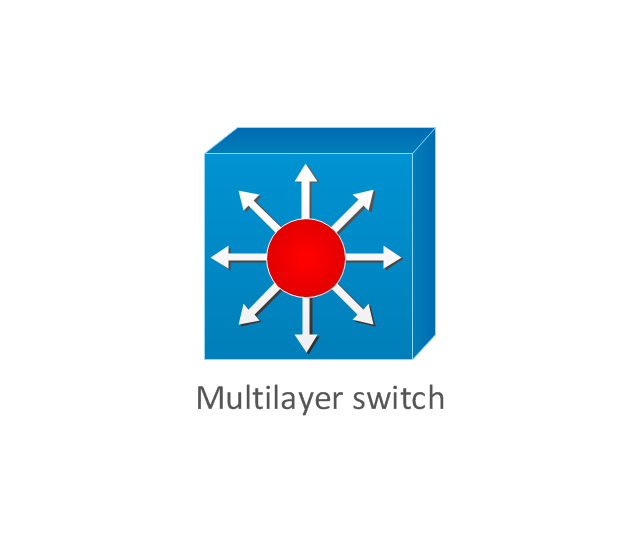
Multilayer switch
Protocol translator
Communications server
Transpath
Bridge
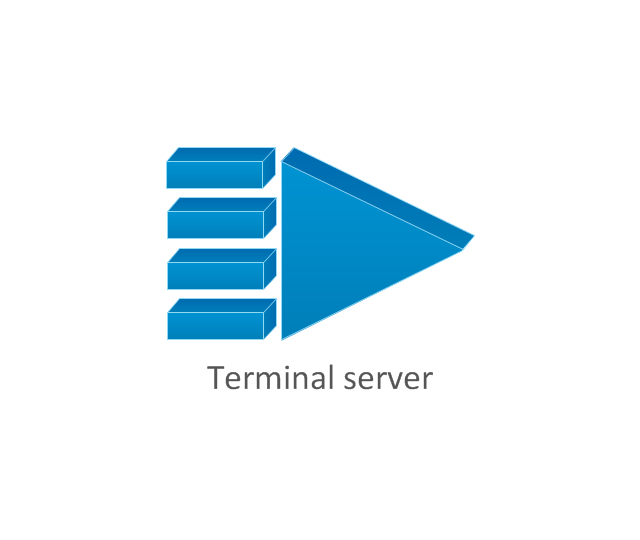
Terminal server
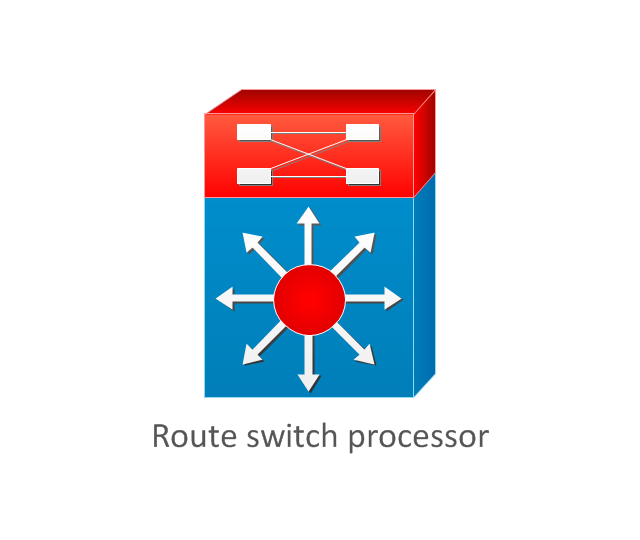
Route switch processor
Content engine (cache director)
-cisco-network-topology---vector-stencils-library.png--diagram-flowchart-example.png)
Management engine (ME 1100)
-cisco-network-topology---vector-stencils-library.png--diagram-flowchart-example.png)
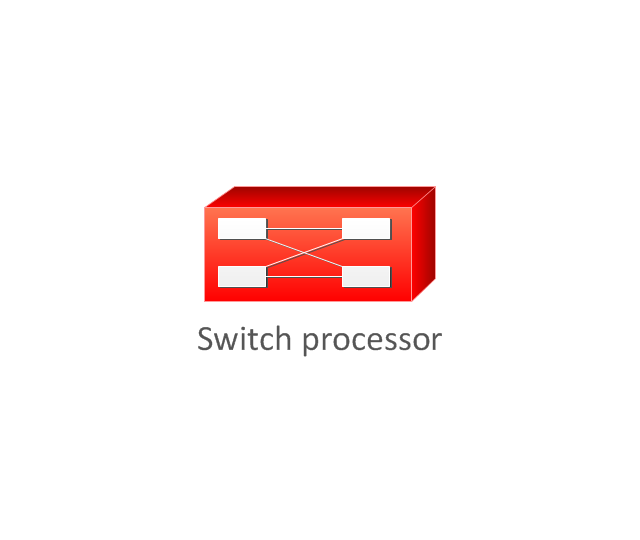
Switch processor
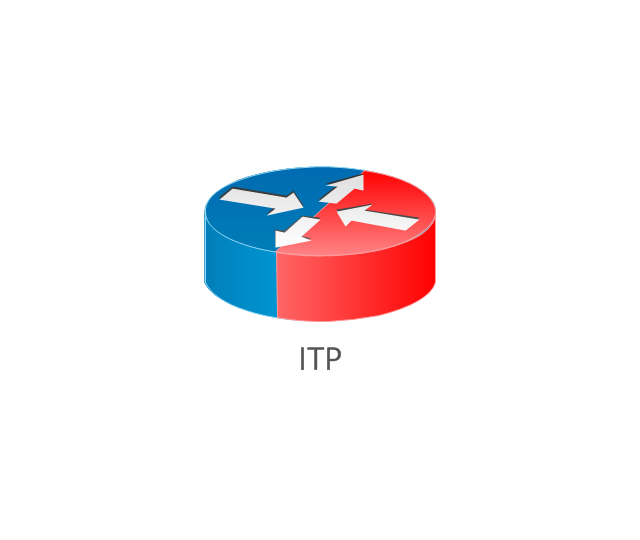
ITP
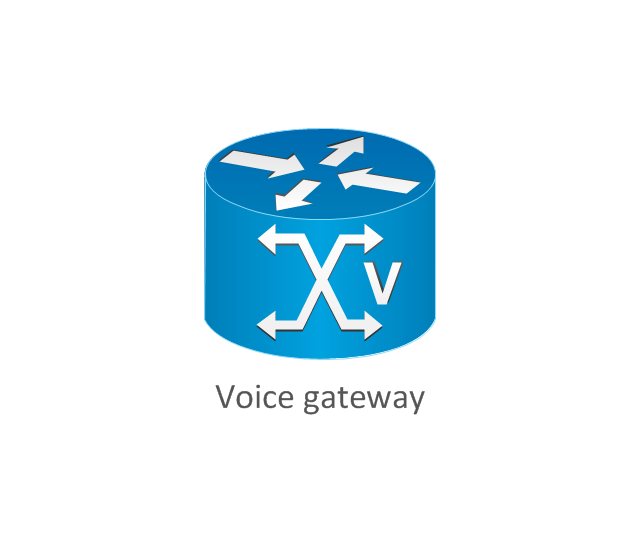
Voice gateway
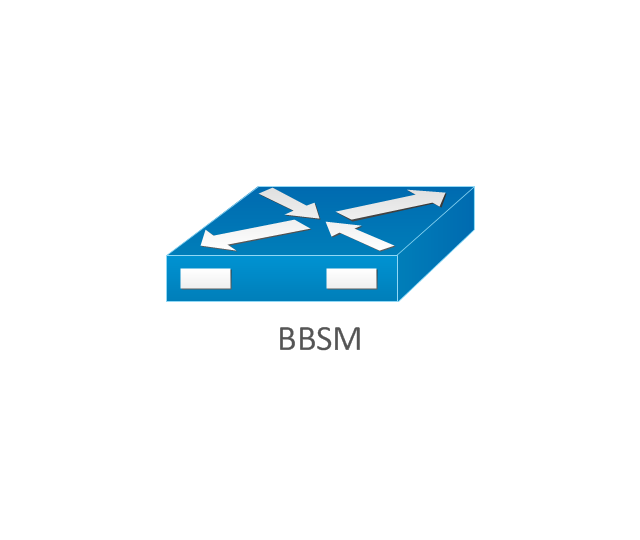
BBSM
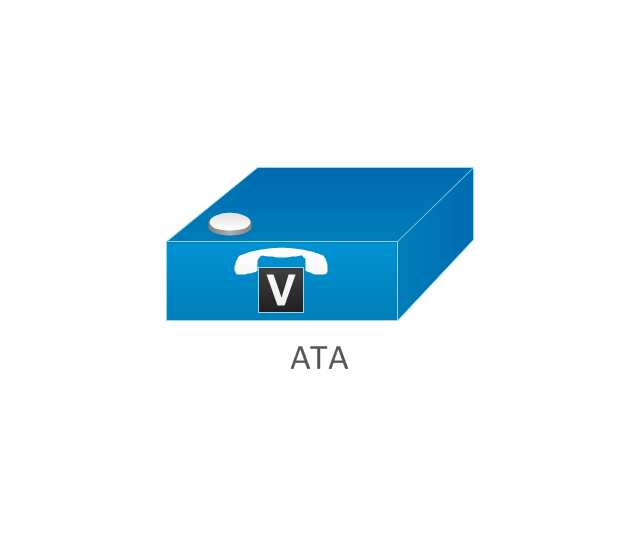
ATA
SIP Proxy server

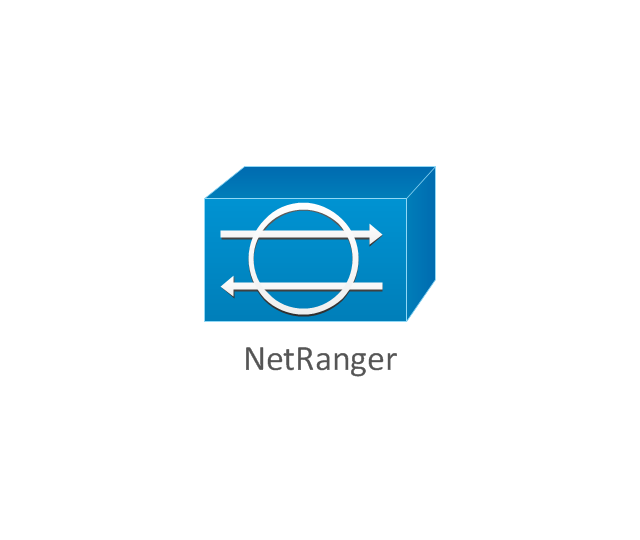
NetRanger
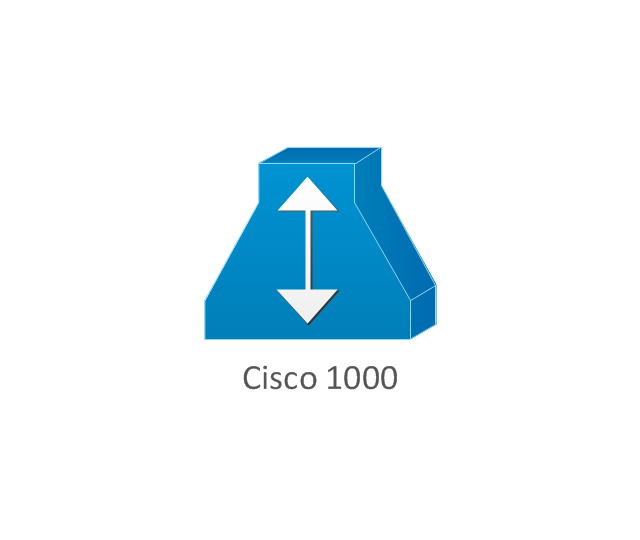
Cisco 1000
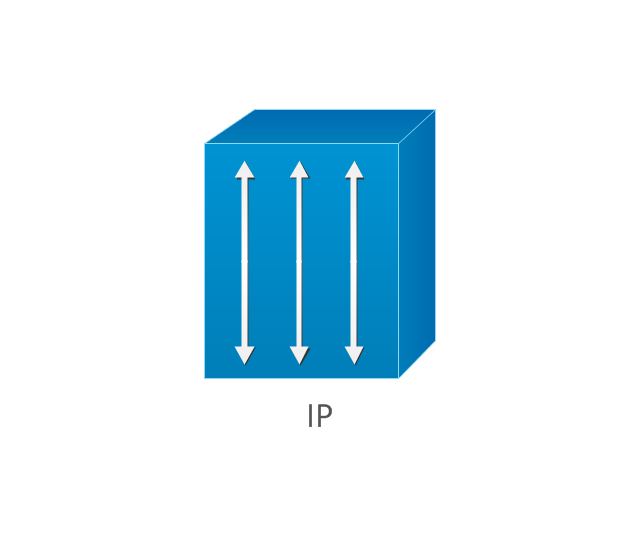
IP
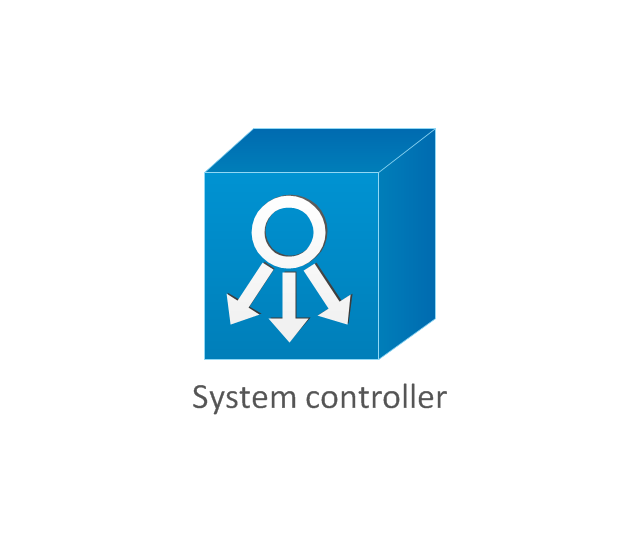
System controller
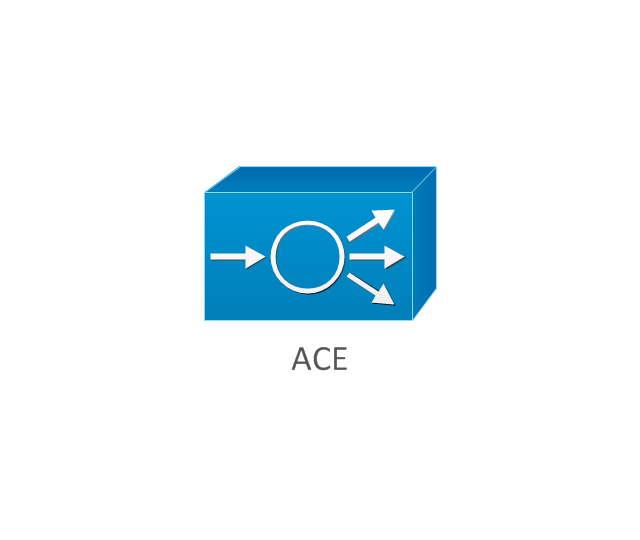
ACE
Directory server
ADM
Cisco Unity Express
Unity server
Cisco security
CallManager
DSLAM
H.323
CDM (Content Distribution Manager)
-cisco-network-topology---vector-stencils-library.png--diagram-flowchart-example.png)
ICM
Access point
Wireless bridge
Wireless connectivity
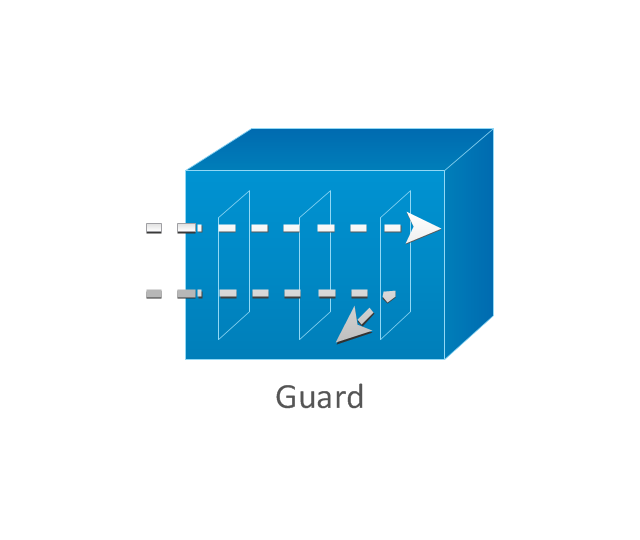
Guard
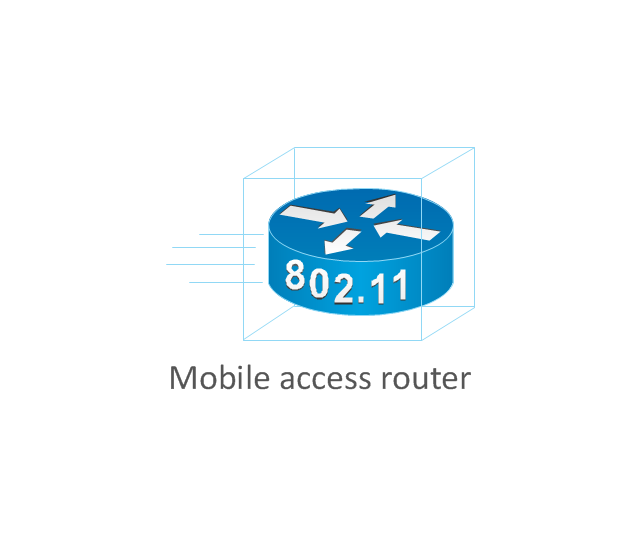
Mobile access router
Carrier Routing System (CRS)
-cisco-network-topology---vector-stencils-library.png--diagram-flowchart-example.png)
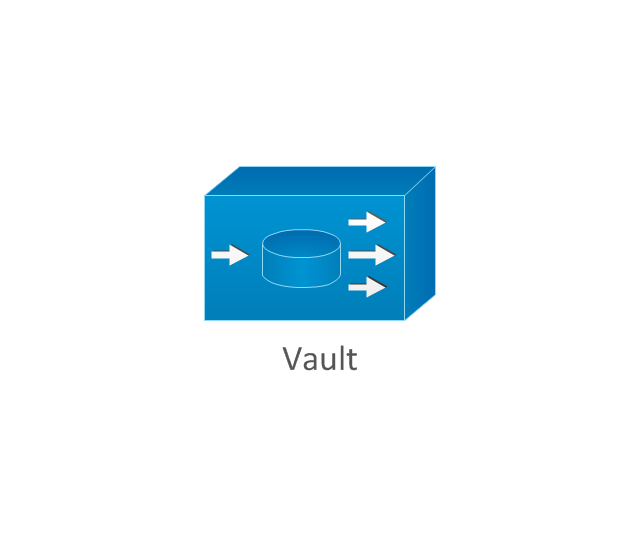
Vault
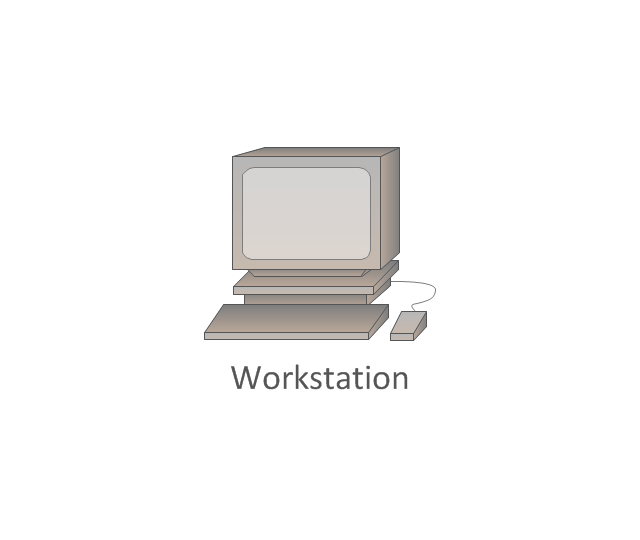
Workstation
PC
Macintosh
Cloud, gold
Cloud, white
Cloud, standard color
Cisco security management
PBX
DPT
Government building
Headquarters, blue
Router in building
Man
Woman
Workgroup switch, subdued
Router, subdued
File server
Firewall, horizontal
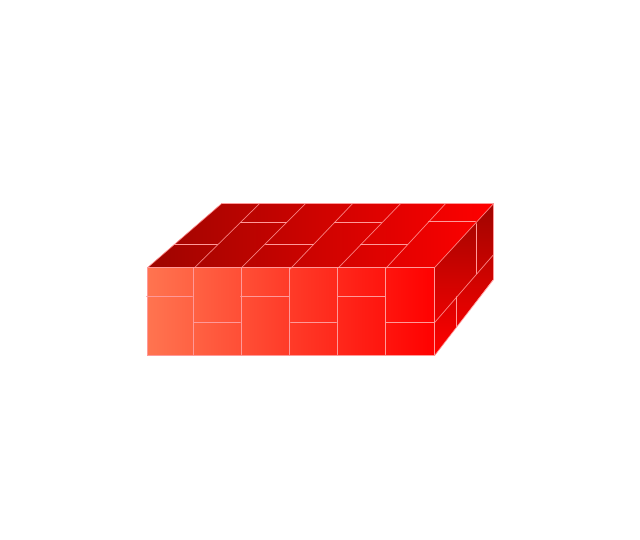
Firewall, vertical
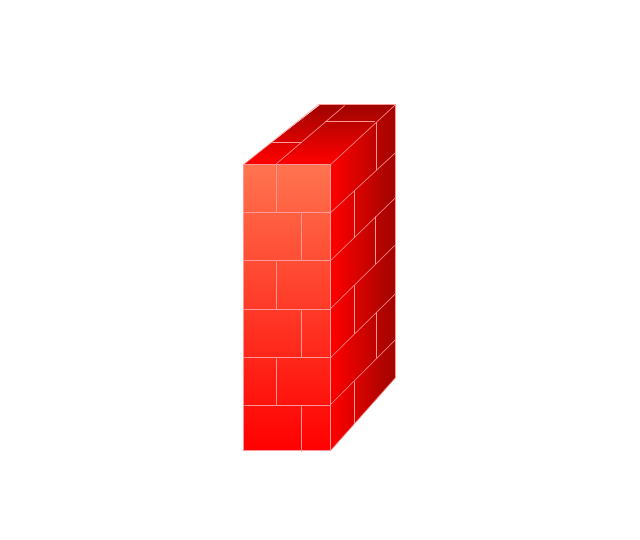
Firewall, vertical, subdued
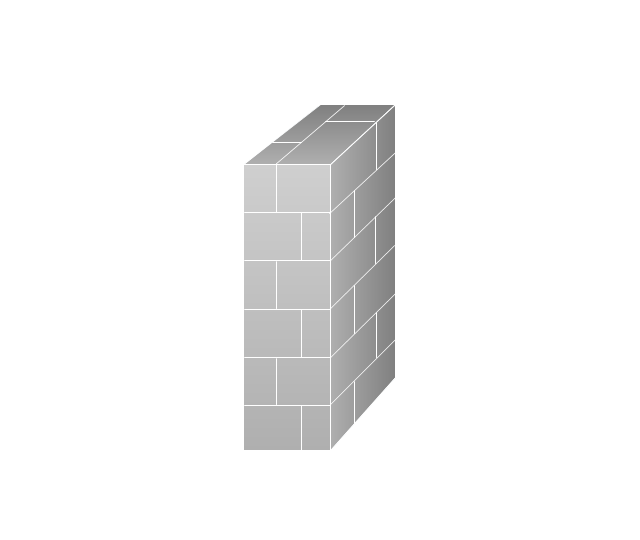
Lock

Key

Lock and key

Car
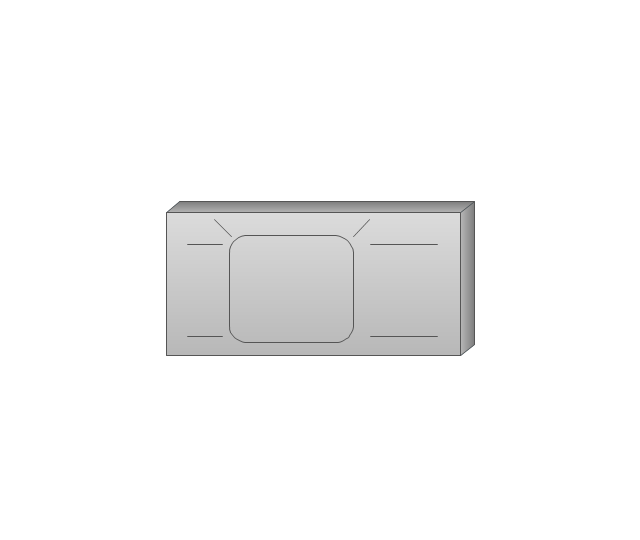
Truck
File cabinet
Breakout box
Breakout box, blue
Host
Relational database
Modem
BBS (Bulletin Board System)
-cisco-network-topology---vector-stencils-library.png--diagram-flowchart-example.png)
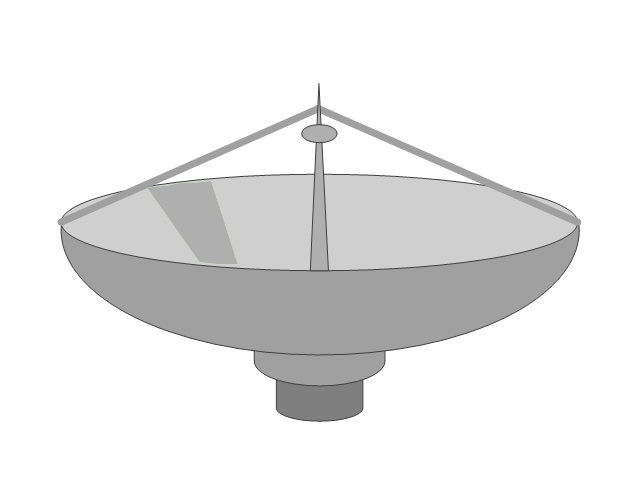
Satellite
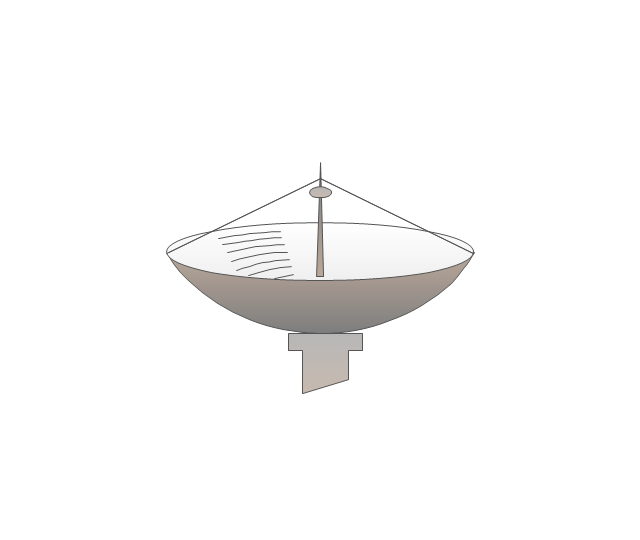
Satellite dish
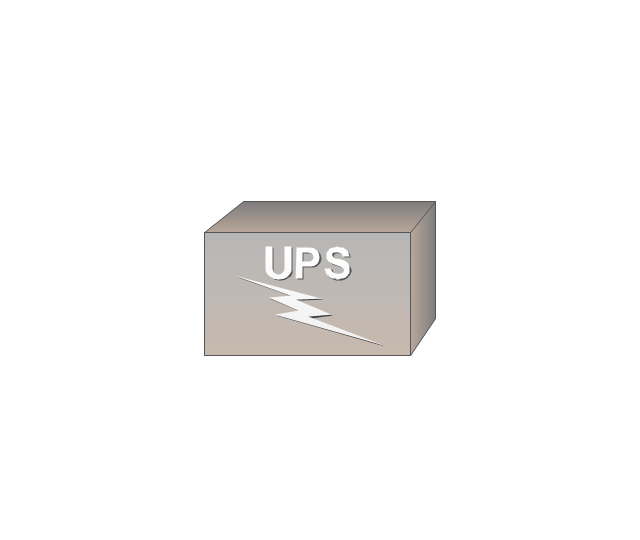
UPS
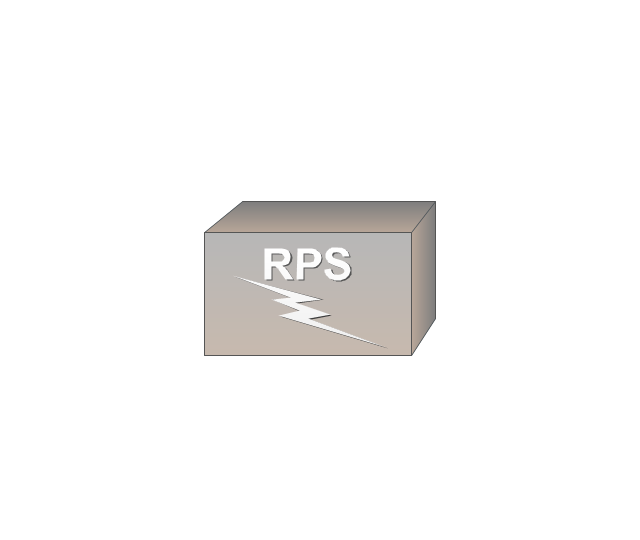
RPS
MAU
PAD
PAD X.28
Diskette
Contact center
Page icon

Antenna
Antenna, blue
Radio tower

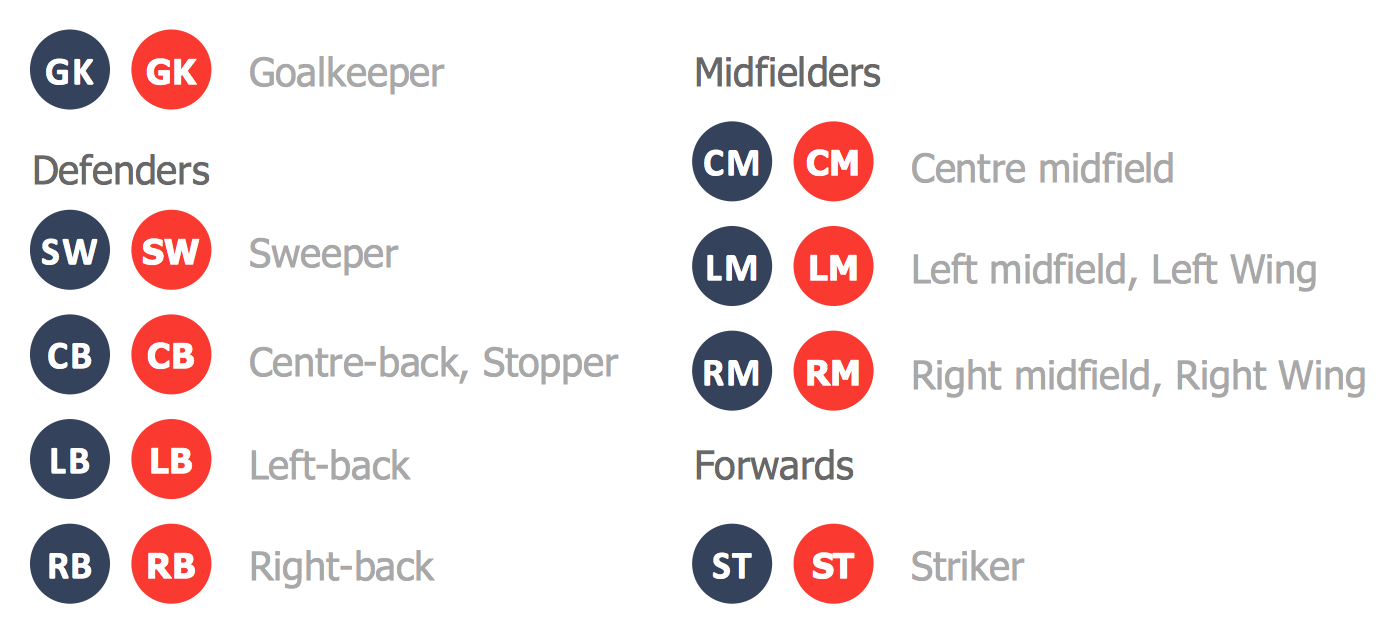
Create Soccer (Football) Positions
The vector stencils library "Window elements" contains 24 window elements: frames, boxes and buttons.
Use it to design graphic user interface (GUI) of your Windows 8 software application.
"A window is a graphical control element. It consists of a visual area containing some of the graphical user interface of the program it belongs to and is framed by a window decoration. It usually has a rectangular shape that can overlap with the area of other windows. It displays the output of and may allow input to one or more processes.
Windows are primarily associated with graphical displays, where they can be manipulated with a pointer by employing some kind of pointing device.
A graphical user interface (GUI) using windows as one of its main "metaphors" is called a windowing system, whose main components are the display server and the window manager." [Window (computing). Wikipedia]
The design elements example "Window elements - Vector stencils library" was created using the ConceptDraw PRO diagramming and vector drawing software extended with the Windows 8 User Interface solution from the Software Development area of ConceptDraw Solution Park.
Use it to design graphic user interface (GUI) of your Windows 8 software application.
"A window is a graphical control element. It consists of a visual area containing some of the graphical user interface of the program it belongs to and is framed by a window decoration. It usually has a rectangular shape that can overlap with the area of other windows. It displays the output of and may allow input to one or more processes.
Windows are primarily associated with graphical displays, where they can be manipulated with a pointer by employing some kind of pointing device.
A graphical user interface (GUI) using windows as one of its main "metaphors" is called a windowing system, whose main components are the display server and the window manager." [Window (computing). Wikipedia]
The design elements example "Window elements - Vector stencils library" was created using the ConceptDraw PRO diagramming and vector drawing software extended with the Windows 8 User Interface solution from the Software Development area of ConceptDraw Solution Park.
Window frame
Dialog box
Window with command area
Command area

Close window button

Minimize window button

Restore window button

Maximize window button

Minimize window button - hover

Restore window button - hover

Maximize window button - hover

Window resize handle

Vertical separator

Horizontal separator

Back button

Forward button

Forward

Back

Warning icon

Error icon

Information icon

Question mark icon

Refresh icon

Up control

The vector stencils library "Electrical and telecom" contains 83 symbols of electrical and telecommunication equipment.
Use these shapes for drawing electrical and telecom system design floor plans, cabling layout schemes, and wiring diagrams in the ConceptDraw PRO diagramming and vector drawing software.
The vector stencils library "Electrical and telecom" is included in the Electric and Telecom Plans solution from the Building Plans area of ConceptDraw Solution Park.
Use these shapes for drawing electrical and telecom system design floor plans, cabling layout schemes, and wiring diagrams in the ConceptDraw PRO diagramming and vector drawing software.
The vector stencils library "Electrical and telecom" is included in the Electric and Telecom Plans solution from the Building Plans area of ConceptDraw Solution Park.
Luminaire ceiling mount
Enclosed ceiling luminaire
Wall light
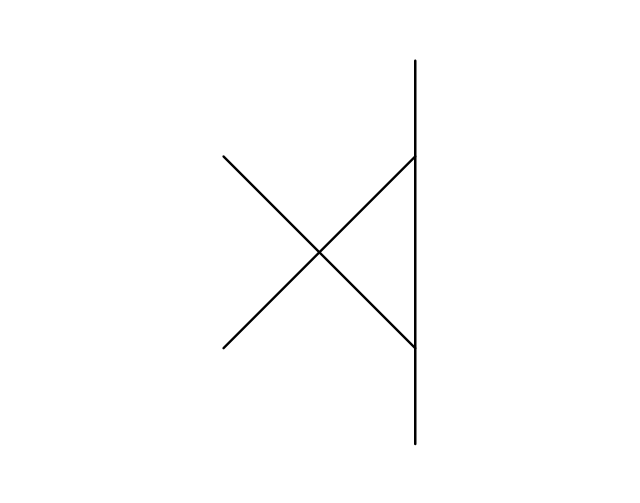
1-light bar
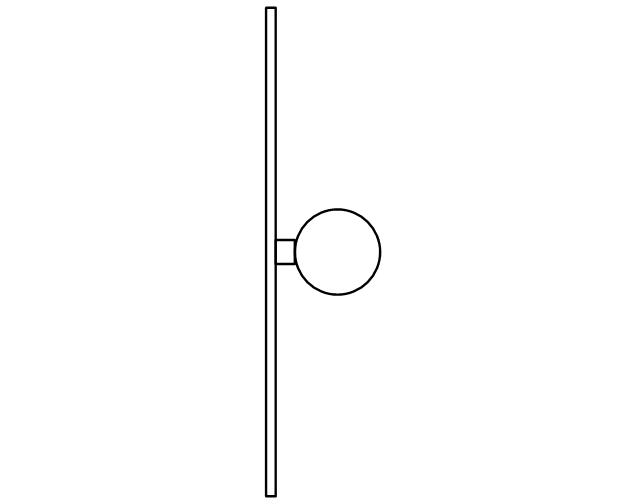
2-light bar
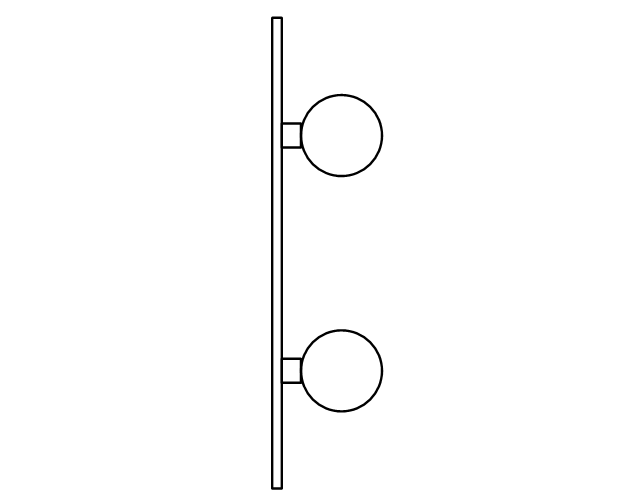
4-light bar
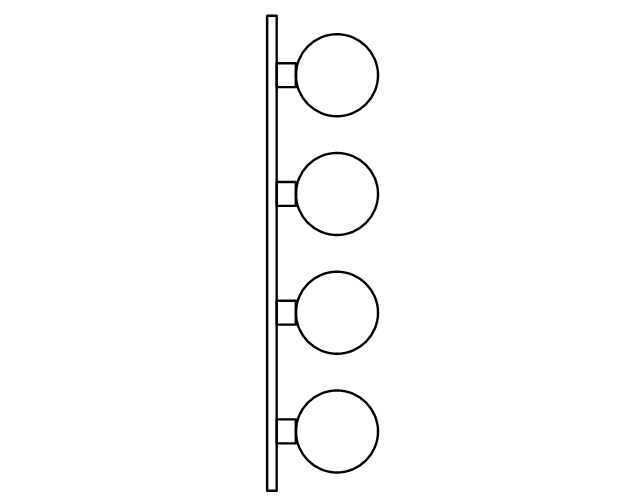
6-light bar
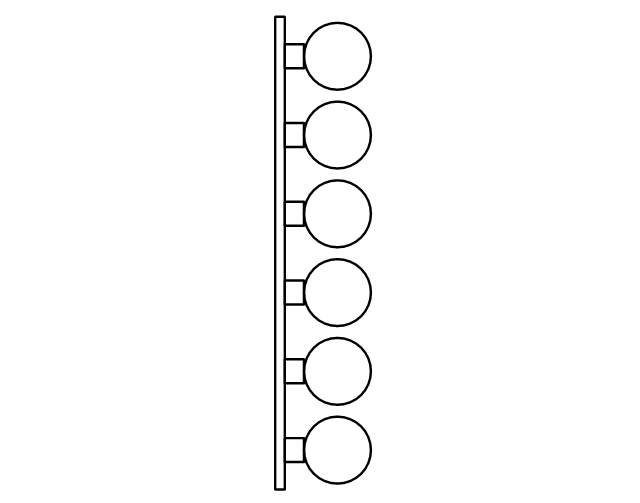
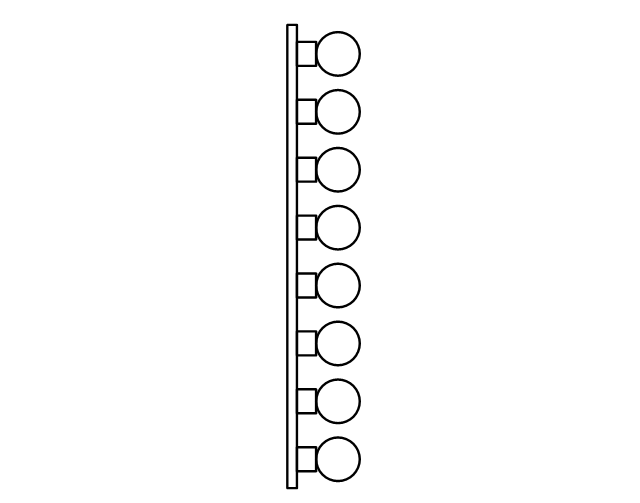
8-light bar
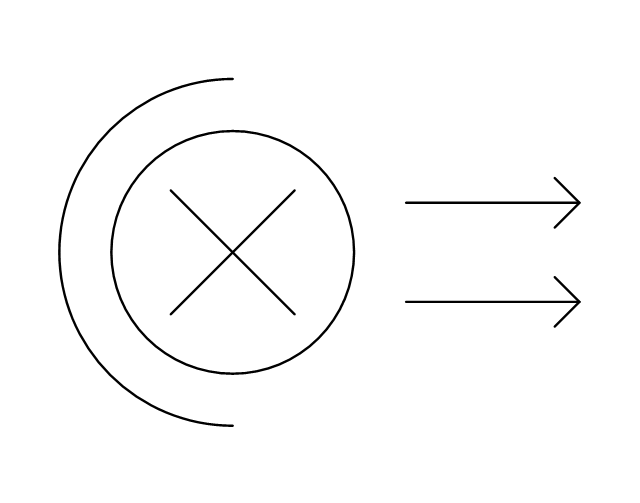
Down lighter
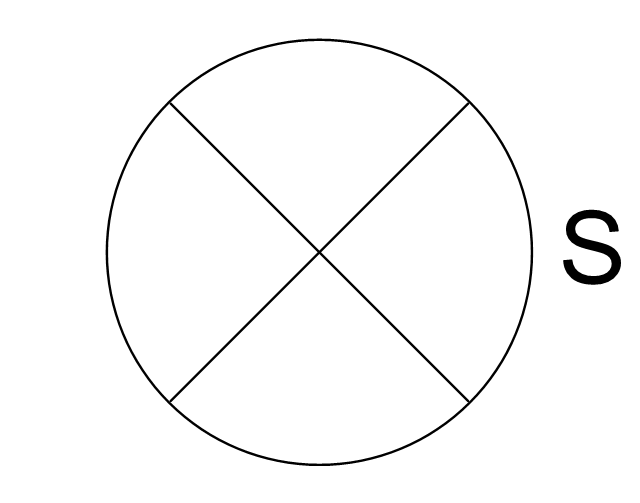
Outdoor lightning
Outdoor lightning, bollard
Batten fluorescent, 1 lamp
Batten fluorescent, 2 lamps
Batten fluorescent, 3 lamps
Batten fluorescent, 4 lamps
Surface Fluorescent Light

Modular fluorescent fitting
Modular fluorescent fitting, inverter
Modular fluorescent fitting 2
Pull-cord switch
Emergency light

Emergency light 2

Emergency sign
Switch
Switch, 1 pole
Switch, 2 pole
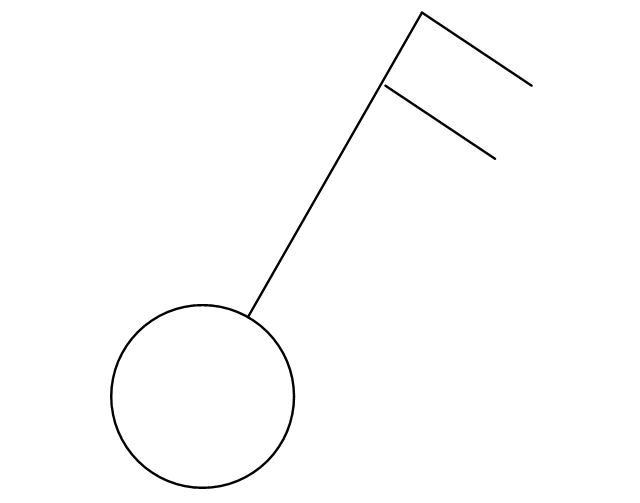
Switch, 2-way
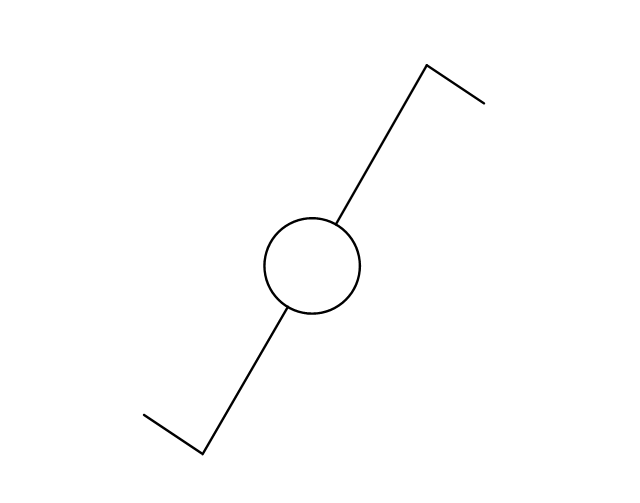
Multi-switch
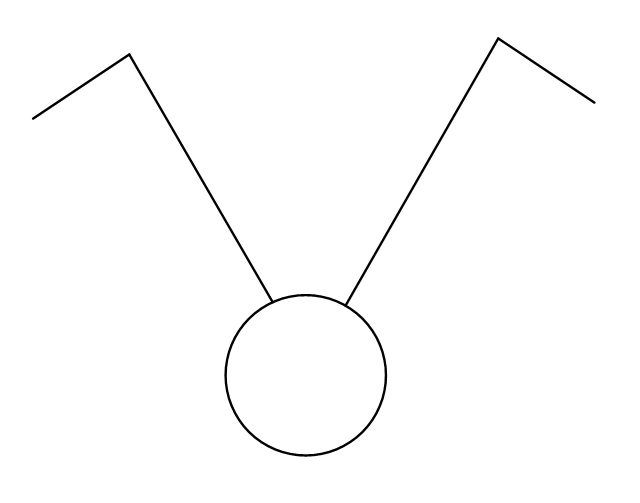
Switch, intermediate
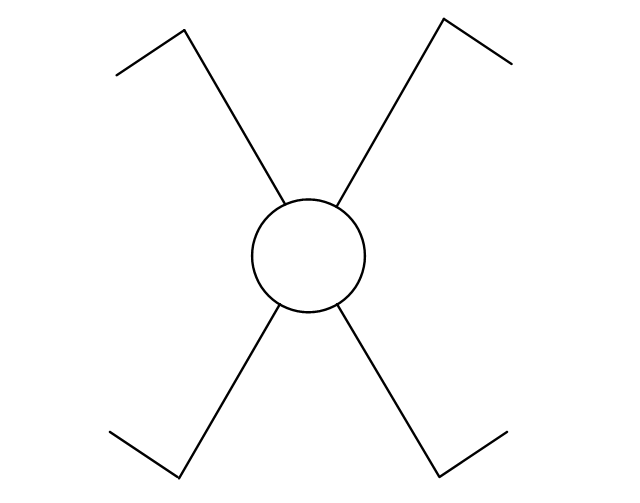
Dimmer switch
Dimmer switch 2
Socket
Socket 2
Switched socket
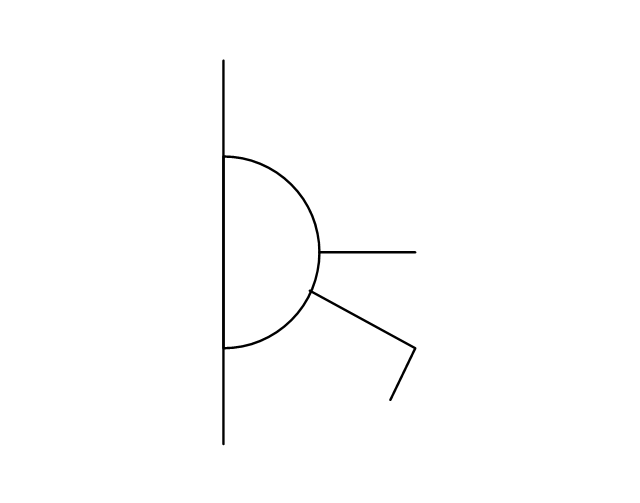
Switched socket 2
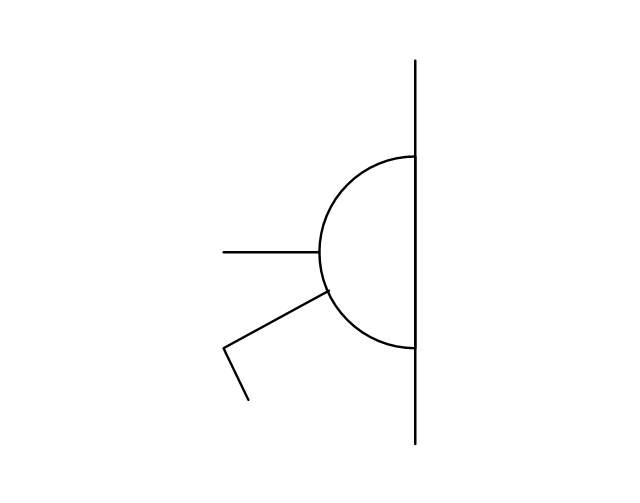
Double socket
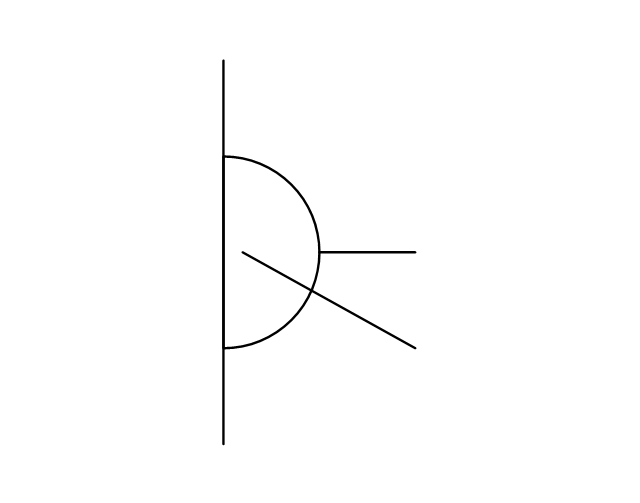
Double socket 2
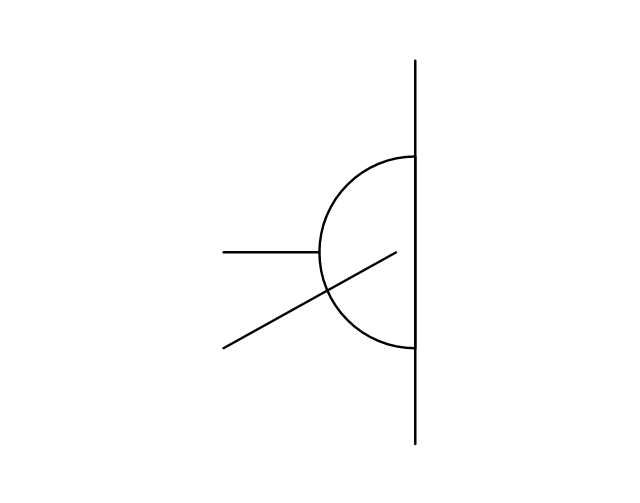
Socket outlet
Telephone outlet
Telephone outlet 2
Stereo outlet
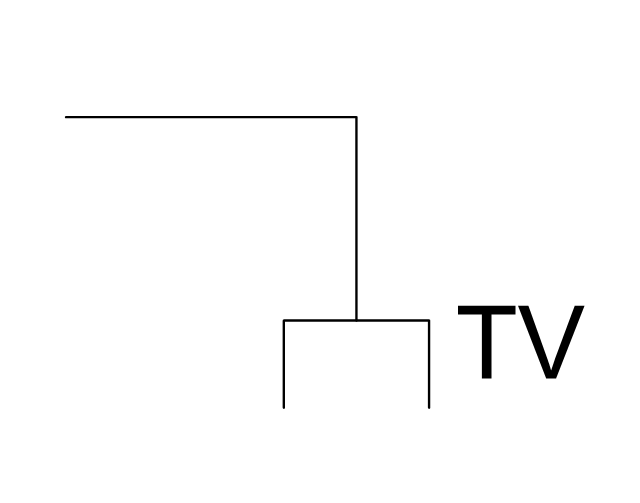
Television outlet
Service panel, surface
Service panel, inset
Thermostat
Ceiling fan
Hold open unit
Detector
Fire alarm
City Fire Alarm Station

Fire Alarm Station
Fire Alarm Bell
Fire Alarm Central Station
Automatic Fire Alarm Device
Main control
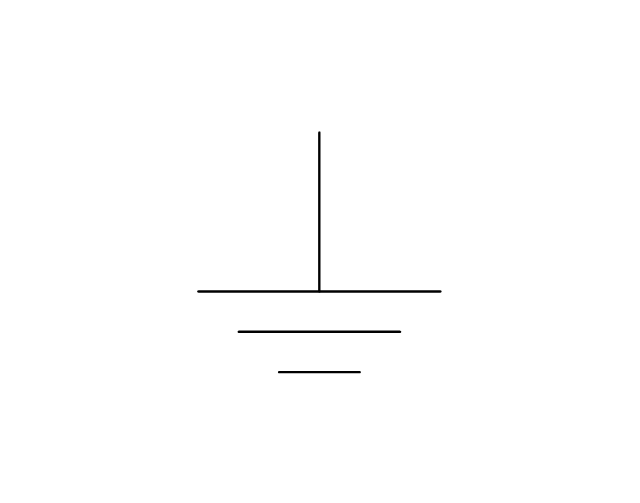
Ground
Doorbell
Push Button
Buzzer
Annunciator
Horn
Maid's Signal Plug
Signal Central Station
Doorbell Chime
Doorbell Transformer
Magnetic Door Hold
Intercom
Telephone Key System

Digital Satellite System
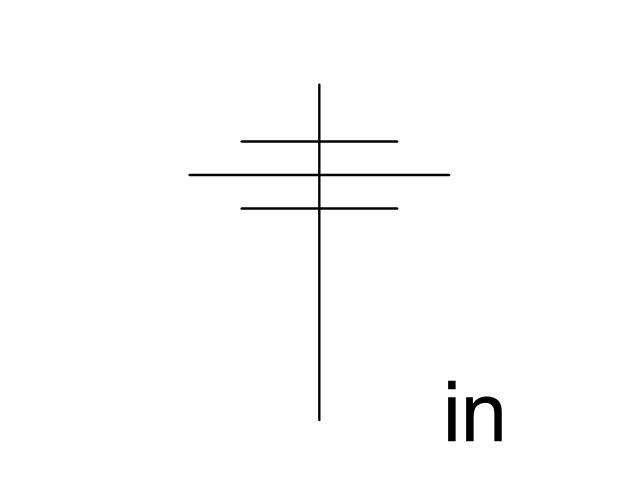
Inside Antenna
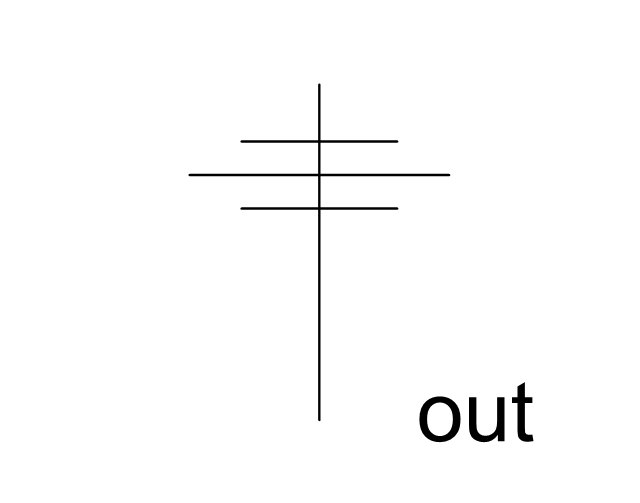
Outside Antenna
Electric Motors
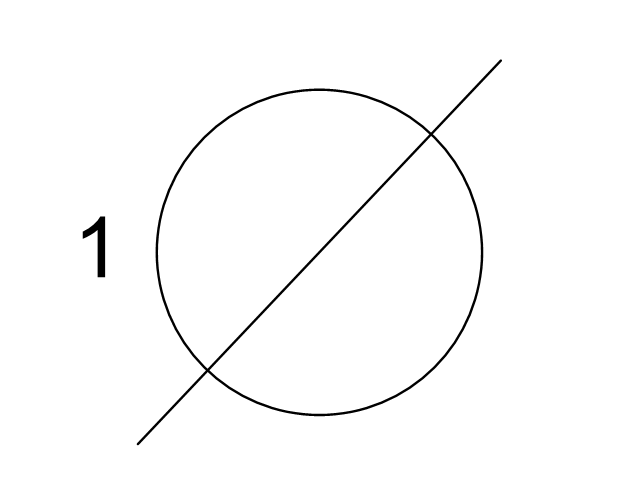
Single Phase
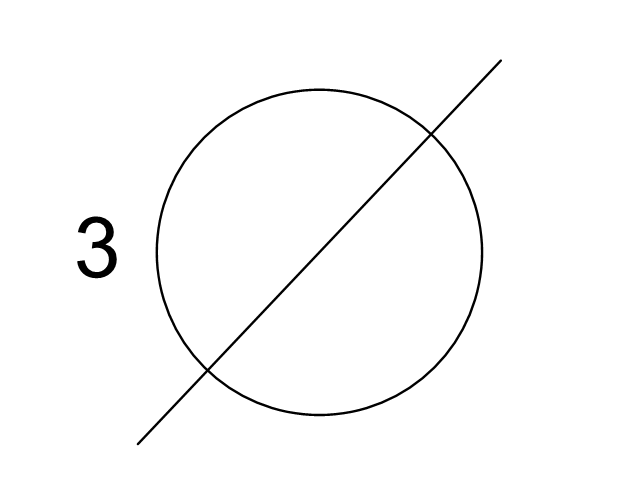
Three of Poly Phase
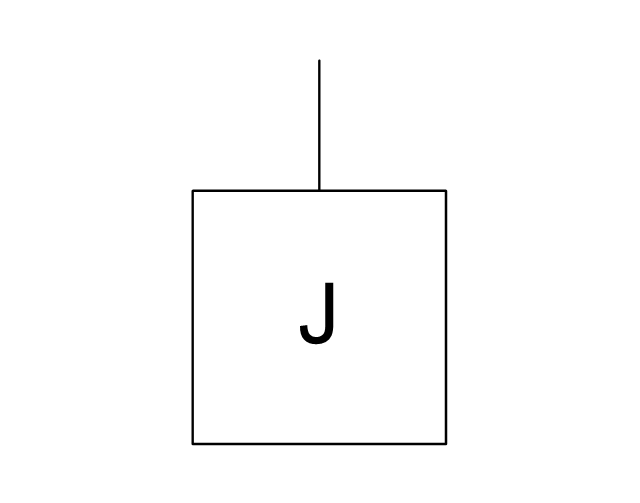
Wall Mounted Electrical Junction Box for Hardware
Wall Mounted Telephone/Data Junction Box for Hardware
Card Reader Access System
Emergency Release Button
Motion Sensor
Electric Door Opener
Watchman's Station
Watchman's Central Station
Battery
The vector stencils library "Calendars" contains 44 shapes of month calendars, marker icons and symbols for schedules, and clocks. Use it to create your calendars in the ConceptDraw PRO diagramming and vector drawing software extended with the Calendars solution from the Management area of ConceptDraw Solution Park.
Small Calendar (White, Rounded)
-calendars---vector-stencils-library.png--diagram-flowchart-example.png)
Small Calendar (White)
-calendars---vector-stencils-library.png--diagram-flowchart-example.png)
Small Calendar (Black, Rounded)
-calendars---vector-stencils-library.png--diagram-flowchart-example.png)
Small Calendar (Black)
-calendars---vector-stencils-library.png--diagram-flowchart-example.png)
Small Calendar (Color, Rounded)
-calendars---vector-stencils-library.png--diagram-flowchart-example.png)
Small Calendar (Color)
-calendars---vector-stencils-library.png--diagram-flowchart-example.png)
Mid Calendar (Rounded)
-calendars---vector-stencils-library.png--diagram-flowchart-example.png)
Mid Calendar
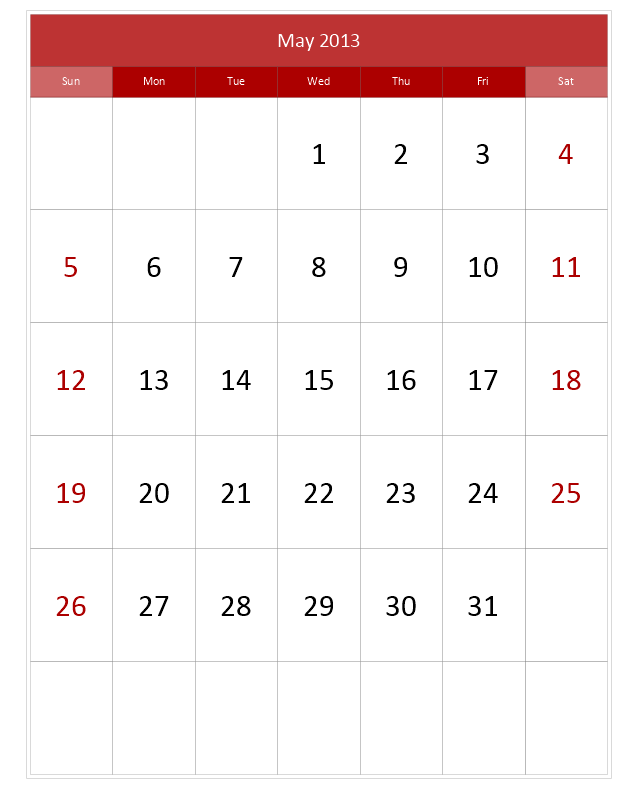
Large Calendar (Picture 1)
-calendars---vector-stencils-library.png--diagram-flowchart-example.png)
Large Calendar (Picture 2)
-calendars---vector-stencils-library.png--diagram-flowchart-example.png)
Large Calendar (Color)
-calendars---vector-stencils-library.png--diagram-flowchart-example.png)
Large Calendar
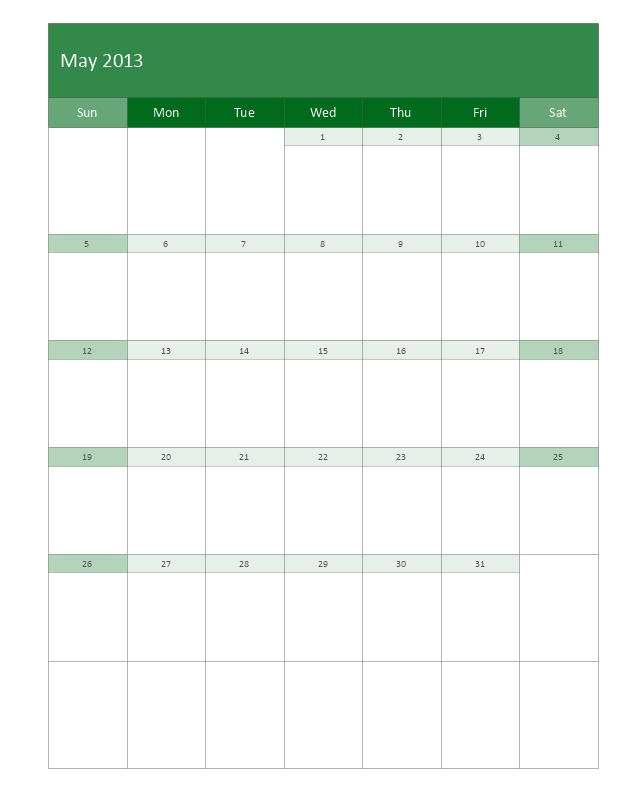
Large Calendar (Rounded)
-calendars---vector-stencils-library.png--diagram-flowchart-example.png)
Stylish Clocks
Clocks

Clocks
Week (First Letters)
-calendars---vector-stencils-library.png--diagram-flowchart-example.png)
Week
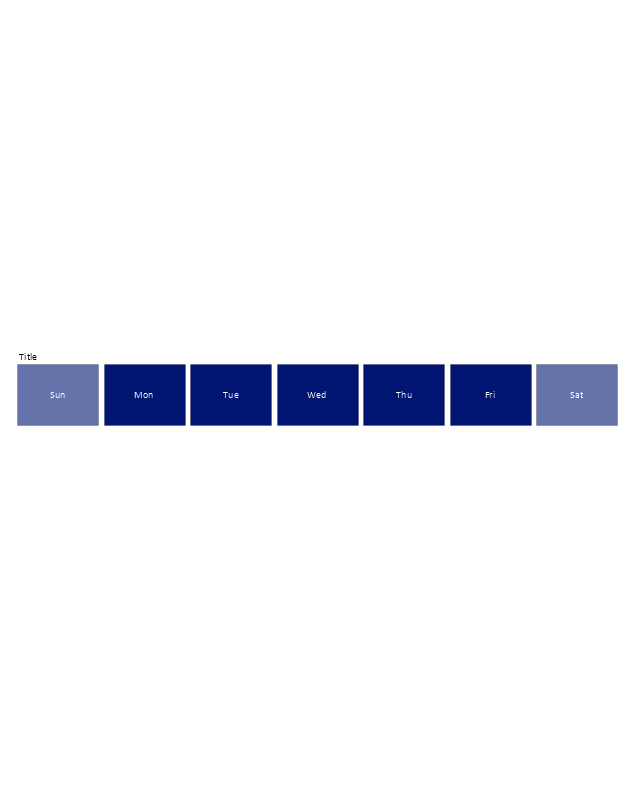
7 days
7 days
Month

Weeks
Quarter
3 Month
Special Day (Circle)
-calendars---vector-stencils-library.png--diagram-flowchart-example.png)
Special Day (Square)
-calendars---vector-stencils-library.png--diagram-flowchart-example.png)
Special Day (Triangle)
-calendars---vector-stencils-library.png--diagram-flowchart-example.png)
Special Day (Star)
-calendars---vector-stencils-library.png--diagram-flowchart-example.png)
Special Day (Cross)
-calendars---vector-stencils-library.png--diagram-flowchart-example.png)
Special Day (Check)
-calendars---vector-stencils-library.png--diagram-flowchart-example.png)
Special Day (Clocks)
-calendars---vector-stencils-library.png--diagram-flowchart-example.png)
Special Day (Note)
-calendars---vector-stencils-library.png--diagram-flowchart-example.png)
Special Day (Lightning)
-calendars---vector-stencils-library.png--diagram-flowchart-example.png)
Special Day (Heart)
-calendars---vector-stencils-library.png--diagram-flowchart-example.png)
:)
-calendars---vector-stencils-library.png--diagram-flowchart-example.png)
:(

Moon phase, new

Moon phase, waxing crescent
Moon phase, 1st quarter
Moon phase, waxing gibbous

Moon phase, full
Moon phase, waning gibbous
Moon phase, 3rd quarter
Moon phase, waning crescent
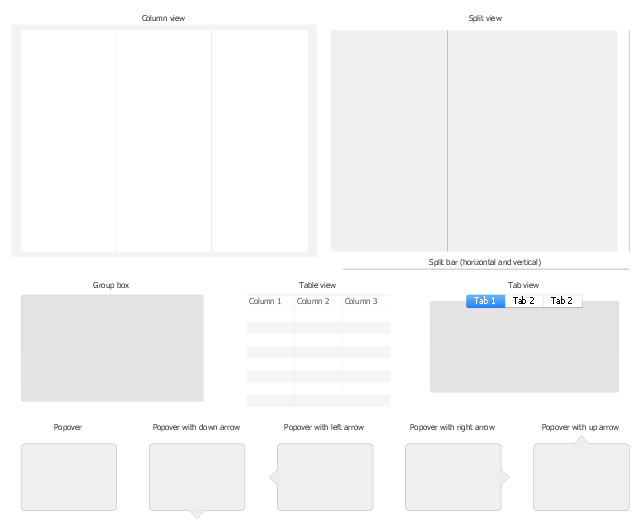
The vector stencils library "macOS Content Views" contains 12 popover, table view, column view, split view, tab view and group box UI elements.
Use it for user interface design of your macOS applications with ConceptDraw PRO software.
"Views are UI elements that display content to users." [developer.apple.com/ library/ content/ documentation/ UserExperience/ Conceptual/ OSXHIGuidelines/ ControlsAll.html]
The content view UI elements example "Design elements - macOS Content Views" is included in the macOS User Interface solution from the Software Development area of ConceptDraw Solution Park.
Use it for user interface design of your macOS applications with ConceptDraw PRO software.
"Views are UI elements that display content to users." [developer.apple.com/ library/ content/ documentation/ UserExperience/ Conceptual/ OSXHIGuidelines/ ControlsAll.html]
The content view UI elements example "Design elements - macOS Content Views" is included in the macOS User Interface solution from the Software Development area of ConceptDraw Solution Park.
UI elements
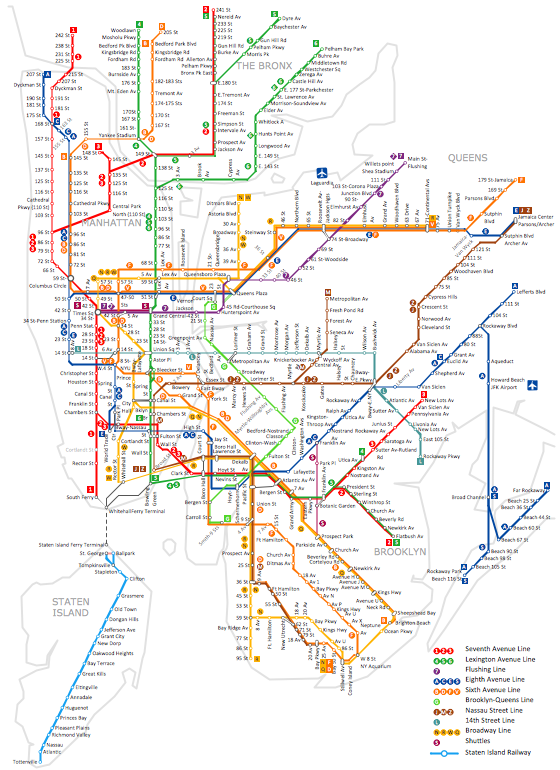
How to draw Metro Map style infographics? (New York)
This vector stencils library contains 184 round icons.
Use it to design cloud computing infographics and diagrams with ConceptDraw PRO software.
"Though service-oriented architecture advocates "everything as a service" (with the acronyms EaaS or XaaS or simply aas), cloud-computing providers offer their "services" according to different models, which happen to form a stack: infrastructure-, platform- and software-as-a-service.
Infrastructure as a service (IaaS)
In the most basic cloud-service model ... providers of IaaS offer computers — physical or (more often) virtual machines — and other resources. IaaS refers to online services that abstract the user from the details of infrastructure like physical computing resources, location, data partitioning, scaling, security, backup etc.
Platform as a service (PaaS)
PaaS vendors offer a development environment to application developers. The provider typically develops toolkit and standards for development and channels for distribution and payment. In the PaaS models, cloud providers deliver a computing platform, typically including operating system, programming-language execution environment, database, and web server. Application developers can develop and run their software solutions on a cloud platform without the cost and complexity of buying and managing the underlying hardware and software layers.
Software as a service (SaaS)
In the software as a service (SaaS) model, users gain access to application software and databases. Cloud providers manage the infrastructure and platforms that run the applications. SaaS is sometimes referred to as "on-demand software" and is usually priced on a pay-per-use basis or using a subscription fee.
In the SaaS model, cloud providers install and operate application software in the cloud and cloud users access the software from cloud clients. Cloud users do not manage the cloud infrastructure and platform where the application runs. This eliminates the need to install and run the application on the cloud user's own computers, which simplifies maintenance and support. Cloud applications differ from other applications in their scalability — which can be achieved by cloning tasks onto multiple virtual machines at run-time to meet changing work demand." [Cloud computing. Wikipedia]
The vector stencils library "Cloud round icons" is included in the Cloud Computing Diagrams solution from the Computer and Networks area of ConceptDraw Solution Park.
Use it to design cloud computing infographics and diagrams with ConceptDraw PRO software.
"Though service-oriented architecture advocates "everything as a service" (with the acronyms EaaS or XaaS or simply aas), cloud-computing providers offer their "services" according to different models, which happen to form a stack: infrastructure-, platform- and software-as-a-service.
Infrastructure as a service (IaaS)
In the most basic cloud-service model ... providers of IaaS offer computers — physical or (more often) virtual machines — and other resources. IaaS refers to online services that abstract the user from the details of infrastructure like physical computing resources, location, data partitioning, scaling, security, backup etc.
Platform as a service (PaaS)
PaaS vendors offer a development environment to application developers. The provider typically develops toolkit and standards for development and channels for distribution and payment. In the PaaS models, cloud providers deliver a computing platform, typically including operating system, programming-language execution environment, database, and web server. Application developers can develop and run their software solutions on a cloud platform without the cost and complexity of buying and managing the underlying hardware and software layers.
Software as a service (SaaS)
In the software as a service (SaaS) model, users gain access to application software and databases. Cloud providers manage the infrastructure and platforms that run the applications. SaaS is sometimes referred to as "on-demand software" and is usually priced on a pay-per-use basis or using a subscription fee.
In the SaaS model, cloud providers install and operate application software in the cloud and cloud users access the software from cloud clients. Cloud users do not manage the cloud infrastructure and platform where the application runs. This eliminates the need to install and run the application on the cloud user's own computers, which simplifies maintenance and support. Cloud applications differ from other applications in their scalability — which can be achieved by cloning tasks onto multiple virtual machines at run-time to meet changing work demand." [Cloud computing. Wikipedia]
The vector stencils library "Cloud round icons" is included in the Cloud Computing Diagrams solution from the Computer and Networks area of ConceptDraw Solution Park.
Add

Analysis

API

App

Archive

Back

Backup

Book

Books

Box

Bug

Calculation

Calendar

Call

Car

CD

Certificate

Cloud alert

Cloud analysis

Cloud authorization

Cloud collaboration

Cloud communications

Cloud computing

Cloud configuration

Cloud connectivity

Cloud control

Cloud cost calculation

Cloud database

Cloud download

Cloud drive

Cloud error

Cloud failure

Cloud FAQ

Cloud feedback

Cloud files

Cloud gateway

Cloud hosting

Cloud info

Cloud Internet storage

Cloud lock

Cloud locked

Cloud mail

Cloud music

Cloud paperless office

Cloud performance

Cloud photo

Cloud safe

Cloud search

Cloud security

Cloud servers

Cloud services

Cloud shopping

Cloud success

Cloud synchronization

Cloud tech support

Cloud transfer

Cloud unlocked

Cloud upload

Cloud video

Code

Collaboration

Communication

Community cloud

Contact list

Content

CPU
Database

Datacenter
Data storage

Desktop

Display

Document

Documents

Dollar

Done

Down

Download

E-commerce

Earth

Email

Encryption

Error

Ethernet

Euro

Failure

Feed

File

Files

Filter

Firewall
Flash drive

Folder

Forward

Hard drive

Hardware

Health

Health monitoring

Home

Hosting

Image

Info

Innovation

Key

Keyboard

Laptop

Letter

Lightning

Link

List

Location

Lock

Log

Login

Logout

Mail

Mail list

Marketplace

Memory (RAM)
-cloud-round-icons---vector-stencils-library.png--diagram-flowchart-example.png)
Message

Minus

Mobile

Mobile cloud computing

Mouse

Music player

Network

Notebook

Notification

Package

Patch

Performance

Personal cloud

Phone book

Photo

Plug

Pound

Power

Power button

Process

Processing

Puzzles

Question sign

Recovery

Remote

Repair

Restore

Rocket (Logic app)
-cloud-round-icons---vector-stencils-library.png--diagram-flowchart-example.png)
Router

Safety

Schedule

Script

SDK

Search (Scan)
-cloud-round-icons---vector-stencils-library.png--diagram-flowchart-example.png)
Security

Server

Server rack

Services

Sharing

Shopping basket

Sign in

Smartphone

Song

Sound

Stethoscope

Stickman

Subscription

Sync

Tablet

Tech support

Time

Top rated

Transfer

Unlink

Unlock

Up

Upload

User

Video mail

View (visual)
-cloud-round-icons---vector-stencils-library.png--diagram-flowchart-example.png)
Virus protection

Waste bin

Web

Wifi

Wireless

Yen sign

The vector stencils library "Audio" contains 91 audio, sound and music icons. Use it to design your audio, video and multimedia illustrations, presentations, web pages and infographics with ConceptDraw PRO diagramming and vector drawing software.
"Digital audio refers to technology that can be used to record, store, generate, manipulate, and reproduce sound using audio signals encoded in digital form. Following significant advances in digital audio technology during the 1970s, it rapidly replaced analog audio technology in most areas of sound production, sound engineering and telecommunications. Sound is converted to an analog electrical signal by a microphone, then an analog-to-digital converter (ADC), typically using pulse-code modulation, is used to convert it to a digital signal. A digital-to-analog converter performs the reverse process, converting a digital signal back into an analog signal, which can be converted to an audible sound by a loudspeaker. Digital audio systems may include compression, storage, processing and transmission components. Conversion to a digital format allows convenient manipulation, storage, transmission and retrieval of an audio signal." [Digital audio. Wikipedia]
The vector stencils library "Audio" is included in the Audio, Video, Media solution from the Illustration area of ConceptDraw Solution Park.
"Digital audio refers to technology that can be used to record, store, generate, manipulate, and reproduce sound using audio signals encoded in digital form. Following significant advances in digital audio technology during the 1970s, it rapidly replaced analog audio technology in most areas of sound production, sound engineering and telecommunications. Sound is converted to an analog electrical signal by a microphone, then an analog-to-digital converter (ADC), typically using pulse-code modulation, is used to convert it to a digital signal. A digital-to-analog converter performs the reverse process, converting a digital signal back into an analog signal, which can be converted to an audible sound by a loudspeaker. Digital audio systems may include compression, storage, processing and transmission components. Conversion to a digital format allows convenient manipulation, storage, transmission and retrieval of an audio signal." [Digital audio. Wikipedia]
The vector stencils library "Audio" is included in the Audio, Video, Media solution from the Illustration area of ConceptDraw Solution Park.
Audio wave

Mute

Volume

Music

Note

Notes

Music keys
Piano

Acoustic guitar

Guitar 1

Guitar 2

Electric guitar

Violin

Gramophone

Trumpet

Accordion

Microphone 1

Microphone 2

Microphone 3

Microphone 4

Microphone 5

Turn off microphone

Wire microphone

Mic 1

Mic 2

Karaoke

Singer

Megaphone 1

Megaphone 2

Loudspeaker

Bluetooth earpiece

Headset ear hook

Earphones 1

Earphones 2

Headset 1

Headset 2

Headset 3

Headphones 1

Headphones 2

Headphones 3

Headphones 4

Music player

Audio system
Stereo music system
Music system

Home theatre 1

Home theatre 2
Amplifier 1

Amplifier 2

Loudspeaker 1

Loudspeaker 2

Loudspeaker sound waves

Speaker 1

Speaker 2

Speaker box

Woofer

Woofer speaker

Subwoofer 1
Subwoofer 2

Stereo

Sound control
Vinyl

Audio cassette 1

Audio cassette 2

Cassette

Audio tape

Turntable

Record player

Cassette player
Tape player

Boombox 1

Boombox 2

Boombox 3
Portable radio

Radio set
Radio 1

Radio 2
Mixer

Equalizer 1

Equalizer 2
Equalizer 3

Volume adjuster

Volume control

DJ

Mixer table

Midi
Piano keyboard
Audio file

Music album

Audio cable 1

Audio cable 2

 Event-driven Process Chain Diagrams
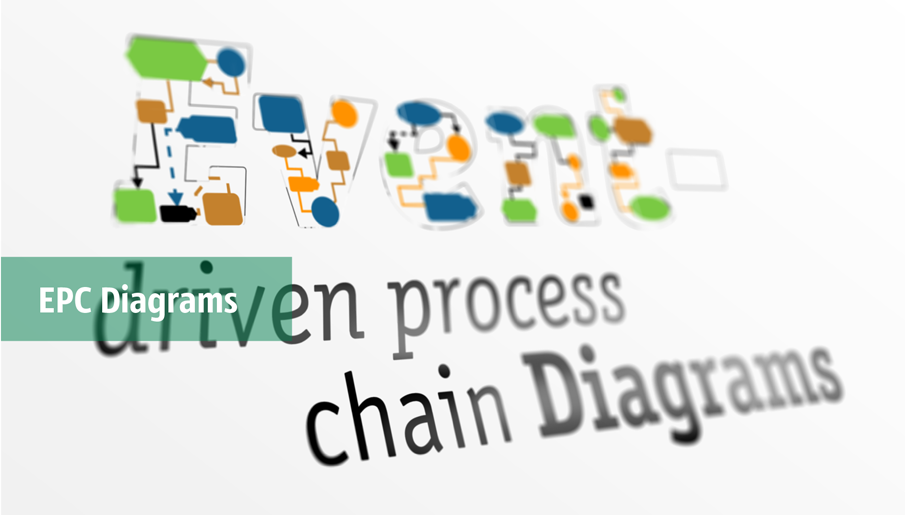
Event-Driven Process Chain Diagrams solution extends ConceptDraw DIAGRAM functionality with event driven process chain templates, samples of EPC engineering and modeling the business processes. It includes a vector shape library for drawing the EPC diagrams and EPC flowcharts of any complexity. It is one of EPC IT solutions that assist the marketing experts, business specialists, engineers, educators and researchers in resources planning and improving the business processes using the EPC flowchart or EPC diagram. Use the EPC solutions tools to construct the chain of events and functions, to illustrate the structure of a business process control flow, to describe people and tasks for execution the business processes. Apply it to identify the inefficient business processes in the enterprise and take the corresponding measures required to make them efficient.
Entity Relationship Software

- Wireframe Tools | Square Box White Inside Previous And Next Arrow ...
- Cross-Functional Flowcharts | Vertical Black Line Png
- Ribbon interface - Vector stencils library | General window elements ...
- Arrows - Vector clipart library | Glyph icons - Vector stencils library ...
- MS Windows Vista user interface | Scroll Bar Icon Png Grey
- Nuclear physics | Glyph icons | Grey Vector Shapes Png
- Arrows - Vector clipart library | Tables - Vector stencils library | Plane ...
- Ecology pictograms | Power Plant Icon Png Grey
- Cloud round icons | Document Icon Png Round Blue Grey
- Mac OS X buttons and segmented controls - Vector stencils library ...


