This site uses cookies. By continuing to browse the ConceptDraw site you are agreeing to our Use of Site Cookies.

Export from ConceptDraw DIAGRAM Document to PDF (Adobe Acrobat®) File
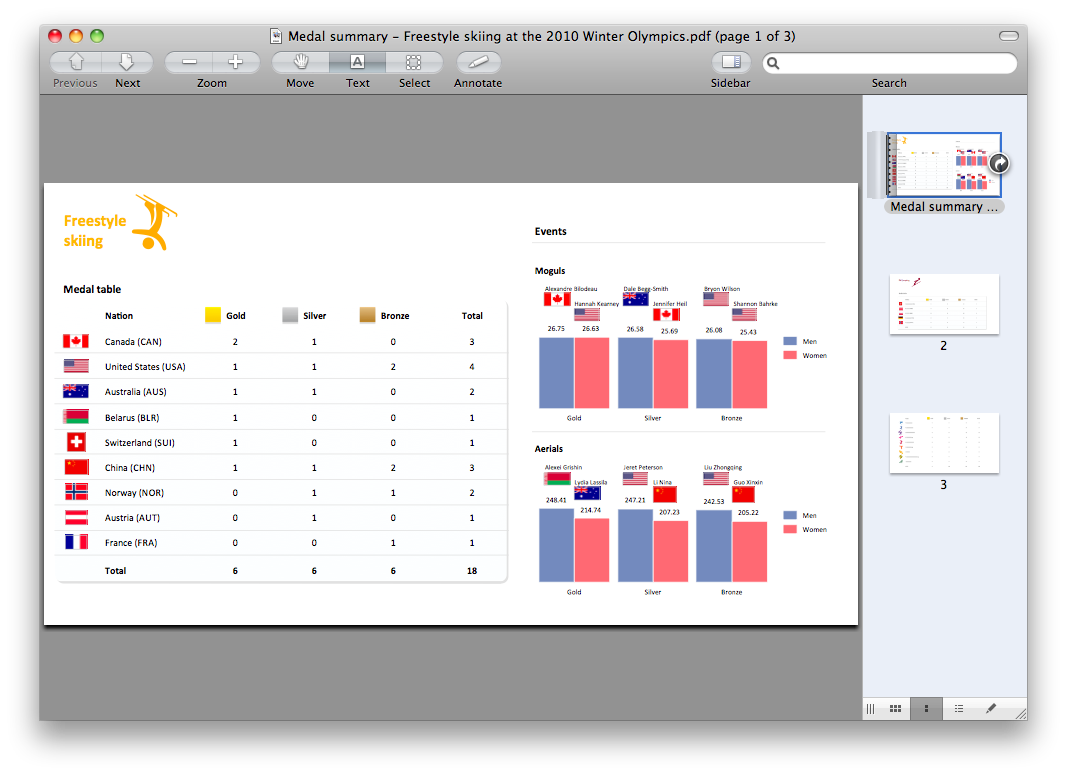

ConceptDraw DIAGRAM has extensive export capabilities which allow you to export your drawing to Adobe PDF files. Thus, you can share your documents with your colleagues and friends even if they don't have ConceptDraw DIAGRAM installed on their computer.
Export to Adobe Acrobat®

Export from ConceptDraw MINDMAP to PDF (Adobe Acrobat®) File
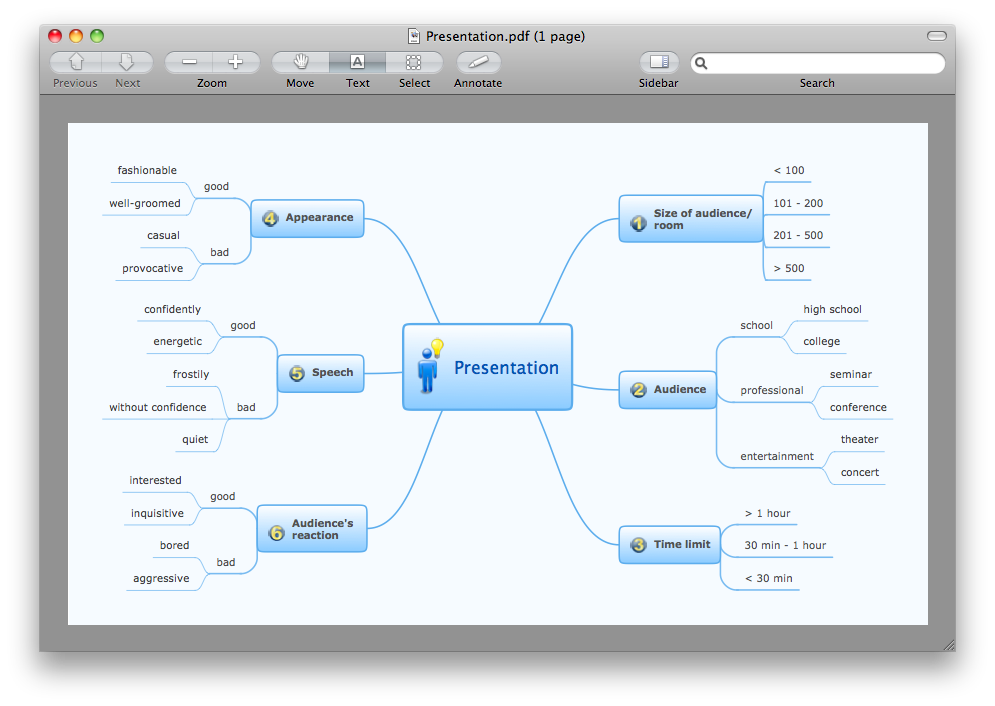
The export options in ConceptDraw MINDMAP allow mind maps to be exported in various graphical formats such as images, webpages, or PDF files. They can also be exported into Microsoft Office applications or into different mindmapping programs.
HelpDesk

How To Convert a Concept Map to Adobe PDF
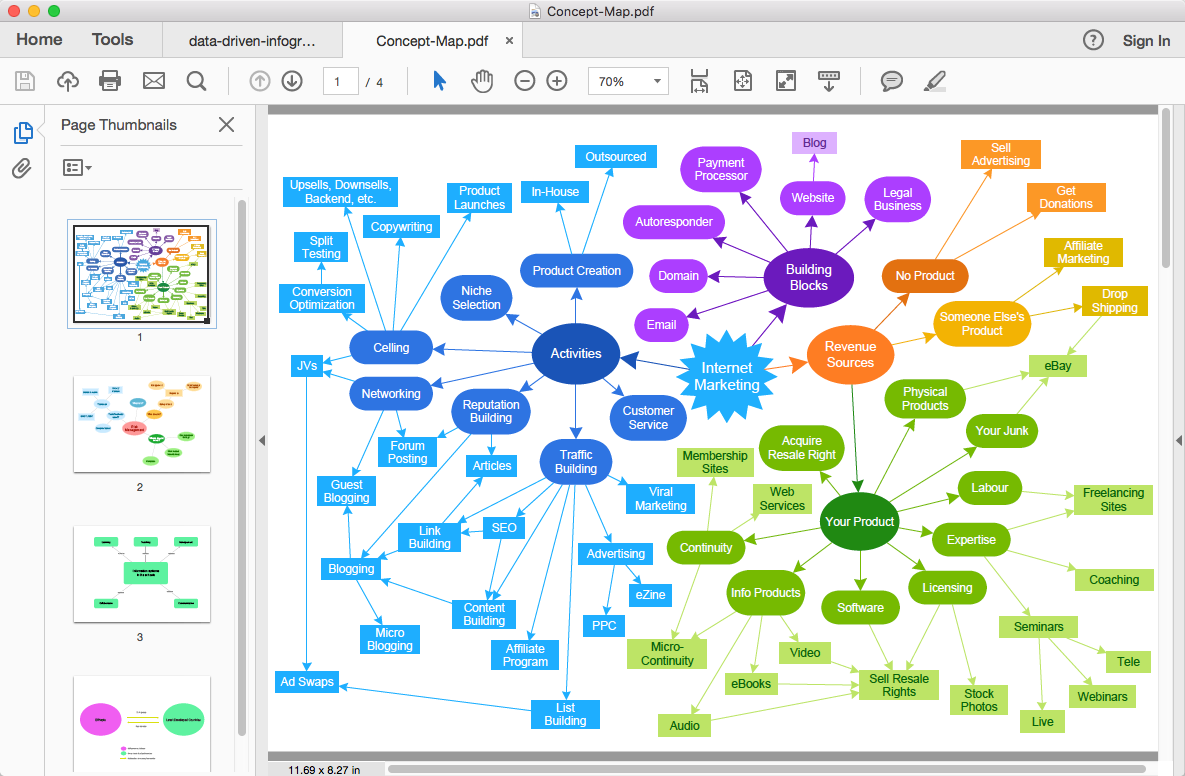
ConceptDraw DIAGRAM allows you to easily share your concept maps between different computers with different operating systems and applications using its export capabilities. You can get a clear business graphic pack in pdf format and easily communicate it with stakeholders.
HelpDesk

How to Make Different Backgrounds Within a Multipage Drawing
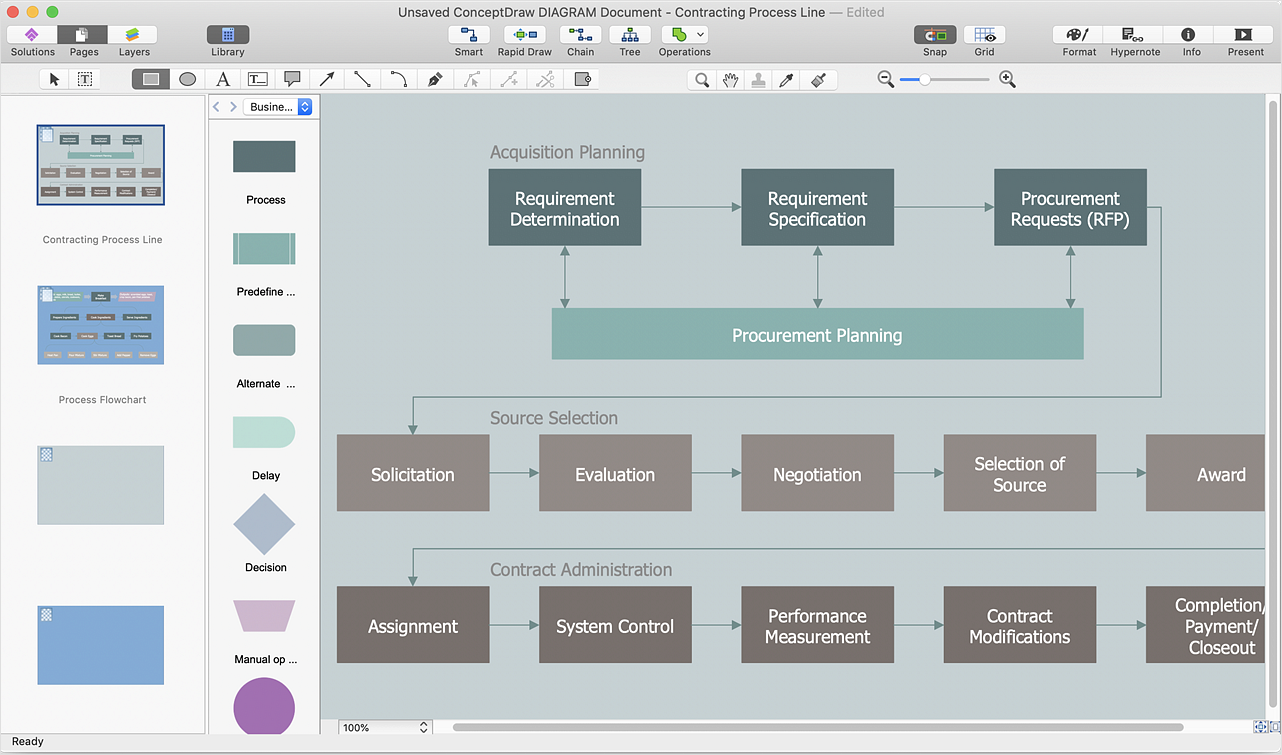
Tips on how to add different backgrounds within single ConceptDraw document
HelpDesk

How To Convert a Telecommunication Network Diagram to Adobe PDF
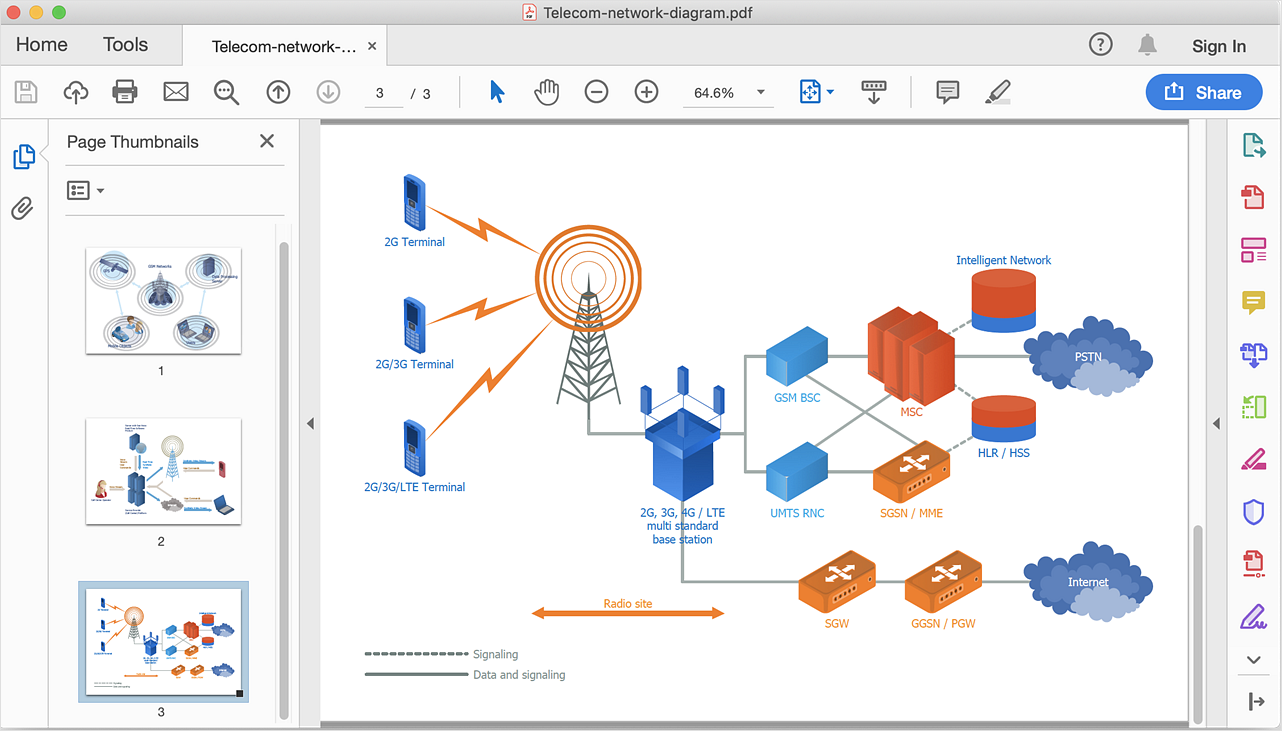
ConceptDraw DIAGRAM allows you to easy transmit your telecom network documentation between different computers with different operating systems and applications using it's export capabilities.You can get clear network documentation pack in pdf format and avoid any problems while communicating it with stakeholders.
HelpDesk

How to Add a Cross-Functional Flowchart to Adobe PDF
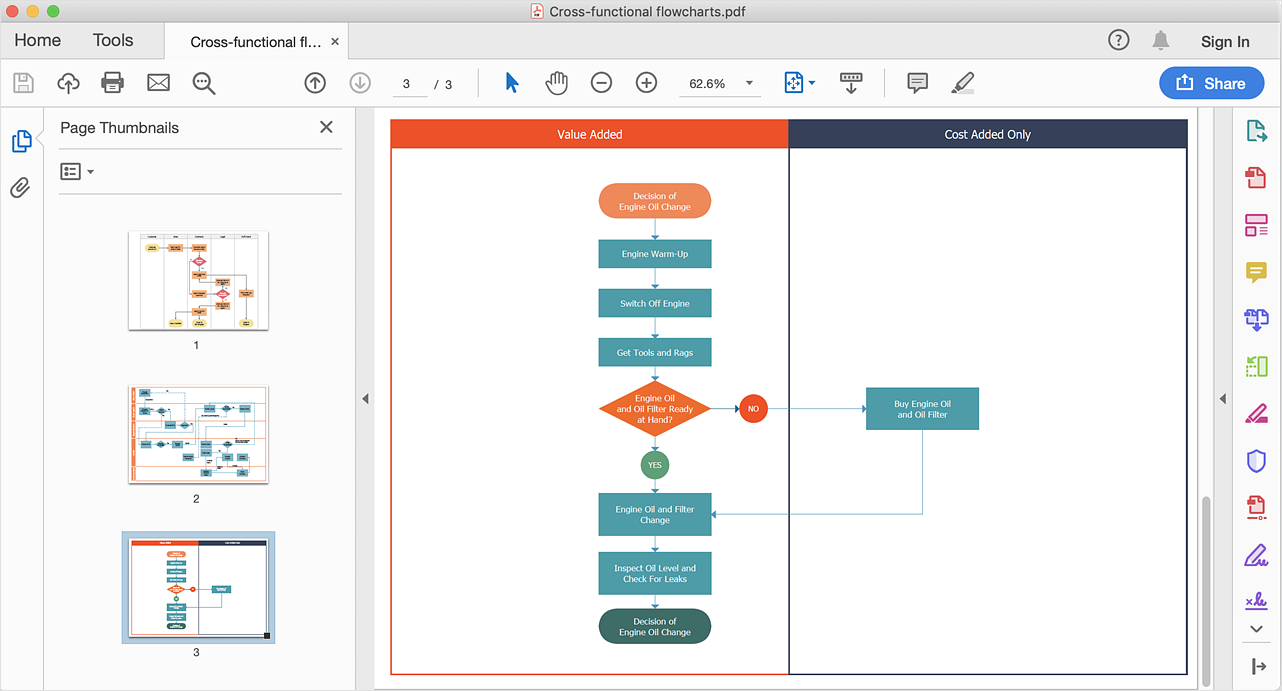
ConceptDraw DIAGRAM allows you to easy share your business process documentation between different computers with different operating systems and applications using it's export capabilities. You can get your cross-functional flowcharts in pdf format and avoid any problems while communicating them.
HelpDesk

How To Convert a Circle-Spoke Diagram to Adobe PDF
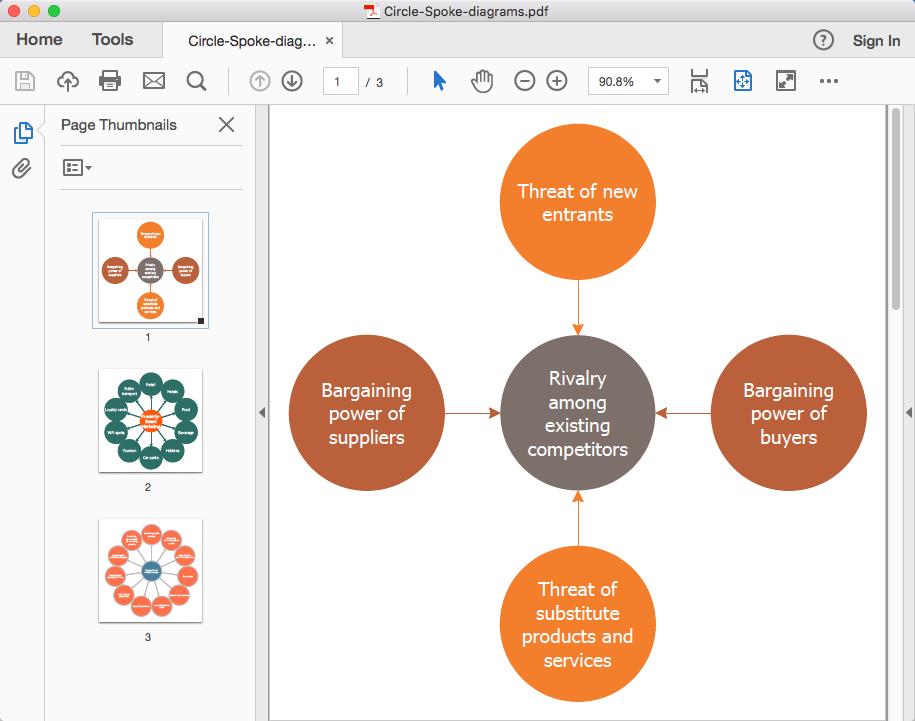
ConceptDraw DIAGRAM allows you to easily share your marketing documentation between different computers with different operating systems and applications using its export capabilities. You can get your marketing diagrams in pdf format and avoid any problems while communicating them.
HelpDesk

How To Convert a Rack Diagram to Adobe PDF
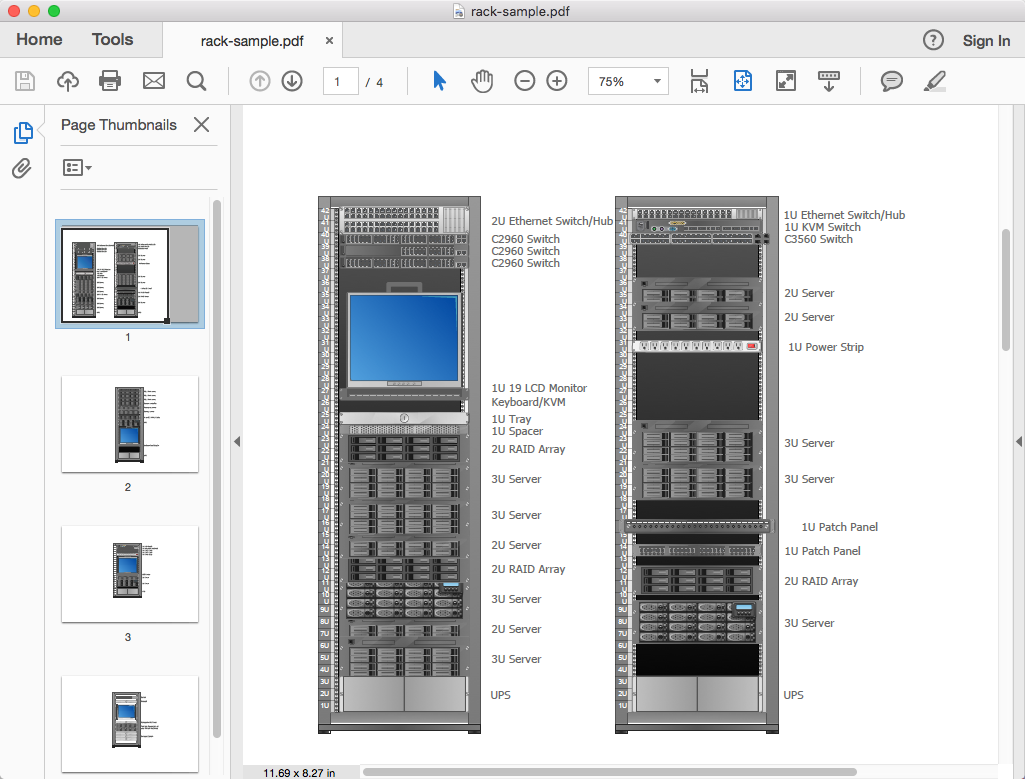
ConceptDraw DIAGRAM allows you to easy transmit your network documentation between different computers with different operating systems and applications using its export capabilities. You can get clear network documentation pack in pdf format and avoid any problems while communicating it with stakeholders.

Building Drawing Software for Design Seating Plan

A Seating Plan is a scheme that illustrates the arrangement of seats on the plan of specific place. The seats can be located separately or grouped in rows like in stadiums. Usually they are numerated allowing spectators to choose them beforehand and have a guaranteed seat. It is especially useful for cinemas and theaters, where the places differ according to their price range. When all seatings are equal, it is used the open seating scheme and each client can choose any free seat. Each of these seating systems has many own advantages, it is also possible to mix them. Seating Plans, Schemes and Drawings are popular and widely used for purchase and sale the entering tickets to theatres, cinemas, stadiums, trains, airplanes, etc. They are also useful for beforehand planning and assignment the seats on weddings, banquets, and other events. ConceptDraw DIAGRAM enhanced with Seating Plans solution offers the helpful building drawing software tools for design Seating Plan using the predesigned templates and vector elements of doors, windows, walls, seats, etc.
HelpDesk

How To Convert a Flowchart to Adobe PDF
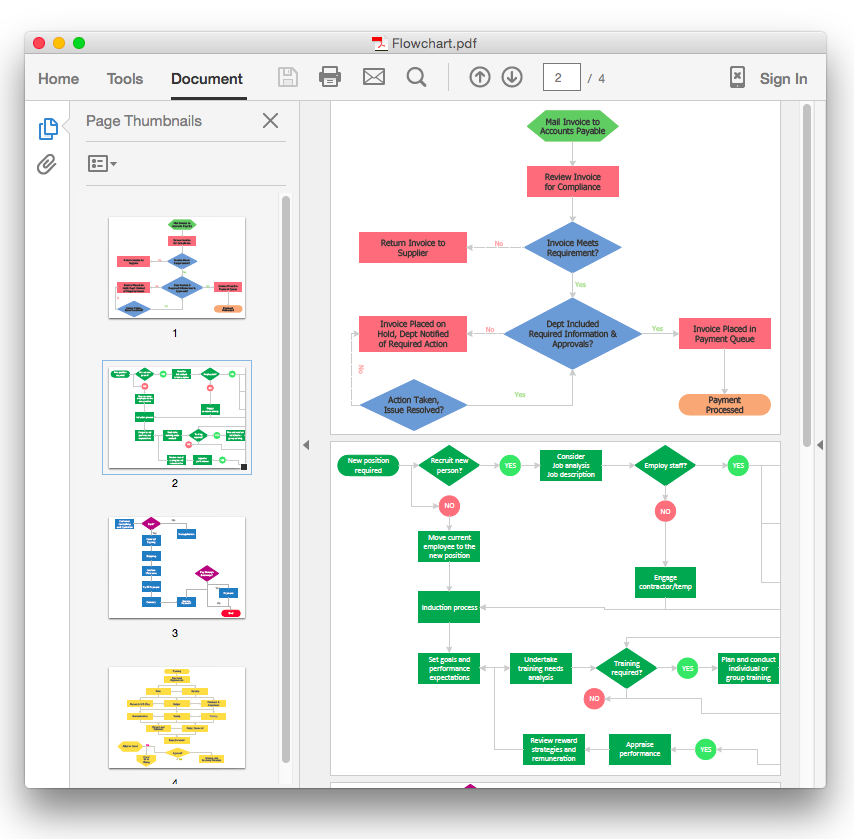
ConceptDraw DIAGRAM allows you to easy exchange your drawings between different computers with different operating systems and applications using it's export capabilities. You can get clear business documentation in pdf format and avoid any problems while communicating it with stakeholders.
