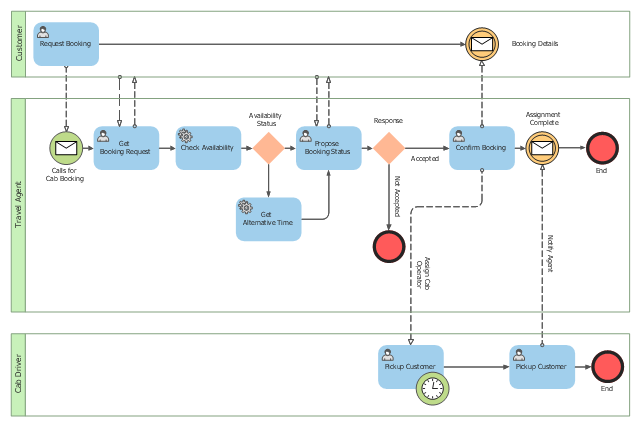
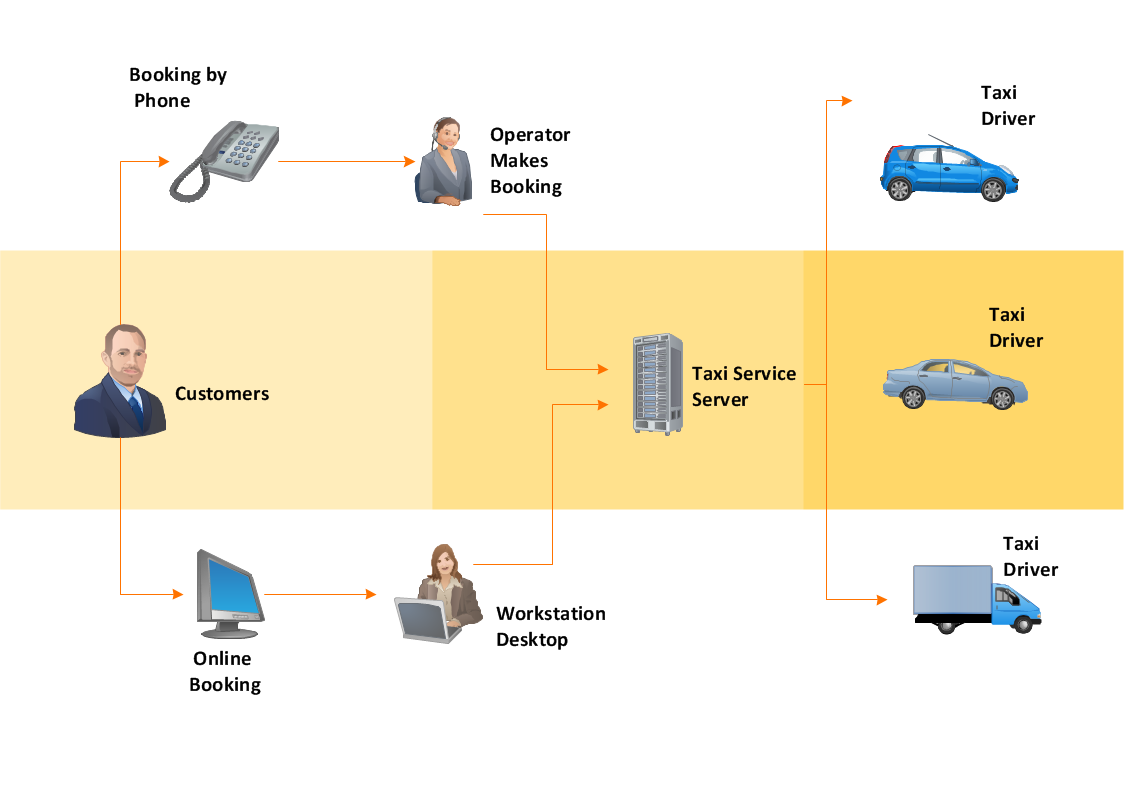
This BPMN (Business Process Model and Notation) collaboration diagram sample depicts interactions between customer, travel agent and cab driver, which are defined as a sequence of activities, and represent the message exchange during a cab booking process.
"Business process modeling is used to communicate a wide variety of information to a wide variety of audiences. BPMN is designed to cover this wide range of usage and allows modeling of end-to-end business processes to allow the viewer of the Diagram to be able to easily differentiate between sections of a BPMN Diagram. There are three basic types of sub-models within an end-to-end BPMN model: Private (internal) business processes, Abstract (public) processes, and Collaboration (global) processes...
Collaboration (global) processes.
A collaboration process depicts the interactions between two or more business entities. These interactions are defined as a sequence of activities that represent the message exchange patterns between the entities involved. Collaboration processes may be contained within a Pool and the different participant business interactions are shown as Lanes within the Pool. In this situation, each Lane would represent two participants and a direction of travel between them. They may also be shown as two or more Abstract Processes interacting through Message Flow. These processes can be modeled separately or within a larger BPMN Diagram to show the Associations between the collaboration process activities and other entities. If the collaboration process is in the same Diagram as one of its corresponding private business process, then the activities that are common to both processes can be associated." [Business Process Model and Notation. Wikipedia]
The business process modeling diagram example "Cab booking public process - Collaboration BPMN 2.0 diagram" was designed using the ConceptDraw PRO diagramming and vector drawing software extended with the Business Process Diagram solution from the Business Processes area of ConceptDraw Solution Park.
"Business process modeling is used to communicate a wide variety of information to a wide variety of audiences. BPMN is designed to cover this wide range of usage and allows modeling of end-to-end business processes to allow the viewer of the Diagram to be able to easily differentiate between sections of a BPMN Diagram. There are three basic types of sub-models within an end-to-end BPMN model: Private (internal) business processes, Abstract (public) processes, and Collaboration (global) processes...
Collaboration (global) processes.
A collaboration process depicts the interactions between two or more business entities. These interactions are defined as a sequence of activities that represent the message exchange patterns between the entities involved. Collaboration processes may be contained within a Pool and the different participant business interactions are shown as Lanes within the Pool. In this situation, each Lane would represent two participants and a direction of travel between them. They may also be shown as two or more Abstract Processes interacting through Message Flow. These processes can be modeled separately or within a larger BPMN Diagram to show the Associations between the collaboration process activities and other entities. If the collaboration process is in the same Diagram as one of its corresponding private business process, then the activities that are common to both processes can be associated." [Business Process Model and Notation. Wikipedia]
The business process modeling diagram example "Cab booking public process - Collaboration BPMN 2.0 diagram" was designed using the ConceptDraw PRO diagramming and vector drawing software extended with the Business Process Diagram solution from the Business Processes area of ConceptDraw Solution Park.
Business process modeling
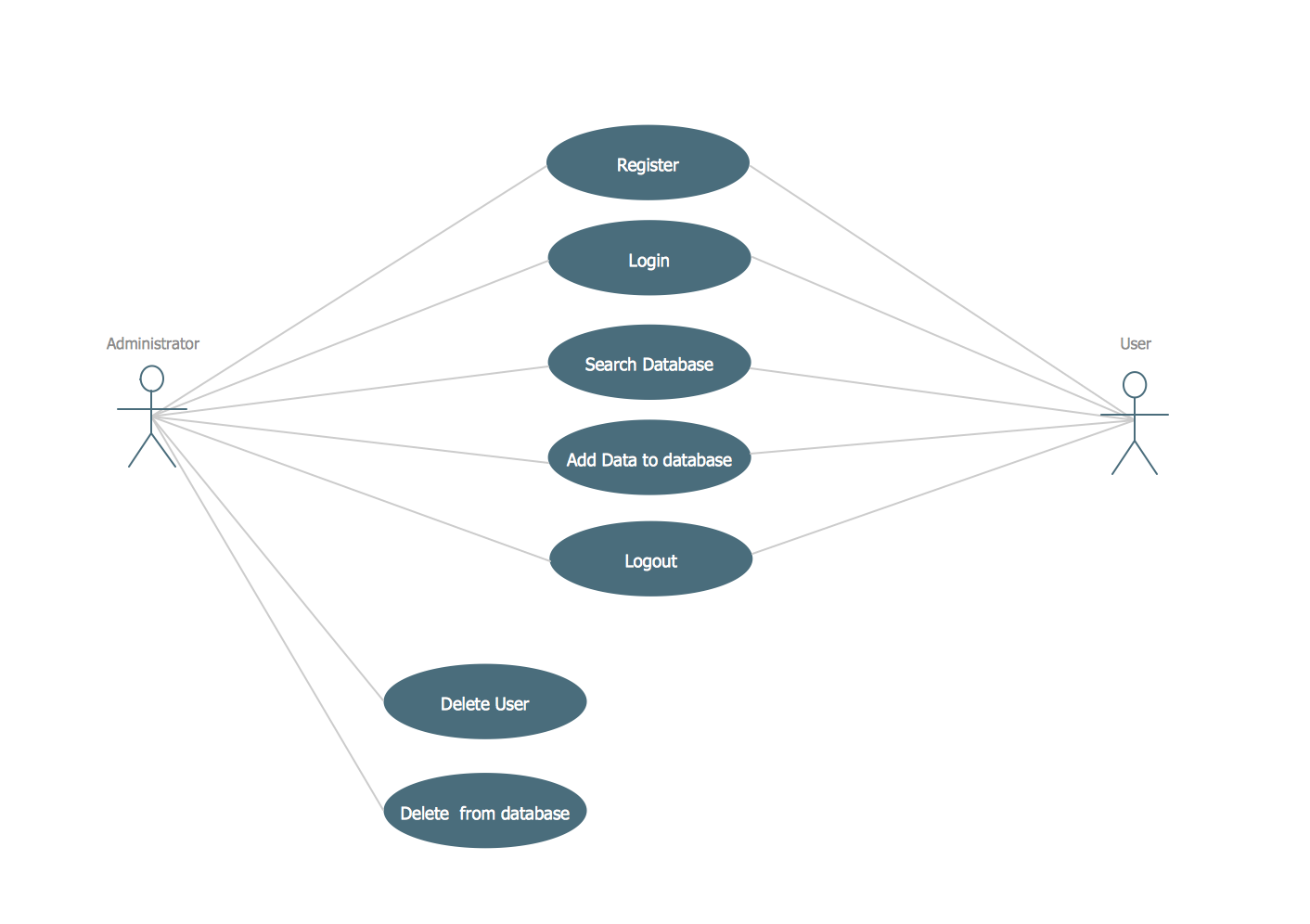
UML Use Case Diagram Example. Registration System
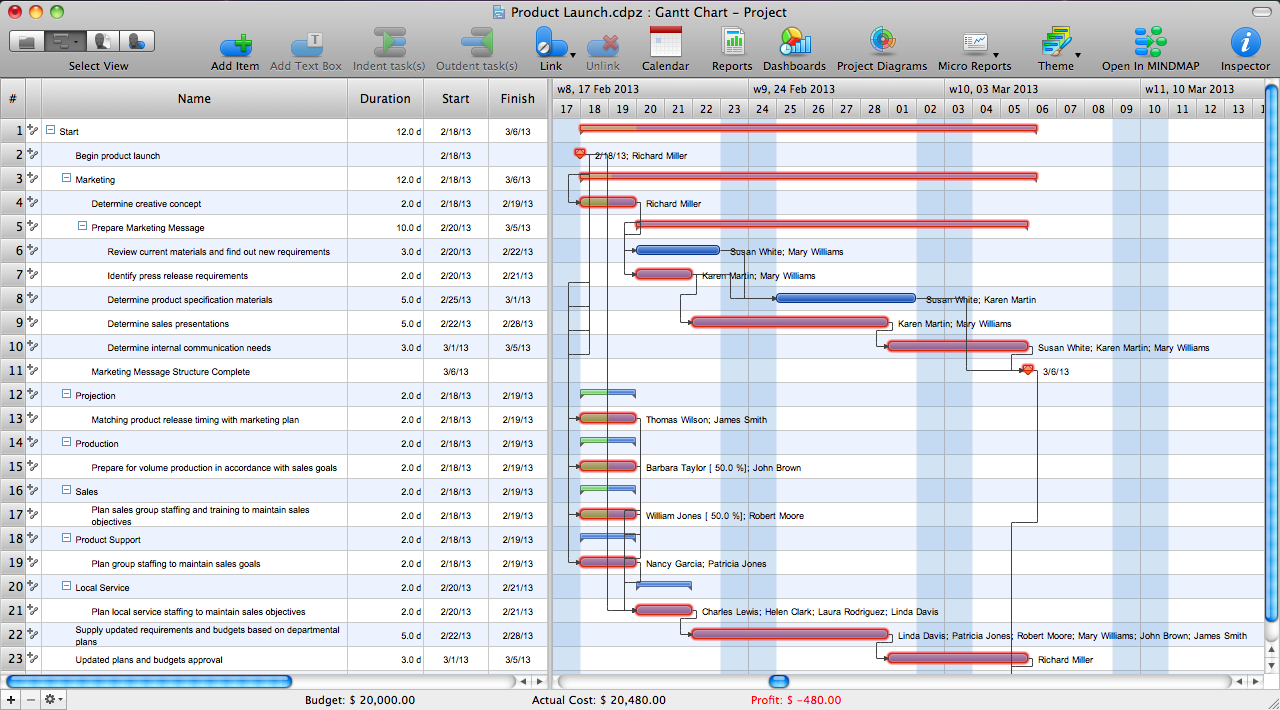
Critical Path Method in ConceptDraw PROJECT
How To Create a Workflow Diagram
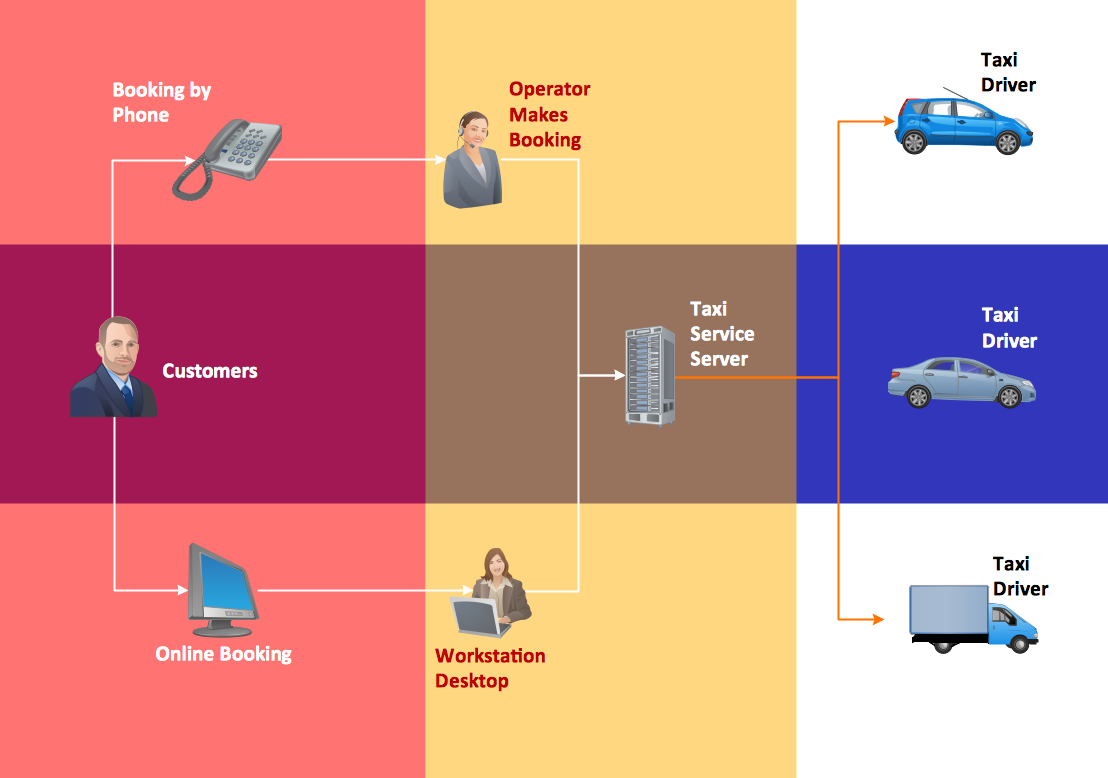
Design Pictorial Infographics. Design Infographics

Workflow Diagram
Vertical Cross Functional Flowchart

- Business Process Model Example For Booking A Trip
- Business Process Modeling Resume | Types of Flowcharts | BPMN ...
- Collaboration Diagram For Travel Agency
- UML Use Case Diagram Example - Taxi Service | Cab booking ...
- Diagramming Software for Design UML Collaboration Diagrams ...
- BPMN 2.0 | BPMN | How to Create a BPMN Diagram Using ...
- Cab booking public process - Collaboration BPMN 2.0 diagram ...
- Travel Agent Diagram
- Bpmn 2 0 Diagram
- BPMN 2.0 | How to Create a BPMN Diagram Using ConceptDraw ...
- Business process diagram BPMN 1.2 - Hiring process | Business ...
- Business Process Diagrams | Cab booking public process ...
- Conceptdraw For Travel Agencies
- Activities Bpmn 2 0
- Types of Flowcharts | Business Process Modeling Notation Template ...
- UML Diagram | Process Flowchart | Sequence Diagram Tool ...
- Design elements - Business process BPMN 1.2 (Rapid Draw ...
- How To Create a Workflow Diagram | Travel Agency Bpmn
- Business Process Model And Notation Bpmn 2 0
- Cab booking public process - Collaboration BPMN 2.0 diagram ...


