Calculate the cost of creating or updating
a wireless computer network
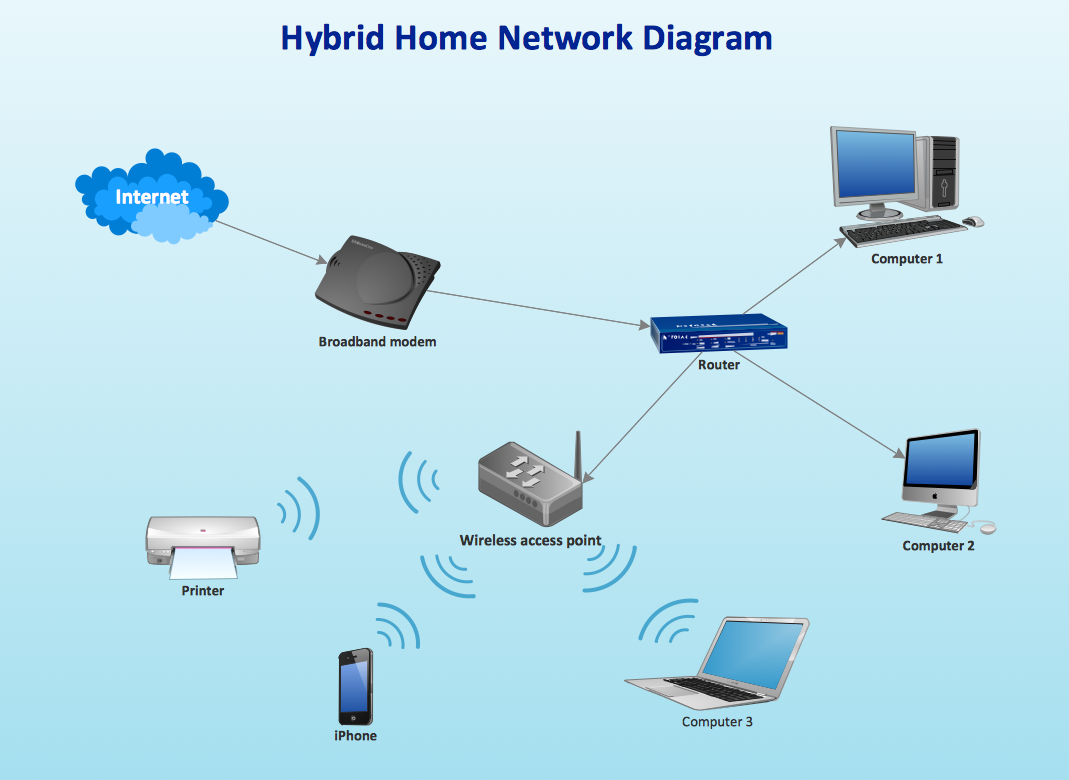
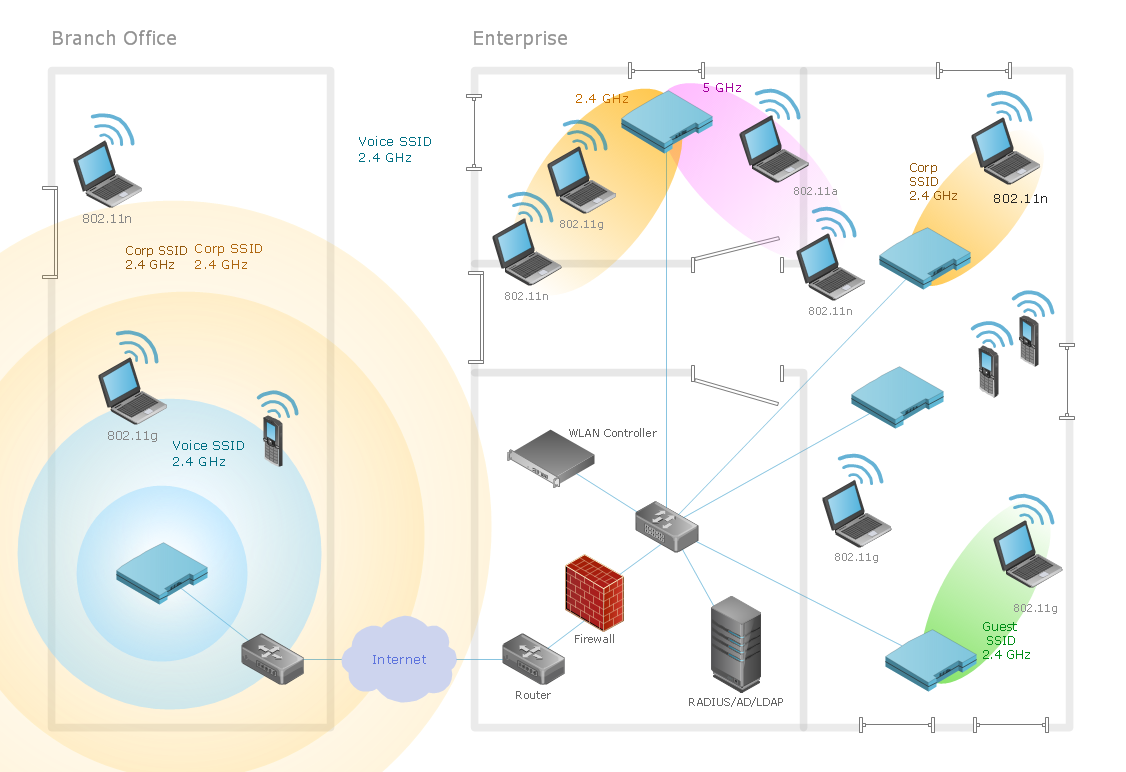
Working for IT company sometimes there is a need for drawing a Wireless Network diagram arises. It is always possible to create any needed Wireless Network diagram with the help of ConceptDraw DIAGRAM diagraming and drawing software as well as another product of CS Odessa — the ConceptDraw STORE application and the Wireless Networks solution in particular.
Any wireless network is some computer network that can use any needed wireless data connections that can be placed between the network nodes. Any wireless networking is known to be one of the methods by which both telecommunications networks and business installations, same as the homes avoid the process of introducing the cables into some building.
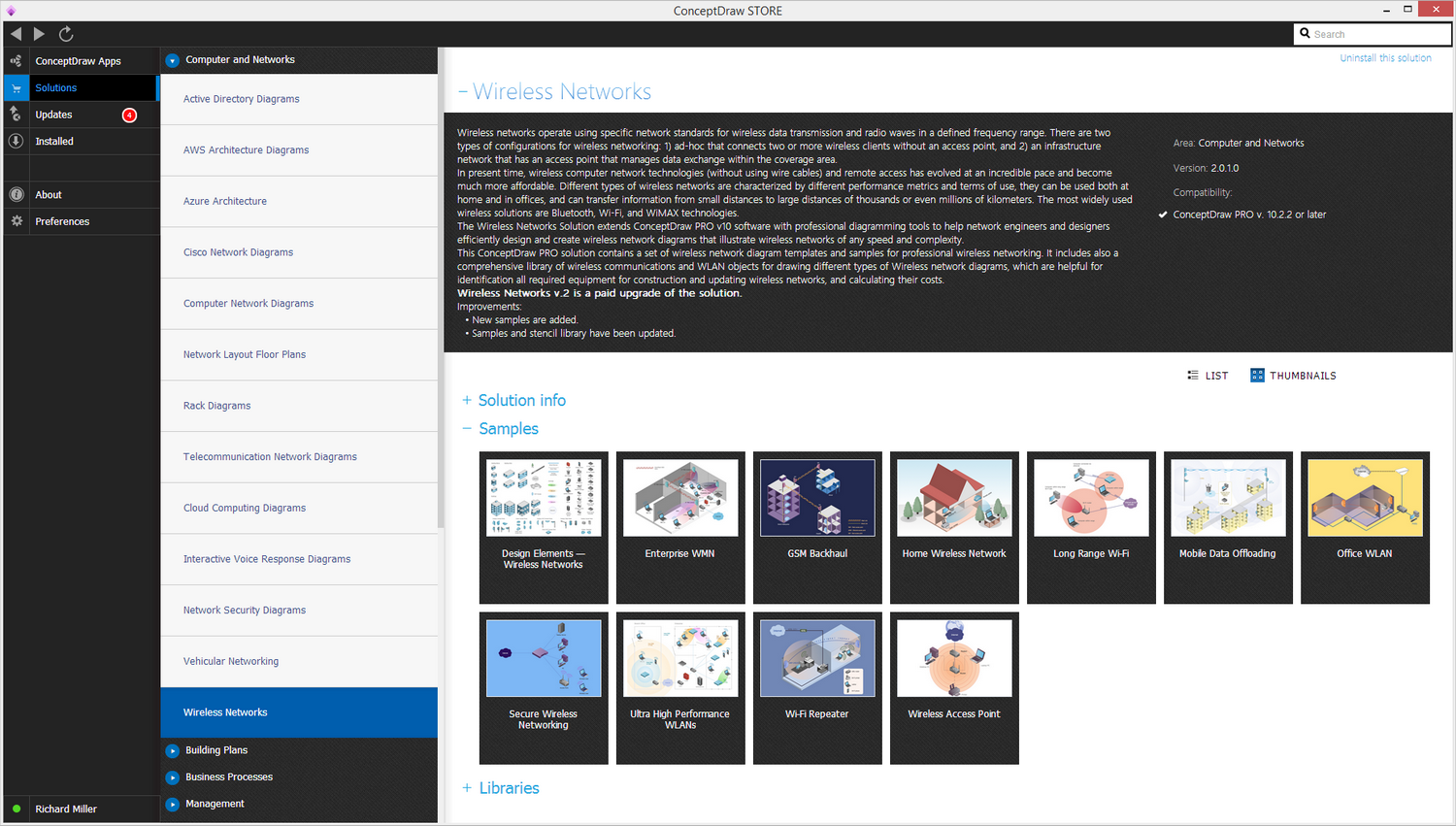
Sample 1. Wireless Computer Network Diagram Solution
There may be a need in making the connections between many different equipment locations and, again, the wireless telecommunications networks can help with replacing the old methods, being implemented as well as administered by using the radio communication. The mentioned implementation is known to be taking place at the physical level of the OSI model network structure and it is a common way to solve the existing problems.
There may be many different examples of the wireless networks that may include wireless local area networks, cell phone networks, wireless sensor networks, terrestrial microwave networks and satellite communication networks. All the possible types of the wireless networks are explained below.
Thus, there are so-called “Wireless PANs” which are simply the “wireless personal area networks” internet devices within some small area. Next, there are the wireless LANs that are often used for connecting to some local resources as well as to the Internet. Any wireless local area network is known to be linking two or more devices over some short distance by using a so-called “wireless distribution method”.
Usually, the previously mentioned process can be done by providing the needed connection through some access point to get some internet access. The use of either OFDM or spread-spectrum technologies may allow the users to move around within some particular local coverage area, remaining connected to the network at the same time.
There are many products that are known to be using the so-called “IEEE 802.11 WLAN standards”, being marketed under the “Wi-Fi” brand name. Thus, a fixed wireless technology is known to be implementing the so-called “point-to-point links” between different networks or computers at two distant locations by using the modulated laser light beams over a line of sight paths, or the dedicated microwave. The mentioned method can be often found to be used in big cities in order to connect the networks in two or more buildings with no need of installing some wired link.
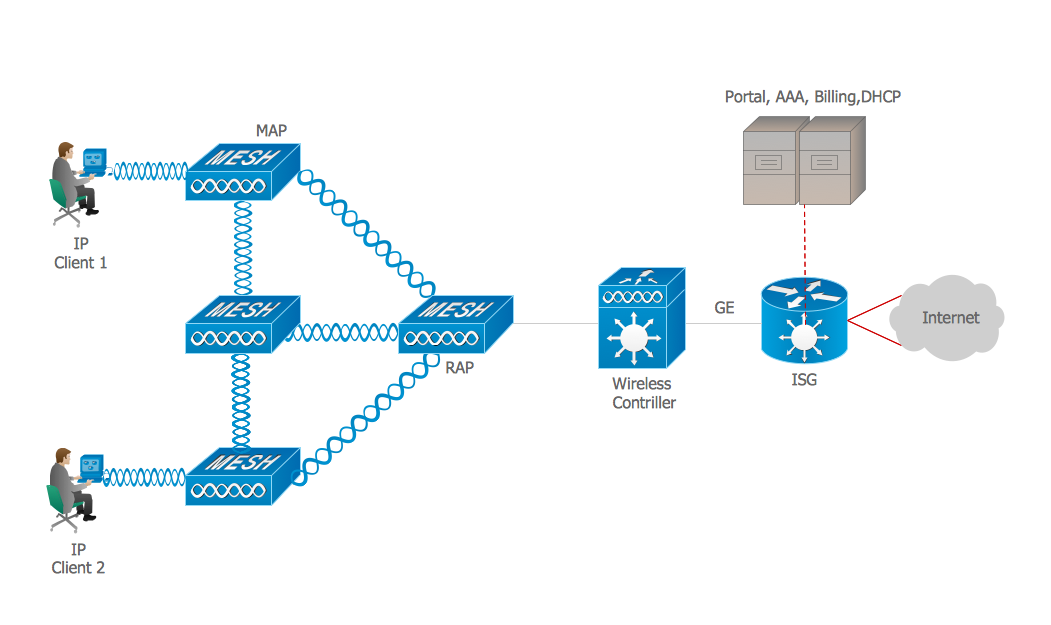
Next, a wireless ad hoc network. The mentioned type of the wireless computer network can be also known to be called as a “mobile ad hoc network” (or MANET) or “wireless mesh network”, being a wireless network that is made up of some radio nodes that were previously organized in some mesh topology.
Each of the described nodes can forward the needed messages on behalf of the other nodes. At the same time, each of the nodes can perform the routing. Ad hoc networks can automatically re-routing around some particular node that has already lost its power.
Different network layer protocols are those which can help realize the ad hoc mobile networks, such as the following ones: Associativity-Based Routing, Distance Sequenced Distance Vector routing, Dynamic source routing and Ad hoc on-demand Distance Vector routing.
The wireless metropolitan area networks are also very popular being a type of wireless network that connects a few wireless LANs. A so-called WiMAX is one of the types of the Wireless MAN, being described by the “IEEE 802.16” standard.
Wireless wide area networks or Wireless WANs are simply the wireless networks that can cover some large areas, such as between cities and towns that are located close to each other, or the suburbs and city. The mentioned networks can be used for connecting all the needed branch offices of business. Also, they can be used as a public Internet access system.
The wireless connections that are placed between different access points can be the so-called “point to point microwave links” using parabolic dishes on the 2.4 GHz band. But not the omnidirectional antennas that are used with some smaller networks. Any system that contains the “base station gateways”, “wireless bridging relays” and “access points” can be a wireless connection.
Other configurations are called as the “mesh systems” having each of the access points acting as a relay also. Once the described systems are combined with the renewable energy systems (e.g., wind systems or photovoltaic solar panels), they can be called as the “stand-alone” ones.
There is also such term as the “Global System for Mobile Communications”, or GSM. Any GSM network is known to be divided into three main systems: the switching system, the operation and support system and the base station system. Any cell phone can connect to any needed base system station which then can connect to the support and the operation station. Connecting to the switching station where the call is known to be transferred to where it needs to go, the GSM is one of the most common standards widely used for most of the cell phones.
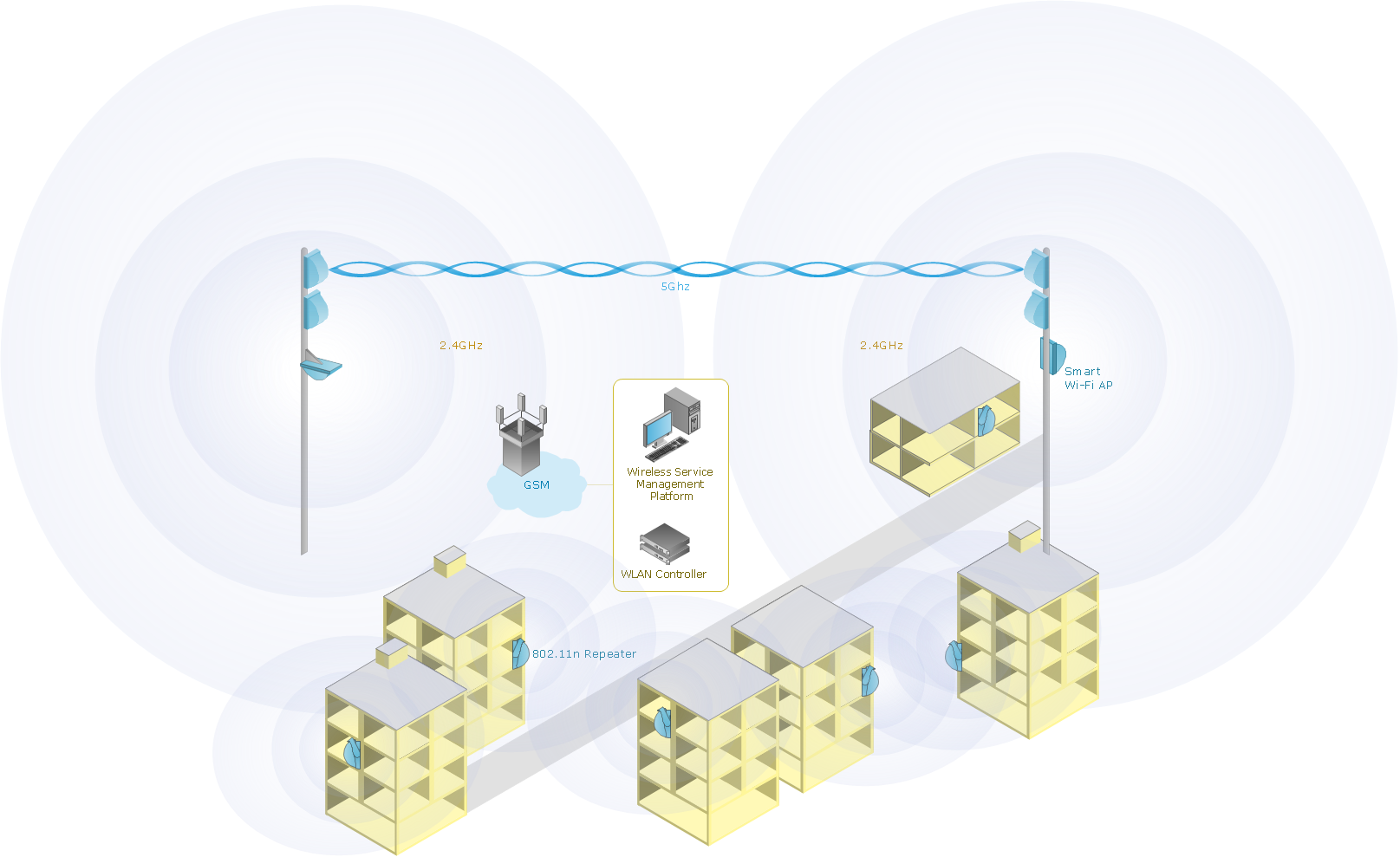
Sample 1. Wireless network diagram: Mobile data offloading
Drawing some wireless computer network as it may be a challenge, especially for those who do not have as much experience of doing it. That is why the CS Odessa team has developed the Wireless Networks solution so it can be used for simplifying all the ConceptDraw DIAGRAM users work on the needed diagrams.