According to CEO Tony Bates, Skype has topped 250 million monthly users worldwide, becoming the global standard for video web conferencing. The possibilities for businesses are obvious and expansive - but how to keep all those minds and divergent thinking styles on the same page? CS Odessa is rising to that challenge with their new Remote Presentation for Skype solution for ConceptDraw MINDMAP ®.
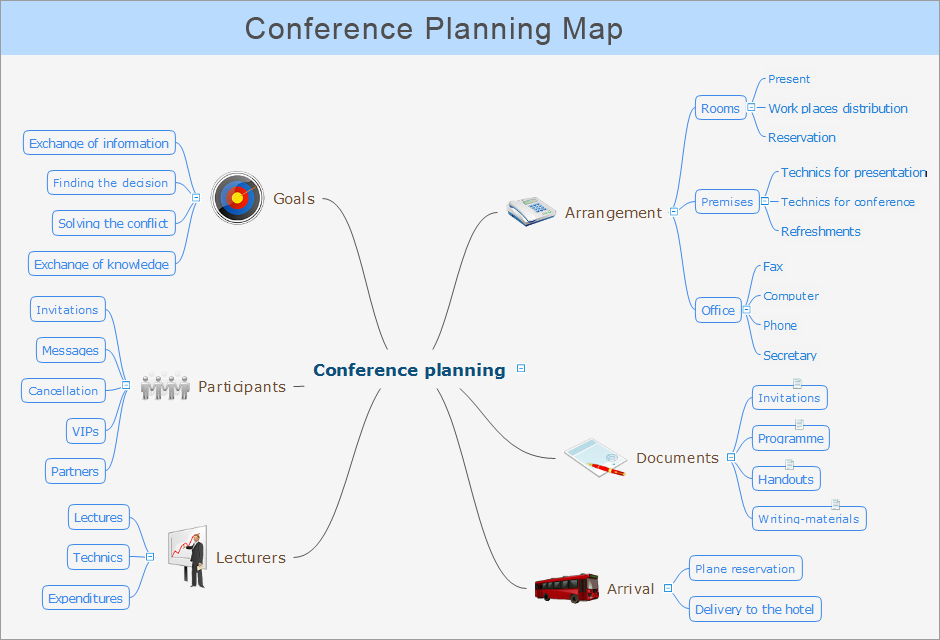
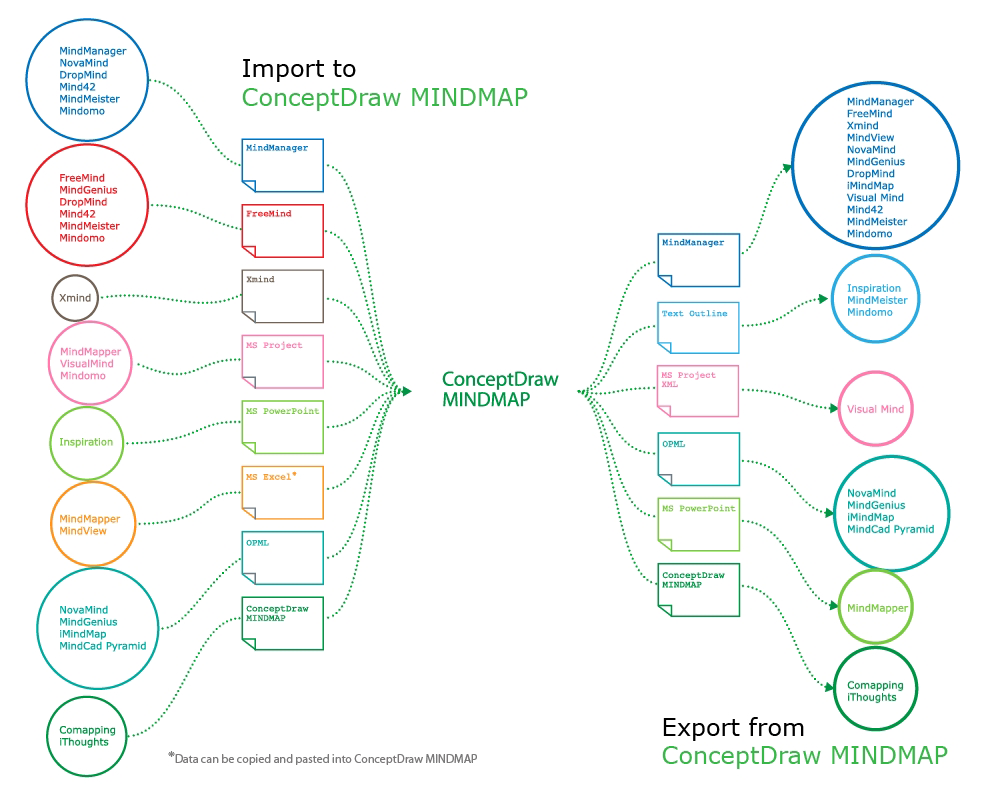
Presentations are an established way of sharing ideas across a workforce, there′s no better software to create them than ConceptDraw MINDMAP Using the Remote Presentation for Skype solution, you can include a workforce that is spread across the globe. What′s more, MINDMAP′s ability to present an array of document types means you can work with Microsoft® Word®, Microsoft PowerPoint®, and Microsoft Project® files, or any number of mind map formats. The possibilities are limited only by the user′s imagination.
Thanks to the Remote Presentation for Skype solution, ConceptDraw MINDMAP users can present their documents live via Skype, allowing coworkers in other cities, countries, even continents to view their briefing while hearing their voice.
This brief tutorial video will take you through all the steps you need to start viewing your colleagues MINDMAP presentations through Skype.
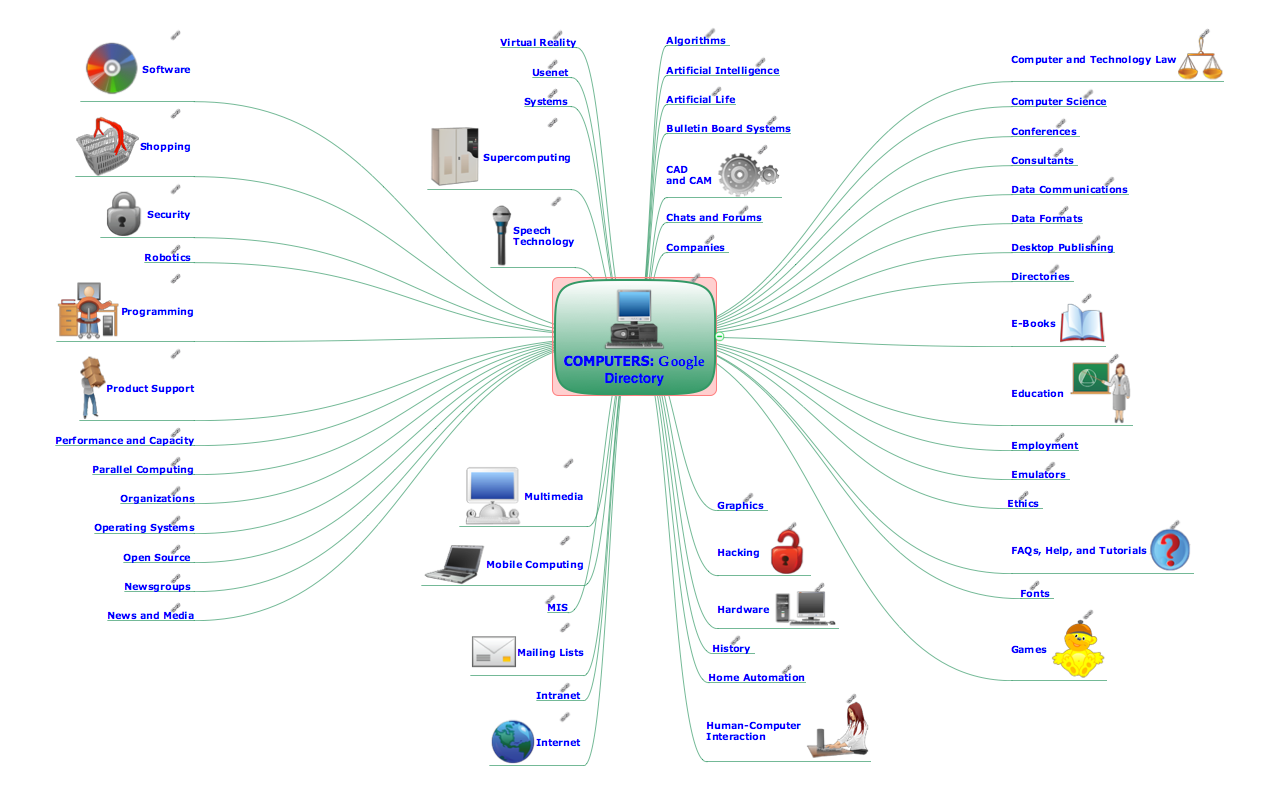
Sample 1. Presentation via Skype - Computers Google Directory
ConceptDraw MindMap benefits comparing to Mindjet Mindmanager:
Economical. (Lower license price, support is no charge maintenance is an optional one-time fee that delivers to you the next major release) ConceptDraw products are structured to save you money from the date of purchase for the life of the product. When you compare ConceptDraw MINDMAP to Mindjet Mindmanager the cost savings will be obvious.
Flexible Licensing. ConceptDraw is licensed per-named-user. Want ConceptDraw on 2 PCs, 2 Macs, or a PC and a Mac? Straightforward licensing makes this easy.
Picture: Looking at ConceptDraw MINDMAP as a Replacement for Mindjet Mindmanager
Professional Mind Mapping. ConceptDraw MINDMAP professional software to create documents. Mac and PC compatible. MS Office Exchange Solutions. Skype Collaboration. Presentation Tools.
Picture: One formula of professional mind mapping :input data + output data + make great presentation
There are many tools to manage a process or to illustrate an algorithm or a workflow. Flowcharting is one of those tools. However, it may be difficult to show complex processes that require multiple attributes or several people in a simple flowchart, so a cross-functional flowchart would be a solution for that situation. To create such flowchart, group processes and steps to labeled rows or columns, and divide those groups with horizontal or vertical parallel lines. It is worth mentioning that there are different types of cross-functional flowcharts, like opportunity or deployment flowchart.
This diagram shows a cross-functional flowchart that was made for a trading process. It contains 14 processes, distributed through 5 lines depicting the participants who interact with the process. Also there are connectors that show the data flow of information between processes. The cross-functional flowchart displays a detailed model of the trading process, as well as all participants in the process and how they interact with each other. The lines in the flowchart indicates the position, department and role of the trading process participants.
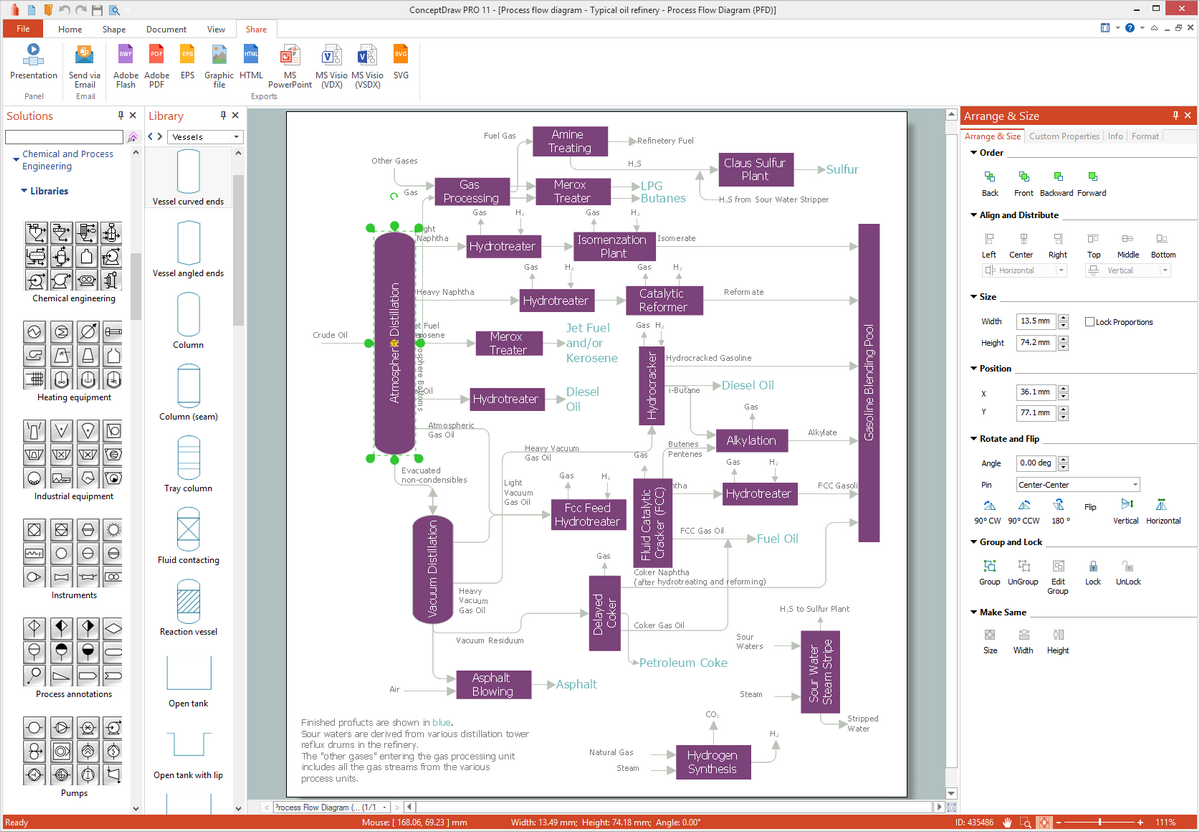
ConceptDraw DIAGRAM is a powerful diagramming and vector drawing software. Extended with Chemical and Process Engineering Solution from the Industrial Engineering Area of ConceptDraw Solution Park, it became the best Chemical Engineering software.