Using Evernote with a Mind Map
ConceptDraw MINDMAP
Capture What You Think, Do What You Plan
ConceptDraw MINDMAP with the new Note Exchange solution allows users to use mindmap notes from anywhere using powerful Evernote technology. Using Evernote with a Mindmap is competitive advantage now. Add more value to your business process using Note Exchange solution.
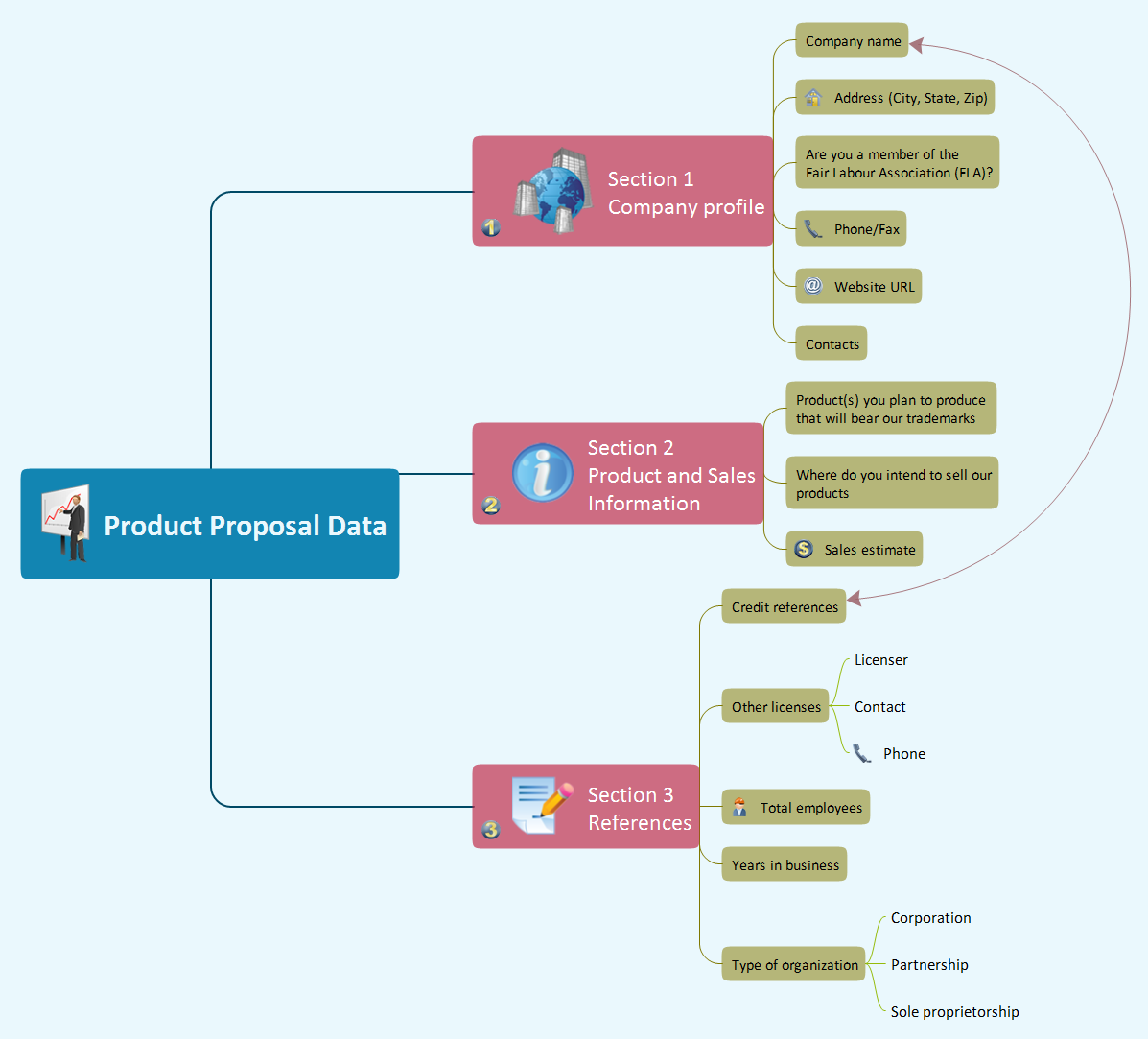
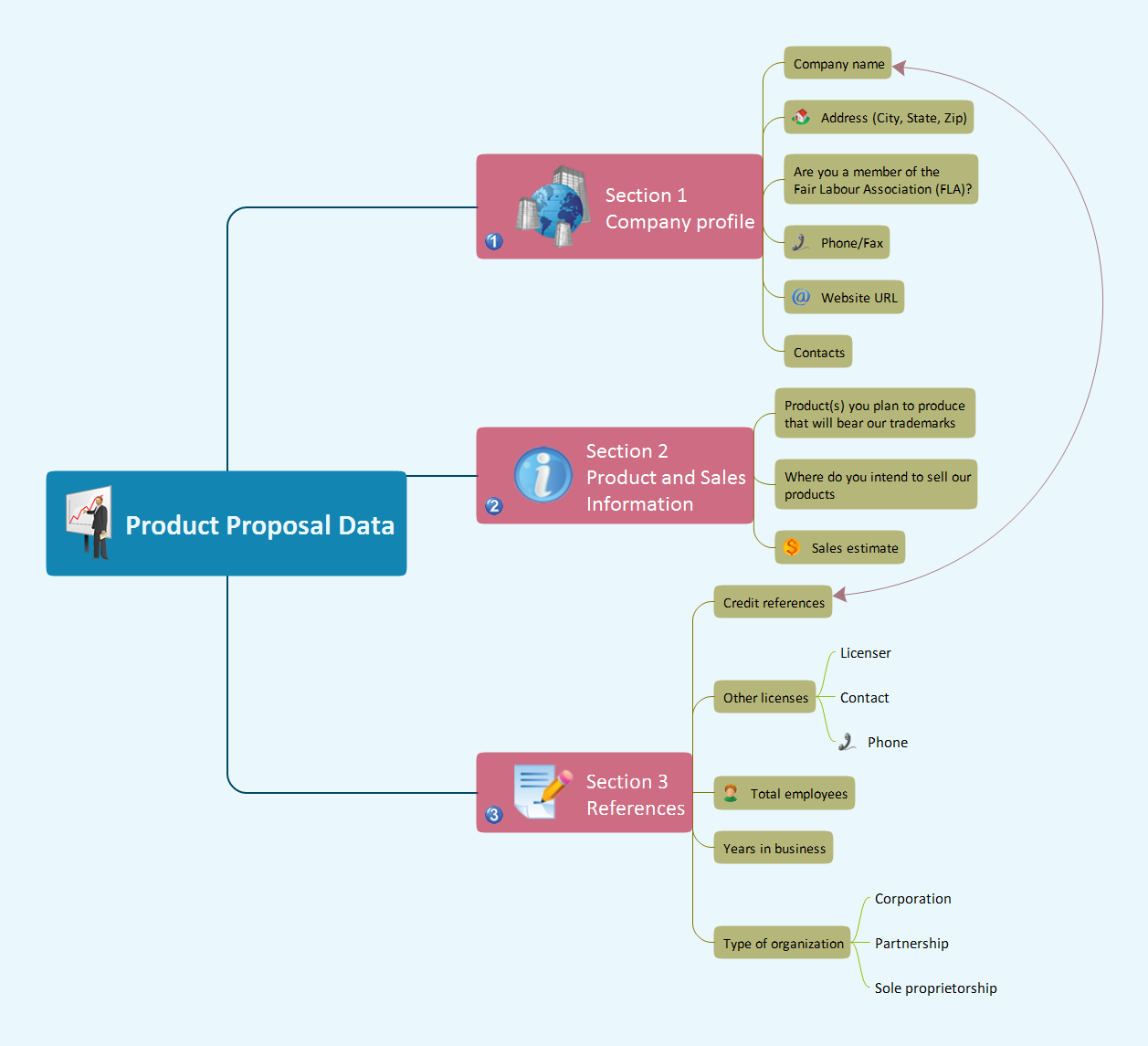
Pic 1. Product proposal data mindmap.
Note Exchange Solution allows quick and easy export of MINDMAP documents through Evernote. This powerful feature of ConceptDraw MINDMAP allows one to pair the power of MINDMAP with the accessibility of the world’s favorite human memory platform, Evernote. This Solution permits users to develop and organize notes and tasks in ConceptDraw MINDMAP and then,with a press of a button, allows the work to be accessed later, regardless of preferred platform.
See also Samples of mind maps:
- Mind Maps
- Mind Maps — Marketing
- Mind Maps — Idea Communication
-
Mind Maps — Mind Map Exchange
- Mind Maps — Presentation Exchange