Cloud Computing
Cloud computing is a very commonly used term in software engineering. It is known to be basically a software model as well as a computing infrastructure available for enabling the ubiquitous access to the shared pools of different configurable resources, such as servers, computer networks, storage, services and applications. Such computing infrastructure can be rapidly provisioned by managing it simply all over the Internet. The cloud computing allows enterprises and users with different computing capabilities to process as well as to store any needed to be stored and processed data in some privately owned cloud or on some other server, which are often located in the data centres for making such data accessing the mechanisms in a more reliable and efficient way. All the computing clouds rely upon the process of sharing the resources for achieving the economy of scale, being similar to such term as “utility”.
The cloud computing is also known to be allowing different companies to minimize, up-front and avoid the infrastructure costs, once it needs to be done. At the same time, all the so called “third-party clouds” are known to be enabling different organizations not to expend the resources on computer maintenance and infrastructure, but to focus on their main businesses. The proponents are known to be claiming about such cloud computing allowing the enterprises to get their applications running much faster, having less maintenance and more improved manageability at the same time, enabling the IT teams adjusting the resources more rapidly in order to meet the unpredictable and the fluctuating business demand.
Most of the cloud providers usually use a so called "pay as you go" model, leading to the unexpectedly high charges in case of the administrators being not as familiarized with the cloud pricing models. A cloud computing itself appeared after the high-capacity networks, the storage devices and low-cost computers, the widespread adoption of the hardware virtualization, autonomic and utility computing and service-oriented architecture became much more available, leading to their growth. In 2013 the cloud computing became a service in a demand, taking into consideration the advantages of its high computing power, high performance, cheap cost of services, scalability, availability and accessibility.
Some of the cloud vendors had their rates growing up to 50% per year, leading to the development of such service as “private cloud”, which is simply a cloud infrastructure, known to be operated only for one organization. Although such cloud is expected to be used by only one organization, it can always be managed not only internally, but also by a third-party, as well as being hosted both externally and internally. Using any private cloud project is known to be required by a significant engagement for virtualizing all the existing business environment, requiring the organization to re-evaluate its decisions about all the existing resources.
Such steps may lead to the improvements within business, raising the project security issues for preventing the serious vulnerabilities by every single taken step. The so called “self-run data centres” are known to be high capital intensive, having a significant physical footprint, but requiring the proper hardware, environmental control and allocations of space. The mentioned assets are known to be having to get periodically refreshed, which may result in the additional capital expenditures. Attracting the criticism from users who still have to buy, manage and build them, such assets are still very popular and in demand nowadays.
There are many kinds of the computing cloud. One of them is a so called "public" one, available when the services are rendered over some particular network, being open for a public use and being usually free. There may be a little difference between private and public cloud architecture, but the security consideration may be very different for services, such as storage, applications and other resources, which are made available for a public audience as well as for such cases when communication is being effected over some “non-trusted network”. Amazon Web Services (AWS) as well as Microsoft and Google are known to be the most popular public cloud service providers, owning and operating the infrastructure at their own data centres, having the access to them via the Internet. Microsoft and Amazon Web Services also offer the direct connect services called " Amazon Web Services Direct Connect" as well as "Azure ExpressRoute" requiring the customers to purchase or to lease a private connection to a peering point, which is offered by some of the cloud providers.
Working in IT dealing with the mentioned cloud computing services, you might have a need of creating the drawings of so called Cloud Computing Diagrams. To make any needed diagrams, including the cloud computing ones, it is always better to use the professional tool, such as a drawing software, for completing such diagrams in order to make them look simply smart and professional. One of the best applications nowadays is known to be a ConceptDraw DIAGRAM one, being one of the best tools for making such kinds of drawings: diagrams, charts, flowcharts, maps, schemes and many other different schematics.
Downloading ConceptDraw DIAGRAM diagramming and drawing software is always the best choice as having the mentioned tool means having all the needed vector objects as well as the templates of the diagrams which are expected to be created with help of ConceptDraw DIAGRAM Having this software means having the basic set of tools which are always available for all the ConceptDraw DIAGRAM users. At the same time, once you use the needed solution from ConceptDraw STORE application, such as Cloud Computing Diagrams Solution for creating the cloud computing diagrams, for example, you will get an access to the stencil libraries developed especially for being used while working in the ConceptDraw DIAGRAM diagramming and drawing software making different diagrams, including the cloud computing ones.
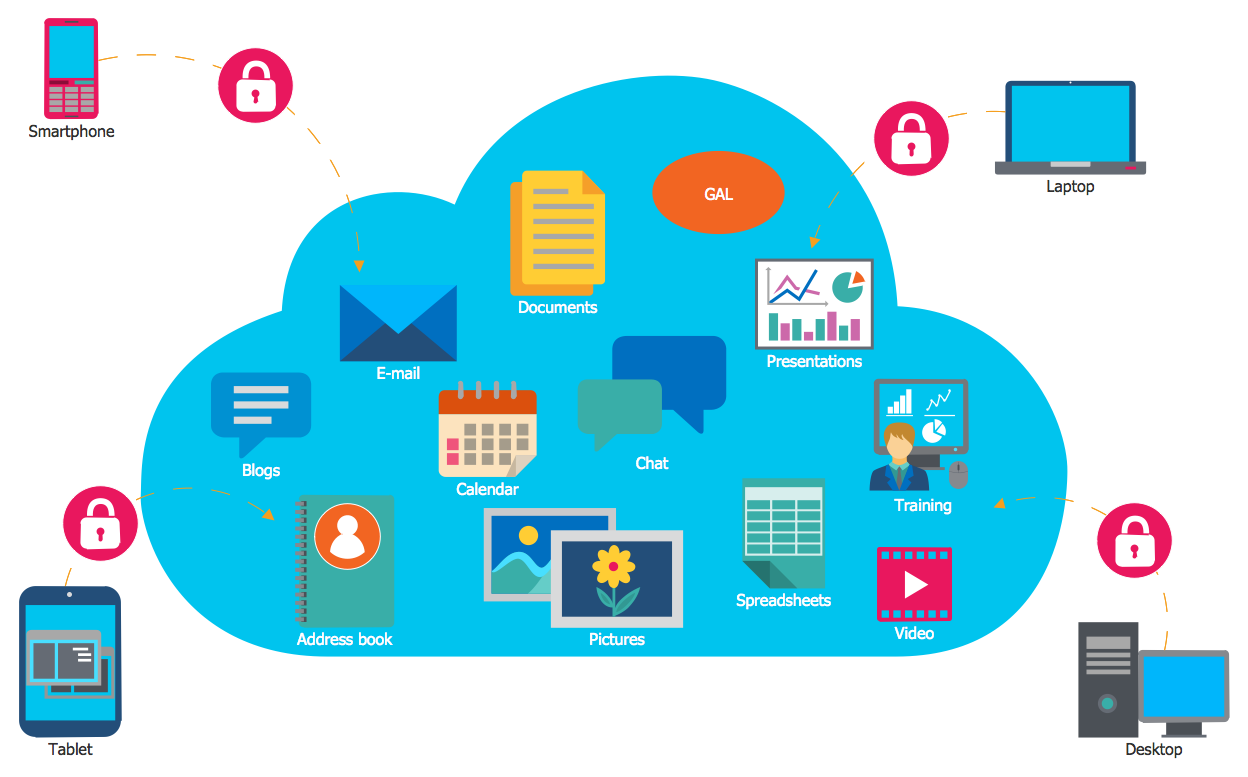
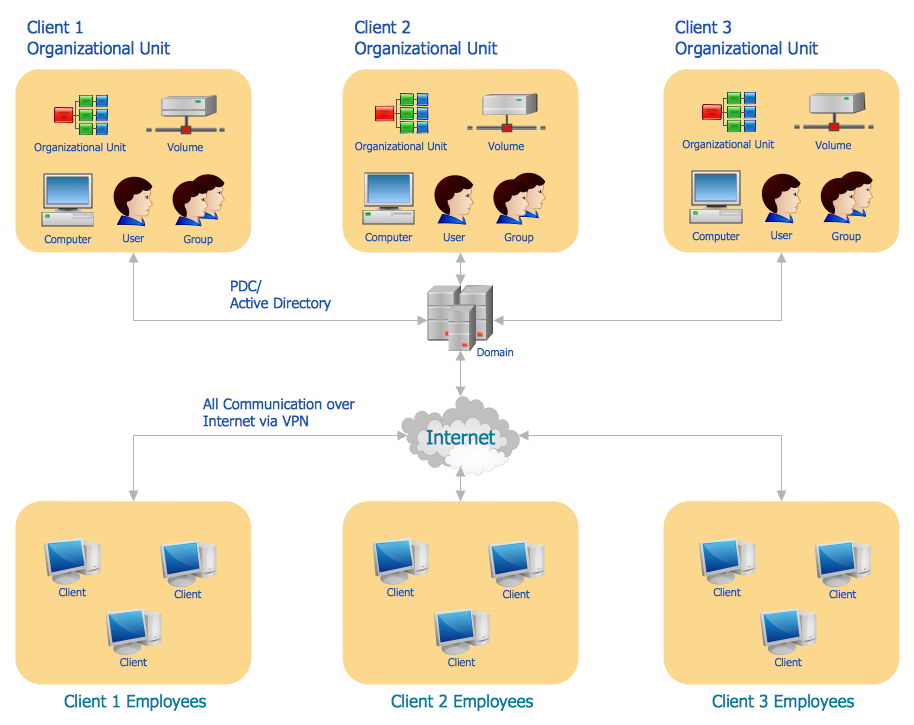
Example 1. Cloud Сomputing
The Cloud Computing Diagrams Solution from the Computer and Networks Area for ConceptDraw DIAGRAM Solution Park provides professional looking examples, the libraries with ready-to-use predesigned vector stencils to help you create anyone Cloud Сomputing and Cloud Сomputing Architecture diagrams without efforts.
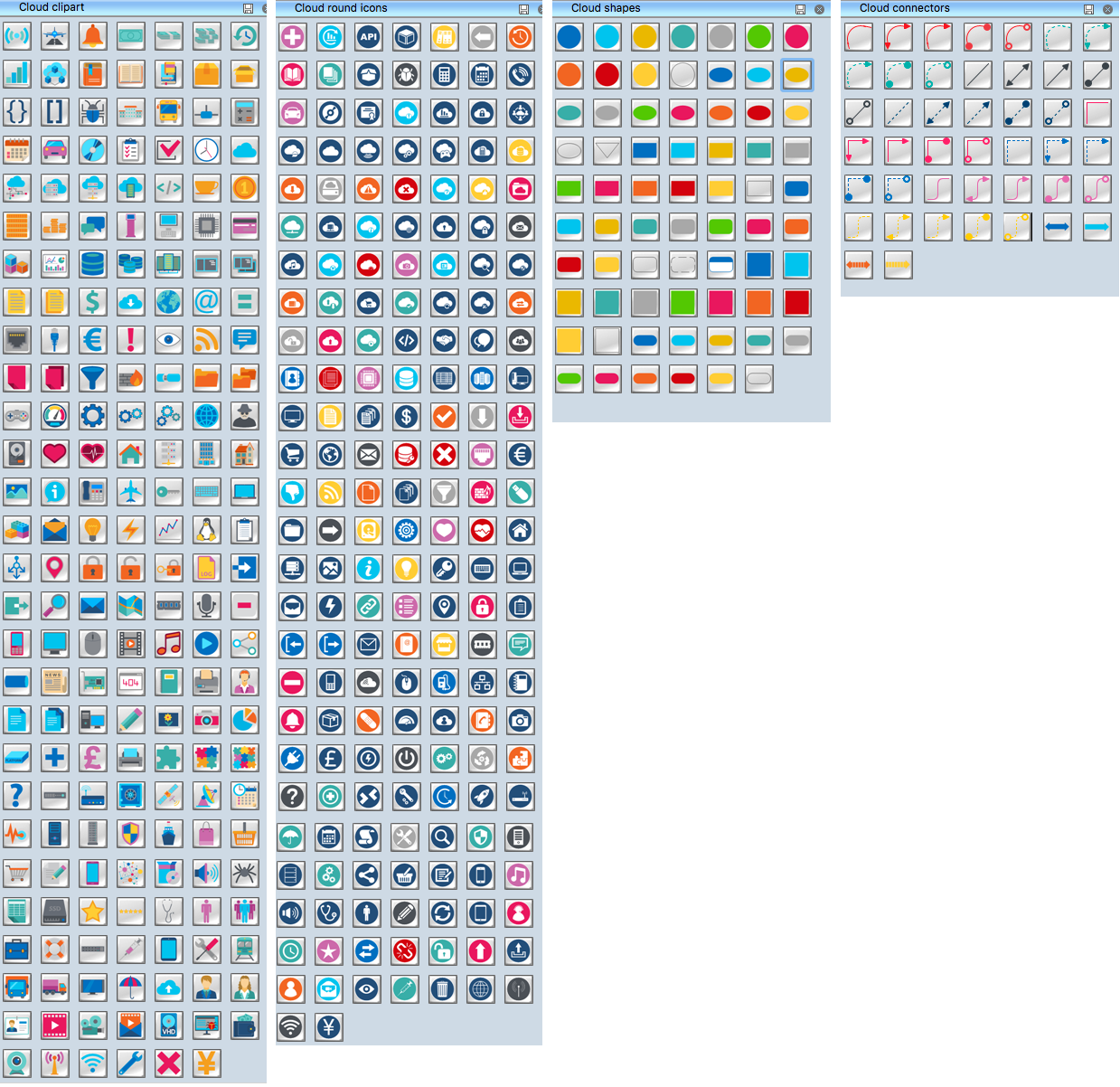
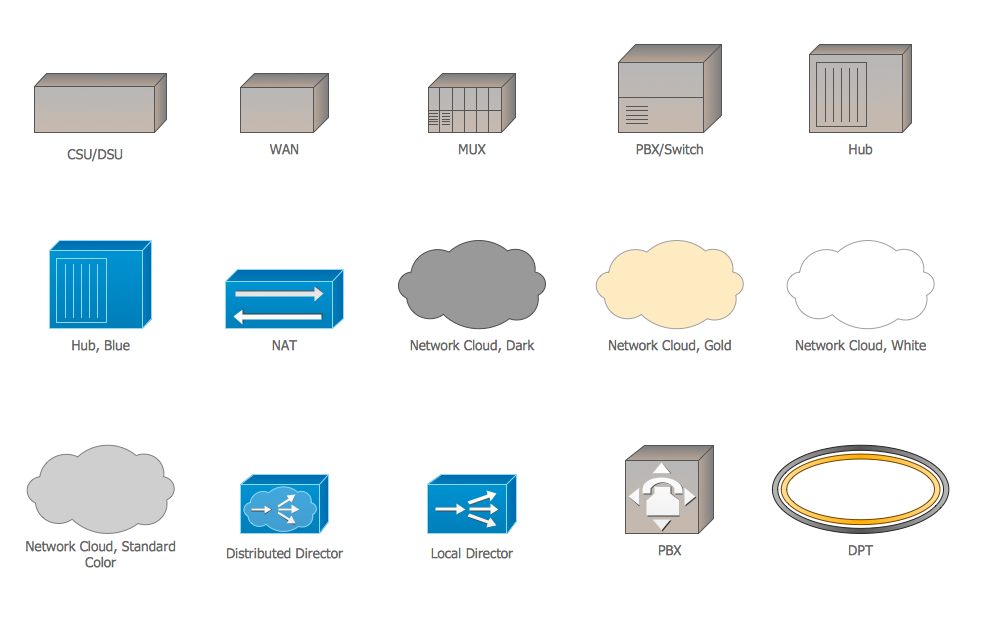
Example 2. Cloud Computing Symbols
You will also benefit from the use of predesigned examples and samples of Cloud Computing diagrams which are offered in ConceptDraw STORE.
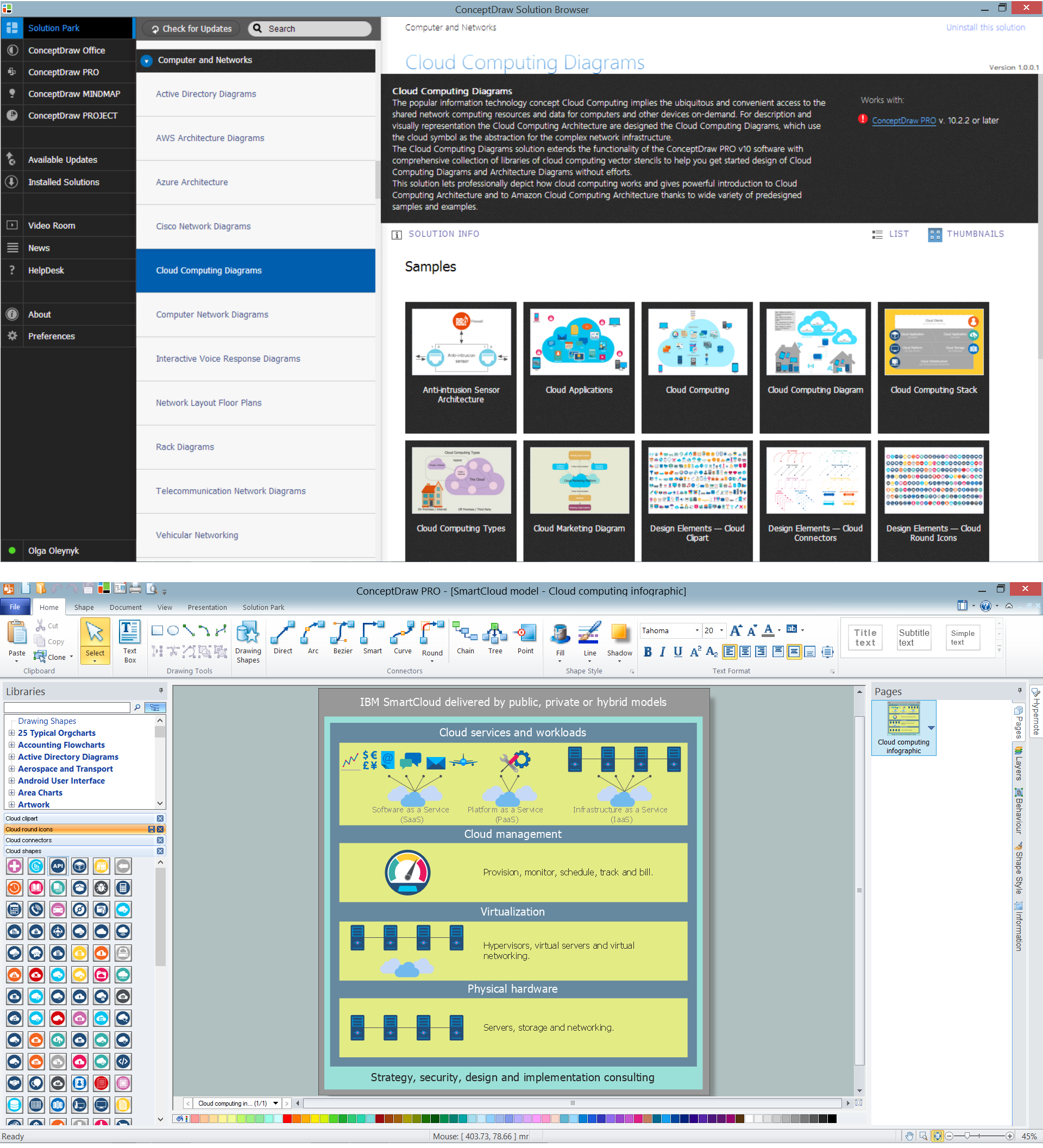
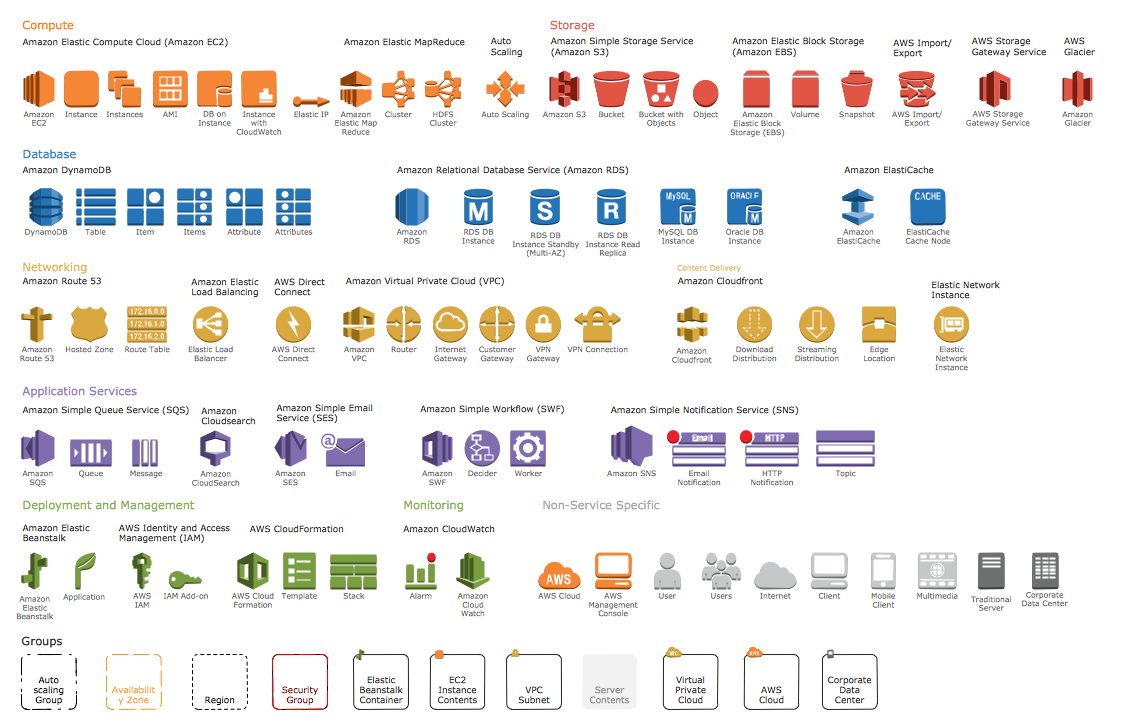
Example 3. Cloud Computing Diagrams Solution
The samples you see on this page were created in ConceptDraw DIAGRAM using the tools of Cloud Computing Diagrams Solution for ConceptDraw DIAGRAM software and shows the Cloud Computing. An experienced user spent 5-10 minutes creating every of these samples.
Use the Cloud Computing Diagrams Solution for ConceptDraw DIAGRAM to create the Cloud Computing Diagrams quick, easy and effective.
All source documents are vector graphic documents. They are available for reviewing, modifying, or converting to a variety of formats (PDF file, MS PowerPoint, MS Visio, and many other graphic formats) from the ConceptDraw STORE. The Cloud Computing Diagrams Solution is available for all ConceptDraw DIAGRAM users.