How to Create a Great Presentation
Presentation
ConceptDraw MINDMAP is an advanced tool for creating professional-looking presentations. You can effectively generate, change, and update your presentation that meets your needs.
Adding new slides and pages and viewing resulting document is intuitively simple.
- Choose the most suitable slides for the presentation at the Slide Navigator and start presentation
- When you are timeless to prepare a presentation, you have an ability to use the default presentation.
- You can create several mind maps on different pages, and it ispossible to select slides from these pages for presentation
See also Videos:
-
How to Make a MINDMAP Presentation from a MS PowerPoint Presentation
-
How to Succeed in Business with ConceptDraw MINDMAP
- Sharing ConceptDraw MINDMAP presentation video on Facebook
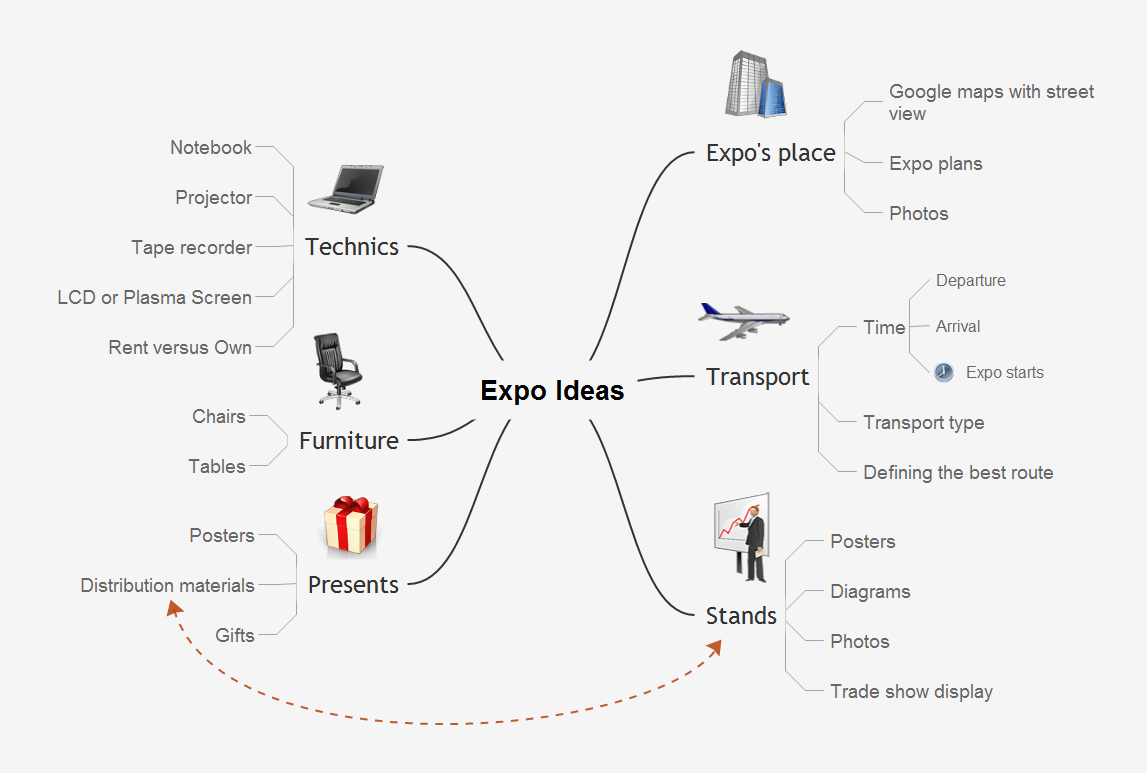
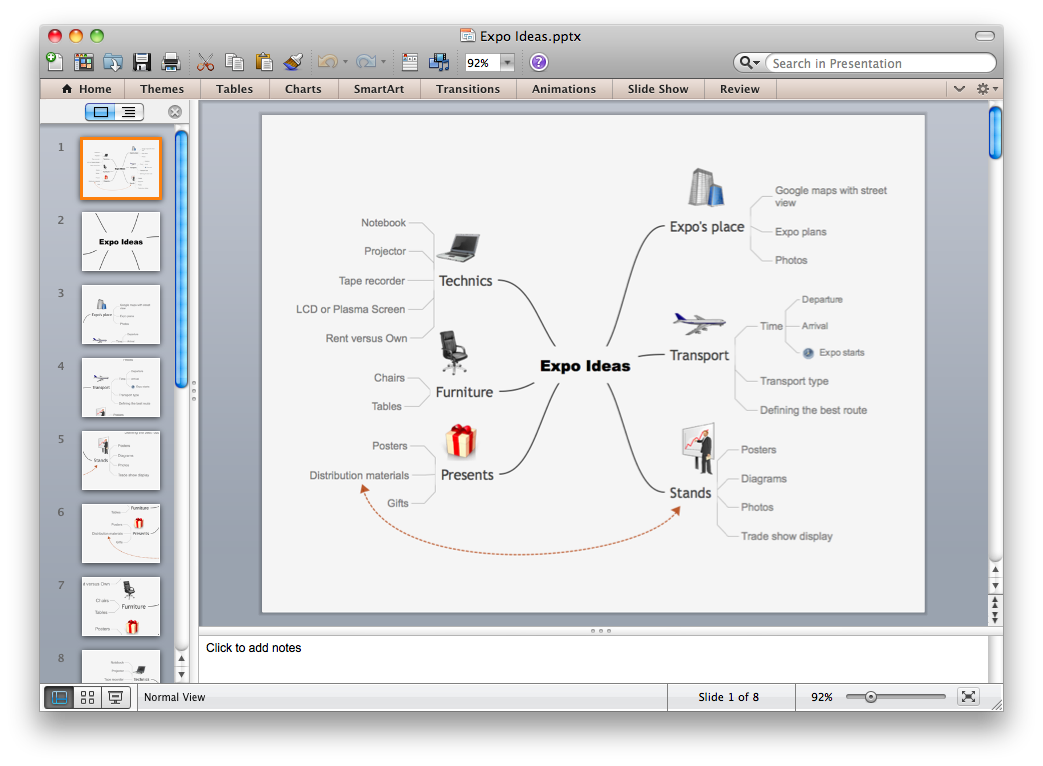
Sample 1. Mind map presentation - Expo ideas.
Presentation Exchange solution extends ConceptDraw MINDMAP software with the ability to import presentations from Microsoft PowerPoint, as well as enhancing its existing presentation capabilities.
With the Presentation Exchange solution you can easily extract the content from a PowerPoint presentation to see how it all fits together in a single view. You can review slide content, see how the slides support one another, and refine the story.