Made with
ConceptDraw
DIAGRAM 18

Cyber Security Degrees

Cyber security is the defense of information and computer systems from various attacks and threats, from the damage the hardware and software, from the theft of the information stored on them, and from the disruption and misdirection of services which they provide. The reliance on various computer and networked systems increases day by day, but all them are sufficiently vulnerable and so the need for cyber security acquires more and more importance, it includes protection from the damages due to the network access, the control of physical access to the hardware, the control of intentional and accidental malpractice by operators.

Increase of variety and quantity of cyber threats is lead to the active development of cyber security field today. For protection various cyber environments are developed and applied large variety of cyber security standards, techniques, security concepts and approaches with different cyber security degrees. But the main common objective of all them is reduce the risks, increase privacy and security, provide a reliable protection of computers, programs, networks and data from damages and unauthorized access, and effectively prevent the cyber attacks and cyber threats.

The ConceptDraw DIAGRAM diagramming and vector drawing software extended with Network Security Diagrams Solution from the Computer and Networks Area of ConceptDraw Solution Park offers the number of useful tools which will help network security engineers, cyber security specialists, network and computer analysts easily and visually depict the knowledge and skills for research and prevention of intrusions, about maintenance of security protocols on computer networks of various sizes, about protection critical information and analysis of cyber incidents, and for how to assess threats and vulnerabilities.

Cyber Security Degrees *

Example 1. Cyber Security Degrees

Network Security Diagrams Solution for ConceptDraw DIAGRAM is incredibly useful for effective network security schemes design with different cyber security degrees thanks primarily to 4 libraries with numerous quantity of predesigned vector objects:

  • Cybersecurity Clipart
  • Cybersecurity Round Icons
  • Cybersecurity Shapes
  • Cybersecurity Connectors

Start create your diagram by dragging the objects from these libraries to your ConceptDraw document and evaluate the usability of using fully ready-to-use objects.

Network Security Diagrams Solution in ConceptDraw STORE

Example 2. Network Security Diagrams Solution in ConceptDraw STORE

Network Security Diagrams solution provides also wide collection of predesigned network security samples which are available from ConceptDraw STORE. Each of offered samples is carefully thought-out by experts and can be used as easy start for your own diagrams. Pay attention for them and get excellent result in a few minutes!
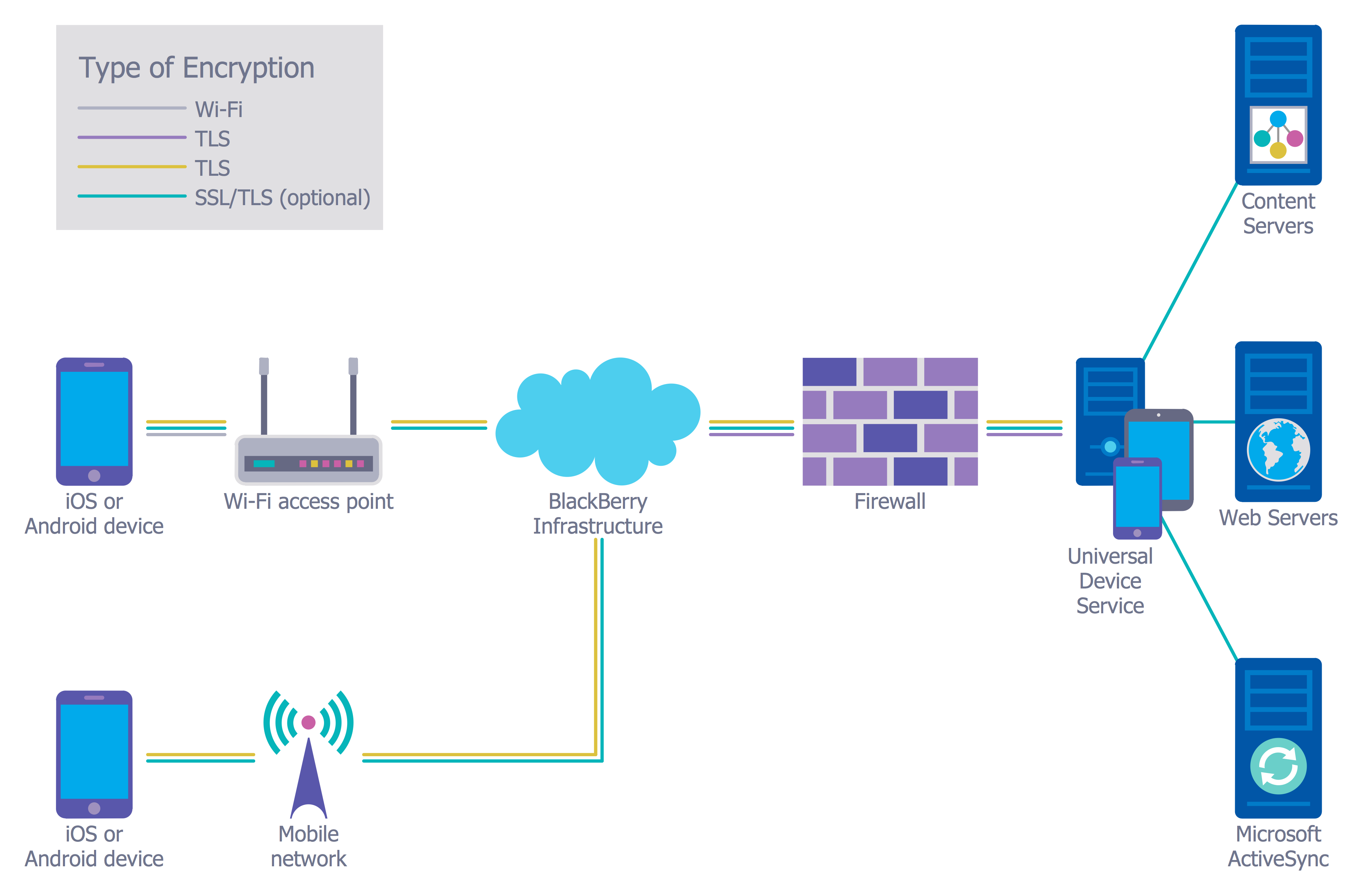
Network Security Diagram - Recommended Network Architecture

Example 3. Network Security Diagram - Recommended Network Architecture

The samples you see on this page were created in ConceptDraw DIAGRAM using the predesigned vector objects from the libraries of Network Security Diagrams Solution. An experienced user spent 10-15 minutes creating each of these samples.

Use the Network Security Diagrams Solution for ConceptDraw DIAGRAM to create your own Network Security Diagrams of any cyber security degrees fast, easy and effective.

All source documents are vector graphic documents. They are available for reviewing, modifying, or converting to a variety of formats (PDF file, MS PowerPoint, MS Visio, and many other graphic formats) from the ConceptDraw STORE. The Network Security Diagrams Solution is available for all ConceptDraw DIAGRAM users.
EIGHT RELATED HOW TO's:
ConceptDraw DIAGRAM extended with the Rapid UML solution is perfect for drawing professional UML diagrams.How to create a UML Diagram *
Picture: How to create a UML Diagram
Related Solution:
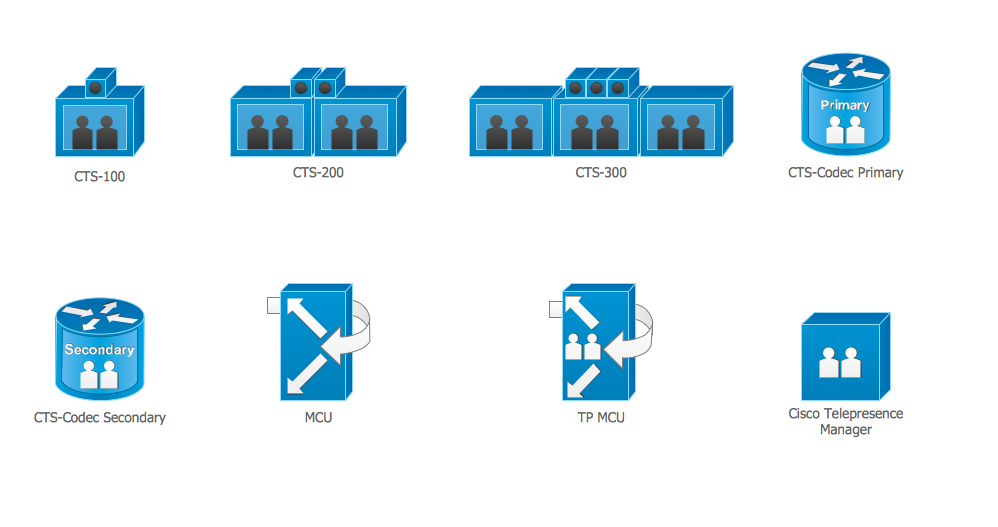
The ConceptDraw vector stencils library Cisco Telepresence contains videoconference equipment symbols for drawing the computer network diagrams.Cisco Telepresence. <br>Cisco icons, shapes, stencils and symbols *
Picture: Cisco Telepresence. Cisco icons, shapes, stencils and symbols
Related Solution:
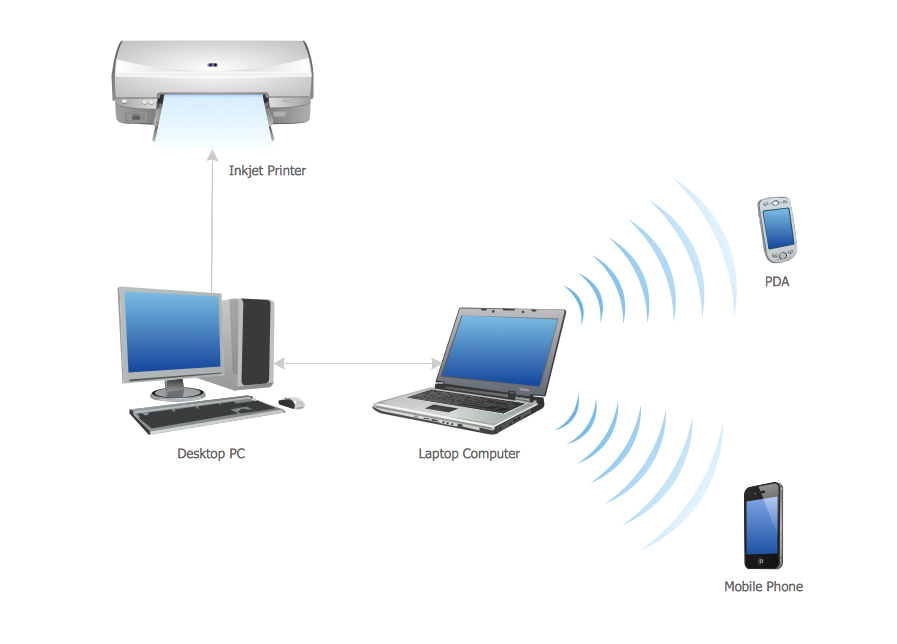
All computer networks differ by various params, and their size is one of them. As global area networks are the biggest, personal area (PAN) networks are the smallest. Personal computers, smartphones and other devices that have possibility to connect to Internet form a personal network. This diagram was created using ConceptDraw Computer Network Diagrams to represent a typical components of Personal area network. A personal area network (PAN) is the connection of IT devices around an individual person. This sample of personal area network involves a notebook, a personal digital assistant (PDA), and a portable printer. Commonly a PAN contains such wireless devices as mouse, keyboard, smartphone and tablet. A wireless connection is typical for a PAN.Personal area (PAN) networks
Picture: Personal area (PAN) networks. Computer and Network Examples
Related Solution:
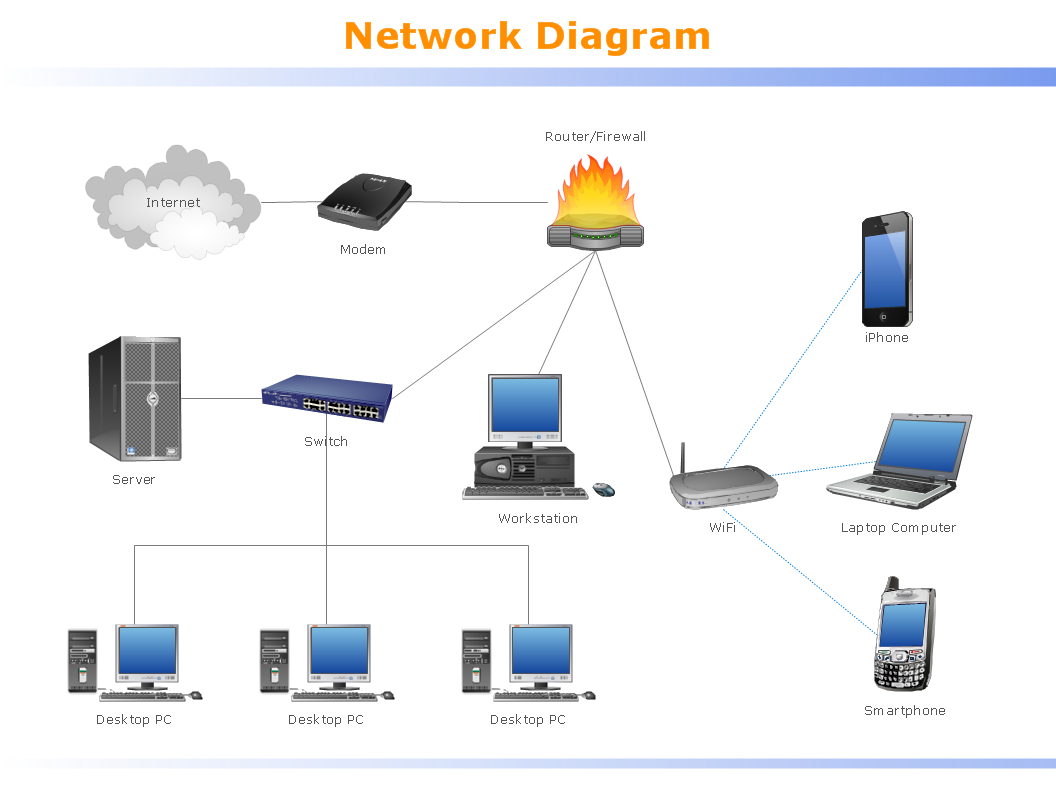
Computer networks nowadays are spread all across the world. The large number of parameters, such as geographic scale or communication protocols, can divide networks. One of the most common types of networks is called local area network (LAN). It convenient to represent network examples by means of diagrams. This local area network (LAN) diagram provides an easy way to see the way the devices in a local network are interacted. The diagram uses a library containing specific symbols to represent network equipment , media and the end-user devices such as computers (PC, mac, laptop) , network printer, hubs, server and finally a modem. There are two types of network topologies: physical and logical. The current diagram represents precisely a physical type of LAN topology because it refers to the physical layout of a local network equipment.Local area network (LAN) diagram
Picture:
What is a Local Area Network?
Examples of LAN Diagrams
Related Solution:
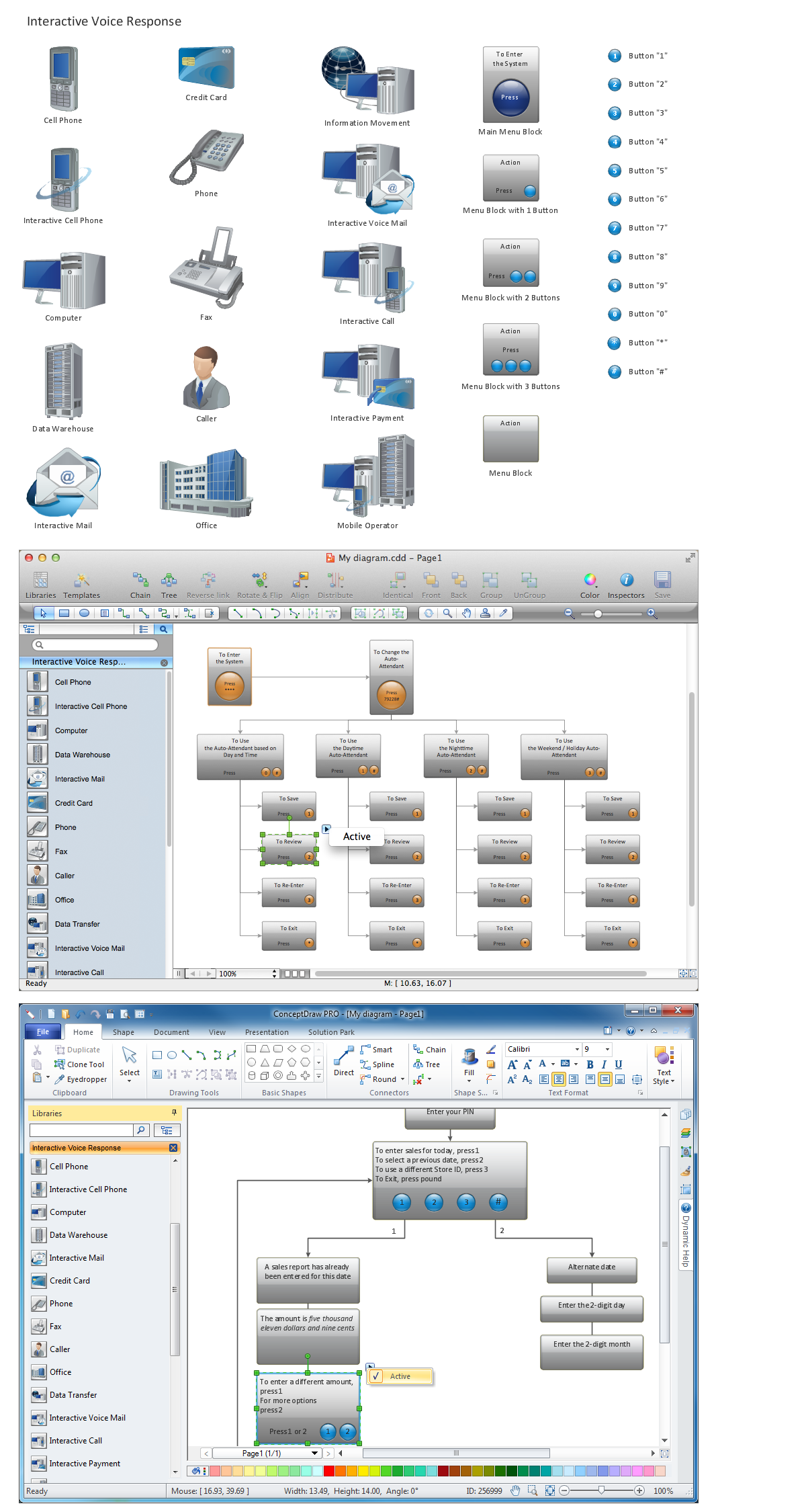
ConceptDraw DIAGRAM is perfect for software designers and software developers who need to draw IVR Network Diagrams.Network Diagramming Software for Design  <br>IVR Network Diagrams *
Picture: Network Diagramming Software for Design IVR Network Diagrams
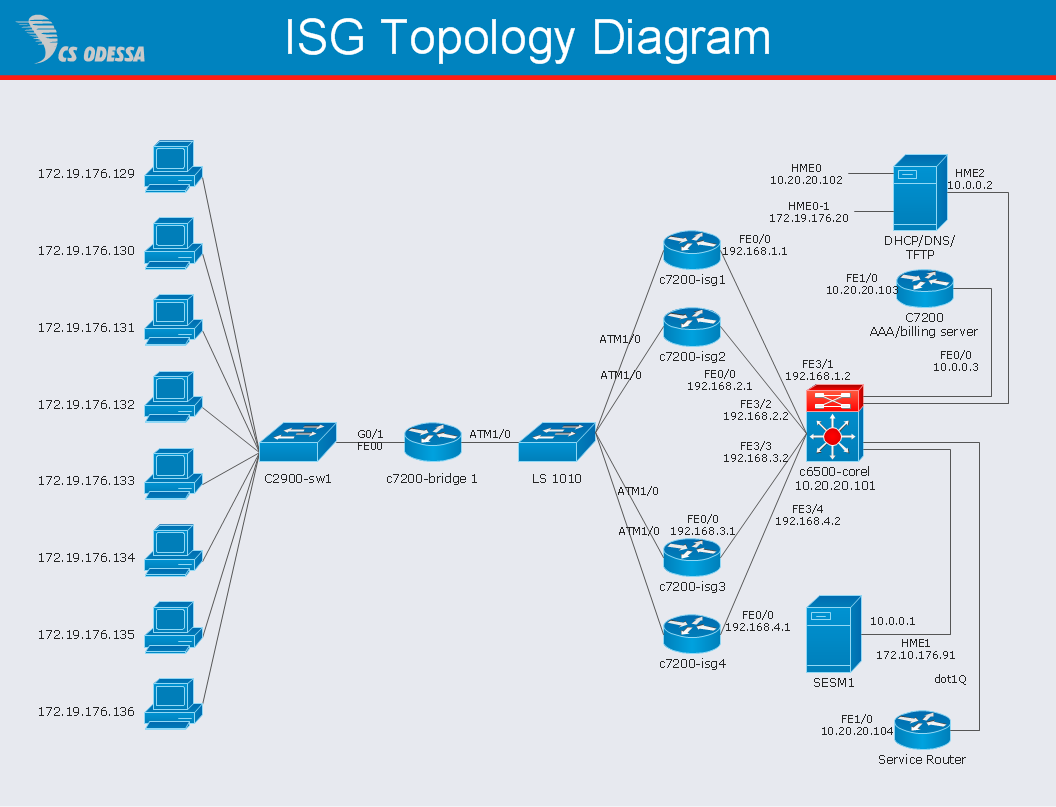
Cisco Intelligent Services Gateway ISGCisco Intelligent Services Gateway *
Picture: Cisco Intelligent Services Gateway
Related Solution:
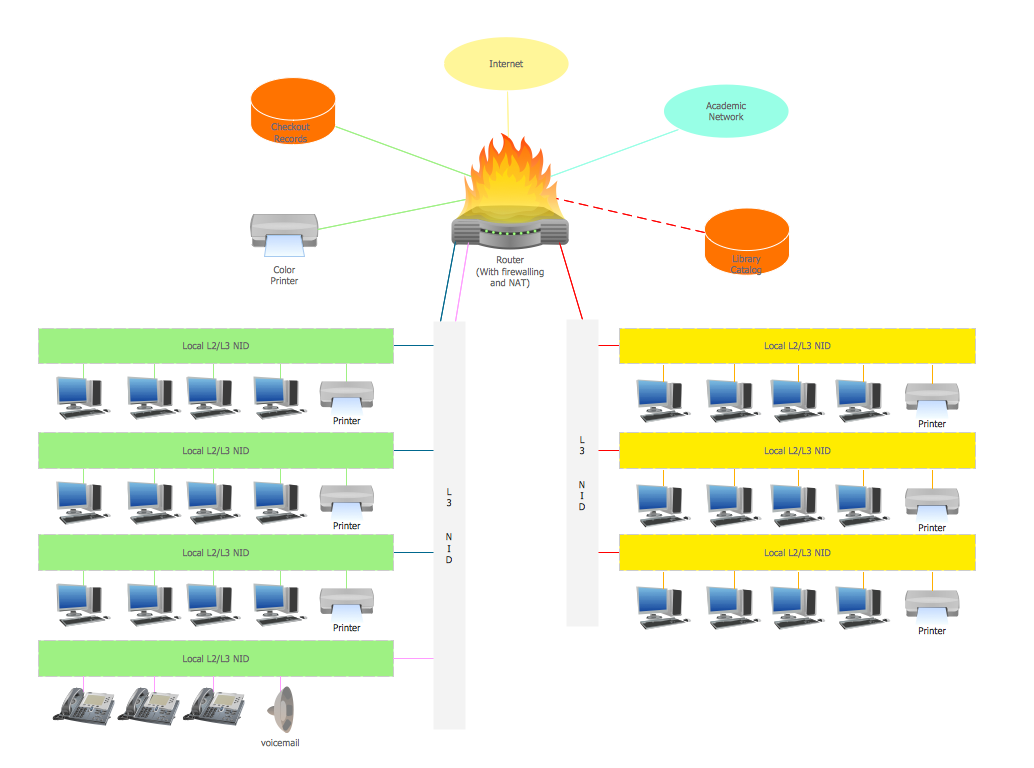
If we divide computer networks by scale, we get several main categories. The smallest network is PAN, as it connects personal devices themselves, and as the number of users grows, a local area network can be recognized, and campus area networks (CAN) connects several local networks located within some area like a university or a corporation. Computers connected to CAN share public educational materials and list of CAN network examples includes such prestigious universities like Stanford and Carnegie Mellon. This is an example of a computer network diagram created for a campus area network. It was created using using ConceptDraw solution for the Computer and Network diagramming. The specific of this sample campus network is its distribution. It is rather broad to embrace a big campus territory. This diagram can be applied as a template for designing custom area network topology diagram for a particular educational institution.Campus Area Networks (CAN). <br>Computer and Network Examples *
Picture: Campus Area Networks (CAN). Computer and Network Examples
Related Solution:
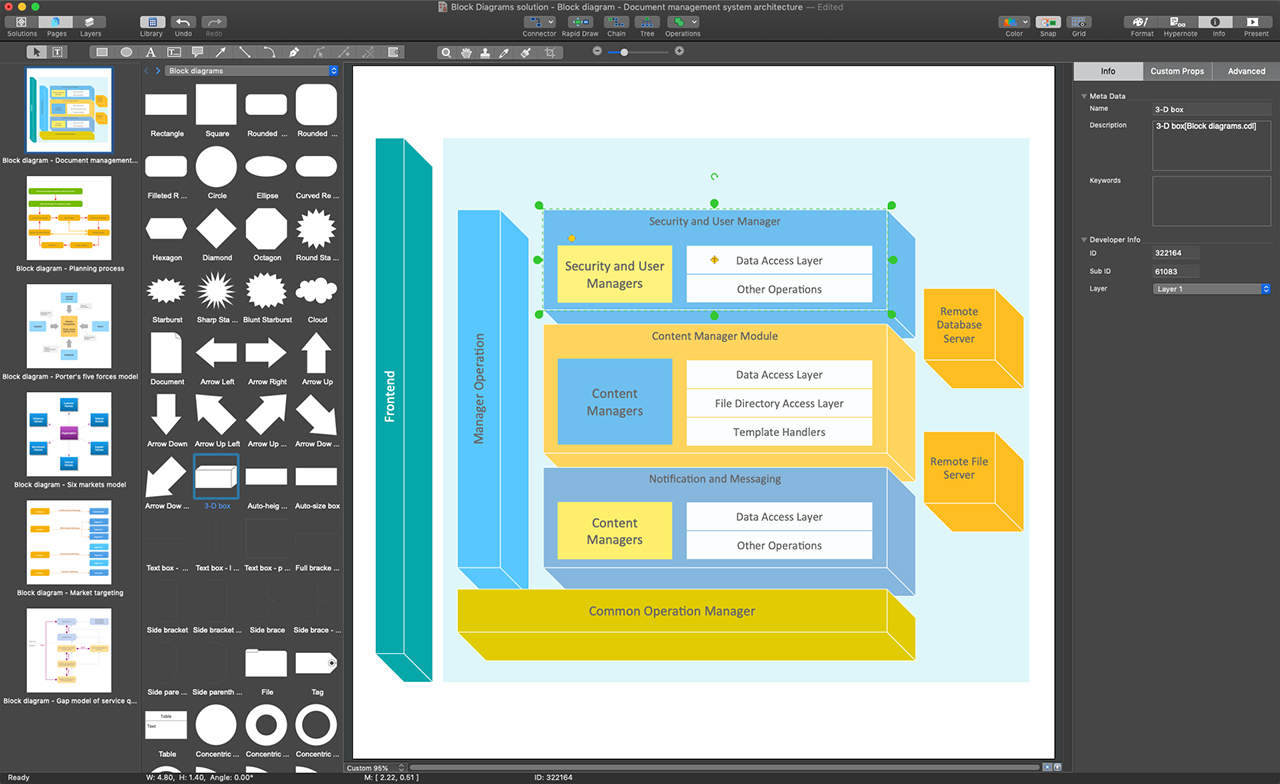
Block Diagrams solution makes ConceptDraw DIAGRAM a powerful system block diagram software. It enables you to work with all variety of tools you love in this software. The solution includes an enormous quantity of predesigned objects and connectors needed to design your Block Diagrams in minutes. The included templates and samples useful for a quick start. Use these tools to design extremely fast and simply Block Diagrams looking like those created by experts, even if you are a beginner.ConceptDraw DIAGRAM - System Block Diagram Software
Picture: System Block Diagram Software
Related Solution:
ConceptDraw
DIAGRAM 18