 Edit Drawing
How to Protect a Document From Performing Unwanted Operations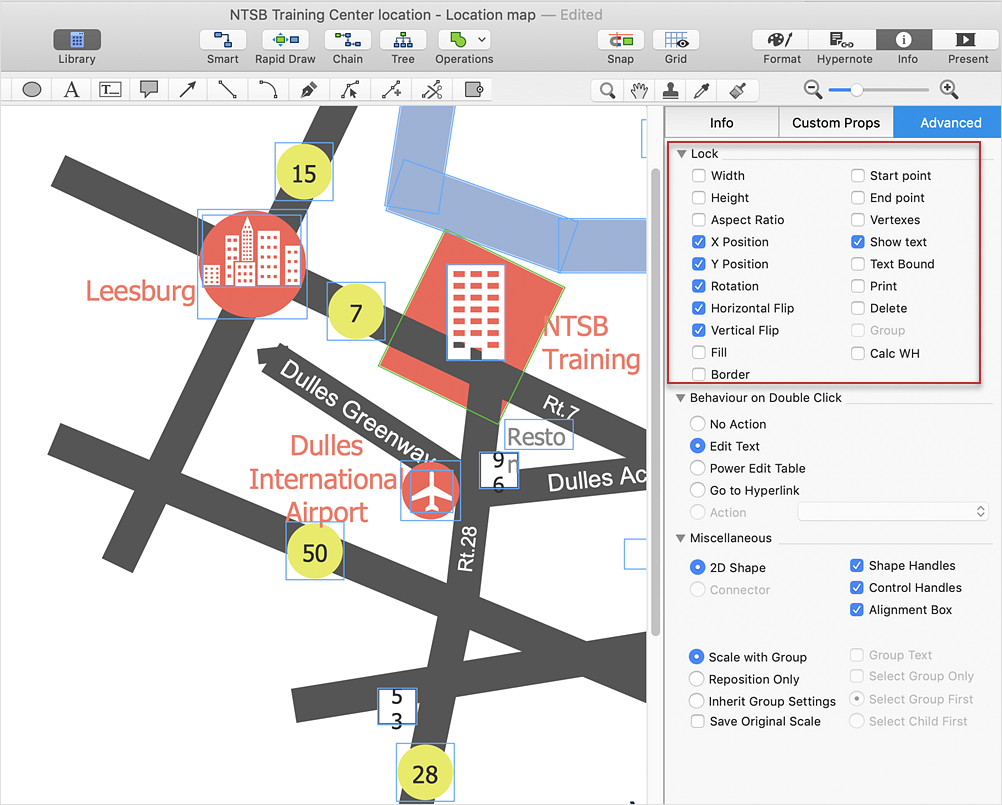
ConceptDraw DIAGRAM lets you protect your drawings from accidental modifications. You can lock individual objects or safeguard the entire document to prevent unintended changes during editing. You can lock specific object properties, such as moving, resizing, rotating, or deleting, ensuring that important diagram elements remain unchanged until you choose to unlock them.
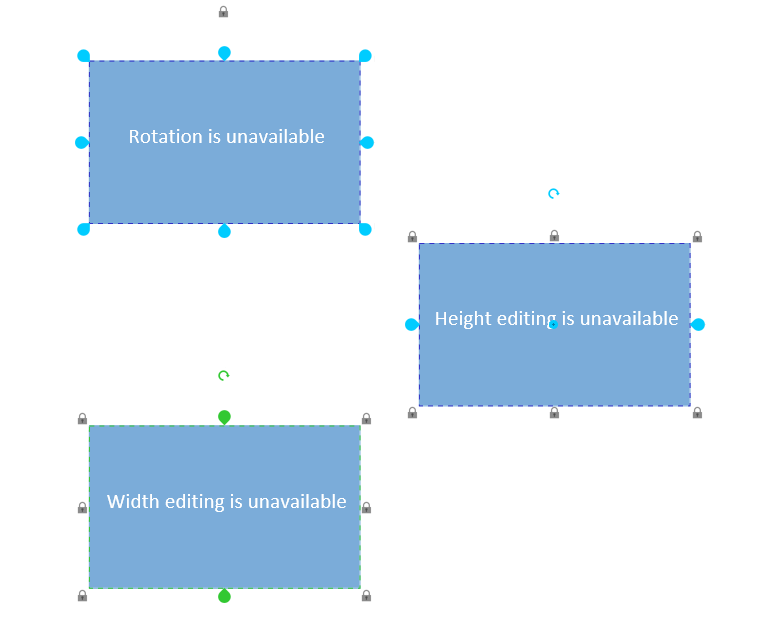
Result: The selected object is now protected from accidental changes. Locked properties cannot be modified until you unlock them. 
|