Made with
ConceptDraw
DIAGRAM 18

Value Stream Mapping

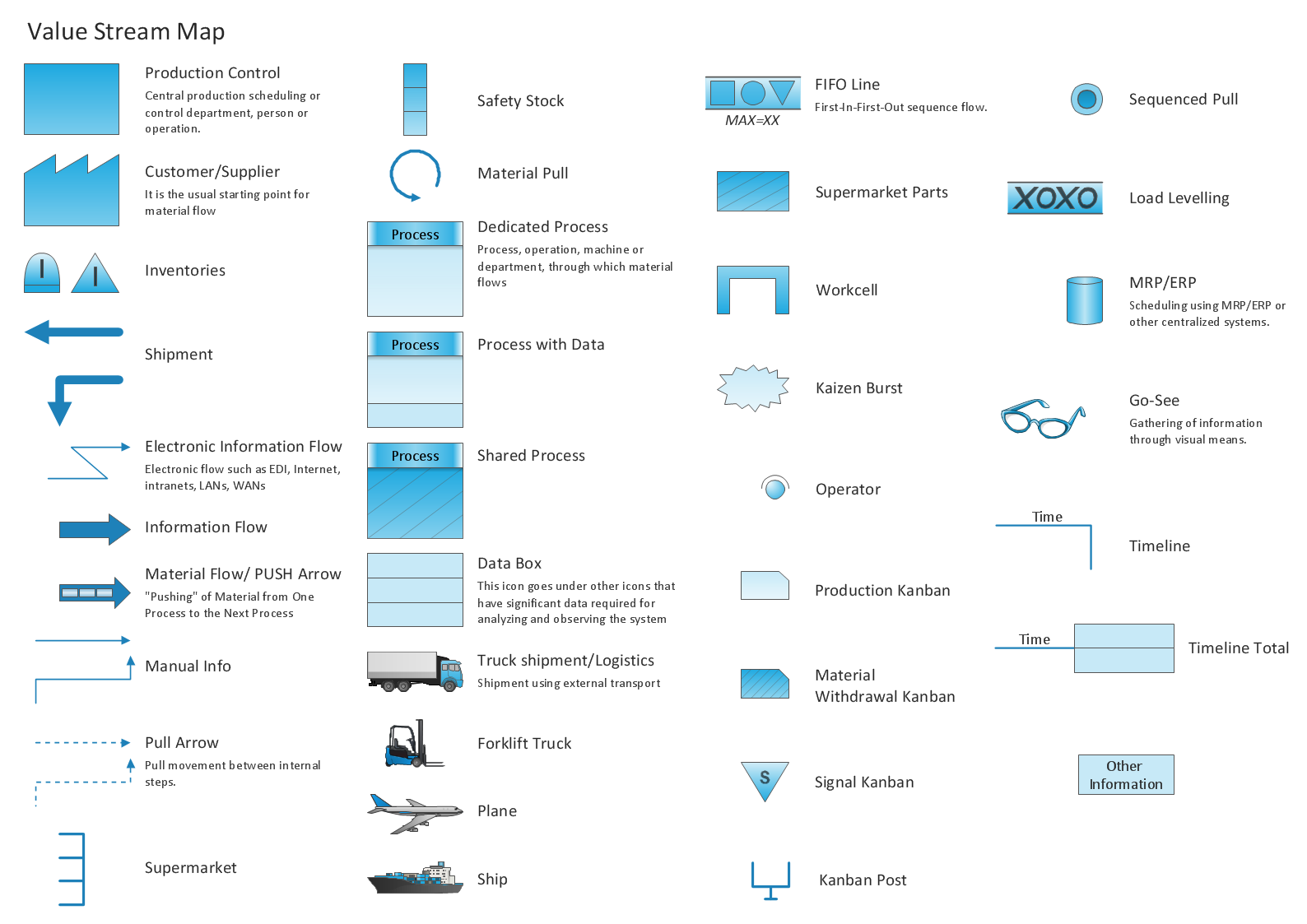
Value Stream Maps visualize for a manufacturing plant the material and information flow required to deliver a product or service to customers. They are used in lean manufacturing methodology to identify and analyze the process steps and improve available opportunities. The new Value Stream Mapping solution found in the ConceptDraw Solution Park continues to extend the range of ConceptDraw DIAGRAM opportunities. It turns it into a business graphics tool perfect to document processes in any organization.

After reviewing the production steps on the map, the company can identify the handoff steps and strives to eliminate them. In most, these are defects or overproduction leading to wasteful spending on the raw materials and storage of the useless inventory. In software development, VSM helps reveal inefficiencies, reduce the number of steps, eliminate the need for rework. It helps to identify delays occurred for different reasons and waste befell from lack of internal documentation or partially completed work. Typically, the non-completed work includes the frozen money and requires more money and additional efforts to be finished, and don't bring profit.
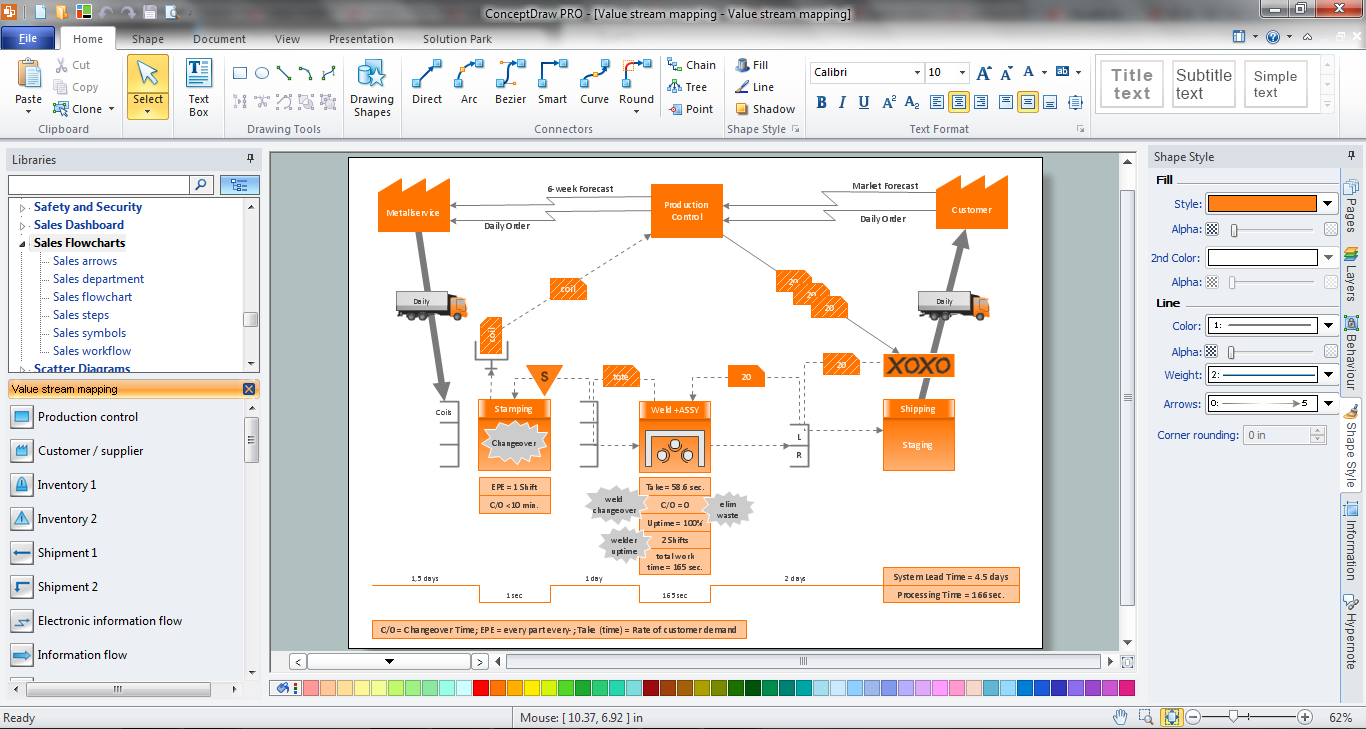
Value Stream Mapping

Example 1. Value Stream Mapping in ConceptDraw DIAGRAM

The powerful drawing tools, samples, template, and library of predesigned vector elements from the Value Stream Mapping Solution will help facilitate the value stream mapping process and analysis of information flows.
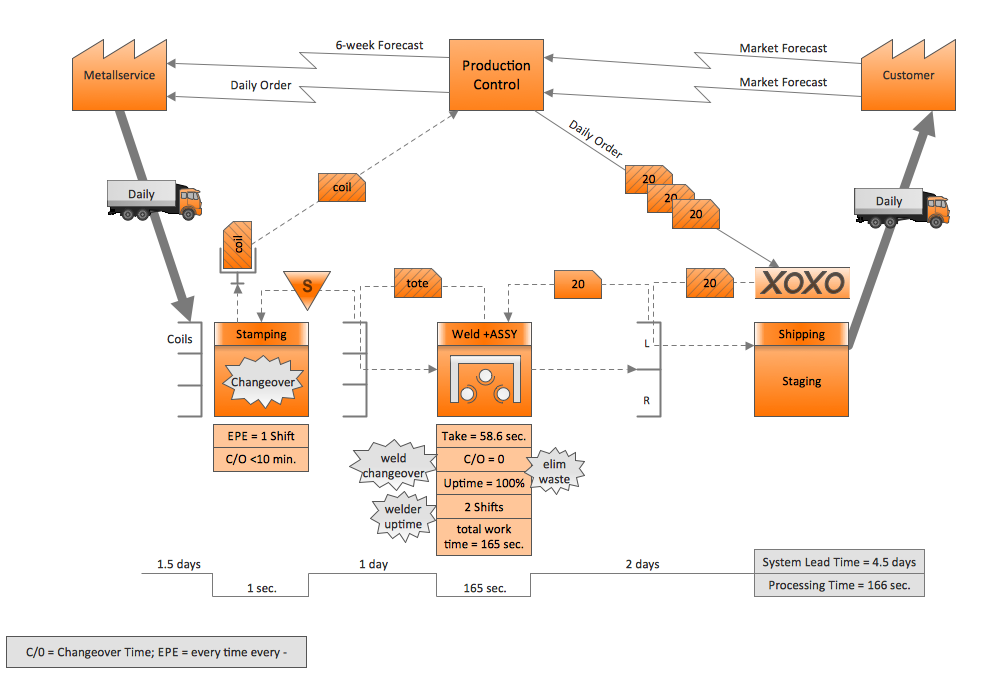
Value Stream Mapping Diagram

Example 2. Value Stream Mapping Diagram

This Value Stream Mapping sample was created in ConceptDraw DIAGRAM software using the tools of the Value Stream Mapping Solution. An experienced user spent 20 minutes creating this sample.

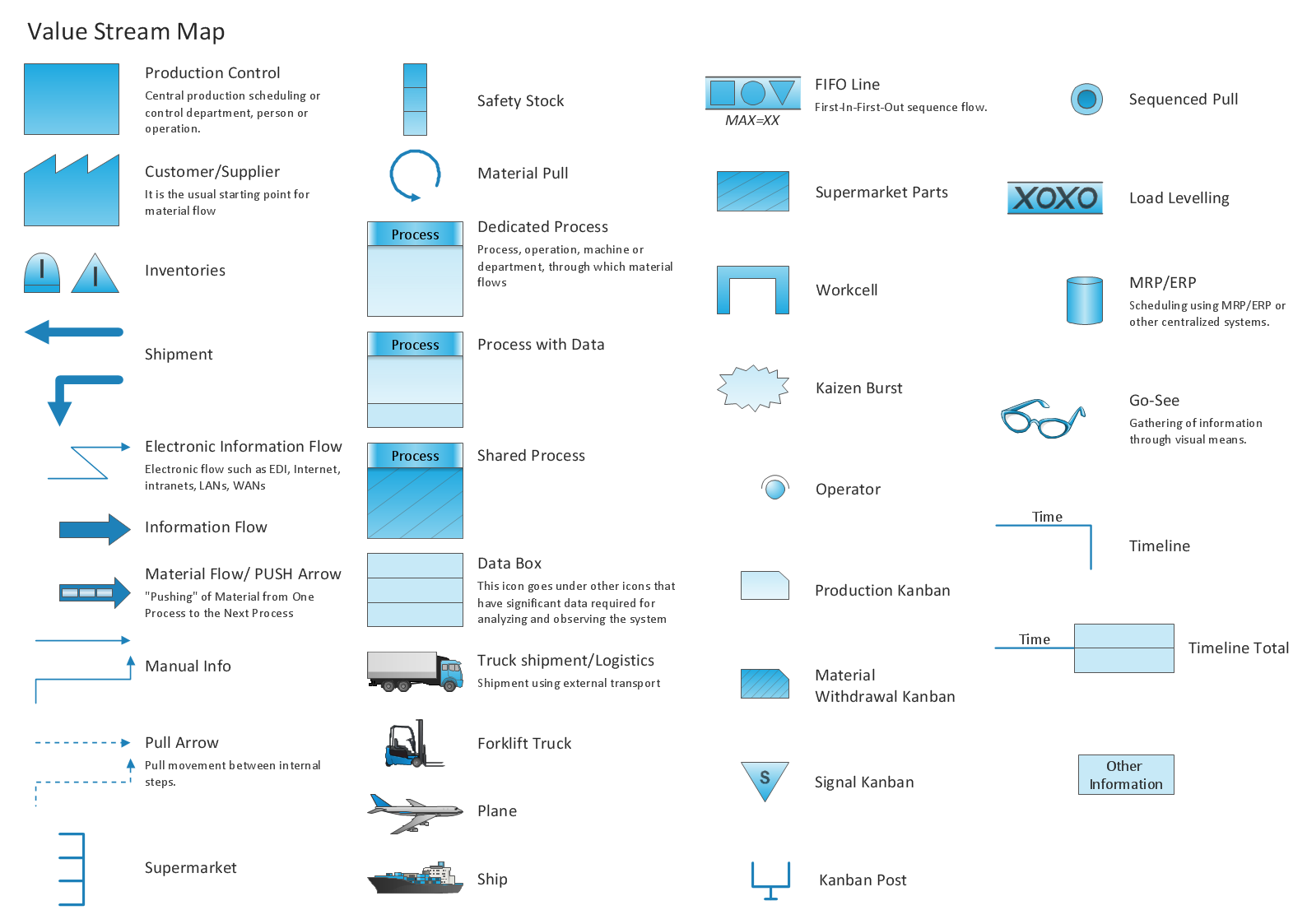
Use the Value Stream Map Solution for value stream mapping and for successful creating your own professional-looking Value Stream Maps.

All source documents are vector graphic documents. They are available for reviewing, modifying, or converting to a variety of formats (PDF file, MS PowerPoint, MS Visio, and many more graphic formats) from the ConceptDraw STORE. The Value Stream Map Solution is available for all ConceptDraw DIAGRAM users.



FOUR RELATED HOW TO's:
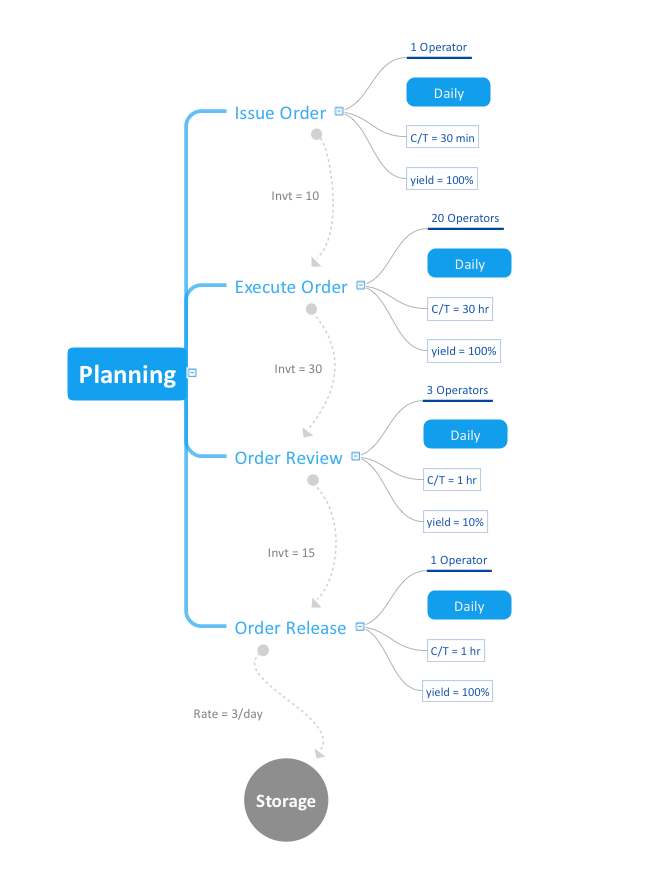
Create Quality Engineering Diagrams (value stream maps) - for value stream analysis and value stream management, material and information flow mapping, using our quick start templates included with ConceptDraw.Quality Engineering Diagrams *
Picture: Quality Engineering Diagrams
Related Solution:
If you ever wanted to try any diagramming tools except of Visio, but were afraid to lose existing documents, there’s good news for you. One of the most striking features of ConceptDraw DIAGRAM is it’s perfect compatibility with MS Visio, which guarantees that you won’t depend on operating system anymore, because another ConceptDraw DIAGRAM feature is that it’s cross-platform tool. Don’t waste your time looking for other options, you’ve found the solution already! Business professionals often utilize the MS Visio as a common tool for making various issues on business visualization. MS Visio is a strong software with good capacity to maintain complex business solutions. But there is no MS Visio for Apple OS X. This is a large invocation, and one would be pleased to recognize that ConceptDraw DIAGRAM is the ideal alternative to MS Visio. Primarily, because this software works natively on both Windows and Apple OS X platforms. if you have migrated from Windows to Mac, or need to communicate in a cross-platform conditions, you’ll search for MS Visio replacer. ConceptDraw DIAGRAM is the exclusive professional business diagramming application that runs on both Windows and Apple OS X. The opportunity exchange files between PC and Mac, as well as between ConceptDraw DIAGRAM and Visio is the significant advantage that permits you to display and to collaborate business information in effortless and cost-effective way.ConceptDraw DIAGRAM Compatibility with MS Visio *
Picture: ConceptDraw DIAGRAM Compatibility with MS Visio
Business Processes description with ConceptDraw. Business-processes it allows to describe functional blocks, for example production and marketing. ConceptDraw lets creation of business processes description using IDEF0 and IDEF2 methods.Business Processes description with ConceptDraw DIAGRAM  *
Picture: Business Processes description with ConceptDraw DIAGRAM
Related Solution:
Event-Driven Process Chain Diagrams for improvement throughout an organisation. ConceptDraw DIAGRAM - software that reduces the time needed to create a business process model.EPC for Business Process Implementation *
Picture: EPC for Business Process Implementation
Related Solution:
ConceptDraw
DIAGRAM 18