Made with
ConceptDraw
DIAGRAM 18

The Best Mac Software for Diagramming or Drawing

What is the Tool for Drawing Diagrams in Mac?

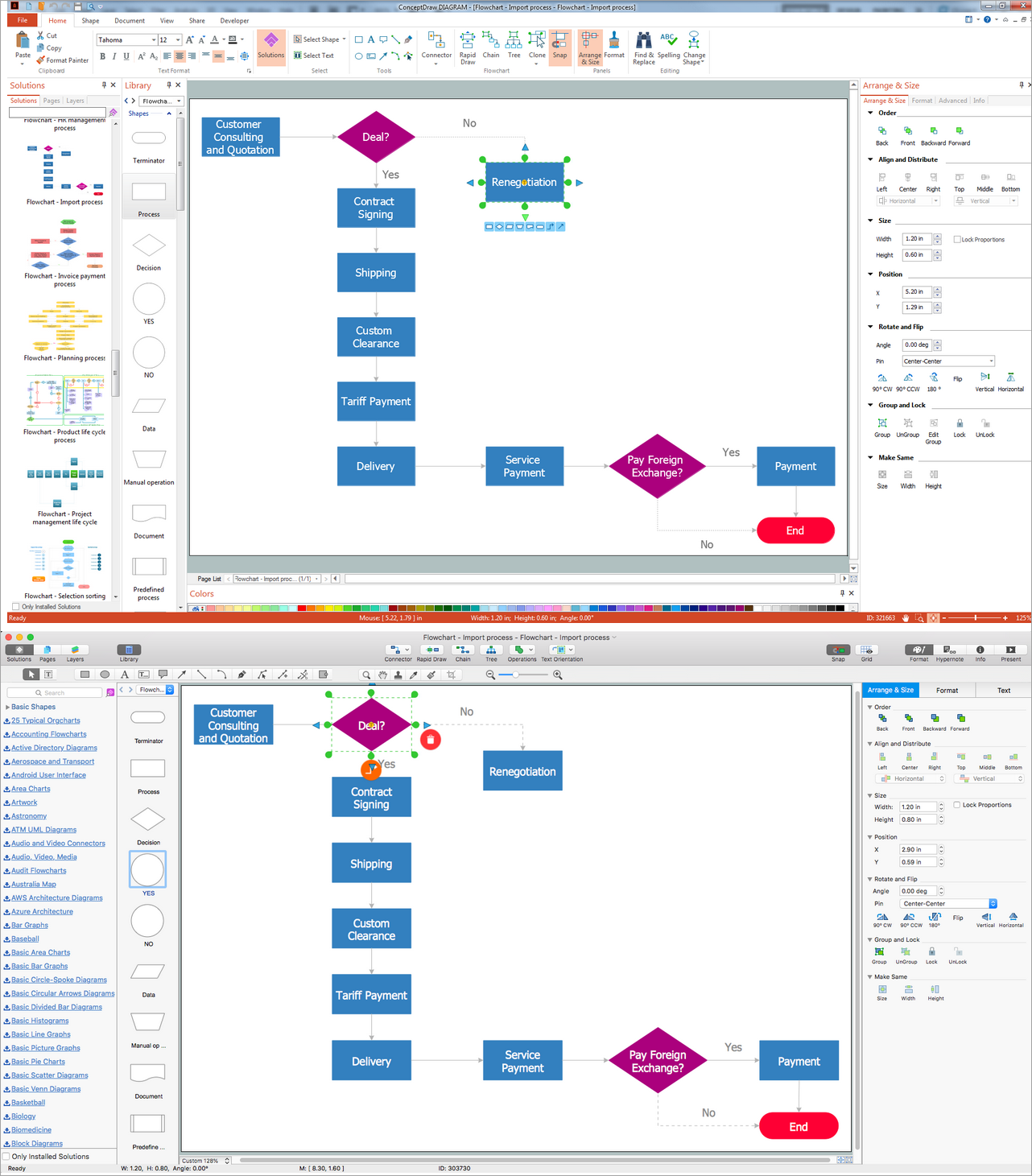
Do you need to make an amazing flowchart on your Mac? Diagram? Looking for the best MS Visio software, which you can use on your Mac, you can simply go for ConceptDraw DIAGRAM application, ensuring yourself in getting even better results of your drawing using it. The reason for ConceptDraw DIAGRAM software to be that popular is the solutions, developed for its users to have in order to create only professionally looking charts, flowcharts, diagrams, schemes, plans and maps. The pre-made examples and templates as well as the design elements from the stencil libraries of such solutions are meant to help you to make smart looking drawings within a very short period of time getting the needed result having all the necessary tools in only a few hours or even minutes, depending how good and familiar you are with the mentioned software.


The Best Mac Software for Diagramming or Drawing

Example 1. The Best Mac Software for Diagramming or Drawing

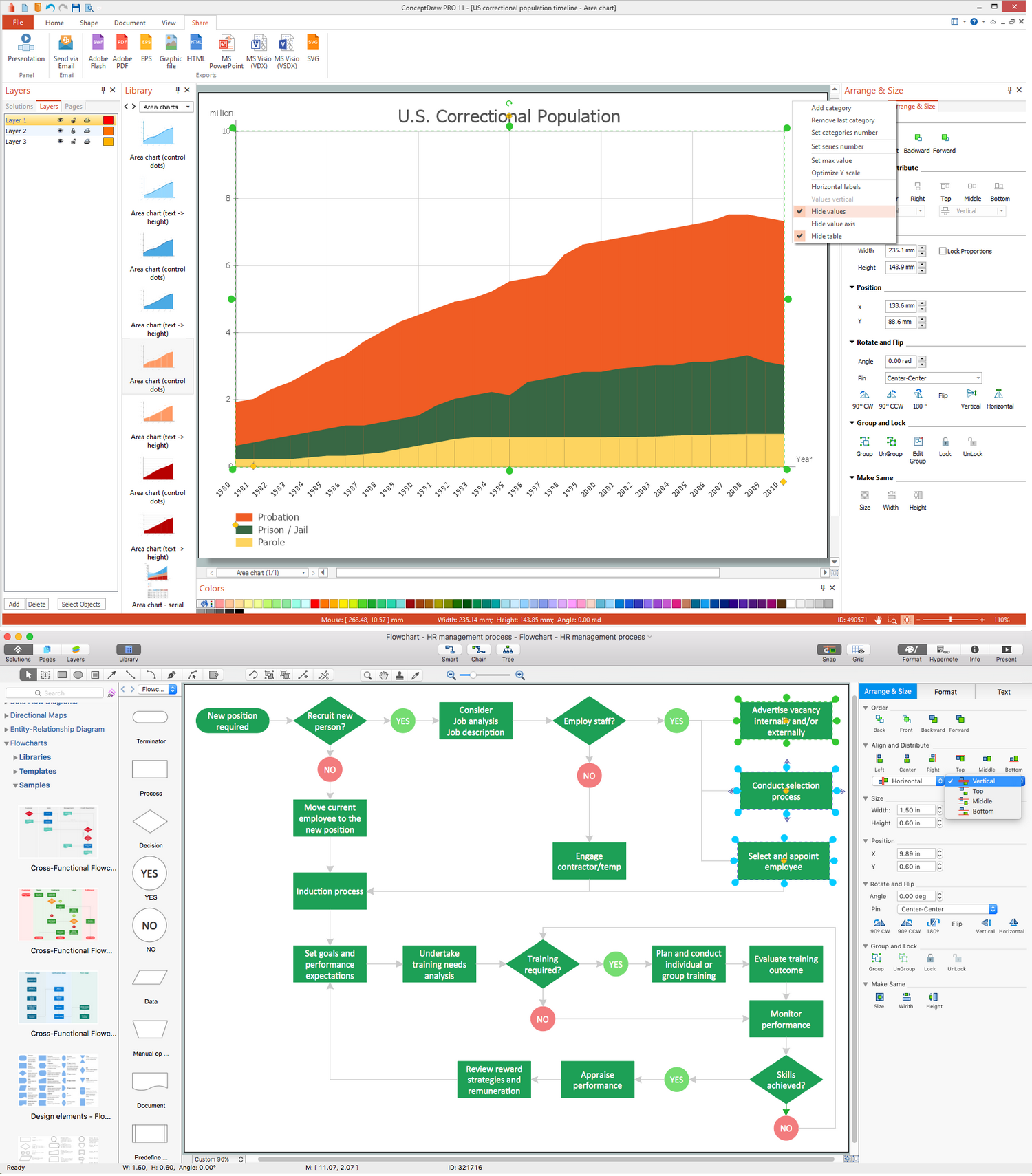
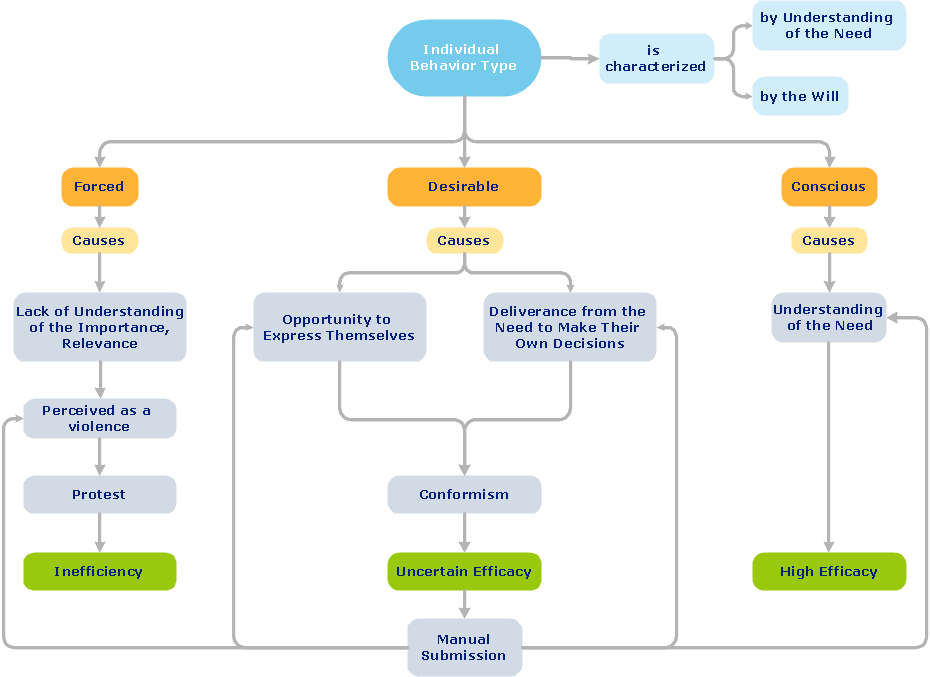
In order to draw your business communication ideas and concepts, the simple visual presentations of some numerical data, illustrating this data in a way of schematics is always better with the best diagrams drawing software – Concept Draw PRO. The list of the diagrams, which can be created with help of this tool is almost endless: flowcharts, block diagrams, bar charts, histograms, pie charts, divided bar diagrams, line graphs, area charts, scatter plots, circular arrows diagrams, Venn diagrams, bubble diagrams, concept maps and many other diagrams can be all made using ConceptDraw DIAGRAM block diagrams, line graphs, area charts and many more other charts and flowcharts diagramming software.
The Best Mac Software for Diagramming or Drawing

Example 2. The Best Mac Software for Diagramming or Drawing

As an example of what can be created with help of ConceptDraw DIAGRAM application, we want to mention the ER- diagram, which is well known and commonly used Entity-Relationship Diagram. The components for drawing such ER diagram are all there in our stencil libraries of the “Entity-Relationship Diagram (ERD) Solution”, and being an experienced user of ConceptDraw DIAGRAM will take you only about 10 or 15 minutes to create any ERD using the provided samples. Once you are not as experienced with the mentioned software, then it may take a little bit longer for the first time, but still our pre-made samples and templates will be very useful for you, simplifying your work of creating the needed diagrams. Thus, the Entity-Relationship Diagram (ERD) Solution for ConceptDraw DIAGRAM allows you to create your own Entity-Relationship Diagrams of any complexity quickly, simply and effectively.

The mentioned Entity-Relationship Diagram (ERD) solution can be found and downloaded from ConceptDraw STORE application, extending the ConceptDraw DIAGRAM ector graphics and diagramming software with the ability of drawing your own entity-relationship diagrams using both Chen's or/and Crow's Foot notations, offering two stencil libraries with numerous pre-designed ER-icons, which are “ERD, Chen's Notation” and “ERD, Crow's Foot Notation” libraries.
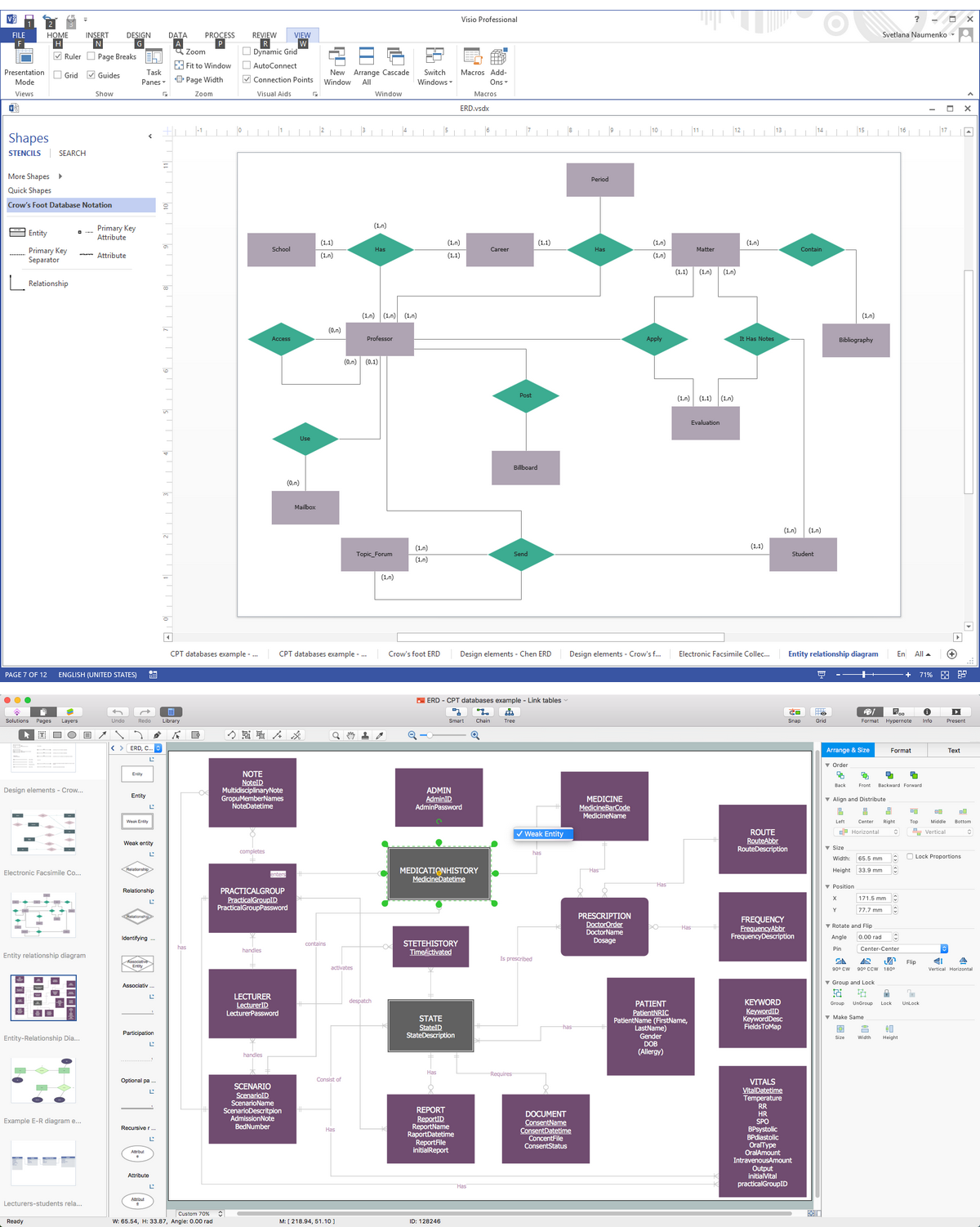

The Best Mac Software for Diagramming or Drawing - ERD

Example 3. ERD Diagrams in MS Visio and ConceptDraw

Data flow diagram is also a very well-known as well as commonly used representation of data, with help of which you can represent any data flow in a system. Data Flow Diagrams (DFD) are a great part of the Structured Systems Analysis and Design Methodology, being consisted of so many different components, such as processes and functions, representing the actions happened in information system. There are the external entities mentioned within this drawing, which represent the data ingoing to and outgoing from in the system. The illustrated data depositories on the mentioned diagram represent places in the system, where data can be saved for a definite period of time and the represented data flows indicate the directions as well as a character of data, flowing within the considered information system.

The main data flow diagram elements are: processes, data flow, external entities and data store. So called “Yourdon — de Marco notation” is the one, being widely used for representation of the Data Flow Diagram objects. The design objects, which can be used for creating the Data Flow Diagrams, can be interpreted in a way of processes transforming the input data flows into the output data flows. Such design objects all can be found in the Data Flow Diagrams Solution to be very useful for those who intend to make great looking, professionally as well as smart looking data flow diagrams while working in ConceptDraw DIAGRAM data flow diagramming software.
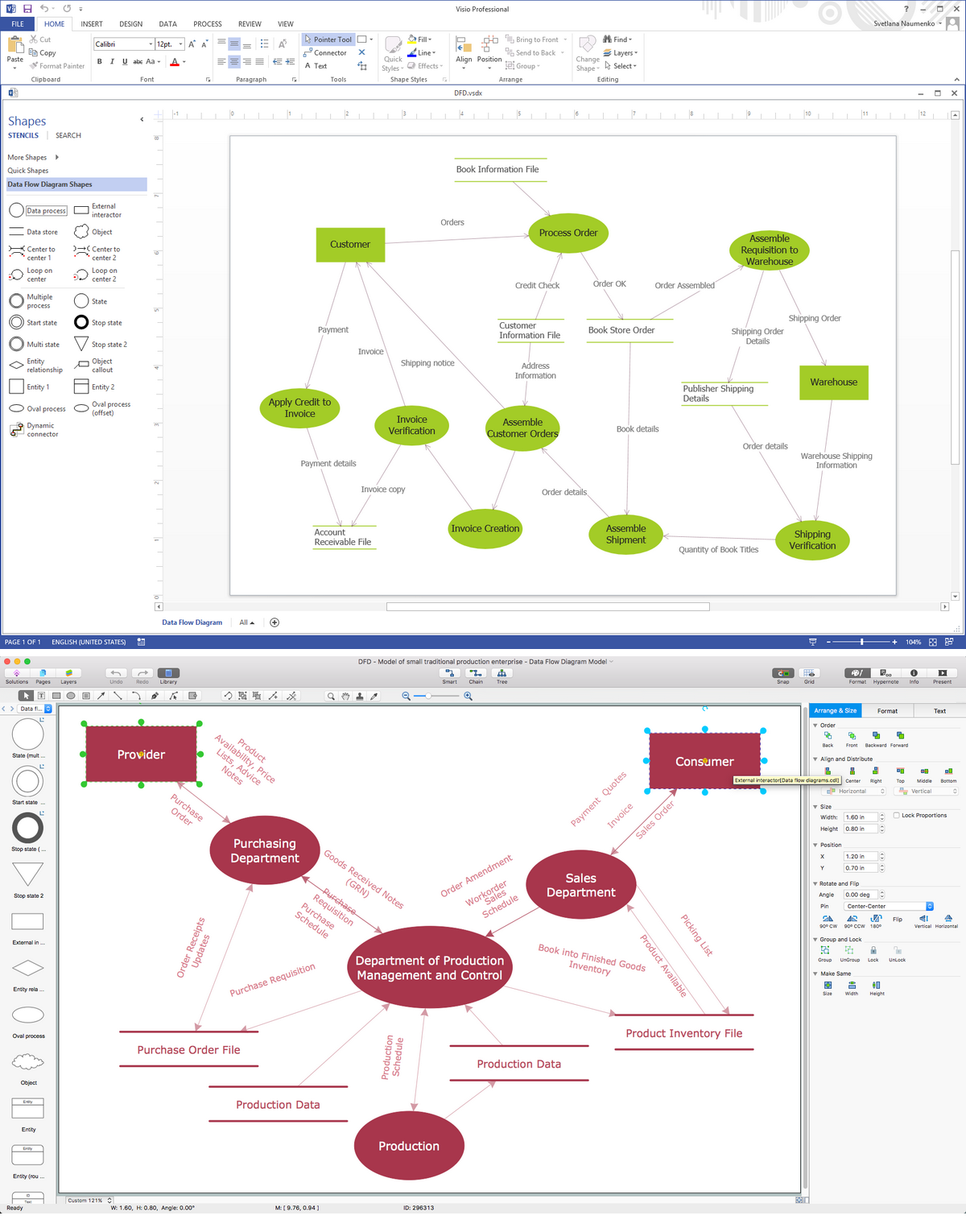

The Best Mac Software for Diagramming or Drawing - DFD

Example 4. DFD Diagram in MS Visio and ConceptDraw

Apart from the diagrams, there are also very many different types of flowcharts which also can be created within the best flowcharts and diagrams drawing software — ConceptDraw DIAGRAM Thus, the Basic Flowchart, which is often being used for defining as well as documenting the basic work and data flows in production, quality and financial management processes in order to increase the efficiency of so many different spheres of business activity, can be simply created in ConceptDraw DIAGRAM basic flowchart software suing the Flowchart solution.

The Business Process Modelling Diagram is a simple graphical representation, used for specifying the numerous business processes in a workflow as well as the Process Flowchart (also known as the “system flow diagram” or “SFD”), used to show the relationships between the major parts of the system, can be made with the existing tools, which ConceptDraw STORE, as another CS Odessa product, provides in its Solutions.

Another type of diagrams that can be made in the best flowchart maker — ConceptDraw DIAGRAM — is a Process Flow one, which presents a range of symbols representing different appliances. It can be created with all provided necessary design symbols as well as design elements from the stencil libraries from Solutions, depending on what exactly you need to create and in what way it should look like. The mentioned design elements are meant to be used for making many different flowcharts and diagrams, including the “Cross Functional Flowchart”, which is often used to show the relationship between some business processes as well as the functional units (such as units or departments responsible for such business processes to be managed in an appropriate way).


TEN RELATED HOW TO's:
This example shows the computer network diagram of the guesthouse Wi-Fi connection to the Internet. On the diagram is displayed the arrangement of the WLAN equipment that provides the Wi-Fi (Wireless Fidelity) access to the Internet on the guesthouse territory. This sample was created in ConceptDraw DIAGRAM diagramming and vector drawing software using the Computer and Networks solution from Computer and Networks area of ConceptDraw Solution Park.Guesthouse Network. <br> WIFI network to my guest house *
Picture: Guesthouse Network. WIFI network to my guest house
Related Solution:
Studying informatics demands knowledge in the area of computer networks as well. The most famous world network, Internet, is an example of wide area network (WAN) topology that connects devices spread on any distance. Unlike other smaller networks that are limited to a building or to a campus, WAN is almost limitless. This WAN (wide area network) diagram was created in ConceptDraw DIAGRAM. It shows a telecommunication network that covers a large geographical area connecting several settlements. This type of networks is commonly used by business and government institutions. Using the WANs enables them quickly communicate information between remote geographical points. To reproduce this network diagram, you will need the means, provided by ConceptDraw Computer and Network Diagrams solution.Wide area network (WAN) topology. <br>Computer and Network Examples *
Picture: Wide area network (WAN) topology. Computer and Network Examples
Related Solution:
ConceptDraw helps you to start designing your own UML Collaboration Diagrams with examples and templates.Diagramming Software for Design <br>UML  Collaboration Diagrams *
Picture: Diagramming Software for Design UML Collaboration Diagrams
This diagram represents the electrical floor plan. This is a common practice - to draw the electrical plan on the floor plan. The outlets, fixtures and other electrical equipment are depicted on the floor plan with special symbols. This drawing was created using the possibilities of ConceptDraw DIAGRAM as CAD software. Computer-aided design software is intended to replaces manual engineering drafting with an automated process. CAD software is used by engineers, architects, and others to make high-precision technical drawings and illustrations. CAD software allows technical specialists to develop, examine and manage various engineering projects. It is almost impossible nowadays to imagine mechanical engineering without digital technologies. Finding a suitable CAD software for creating mechanic diagram and electrical diagram architectural designs can take a lot of time and effort. However, with ConceptDraw DIAGRAM you can create any diagram that you want and later convert it to the most popular graphic formats like.vsdx,.png,.pptx etc.ConceptDraw DIAGRAM software for making mechanic and electrical diagrams for architectural design
Picture: CAD Drawing Software for Making Mechanic Diagram and Electrical Diagram Architectural Designs
Related Solution:
Automatically create a presentation-quality diagram in one click with ConceptDraw DIAGRAM.Visual Presentations Made Easy <br>with Diagramming Software *
Picture: Visual Presentations Made Easy with Diagramming Software
Related Solution:
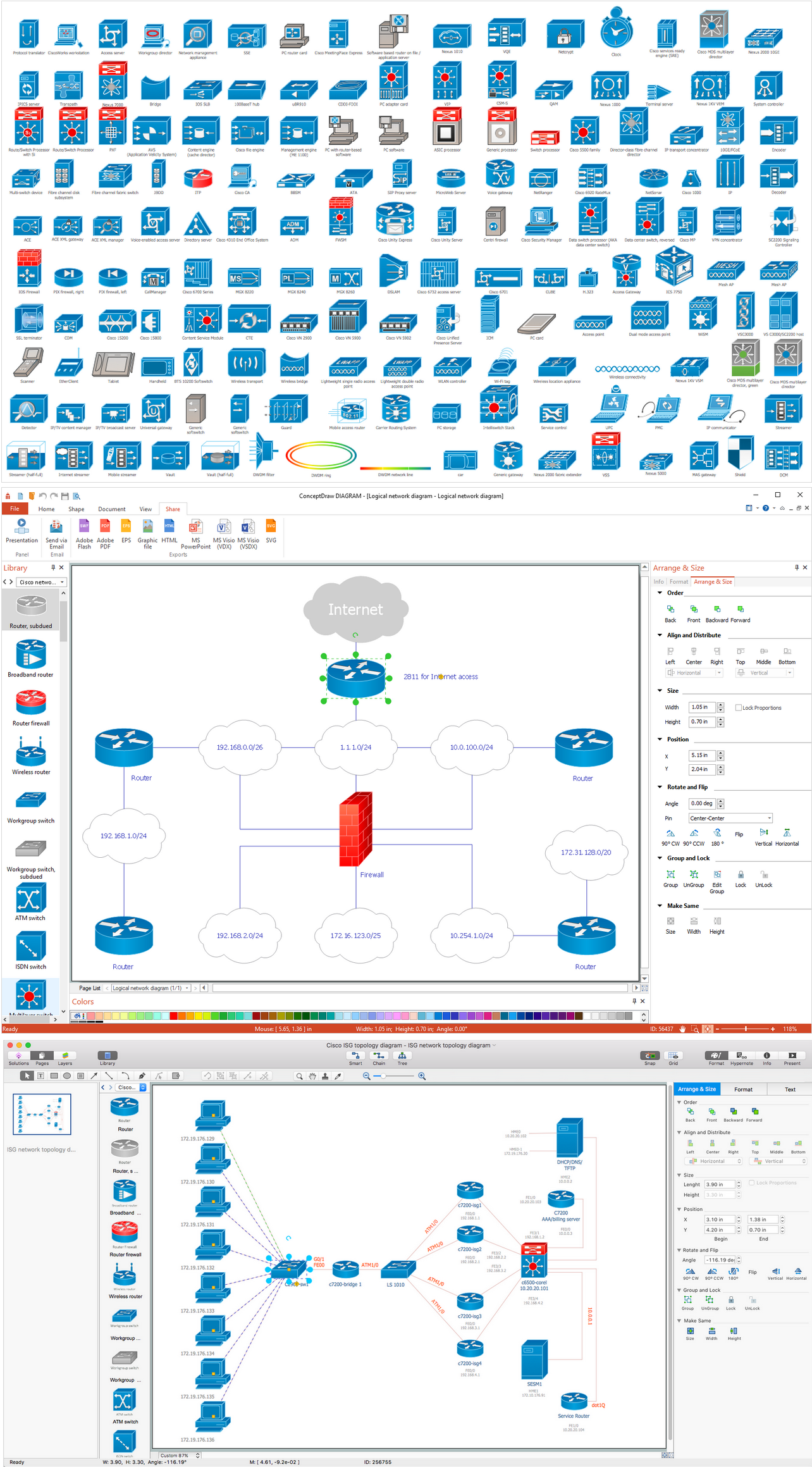
Of course it is possible to keep network records in text documents, but it is very difficult to use them later. A more sound way to keep such documentation is to create a network diagram that might represent either logical network structure or physical. These diagrams are easy to understand and you will thank yourself later. There is a physical network diagram. It is a tool to represent, maintain and analysis of network equipment and interconnections. Network diagram depicts the actual network information in the attractive clear graphic form. One can learn here the LAN cable length, telecommunication type and carrying capacity. The diagram depicts servers, IP address and domain name as well. Also it shows location of hubs, switches, modems, routers, and other network equipment. The sets of special symbols and images delivered with ConceptDraw Network Diagrams solution are used to show network components. Symbols have a standard view. Therefore, various specialists can read the network diagram without any discrepancies.Network diagrams with ConceptDraw DIAGRAM  *
Picture: Network diagrams with ConceptDraw DIAGRAM
Related Solution:
It’s a challenge for any administer to set a brand new corporate network. Talking about network parameters, we should mention that network layout is important for network efficiency and reliability. After the budget is accepted, you need to make a network topology draft. The diagram of computer network layout is a tool of IT specialists and corresponding departments of diversified organizations. Also the responsibilities of any network or system administrator include making network layout diagrams, since they are important piece of any network documentation package. ConceptDraw solution for networking and diagramming offers more than 1000 vector object, composed into the 40 libraries that are designed to to getting started with making professional network layout diagrams.Network Layout *
Picture: Network Layout
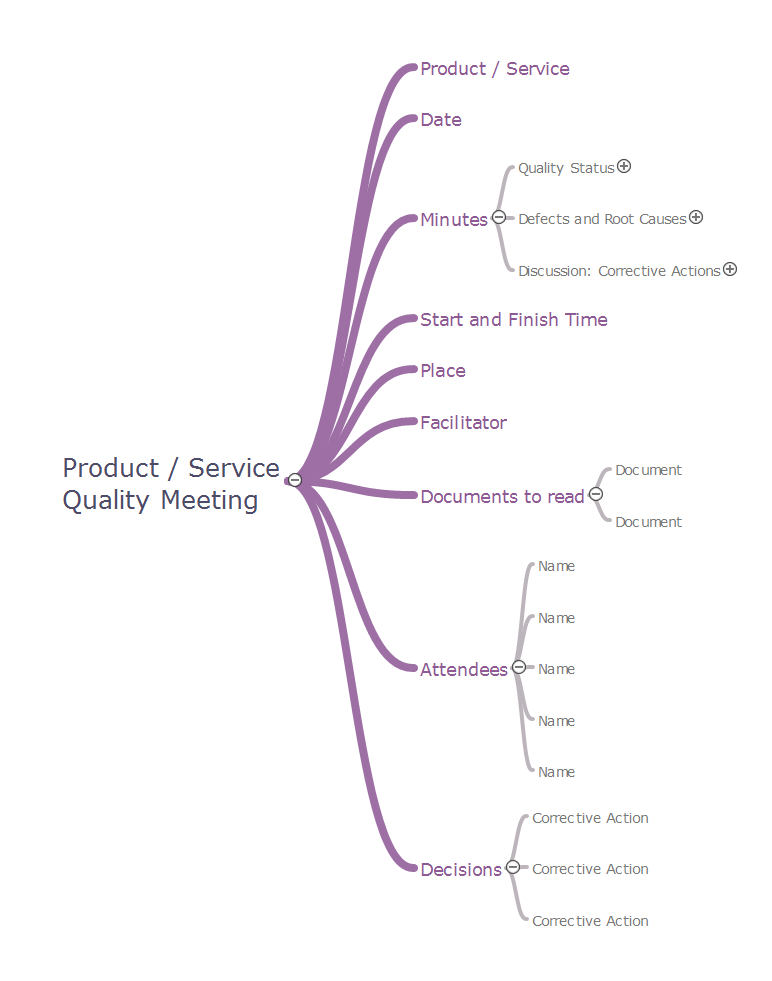
If you have no time, you can create a SWOT diagram even on asphalt using a chalk. Although, in case you want a proper scheme, you should use a special software for creating SWOT analysis diagrams that would be comprehensible. SWOT analysis is useful not only for business purposes, but even for cities or for a particular person. The ConceptDraw SWOT and TOWS Matrix Diagrams solution is a tool for performing both SWOT and TOWS analysis. It provides templates of different sorts of Matrix Diagrams. Besides different embedded templates, the solution enabling create custom SWOT and TOWS matrices. Using the compatibility between the MINDMAP and DIAGRAM is the best way of making SWOT or TOWS diagrams quickly. The mind map templates help identify the core statements of SWOT and TOWS analysis: Strengths, Weaknesses, Opportunities, and Threats. The next step is matrix creation - both SWOT and TOWS analysis use the same basic steps and the only difference is the order in which these criteria are studied.Software for Creating SWOT Analysis Diagrams *
Picture: Software for Creating SWOT Analysis Diagrams
Related Solution:
Learn about Virtual Private Networks (VPNs), and how they work, exploring VPN Networks with diagrams. ✔️ How to create VPN flowcharts using the ConceptDraw DIAGRAM software?Virtual private networks (VPN). <br>Computer and Network Examples *
Picture:
What is a Virtual Private Network?
VPN Diagram Examples
Related Solution:
The Total Quality Management Diagram solution helps your organization visualize business and industrial processes. Create Total Quality Management diagrams for business process with ConceptDraw software.Create TQM Flowcharts for Mac *
Picture: Create TQM Flowcharts for Mac
Related Solution:
ConceptDraw
DIAGRAM 18