Made with
ConceptDraw
DIAGRAM 18

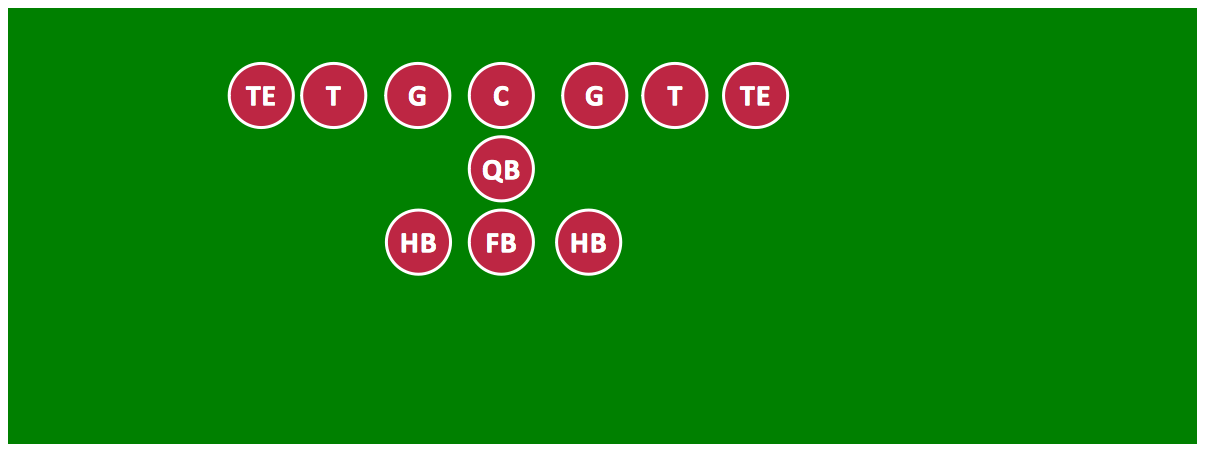
Offensive Formation – T-Formation – Diagram

"The T formation is the precursor to most modern formations, in that it places the quarterback directly under center (in contrast to its main competitor of its day, the single wing, which had the quarterback receiving the ball on the fly). It consists of three running backs lined up in a row about five yards behind the quarterback, forming the shape of a T. It may feature two tight ends (known as the Power T) or one tight end and a wide receiver (in this case known as a split end)." [Wikipedia]

Visual depiction of American Football schemas is key secret to successful understanding game details. Offensive and defensive formations can be easily drawn using ConceptDraw DIAGRAM software enhanced with the Football solution from the ConceptDraw Solution Park.

A combination of the "Football Fields" and "Football Positions" libraries gives you an ability to create a football-related drawing in seconds. Follow next steps to create you own football schema:

  • From the "Football Fields" library drop a field object to your document
  • From the "Football Positions" library drop all positions object you need to your document
  • Place positions on the field according to your drawing idea
  • Add arrows or text labels if needed.

All drawings, schemas and diagrams created in ConceptDraw DIAGRAM are scalable vector graphics that allows use it for any kind of presentation needs. The fastest way to perform presentation is using F5 button. Your drawing appears in Full Screen Mode, each page becomes a separate slide, and you can switch between slides using Space button.
How to Deliver a Presentation on Windows Using Two Monitors
How to Deliver a Presentation on Mac Using Two Monitors
Offensive Formation – T-Formation – Diagram *

Sample 1. Football – Offensive Formation – T-Formation.

This diagram was created in ConceptDraw DIAGRAM using the "Football Fields" and "Football Positions" libraries from the Football solution. An experienced user spent 5 minutes creating this sample.

The samples you see on this page were created in ConceptDraw DIAGRAM using the Football Solution; they demonstrate a portion of the solution's capabilities and the professional results you can achieve.

All source documents are vector graphic documents. They are available for reviewing, modifying, or converting to a variety of formats (PDF file, MS PowerPoint, MS Visio, and many other graphic formats) from the ConceptDraw STORE. The Football Solution is available for all ConceptDraw DIAGRAM or later users.


SIX RELATED HOW TO's:
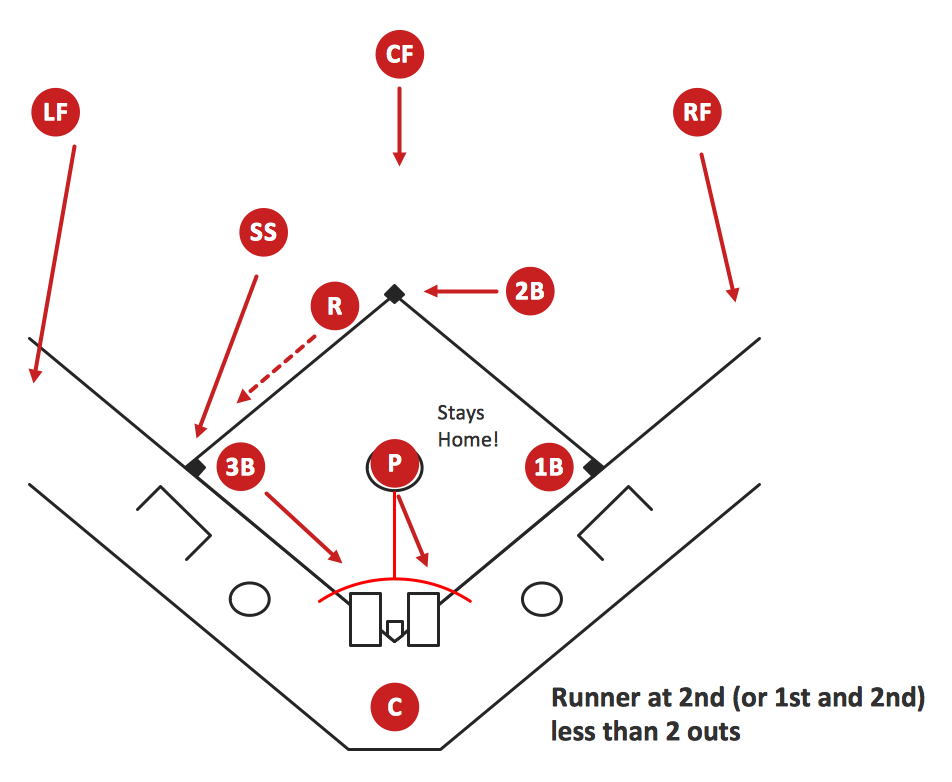
Extending ConceptDraw DIAGRAM software with the Baseball solution you receive a complete set of libraries, templates and samples allowing to draw baseball diagrams in seconds. You can start from a template, change positions and get ready diagram in some clicks.Baseball Diagram – Colored Baseball Field
Picture: Baseball Diagram – Colored Baseball Field
Related Solution:
Visual depiction is key secret to successful understanding baseball strike zone dimentions. Baseball strike zone diagram illustrated using ConceptDraw DIAGRAM software enhanced with the Baseball solution.Baseball — Pitching and the Strike Zone
Picture: Baseball — Pitching and the Strike Zone
Related Solution:
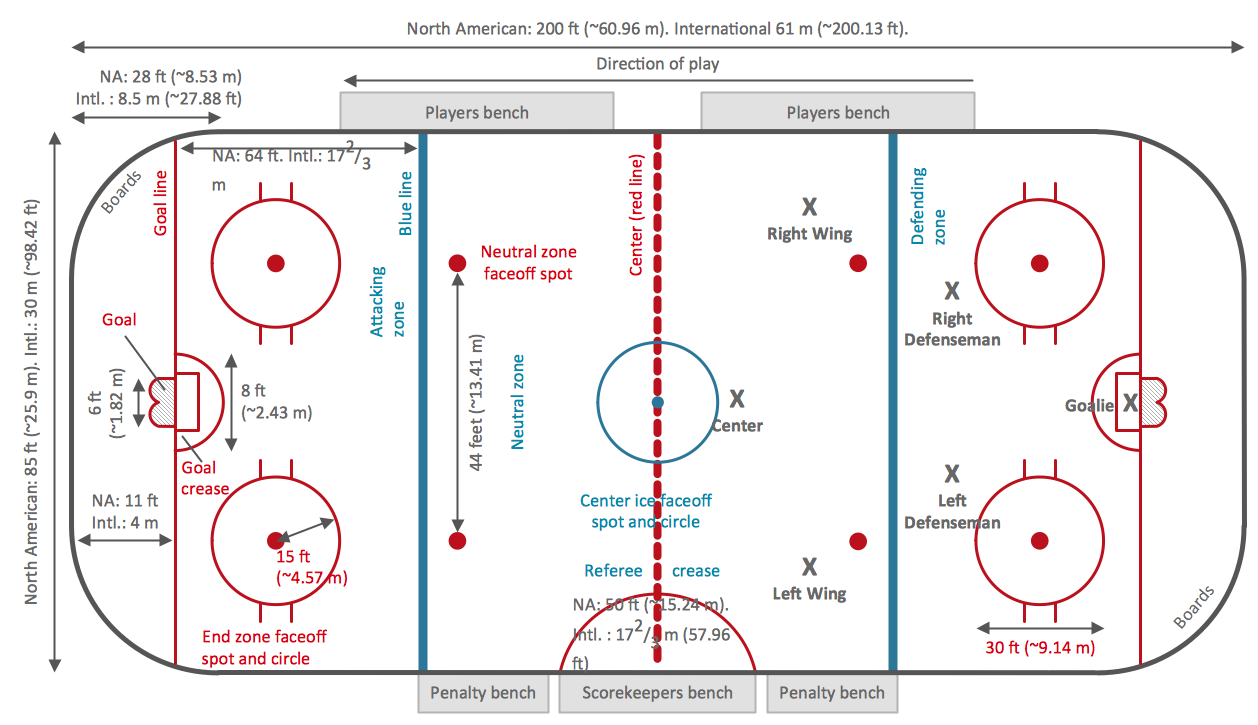
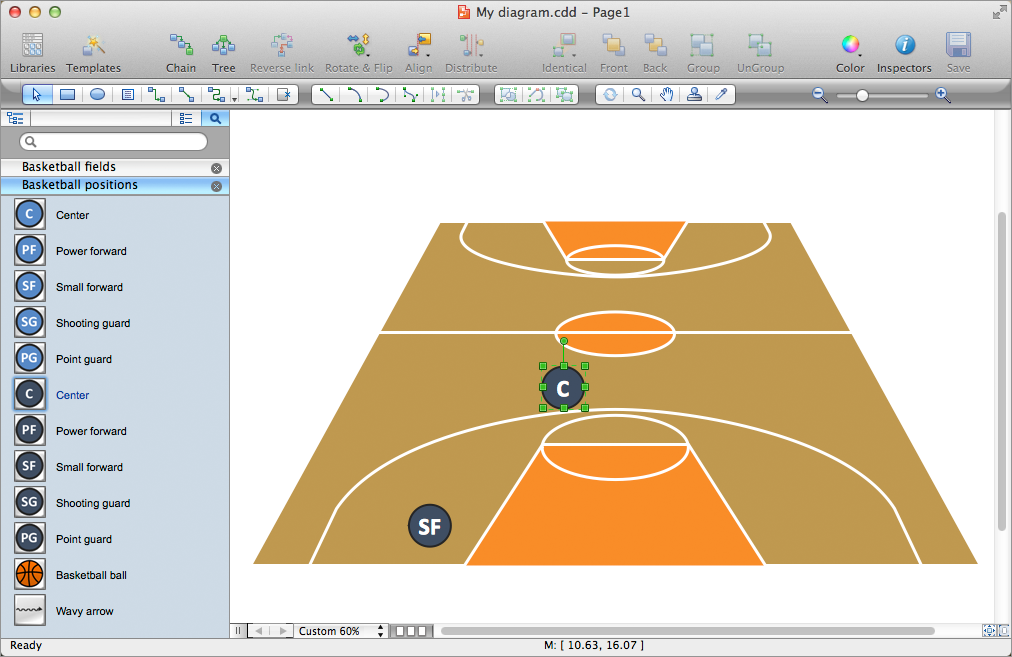
The art of arranging furniture and other decorations in space is called interior design. Some sites, like sport fields have tight restrictions in dimensions, but there's still a lot of work for a designer. You can help yourself to design such a plan with ConceptDraw DIAGRAM solution Sport Field Plans that contains elements of sport equipment and recreation plans. This drawing represents the set of vector graphic objects that compose the Sport fields and Recreation library, supplied by ConveptDraw Sport Fields Plans solution. It can be used for drawing interior designs and layouts of sport fields and recreation zones. By using ConceptDraw with Sport Field Plans solution you can create professional plans for different sport fields: basketball, volleyball, football, tennis, golf, etc. Moreover, the use of this solutions enables making a site plans including green zone, pools, parkings - in short, what makes the recreation area, that usually accompanies sports facilities.Interior Design. Sport Fields — Design Elements *
Picture: Interior Design. Sport Fields — Design Elements
Related Solution:
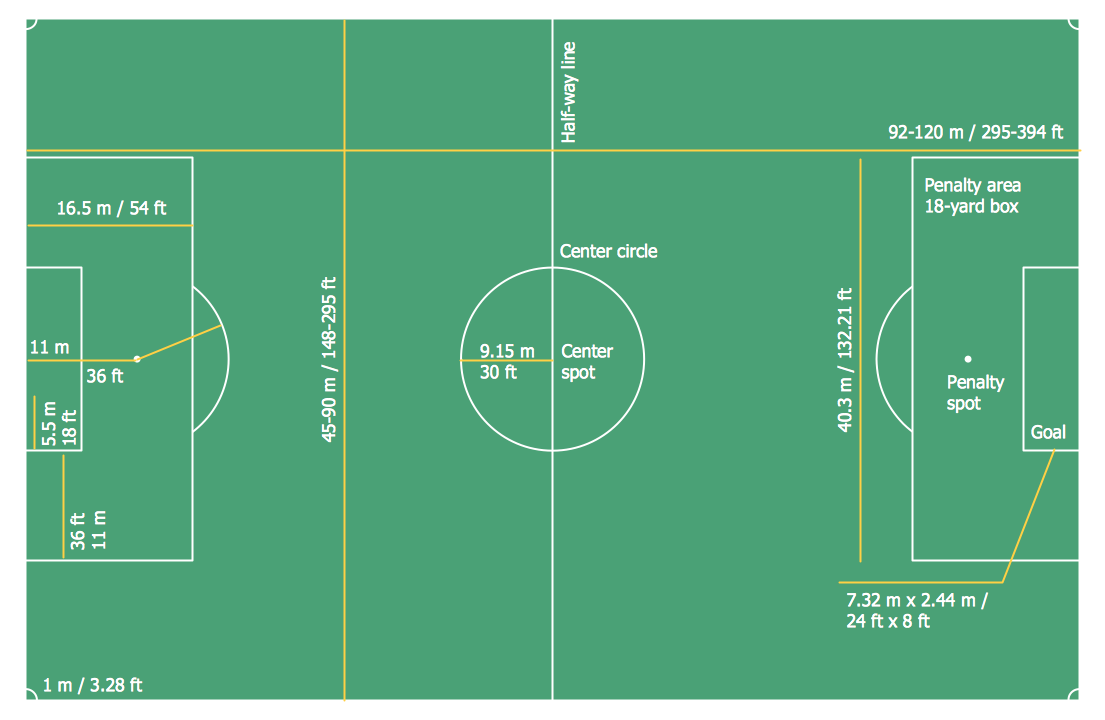
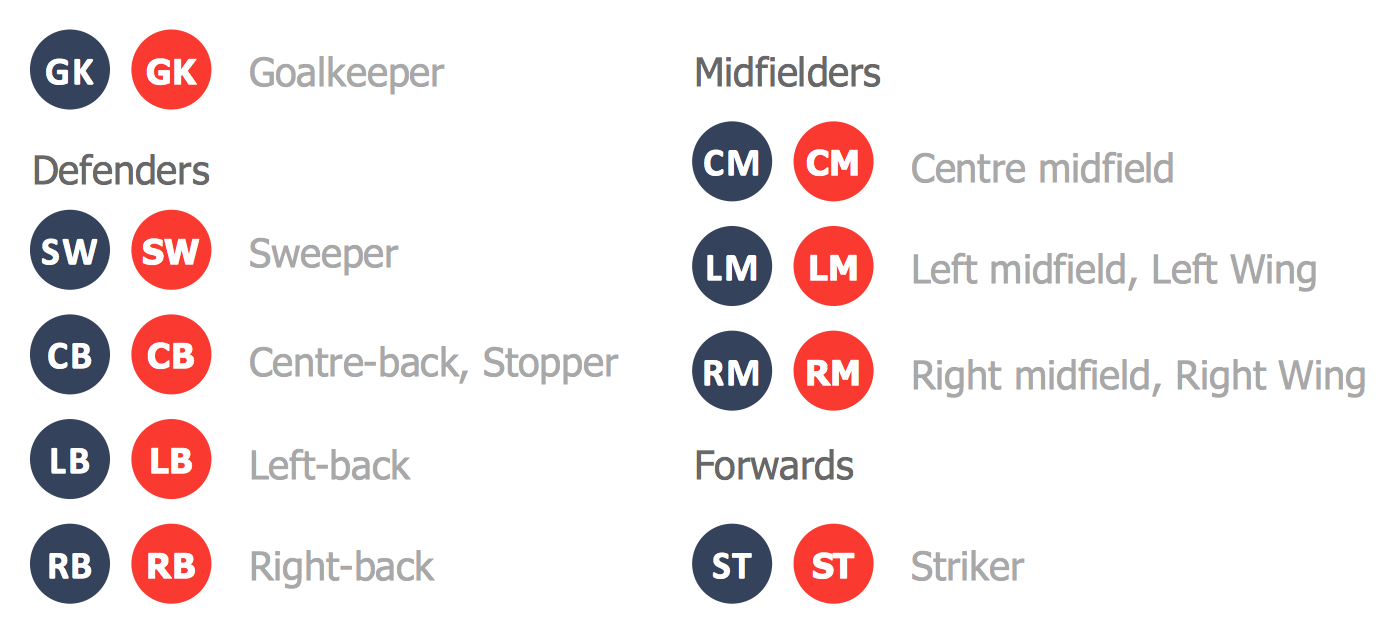
To quick and easy draw the diagrams with soccer (football) tactics, use the Soccer (Football) Fields and Soccer (Football) Positions libraries from the Soccer solution from the Sport area of ConceptDraw Solution ParkSoccer (Football) Tactics *
Picture: Soccer (Football) Tactics
Related Solution:
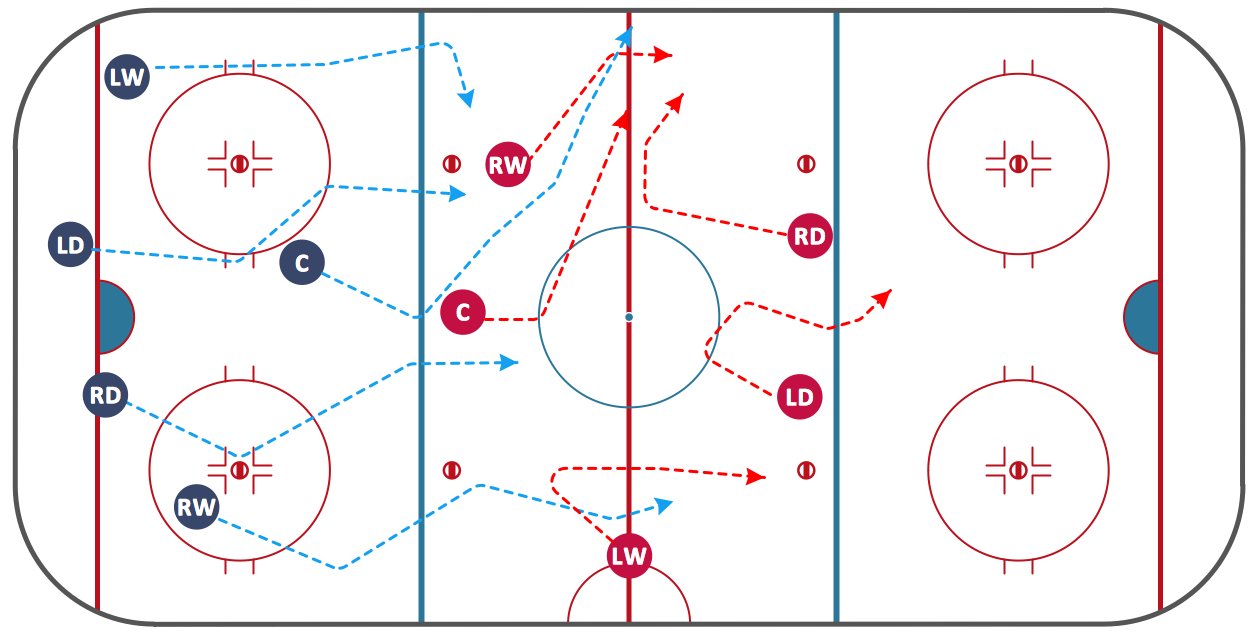
Do you like infographics and data visualization? Creating infographics is super-easy with ConceptDraw.Winter Sports.<br> Olympic Games Illustrations. Medal Summary *
Picture: Winter Sports. Olympic Games Illustrations. Medal Summary
Related Solution:
Creation of various types of Integration DEFinition (IDEF) diagrams - IDEF0, IDEF1X, IDEF2, IDEF3 and many other is a sufficiently complex process that requires powerful automated tools. ConceptDraw DIAGRAM diagramming and vector drawing software offers you such tool - IDEF Business Process Diagrams solution from the Business Processes area of ConceptDraw Solution Park.Integration Definition *
Picture: Integration Definition
Related Solution:
ConceptDraw
DIAGRAM 18