Building Drawing Software for Design Sport Fields
Everyone knows that to stay healthy and to feel good, strong enough, you need to do sport time to time, ideally - everyday. Having your own golf courses can make life much simpler, but not as many people are that rich and all they need is just to create the sport fields plans for their work being coaches or some other instructors. Once you face such problem to design your own sport field plan using the special vector elements, we can help you offering to download our software called CoceptDraw DIAGRAM, so you can do it in short terms finding the designing process simple as there is a new product we can provide you with called ConceptDraw STORE with lots of templates and samples as well as the libraries full of design elements you can use for any purpose. Sport Field Plan can be finished in only a couple of minutes having such sophisticated and special mature software. Use our samples to develop your site and to create your own floor plans for sport fields and areas for spa and recreation.
Design Elements
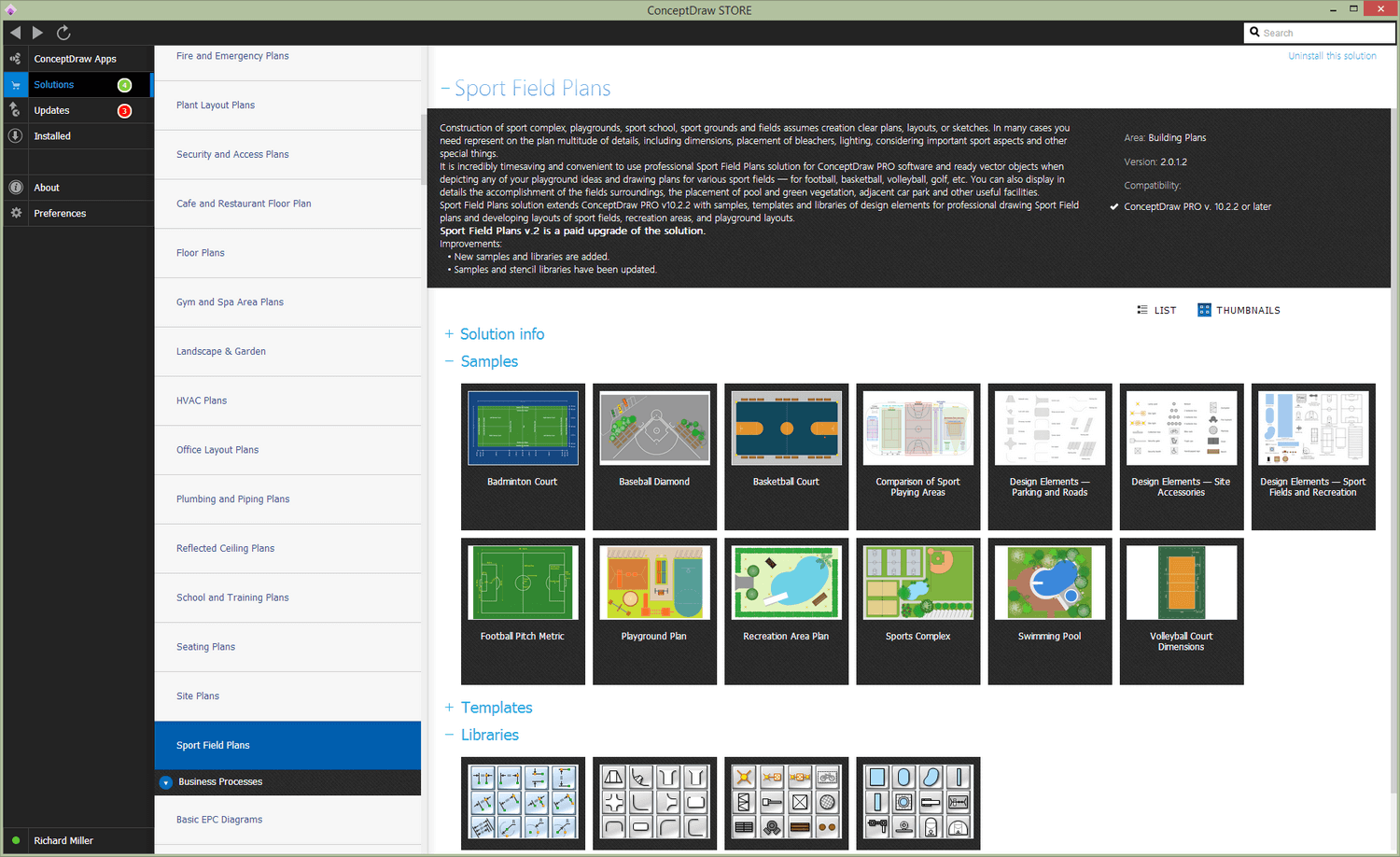
ConceptDraw has templates for designing Sport Field Plan. Use this template to develop the site and floor plans, design and layouts of sport fields and recreation areas.
ConceptDraw has 1493 vector stencils in the 49 libraries that helps you to start using software for designing Sport Field Plan. You can use the appropriate stencils from Sport Fields and Recreation library with 19 objects.

Sample 1. Building Drawing Software. Design Elements — Sport Fields
Solution Building Plans from ConceptDraw Solution Park provides vector stencils libraries with design elements for drawing Sport Field Plans.
Sample 2. Building Drawing Software. Design Sport Fields Plans
Use ConceptDraw DIAGRAM diagramming and vector drawing software enhanced with Building Plans Area to draw your own site and floor plans, design and layouts of sport fields and recreation areas.
TEN RELATED HOW TO's:
ConceptDraw DIAGRAM diagramming and vector drawing software extended with Specification and Description Language (SDL) Solution from the Industrial Engineering Area of ConceptDraw Solution Park provides powerful drawing tools for quick and easy creating well-designed FSM diagrams.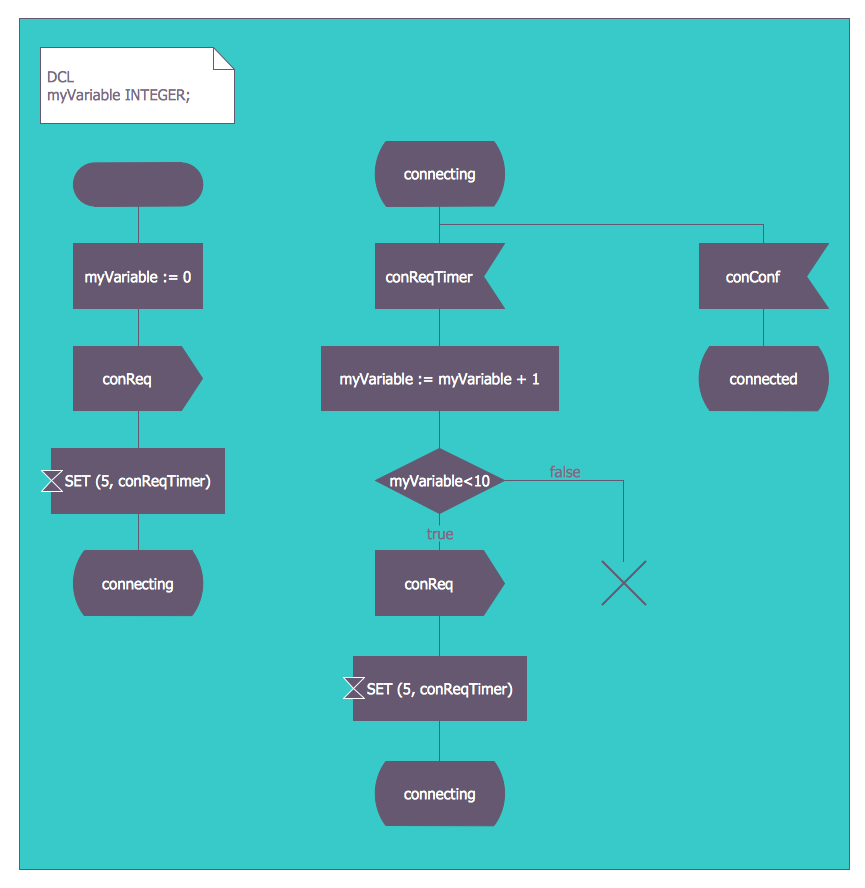
Picture: FSM — Finite-state Machine
Related Solution:
ConceptDraw DIAGRAM is a software for producing flow charts. The software delivers built-in object libraries with vector stencils that allows you to use RapidDraw technology. By clicking on direction arrows one can add a new object to flowchart. Users can start drawing their own flowchart diagrams in fast and simple way.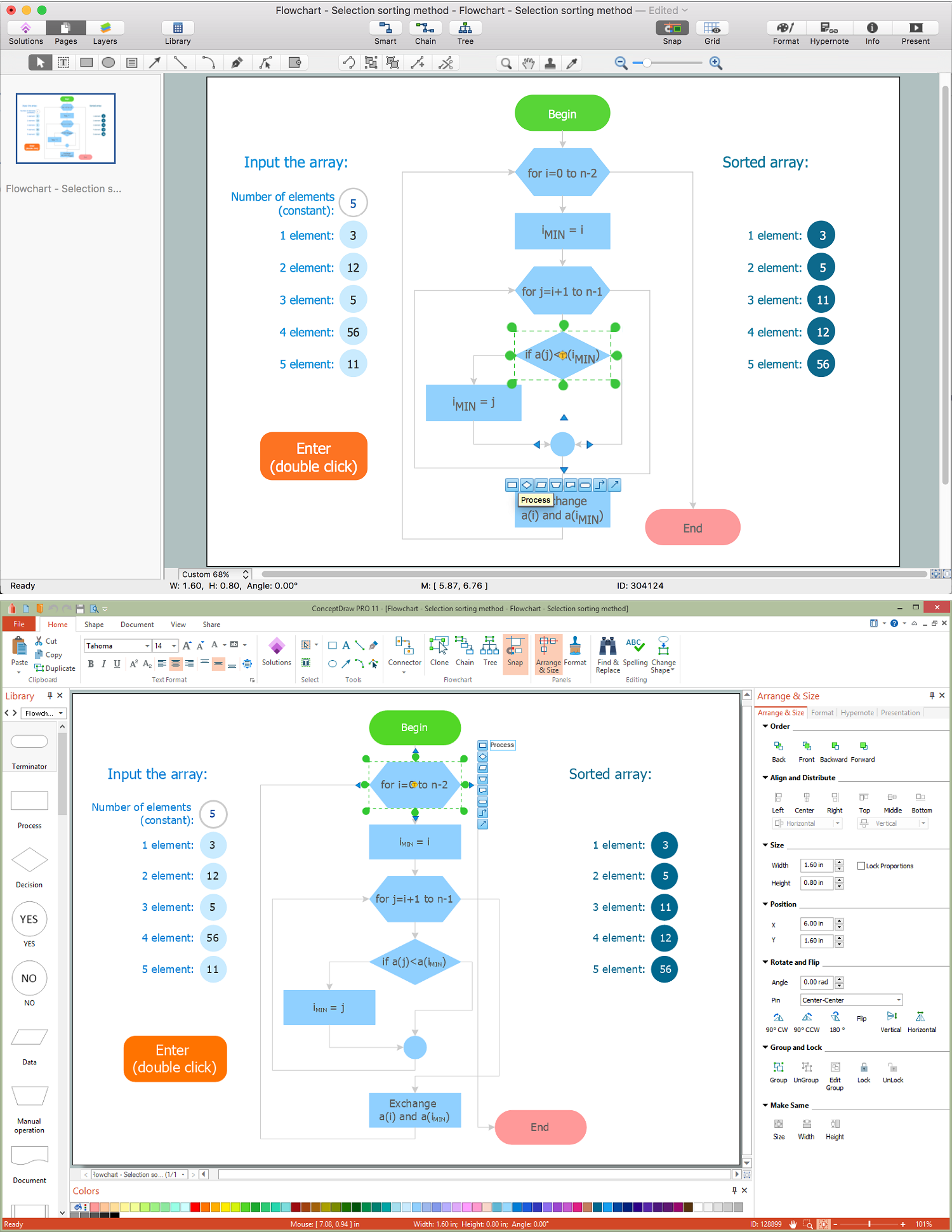
Picture: Diagram Flow Chart
Related Solution:
Design of any premises includes many stages and variety of plans. Ceiling plans are also included in this number. Reflected Ceiling Plans Solution from the Building Plans Area for ConceptDraw DIAGRAM software will help you represent and realize any of your ceiling ideas for living room.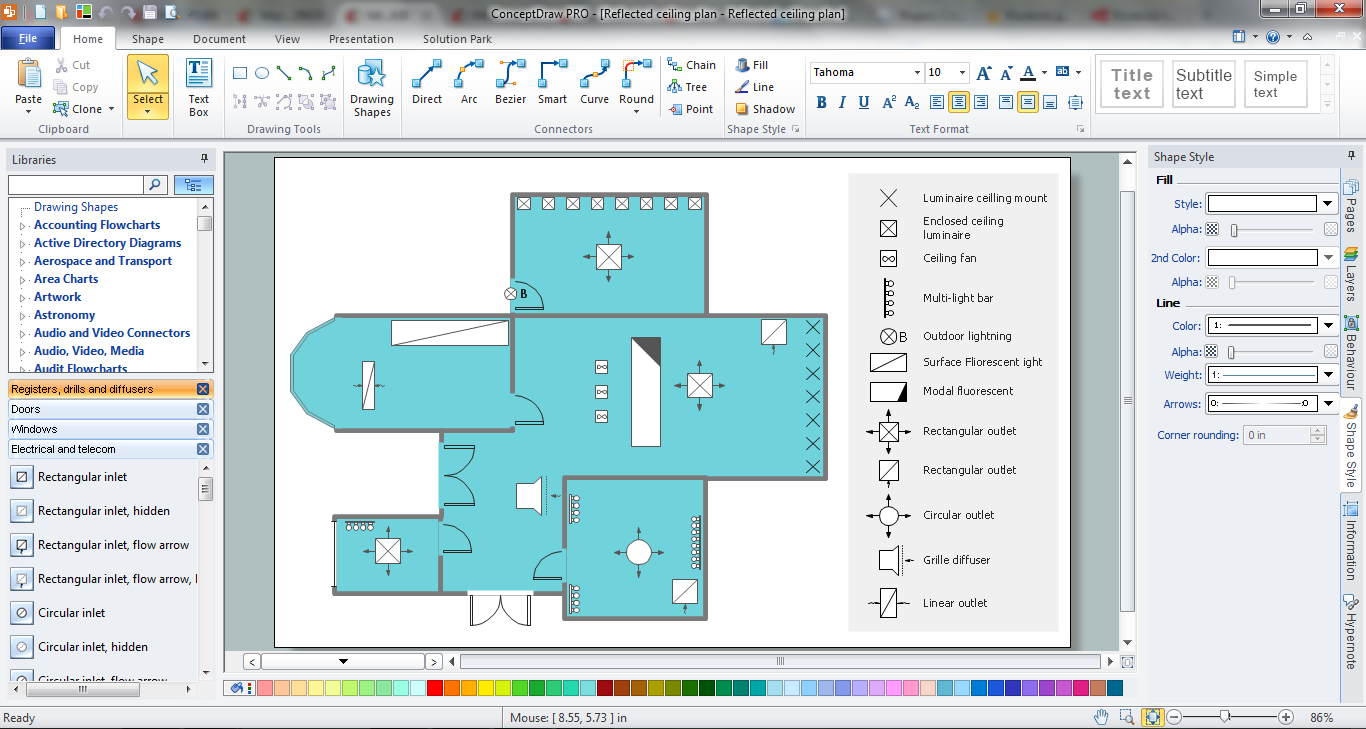
Picture: Ceiling Ideas For Living Room
Related Solution:
The building plans and premises layouts are obligatory for correct construction, repair and design any building, and especially office buildings. ConceptDraw DIAGRAM diagramming and vector drawing software extended with Office Layout Plans solution from the Building Plans Area of ConceptDraw Solution Park is a powerful Office Planning and Building Layout Software.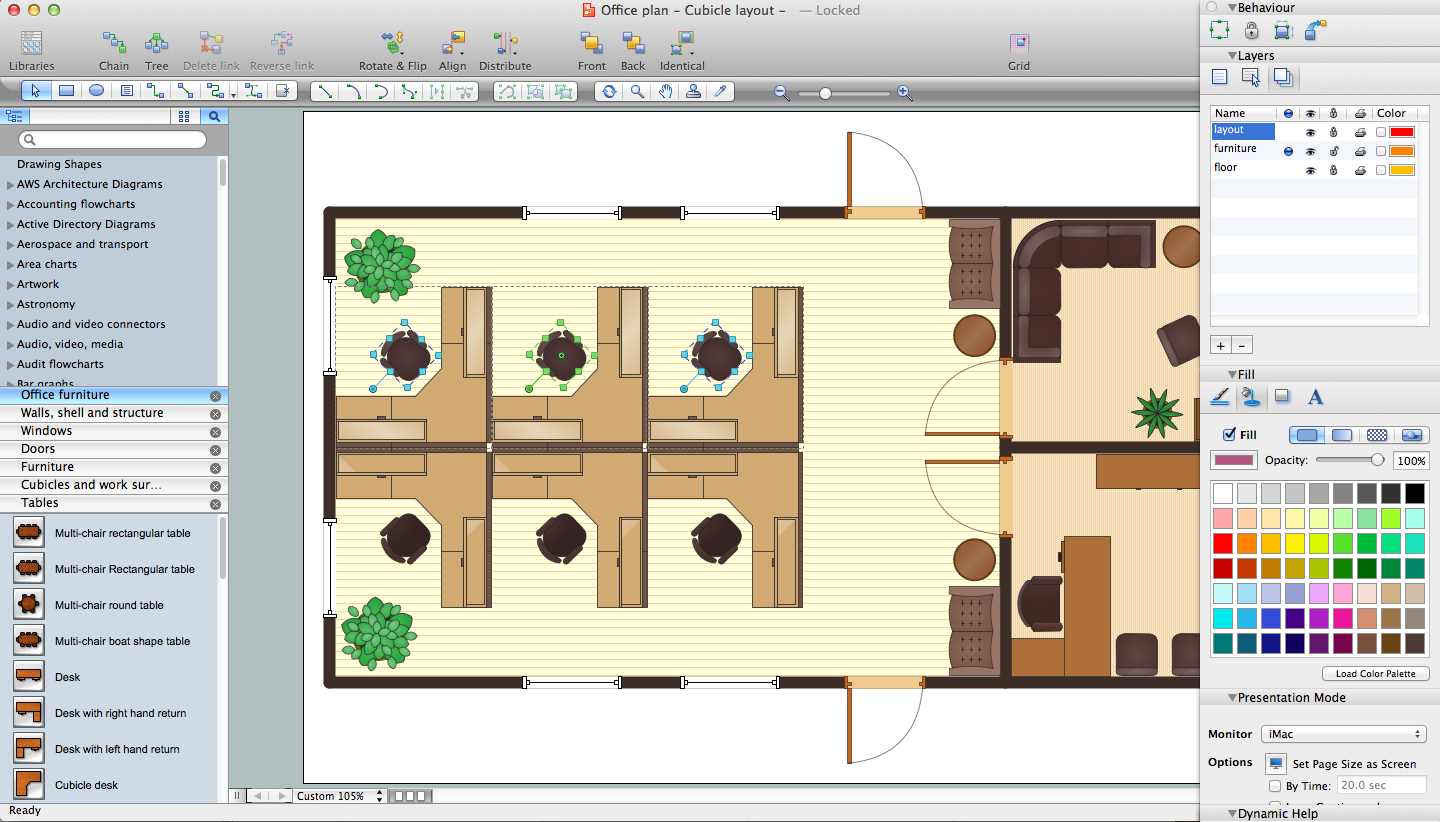
Picture: Office Planning and Building Layout Software
Related Solution:
No building project can exist without an electrical circuit map. It’s more convenient to develop electrical drawing with a proper software which would contain vector shapes and electrical symbols. This will help in the future if any problems appear.
This circuit diagram shows the scheme of a location of components and connections of the electrical circuit using a set of standard symbols. It can be use for graphical documentation of an electrical circuit components. There are many of different electric circuit symbols that can be used in a circuit diagram. Knowing how to read circuit diagrams is a useful skill not only for professionals, but for any person who can start creating his own small home electronic projects.
Picture: Electrical Drawing Software and Electrical Symbols
Related Solution:
Computer and Networks solution provides examples, templates and vector stencils library with symbols of local area network (LAN) and wireless LAN (WLAN) equipment.
This example shows the computer network diagram of the guesthouse connection to the Internet. You can see the needed equipment on the diagram and how it must be arranged to get the Internet in any point of the guesthouse.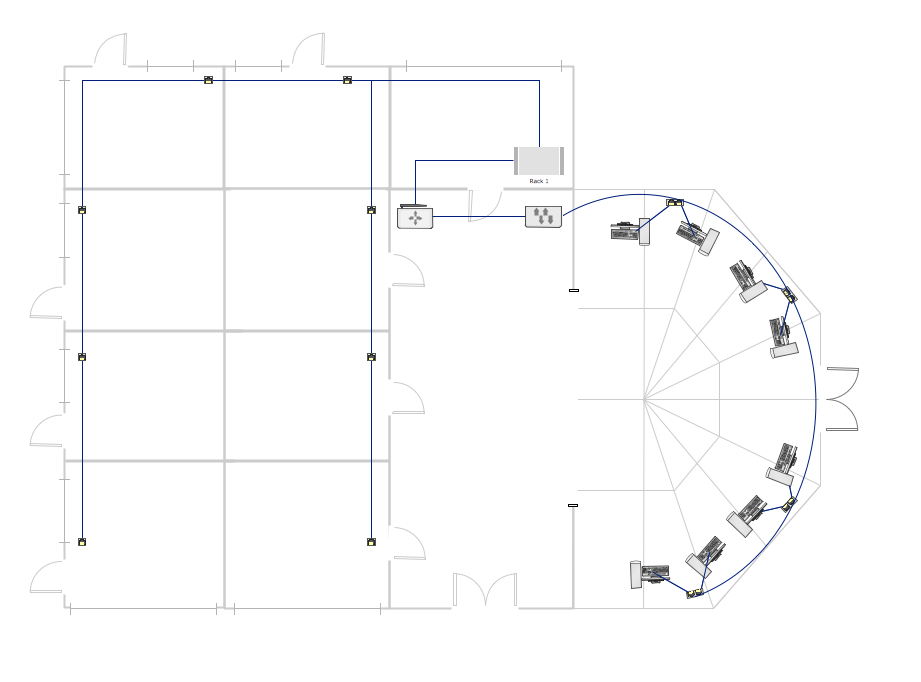
Picture: Guesthouse Network. How to get Internet in guest house
Related Solutions:
ConceptDraw DIAGRAM is a powerful diagramming and vector drawing software. Extended with School and Training Plans Solution from the Building Plans Area it became the best software for quick and easy designing various School Floor Plans.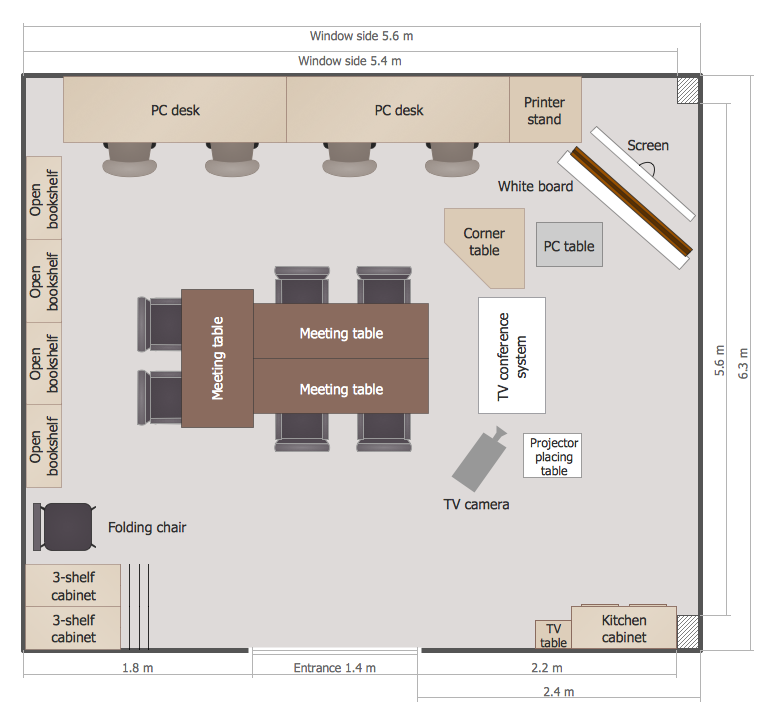
Picture: School Floor Plans
Related Solution:
Sequence Diagrams shows how objects communicate with each other in terms of a sequence of messages. Also indicates the lifespans of objects relative to those messages.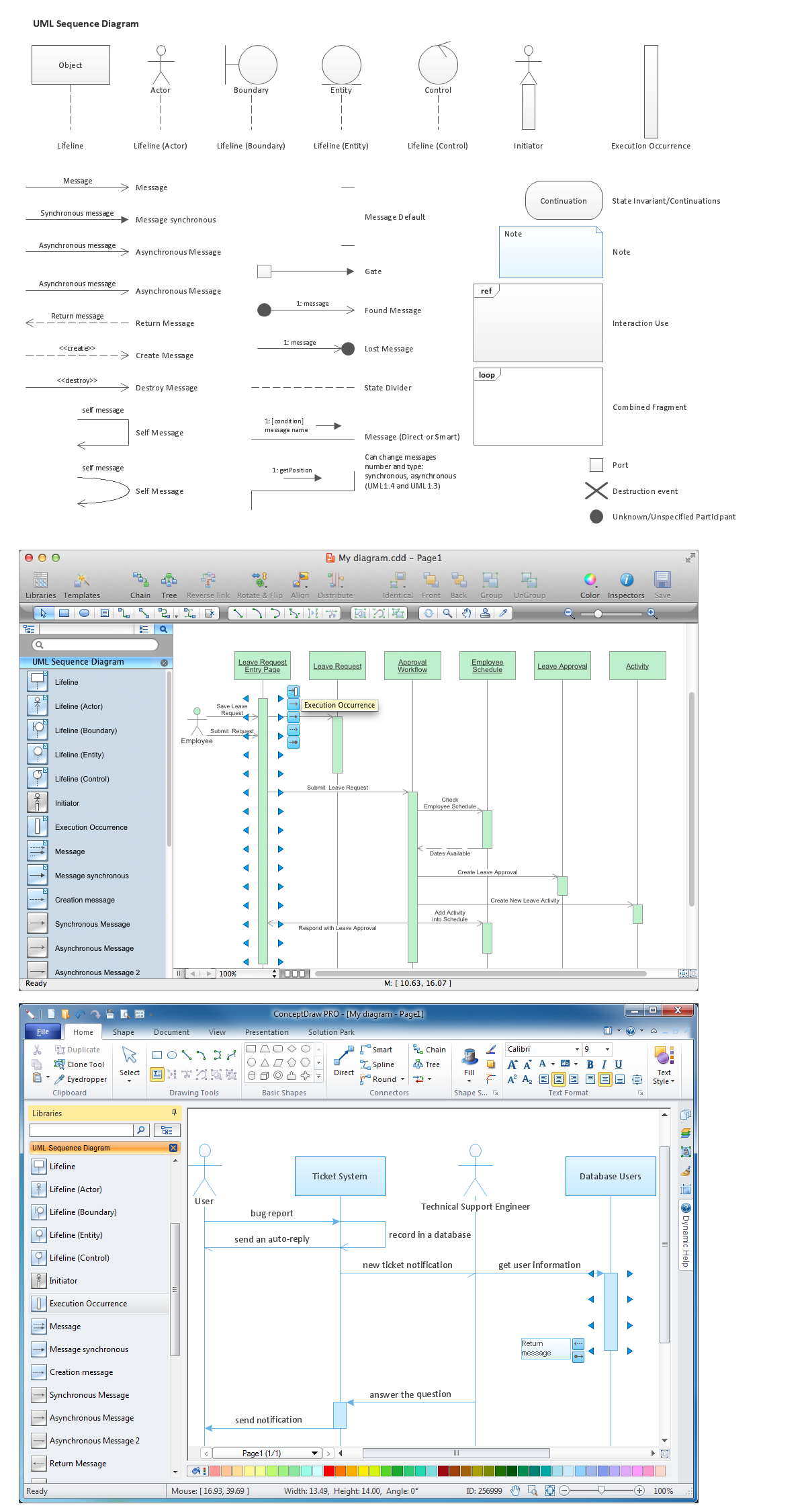
Picture: Diagramming Software for designing UML Sequence Diagrams
Aside from decorating inner spaces, which is a realm of interior design, the art of exterior design is about home facades, playgrounds and yards. To start a project, first of all, you need a site plan of the place, and a list of customers’ requirements. With special software you can do a plan of any place like parking, interchange or driveway easily.
There is one of the three libraries supplied with ConceptDraw Site Plans solution. It is designed to draw planning areas adjacent to buildings. For example parking, exit road or house territory for rest. This kind of building plans can be used for providing parking control that helps to organize traffic near residential areas. The well considered road planning will improve safety and will help to manage the number of vehicles near buildings. The ConceptDraw library "Parking and Roads" includes vector graphic images of parking spaces, lots and strips as well as street junctions, driveways and interchanges.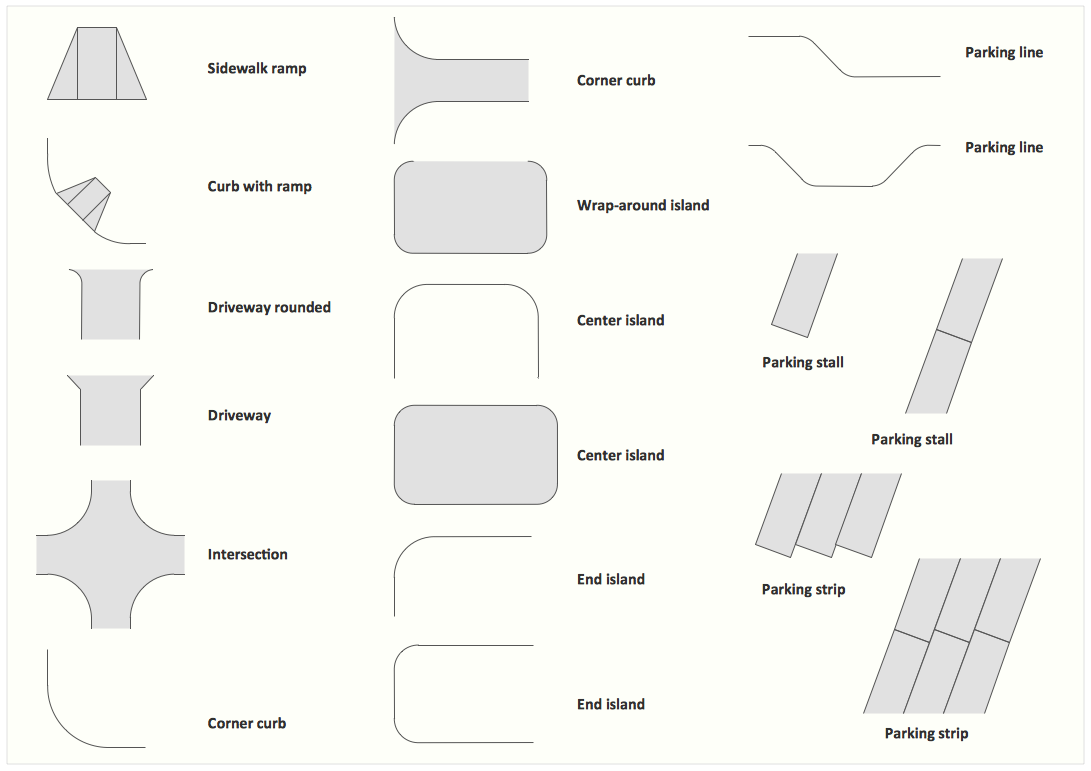
Picture: Interior Design. Site Plan — Design Elements
Related Solution:
An onion diagram is a kind of chart that shows the dependencies among parts of an organization or process. The chart displays items in concentric circles, where the items in each ring depend on the items in the smaller rings. The Onion Diagram is able to show layers of a complete system in a few circles.
But how to create Onion Diagram? Now, it's very easy thanks to the ConceptDraw DIAGRAM diagramming and vector drawing software extended with Stakeholder Onion Diagrams Solution from the Management Area of ConceptDraw Solution Park.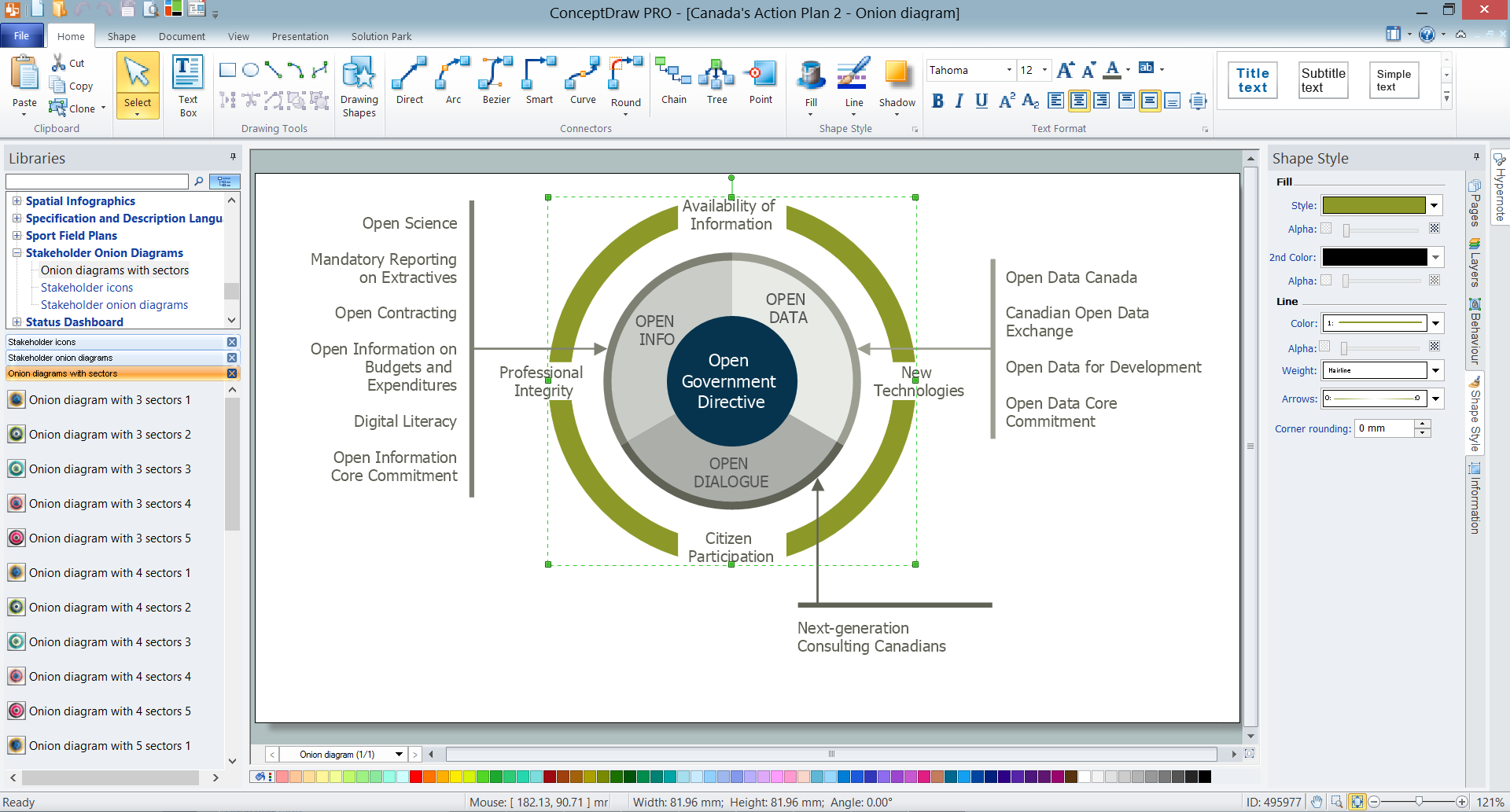
Picture: How To Create Onion Diagram
Related Solution:
