ConceptDraw MINDMAP :
Brainstorming, Mind Mapping
for macOS and Windows
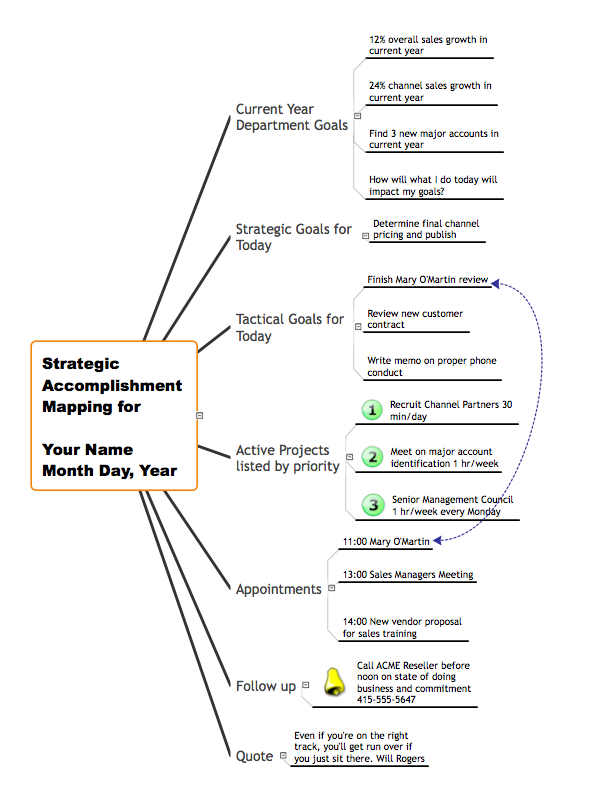
ConceptDraw MINDMAPCapture What You Think, Do What You Plan ConceptDraw MINDMAP is a powerful business and personal productivity software application that provides visual organization and access to information for individuals and organizations:

TEN RELATED HOW TO's: Use samples and templates to describe your own quality processes, brainstorm, and structure quality issues. 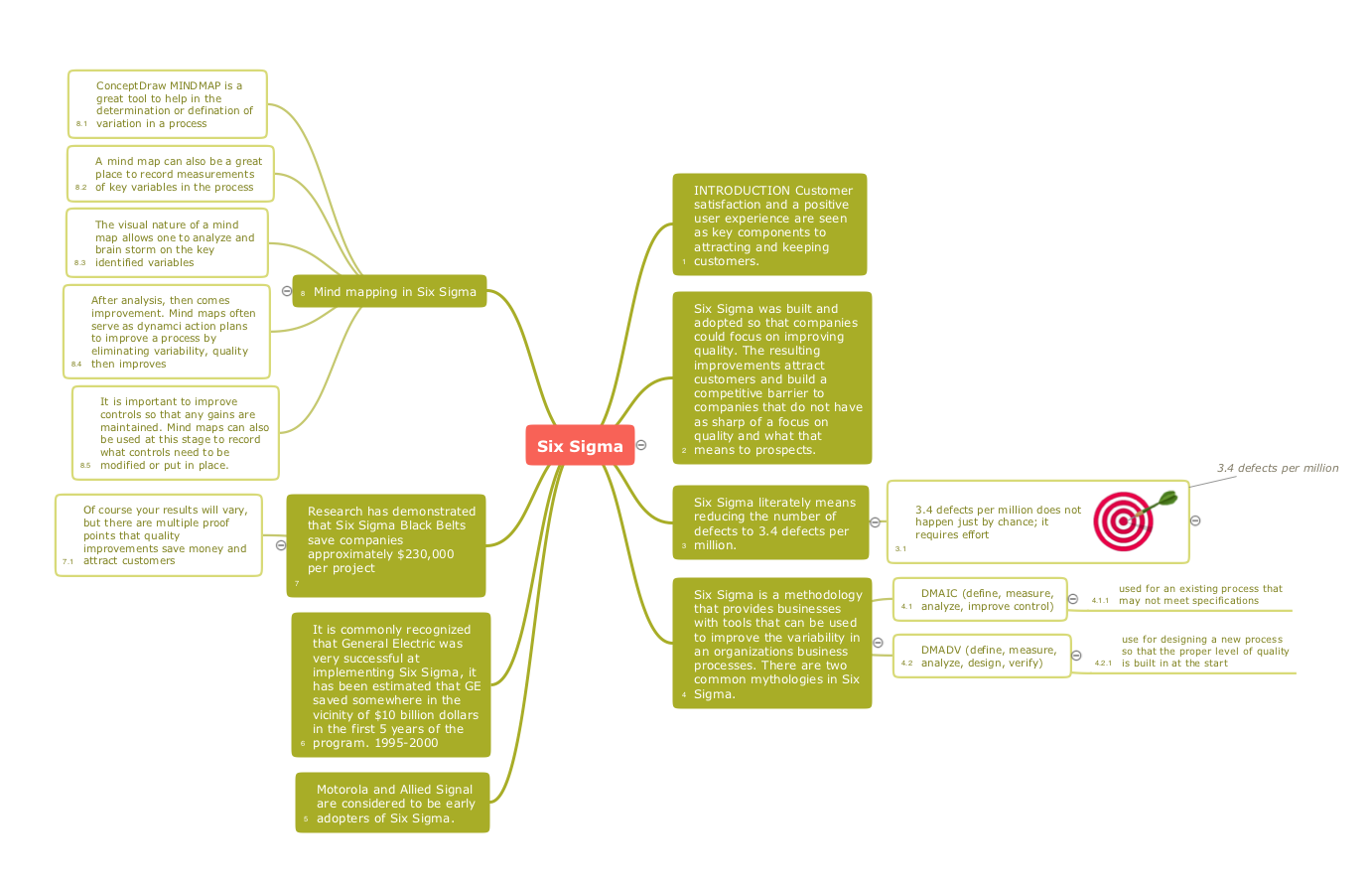 Picture: Quality Mind Maps - samples and templates Related Solution: All computer networks differ by various params, and their size is one of them. As global area networks are the biggest, personal area (PAN) networks are the smallest. Personal computers, smartphones and other devices that have possibility to connect to Internet form a personal network.
This diagram was created using ConceptDraw Computer Network Diagrams to represent a typical components of Personal area network. A personal area network (PAN) is the connection of IT devices around an individual person. This sample of personal area network involves a notebook, a personal digital assistant (PDA), and a portable printer. Commonly a PAN contains such wireless devices as mouse, keyboard, smartphone and tablet. A wireless connection is typical for a PAN.  Picture: Personal area (PAN) networks. Computer and Network Examples Related Solution: Organizing and Selecting Social Media Response Messages.
Interactive Flowcharts can change the way one creates and organizes their social media response process. 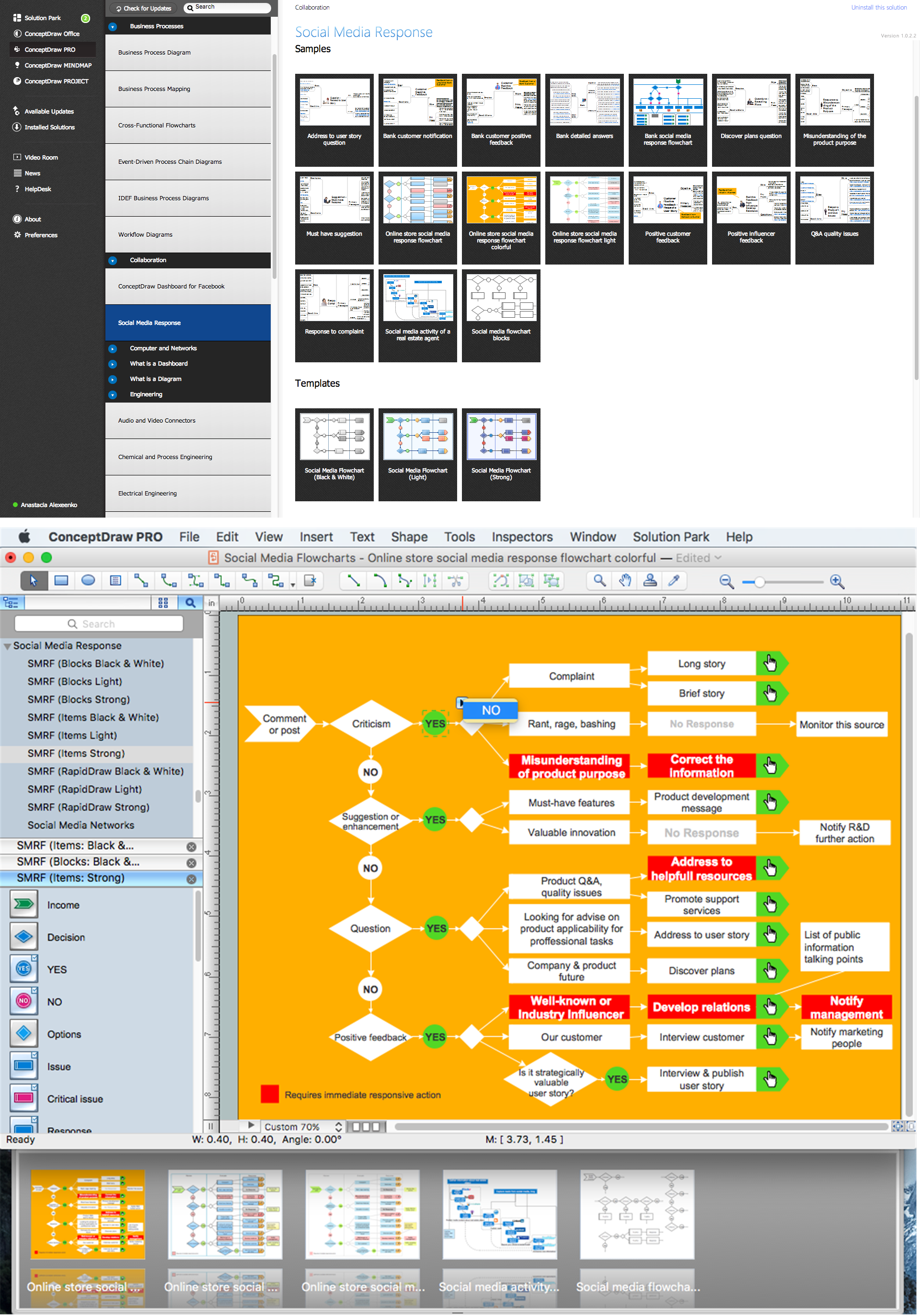 Picture: What is Interactive Flowcharts Related Solution: Sharing Documents Trough Skype: Share files, manage projects, inspire ideas, connect people. 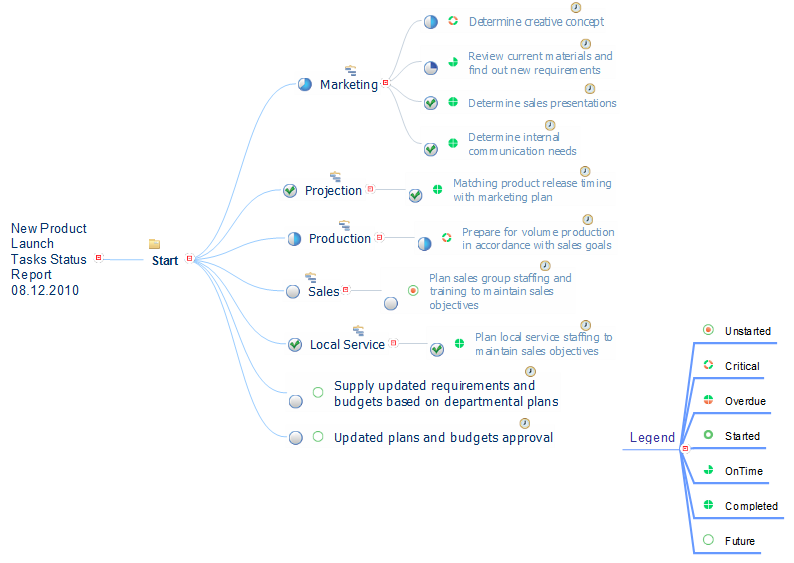 Picture: How to Use Skype for Sharing Documents Related Solution: To support you in your tasks you can use the power of ConceptDraw DIAGRAM providing intelligent vector graphics that are useful for Business Process diagramming and ConceptDraw MINDMAP for key Business Process mind maps. 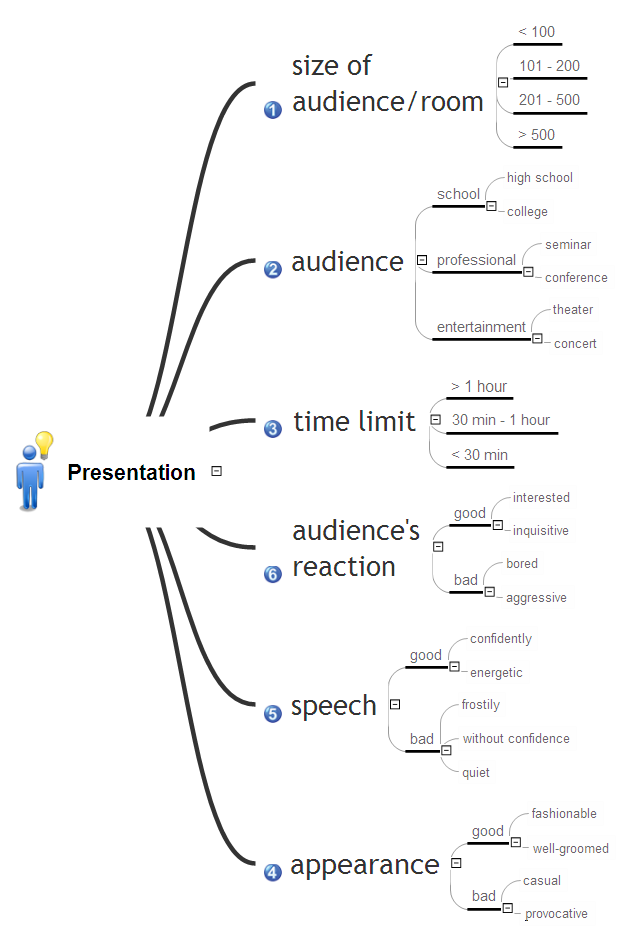 Picture: Business Process Related Solution: Orgchart → Understanding the connections between an organization department might take some time. If you are a newcomer to a company, an orgchart would help you if don’t know who to call when questions appear. This scheme usually is printed on one of the walls in the office.
This template of orgchart is supplied with the ConceptDraw add-on containing solutions for making organizational charts. You can use it to depict an organizational structure of your company. The only you need is - open this template and alter it to cover an organizational features of your business. It is easy to rearrange the orgchart structure by dragging the elements by mouse. Finally fill the template with particular positions of your company's staffing table.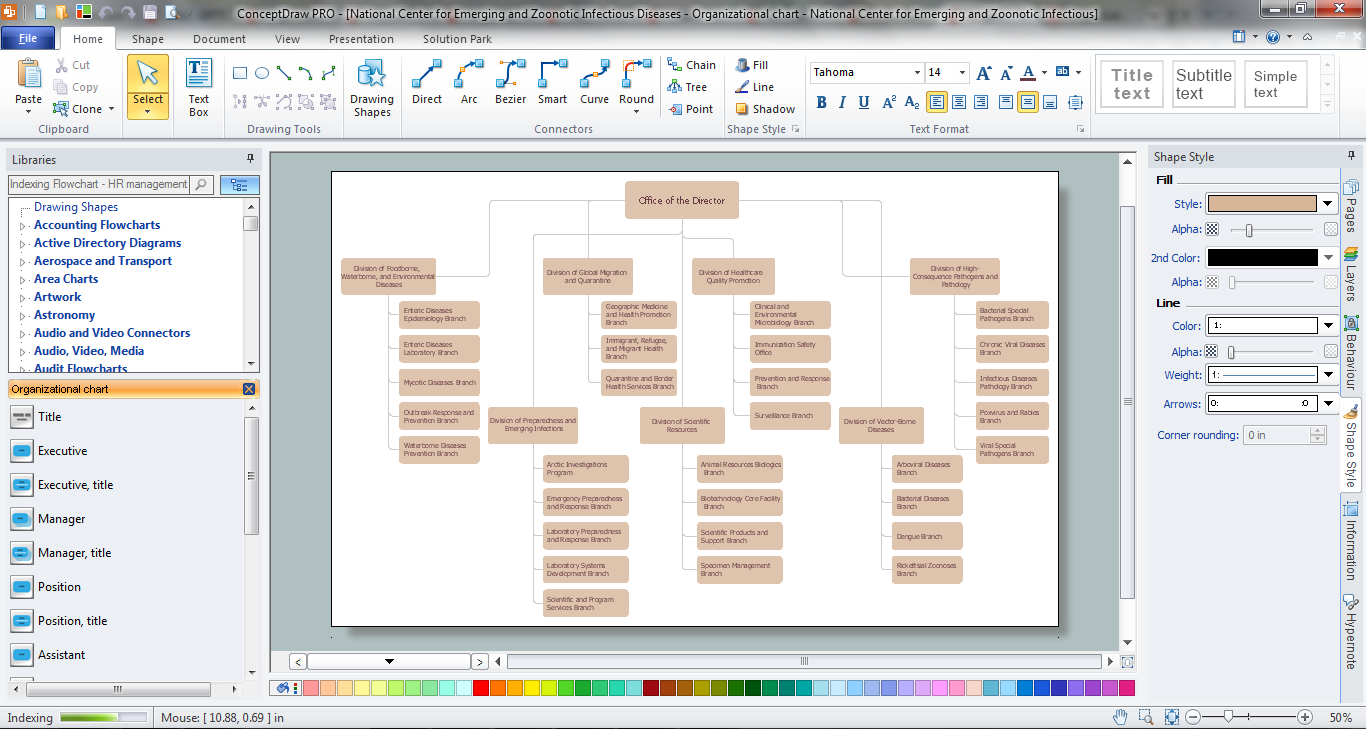 Picture: Orgchart Related Solution: ConceptDraw MINDMAP with Quality mindmaps solution as a demonstration of the creative approach to quality management in daily work of quality management team. 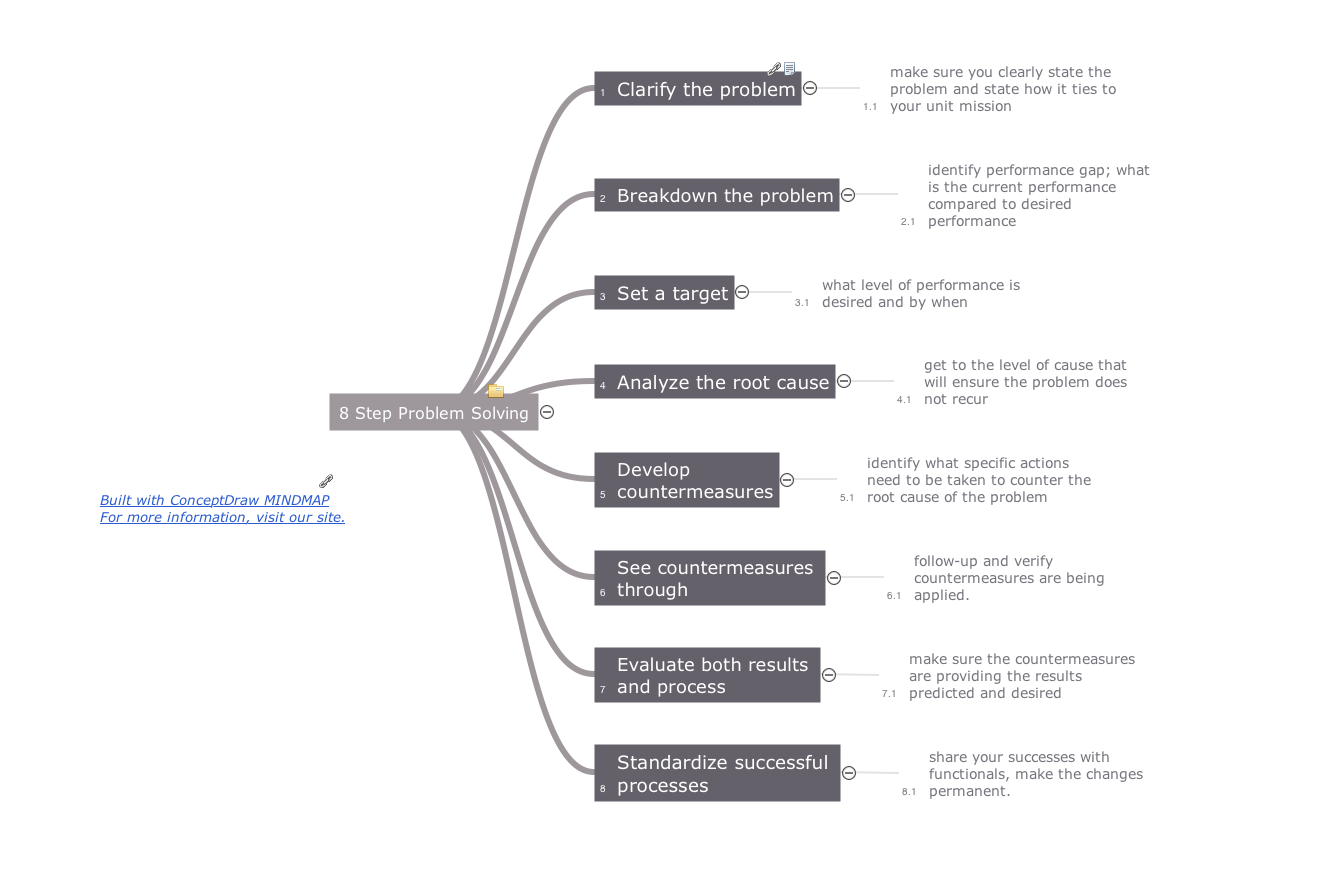 Picture: Quality Management Teams Related Solution: Mind map that can be useful when planning the logistics of a conference. 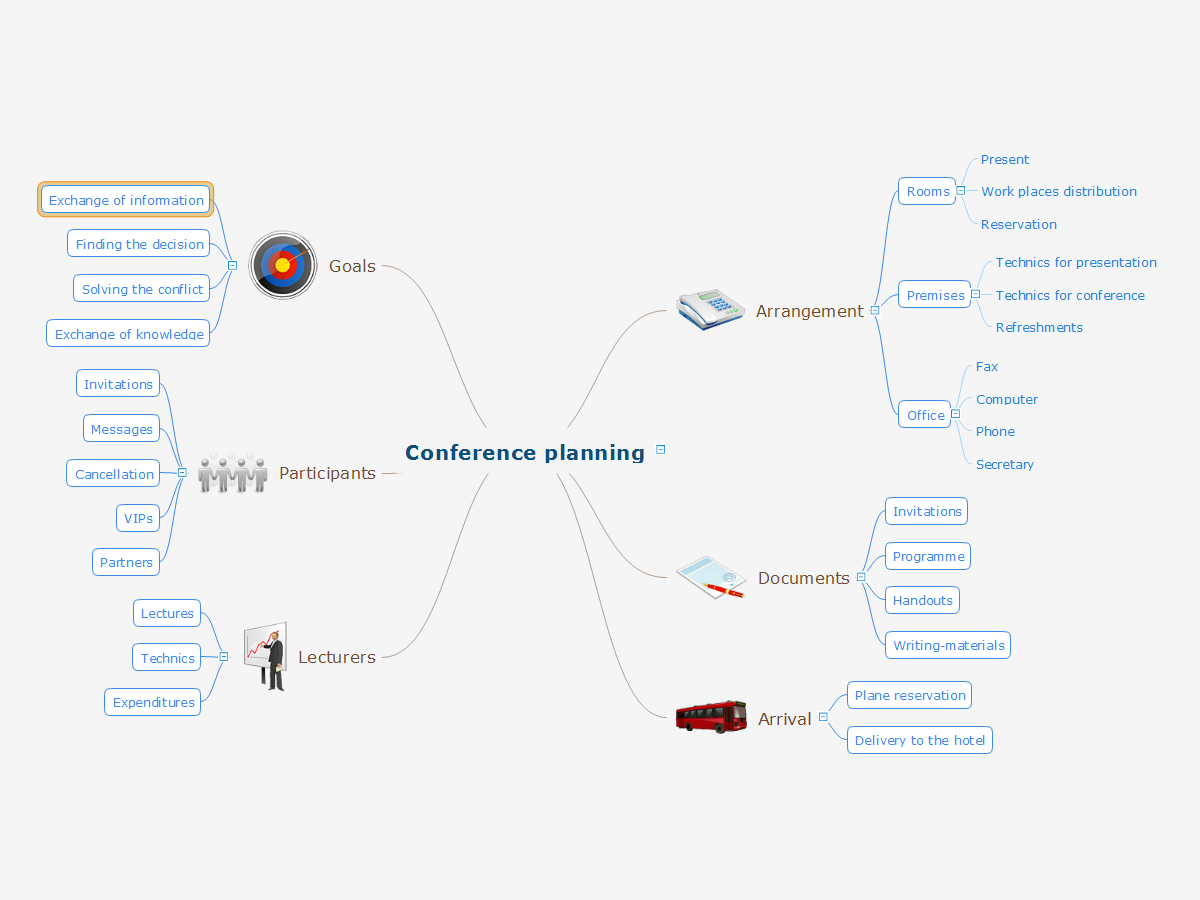 Picture: Conference Planning Related Solution: Mind map template of a strategy map that can help you display a variety of performance measures that can have an impact on your organization. 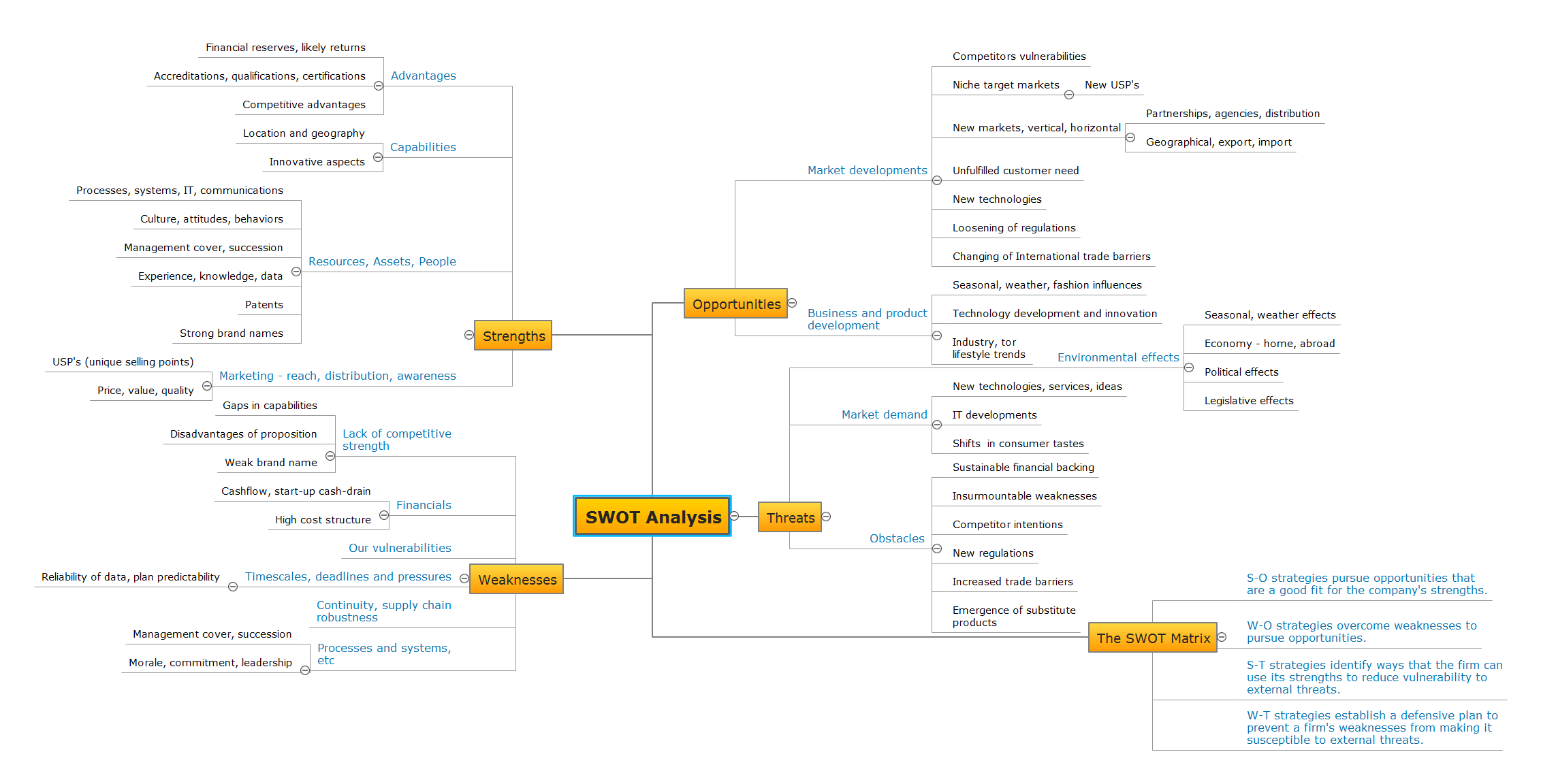 Picture: SWOT Analysis Related Solution: It’s often that the information, held in a mind map needs to be shared with other people. Not every one has the required application. ConceptDraw MINDMAP provides a variety of export capabilities to help with that situation. 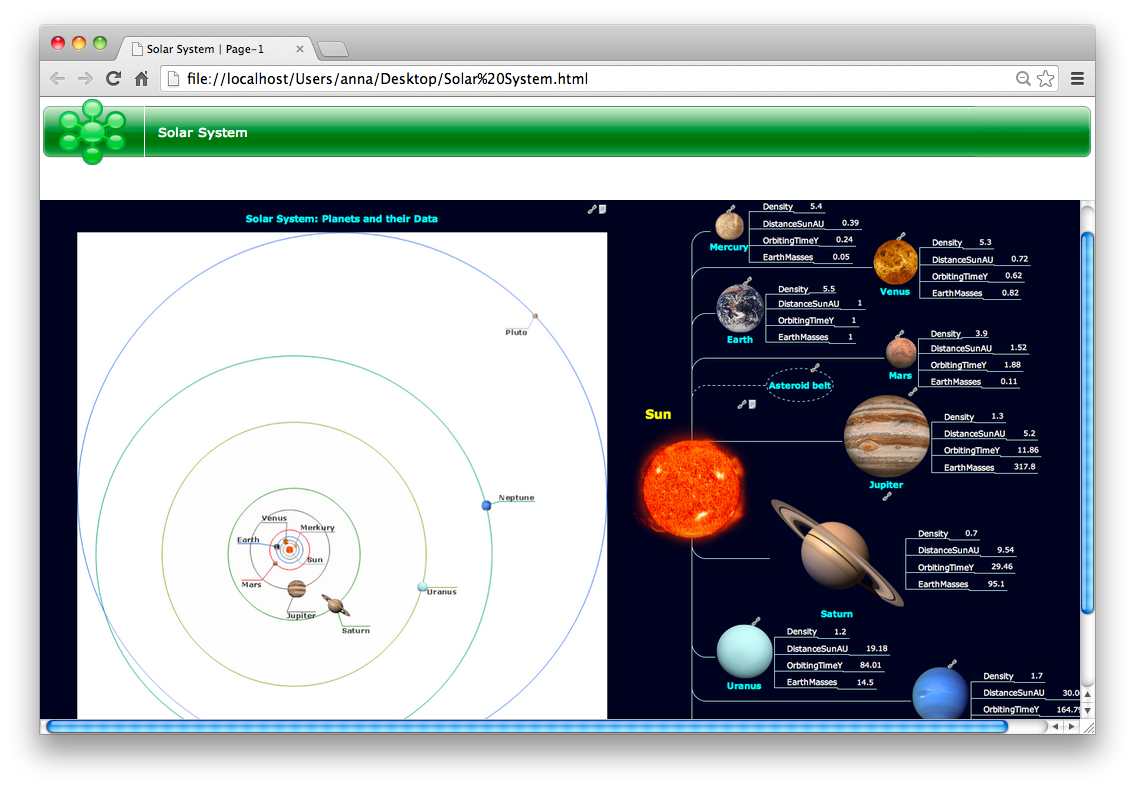 Picture: Export from ConceptDraw MINDMAP to HTML Related Solution: ConceptDraw DIAGRAM 18 | |||||||||||||||||||