Baseball Diagram – Fielding Drill – Hit the Cutoff
"The main purpose of this drill is to work on getting the ball from the outfield into the infield." [Baseball Tutorials]
Baseball diagram is the simplest way to explain Baseball details. Plenty rules and terms may startle a newbie. Using visual method to explain the meaning of each term, play or strategy gives a clear understanding. ConceptDraw DIAGRAM software extended with the Baseball solution is an amazing tool for producing and presenting baseball diagrams.
A combination of the "Baseball Fields" and "Baseball Positions" libraries gives you an ability to create a baseball-related drawing in seconds. Follow next steps to create you own baseball schema:
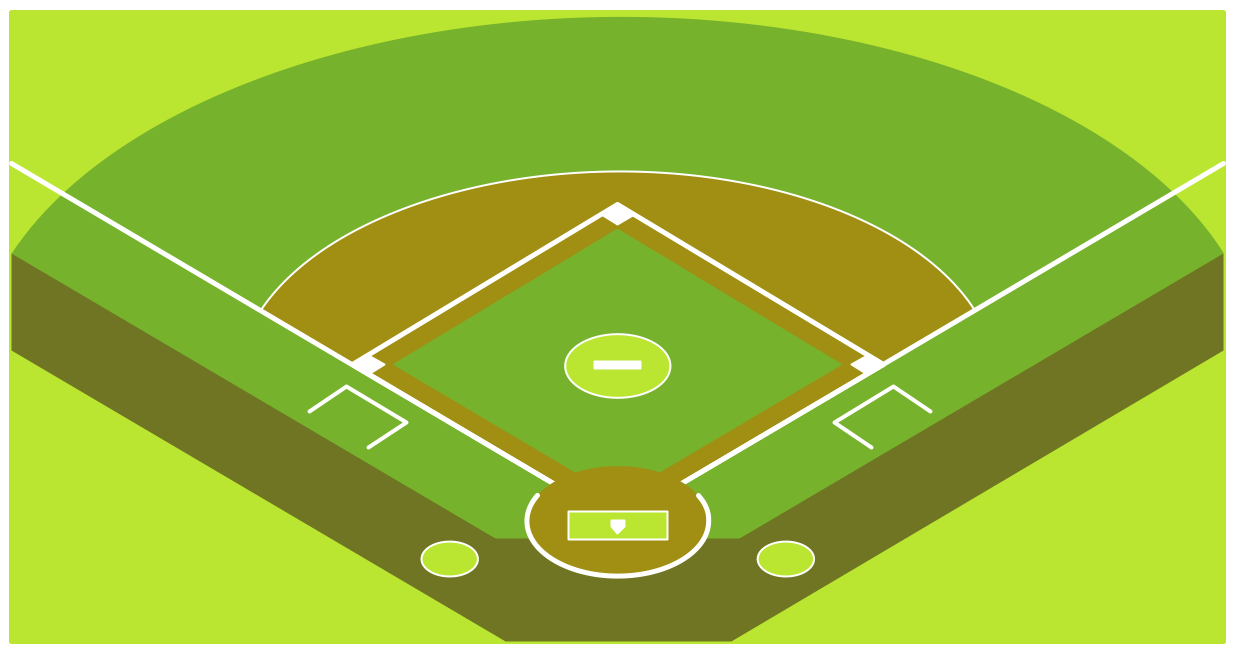
- From the "Baseball Fields" library drop a field object to your document
- From the "Baseball Positions" library drop all positions object you need to your document
- Place positions on the field according to your drawing idea
- Add arrows or text labels if needed.
Extending ConceptDraw DIAGRAM software with the Baseball solution you receive a set of libraries, templates and samples with fields, positions, basic diagrams examples. This is not frame you have to work in, this is a start point for your creativity. Feel free to create your own object and templates from zero point or changing existing ones.
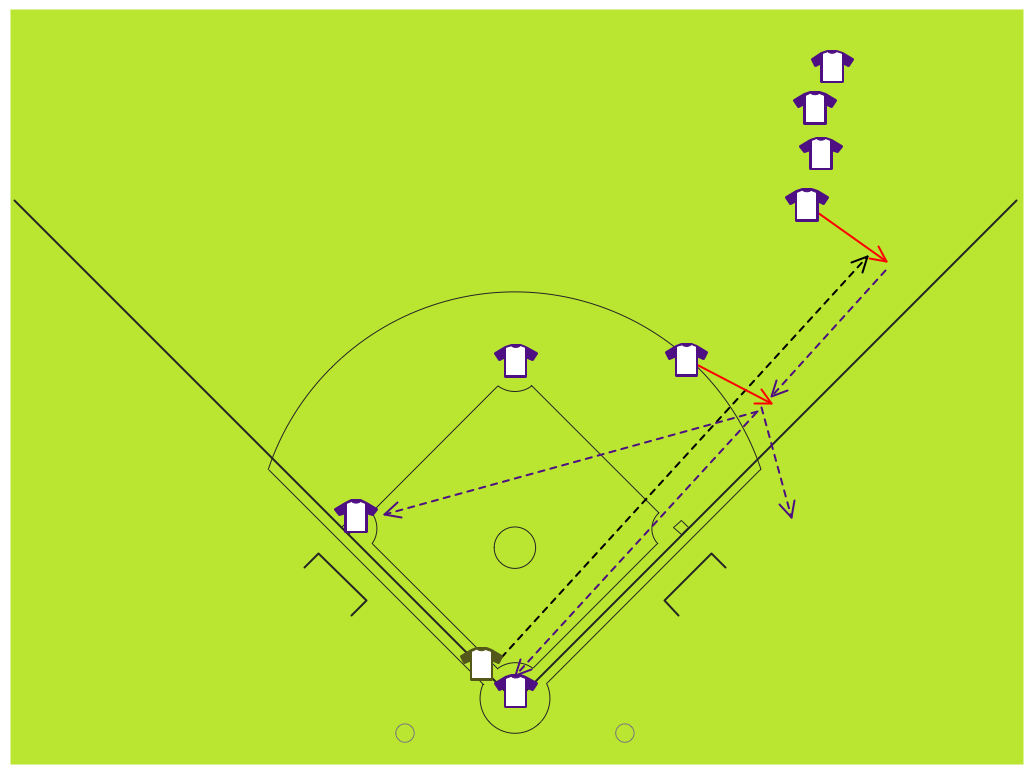
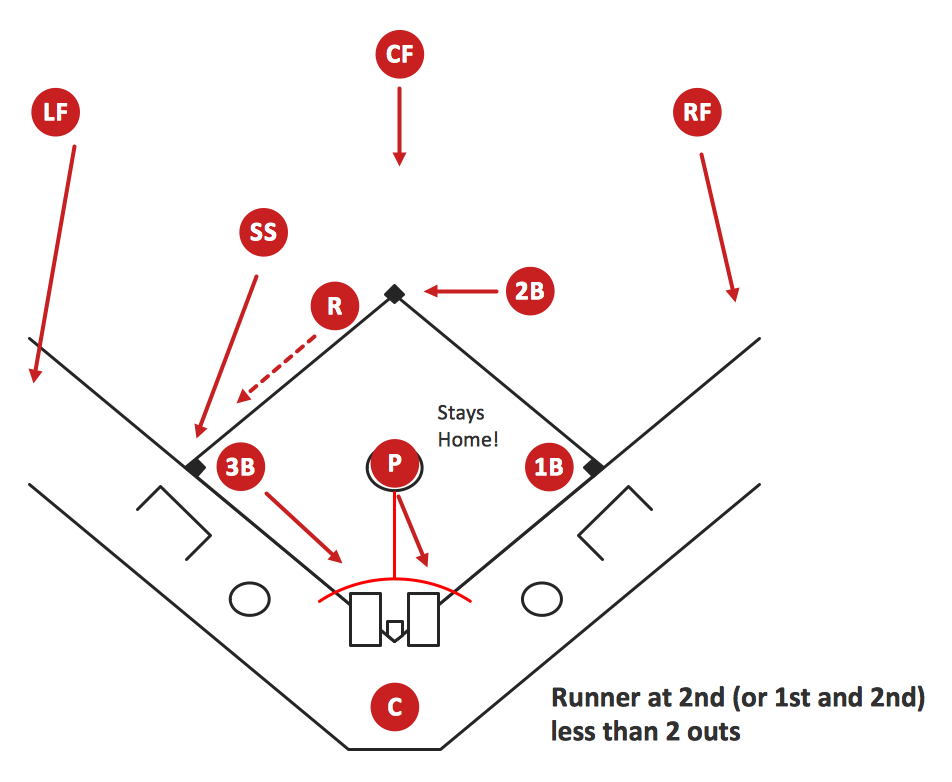
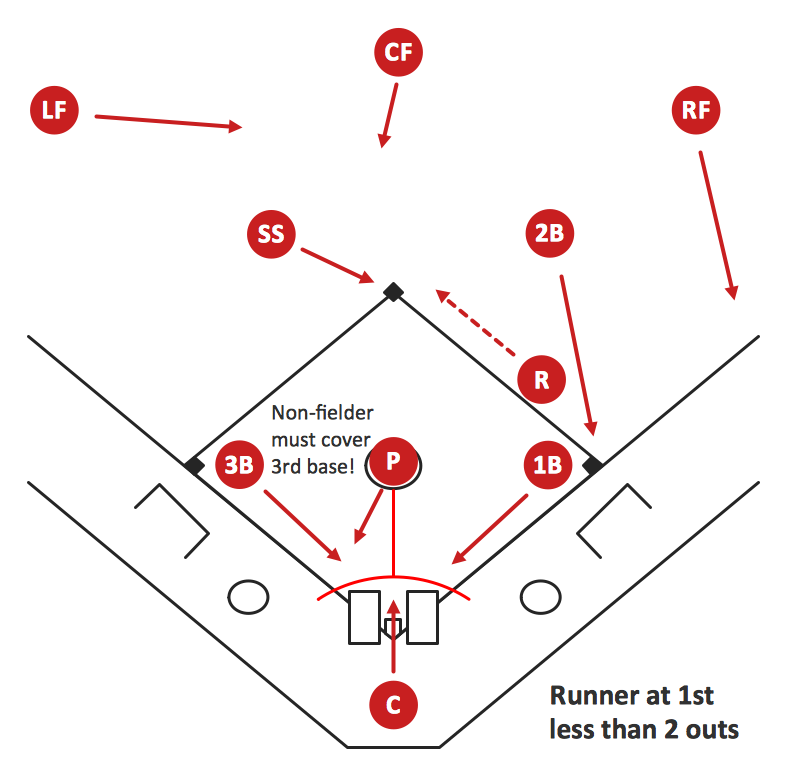
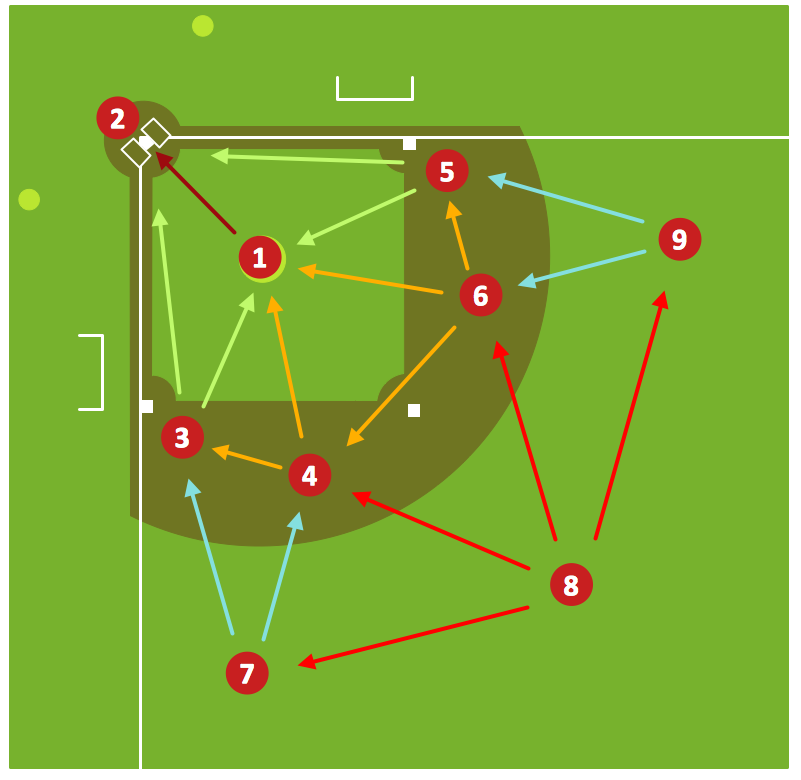
Sample 1. Baseball Diagram – Fielding Drill – Hit the Cutoff.
This diagram was created in ConceptDraw DIAGRAM using the "Baseball Positions" library from the Baseball solution. An experienced user spent 15 minutes creating this sample.
The sample you see on this page was created in ConceptDraw DIAGRAM using the Baseball solution; it demonstrates a portion of the solution's capabilities and the professional results you can achieve.
All source documents are vector graphic documents. They are available for reviewing, modifying, or converting to a variety of formats (PDF file, MS PowerPoint, MS Visio, and many other graphic formats) from the ConceptDraw STORE. The Baseball Solution is available for all ConceptDraw DIAGRAM or later users.