Made with
ConceptDraw
DIAGRAM 18

Agile Methodology

Agile methodology is a series of approaches to software development and ways of managing small IT development teams and projects. It is effective methodology and excellent alternative to waterfall and traditional sequential development.

Agile is effective methodology aimed at the minimization risks by division a development process on the series of short cycles called iterations, that typically last 2-3 weeks. At the end of each iteration, the team executes the reevaluation the priorities of development. Preferring direct communication face-to-face, the agile methods reduce the amount of written documentation in comparison with other methods.

There are few agile methodologies, the most popular are:

  • Dynamic systems development method (DSDM) - an iterative and incremental approach of software development which includes continuous customers involvement;
  • Feature-driven development (FDD) is a lightweight methodology the main goal of which is to develop of real, working software in a set time frame;
  • Extreme programming (XP) - is a method which lets improve software development and create software capable to effectively respond to the changing requirements;
  • Scrum - the most popular and widely used agile development method which is a flexible development strategy when a team works as a unit for achievement a common goal.

ConceptDraw DIAGRAM extended with SCRUM Workflow solution from the Project Management area of ConceptDraw Solution Park is a powerful diagramming and vector drawing software, ideal for quick and easy designing various diagrams, charts, mind maps and schematics illustrating software development using Agile methodologies, and in particular Scrum methodology.
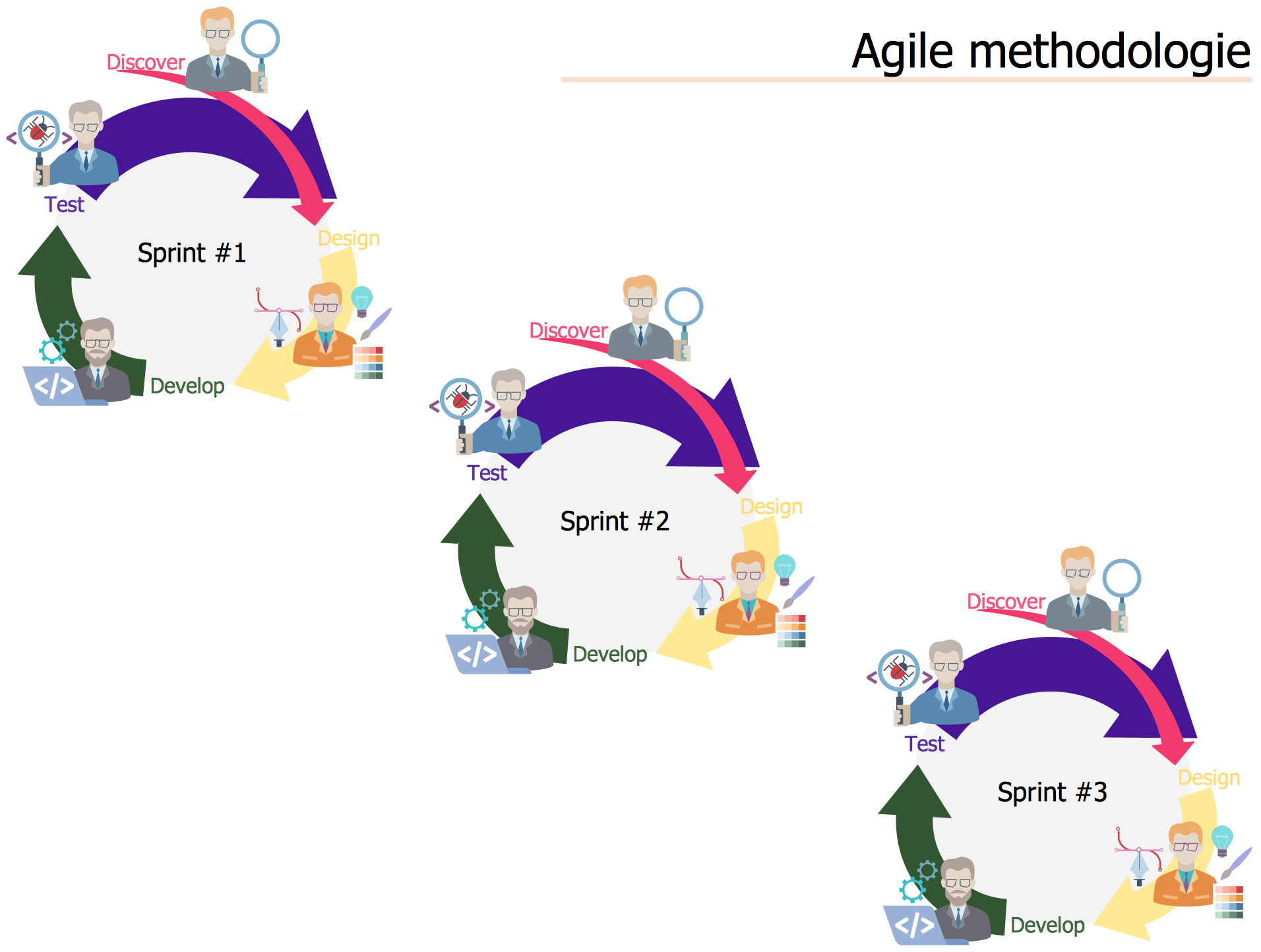
Agile Methodology *

Example 1. Agile Methodology

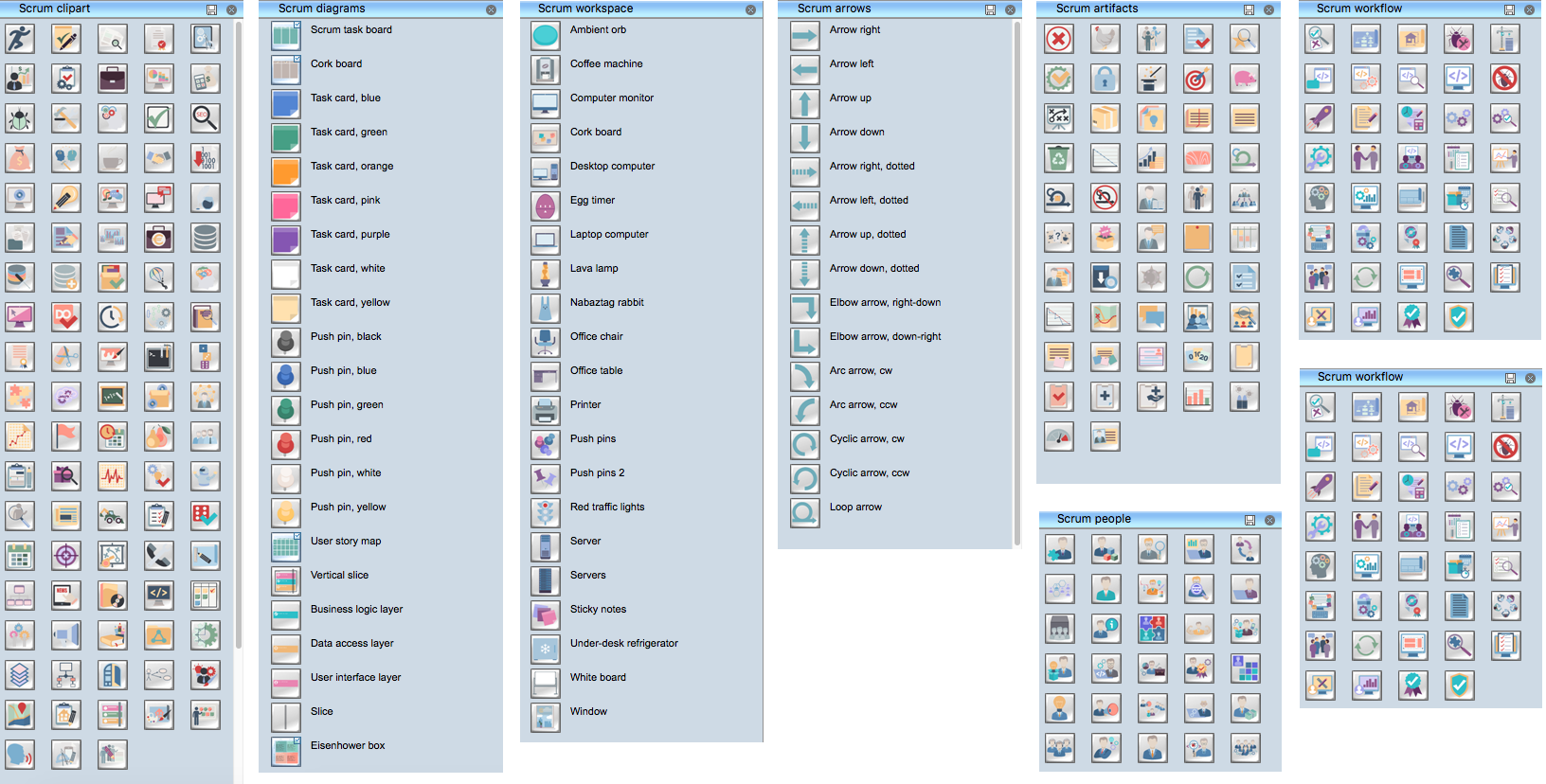
To help you easy design diagrams, SCRUM Workflow Solution offers 8 libraries with numerous collection of scrum design elements and vector objects:

  • Scrum Arrows
  • Scrum Artifacts
  • Scrum Charts
  • Scrum Clipart
  • Scrum Diagrams
  • Scrum People
  • Scrum Workflow
  • Scrum Workspace

Scrum Design Elements

Example 2. Scrum Design Elements

Follow few simple steps to design any diagram with SCRUM Workflow solution:

  • drag required objects from the libraries and organize them,
  • type the title and text,
  • use Line, Fill, Shadow, and Text tools to format diagram objects.
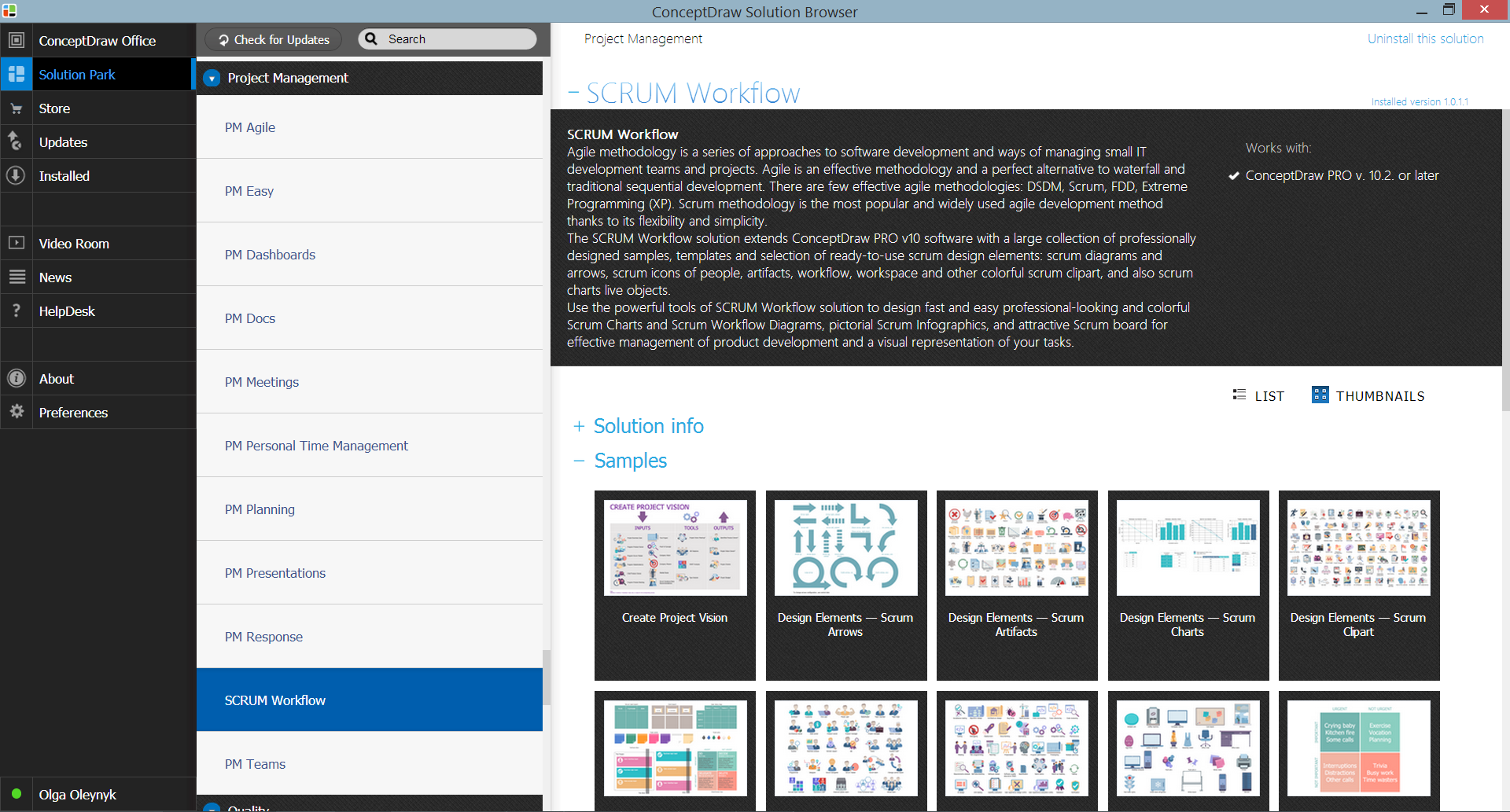
SCRUM Workflow Solution in ConceptDraw STORE

Example 3. SCRUM Workflow Solution in ConceptDraw STORE

You can also benefit from the collection of well thought-out, bright and attractive samples offered in large quantity by SCRUM Workflow solution at ConceptDraw STORE. You can open any of them in ConceptDraw DIAGRAM and change something according to your needs to get already new diagram which can be then successfully used at your work.
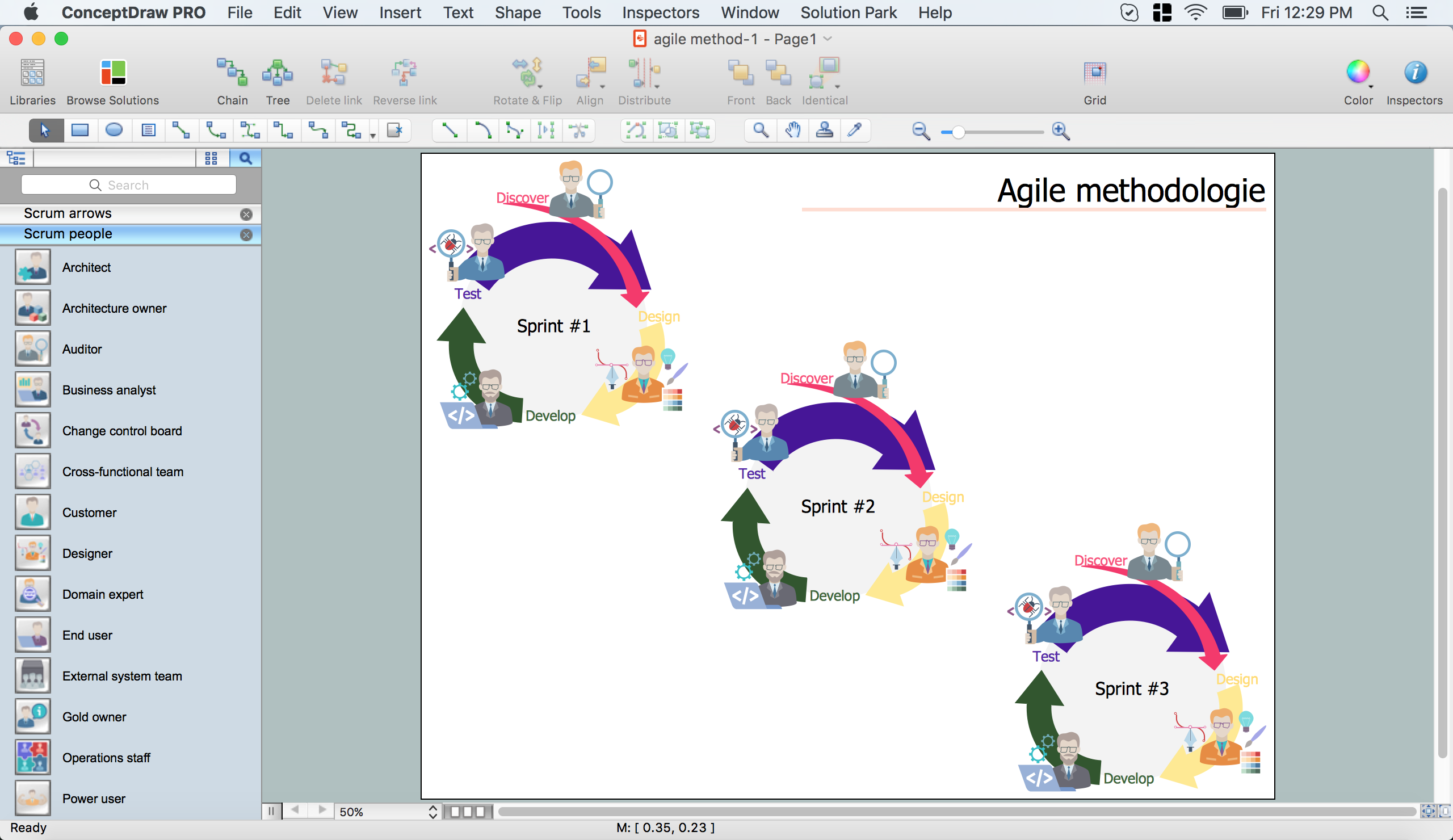
Agile Methodology in ConceptDraw DIAGRAM  title=

Example 4. Agile Methodology in ConceptDraw DIAGRAM /p>

This sample was created in ConceptDraw DIAGRAM software using the SCRUM Workflow Solution and illustrates Agile methodology. An experienced user spent 10 minutes creating this sample in ConceptDraw DIAGRAM

Use the tools of SCRUM Workflow Solution for ConceptDraw DIAGRAM to create your own professional looking diagrams, schemes, mind maps and infographics for Scrum and Agile related projects fast, easy and effective.

All source documents are vector graphic documents. They are available for reviewing, modifying, or converting to a variety of formats (PDF file, MS PowerPoint, MS Visio, and many other graphic formats) from the ConceptDraw STORE. The SCRUM Workflow Solution is available for all ConceptDraw DIAGRAM users.

TEN RELATED HOW TO's:
House of Quality Matrix Software - Use the predesigned objects from the Involvement Matrix Objects Library from the Seven Management and Planning Tools Solution to create professional looking House of Quality Matrices in minutes.House of Quality Matrix Software *
Picture: House of Quality Matrix Software
Related Solution:
Use case diagrams are used at the development of software and systems for definition of functional system requirements or system of systems. Use case diagram presents the consecution of object’s actions (user’s or system’s) which are executed for reaching the definite result.Use Case Diagrams technology with ConceptDraw DIAGRAM  *
Picture: Use Case Diagrams technology with ConceptDraw DIAGRAM
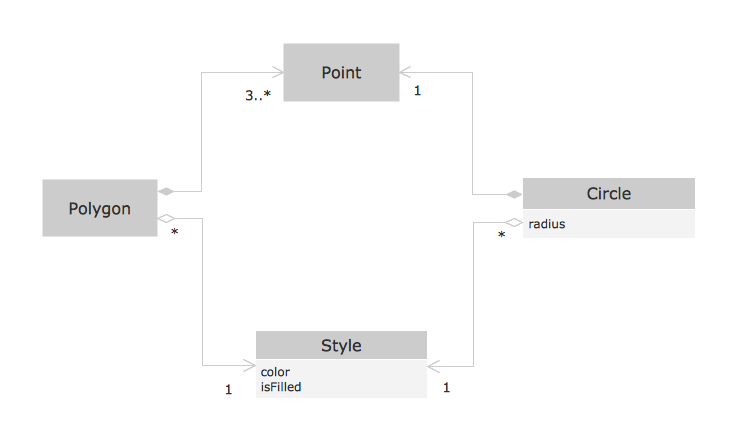
This sample shows the OOSE diagram with aggregation and composition associations. Using the Rapid UML Solution for ConceptDraw DIAGRAM you can create your own professional OOSE Diagrams quick and easy.OOSE Method *
Picture: OOSE Method
Related Solution:
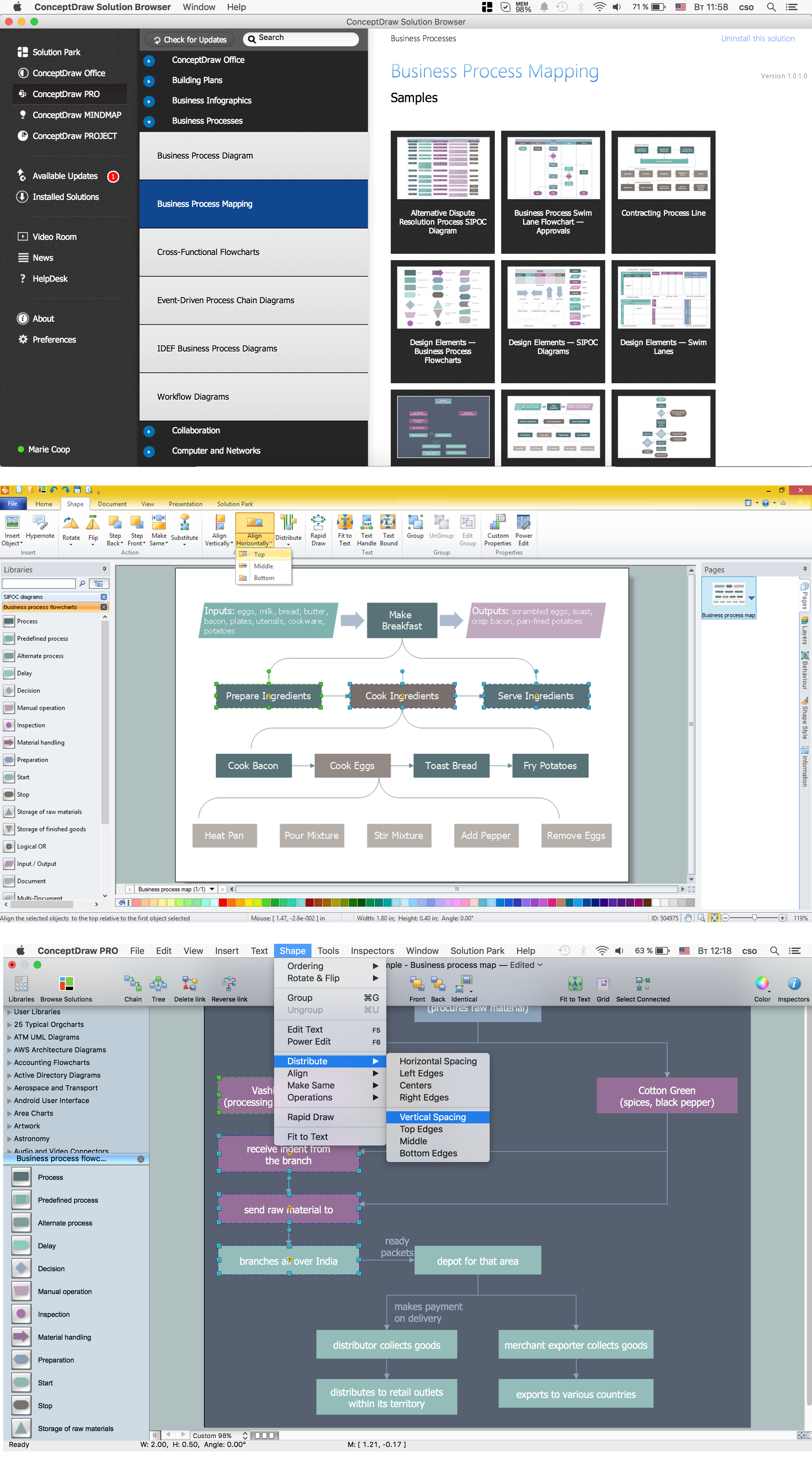
Diagramming is an astonishing way to visualize business processes. The list of the most common business process flowchart symbols is quite long starting from basic flowcharts, continuing with SIPOC diagrams. Business process modeling was never easier than now, with special ConceptDraw Business Process Mapping solution. To carry out all professional standard requirements for business processes mapping, it is necessarily to follow the special graphical notations. ConceptDraw Business Process Mapping solution offers an exhaustive suite of tools to aid business process mapping. There are three vector libraries SIPOC Diagrams, Business Process Flowcharts, and Swim Lanes that contains totally more than 50 symbols of standard BPM notations. This is all that professionals need to effectively evaluate and manage quality in business processes.Business Process Flowchart Symbols *
Picture: Business Process Flowchart Symbols
Related Solution:
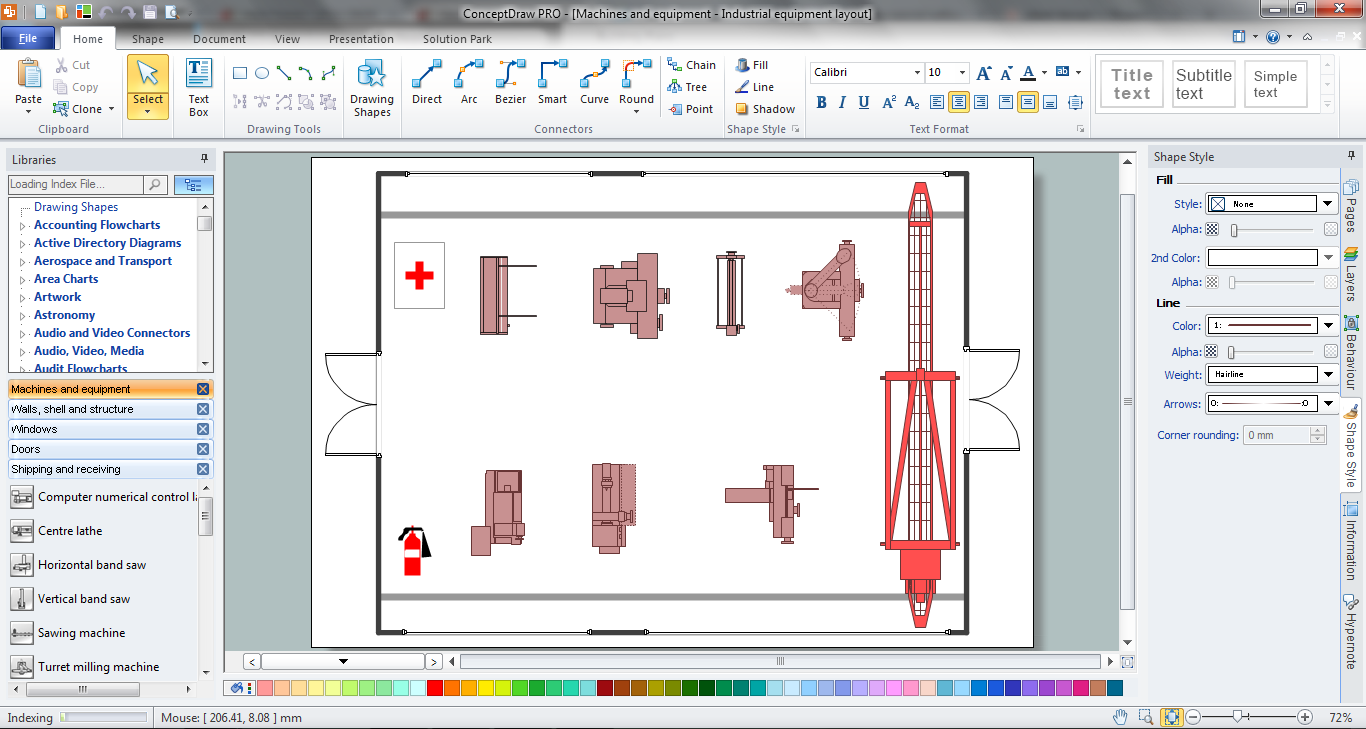
The use of the special software with Plant Design Solutions is a real help for effective creating the Plant Plan, Plant Layout Plan, Process Plant Layout, Plant Design. ConceptDraw DIAGRAM is the best diagramming and vector drawing software. It offers the Plant Layout Plans Solution from the Building Plans Area for achievement this goal.Plant Design Solutions *
Picture: Plant Design Solutions
Related Solution:
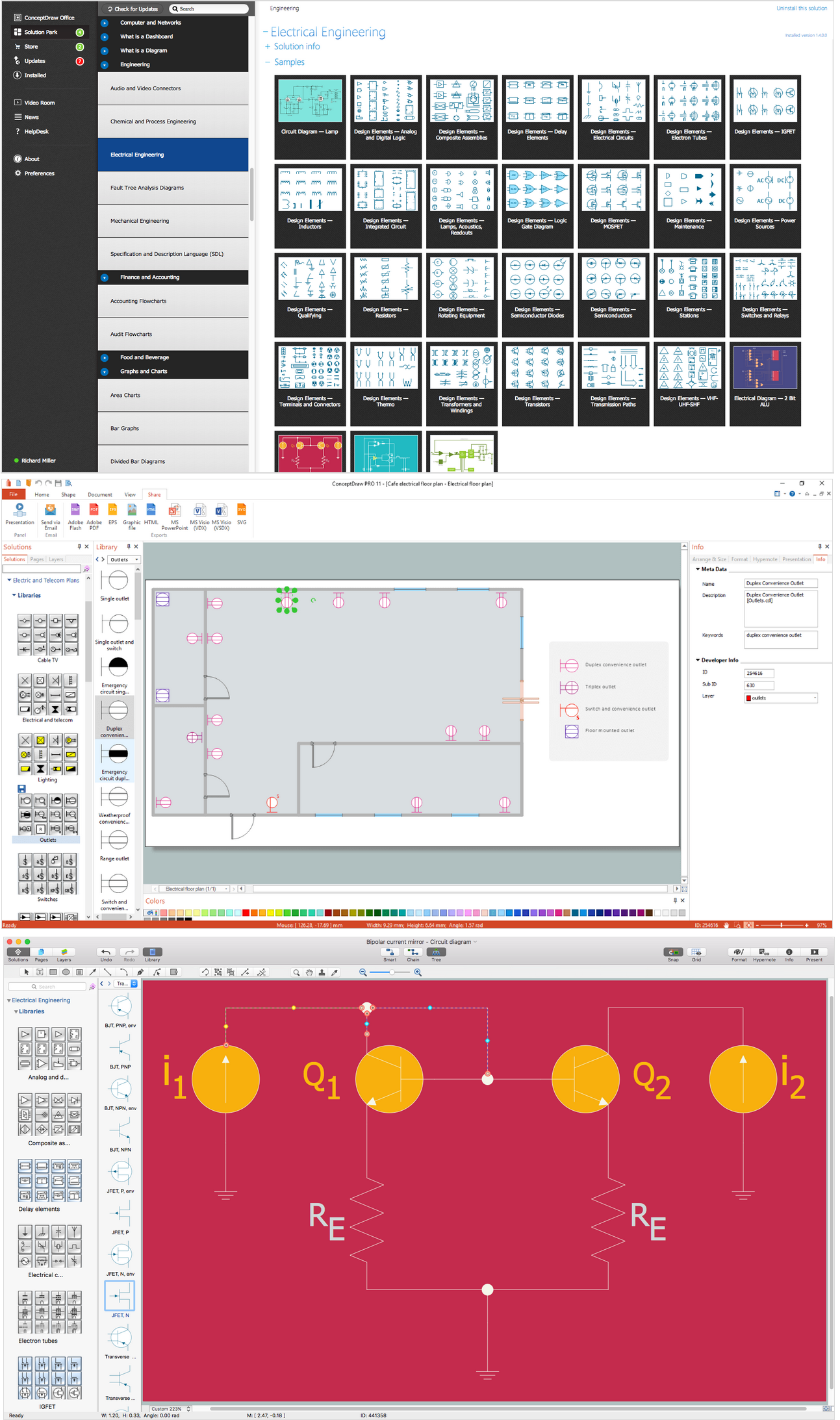
It is important to have an electrical circuits scheme, when you plan a renovation or move to a new apartment. You have to arrange interior according to that plan, and it’s trouble-free to create wiring diagrams with ConceptDraw DIAGRAM , furthermore, this software has all the features needed to create an interior plan as well. So, get inspired by tons of examples included to ConceptDraw DIAGRAM solutions, and start your diagramming experience! A wiring diagrams, that are represented on this drawing was created to depict the components of the electrical circuit schemes. These diagrams are created to depict the information about circuit arrangements and connections. Wiring diagrams, in contrast to physical drawings, use standard symbol's notation to depict different circuit devices and connections. That is why, wiring diagrams are applied to discover and repair electrical and electronic circuits. The vector graphic objects provided by ConceptDraw Electrical Engineering solution can help any specialist in electric engineering to design electrical schemes, circuit and wiring plans, power systems charts, and Maintenance and Repair diagrams.Wiring Diagrams with ConceptDraw DIAGRAM
Picture: Wiring Diagrams with ConceptDraw DIAGRAM
Related Solution:
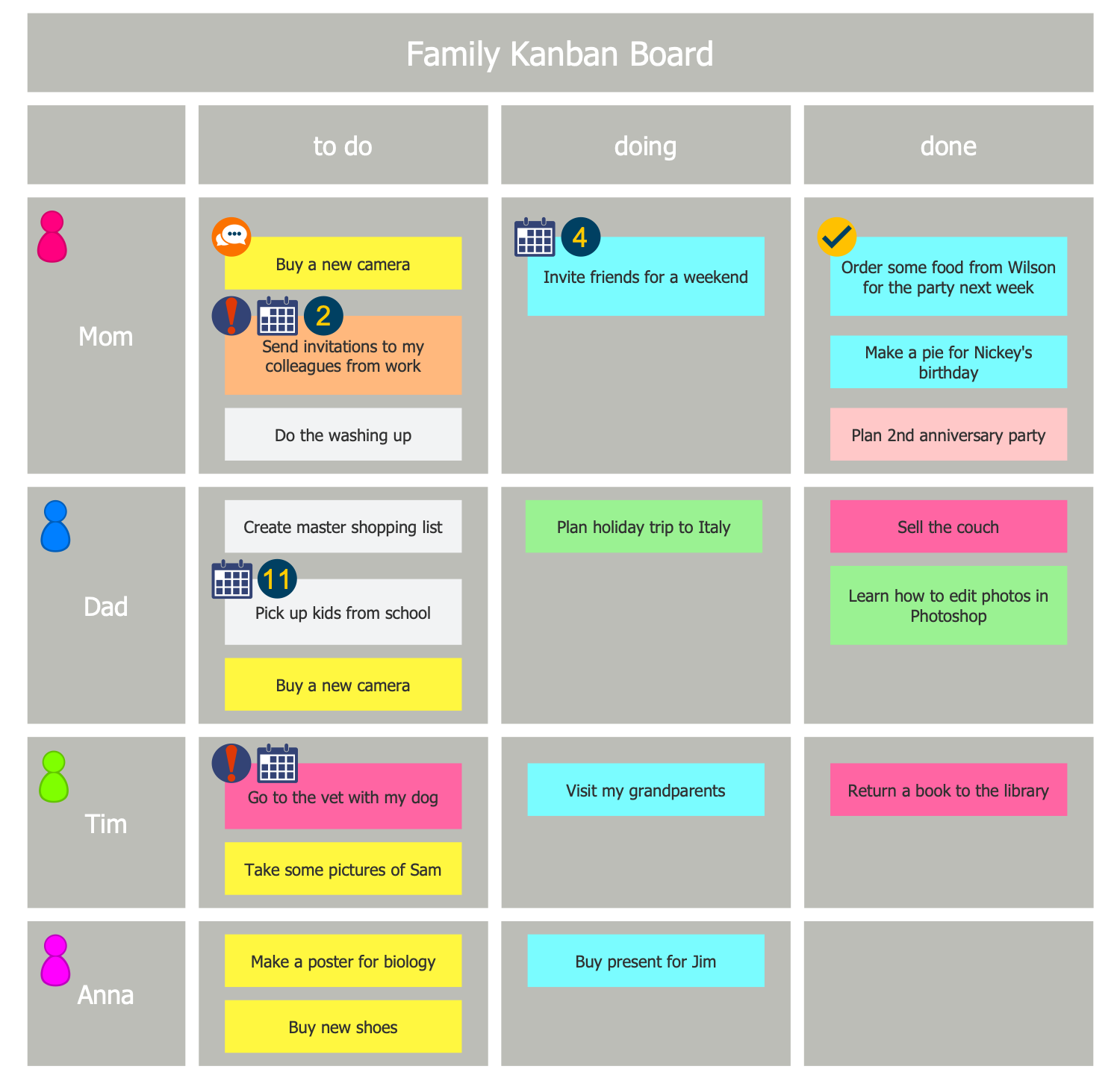
Kanban Board is a really popular tool used in a great number of industries, applied to any process or methodology and by companies of any size. It provides great transparency of work distribution and existing bottlenecks in order to remove these bottlenecks. ConceptDraw DIAGRAM software enhanced with Kanban Board solution is a perfect software for designing Kanban board of any complexity in minutes.Kanban Board
Picture: Kanban Board
Related Solution:
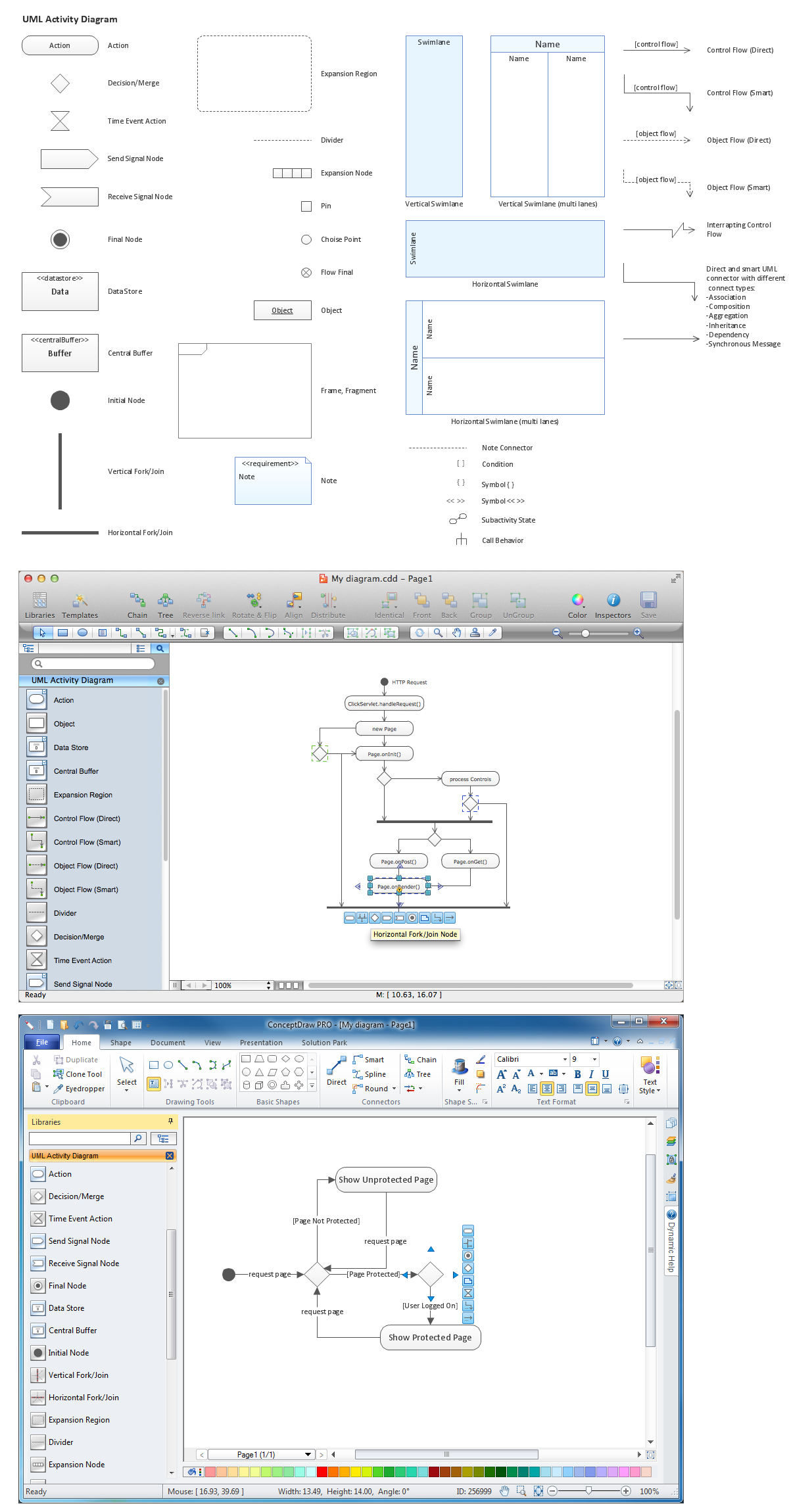
Activity diagram describes the business and operational step-by-step workflows of components in a system. An activity diagram shows the overall flow of control.Diagramming Software for Design UML Activity Diagrams *
Picture: Diagramming Software for Design UML Activity Diagrams
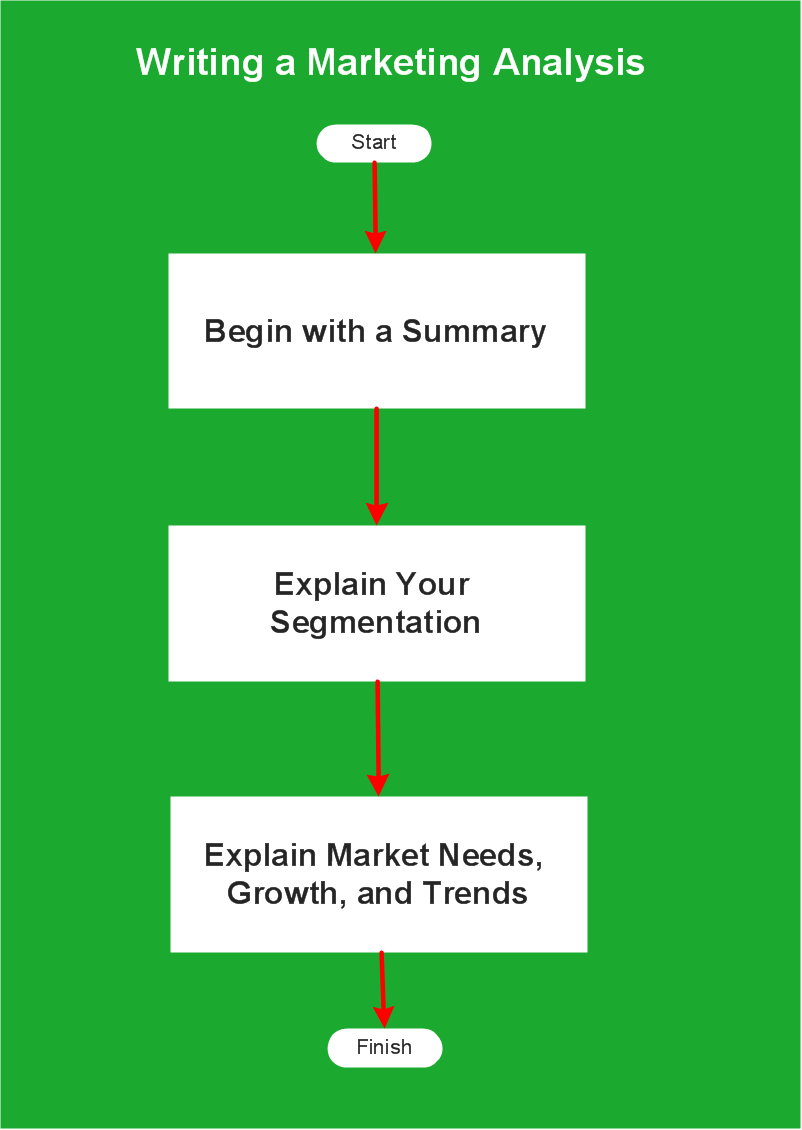
An example flowchart of marketing analysis shows main steps you have to challenge writing a marketing analysis.Flowchart Example: Flow Chart of Marketing Analysis *
Picture: Flowchart Example: Flow Chart of Marketing Analysis
Related Solution:
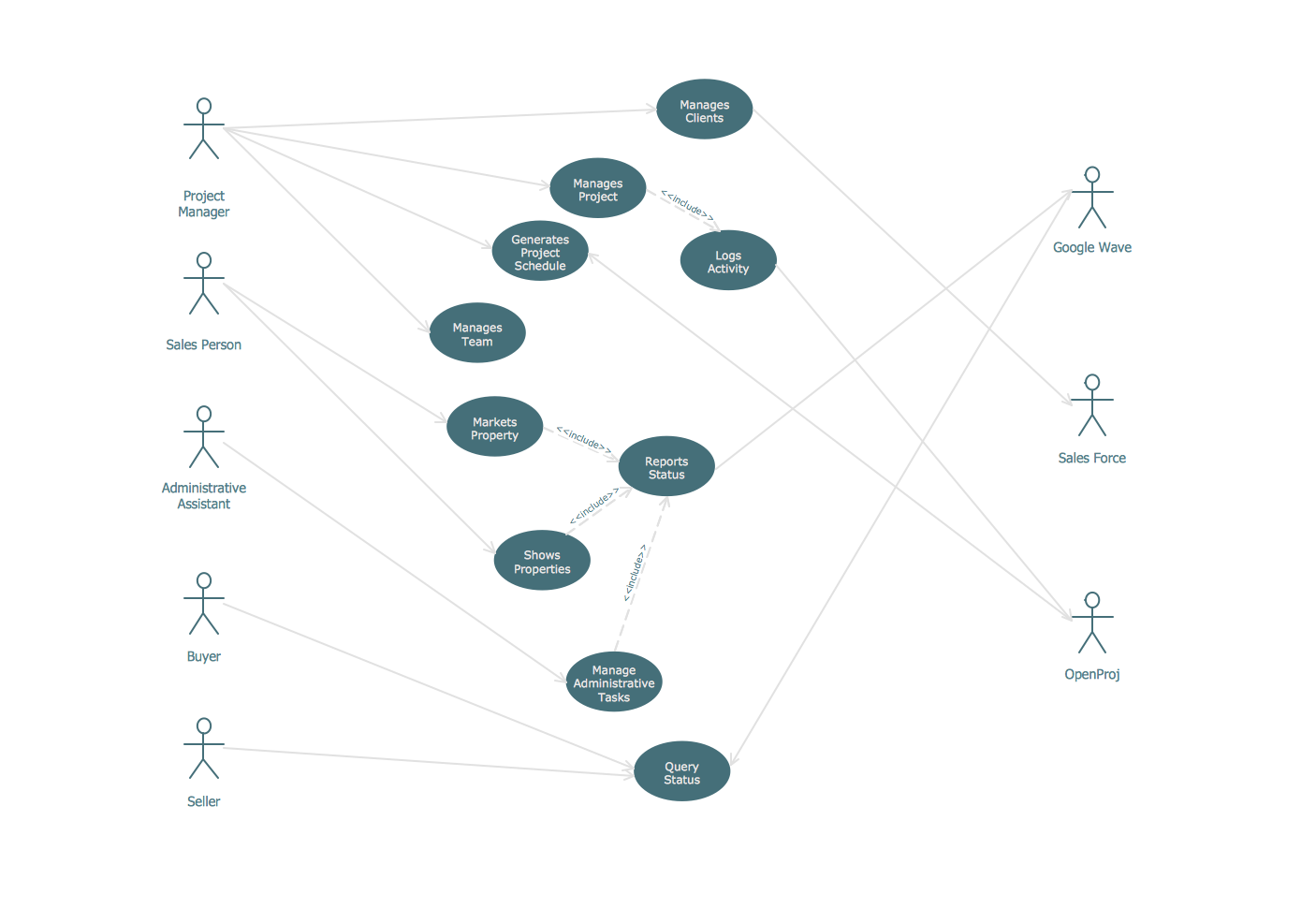
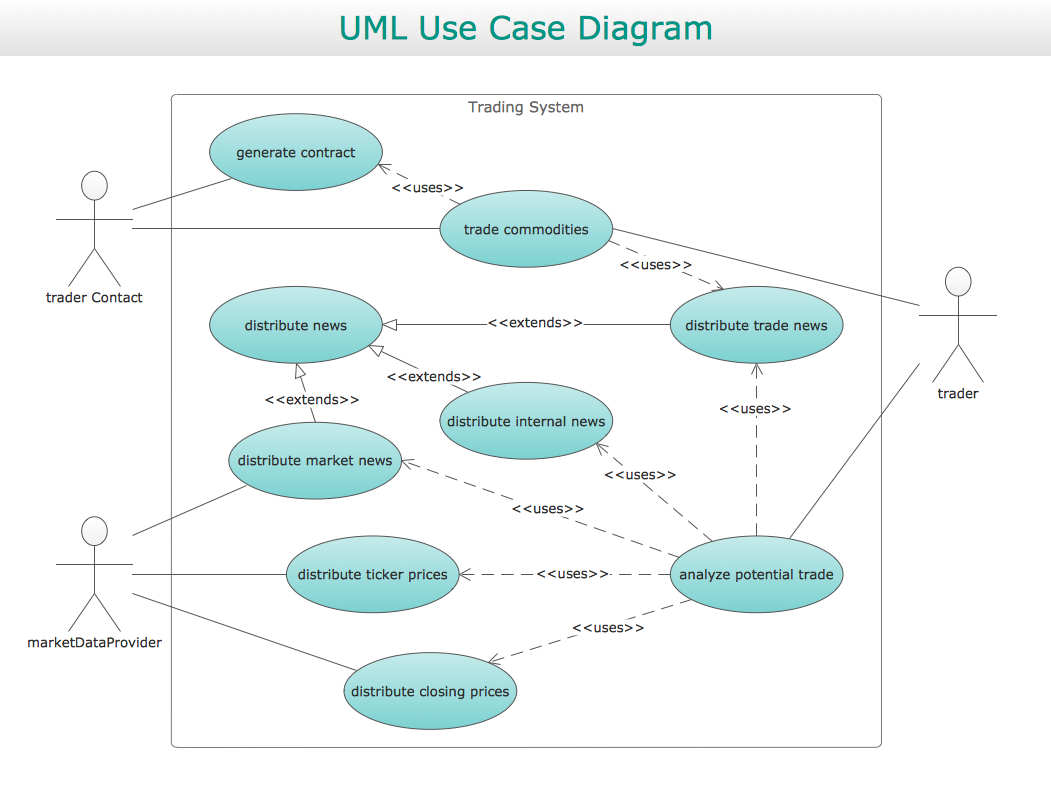
UML Diagram Estate Agency. This sample was created in ConceptDraw DIAGRAM diagramming and vector drawing software using the UML Use Case Diagram library of the Rapid UML Solution from the Software Development area of ConceptDraw Solution Park. This sample shows the work of the estate agency and is used by the estate agencies, building companies, at the trainings of the estate agencies, for understanding the working processes of the estate agencies.UML Use Case Diagram Example - Estate Agency *
Picture: UML Use Case Diagram Example - Estate Agency
Related Solution:
ConceptDraw
DIAGRAM 18