HelpDesk
How to Convert MS Visio® 2003-2010 File to ConceptDraw DIAGRAM
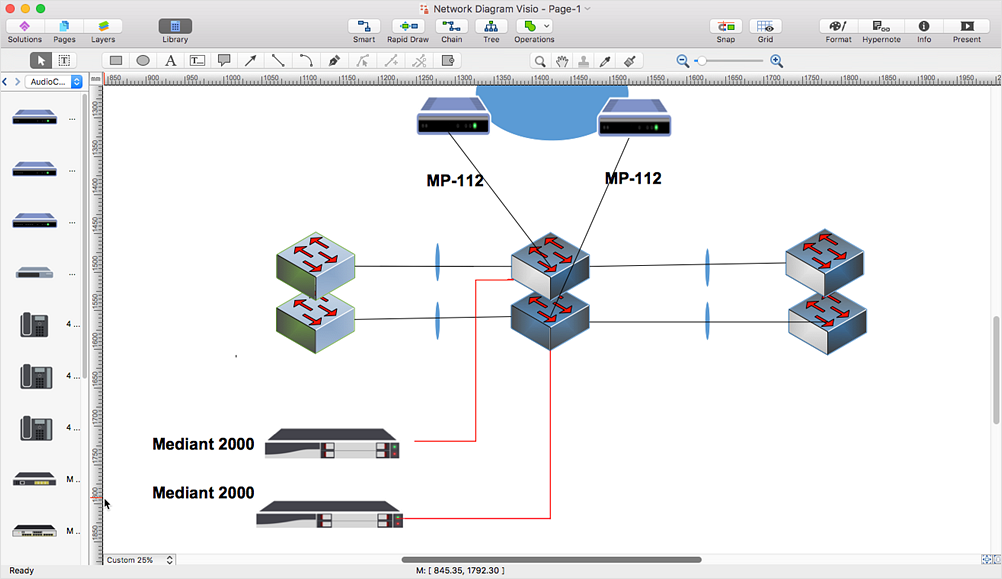
ConceptDraw DIAGRAM is such a viable alternative for individuals and organizations that are looking for a professional business solution. ConceptDraw DIAGRAM file import and export works roundtrip with the Visio 2010-2013 file formats. With the introduction of Visio 2013 Microsoft has changed the native binary file format used in earlier versions of Microsoft Visio. ConceptDraw DIAGRAM file import and export works with the new Visio VSDX file format and at the same time supports the improved import of VDX file format. To Import Visio vsd files to ConceptDraw follow the steps described in this article.HelpDesk
How to Open MS Visio® 2003-2010 Files on Mac®
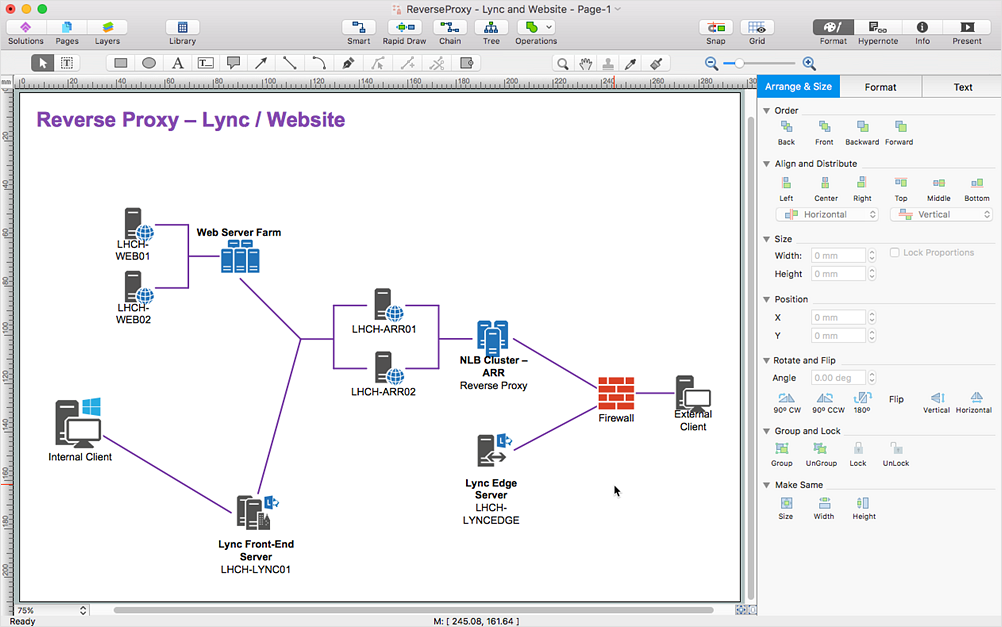
The ConceptDraw DIAGRAM has solved the problem for those who need to share MS Visio documents between users of different operating systems. ConceptDraw Visio File Conversion is a free web service, that is available to anyone who has a requirement to open Visio (VSD) documents in ConceptDraw DIAGRAM. This service was created for Mac OS X users, who need to open visual documents saved in Visio(VSD) file format. If you have heard from many people that they frequently faced difficulties with sharing their MS Visio documents between Windows and Mac OS X users, be sure that there were no ConceptDraw DIAGRAM users among them.HelpDesk
How to Convert ConceptDraw DIAGRAM file into MS Visio 2003-2010 format
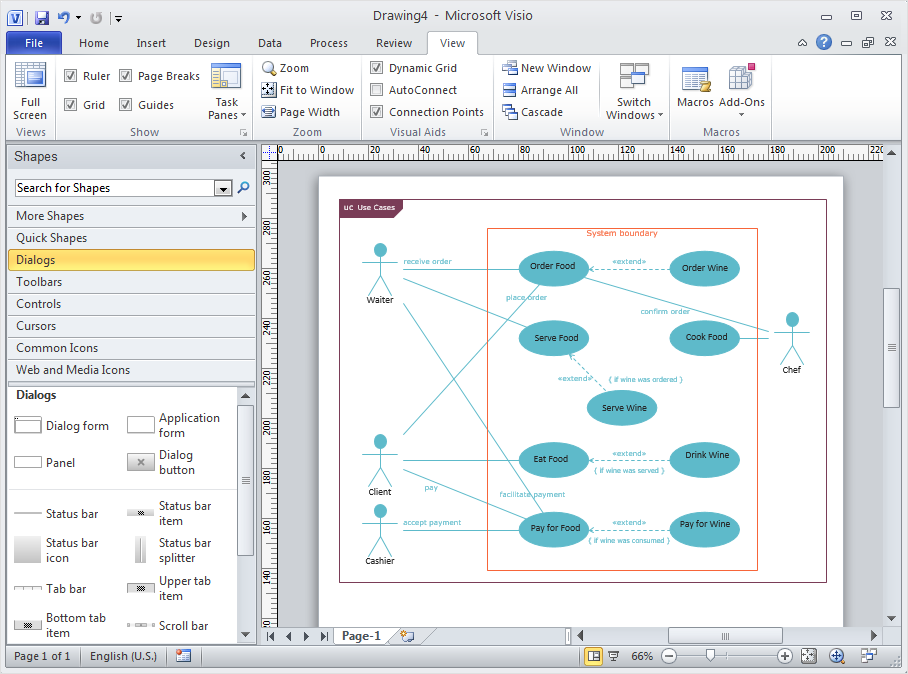
Many people use MS Visio as a business graphic creation program. It is a powerful application with advanced ability to support complex solutions. The native file format for Visio 2010 and earlier files is VSD. ConceptDraw DIAGRAM supports export to Visio XML files (VDX). The transfer process is very simple. You can easily share your ConceptDraw Documents with MS Visio 2003-2010 users. changing software products, you can keep all your documents, created in MS Visio. Using ConceptDraw DIAGRAM, the same as using MS Visio, you will have an opportunity to work with powerful content, provided by Solution Park. You can create various documents with no need to look for the necessary elements for your diagrams in other software products.HelpDesk
How to Open MS Visio® 2013-2019 Files on a Mac®
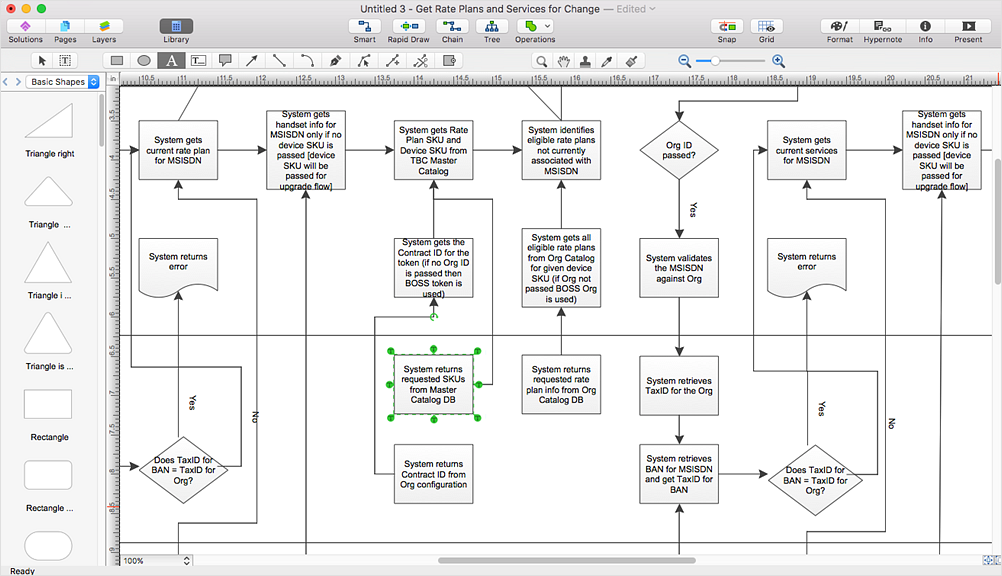
Powerful business graphics and diagramming tools is the norm and not the exception for today’s businesses. For years the de facto standard file format for business has been Microsoft Visio™. Many people involved in visual communication need software tools that will read and write using the Visio file format. With the introduction of Visio 2013, Microsoft has changed the native file format used in earlier versions of Microsoft Visio. ConceptDraw DIAGRAM v12 file import and export works round-trip with the new Visio VSDX file format.
Visio Exchange
Our Visio Exchange tool allows you to Import and export native MS Visio 2013 files that are in the new MS Visio drawing (VSDX) format introduced in the most recent Visio iteration. In addition, ConceptDraw DIAGRAM supports the import and export of MS Visio 2007-2010 XML. (VDX) files more accurately then previous versions of ConceptDraw DIAGRAM. If you have the older MS Visio 2007-2010.
HelpDesk
In Search of an Alternative to MS Visio for Mac
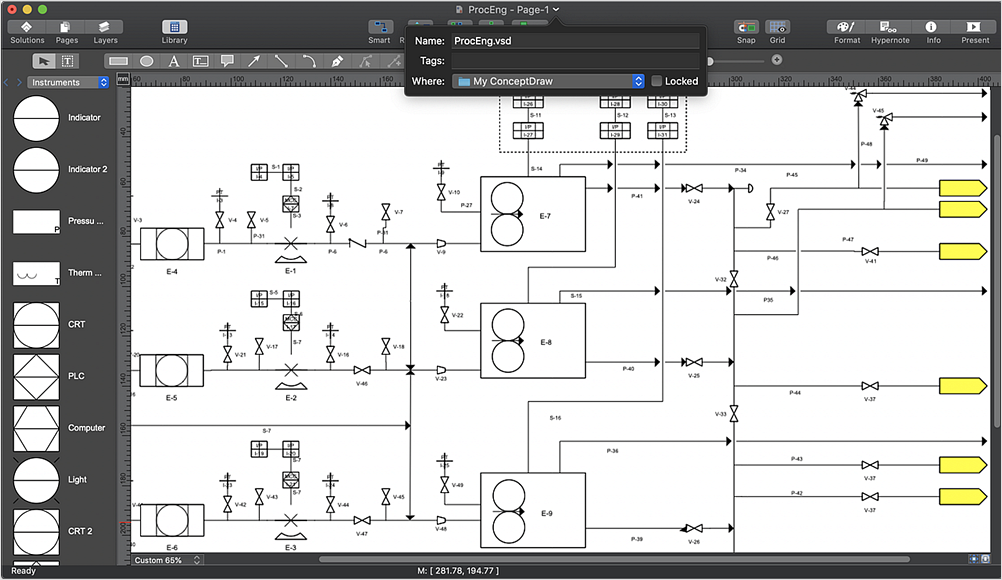
Many people use MS Visio as a business graphics creation program. It is a powerful application with advanced ability to support complex solutions. But MS Visio has no macOS version. This is a big challenge, and you’ll be quite pleased to know about ConceptDraw DIAGRAM — the perfect MS Visio alternative that runs natively in both platforms: macOS and Windows.HelpDesk
How to Convert ConceptDraw DIAGRAM file into MS Visio 2013 - 2019 format
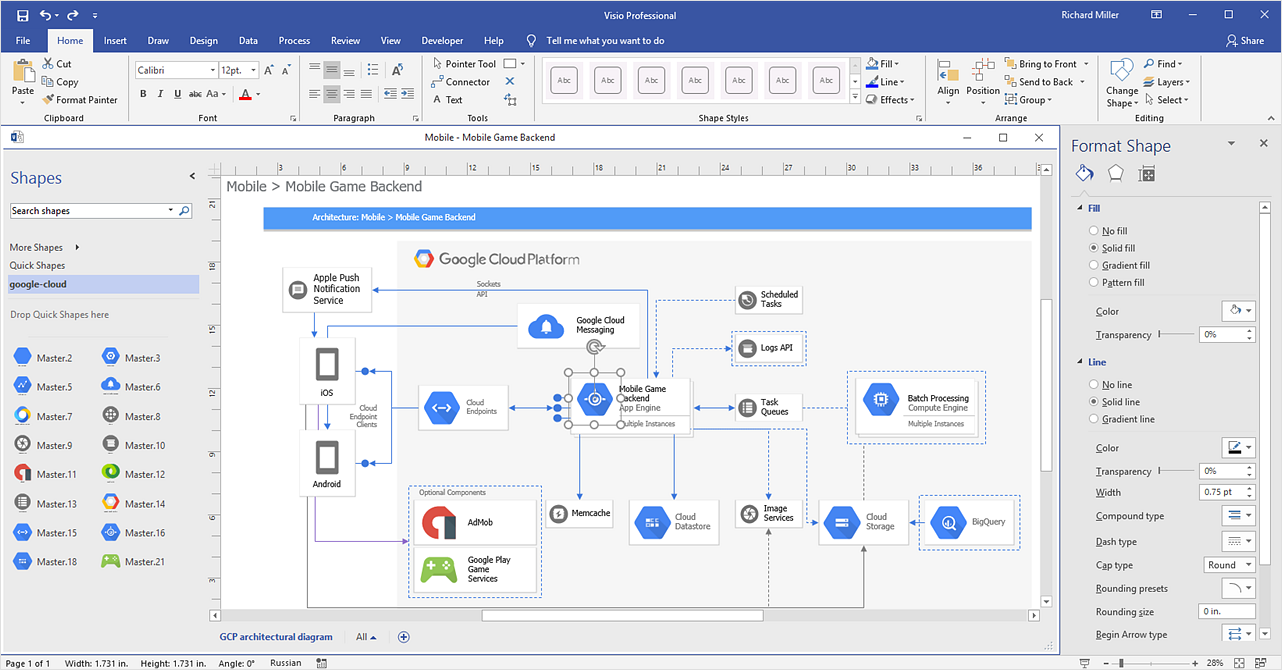
With the release of Visio 2013 Microsoft has changed the native binary file format used in earlier versions of Microsoft Visio. ConceptDraw DIAGRAM file import and export works with the new Visio VSDX file format. ConceptDraw DIAGRAM supports export to MS Visio 2013 files (VSDX). The export process is very simple. ConceptDraw DIAGRAM allows you to easily create a number of diagrams of any complexity for your business and then make a MS Visio VSDX file from your diagram in a single click Thus, you can easily share your ConceptDraw Documents with MS Visio users.HelpDesk
How to Convert MS Visio Custom Stencil to ConceptDraw DIAGRAM
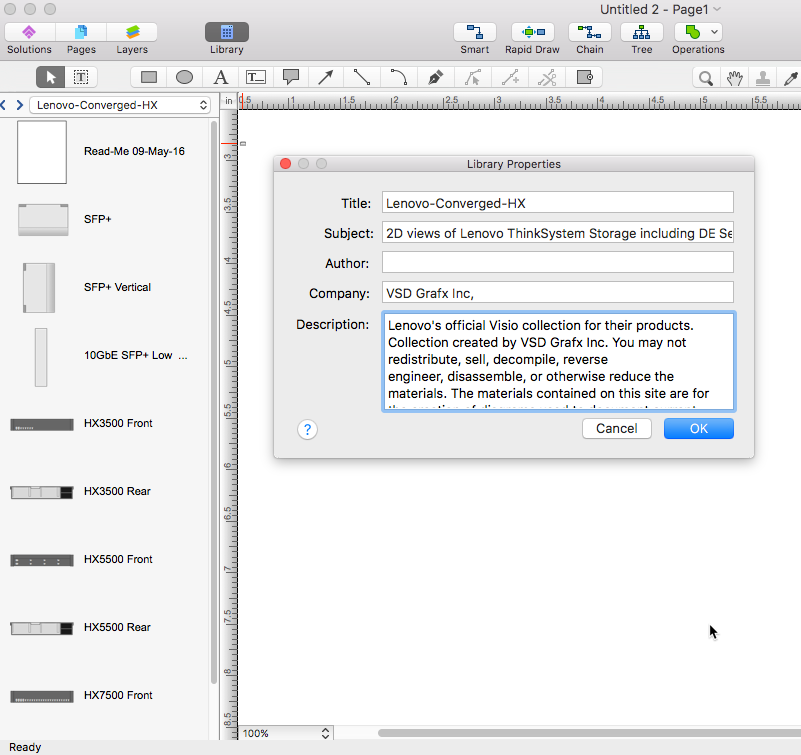
Microsoft Visio allows users to create a new custom stencil to store objects that one want to reuse later or share it with other people. ConceptDraw DIAGRAM supports the possibility to open Visio custom stencils and shapes. With the introduction of Visio 2013 Microsoft has changed the native file format used in earlier versions of Microsoft Visio. Thus, when you are looking for professional tool to open and save in the newer Visio 2013 file format on Mac. ConceptDraw DIAGRAM is exactly solution for you.HelpDesk
How to Convert Visio Stencils for Use in ConceptDraw DIAGRAM
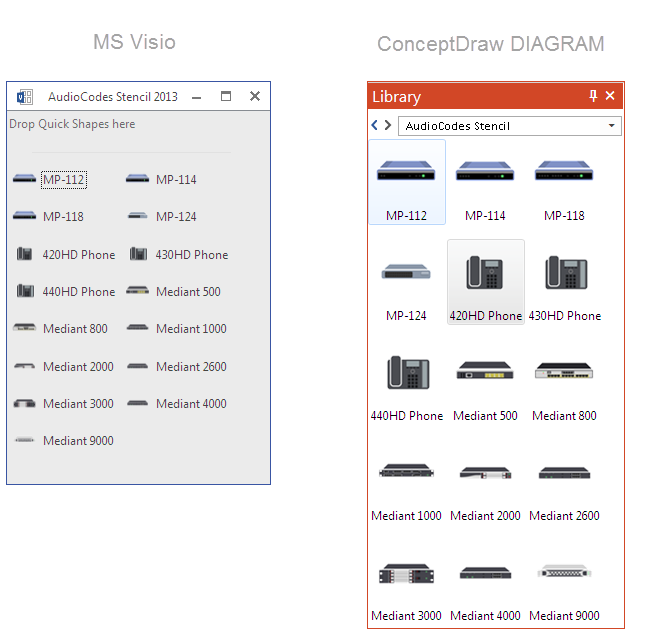
MS Visio provides users with a number of predefined stencils. Standard Visio stencils contain shapes that are basically used to create diagrams. The shapes can range from simple flow chart boxes or lines to more complicated shapes like servers, racks or anything else that needs to be represented in a graphical form. ConceptDraw DIAGRAM supports the possibility to open Visio stencils. With the introduction of Visio 2013, Microsoft has changed the native file format used in earlier versions of Microsoft Visio. Thus, when you are looking for a professional tool to open and save in the newer Visio 2013 file format on Mac, ConceptDraw DIAGRAM is the solution for you. ConceptDraw DIAGRAM file import and export work round-trip with the new Visio VSDX file format and at the same time supports the improved import of VDX file format. To use Visio stencils created with MS Visio 2010 in your diagrams, created with ConceptDraw DIAGRAM, follow the steps described in the following article. In Searching of Alternative to MS Visio for Mac and PC with ConceptDraw DIAGRAM

Undoubtedly MS Visio is a powerful and multifunctional tool, but however at times occur the instances, when it turns unable of meeting certain users' requirements. At this cases you may need to use an alternative program software, preferably it will be simple, convenient, and at the same time powerful and professional. In searching the alternative to MS Visio for MAC and PC we recommend you to pay attention for ConceptDraw DIAGRAM software, which was developed to satisfy all your drawing needs and requirements. It is a fully-functioned alternative product to MS Visio for both platforms.
ConceptDraw DIAGRAM software has many advantages, the main among them are the cross-platform compatibility, a reasonable price, widespread ConceptDraw Solution Park with huge variety of different solutions that offer numerous libraries of specialized vector objects, useful examples, samples, and quick-start templates, extensive import / export capabilities, built-in script language, MS Visio support and certainly free technical support.
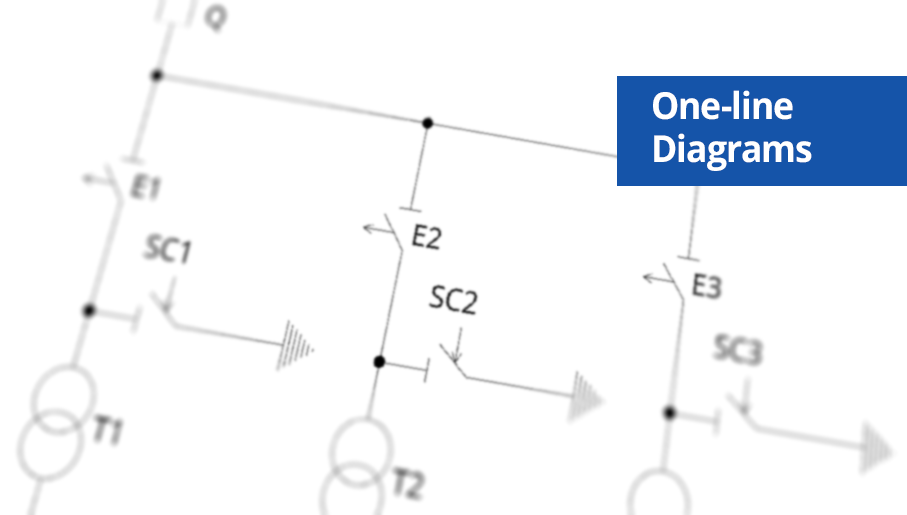
One-line Diagrams
One-line Diagrams solution is a powerful electrical engineering tool to develop precise and detailed One-line Diagram, Single-line Diagram, Electrical diagram. This solution supplies the ConceptDraw DIAGRAM users with a wide set of vector libraries with special icons and electrical symbol elements for one-line drawing and electrical engineering diagram design including. It includes a large collection of samples of One-line Diagrams illustrating high-voltage and low-voltage systems, different electrical configurations and topologies, transmission systems, application of circuit breakers, protection electrical equipment, etc. It is perfect for all power-related workers, engineers, electricians, and other professionals working in power engineering and energy industries.
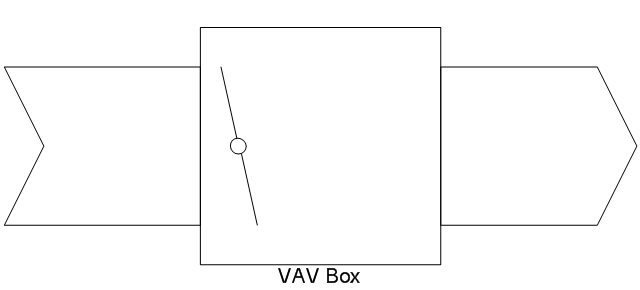
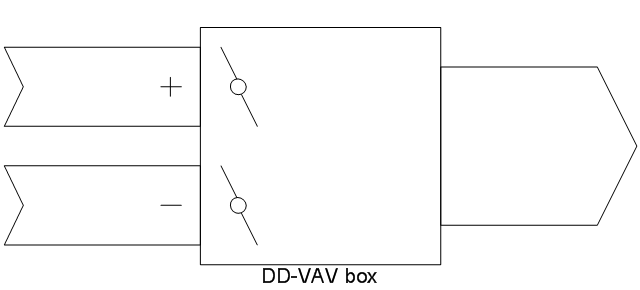
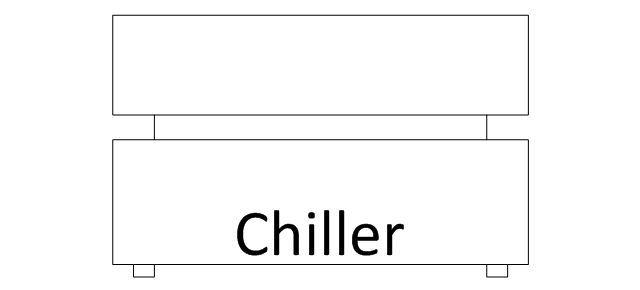
The vector stencils library "HVAC control equipment" contains 48 HVAC symbols. Use it for drawing HVAC systems diagrams, heating, ventilation, air conditioning, refrigeration, automated building control, and environmental control design building plans and equipment layouts. The symbols example "HVAC control equipment - Vector stencils library" was created using the ConceptDraw PRO diagramming and vector drawing software extended with the HVAC Plans solution from the Building Plans area of ConceptDraw Solution Park.
- Visio Files and ConceptDraw | How to Convert MS Visio ® 2010 VSD ...
- How to Open Visio ® VDX File Using ConceptDraw DIAGRAM ...
- How to Convert MS Visio ® 2003-2010 File to ConceptDraw ...
- How to Convert MS Visio ® 2010 VSD File to ConceptDraw PRO v10 ...
- Visio Exchange | Azure Architecture | Logo Active Directory Vsd
- How to Convert MS Visio ® 2003-2010 File to ConceptDraw ...
- How to Open MS Visio ® 2003-2010 Files on Mac® | How to Open ...
- How to Open MS Visio ® 2013/2016 Files on a Mac® | How to Open ...
- How to Convert MS Visio ® 2003-2010 File to ConceptDraw DIAGRAM