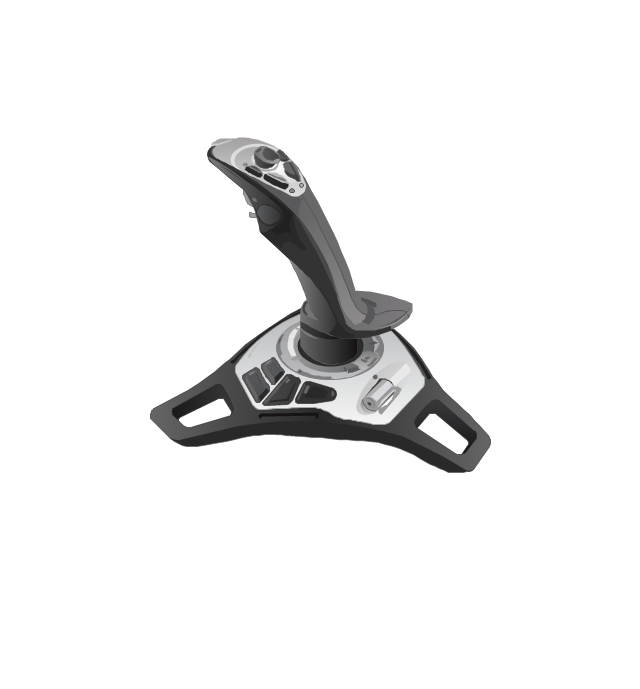
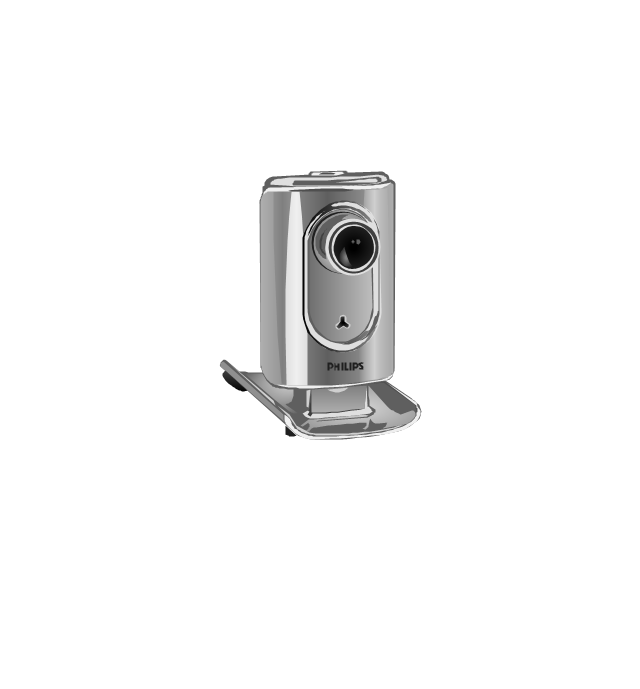
The vector stencils library "Computer peripheral devices" contains 18 clipart images of computer peripheral devices and equipment for drawing network diagrams.
"A peripheral is a device that is connected to a host computer, but not an integral part of it. It expands the host's capabilities but does not form part of the core computer architecture. It is often, but not always, partially or completely dependent on the host.
There are three different types of peripherals:
(1) Input, used to interact with, or send data to the computer (mouse, keyboards, etc.).
(2) Output, which provides output to the user from the computer (monitors, printers, etc.).
(3) Storage, which stores data processed by the computer (hard drives, flash drives, etc.)" [Peripheral. Wikipedia]
The clip art example "Computer peripheral devices - Vector stencils library" was created using the ConceptDraw PRO diagramming and vector drawing software extended with the Computer and Networks solution from the Computer and Networks area of ConceptDraw Solution Park.
"A peripheral is a device that is connected to a host computer, but not an integral part of it. It expands the host's capabilities but does not form part of the core computer architecture. It is often, but not always, partially or completely dependent on the host.
There are three different types of peripherals:
(1) Input, used to interact with, or send data to the computer (mouse, keyboards, etc.).
(2) Output, which provides output to the user from the computer (monitors, printers, etc.).
(3) Storage, which stores data processed by the computer (hard drives, flash drives, etc.)" [Peripheral. Wikipedia]
The clip art example "Computer peripheral devices - Vector stencils library" was created using the ConceptDraw PRO diagramming and vector drawing software extended with the Computer and Networks solution from the Computer and Networks area of ConceptDraw Solution Park.
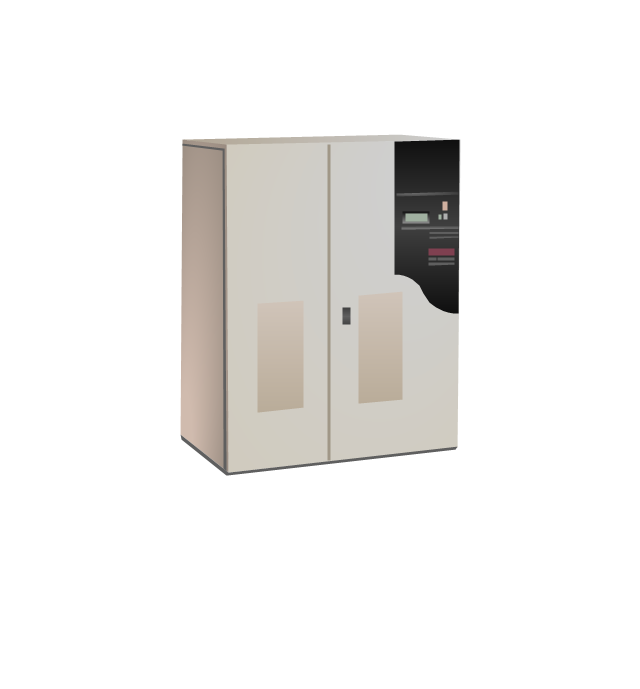
Uninterruptible power supply
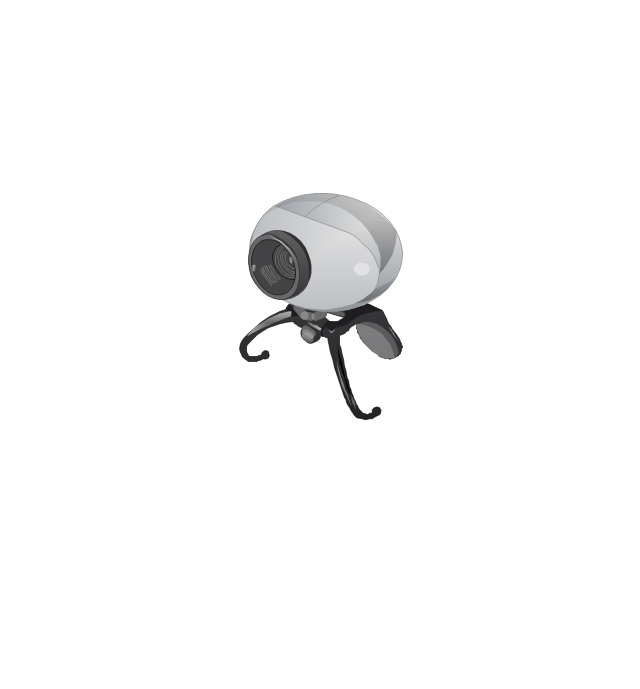
Webcam
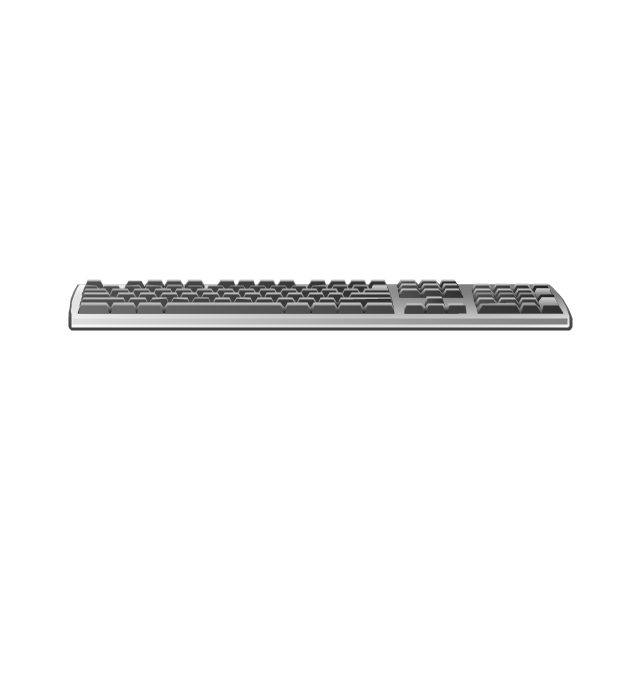
Keyboard
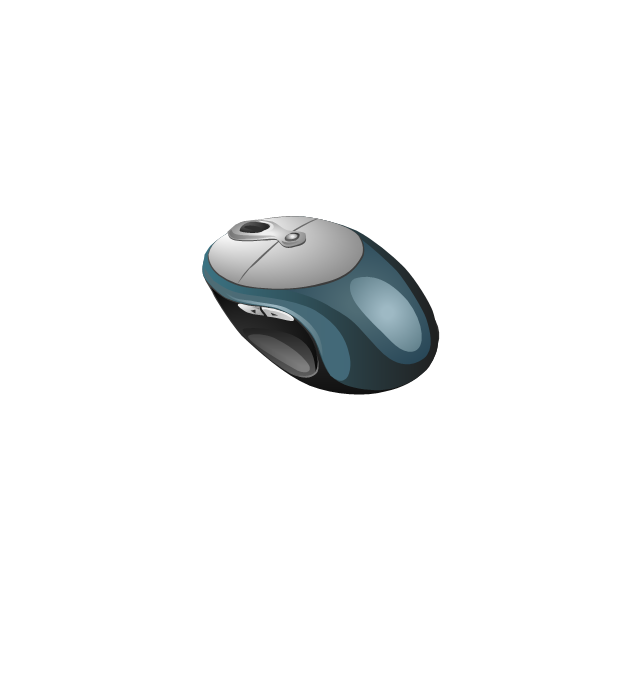
Optical mouse
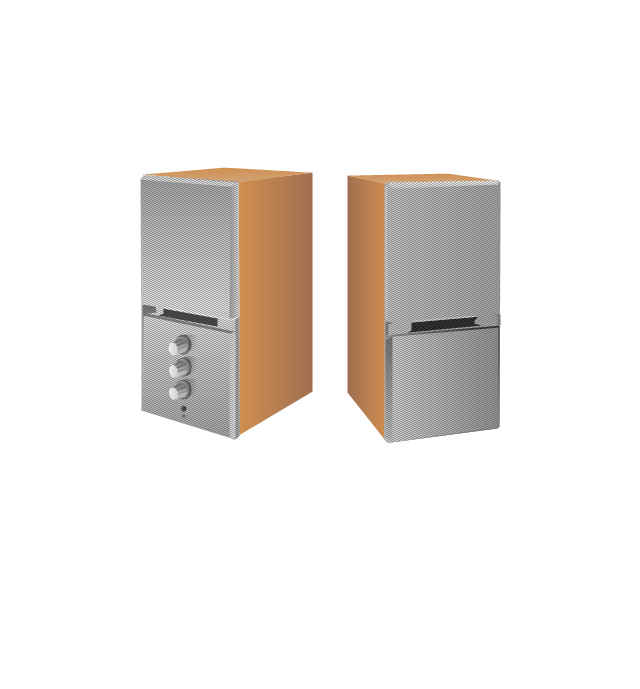
Computer speakers
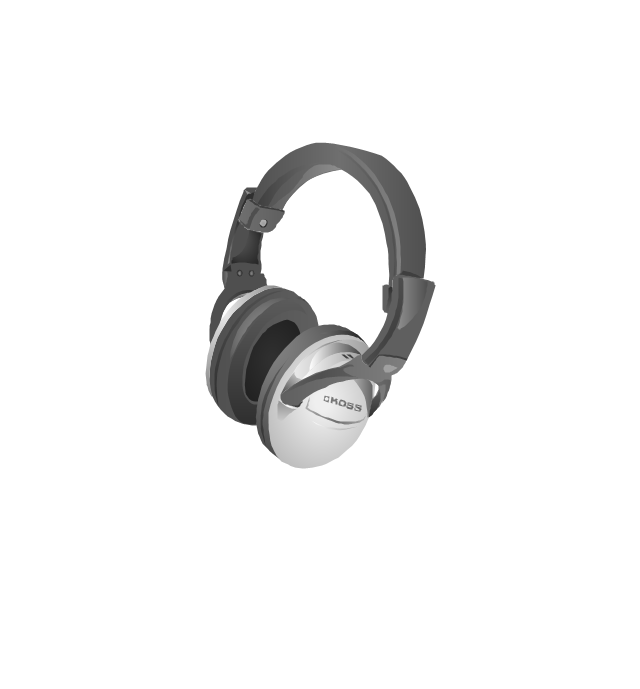
Headphones
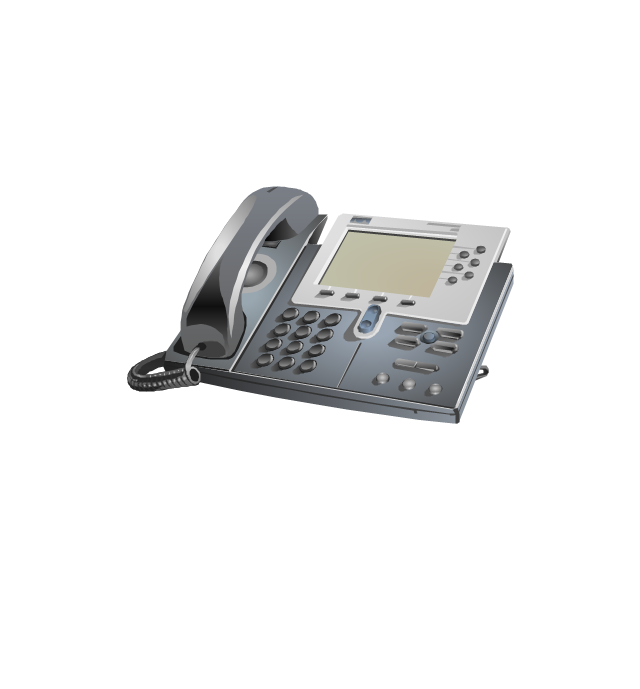
VoIP phone
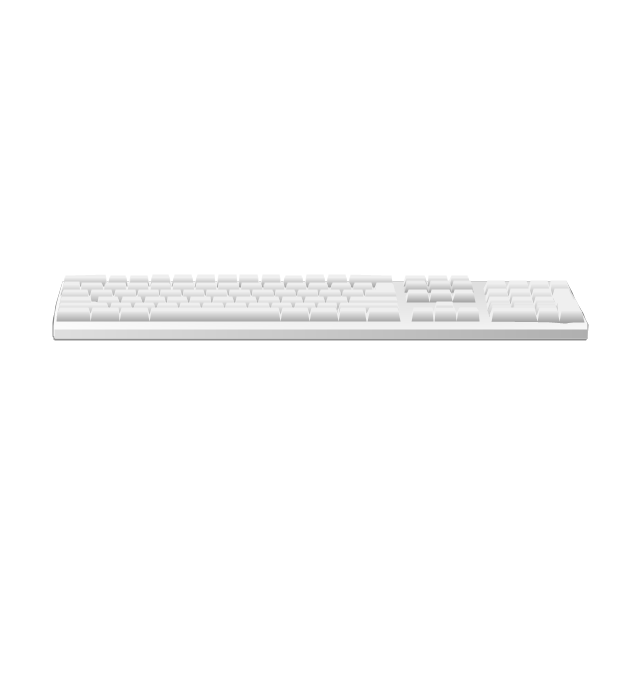
Apple Keyboard
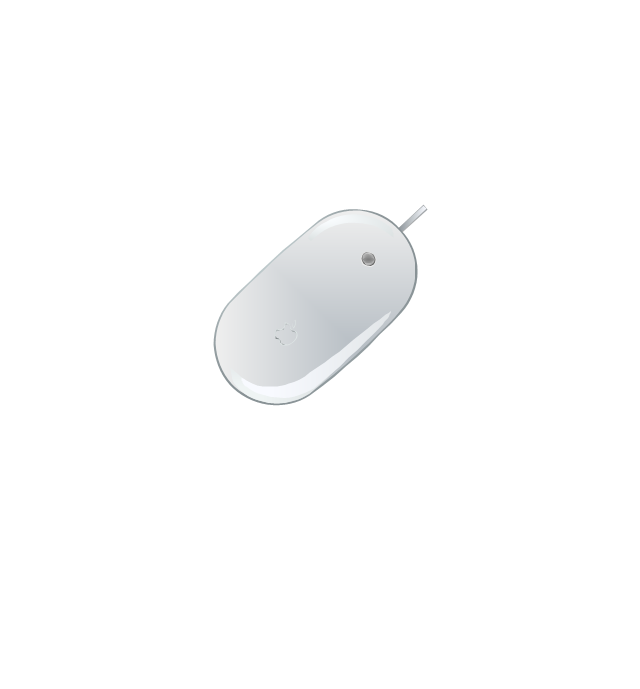
Apple Mouse
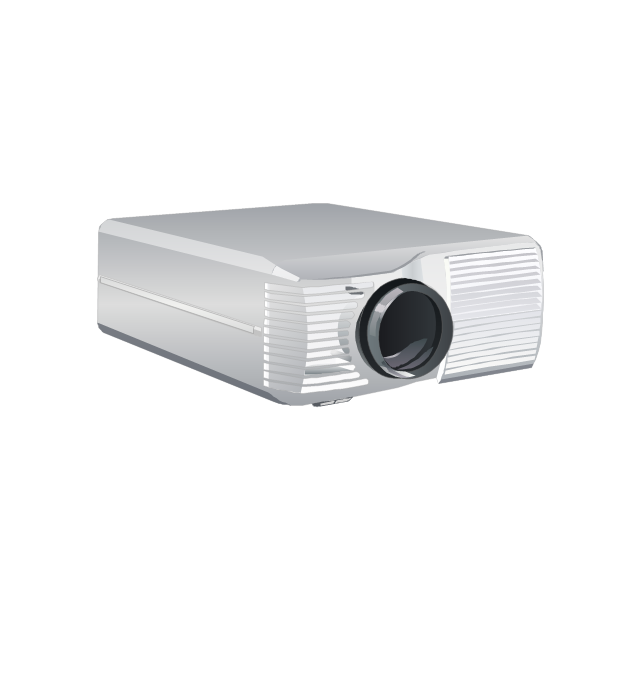
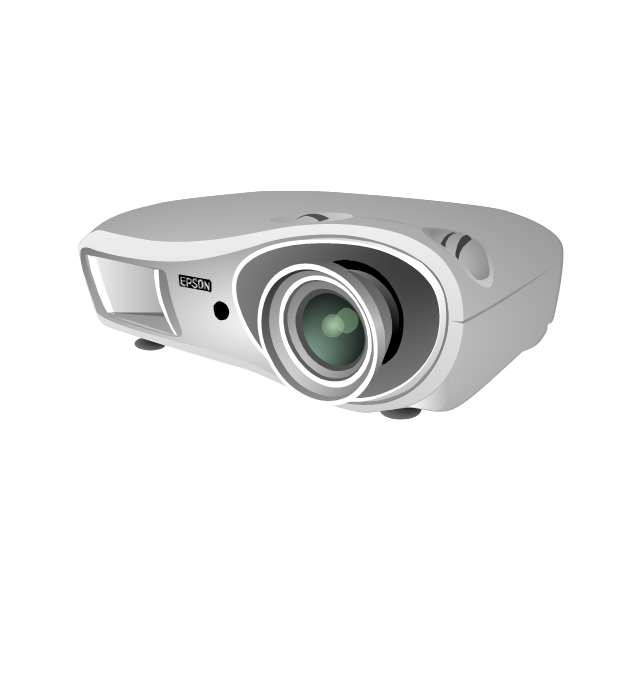
LCD projector
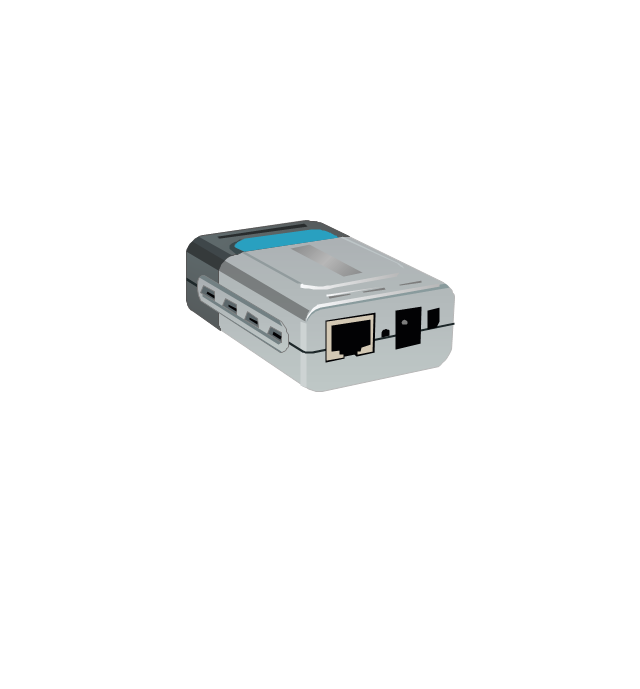
Port adapter
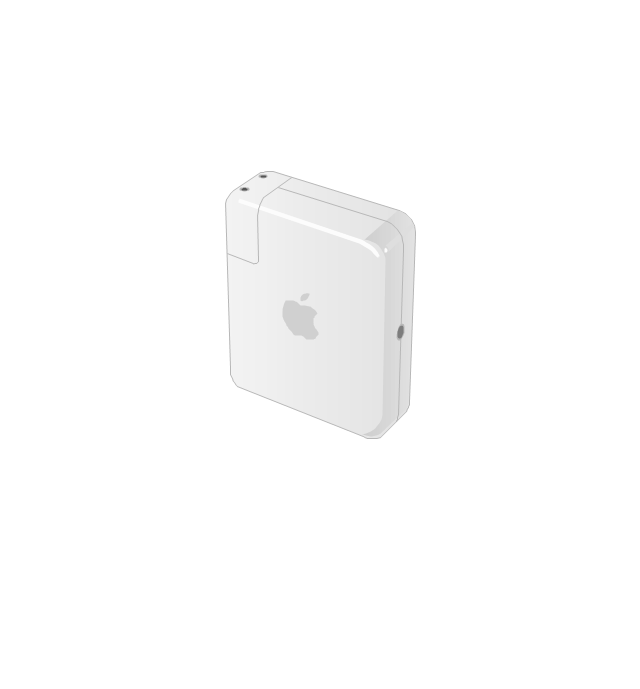
Airport Express
Joystick
Webcam
Video projector
Local area network (LAN). Computer and Network Examples


Digital Communications Network. Computer and Network Examples

 Computer Network Diagrams

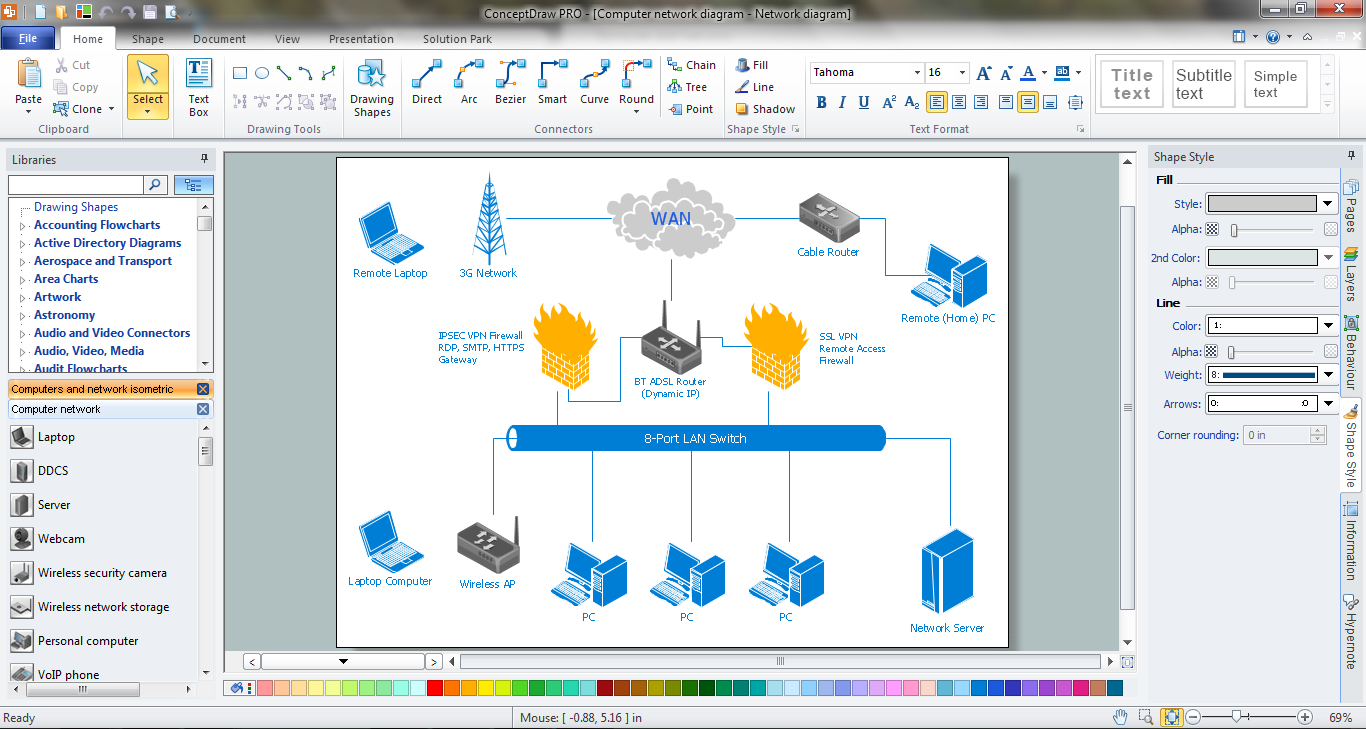
Computer Network Diagrams solution extends ConceptDraw DIAGRAM software with samples, templates and libraries of vector icons and objects of computer network devices and network components to help you create professional-looking Computer Network Diagrams, to plan simple home networks and complex computer network configurations for large buildings, to represent their schemes in a comprehensible graphical view, to document computer networks configurations, to depict the interactions between network's components, the used protocols and topologies, to represent physical and logical network structures, to compare visually different topologies and to depict their combinations, to represent in details the network structure with help of schemes, to study and analyze the network configurations, to communicate effectively to engineers, stakeholders and end-users, to track network working and troubleshoot, if necessary.
 Computers and Communications
Computers and communications solution extends ConceptDraw DIAGRAM software with illustration samples, templates and vector stencils libraries with clip art of computers, control devices, communications, technology, Apple machines.
Network Diagram Software. LAN Network Diagrams. Physical Office Network Diagrams

Network Icons
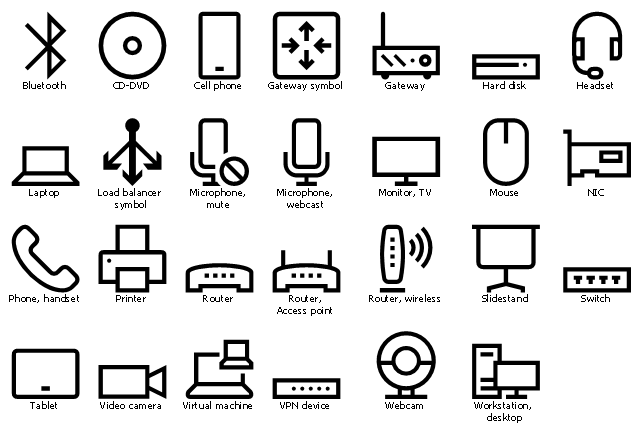
The vector stencil library "Azure architecture - Devices" contains 27 icons of electronic devices including digital gadgets, computer peripherals, networking hardware and related symbols.
Use these device symbols to draw Azure architecture diagrams with ConceptDraw PRO software.
"A gadget is a small technological object such as a device or an appliance that has a particular function, but is often thought of as a novelty." [Gadget (disambiguation). Wikipedia]
The device icon set example "Design elements - Azure architecture - Devices" is included in Azure Architecture solution from Computer and Networks area of ConceptDraw
Solution Park.
Use these device symbols to draw Azure architecture diagrams with ConceptDraw PRO software.
"A gadget is a small technological object such as a device or an appliance that has a particular function, but is often thought of as a novelty." [Gadget (disambiguation). Wikipedia]
The device icon set example "Design elements - Azure architecture - Devices" is included in Azure Architecture solution from Computer and Networks area of ConceptDraw
Solution Park.
Network Glossary Definition

Star Network Topology


- Computer peripheral devices - Vector stencils library | Computer ...
- Computer Network Diagrams | Computer peripheral devices - Vector ...
- Computer peripheral devices - Vector stencils library | Network ...
- Computer peripheral devices - Vector stencils library | TV, Photo and ...
- Computer peripheral devices - Vector stencils library | Design ...
- Design elements - Computer peripheral devices | Computer ...
- Design elements - TV, Photo and Video | Computer peripheral ...
- Computer Network Diagrams | Computer peripheral devices - Vector ...
- Computer peripheral devices - Vector stencils library | Cisco ...
- Computer peripheral devices - Vector stencils library | Computers ...


