This site uses cookies. By continuing to browse the ConceptDraw site you are agreeing to our Use of Site Cookies.
HelpDesk

How to Change the Form and Color of a Topic’s Line in Your Mind Map
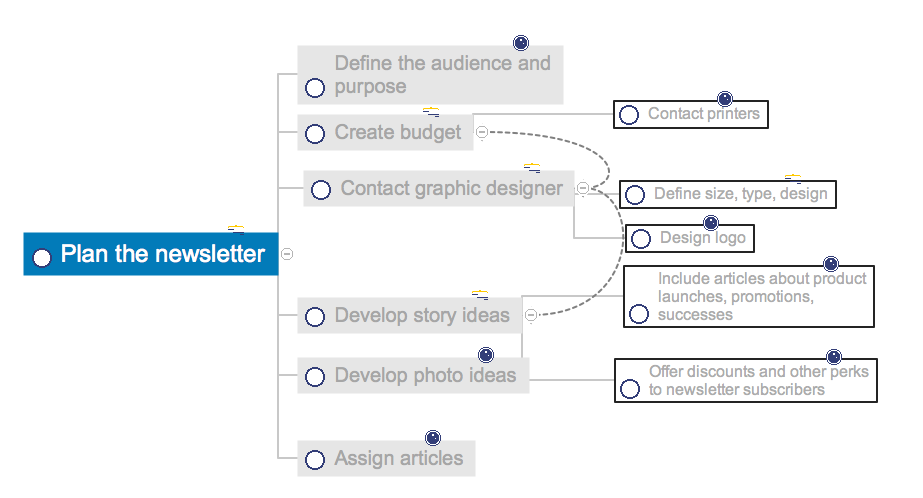
You can completely customize the style of your mind maps, including the style of topic lines and outlines. This article describes how to change the form and color of a topic’s line in your mind map.
HelpDesk

How to Make a Project Tasks Mind Map from Brainstorm
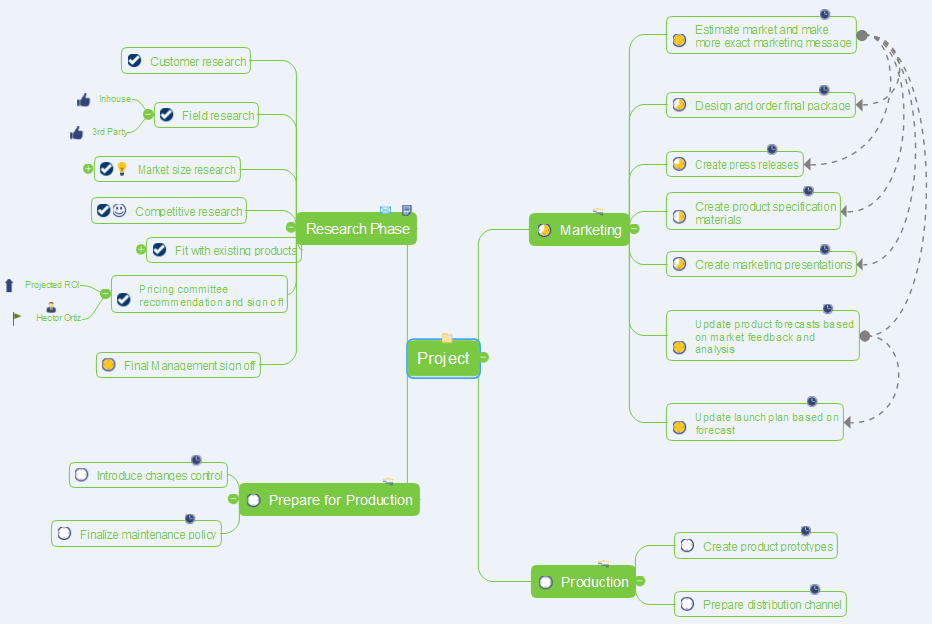
Start project with creating a mind map, structuring ideas captured during a brainstorming session.
HelpDesk

How to Show the Relationship Between Topics
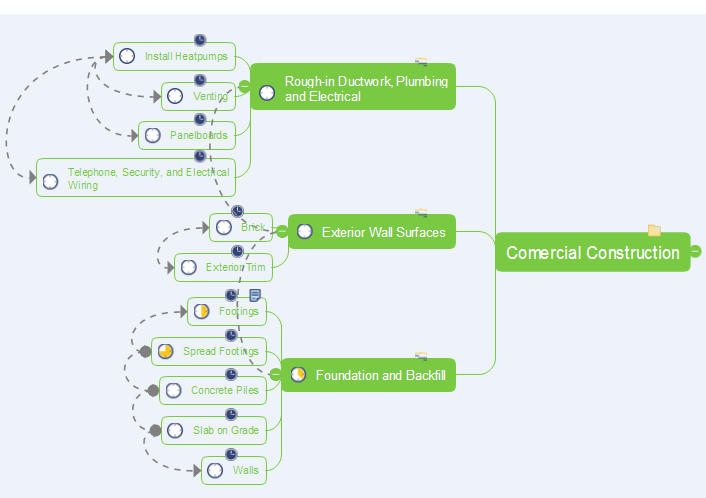
Any mind map contains topics that are arranged in a radial structure. It depicts the relation (semantic, causal, association, etc.) between the concepts, parts and components of the main idea. In addition to the main connections that make the structure of a mind map, topics can be linked with other lines. ConceptDraw MINDMAP allows you to show the relationships between topics, which belong to different parts of the mind map structure, but also influence each other. Relationships help to show and organize complex interconnections between topics of mind map visually. Such communication is also very important - the mind map, where many topics are not related, tends to turn into a common text!
HelpDesk

How to Print an Outline Directly From Mind Map
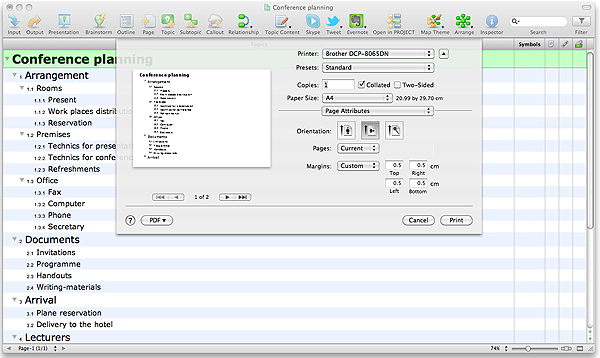
Instructions on how to print mind map text outline directly from mind map
HelpDesk

How to Brainstorm with ConceptDraw MINDMAP
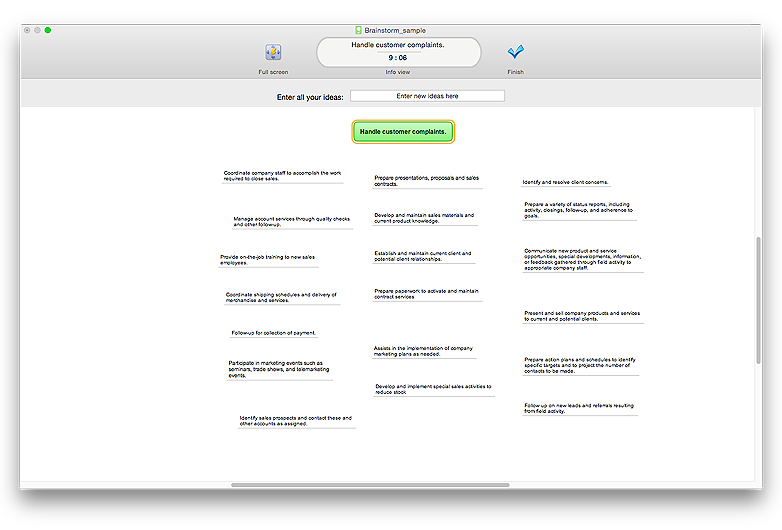
Brainstorming is a way of generating ideas related to a specific theme. Usually brainstorming involves a group of people generating a lot of ideas in a short period of time. The key to brainstorming is putting off the process of evaluating ideas until a later stage. The participants keep a record of their ideas as they come to mind, without thinking them over. Unorthodox and unusual thoughts are welcome, and no criticism or justification is allowed in order to encourage participation. Though one can brainstorm individually, the technique works better in a group, as ideas expressed by one participant trigger more ideas from others, often based on associations, and the participants can benefit from each other’s experience and knowledge.
Brainstorming using a software tool has a lot of advantages over the traditional way of capturing ideas like flip-charts or white-boards. The latter have physical size limitations, which constrain the process as the number of ideas grows. Ideas become scattered around the room, making it is easy to overlook important ideas. Further grouping and prioritizing of ideas is inconvenient and requires a lot of effort. ConceptDraw MINDMAP helps to avoid these problems. Read here how to run a Brainstorming session with ConceptDraw MINDMAP
HelpDesk

How to Create a PowerPoint® Presentation from a Mind Map
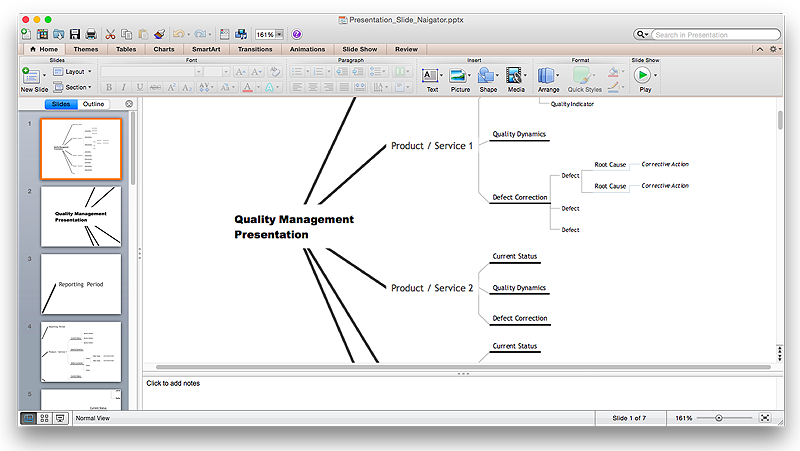
ConceptDraw MINDMAP allows you to create a traditional PowerPoint Presentation from your mind mind maps. There are two different variants when exporting to PowerPoint  - one places editable text into the template of your choice, the other places the pieces of the map that you want to show into the slides.
HelpDesk

How to Create a Mind Map with Multiple Main Ideas
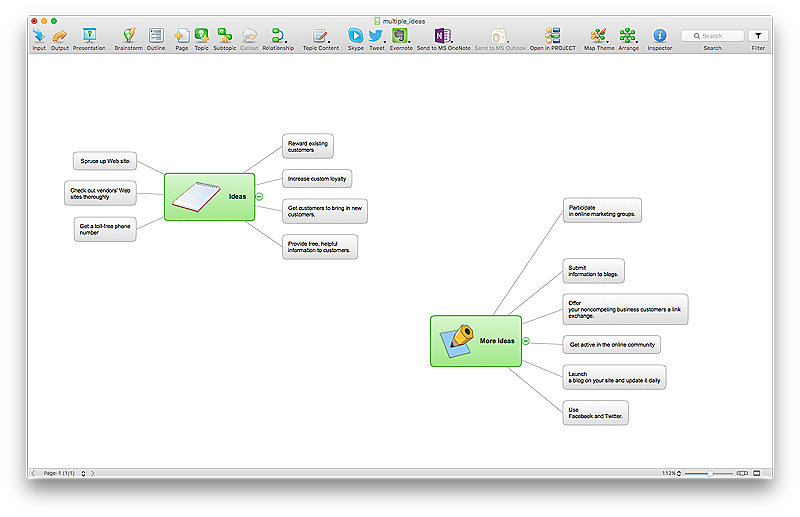
Classical mind map consists from the single Main Idea surrounded with related ideas and branches, deepening the main theme. The Multiple Main Idea on a single mind map page is a really useful when you have a lot of corresponding ideas. ConceptDraw MINDMAP allows you to insert a number of different mind maps onto a single workspace.
HelpDesk

How to Change the Font for an Entire Level of a Mind Map
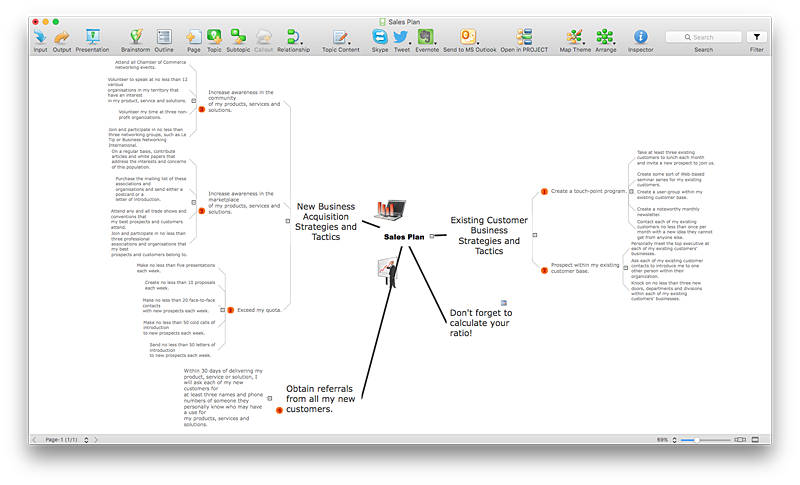
The visual representation of information is much more productive than simple linear transfer because it is more natural for our brain to understand information in the form of visual images. ConceptDraw MINDMAP will help you put your thoughts and ideas across to any audience in the most intelligible and memorable way. Mind maps can be used in a great number of situations involving analysis, learning, research and thinking. Use them for personal planning, preparing lists, working on projects, as well as analyzing problems and finding solutions. ConceptDraw MINDMAP provides a variety of style and formatting options for your mind maps, that let you add more information to your mind map without interfering with its readability.
HelpDesk

How to Format Topics

ConceptDraw MINDMAP enables you to change the form and color of a mind map topics. Here is the tips on how to edit mind map appearance quickly by changing topic's form and color.
HelpDesk

How to Make SWOT Analysis in a Word Document
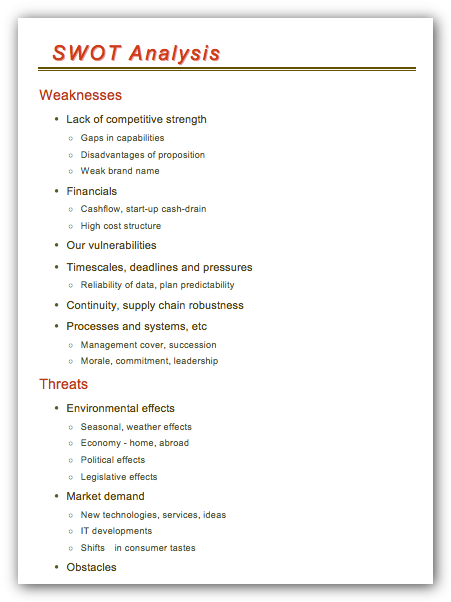
A SWOT analysis is a strategic planning tool that helps to identify and compare strengths and weaknesses with opportunities and threats to make a decision and create an action plan. When performing a SWOT analysis, one can create a table split up into four columns so as to list each impacting element side-by-side for comparison, but typically it is conducted using a four-square SWOT analysis template. Using mind map allows you to collect and structure an information involved in SWOT Analysis then, you can export your SWOT mind map into a MS Word document that allows you to present and collaborate your business strategic SWOT analysis matrix in MS Word document.

HelpDesk

How to Work with Multipage Mind Maps

Creating a multipage mind map from separate mind maps
HelpDesk

How to Split a Complex Map to a Few Simple Maps
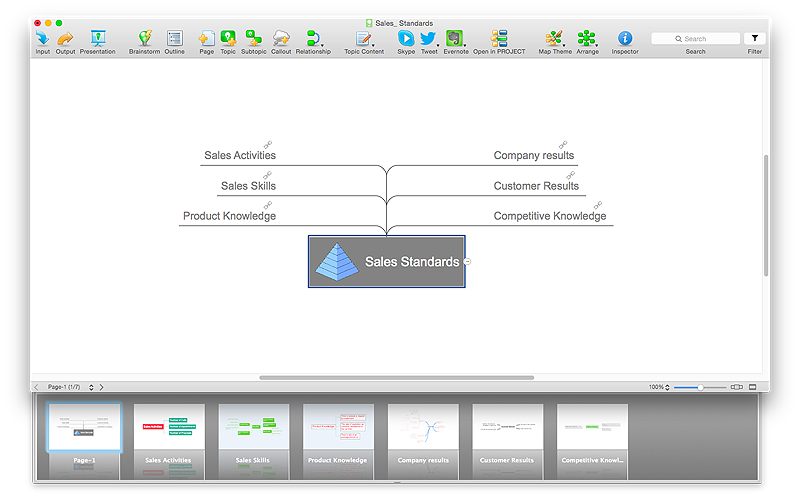
When using ConceptDraw MINDMAP, you can move each main topic of a large complex mind map to a separate page. Here is the instructions on how to create a multiple page mind map from a solid map.
HelpDesk

How to Use Mind Map Filtering in ConceptDraw MINDMAP
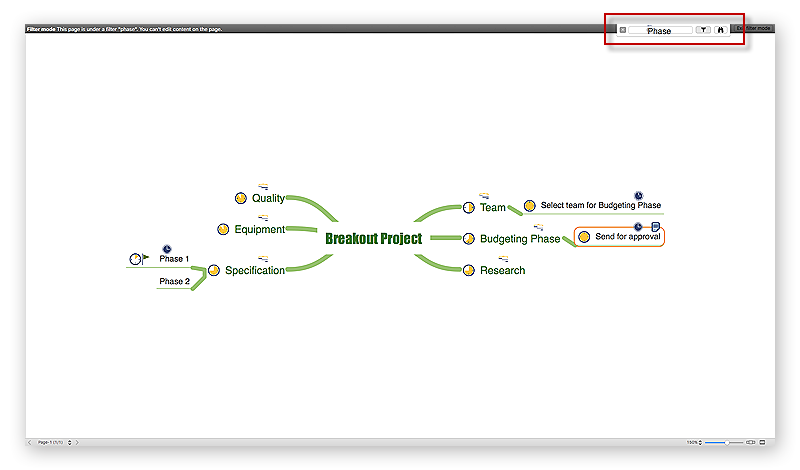
Many of us use mind maps for organizing, structuring or compiling our ideas or projects. Making mind map is the ability to take existing ideas and combine them in new ways. This is much easier to do when you can see all the ideas in front of you. Using mind maps for organizing and structuring information as the volume of data grows and the map expands can be a challenge. ConceptDraw MINDMAP allows you to sort and filter your mind map content even on the Full Screen.
HelpDesk

How to Share Mind Maps via Internet
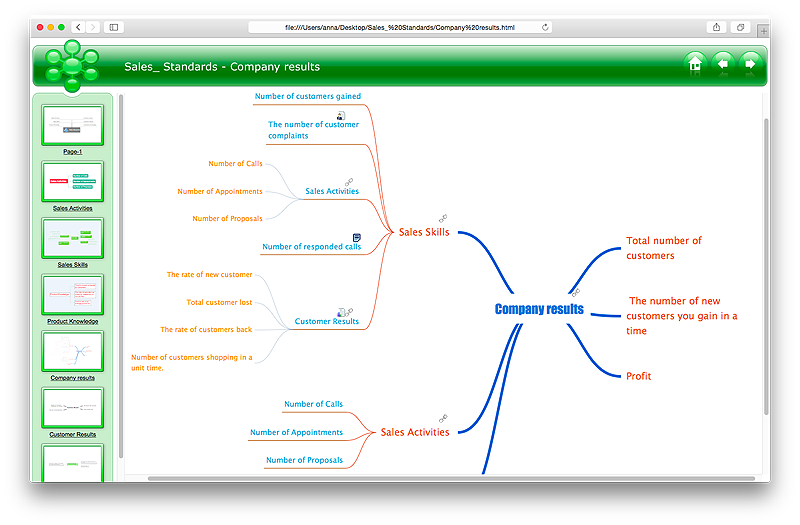
ConceptDraw MINDMAP provides a variety of export capabilities to help with that situation. Exporting the mind map to HTML format, preserving the links so they can be used to download documents.
HelpDesk

How to Draw a Mind Map on PC Using ConceptDraw MINDMAP
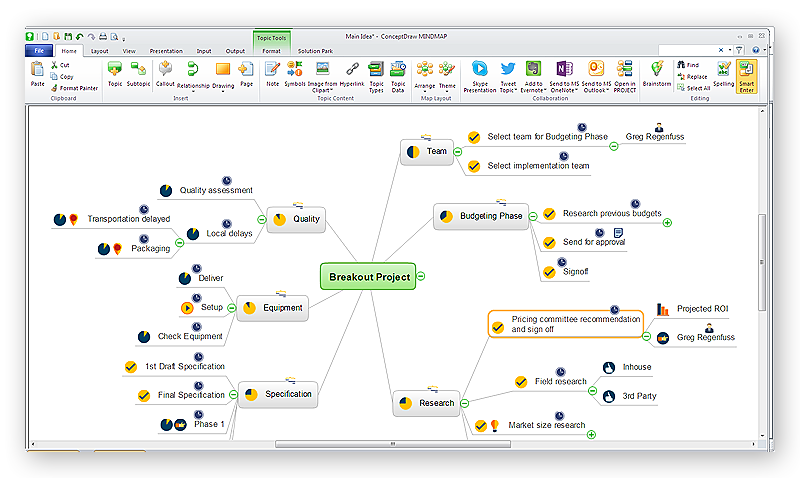
Mind maps are useful forcapturing ideas, organizing and structuring information in a visual form, that is easier to understand, and easier to explain to others. Mind map consists of a general Main Idea surrounded by other related topics and subtopics, which are displayed in a radial hierarchical structure. Read this step-by-step guide on how to create a mind map using ConceptDraw MINDMAP for Windows.