HelpDesk
How to Input Data from MS Excel Into a Mind Map
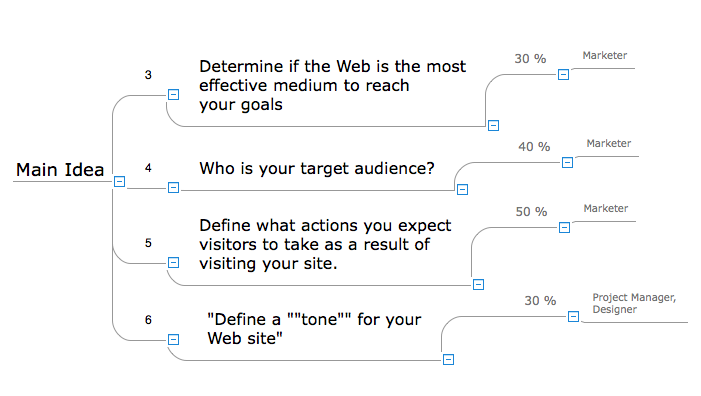
Many people apply Excel documents to store data in the form of hierarchical lists. With ConceptDraw MINDMAP you can easily turn the linear structure of an Excel table in a radial structure of mind map ConceptDraw MINDMAP will create a mind map file (CDMZ) from your Excel (XLS) file. If you keep your information in the Microsoft Excel files, you can import them into ConceptDraw MINDMAP, converting the columns and rows to a hierarchically structured mind map. If you have multiple individual sheets in your Excel workbook, ConceptDraw MINDMAP will turn them into a single multi-page mind map. ConceptDraw MINDMAP lets you import an entire Microsoft® Excel file as well as insert data from the selected cells.HelpDesk
How to Import Project Data From MS Excel File
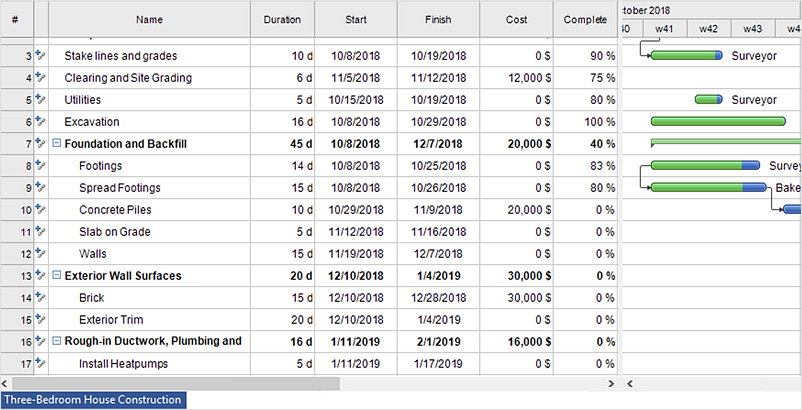
You can import information into the project from MS Excel workbook using the entered fields - fields in which you can enter or edit information as opposed to calculated fields.How to Import Mind Maps from FreeMind
ConceptDraw MINDMAP is great for breaking through barriers in your workflow. Its intuitive thought organization abilities jumpstart stagnant processes and provide a platform for bursts of creativity that launch stalled projects to new heights. In the continued spirit of breaking down barriers, CS Odessa brings you Mind Map Exchange Phase.HelpDesk
How to Import Text to ConceptDraw MINDMAP
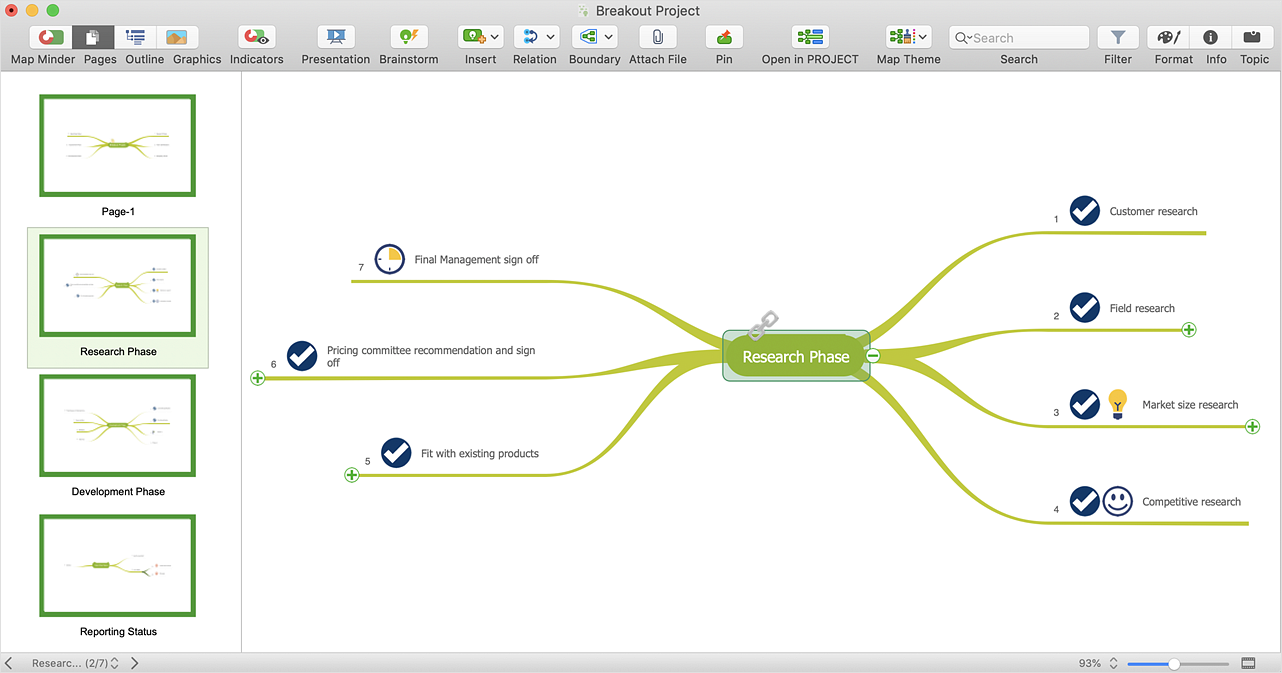
Mind mapping is a quick and efficient way to start up a project. When you create a mind map, it might be necessary to use previously recorded files, notes, or text outlines. The importing capabilities of ConceptDraw MINDMAP allow you to easily convert text into a mind map. You can quickly turn your TXT file to the hierarchical structure of mind map. You can convert the entire TXT file as well as a selected part. ConceptDraw MINDMAP supports the ability to convert text in both single-page and multi-page mind map. You can create a multiple page project mind map quickly, using various text work-pieces. Read this article to find out how to create your multi-page mind map from a text outline.HelpDesk
How to Share Your Mind Maps With Others
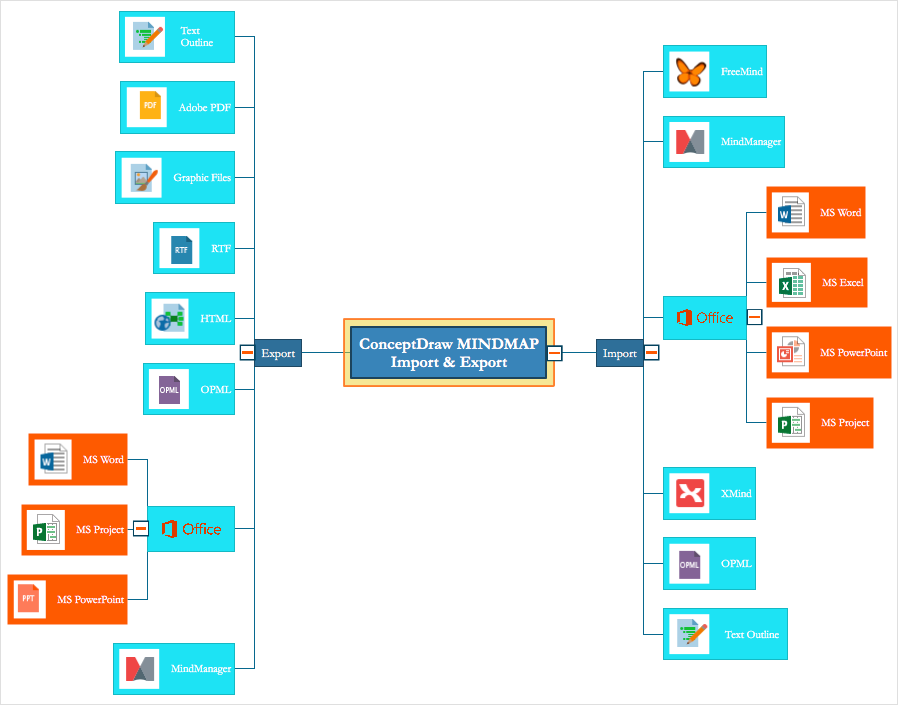
Sharing ConceptDraw mind maps among users of various mind mapping applicationsHow to Import Mind Maps from XMind
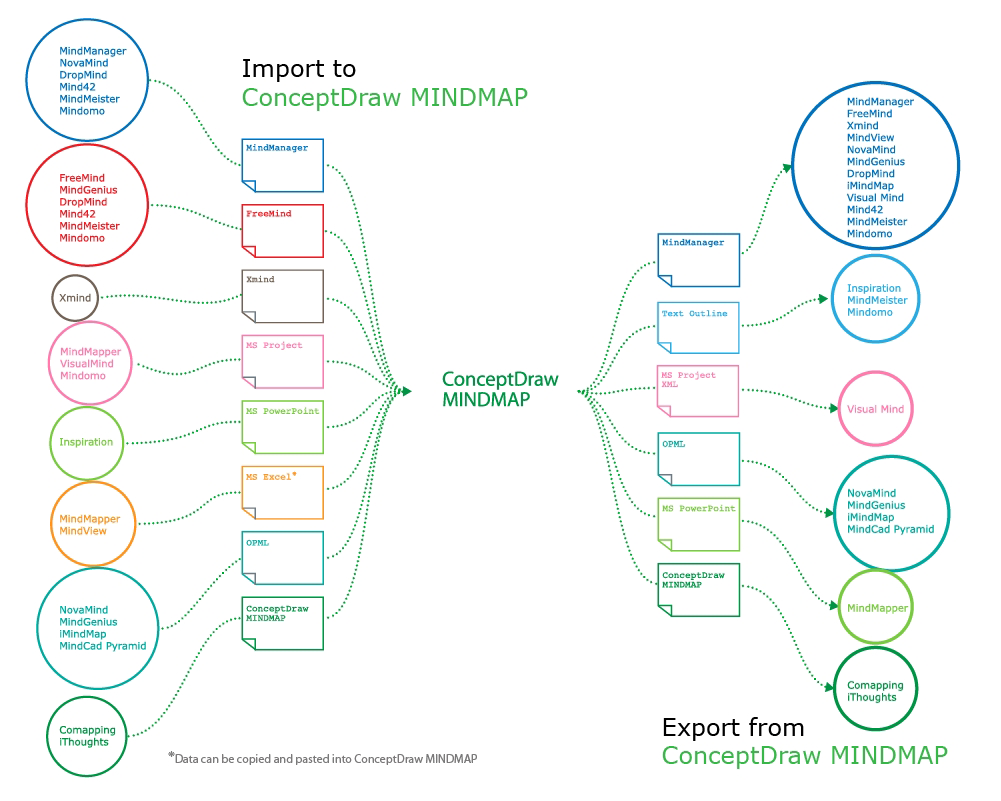
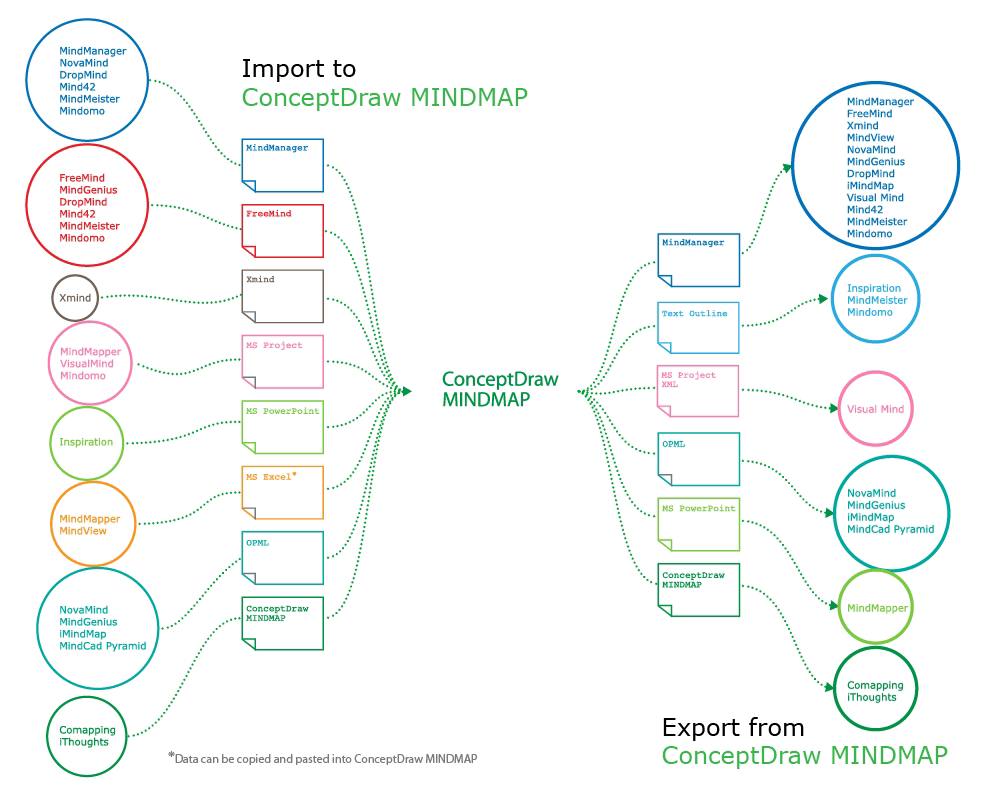
ConceptDraw MINDMAP has impressive import and export capabilities includes following formats: OPML, Mindjet MindManager; Microsoft Office products: PowerPoint, Project, Word; FreeMind (import only); XMind (import only). Now ConceptDraw MINDMAP users and Mindjet MindManager users can freely exchange their mind maps using the Mind Map Exchange solution available in Solution Park.HelpDesk
How to Export Project Data to MS Excel Worksheet
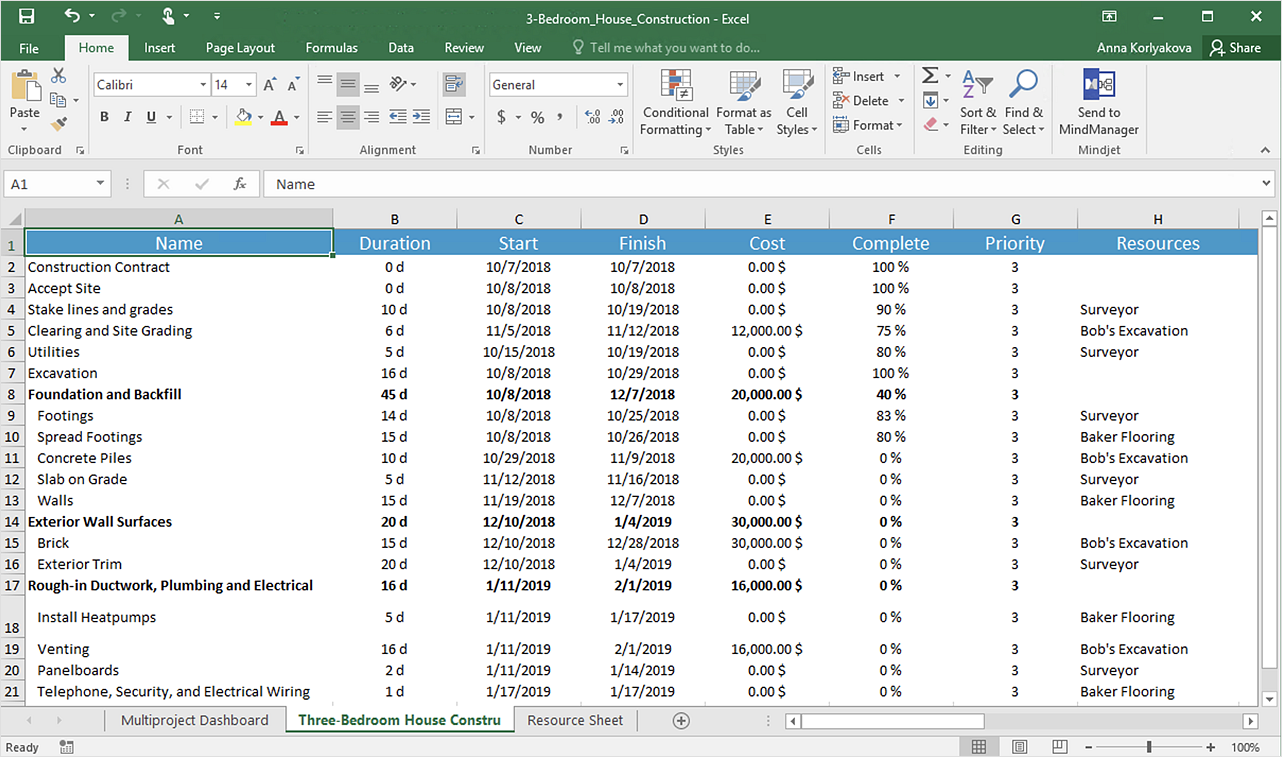
You can share your ConceptDraw PROJECT files with colleagues who use MS Excel®using the export capabilities of ConceptDraw PROJECT.Flowchart design. Flowchart symbols, shapes, stencils and icons

A flowchart is a type of diagram which represents an algorithm, process or workflow, displays the steps as boxes of various kinds and depicts their order by connecting them with arrows. Any business graphic document will be more colorful and understandable if will use professional-looking and visual diagrams and flowcharts. Flowchart design gives versatile presenting and explaining of the process. ConceptDraw DIAGRAM flowchart software enhanced with Flowcharts solution helps effectively make Flowchart Design. Use of predesigned flowchart symbols and bright color palette offers a fresh view and favorably distinguishes the flowcharts designed in ConceptDraw DIAGRAM from the black and white flowcharts on a paper. Preferably to use no more than three or four colors and apply identical for the same shape types. The best flowchart design can be achieved by starting with Flowchart template, or any of suitable ready examples or samples offered in ConceptDraw STORE, open one of them and enter the proper text into each Flowchart shape. Each symbol of the flowchart has a definition that can't be changed. This means that all flowcharts shapes can be grouped in according to their meaning. Users with ConceptDraw DIAGRAM flowchart software can style groups of symbols with close definitions by color sets chosen from complementary palette. Almost all workflows can be depicted as a flowchart. Colored diagrams are more light for perception of the certain information, this is part of flowchart design. Bright colors need to be used in the key points of Decision symbols, to focus attention on their importance for whole process flow.
- Import process - Flowchart | ConceptDraw PRO Compatibility with ...
- How to Import Project Data From MS Excel File | Visio Files and ...
- ConceptDraw PRO Compatibility with MS Visio | How to Import ...
- Import process - Flowchart | How to Input Data from MS Excel Into a ...
- How to Import Project Data From MS Excel File | How to Export ...
- How to Input Data from MS Excel Into a Mind Map | Visio Files and ...
- How to Import Mind Maps from XMind | How to Input Data from MS ...
- Seating Plans | How to Input Data from MS Excel Into a Mind Map ...
- How to Export Project Data to MS Excel Worksheet | Activity Network ...