Project Outline
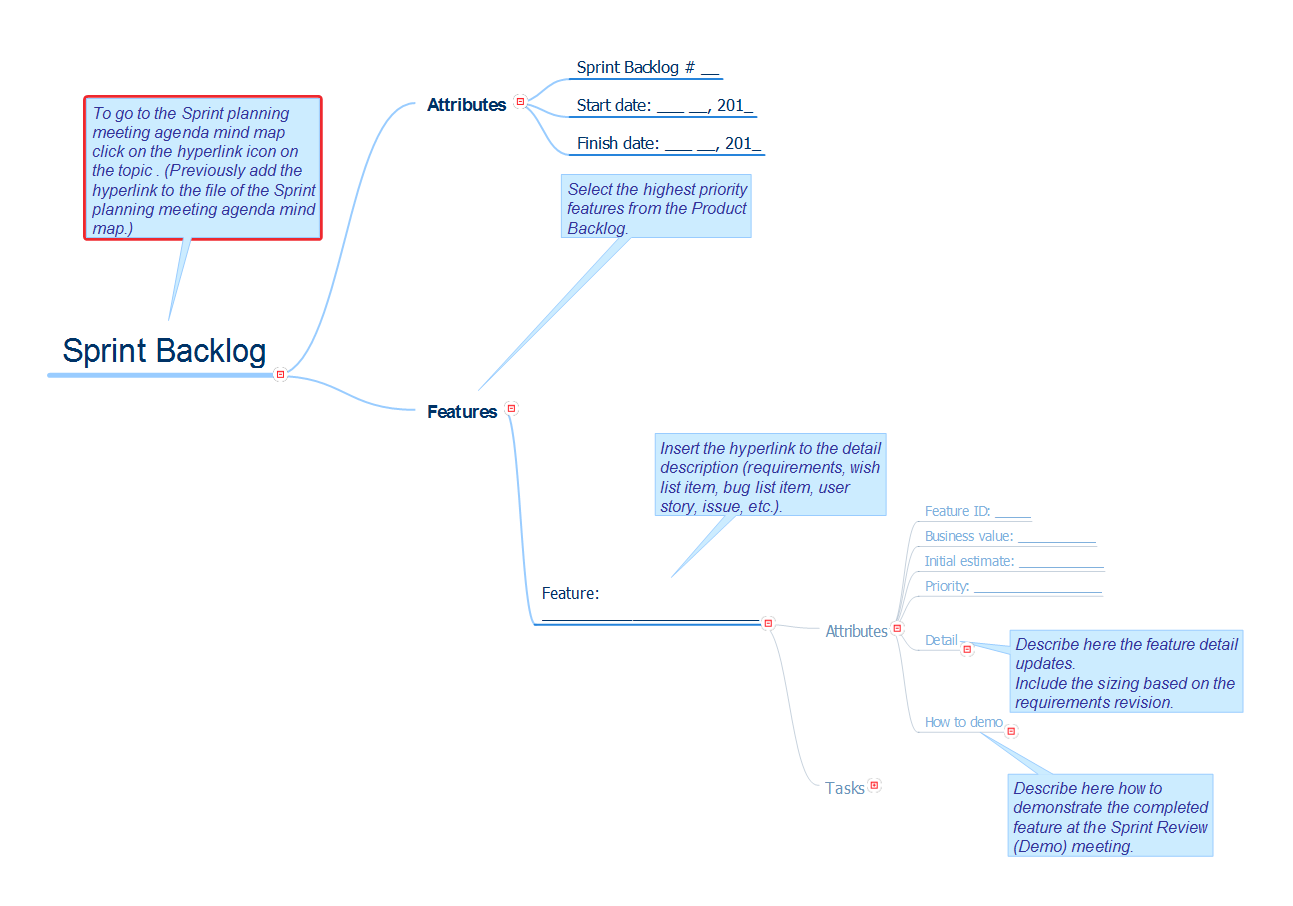
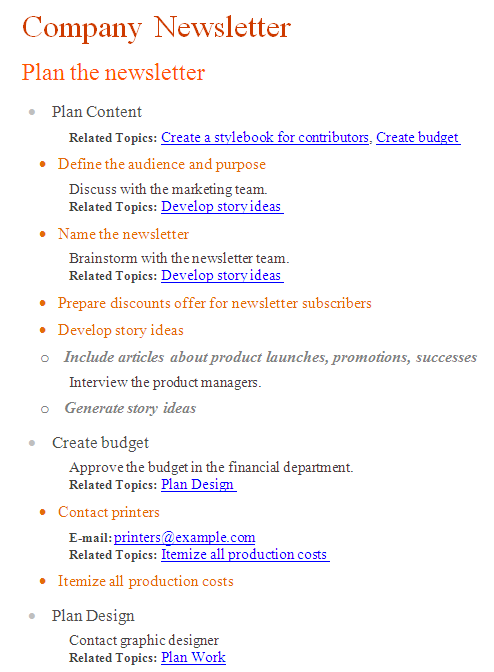
Project ManagementIn PM solutions we support many project methodologies such as Agile and Simple Projects. Methodology solutions help in implementing best practices in project management. CS Odessa provides Toolbox solutions to support solving issues related to planning, tracking, milestones, events, resource usage, and other typical project management functions. Toolbox Solutions help you deal with common project situations in an extraordinary way. PM DocsBenefitsOrganize project and company documentation and structure information that relates to project. PM Docs makes it easier to locate pertinent documentation over the life of the project; by improving document access and minimizing search time. The end result is improved productivity of the project team. ObjectiveOrganize and create project documentation. Solution PurposeOrganize project documentation, link project documentation to tasks, phases, and resources. Link or embed documentations into project topics. Create professional Microsoft Word documents using project maps. Intended ForProject managers and key project participants who write specifications and create documentation. Products and MethodsThe solution background uses mind mapping as a tool to create structures and organize project documents. Create structure in a mind map, link the correct documents to keep documents organized in a project, and if you need a formal approach you can quickly convert mind map to a MS Word document. With a mind map you can embed, hyperlink, and sort documents, and you can also visually differentiate document types. Project OutlineCreate MS Word document from your map. Double click the icon to open the MS Word document The document is created automatically from the content of the active page of your map. The Main Idea became a document’s header. The document reflects the structure of the map (the hierarchy of topics) by different font style. Hyperlinks, Notes and project information from your map are also converted within your MS Word document. |
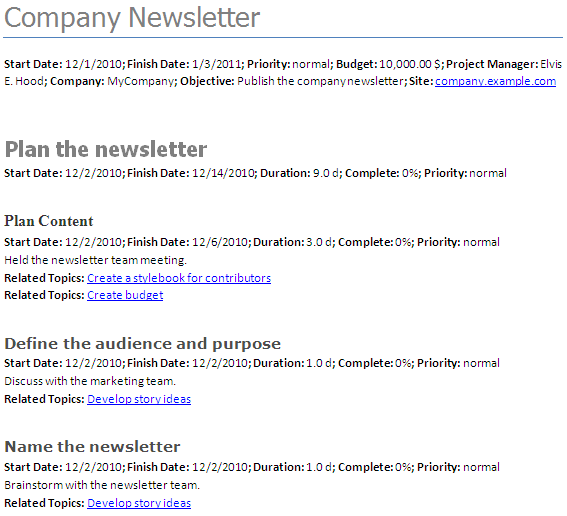
Example 1. Project Outline
The Benefits for ConceptDraw MINDMAP Brainstorming Software
- ConceptDraw MINDMAP is effective for brainstorming, designing mind maps, idea generating, creative and lateral thinking, creativity and problem solving.
- ConceptDraw MINDMAP is ideal for team and personal work in Business, Marketing and Project Management.
- The libraries with large quantity of vector objects help to illustrate your mind maps and to make them bright, visual and comprehensible.
- Use of View Navigator tool lets create presentations from a mind map: you can simply select the map parts you want to present, sequence your slides, and preview the presentation.
- ConceptDraw MINDMAP provides wide capabilities of importing and exporting in various formats: Microsoft PowerPoint, Microsoft Word, MS Excel, Mindjet MindManager, image, HTML, PDF file.