All My Tasks
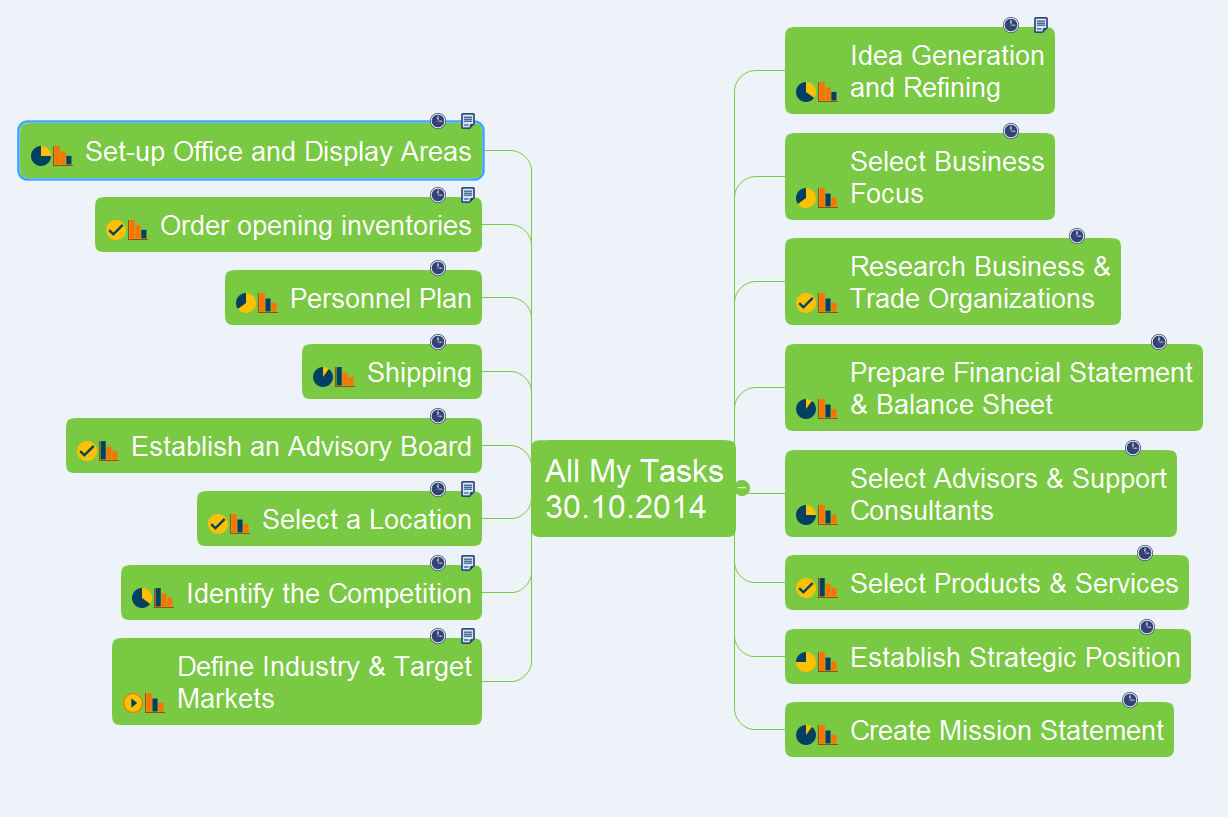
The communication's improvement fosters a positive team spirit and effective project realization. ConceptDraw MINDMAP software and ConceptDraw Solution Park supply the project participants and organizations with better tools, which assist in team's communication, in understanding tasks and time frames, project events in the entire organization. The powerful tools of ConceptDraw MINDMAP software and extensive set of solutions offered by ConceptDraw Solution Park create a single information space for messaging to teams. But for successful project's realization in addition to communication is needed to consider the list of tasks for execution. ConceptDraw MINDMAP offers all needed tools to create the list of tasks for any period of time - day, week, month, quarter, year, etc. This Mind Map designed with ConceptDraw MINDMAP software represents the list of tasks on the defined date. ConceptDraw MINDMAP offers wide visual capabilities for the maps, you can highlight the most important tasks with bright colors, add special symbols and text notes to your tasks, beautify the map with nice and colorful clipart.Product Overview
The role of ConceptDraw MINDMAP is to organize and plan idea development and communicate between process participants. Mind maps are convenient to prepare presentations for team and management and send task lists and related information.Graphical User Interface Examples
ConceptDraw DIAGRAM extended with Windows 8 User Interface solution from the Software Development area is the best gui software. Using the drawing tools, libraries of vector objects, graphical user interface examples that offers Windows 8 User Interface solution, you will easily design the Windows 8 user interfaces and Windows 8 UI design patterns of any complexity.HelpDesk
How to Import MS Project File to a Mind Map Using the Project Exchange Solution
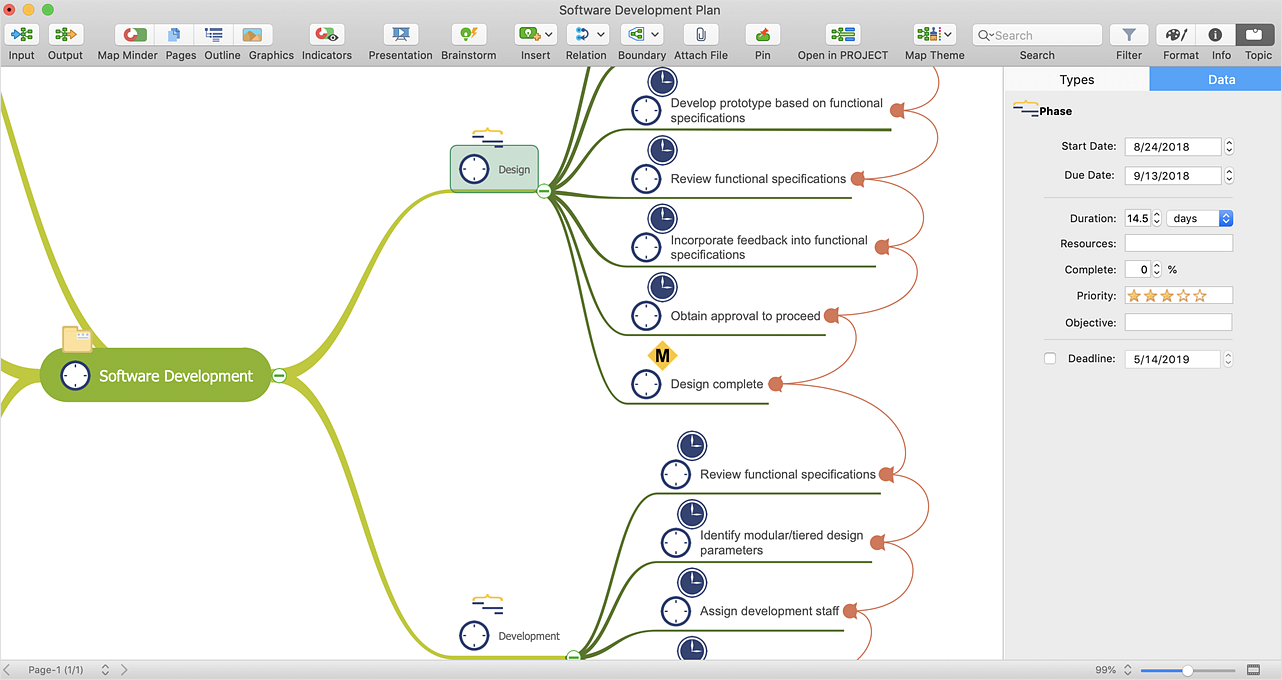
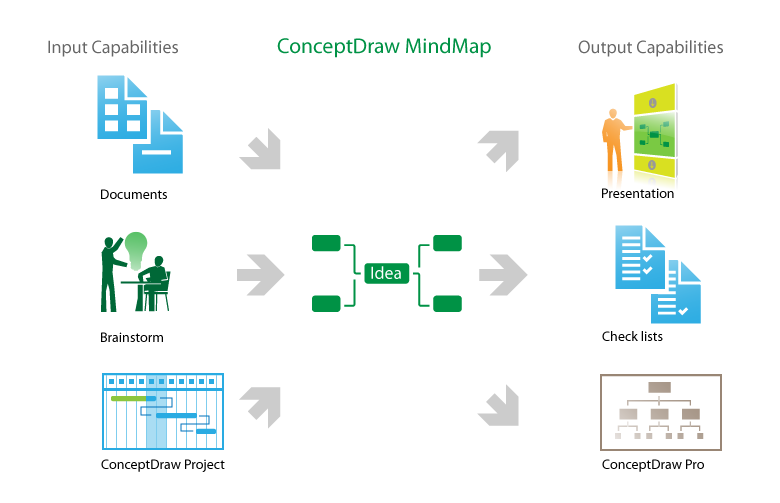
ConceptDraw MINDMAP can export a mind map to MS Project; it can also import a project file from MS Project, making a working visual map of a planned project. ConceptDraw MINDMAP supports inputting external data into a map with one click. Input capabilities are critical because it makes your data visual. When your data is visual, you can manage and communicate it using newly generated documents and/or presentations. Data you can input into your map can come from just about anywhere. Data can come from Microsoft Word, Excel, Outlook, Project, the web, a mind map, and other electronic sources. You can input data as a task list, resource list, Gantt chart, brainstorm or search results.User Interface Design Examples
ConceptDraw DIAGRAM is a powerful diagramming and vector drawing software. Extended with Windows 8 User Interface solution from the Software Development area, ConceptDraw DIAGRAM became the ideal software for prototype and design professional looking user interfaces for Windows 8 and Windows 8.1. Windows 8 User Interface solution offers you wide variety of user interface design examples, templates and samples.- How to Insert a Mind Map into Microsoft Word Document | How to ...
- How to Support Your Mind Map with Visual Elements | How to ...
- How to Convert a Mind Map into MS Project XML | How to Make a ...
- How to Send an Outlook Email From a Mind Map | How to Add ...
- How to Draw a Mind Map on PC Using ConceptDraw MINDMAP ...
- Design elements - Azure architecture - Microsoft products | Microsoft ...
- How to Convert a Mind Map into MS Word Document | How to Use ...
- Windows 8 Start screen | Windows 8 apps | How to Send an Outlook ...
- Mind Maps for Business - SWOT Analysis | Marketing | Evernote + ...
- How to Send an Outlook Email From a Mind Map | Looking at ...