This site uses cookies. By continuing to browse the ConceptDraw site you are agreeing to our Use of Site Cookies.

Export from ConceptDraw MINDMAP to MS Project® XML
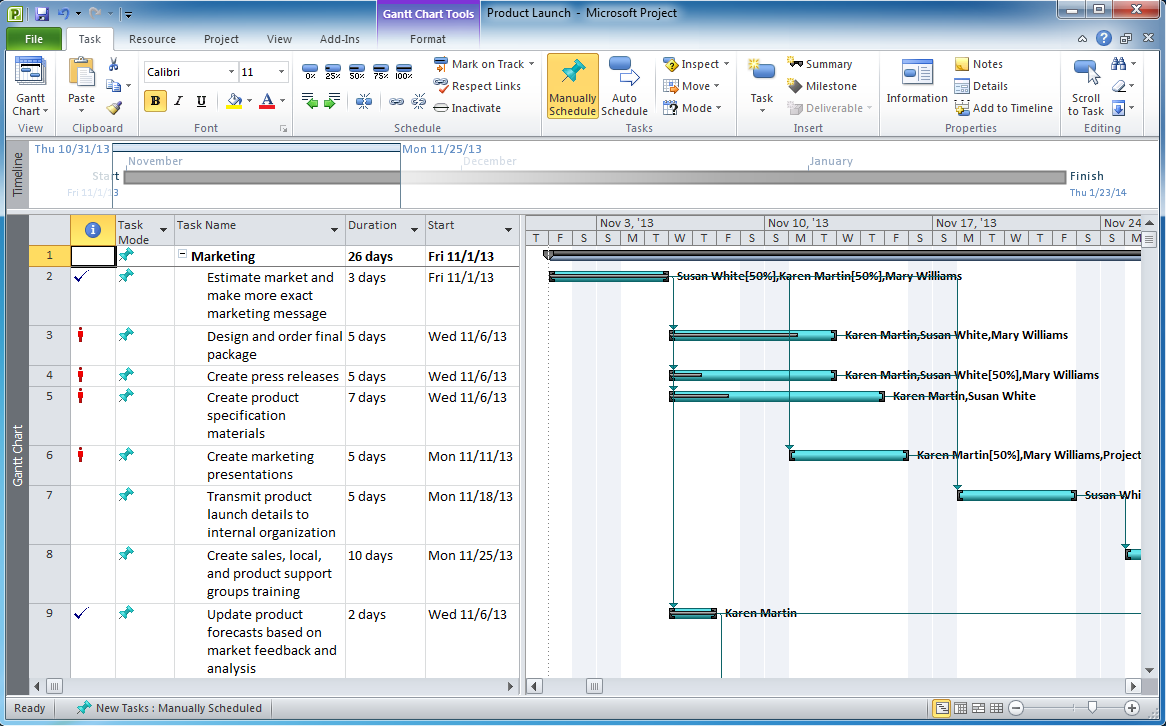
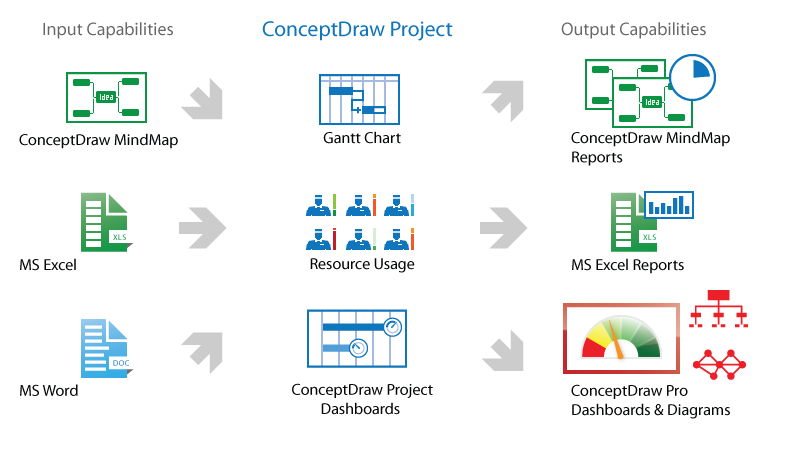
ConceptDraw MINDMAP can export to MS Project file from a mind map; it can also import a project file from MS Project giving team members who use Macintosh or Windows, a working visual map of a planned project. The ability to import/export MS Project files is made possible because of the Project Exchange solution.

Emergency Action Plan Template

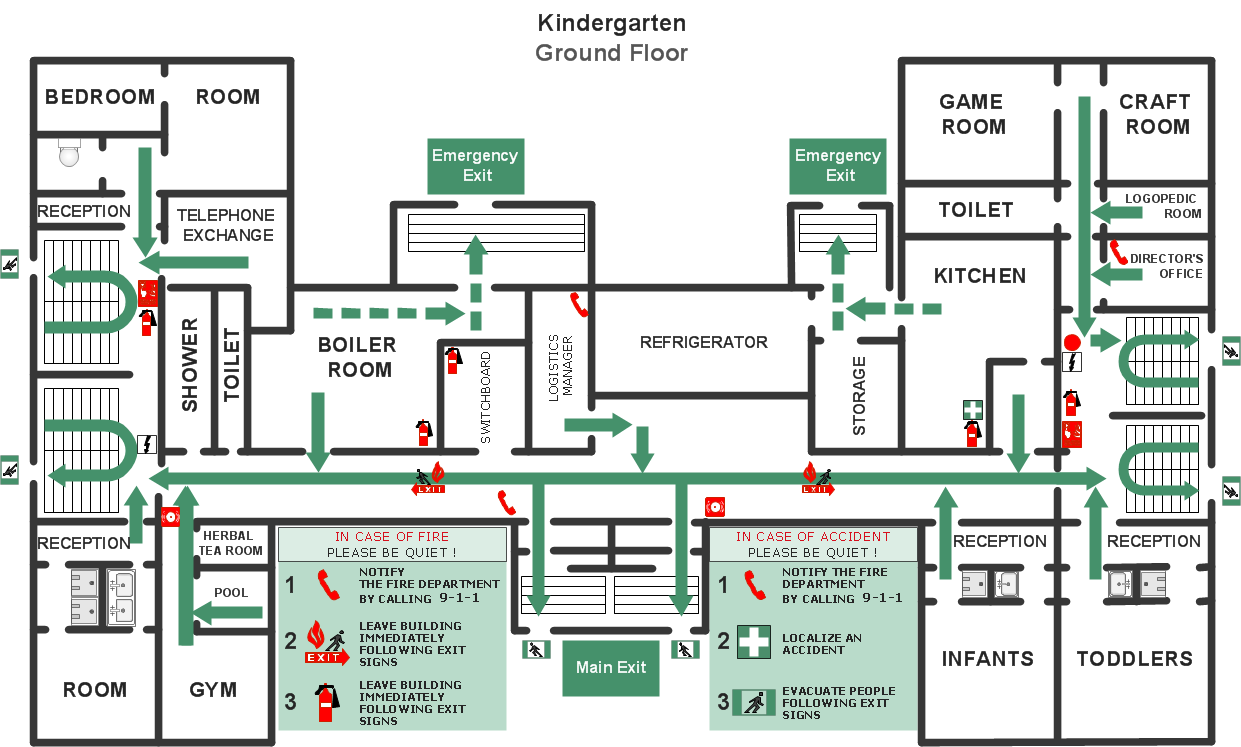
In the case of origin of an emergency is very important to have a correct, clear and comprehensible action plan which will help you to react quicker and to make right decisions. ConceptDraw DIAGRAM software extended with Fire and Emergency Plans solution from the Building Plans Area of ConceptDraw Solution Park provides extensive drawing tools for quick and easy creating fire and emergency plans, and also a set of various templates and samples, among them the Emergency Action Plan Template.
HelpDesk

How to Plan and Allocate Resources with ConceptDraw PROJECT on PC
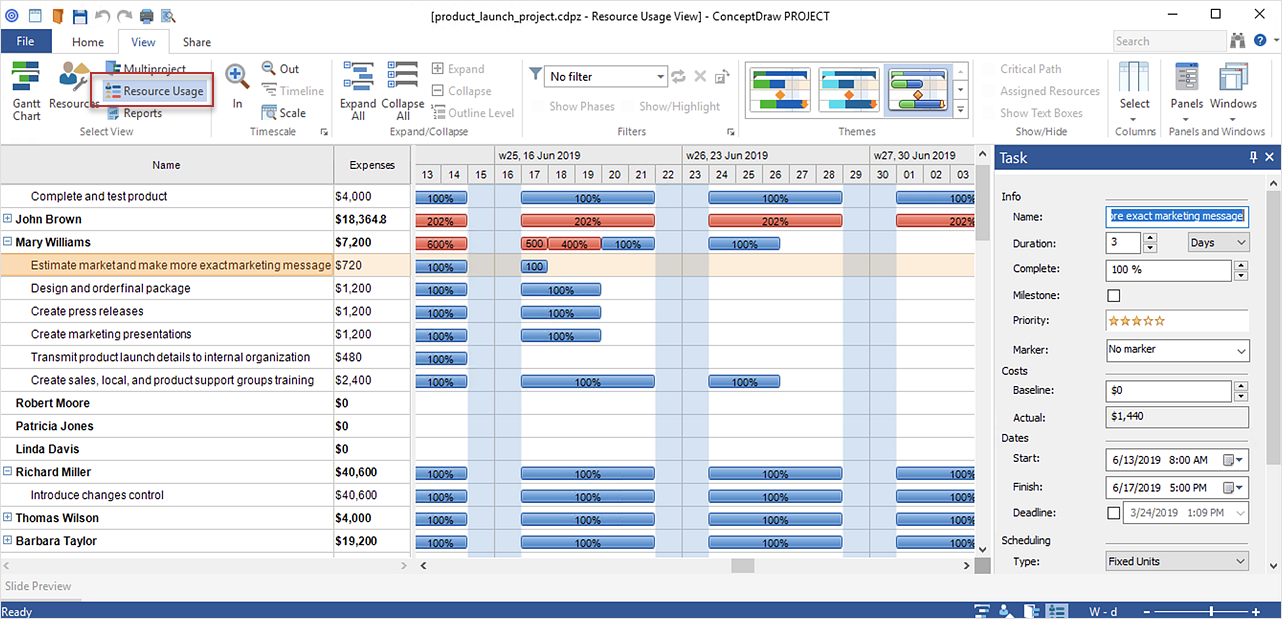
Effective resource management is a key factor in the successful project implementation. The common types of resources for which the project manager has an impact, include material resources (materials, energy), staff (work) and equipment. CoceptDraw PROJECT provides easy ways to project Resources Management: Create a list of project resources and assign the right human resource, as well as the necessary material, or equipment to be used.
HelpDesk

How to Add Several Hyperlinks to a Single Project Task
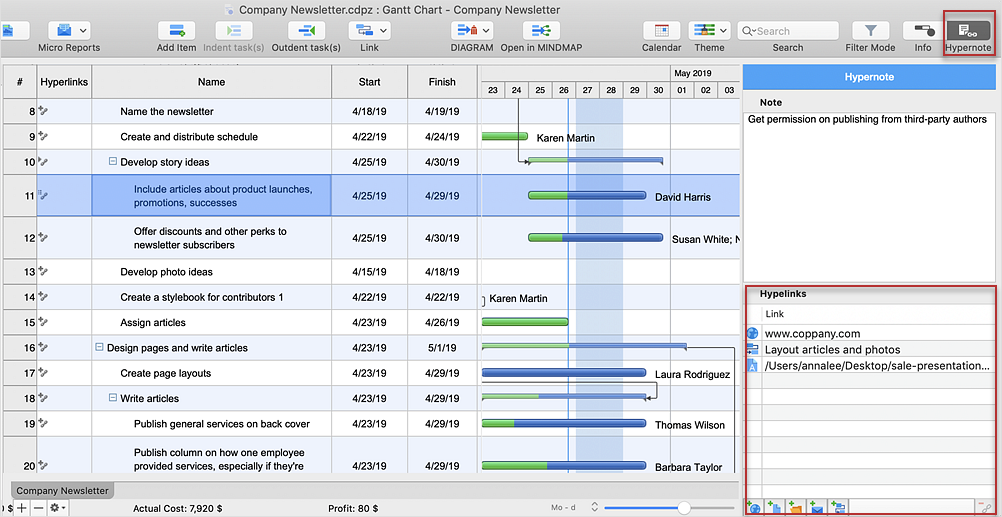
The number of hyperlinks, you can add to each project item in ConceptDraw PROJECT file is unlimited.

Marketing Research Project

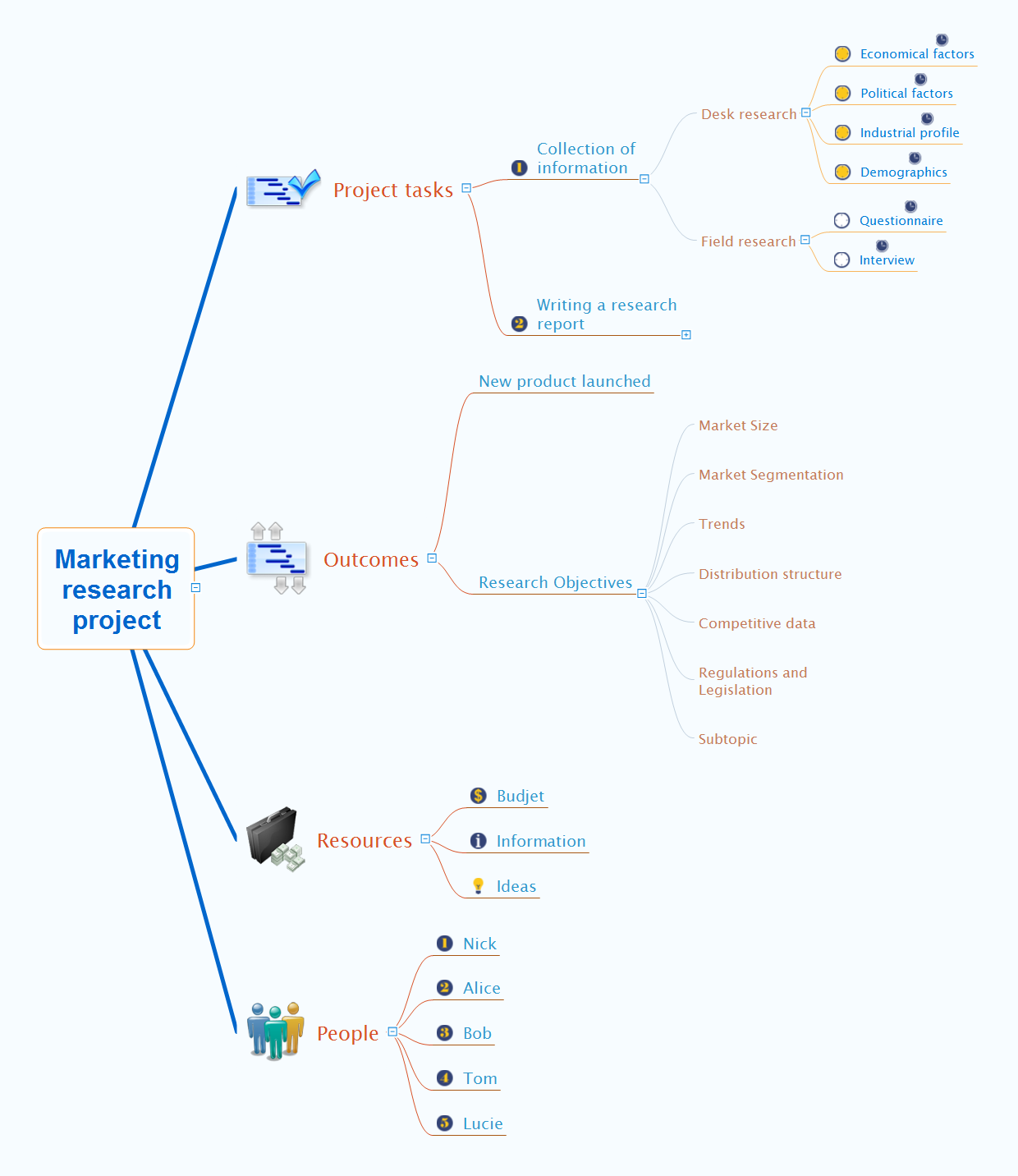
Researches are the main tools used to expand the boundaries of our knowledge in all fields of science and business. Today, it is impossible to authentically explain the behavior and intentions of customers of the company, its dealers and competitors, without serious marketing researches. The efficiently gathered, reliable and accurate information is extremely important when making the marketing decisions. It gives a company the opportunity to achieve a certain competitive advantage, to reduce financial risks, dangers and uncertainties, to objectively determine the attitude of consumers, to analyze external environment, to improve the strategy and tactics of market behavior. The marketing researches cover the market, competitors, consumers, prices, internal capacity of an enterprise and many other factors, but themselves they do not guarantee a success. However their quality performance and skillful use contribute to the achievement of company objectives. ConceptDraw MINDMAP is convenient for professional designing the Mind Maps, which represent knowledge about the process of marketing researches, visually reflect the results of marketing researches, organize the information about tasks, resources, outcomes and people for a marketing research project.

How to Create Presentation of Your Project Gantt Chart
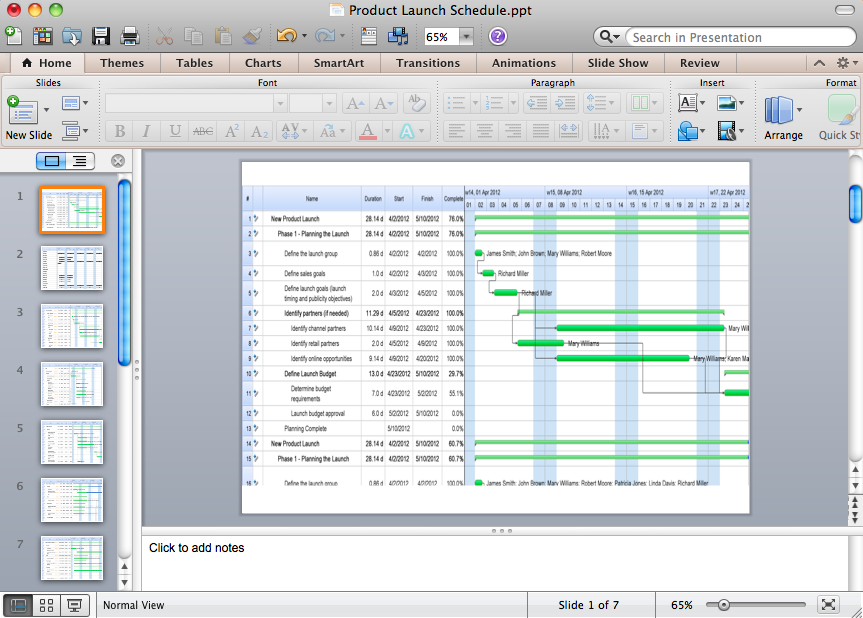
During the planning, discussing and execution of a project you may need to prepare a presentation using project views such as the Gantt Chart, Multiproject Dashboard or Resource Usage View. It’s easy do with ConceptDraw PROJECT!
HelpDesk

How to Track Your Project Plan vs. the Actual Project Condition
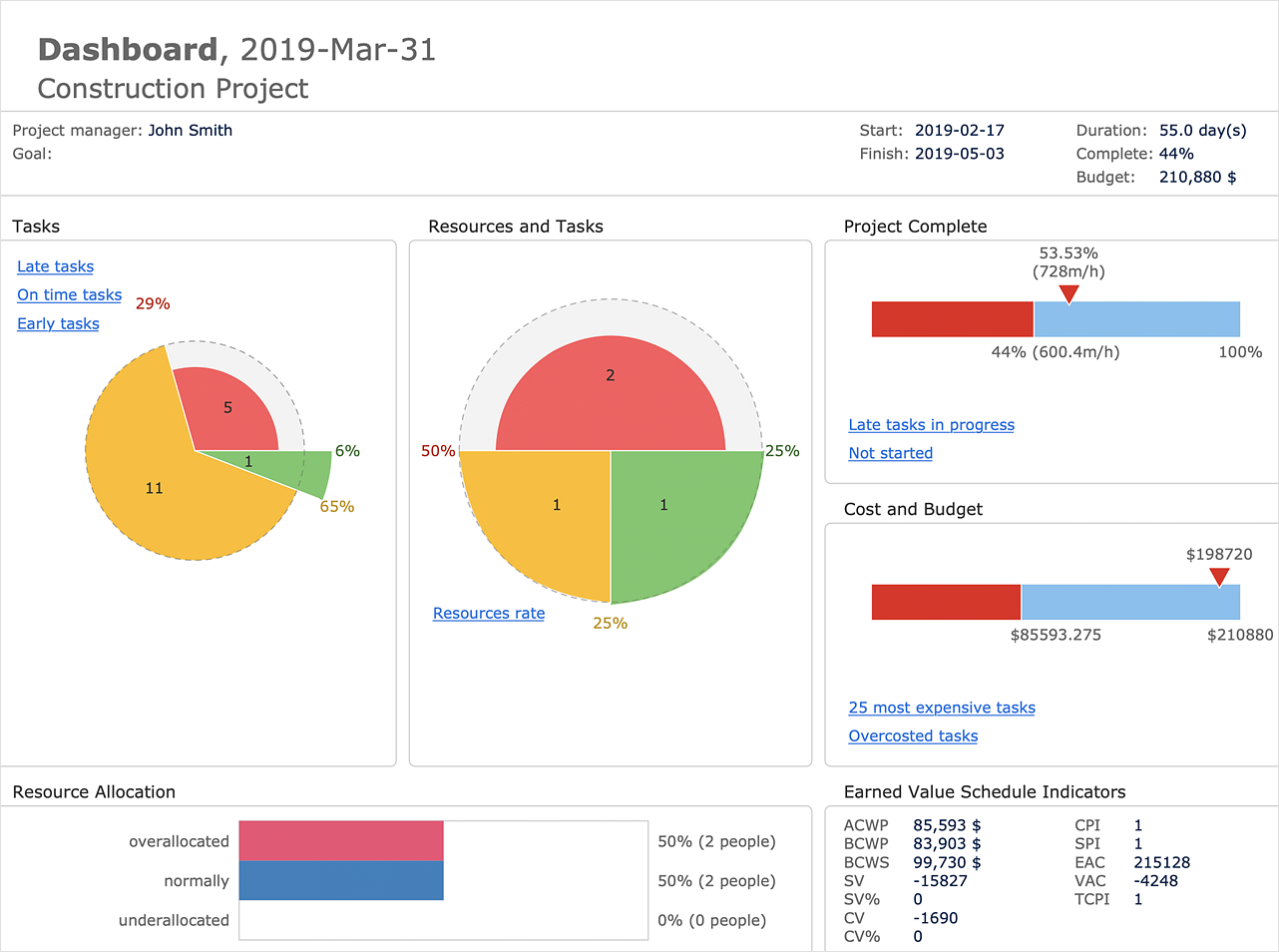
ConceptDraw PROJECT provides a user with the possibility to track how the project is going. Project Manager can compare the actual data with the planned and assess possible measures to resolve issues. ConceptDraw PROJECT has several types of visual reports that can help to assess visually the difference between planned and actual project data.

Fire Evacuation Plan Template

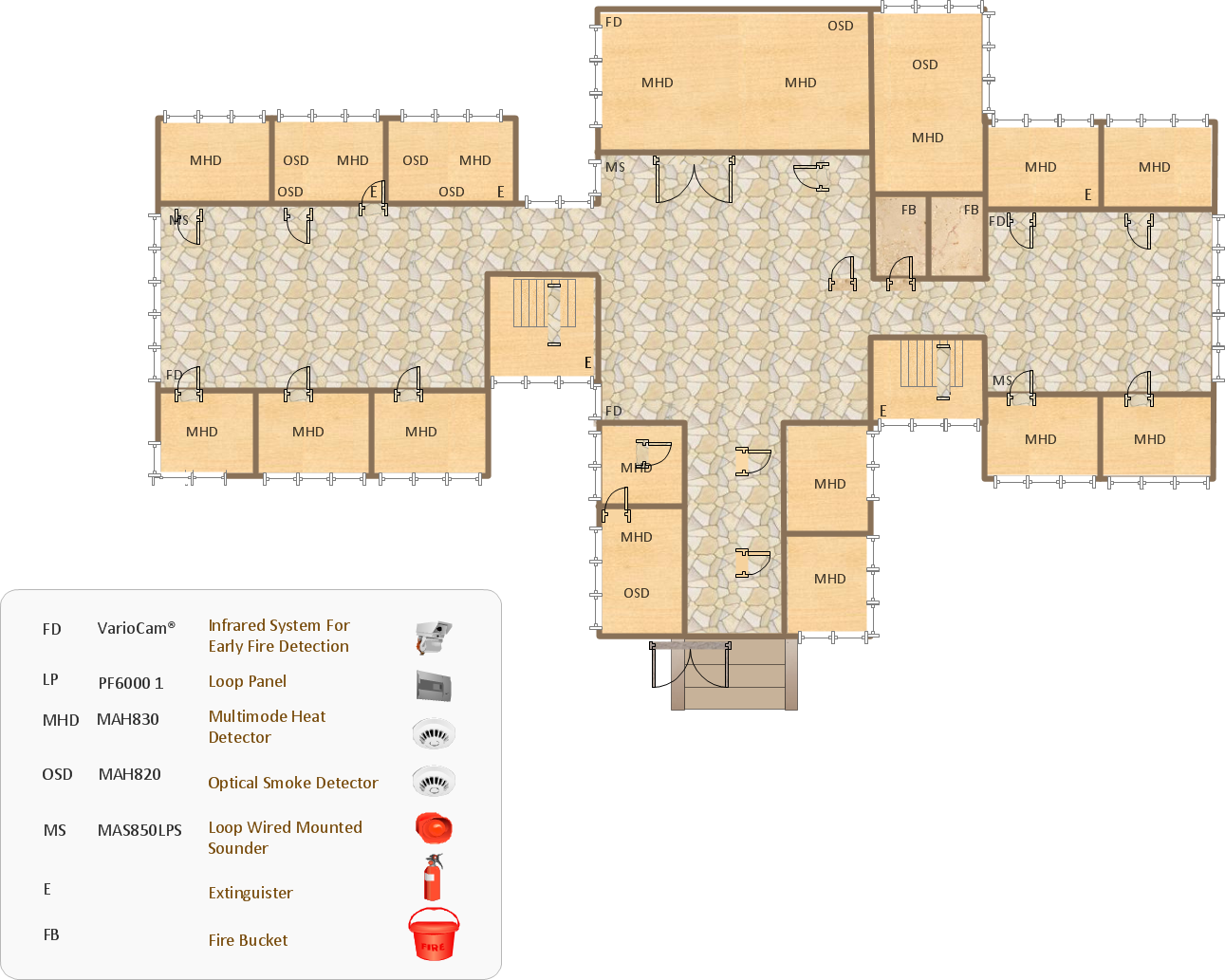
Have you ever created the fire plans on the base of Fire Evacuation Plan Template? It's incredibly convenient and time-saving way. Let's try to make sure this with Fire and Emergency Plans solution from the Building Plans Area for ConceptDraw DIAGRAM software.

Product Overview

ConceptDraw PROJECT is a vigorous tool for managing single or multiple projects. It lets you determine all essential elements involved into project, control schedules, resources and finances, and monitor projects' progress in most effective yet simple manner.

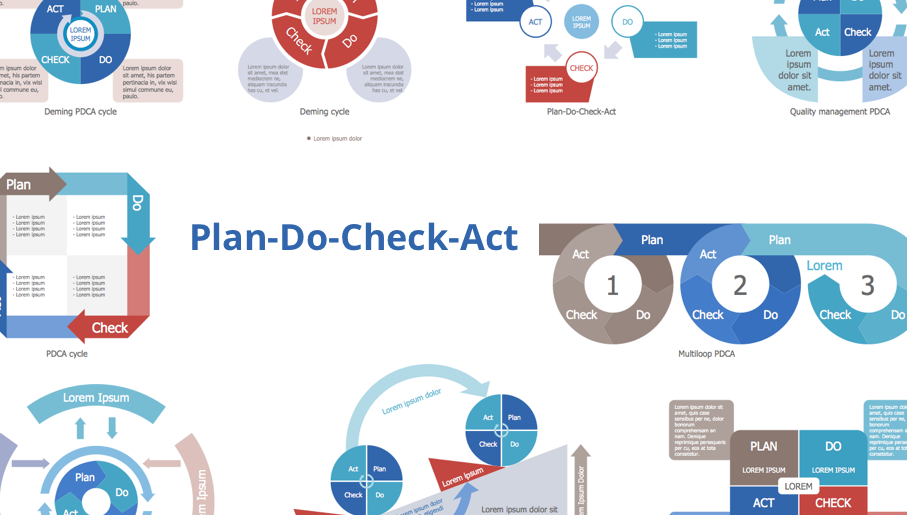
deming cycle, plan do study act, pdca cycle Plan-Do-Check-Act (PDCA)

deming cycle, plan do study act, pdca cycle
Plan-Do-Check-Act (PDCA) solution extends the ConceptDraw DIAGRAM software with collection of samples and predesigned vector objects for easy visualization four stages of PDCA cycle, PDSA cycle, or Deming cycle, for illustration effective application of this method to the practical business tasks, for depiction the implementation of changes and solution the problems in business processes. Plan-Do-Check-Act (PDCA) solution helps to design professional-looking and attractive Plan Do Study Act diagrams, PDCA cycle diagrams, PDCA Process diagrams, and to construct the Quality Management Process Models, which all assist to manage efficiently the business processes, to improve quality of work and to reduce significantly the costs.