HelpDesk
How to Exchange Files with MS Project Users
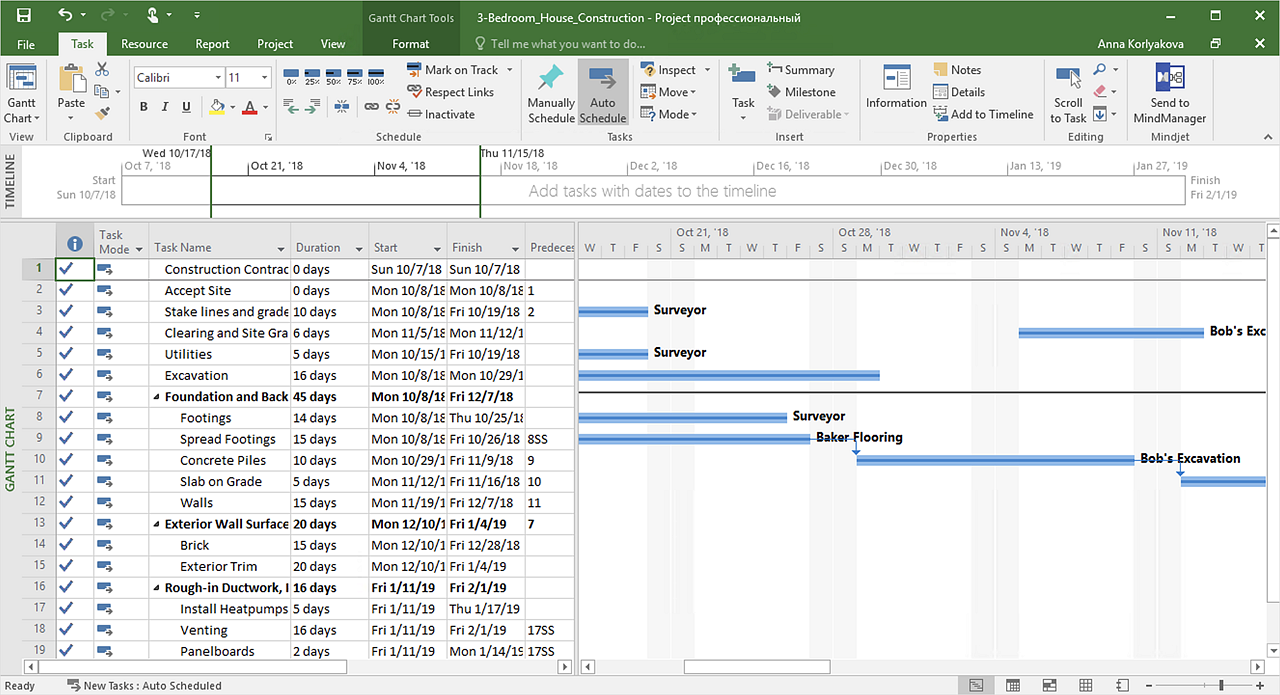
Ability to exchange project data across different project applications gives users an excellent alternative on the way they manage projects, and assists in the interoperability of project information between team members who have Macintosh and PC computers.HelpDesk
How to Import MS Project File to a Mind Map Using the Project Exchange Solution
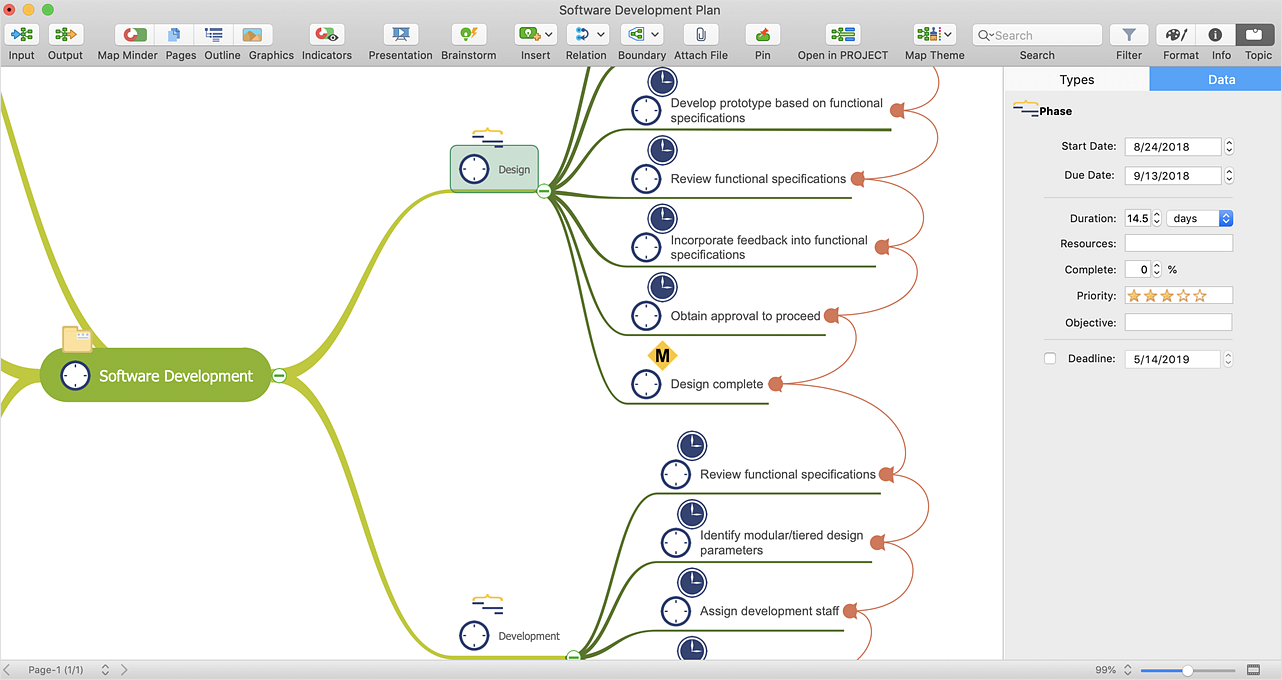
ConceptDraw MINDMAP can export a mind map to MS Project; it can also import a project file from MS Project, making a working visual map of a planned project. ConceptDraw MINDMAP supports inputting external data into a map with one click. Input capabilities are critical because it makes your data visual. When your data is visual, you can manage and communicate it using newly generated documents and/or presentations. Data you can input into your map can come from just about anywhere. Data can come from Microsoft Word, Excel, Outlook, Project, the web, a mind map, and other electronic sources. You can input data as a task list, resource list, Gantt chart, brainstorm or search results.HelpDesk
How to Use Project Exchange Solution
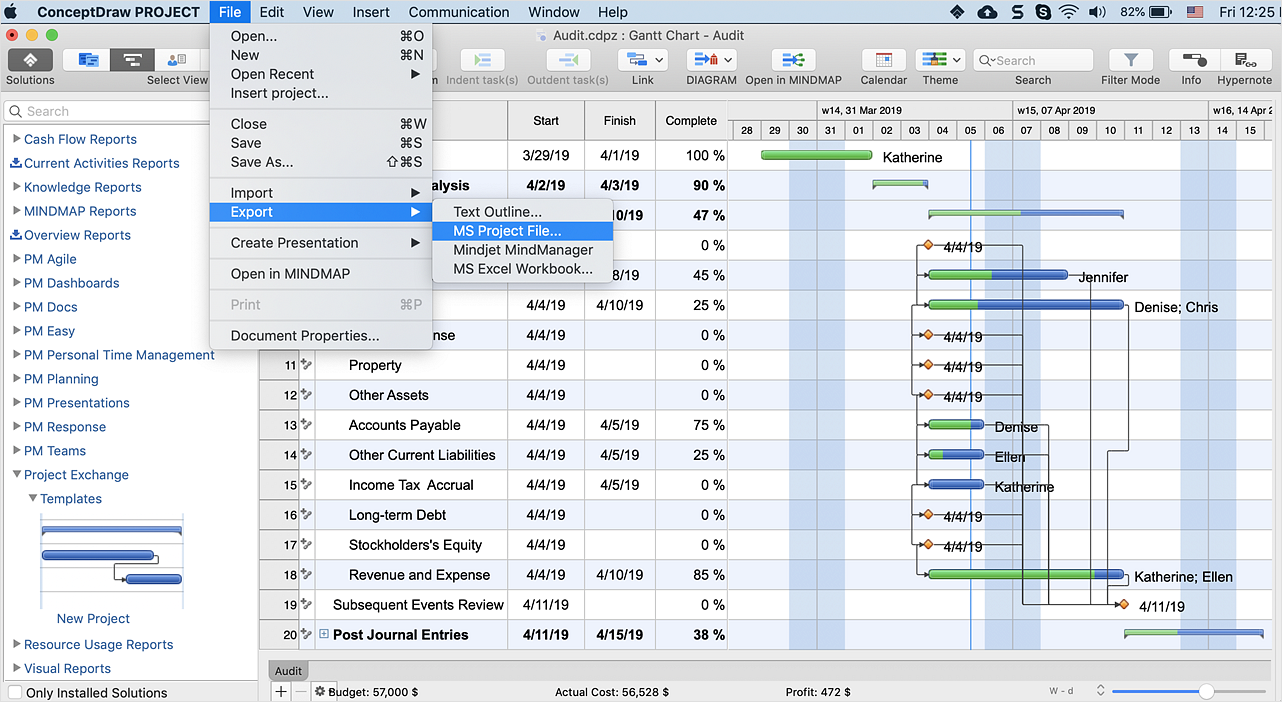
Ability to exchange project data across different project applications gives users an excellent alternative on the way they manage projects, and assists in the interoperability of project information between team members who have Macintosh and PC computers.HelpDesk
How to Convert a Mind Map into MS Project XML
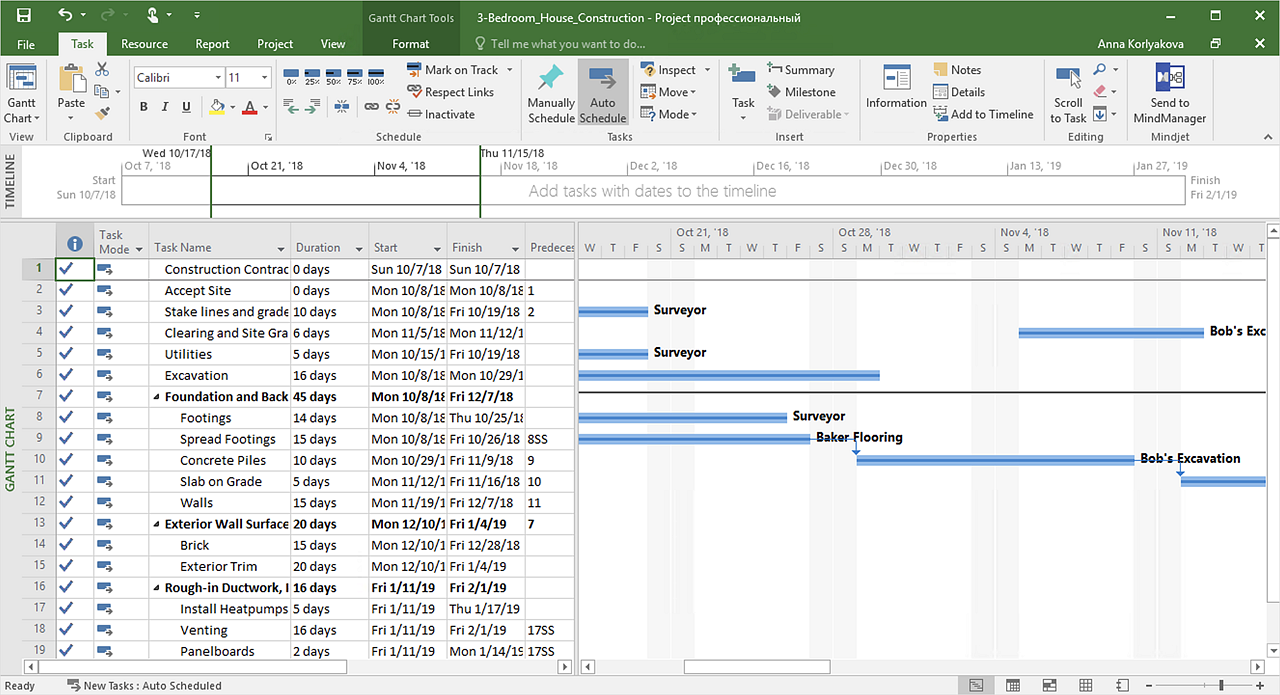
The easiest way to start this project is to conduct a brainstorm session that identifies necessary tasks, then prepare a project schedule in the form of a Gantt chart and assign resources to tasks. With ConceptDraw MINDMAP, you can initiate a project using a mind map to represent all critical and important tasks. ConceptDraw MINDMAP supports a mind map export to MS Project; it also allows import a project file from MS Project giving team members who use OS X or Windows a working visual map of a planned project.HelpDesk
How to Export Project Data to MS Excel Worksheet
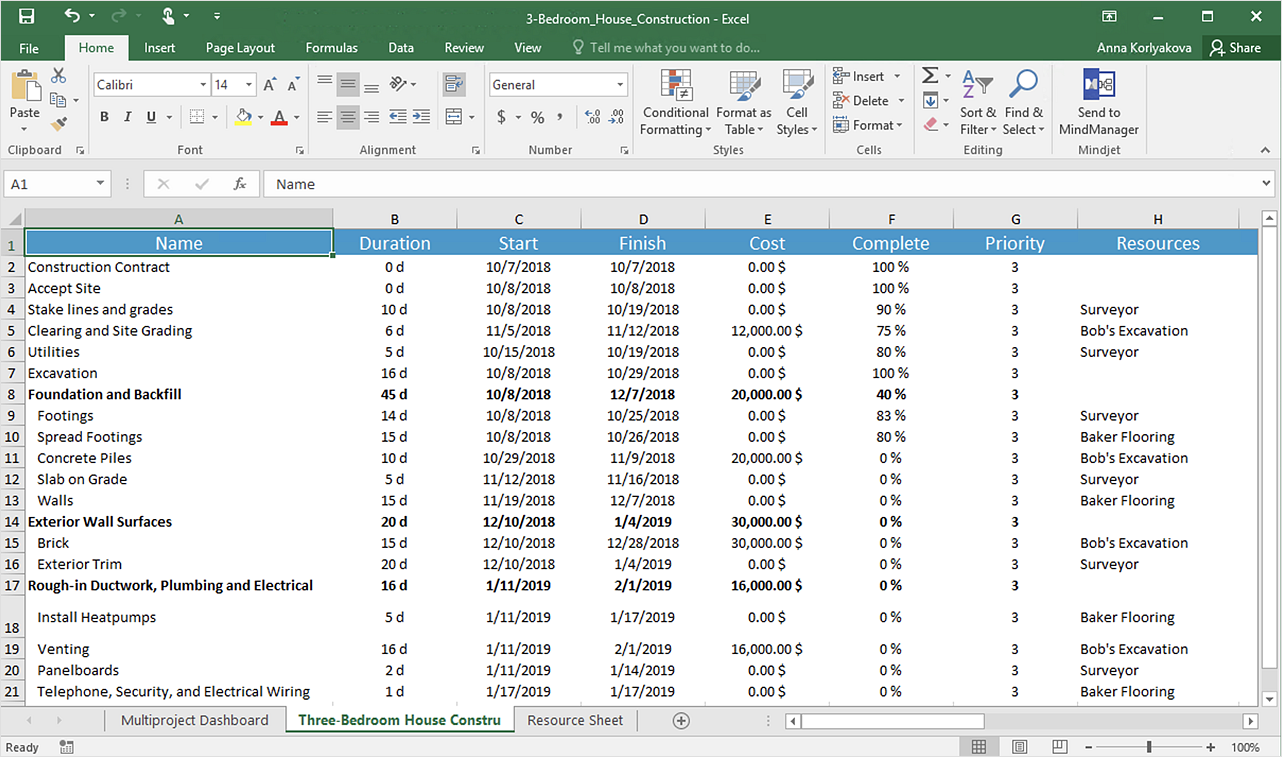
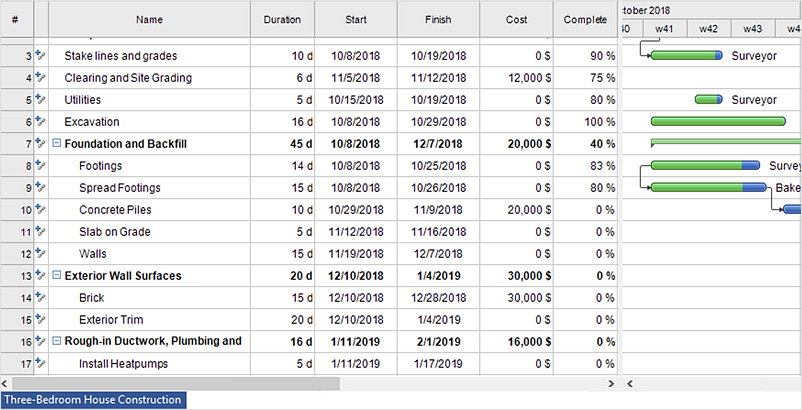
You can share your ConceptDraw PROJECT files with colleagues who use MS Excel®using the export capabilities of ConceptDraw PROJECT.
Project Exchange
This solution extends ConceptDraw PROJECT and ConceptDraw MINDMAP software with the ability to import and export project data.
HelpDesk
How to Operate with Project Time Frames in ConceptDraw PROJECT
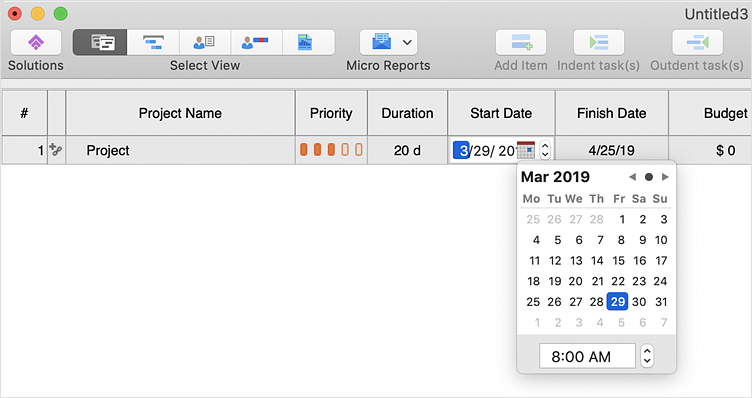
ConceptDraw PROJECT applies an advanced scheduling facilities to enable you arrange your project's tasks with existing human and material resources. Comprehension of project scheduling principle allows you to plan the project the best way to execute it. Sometimes user is wondering why the task is moved to a different time than he supposed. Or he may be confused when a task's tardiness provoke the unwanted shift of other tasks. This article describes how do changes to the Start/Finish dates, or the Duration of the task affect the project schedule, created in ConceptDraw PROJECT.HelpDesk
How to Import Project Data From MS Excel File
You can import information into the project from MS Excel workbook using the entered fields - fields in which you can enter or edit information as opposed to calculated fields.- ConceptDraw News | ConceptDraw PROJECT and MS ® Project ...
- How to Import MS Project File to a Mind Map Using the Project ...
- Conceptdraw.com: Mind Map Software, Drawing Tools | Project ...
- Project Exchange | How to Import MS Project File to a Mind Map ...
- How to Export Project Data to MS Excel Worksheet | How to ...
- How to Convert a Mind Map into MS Project XML | How to Import MS ...
- Ms Project Sample Project Plan Construction
- ConceptDraw PRO Compatibility with MS Visio | How to Import MS ...
- Open Ms Project Files On Mac
- Ms Project Sample Project Plan Construction Pdf