Made with
ConceptDraw
PROJECT 15

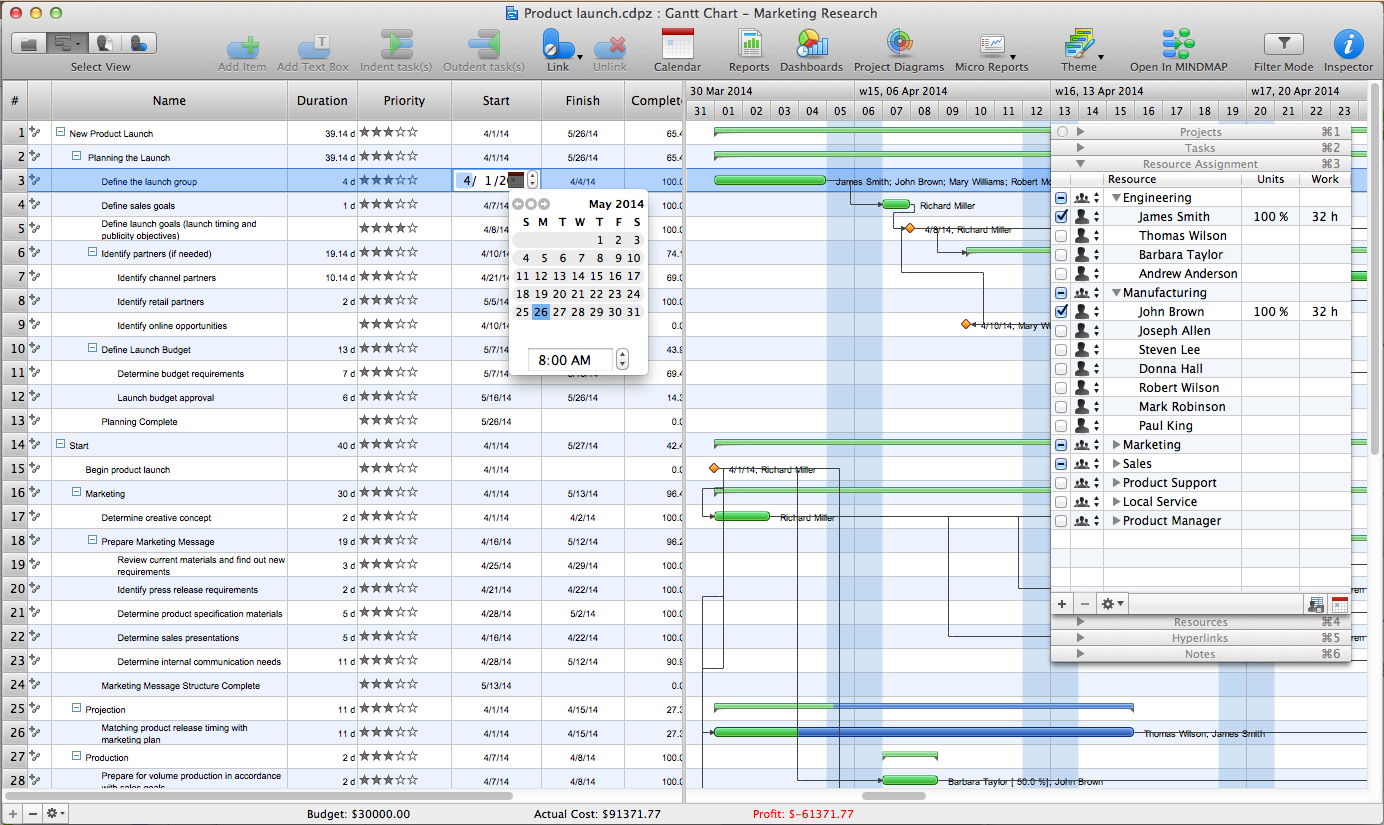
Advanced Resource Assignment
in ConceptDraw PROJECT

Once you have scheduled tasks in your project, you will need to associate resources involved in the tasks’ completion. This will allow ConceptDraw Project to calculate costs related with those tasks. Also it will provide you with exact information about the usage of work resources, materials, or equipment. This will provide high accountability and understanding of the project as well. That’s why it’s important tobe mindful when assigningresources to tasks.

Now you know all of the tricks on assigning resources in You can now better use these flexible management tools to realize your project’s goals efficiently.

Advanced Resource Assignment <br>in ConceptDraw PROJECT *

Pic.1. Resource Assignment in ConceptDraw Project

The ConceptDraw PROJECT product makes it possible for project managers to access specifications while creating status reports, assigning resources, resolving technical issues, and managing variances from the project plan. As a result, project risk is low because everyone is working from the same specifications. During planning, project managers can also quickly determine if any requirements documents are missing.


THREE RELATED HOW TO's:
While creating flowcharts and process flow diagrams, you should use special objects to define different statements, so anyone aware of flowcharts can get your scheme right. There is a short and an extended list of basic flowchart symbols and their meaning. Basic flowchart symbols include terminator objects, rectangles for describing steps of a process, diamonds representing appearing conditions and questions and parallelograms to show incoming data. This diagram gives a general review of the standard symbols that are used when creating flowcharts and process flow diagrams. The practice of using a set of standard flowchart symbols was admitted in order to make flowcharts and other process flow diagrams created by any person properly understandable by other people. The flowchart symbols depict different kinds of actions and phases in a process. The sequence of the actions, and the relationships between them are shown by special lines and arrows. There are a large number of flowchart symbols. Which of them can be used in the particular diagram depends on its type. For instance, some symbols used in data flow diagrams usually are not used in the process flowcharts. Business process system use exactly these flowchart symbols.Flowchart example showing a customer request approval process with start, input output, process steps, decision branches, and end
Picture: Flowchart Symbols: Meaning and Examples
Related Solution:
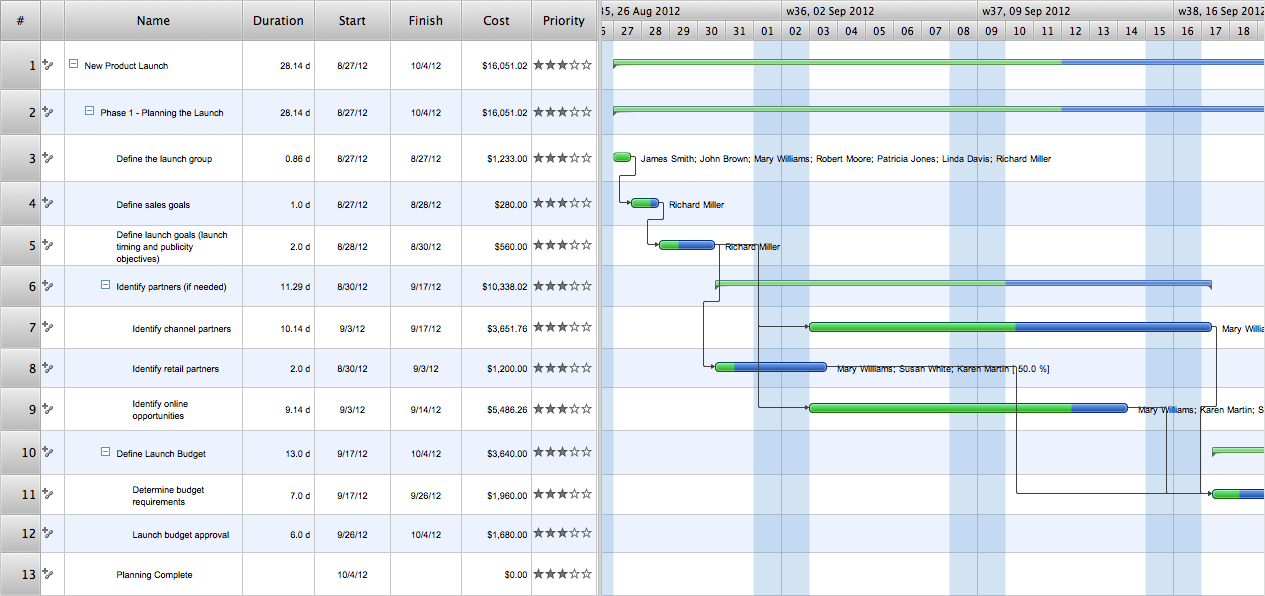
Users new to ConceptDraw PROJECT will find the Basic lessons an essential platform for familiarizing themselves with the program′s functions. This video lesson will teach you how to set up task trees and dependencies.Project —Task Trees and Dependencies *
Picture: Project —Task Trees and Dependencies
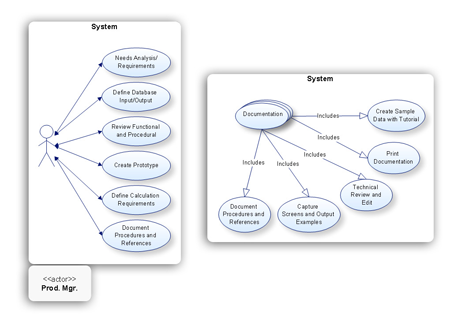
Internet solutions on ConceptDraw base. What may interest developers of Internet solutions.Software development with ConceptDraw products *
Picture: Software development with ConceptDraw products
ConceptDraw
PROJECT 15