Total Quality Management
“Total quality management (TQM) consists of organization-wide efforts to install and make a permanent climate in which an organization continuously improves its ability to deliver high-quality products and services to customers. While there is no widely agreed-upon approach, TQM efforts typically draw heavily on the previously developed tools and techniques of quality control.”
ConceptDraw DIAGRAM diagramming and vector drawing software extended with Total Quality Management (TQM) Diagrams solution from the Quality area of ConceptDraw Solution Park is effective software for Total Quality Management.
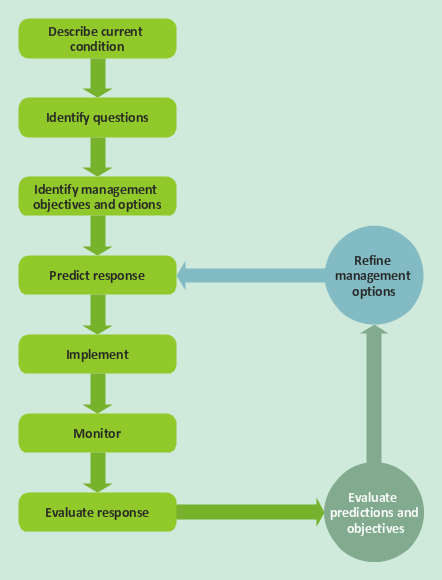
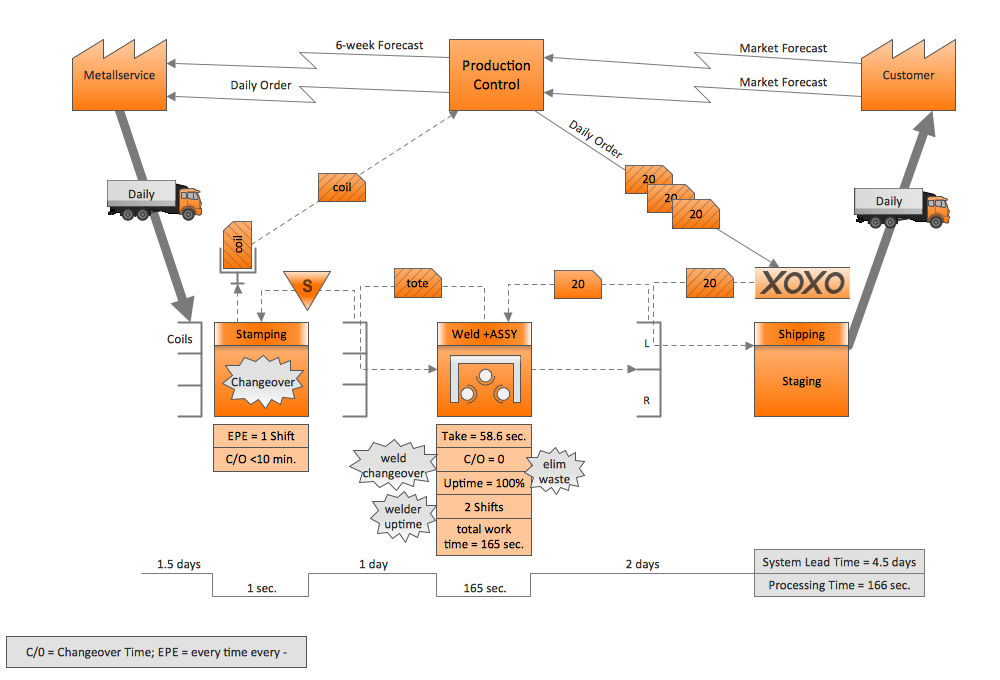
Example 1. Total Quality Management
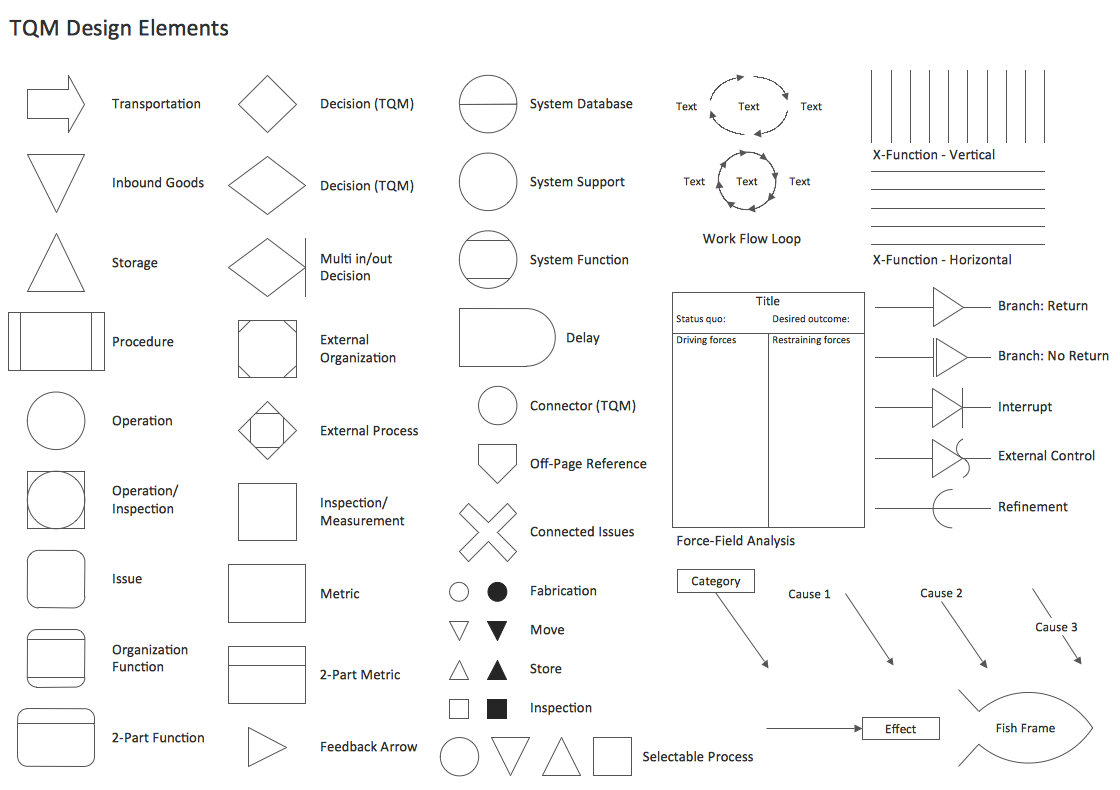
Total Quality Management (TQM) Diagrams Solution provides the TQM Diagram library with variety of predesigned vector shapes and the set of professionally designed Total Quality Management samples and template which are available from ConceptDraw STORE.
-Diagram-in-SolutionBrowser.png "Total Quality Management (TQM) Diagrams Solution in ConceptDraw STORE")
Example 2. Total Quality Management (TQM) Diagrams Solution in ConceptDraw STORE
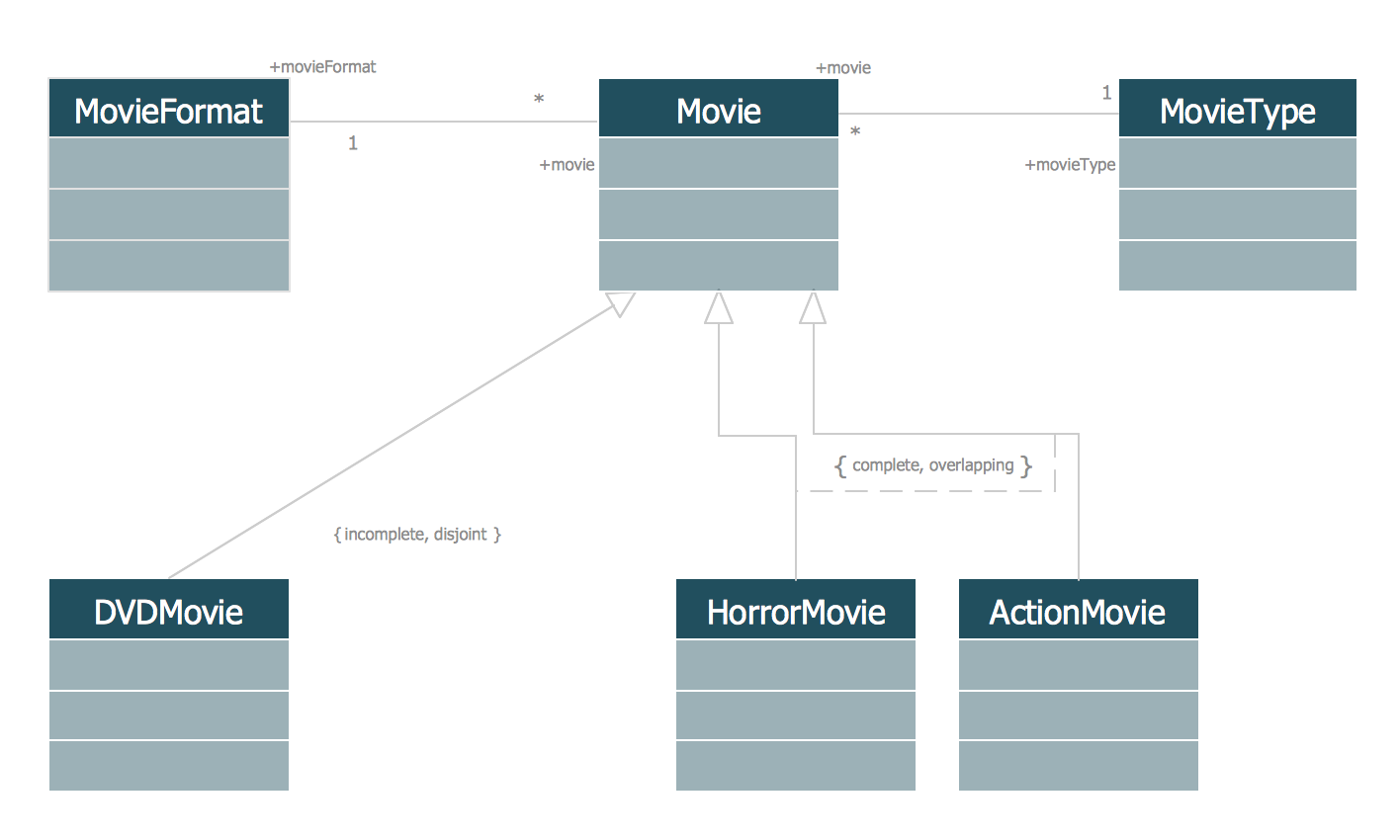
Each of the offered samples can be used as is or as the base for your own Total Quality Management Diagram. As for the TQM template, you can quickly fill it with your own data and professional looking Total Quality Management Diagram will be ready literally for the few minutes.
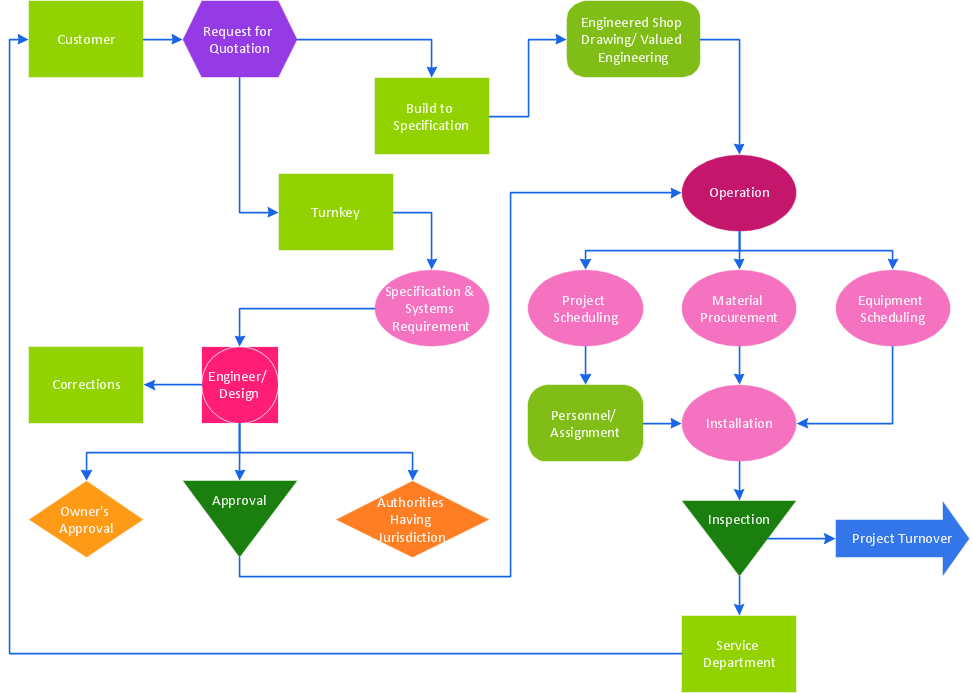
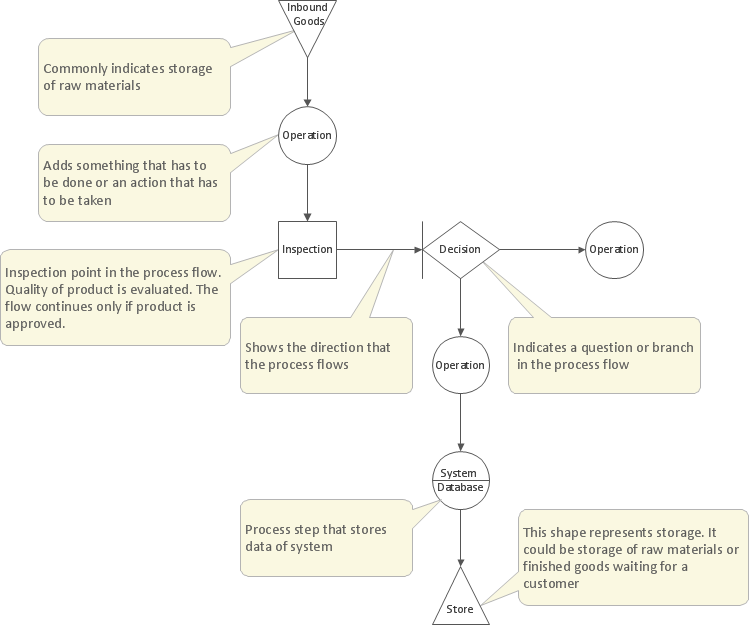
Example 3. Total Quality Management Diagram
The Total Quality Management samples you see on this page were created in ConceptDraw DIAGRAM software using the Total Quality Management (TQM) Diagrams Solution. An experienced user spent 10 minutes creating every of these samples.
Use the Total Quality Management (TQM) Diagrams Solution for ConceptDraw DIAGRAM software to create your own professional looking TQM diagrams of any complexity quick, easy and effective, and then successfully use them in your work activity.
All source documents are vector graphic documents. They are available for reviewing, modifying, or converting to a variety of formats (PDF file, MS PowerPoint, MS Visio, and many other graphic formats) from the ConceptDraw STORE. The Total Quality Management (TQM) Diagrams Solution is available for all ConceptDraw DIAGRAM or later users.