Address to User Story Question
CollaborationBeing successful in business is about meeting your defined objectives and adapting to changes occurring in the global market. The ability for an organization to successful adapt to a rapidly changing environment leads to continued growth and success. Failure to adapt, leads to stakeholder disappointment and eventually to extinction if an organization cannot adjust to the situation. Many organizations, who at one time in their history flourished, have been known to flounder because of loss of direction and vision. Keeping an organization moving forward requires strong collaborative team work to transition an organization from one stage to the next in its life cycle. Mistakes in strategy or implementation today are punishing when your team fails to correctly identify an early opportunity. Early opportunities not acted on cease to be success possibilities. Social Media ResponseThe Social Media Response solution provides an interactive flow chart with action mind map templates to help to create an effective response to applicable social media mentions. BenefitsThe Social Media Response solution helps to organize the process of response for interactions occuring in social media. The Social Media Response solution provides the means to respond to social media mentions quickly and professionally. This tool keeps the entire team on the same page allowing you to realize your social media strategy, improve the quality of your answers, and minimize the time it takes to respond. ObjectiveInteractive tool helps you find the appropriate response to social media mentions quickly. Solution PurposeGive quick and professional responses to social media mentions. Present workflow to team. Train employees. Accumulate knowledge and experience. Intended ForSocial media strategists, online marketing agencies, internet entrepreneurs, bloggers, social media consultants, startup groups using online promotion, sales people, technical support, PR professionals, trainers/coaches. Products and methodsThe Social Media Response solution delivers an innovative combination of interactive flow charts and action mind maps to help you boost your social media succes |
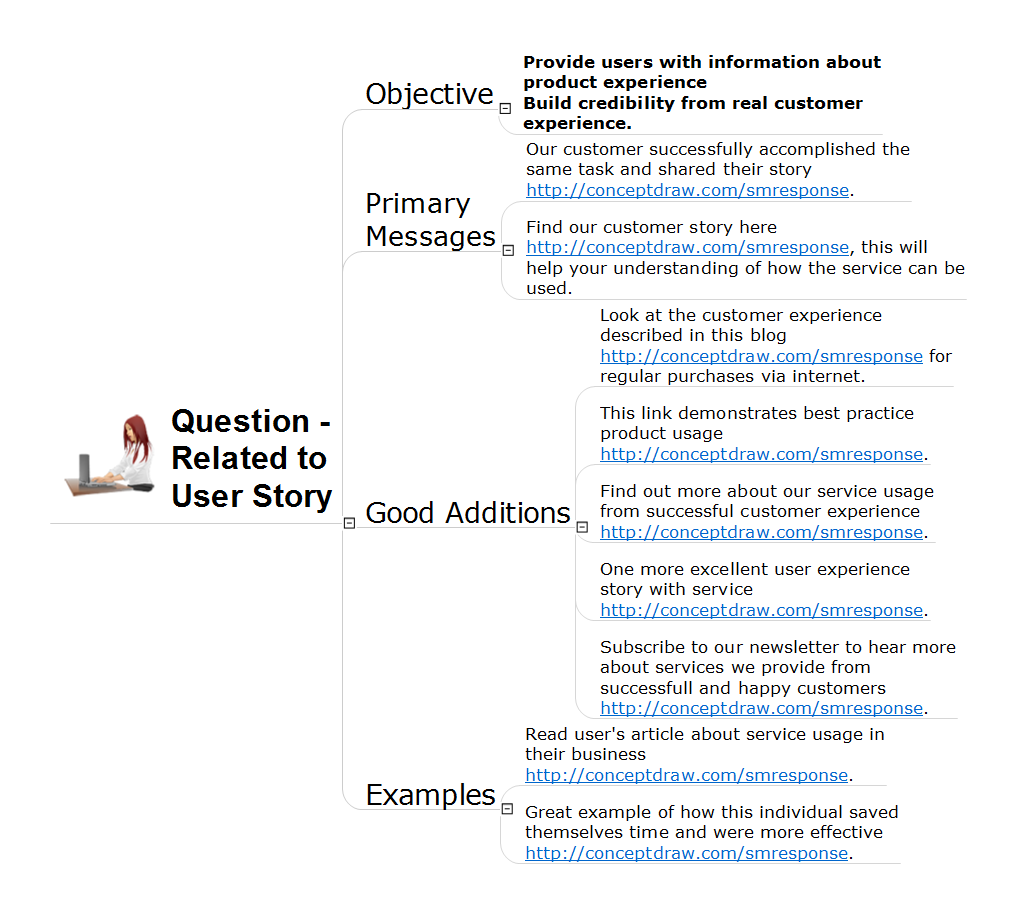
This action mindmap helps respond to questions related to a user story from customers looking for advice on product applicability for professional tasks. The example contains ready to use response phrases organized into a mindmap for quick composing and tweeting/posting of the response messages.
Example 1. Address to User Story Question
Export to Outline
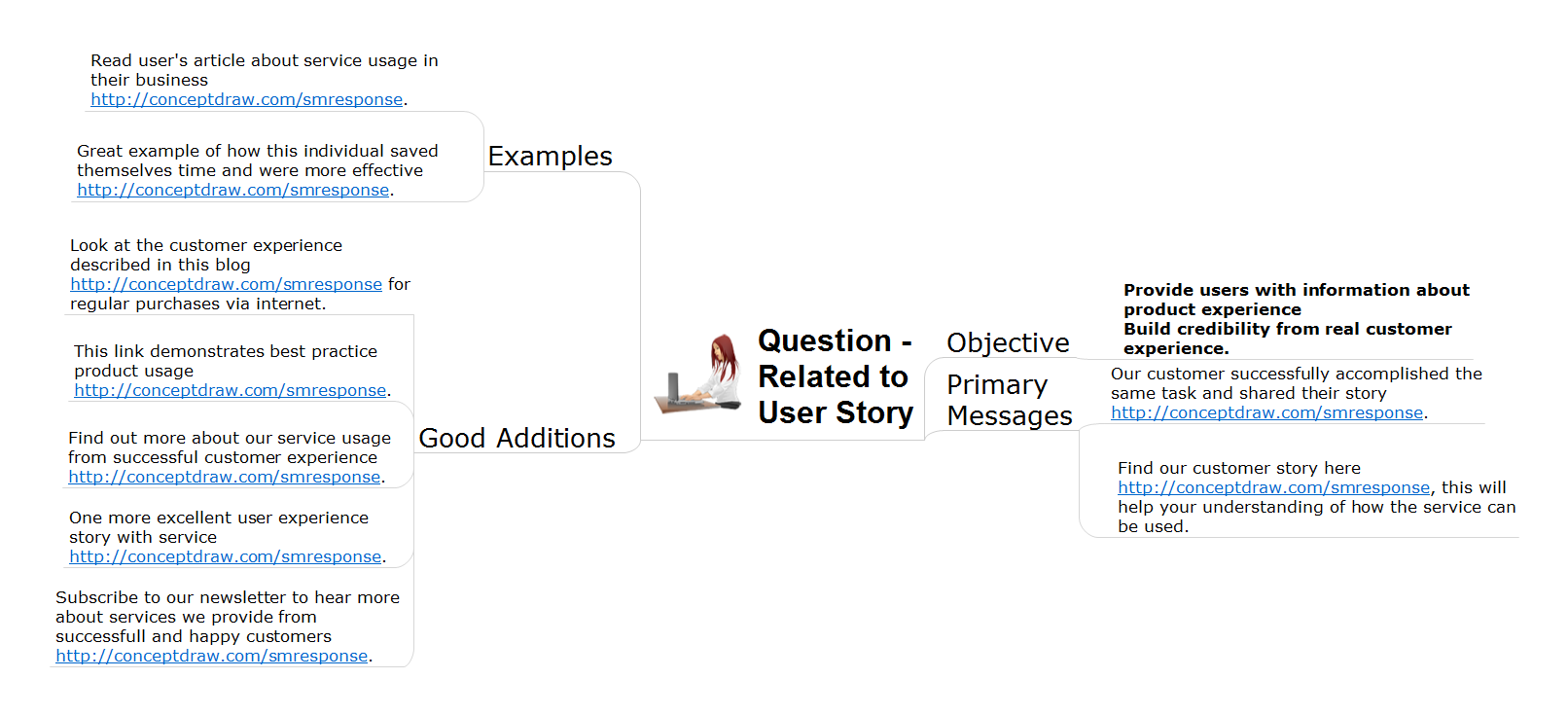
Question - Related to User Story
-
Objective
- Provide users with information about product experience Build credibility from real customer experience.
-
Primary Messages
- Our customer successfully accomplished the same task and shared their story https://www.conceptdraw.com/smresponse.
- Find our customer story here https://www.conceptdraw.com/smresponse, this will help your understanding of how the service can be used.
-
Good Additions
- Look at the customer experience described in this blog https://www.conceptdraw.com/smresponse for regular purchases via internet.
- This link demonstrates best practice product usage https://www.conceptdraw.com/smresponse.
- Find out more about our service usage from successful customer experience https://www.conceptdraw.com/smresponse.
- One more excellent user experience story with service https://www.conceptdraw.com/smresponse.
- Subscribe to our newsletter to hear more about services we provide from successfull and happy customers https://www.conceptdraw.com/smresponse.
-
Examples
- Read user's article about service usage in their business https://www.conceptdraw.com/smresponse.
- Great example of how this individual saved themselves time and were more effective https://www.conceptdraw.com/smresponse.
The Benefits for ConceptDraw MINDMAP Brainstorming Software
- ConceptDraw MINDMAP is effective for brainstorming, designing mind maps, idea generating, creative and lateral thinking, creativity and problem solving.
- ConceptDraw MINDMAP is ideal for team and personal work in Business, Marketing and Project Management.
- The libraries with large quantity of vector objects help to illustrate your mind maps and to make them bright, visual and comprehensible.
- Use of View Navigator tool lets create presentations from a mind map: you can simply select the map parts you want to present, sequence your slides, and preview the presentation.
- ConceptDraw MINDMAP provides wide capabilities of importing and exporting in various formats: Microsoft PowerPoint, Microsoft Word, MS Excel, Mindjet MindManager, image, HTML, PDF file.