MS Word
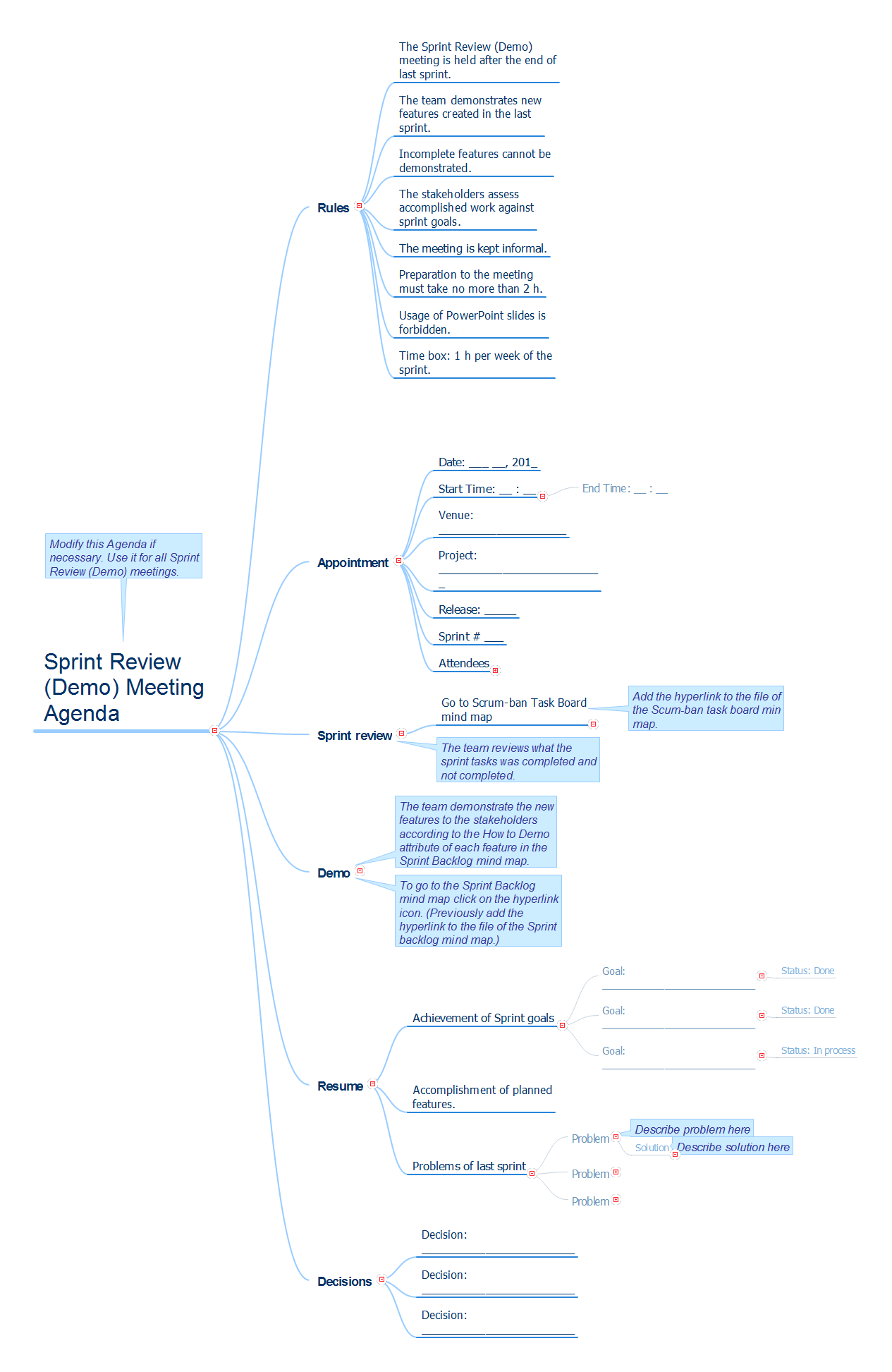
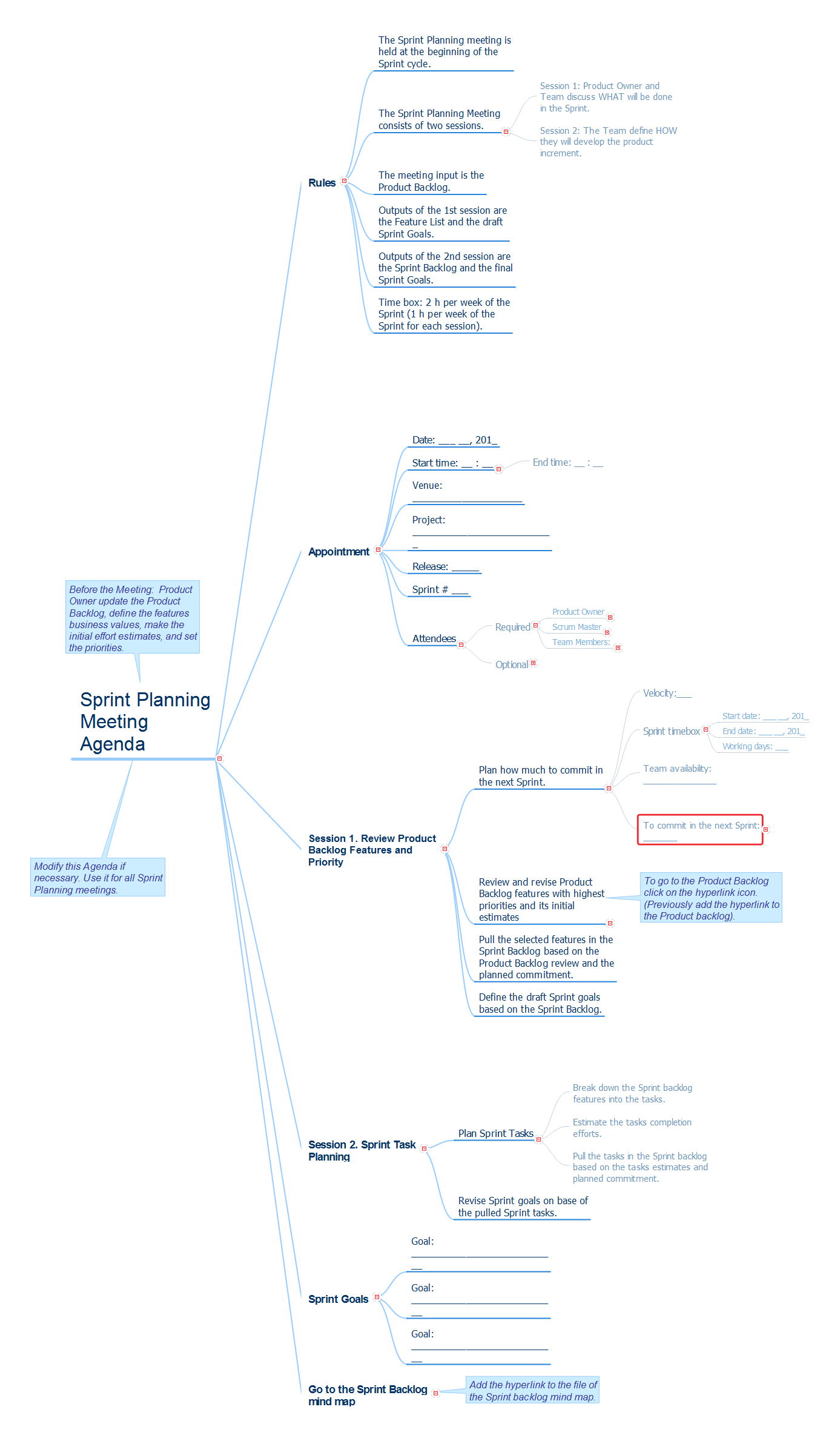
Project ManagementIn PM solutions we support many project methodologies such as Agile and Simple Projects. Methodology solutions help in implementing best practices in project management. CS Odessa provides Toolbox solutions to support solving issues related to planning, tracking, milestones, events, resource usage, and other typical project management functions. Toolbox Solutions help you deal with common project situations in an extraordinary way. PM MeetingsBenefitsPM Meeting makes preparing for meetings a quick task. Meetings become more efficient because of the ability to easily record results. Collaborative decisions made by the project team are captured as part of the meeting process and then distributed. This innovative process makes meetings more productive and keeps activities on track. Meeting notes can be easily distributed at a meeting's conclusion to all participants and stakeholders. ObjectivePrepare project meetings quickly, keep meetings on track, organize team brainstorming, record brainstorming results, and share meeting results. Solution PurposeEasily prepare for regular meetings using templates provided in ConceptDraw MINDMAP Brainstorm ideas, track meeting agendas, collaboratively edit, and easily share meeting results. Intended ForProject manager, team leaders, and meeting organizers Products and MethodsUsing mind maps changes boring meetings into a work space for creative and productive work for the entire team. MS Word
Create MS Word document from your map. Double click the icon to open the MS Word document. |
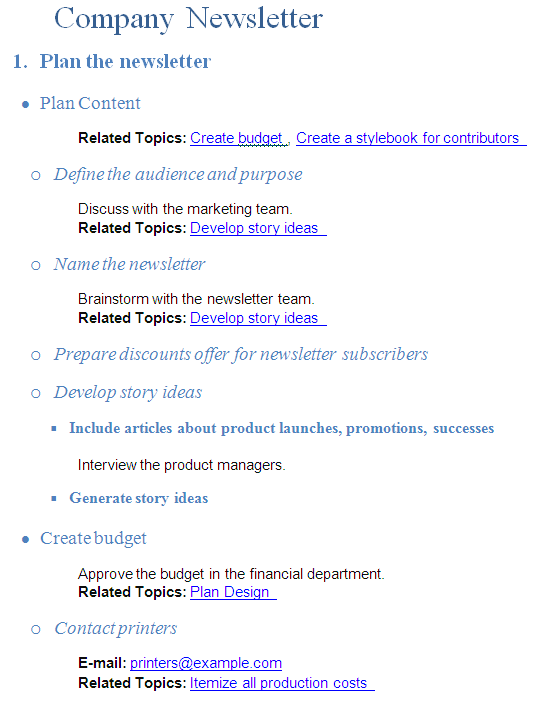
Example 1. MS Word
The Benefits for ConceptDraw MINDMAP Brainstorming Software
- ConceptDraw MINDMAP is effective for brainstorming, designing mind maps, idea generating, creative and lateral thinking, creativity and problem solving.
- ConceptDraw MINDMAP is ideal for team and personal work in Business, Marketing and Project Management.
- The libraries with large quantity of vector objects help to illustrate your mind maps and to make them bright, visual and comprehensible.
- Use of View Navigator tool lets create presentations from a mind map: you can simply select the map parts you want to present, sequence your slides, and preview the presentation.
- ConceptDraw MINDMAP provides wide capabilities of importing and exporting in various formats: Microsoft PowerPoint, Microsoft Word, MS Excel, Mindjet MindManager, image, HTML, PDF file.