Mind Mapping - Evernote
ConceptDraw MINDMAP
Capture What You Think, Do What You Plan
Mindmaping can now be used on most smart phones, tablets and computers. ConceptDraw MINDMAP and Evernote technology help you to structure and organize your notes and ideas.
ConceptDraw MINDMAP and Evernote has a multitude of options for users — you can save any part of a mind map: including topics, branches, and entire maps to your Evernote.
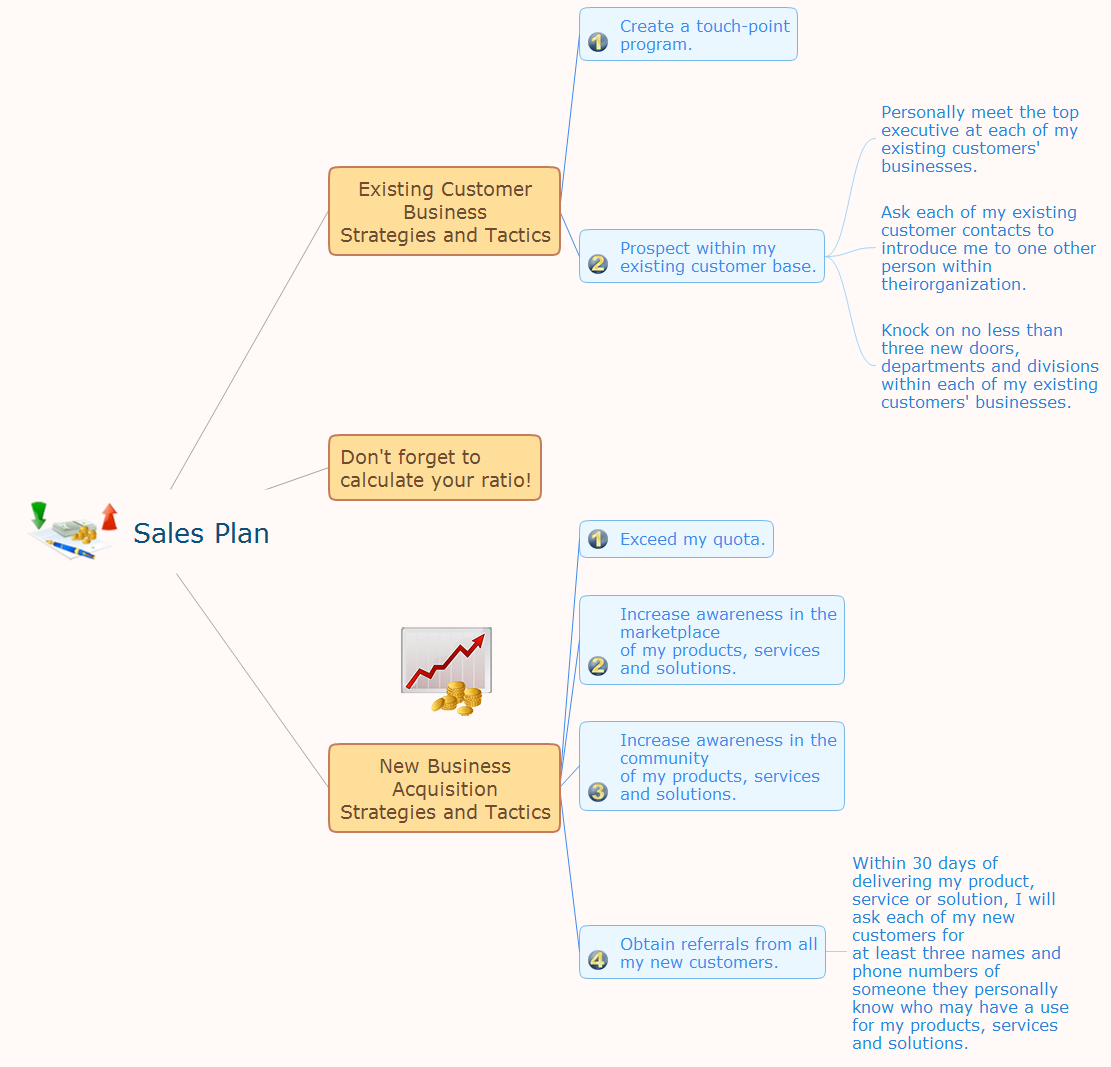
Pic 1. Sales plan mindmap.
Critical information from your mindmaps can be accessed from almost any device using ConceptDraw MINDMAP and Evernote. All information you send from ConceptDraw MINDMAP is indexed for you by Evernote, making information easy to find and use.
See also Samples of mind maps:
- Mind Maps
- Mind Maps — Marketing
- Mind Maps — Idea Communication
-
Mind Maps — Mind Map Exchange
- Mind Maps — Presentation Exchange
THREE RELATED HOW TO's:
Creating and organizing presentations, structuring received presentations, presenting mind maps, and preparing for public presenting.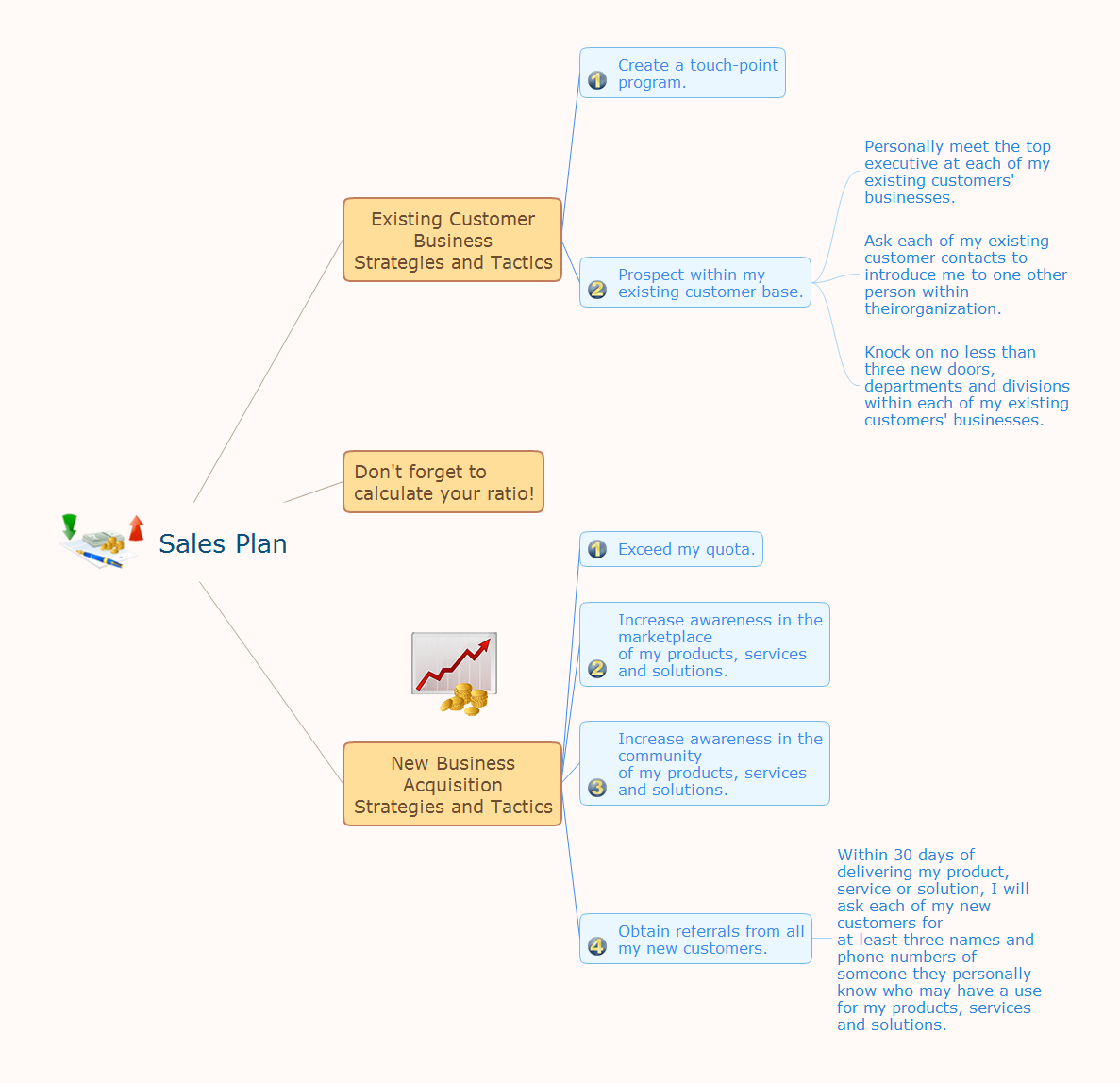
Picture: How to Deliver Presentations using Mind Maps
Related Solution:
Everyone wants to be efficient. To succeed, try Mind Maps for Business - SWOT Analysis and enjoy the result. But be careful: it can be addictive!
ConceptDraw products and supported by SWOT and TOWS Matrix Diagrams solution forms a great tool for providing SWOT analysis. The solution contains mind map templates. By filling mind map templates, one can easily determine Strengths, Weaknesses, Opportunities, and Threats of the current business. Just a one click is needed to turn the SWOT mind map into a SWOT matrix. The SWOT diagram will be created in ConceptDraw DIAGRAM on the base of SWOT mind map.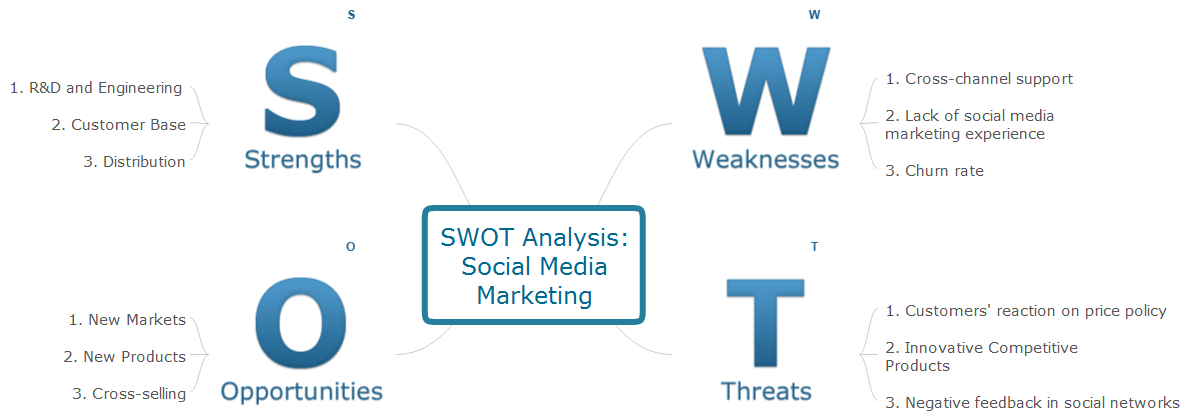
Picture: Mind Maps for Business - SWOT Analysis
Measuring sales performance is key task to see how your business can improve. Visualizing sales data with ConceptDraw Sales Dashboard you get a clear picture of sales performance.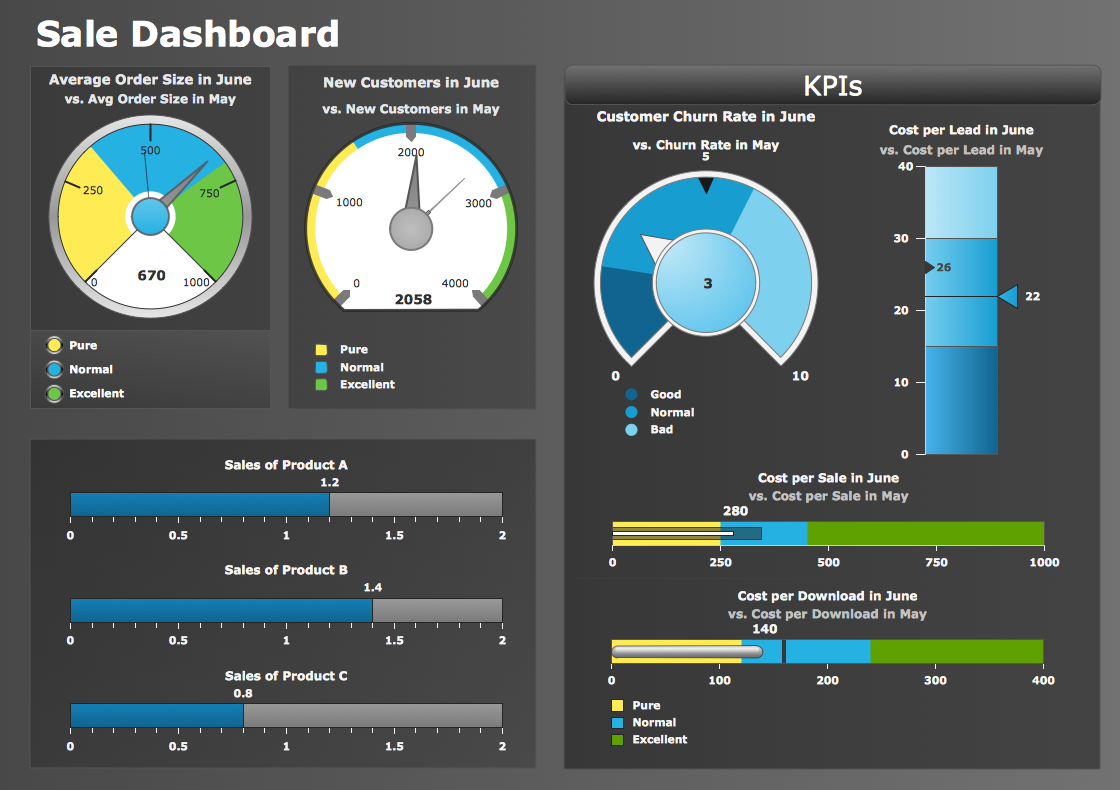
Picture: Sales Performance
ConceptDraw
MINDMAP 16