Made with
ConceptDraw
DIAGRAM 18

Metro Path Map

You need a powerful software for drawing a Metro Path Map? Use the ConceptDraw DIAGRAM diagramming and vector drawing software extended with Metro Map Solution from the Maps Area. Make sure that it is what you need.
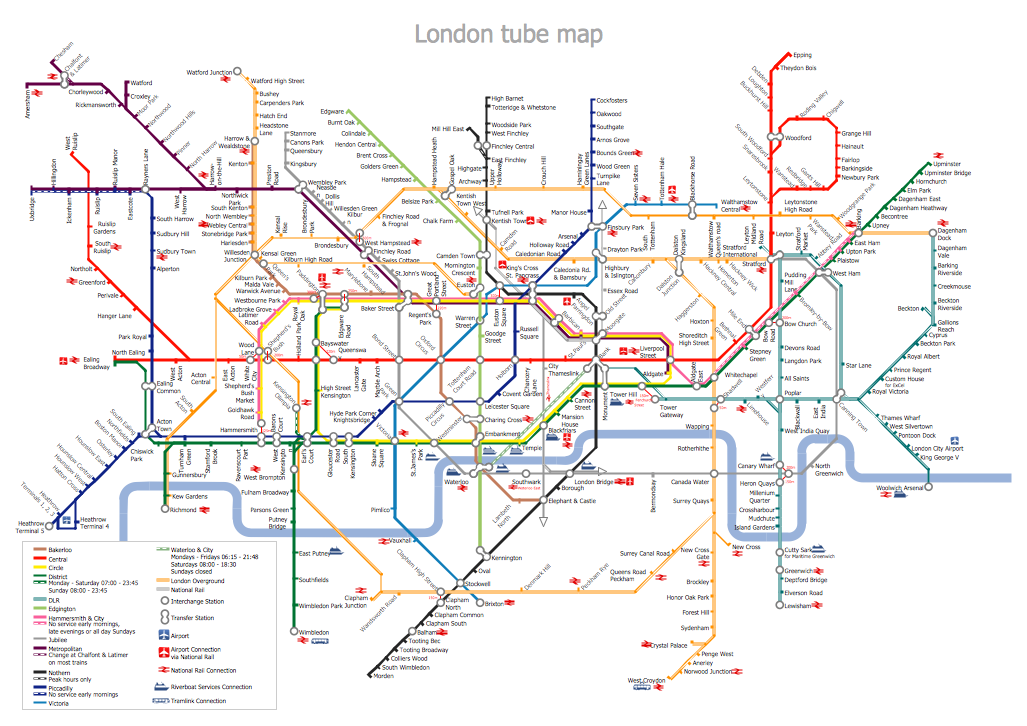
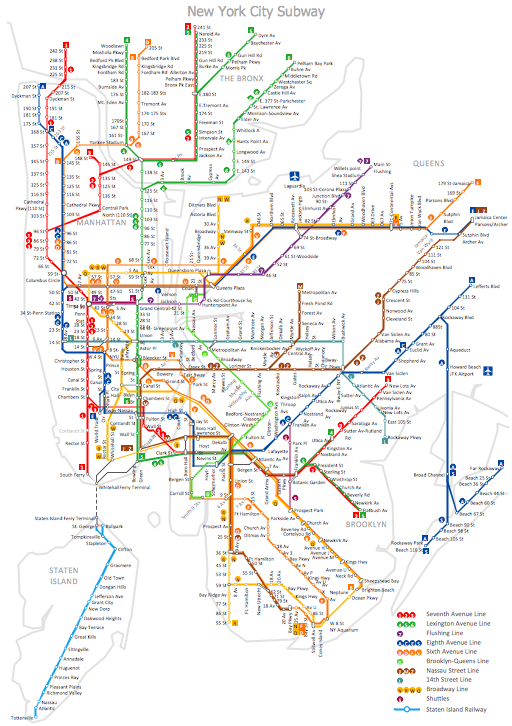
Metro Path Map *

Example 1. Metro Path Map

The simplest way of Metro Path Map creating is to open the ConceptDraw STORE and to choose one of the samples or template offered by Metro Map Solution. Then you can simply make some changes in it according to your needs.
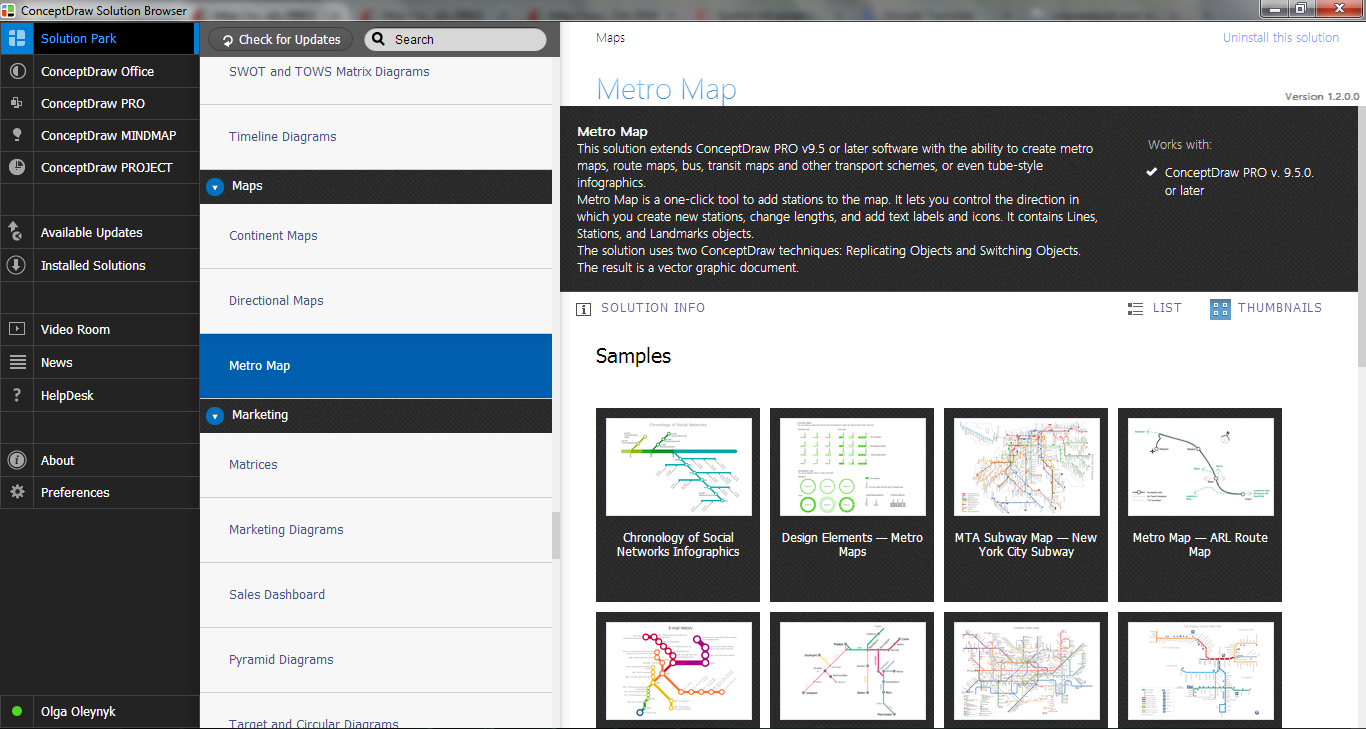
Metro Map Solution in ConceptDraw STORE

Example 2. Metro Map Solution in ConceptDraw STORE

Designing a Metro Path Map, use also ready vector objects offered by Transport Map library from the Metro Map Solution.
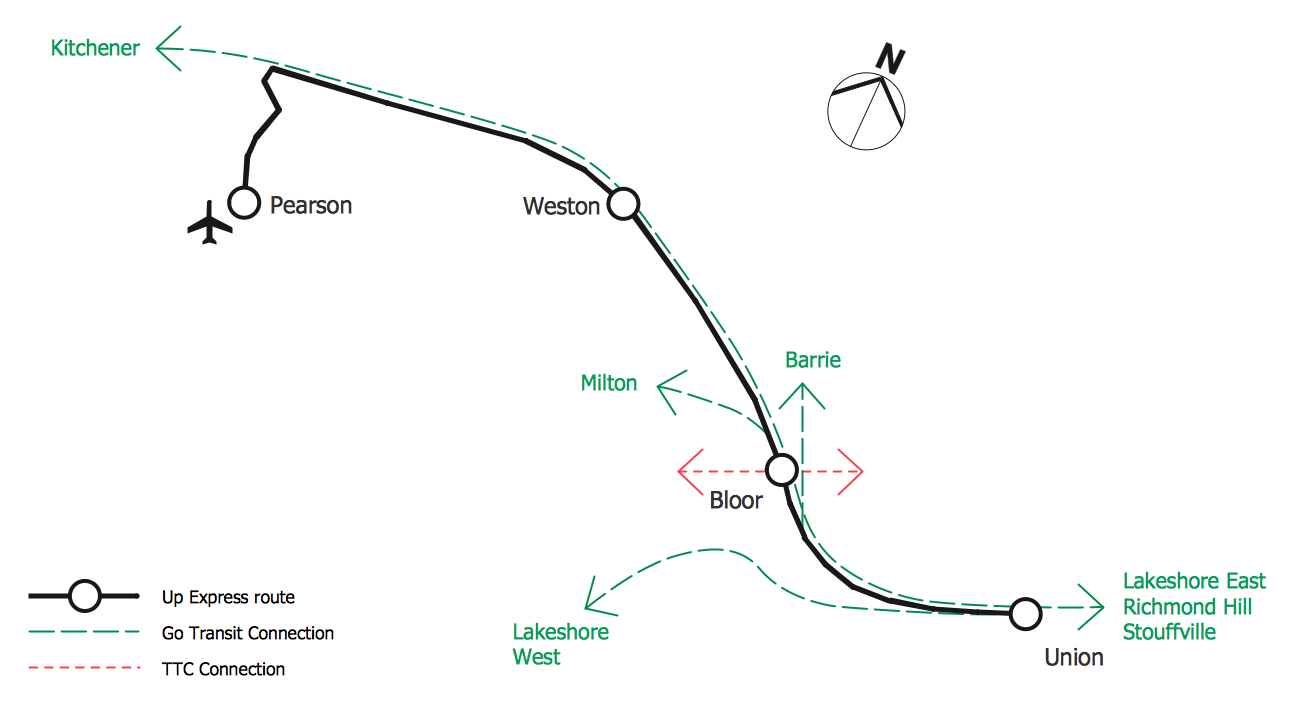
Metro Path Map - ALR Route Map

Example 3. Metro Path Map - ALR Route Map

The Metro Path Map samples you see on this page were created in ConceptDraw DIAGRAM software using the predesigned shapes from the Transport Map library of Metro Map solution. They successfully demonstrate solution's capabilities and professional results you can achieve using it.

Use the tools of Metro Map solution for fast and easy drawing any Metro Path Map you need.

All source documents are vector graphic documents. They are available for reviewing, modifying, or converting to a variety of formats (PDF file, MS PowerPoint, MS Visio, and many other graphic formats) from the ConceptDraw STORE. The Metro Map Solution is available for all ConceptDraw DIAGRAM or later users.

THREE RELATED HOW TO's:
ConceptDraw DIAGRAM is a powerful diagramming and vector drawing software. Extended with School and Training Plans Solution from the Building Plans Area it became the best software for quick and easy designing various School Floor Plans.School Floor Plans *
Picture: School Floor Plans
Related Solution:
Building plans are usually very complicated and a hard work to do. It would be nice to use a proper drawing software to facilitate the task. Design a site plan quick and easily with all the stencils and samples from ConceptDraw libraries. This drawing shows content of the ConceptDraw vector libraries related to the site planning and arrangement of the living environment. ConceptDraw delivers about 50 libraries containing near one and a half thousands vector objects that will help you to design territory arrangement plans and make the Site plan sketches. You can use the Parking and Roads library for designing a parking space, or drawing transport management schemes. The Site Accessories library provides a number of objects, that allow you to depict various equipment of vehicle access control, street lamps, benches, trash cans and other items of the street environment.Building Drawing Software for Design Site Plan
Picture: Building Drawing Software for Design Site Plan
Related Solution:
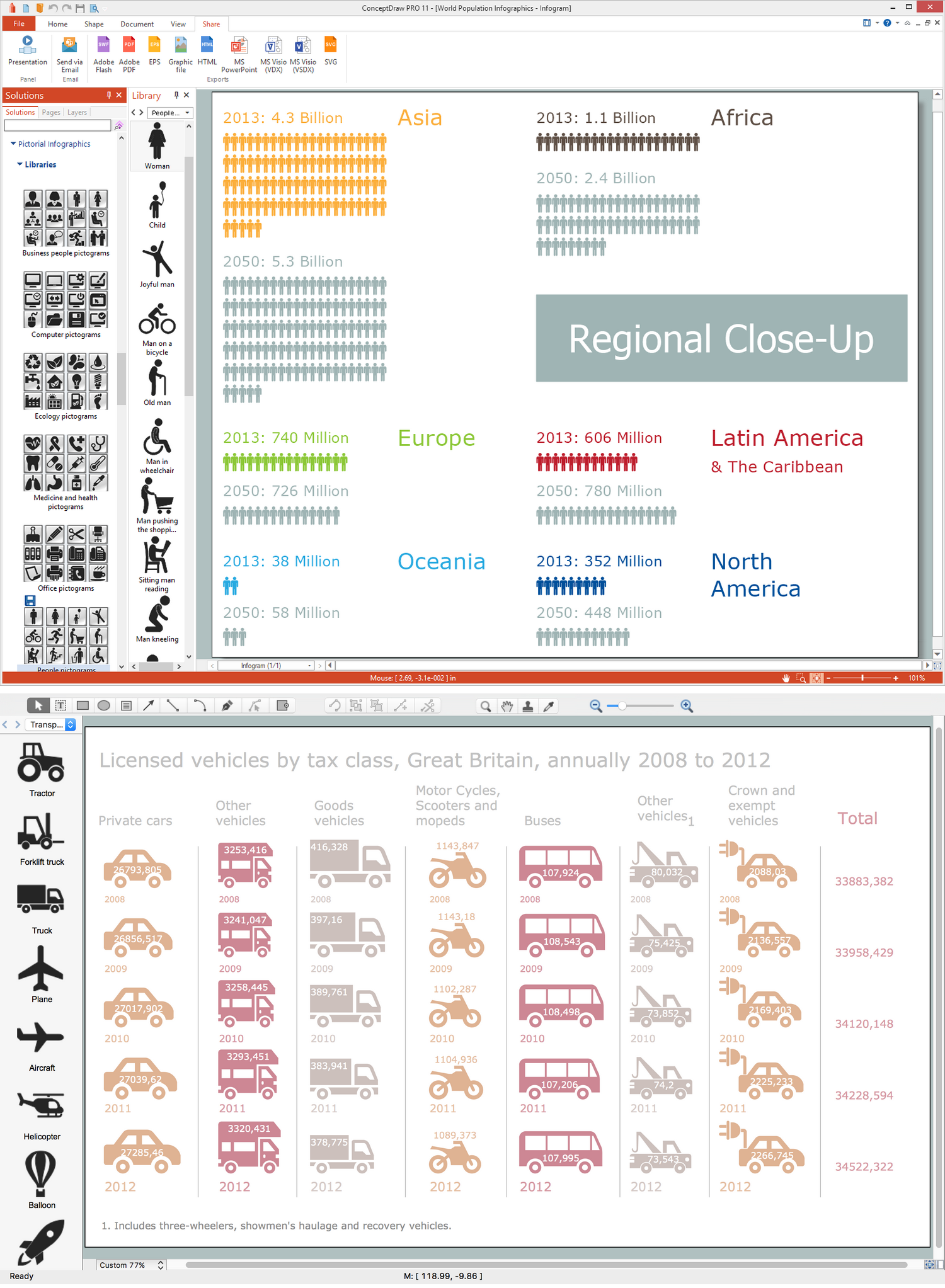
Subway infographic design elements of MetroMap and ConceptDraw software tools.Subway infographic design elements - software tools *
Picture: Subway infographic design elements - software tools
Related Solution:
ConceptDraw
DIAGRAM 18