Dime Defense Diagram
"The dime defense is typically used against the most aggressive offensive passing formations. Whereas the nickel defense adds 1 more defender to the secondary (called a nickelback), the dime defense adds 2, bringing the grand total to 6. Just as two nickels equals one dime, two nickelbacks make a dime formation. Most often, what this all adds up to is 4 DLs, 1 LB, 4 CBs, and 2 safeties. But theoretically you there could be 3 DLs, 2 LBs, 3 CBs and 3 safeties. All that matters is that there are 6 in the secondary to defend against desperation passing plays." [totalprosports.com]
Football diagram is the simplest way to explain American Football details. Plenty offenses and defenses may startle a newbie. Using visual method to explain the meaning of each formation, play or strategy gives a clear understanding. ConceptDraw DIAGRAM software extended with the Football solution is an amazing tool for producing and presenting football diagrams.
A combination of the "Football Fields" and "Football Positions" libraries gives you an ability to create a football-related drawing in seconds. Follow next steps to create you own football schema:
- From the "Football Fields" library drop a field object to your document
- From the "Football Positions" library drop all positions object you need to your document
- Place positions on the field according to your drawing idea
- Add arrows or text labels if needed.
Using Layers feature you are able to add more depth to your drawing. Place the main drawing (as on sample below) onto the one layer, and then add text callouts, labels, frames, or arrows to explain how this defense works. Hide additional layers on start, and then make them visible one-by-one to make your explanation easier to perceive.
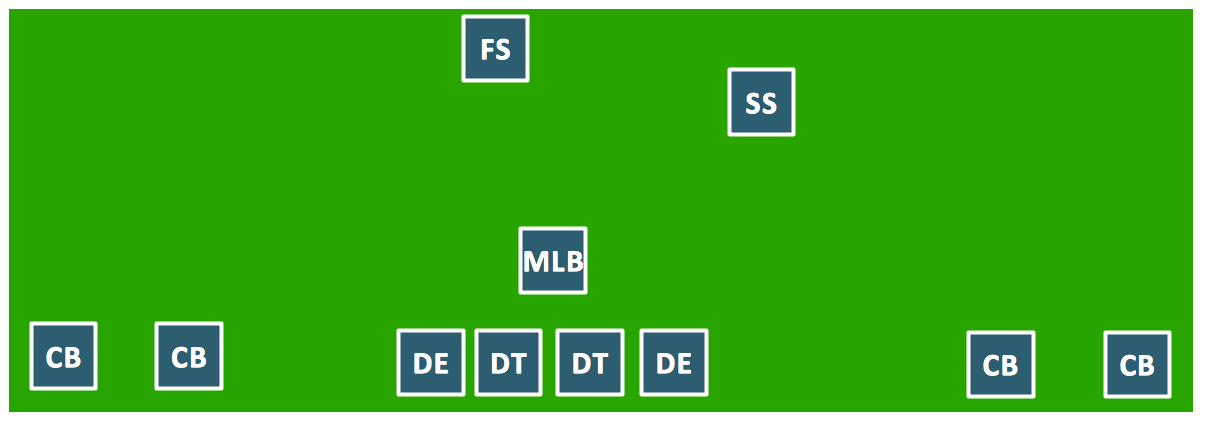
Sample 1. Football – Dime Defense.
This diagram was created in ConceptDraw DIAGRAM using the "Football Positions" library from the Football solution. An experienced user spent 30 minutes creating this sample.
The samples you see on this page were created in ConceptDraw DIAGRAM using the Football Solution; they demonstrate a portion of the solution's capabilities and the professional results you can achieve.
All source documents are vector graphic documents. They are available for reviewing, modifying, or converting to a variety of formats (PDF file, MS PowerPoint, MS Visio, and many other graphic formats) from the ConceptDraw STORE. The Football Solution is available for all ConceptDraw DIAGRAM or later users.
SEVEN RELATED HOW TO's:
A complete set of predesigned fields and positions make drawing baseball diagrams as quickly as with pen and paper.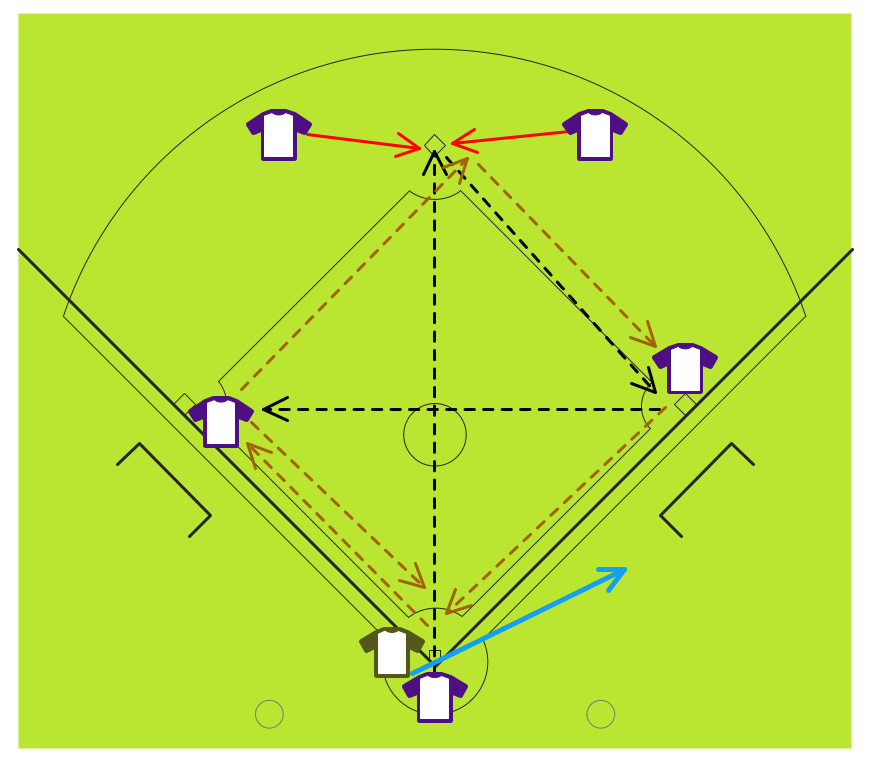
Picture: Baseball Diagram – Fielding Drill – Around the World
Related Solution:
ConceptDraw DIAGRAM extended with the Baseball solution provides access to libraries, templates and samples allows creating baseball diagrams and schemas. All plays and positions diagrams are available as ready-to-modify samples.
Picture: Baseball Field Sample
Related Solution:
ConceptDraw DIAGRAM software extended with the Baseball solution delivers libraries, templates and samples allowing baseball fans or specialists to draw baseball-related schemas in minutes.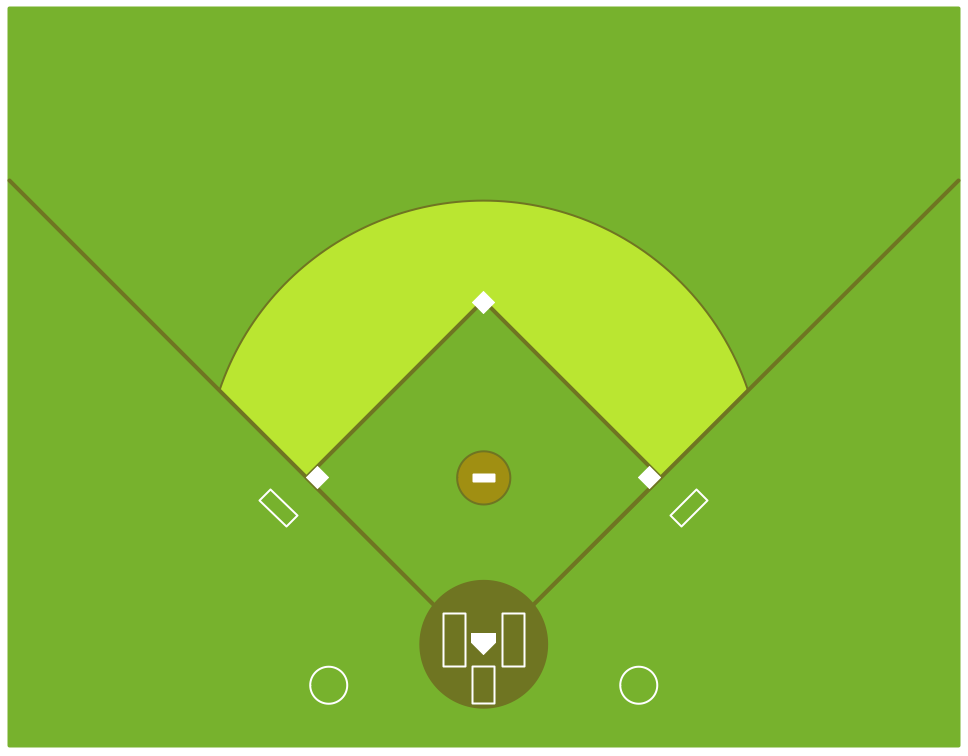
Picture: Colored Baseball Field Diagram
Related Solution:
If you ever wanted to try any diagramming tools except of Visio, but were afraid to lose existing documents, there’s good news for you. One of the most striking features of ConceptDraw DIAGRAM is it’s perfect compatibility with MS Visio, which guarantees that you won’t depend on operating system anymore, because another ConceptDraw DIAGRAM feature is that it’s cross-platform tool. Don’t waste your time looking for other options, you’ve found the solution already!
Business professionals often utilize the MS Visio as a common tool for making various issues on business visualization. MS Visio is a strong software with good capacity to maintain complex business solutions. But there is no MS Visio for Apple OS X. This is a large invocation, and one would be pleased to recognize that ConceptDraw DIAGRAM is the ideal alternative to MS Visio. Primarily, because this software works natively on both Windows and Apple OS X platforms. if you have migrated from Windows to Mac, or need to communicate in a cross-platform conditions, you’ll search for MS Visio replacer. ConceptDraw DIAGRAM is the exclusive professional business diagramming application that runs on both Windows and Apple OS X. The opportunity exchange files between PC and Mac, as well as between ConceptDraw DIAGRAM and Visio is the significant advantage that permits you to display and to collaborate business information in effortless and cost-effective way.
Picture: ConceptDraw DIAGRAM Compatibility with MS Visio
This sample shows the Step Area Graph of the PCB (Printed circuit board) Via current capacity and can be useful in electronics. It is displayed 1 mil plating Via current capacity and the resistance vs diameter on a 1.6 mm PCB. A via is an electrical connection between the layers in the electronical circuit that in PCB consists of two pads on the different electrically connected layers of the board.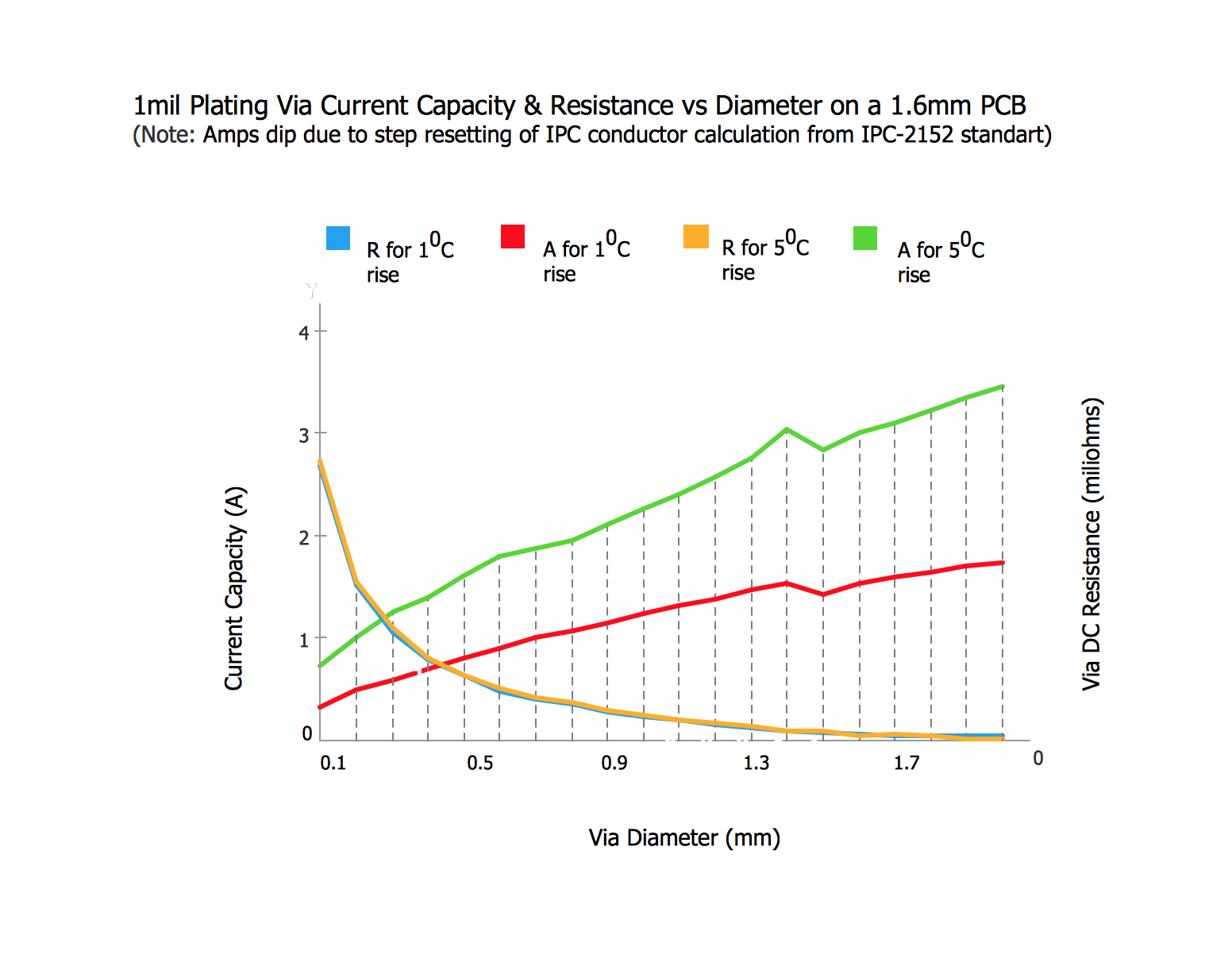
Picture: Step Area Graph
Related Solution:
Extending ConceptDraw DIAGRAM software with the Baseball solution you receive a complete set of libraries, templates and samples allowing to draw baseball diagrams in seconds. You can start from a template, change positions and get ready diagram in some clicks.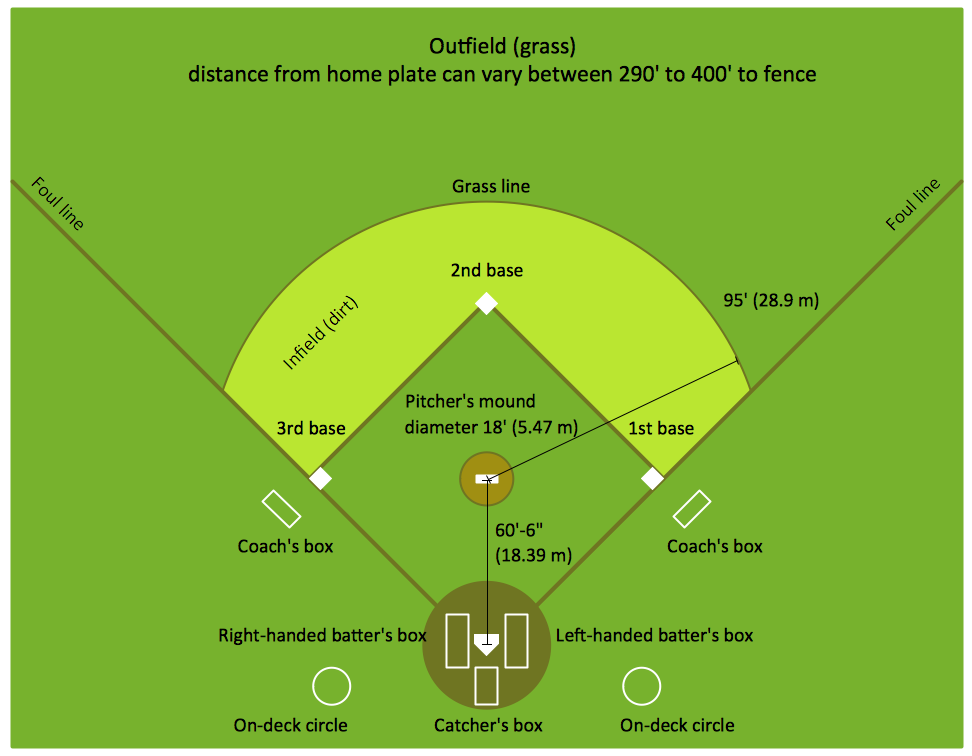
Picture: Baseball Diagram – Colored Baseball Field
Related Solution:
ConceptDraw DIAGRAM extended with the Baseball solution provides access to libraries, templates and samples allows creating baseball diagrams and schemas.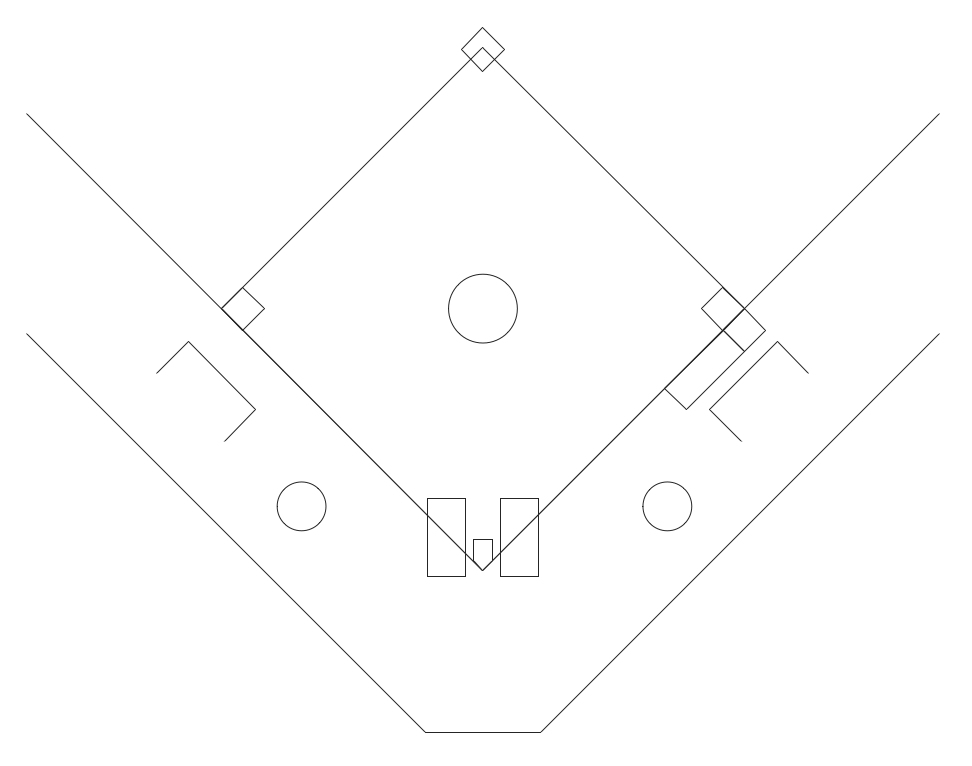
Picture: Baseball Field Schema
Related Solution: