Flowchart Drawing Tools
Flowchart is a diagram showing the steps of a process, workflow, or algorithm as the boxes connected with arrows. It may also include another objects represented as varied shapes.
There are many techniques to design the Flowcharts today, from drawing by pencil on paper to designing Flowcharts using the special applications online or offline. No doubt, the use of special software is preferable. ConceptDraw DIAGRAM enhanced with the Flowcharts solution is one of the best on the market. The solution’s flowchart drawing tools make easier the Flowcharts drawing process. They help to construct the Flowcharts of any complexity just in a few minutes.
ConceptDraw DIAGRAM is an easy-to-use software. It assumes no artistic abilities but supplies a lot of professional drawing tools and helps to design rapidly professional-looking Flowcharts.

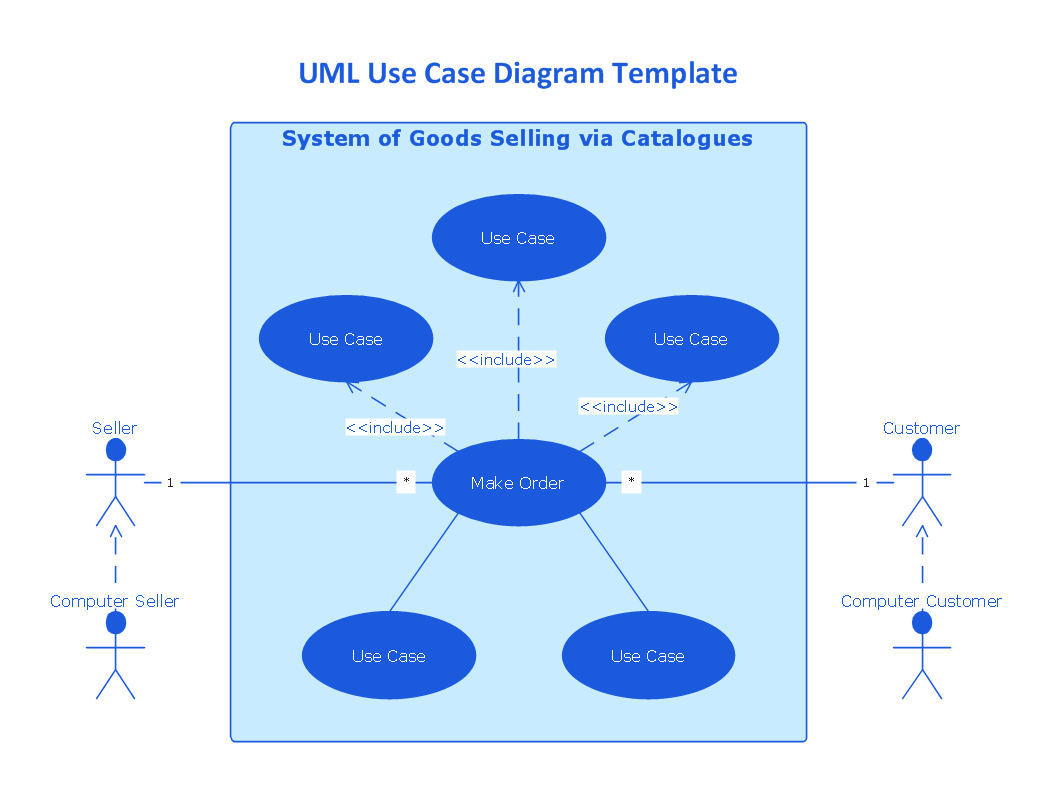
Example 1. Flowchart Drawing Tools
The drawing tools of the ConceptDraw's Flowcharts solution are easy-to-use. But they allow you to achieve the instant results. The Flowcharts solution offers three libraries with numerous vector design elements — flowcharts:
- Flowchart library
- Flowcharts Rapid Draw library
- Flowcharts Rapid Draw (Swimlanes) library
All you need to draw a Flowchart of any complexity is simply drag the needed shapes from the libraries to your document and organize in a chart. Finally, you can apply the formatting tools to make your diagram exceptionally looking.
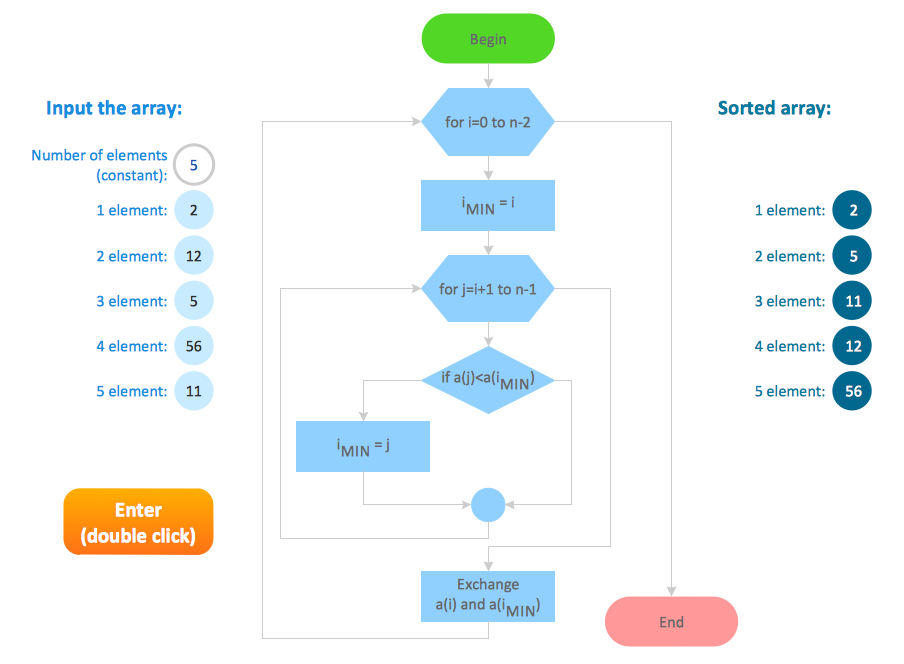
Example 2. Flowchart — Selection Sorting Method
The Flowcharts you see on this page were created in ConceptDraw DIAGRAM software. They are included in Flowcharts Solution and available for ConceptDraw DIAGRAM users from the ConceptDraw STORE.
Use the tools of Flowcharts Solution for fast, simple and effective drawing professional-looking Flowcharts and Flow diagrams.
All source documents are vector graphic documents. They are available for reviewing, modifying, or converting to a variety of formats (PDF file, MS PowerPoint, MS Visio, and many graphic formats) from the ConceptDraw STORE. The Flowcharts Solution is available for all ConceptDraw DIAGRAM users.


ConceptDraw DIAGRAM diagramming and vector drawing software provides the unique Flowcharts Solution from the Diagrams Area of ConceptDraw Solution Park with variety of vector objects libraries and collection of examples Flowchart. Each example flowchart included in Flowcharts solution is a real help in drawing process, it can be the good base or perfect source of inspiration.